How Airport Retailers Can Prevent Data Breaches in AI Systems

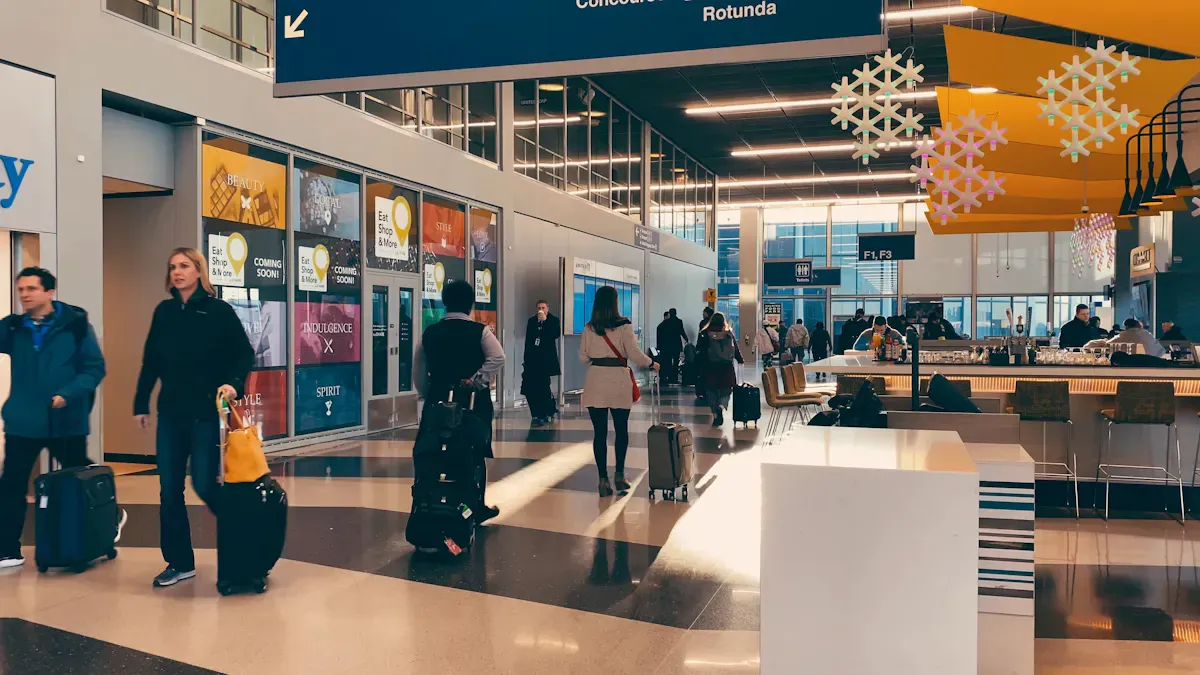
You need to keep your data security in mind when using AI systems. AI helps you run your airport store and ensures it remains secure. More airports are starting to adopt these new technologies. AI can send alerts right away and monitor for unusual actions. It utilizes biometrics to control who can enter. AI also shortens lines and automates certain tasks, which enhances your store's efficiency. Strong encryption and effective authentication measures are essential to prevent data security breaches. Check your security now to ensure you are prepared for emerging threats.
Key Takeaways
Update your systems often to fix weak spots and lower the chance of data breaches.
Set up role-based access controls to limit who can see certain things and keep important information safe.
Use strong encryption for data when it is stored and when it is sent to protect customer information.
Train your staff often about cybersecurity so they can notice threats early.
Do regular security checks to find weak spots and make sure you follow the rules.
AI Data Security Risks

Common Threats in Airport Retail
There are many risks when you use AI in your airport store. Some threats come from people inside your company. These insider threats are tough to notice. They have real access to your systems. Staff who do not know about cyber risks can make your store unsafe. Old systems are also a problem. Outdated technology makes attacks more likely. Ransomware and malware can get in through fake emails or software that is not updated. These threats can lock your data or steal important information.
Risk Type | Description |
|---|---|
Insider threats | Hard to find because they come from people with real access. They might share sensitive information or help outside attackers. |
Weak cyber-security culture | Staff who do not know about cyber risks can make your store easy to attack. This can lead to tricks like phishing. |
Legacy systems | Old systems do not have new security features. This makes it easier for attackers to get in. |
Ransomware and malware | These threats often come from fake emails or software that is not fixed. They can lock your data or take important information. |
Tip: Update your systems and train your staff often. This lowers the chance of attacks.
AI-Specific Vulnerabilities
AI systems bring new risks to your store. Attackers can trick AI models. They might give false data to your system. This can make your AI do the wrong thing. This is called data poisoning. You should test your AI before you use it. Watching your AI in real time helps you spot strange actions. Good system design keeps your data safe. You need strong access controls and logs to protect your AI.
Strategy | Description |
|---|---|
Comprehensive Red Teaming | Test all airport AI apps before you use them. This helps find weak spots. |
Use systems that watch how AI is used. This helps you see strange actions. | |
Secure Infrastructure Design | Make sure your AI has strong access controls and logs. This keeps your data safe. |
Note: Do not just use basic security. Advanced testing and watching help you stay ahead of threats.
Assessing Current Security
You should check your data security often. Many companies now look at their AI tools before using them. This shows that checking all the time is important. More companies are reviewing AI security now than before. Most experts say AI problems are the fastest-growing cyber risk. You should do regular risk checks to keep your store safe.
40% of companies check their AI tools before using them. This shows more companies want to be sure their tools are safe.
The number of companies checking AI security has almost doubled. It went from 37% in 2025 to 64% in 2026. This shows more companies are making rules for AI security.
87% of people in the Global Cybersecurity Outlook 2026 said AI problems are the fastest-growing cyber risk.
Alert: Do not wait for a breach. Regular checks help you find and fix weak spots before attackers do.
Access Controls & Authentication
Role-Based Access
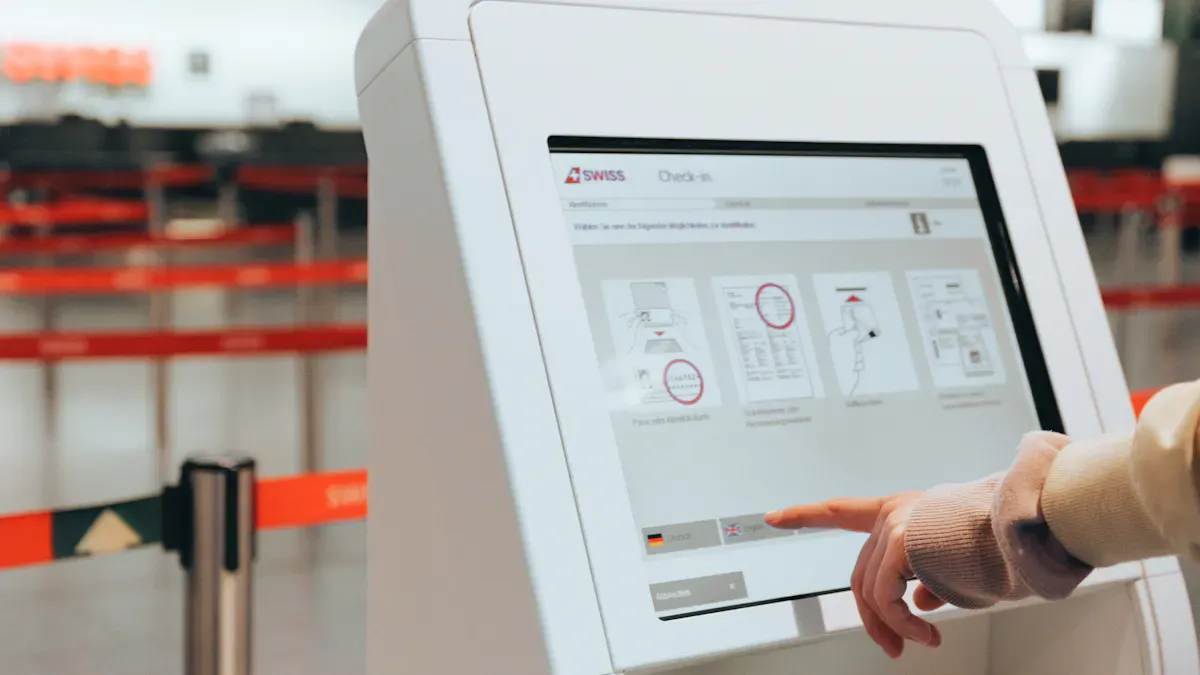
You can keep your airport store safe by using role-based access. This means each person gets only the permissions needed for their job. It helps stop people inside from seeing or changing important data. Role-based access uses identity tools to check who is using the system every time. It also looks at things like time, place, and device health to decide if someone should get in. Sometimes, someone may need extra permissions for a short time. This is called just-in-time access. It keeps your store safer and makes it harder for attackers.
Evidence Point | Description |
|---|---|
Continuous Verification | RBAC checks user identity and permissions during each session. |
Contextual Signals | Access depends on factors like time, location, and device health. |
Just-in-Time Access | Extra permissions are given only when needed and for a short time. |
Tip: Check who has access often. Take away permissions that are not needed anymore.
Multi-Factor & Biometric Authentication
You can make your systems safer by using multi-factor and biometric authentication. Biometric tools like face scans let only the right people into secure places. Multi-factor authentication uses biometrics with PINs or smart cards. This makes it much harder for someone to break in. At airport gates, you might need a fingerprint or face scan and a PIN. This keeps your AI systems and customer data safe.
Biometric tools give fast and contactless access control.
Multi-factor authentication adds another layer, making it hard for strangers to get in.
These methods record every entry and exit, so you know who comes and goes.
Monitoring Access Logs
You need to watch access logs to keep your systems safe. Good rules include posting signs in areas that are recorded and making clear rules about who can see footage. Only trusted staff should see live feeds or recordings. You should keep records of who looked at the footage and set rules for how long you keep it. AI-powered monitoring sends alerts if someone tries to get in without permission. Real-time detection helps your team act fast and stop problems before they get worse.
Best Practice | Description |
|---|---|
Post visible signs in recorded areas | Let people know they are being recorded. |
Clear internal policies | Decide who can view sensitive footage. |
Limit access to authorized personnel | Only trusted staff can see live feeds or recordings. |
Document access with audit logs | Keep records of who accessed the footage. |
Data retention policies | Delete old footage unless needed for an investigation. |
Note: Watching logs all the time helps you spot patterns, like failed logins, so you can change your security plan.
Data Encryption & Handling
Encryption at Rest and in Transit
Strong encryption protects important information in your airport store. Encryption keeps your data safe when it is stored. It also keeps your data safe when it moves between systems. IEC 62443 standards help you secure your airport systems. These standards cover your systems from start to finish. They make sure your data stays safe from cyber threats. You can use advanced methods like Single Keyword Searchable Encryption with the Paillier Cryptosystem. This method lets you search encrypted data without showing it. It uses probabilistic encryption, which makes it harder for attackers to get in.
Tip: Always use encryption for stored and moving data. This lowers the risk of leaks and keeps your store safe.
Secure Storage & Disposal
Sensitive data must be kept in safe places. Use strong encryption and limit who can see the data. Only trusted staff should view important information. When you do not need data anymore, get rid of it safely. Delete files using secure ways so no one can get them back. Keep records of who saw or deleted data. This helps you find problems and shows you follow good rules.
Practice | Benefit |
|---|---|
Secure storage | Keeps sensitive data safe |
Controlled access | Stops unauthorized viewing |
Safe disposal | Prevents data recovery |
Audit logs | Tracks actions and builds trust |
Protecting Customer Data
You must keep customer information safe, like payment details and personal data. Strong encryption helps you follow rules and builds trust with customers. You also need access controls so only the right people see sensitive data. Train your staff often so they know how to keep data safe. Use AI-powered monitoring to spot suspicious actions fast.
Encrypt customer data and payment details to keep them safe.
Limit access to sensitive information.
Train employees on data security best practices.
Use real-time monitoring to detect threats.
Note: Clear communication about your data protection measures helps customers feel safe. Ask for consent before collecting sensitive information and explain how you use their data.
Compliance & Trust
Regulatory Standards (GDPR, PCI DSS)
You have to follow strict rules when using AI in your airport store. These rules keep your customers and your business safe. There are two main regulations for airport retail AI systems. PCI DSS helps protect payment data. GDPR makes sure personal information stays private. You need to understand what each rule covers so you can build strong data security.
Regulation | Description |
|---|---|
PCI DSS | Businesses must protect payment data. It gives rules for handling card information safely. |
GDPR | This rule protects personal data and privacy. It affects how you handle customer information during transactions. |
Tip: Check these rules often. Make sure your AI systems follow all the requirements.
Security Audits & Documentation
You need to check your systems often. Security audits help you find weak spots and fix them before attackers do. Audits also show you follow the rules. You should look at firewalls, access controls, and how you respond to incidents. Routine self-audits and compliance checks help you stay ready for inspections. These steps help build trust with customers and partners.
Audits let you fix risks early and keep data safe.
The audit process checks firewalls, access controls, and how you respond to problems.
Routine self-audits and compliance checks help you get ready for inspections.
Regular checks are important for keeping trust in airport retail AI systems.
Note: Keep clear records of every audit. Good documentation shows you follow data security rules.
Customer Communication
You need to tell your customers how you keep their information safe. Clear communication builds trust. Explain your data security steps in simple words. Let customers know you follow PCI DSS and GDPR. Ask for consent before you collect personal data. Show how you keep their payment and personal details safe. If you have a breach, tell your customers right away and explain how you are fixing it.
Share your data protection policies with customers.
Ask for consent before collecting sensitive information.
Update customers if you change your security practices.
Alert: Honest and open communication helps customers feel safe and keeps your reputation strong.
Staff Training & System Monitoring
Security Awareness Training
You help keep your airport store safe. Training teaches you to spot threats early. You learn to see phishing emails and not click on bad links. Training explains why cybersecurity rules matter. When everyone knows the rules, your store is safer. If you see something strange, you should tell someone right away. This helps stop problems before they get worse.
Training shows you how to find phishing emails.
You learn why cybersecurity rules are important.
Security awareness makes you report anything odd.
Tip: Train your team often so everyone stays alert.
Incident Response Planning
You need a plan for what to do if there is a data breach. An incident response plan helps you act fast and stop damage. The plan has steps to follow if something goes wrong.
Step | Description |
|---|---|
Preparation | You look for risks and learn what normal looks like. |
Identification | You use tools to find threats, like penetration testing. |
Containment | You stop the attack from spreading. |
Eradication | You remove all signs of the attack. |
Recovery | You fix your network and make sure it is safe. |
Learning | You study what happened and make your plan better. |
Re-Testing | You test your plan again to find weak spots. |
You should know which data and systems are hit. Set rules for who decides what to do and how to back up data. Make sure you tell people if a breach happens, as the law says. Good communication helps you keep trust with customers and partners.
System Updates & Patch Management
You must keep your AI systems updated. Hackers look for weak spots in old software. Some companies take a long time to fix these, which gives hackers a chance. You should update your software every month. This means patching servers and apps. Regular updates help you stay safe from new threats.
Patch servers and apps.
Fix problems as soon as you find them.
Note: Fast updates lower your risk and keep your airport store safe.
You can protect your airport store by following strong data security steps. Use access controls, encryption, and regular staff training. These actions help you follow rules and build trust with your customers. Stay alert and keep improving your systems. Start with a security audit or talk to an expert. Your efforts keep your business safe and ready for new threats.
FAQ
What is the most important step to prevent AI data breaches?
You should update your systems often. Regular updates fix weak spots. Training your staff helps everyone spot threats early. Strong access controls and encryption protect your data.
How does encryption protect customer information?
Encryption turns customer data into unreadable code. Only trusted people can unlock it. You keep payment details and personal information safe. This builds trust with your customers.
Why do you need role-based access in airport retail?
Role-based access gives each person only the permissions needed for their job. You stop unauthorized users from seeing or changing sensitive data. This keeps your store safer.
What should you do if a data breach happens?
You must follow your incident response plan. Find the problem, stop the attack, and fix your systems. Tell your customers what happened. Learn from the event to improve your security.
How often should you train your staff on data security?
You should train your staff every few months. Frequent training keeps everyone alert. Your team learns to spot new threats and follows the latest security rules.
See Also
Understanding The Growth Of AI-Driven Convenience Stores
The Future Is Here: Embracing AI-Enhanced Retail
Transforming Online Retail Management With AI Technology
Boosting Retail Efficiency And Experience With Cloudpick Solutions
Examining Walgreens Self-Checkout: Benefits And Hurdles In Retail
