API design myths busted for retail AI beginners


Many new learners think api design myths are true. Some myths are "complexity equals power," "one-size-fits-all works," "security can wait," "documentation is optional," and "testing is unnecessary." These myths can make you build apis that do not work well with openai or real-time ai features. If you do not focus on api design, you may lose important benefits like agility and ai-readiness. Research shows 89% of developers use ai, but only 24% design apis for ai agents. This difference shows you need to change your thinking. When you stop believing these myths, you help avoid stockouts, boost sales, and save time on simple tasks with openai-powered tools.
You can see these results:
Retailers using ai get up to 5% more products in stock and 2.2% higher sales.
AI-driven api design lowers manual work and cuts costs.
Key Takeaways
Simple API design helps you build things faster. It also makes fixing problems easier. Use simple RESTful CRUD APIs to make your work flexible. This can help you save money too.
Make your API fit your retail needs. This helps your customers have a better experience. One solution does not work for every store.
Always think about security first. Use encryption and access control to keep data safe. Test your API often to protect private information. This helps your customers trust you.
Good API documentation is very important. Clear instructions help your team learn the API fast. This also helps stop mistakes.
Test your API often. Testing helps you find problems early. It also makes sure your API works as your retail AI changes.
Myth 1 – Complexity Equals Better API Design
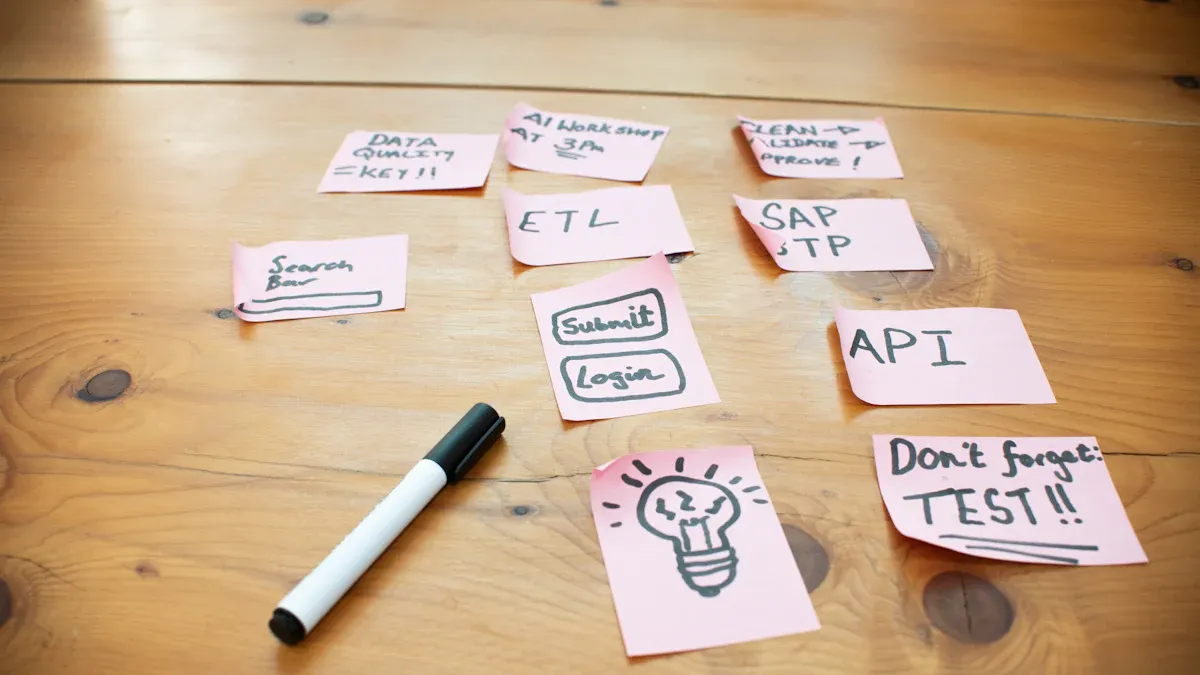
Simplicity in API Design
Some people think a complex api is always better. This is not true for retail ai. Simple restful crud api design helps you work faster. It also keeps your app easy to use. When you choose simple design, your restful api becomes more flexible. You can update openai-powered tools quickly. Fixing problems is easier and takes less time.
Tip: Simple restful interfaces help your team learn the api fast. They do not need long training sessions.
Here is how simple restful crud api design helps retail ai projects:
Benefit | Description |
|---|---|
Developers can reuse apis. They do not start from zero. | |
Lower Development Costs | Reusing apis saves money when building apps. |
Improved Consistency | Consistent apis make your app more reliable. |
Simplified Maintenance | Standard interfaces are easier to fix and keep working. |
Effective Retail API Examples
Many retail teams think their systems are too hard for ai or openai. But restful crud api design connects parts of your app with less work. You do not need a new api for every feature. You can use a restful api for basic actions like create, read, update, and delete.
Some common misconceptions are:
"Ai needs perfect, standard invoices to work."
But modern ai can handle many invoice types. Machine learning finds patterns. Your restful crud api does not need to be hard.
Look at top retailers who use simple restful apis. They track inventory, manage orders, and connect with openai services. These teams see fewer mistakes and faster updates. Keeping your api simple helps your retail ai grow and change when needed.
Myth 2 – One-Size-Fits-All API Works for Retail AI
Customizing API Design
Some people think one api works for every store. This is not true. Every retail business is different. Each store has its own goals and customers. One api cannot help every business or workflow. You need to change your api for your store and products. This helps your customers have a better experience.
Note: AI needs to know your business and customers. A basic api will not give you the best tools.
You should check and change your api often. This keeps your system up to date. It helps you follow new trends and what customers want. When you make your api fit your store, you can use openai tools and smart features. Custom api design lets you do more tasks automatically. It also helps your team work better.
Tailoring APIs for Retail Use Cases
Retailers change their apis to fix real problems. For example, you can make an app for inventory or sales. Big companies use api design to work faster and make ai smarter.
AI API Application | Impact on Efficiency |
|---|---|
Retail Analytics | Improves customer engagement conversion rates by 35% |
You can use Kore.ai to build and manage ai agents. These agents help with customer service and employee jobs. They also help automate processes. Custom api design lets you automate everything from start to finish. This makes order processing faster. Customers get answers more quickly.
Some retail ai needs special api solutions:
Custom ai for special business needs
Generative ai for better customer experiences
When you change your api, you get:
Better customer support
Faster answers to questions
Special features that help you stand out
More customers stay because of better service
Customizing your api for each job gives you better results. Your customers will be happier.
Myth 3 – Security Can Wait in API Design
Security Essentials for Retail APIs
Some people think they can add security later. This is a big mistake. Your business could be in danger. When you make an api for retail ai, you must protect data right away. You also need to keep your customers safe from the start. Hackers like to attack retail systems. These systems have payment and personal information. If you use openai or any ai tool, you need strong security. This keeps your data safe.
Cybersecurity experts say every retail api should have these things:
Encryption keeps your data safe when it moves between systems.
Access control lets you pick who can use the api and what they can do.
Input validation stops bad data that could hurt your system.
Monitoring and logging help you see and stop attacks fast.
Compliance with PCI DSS protects payment information.
Regular api patching and updating fix problems before hackers find them.
Regular security testing finds weak spots so you can fix them early.
Tip: Always think about security first. This saves time and stops bigger problems later.
Avoiding Common API Security Mistakes
Many retail teams make the same security mistakes. These mistakes can cause data loss and money problems. They can also make customers lose trust. You need to know what not to do when you design your api for ai.
Mistake | Consequences |
|---|---|
Data breaches, identity theft, financial loss, erosion of customer trust. | |
Neglecting inherited vulnerabilities | Unauthorized access to sensitive data, manipulation of AI outputs, privacy breaches, financial loss. |
Assuming risks only apply to public-facing AI | Insider threats, accidental data exposure, potential breaches of sensitive information. |
If you give too much access, you could have a data breach. If you ignore old problems, attackers can steal data or change your ai results. Some people think only public systems need protection. But private systems can have leaks or insider threats too.
You should check your api security often. Make sure your app follows best practices. This helps keep your customers safe and your business strong.
Myth 4 – API Documentation Is Optional

Importance of Clear API Docs
Some people think they do not need to write api documentation. This is a mistake, especially in retail ai projects. Good documentation helps your team use the api the right way. It also helps new developers learn faster and make fewer mistakes. When you use openai or other ai tools, clear instructions save time and stop errors.
Tip: If your documentation is clear, people ask fewer questions and get less confused.
Teams often have problems when they skip documentation. You might see these problems:
Developers have trouble understanding how the api works.
It takes longer to teach new team members.
Bad documentation means more support tickets and delays.
People get frustrated when they cannot find answers.
If you use standard api practices, your app connects with other systems more easily. Contract testing helps you avoid problems between providers and users. If your documentation is hard to find or not clear, your team will have a tough time learning.
Creating Beginner-Friendly API Documentation
You can help everyone by making your api documentation simple and easy to use. Start with clear steps. Show examples of how to use the api. Use a format like OpenAPI to keep things neat. Add links to extra resources for people who want to learn more.
Here are some best practices for easy-to-read documentation:
Best Practice | Description |
|---|---|
Clear Communication | Give simple and full instructions so developers understand the api quickly. |
Comprehensive Examples | Show sample input and output to explain what the api does. |
Standardized Formats | Use formats like OpenAPI for consistency and easy use. |
External Documentation | Link to more guides or help for deeper understanding. |
When you follow these steps, developers can start using your api faster. You also lower mistakes and make your ai project work better.
Myth 5 – API Testing Is Unnecessary
Testing for Reliable Retail APIs
Some people think API testing does not matter. This idea can cause big trouble in your retail AI project. Testing helps you catch mistakes before customers see them. You can stop errors, security problems, and slow apps. When you test your API, you make sure your app works right.
Many teams skip testing and run into problems like wrong permissions, unsafe endpoints, or broken URLs. These issues can lead to data leaks, lost sales, or upset customers. The table below shows common failures and ways to fix them:
Failure Type | Description | Suggested Fixes |
|---|---|---|
Incorrect API Permissions | Permissions set wrong, affecting functionality | Set correct keys and permissions for each user |
Unsecured Endpoints | Data leaks and security risks | Use secure key management and restrict sensitive access |
Invalid Session Management | Untrusted tokens cause problems | Use token authentication and encrypt session variables |
Expiring APIs | APIs become unavailable or error-prone | Cache data and schedule regular updates |
Bad URLs | Errors from improper URL structures | Simplify URLs and remove unsafe characters |
Overly Complex Endpoints | Confusing routes lead to mistakes | Streamline access methods with network proxy systems |
Exposed APIs on IPs | Vulnerable IPs invite attacks | Manage IPs and enforce strict firewall rules |
Testing helps you stop these failures. You keep your business and customers safe.
Best Practices for API Testing
You can use smart steps to make your API strong and safe. Try these steps to test your retail AI APIs:
Sort APIs by how risky they are.
Check if they work the way you want.
Mark good and bad situations.
Test the limits of what APIs can do.
Make sure errors are handled well.
Add security tests.
Do contract testing.
Automate tests that do not change.
Add API tests to CI/CD pipelines.
Use test data that is like real data.
See how APIs work when busy.
Watch APIs after you launch them.
You should also follow these best practices:
Make sure models act and answer the right way.
Test for safety and security, like prompt fuzzing.
Use protections like access controls and tools that spot strange things.
Watch and log how APIs work and what they decide.
Keep the whole AI system safe.
Use strong ways to check who can use the system.
Hide and protect important data with encryption and masking.
Tip: Testing is not something you do just once. Keep testing your APIs as your retail AI changes. You will find problems early and keep your system safe.
You found out that believing api design myths can cause problems in retail AI. If your api is simple, safe, and has good instructions, you will have fewer mistakes. This also helps you save money and avoid confusing steps. You should remember these tips: Keep your api easy for everyone to use. Make sure you add security right away. Write instructions that are clear to understand. Test your api many times to catch mistakes. You can learn more by reading guides about agent-driven systems and api design best practices. This helps you keep up with new ideas.
FAQ
What is the first step in api development for retail AI?
First, you need to know what your business needs. Think about how your API will link to your store systems. This makes your project strong from the start.
How do you keep your openai api key safe?
Keep your openai api key in a safe spot. Do not put it in code that everyone can see. Use secret tools or environment variables to hide it from hackers.
Why does application architecture matter for retail APIs?
Application architecture decides how your API works with other tools. Good design helps you add new things and keep your system working well.
How do large language models help retail APIs?
Large language models can read and understand what customers ask. You can use them to make chatbots better, answer questions, and study feedback.
What is agentic api design?
Agentic api design lets you make APIs that work with smart agents. These agents can make choices, do jobs, and help your store work better.
See Also
Understanding AI-Driven Corner Shops: Essential Insights for Retailers
The Future of Retail: Embracing AI-Enhanced Stores
Transforming Online Retail Management with AI-Driven Tools
Launching an AI-Enhanced Corner Store on a Budget
Modern Retail Benefits from AI-Enabled Combo Vending Machines
