Best practices for launching a pilot autonomous store in Franchise & multi-location retailers.

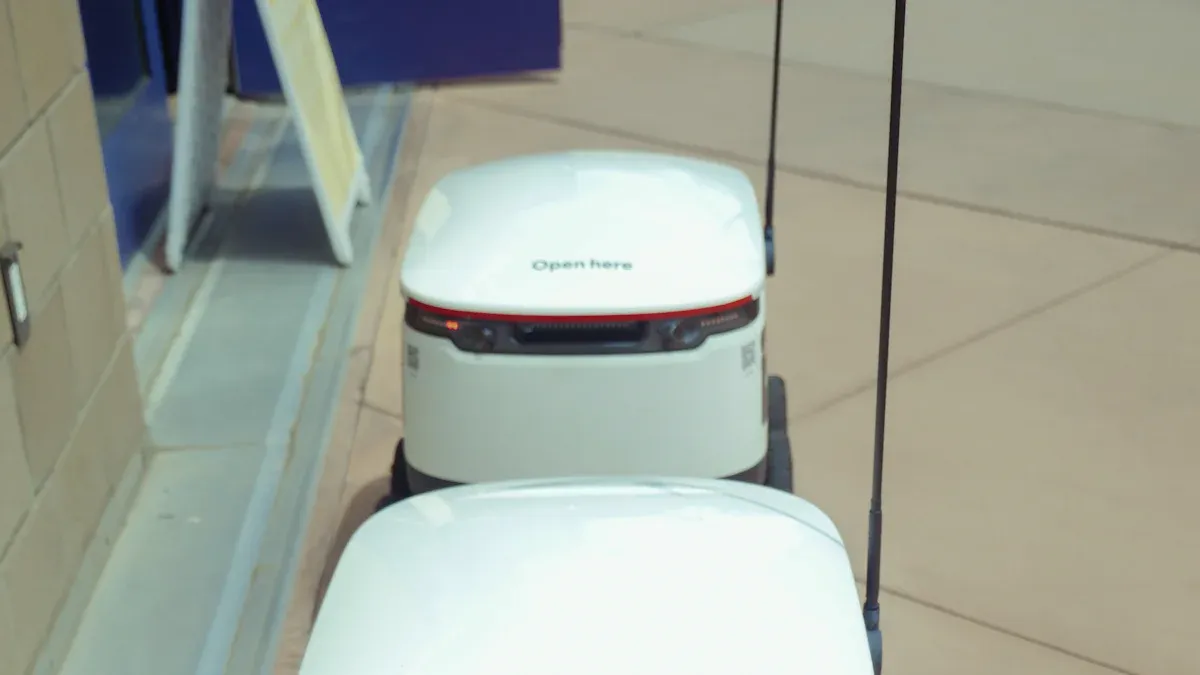
You can help your autonomous store pilot do well by using best practices from the beginning. Start by making clear goals and picking targets you can measure. Get all important people involved early so they support the plan. Try out new technology in a safe place before using it everywhere. Make sure the customer experience is easy and smooth. Piloting an autonomous store helps you try new things but keeps risks small.
Key Takeaways
Make clear goals and easy ways to measure them before you start your pilot. This helps you see how things are going and if you are doing well.
Get all important people involved early in the process. Talking often helps people trust each other and makes sure everyone agrees.
Try new technology in safe places first. This helps you find problems and fix them before you use it everywhere.
Ask customers what they think often. Use surveys and talk to them to learn about their experience and make your store better.
Be careful when you plan to grow. Grow your autonomous stores step by ten step to keep away from big problems.
Best Practices For Pilot Planning
Setting Objectives & KPIs
You should start your pilot with clear goals. When you know your goals, you can check your progress. Many retailers want to spend less on labor, make shopping simple, and get better data. Some also want their stores open all day and night. You need to pick KPIs that fit your goals. These KPIs show if your autonomous store is working.
Here is a table that lists common goals and KPIs for autonomous store pilots:
Objectives | KPIs |
|---|---|
Reduce labor costs | Number of customers served per day |
Make shopping easier for customers | Average transaction time |
Collect better data | Rate of successful autonomous checkouts |
Aim for 24/7 operation | Inventory accuracy |
Customer satisfaction scores |
You should choose your KPIs before you start the pilot. Many good pilots watch pick accuracy, order time, and inventory turnover. You need to check these numbers often. This helps you see how well your system works.
Tip: Write your goals and KPIs in a simple file. Share it with your team so everyone knows what success means.
Stakeholder Alignment
You cannot do a pilot by yourself. You need help from many people at your company. This includes store managers, IT, marketing, and franchise owners. You should bring these people in early. This builds trust and helps everyone work together.
Experts say you should talk to all important people at the start. This stops confusion later. You should also keep your data open. When everyone sees the results, it is easier to make good choices.
Here are some best ways to work with stakeholders:
Meet often with all key teams.
Share updates and data with everyone.
Ask for feedback and listen to worries.
Make sure everyone knows the pilot’s goals and KPIs.
Note: Good communication keeps your pilot moving and helps you fix problems fast.
Franchise Piloting Strategy
If you have franchises or many stores, you need a smart plan. Testing in a franchise can lower your risk, especially if your brand is new. Many good pilots pick franchises with strong systems and famous brands. This helps you get results faster.
Some retailers picked top franchises with fast sales. They saw quick growth in six months. You should look for franchises that can grow fast. This makes your pilot safer and more likely to work.
Here are some reasons why franchise piloting is safer:
Proven systems help you test new ideas.
Strong brands bring in more customers.
Fast-growing franchises can grow good pilots quickly.
Best practices for pilot planning are setting clear goals, working with stakeholders, and picking the right franchise partners. If you do these things, your autonomous store pilot has a better chance to work.
Technology Integration
Testing In Controlled Environments
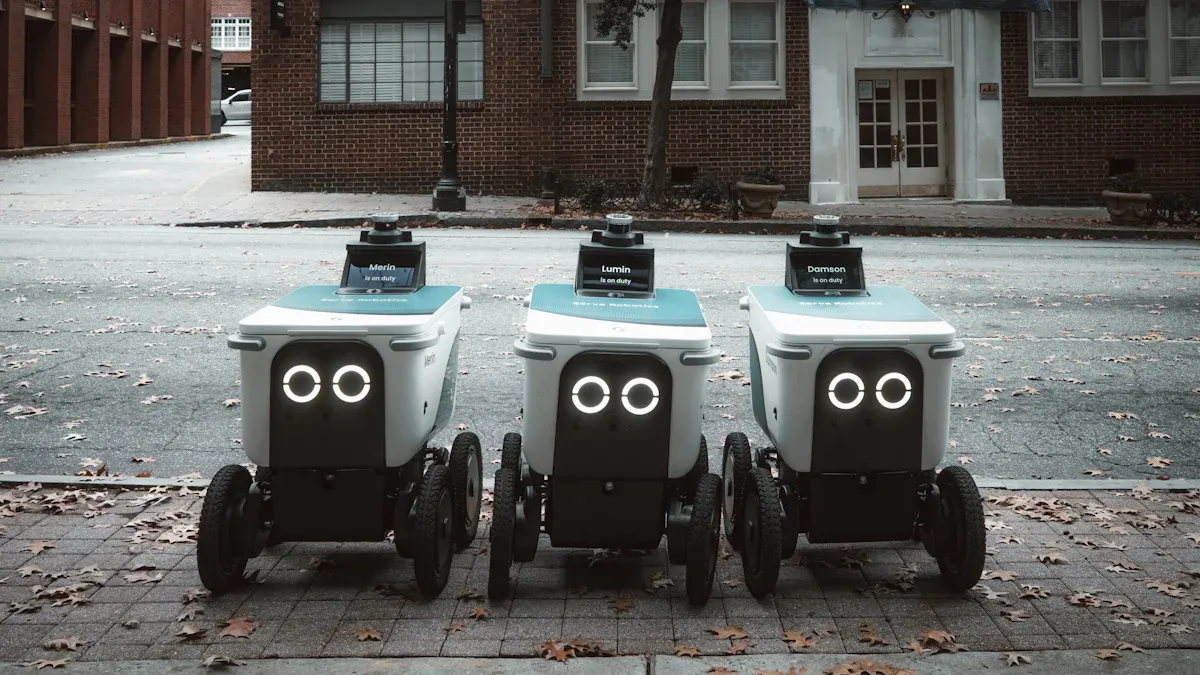
You should test new autonomous store technology in a safe place first. This helps you find problems early and change your plan if needed. It is best to do things step by step. First, put in the technology. Next, see how it changes the store and how people shop. You can ask customers what they think with surveys and forms. Usability tests help you learn what works well. You can also check social media and online reviews for ideas. Customer support chats and website data show problems quickly. This way, you can fix things before using the system in more stores.
Tip: Ask both workers and shoppers for feedback during testing. This helps you see real problems and make better choices.
Common Solutions Across Locations
You need technology that works in every store you have. When all stores use the same system, it is easier to run your business. A network that can grow helps you add new technology later. If your network is flexible, you can try new things easily.
Here is a table that shows ways to use technology in every store:
Strategy | Description |
|---|---|
Cloud Platforms | Change resources as you need more or less. |
Consistent Data Access | All stores use one system, so adding stores is simple. |
No Infrastructure Setup | Open stores fast without building new systems. |
Mid-sized retailers do well with shared insights and a strong network. Buying scalable solutions helps you grow and get ready for new technology.
Data Security & Privacy
You must keep customer data safe. Many people worry about how stores use their data. People trust stores that protect their information. Laws like CCPA and GDPR say you must tell people what data you collect. These laws also let customers say no to sharing data.
AiFi’s 100% anonymous computer vision tracks items and sales without using biometric data. This follows privacy laws and helps customers trust your store.
Always tell customers if you collect sensitive data. Some stores got in trouble for not doing this. Make sure your technology follows all privacy rules. This keeps you safe and makes customers happy.
Store Operations
Layout Optimization
You can make your store better with new technology. Augmented reality helps you see shelf layouts right away. AR and AI use heat maps and foot traffic to help you find the best spots for products. This makes it simple to try different layouts and pick the best one. Smart shelves with AR give you restocking reminders fast. These tools help you keep shelves full and your store working well.
AR lets you try new layouts before you move things.
AI shows which products get the most looks.
Smart shelves tell you when items are almost gone.
Tip: Use AR to plan your next store reset. You can see what will happen before you move anything.
Inventory Management
Smart systems help you manage inventory in an autonomous store. StockBot checks your shelves for 12 hours without stopping and finds items in the wrong place. It gives you updates right away and helps you fix lost sales. StockBot also uses RFID to find hidden items, so you always know what is in stock. StyleMatrix™ tracks every SKU and sends alerts when stock is low or too high. This helps you act fast before you lose sales.
StockBot finds and fixes inventory problems.
StyleMatrix™ changes as demand goes up or down.
Automated alerts help you stop problems early.
It is important to connect your inventory system with your point-of-sale system. This keeps your sales and inventory records updated in all your stores.
Staff Training & Role Adaptation
Your staff will need new skills in an autonomous store. Workers will move from old jobs to customer service and tech support. You should give them special training to help them do well.
Change Type | Description |
|---|---|
Staff Role Transition | |
Training Requirements | Special programs help staff learn new tasks. |
Train workers to use the new system.
Teach them to answer customer questions.
Show them how to restock and fix simple problems.
Note: Well-trained staff help your store run well and keep customers happy.
Customer Experience

Onboarding & Education
You help customers feel at ease by teaching them how things work. Most pilots find that learning by doing helps the most. You can let shoppers try out the technology in the store. Clear signs show each step so no one gets lost. Staff are always nearby to answer questions and help with new things. You add changes slowly so customers have time to get used to them.
Strategy | Description |
|---|---|
In-store demonstrations | Hands-on experiences help customers learn how the technology works. |
Clear signage | Signs guide customers through the autonomous process. |
Dedicated staff assistance | Staff are available to answer questions and assist customers. |
Incremental implementation | New features are rolled out slowly, adjusting based on feedback. |
Tip: Put signs at important places in your store. This makes things easier and stops people from getting confused.
Feedback Collection
You need to find out what customers think about your store. There are many ways to ask for feedback. You can use digital surveys when people check out. QR codes on receipts let shoppers share their thoughts. Staff can talk to customers and listen to their worries. You collect feedback after every visit to catch problems early.
Digital surveys give you fast answers.
QR codes make it simple to give feedback.
Talking with staff helps find hidden problems.
Note: Your store gets better faster when you listen to customers every day.
Experience Optimization
You use what customers say to improve your store. If shoppers get confused, you change the layout. When people want clearer signs, you update them. You only add new features when customers are ready. You watch satisfaction scores to see what is working. You keep trying new ideas and check if they help.
Change layouts if customers get lost.
Make instructions better when people ask for help.
Add new things one step at a time.
Callout: You earn trust and loyalty when you show customers their opinions matter.
Risk & Compliance
Data Privacy Regulations
You have to follow strict data privacy rules in your autonomous store. These rules keep your customers and your business safe. In the United States, you need to know about the AI Bill of Rights. In Europe, you must follow the EU Artificial Intelligence Act. These laws tell you how to use customer data and AI safely.
You can use different ways to keep personal information safe. The table below shows some common ways to protect data:
Security Measure | Description |
|---|---|
Automatic PII Removal | Blur customer faces before saving or using video data. |
Isolated Work Environments | Use locked computers with strong controls for people who work with data. |
Randomized Segmentation | Break video into random parts so no one can follow one person. |
Minimal Retention | Delete data after training AI models unless you must keep it by law. |
You should always tell customers what data you collect and why. You build trust when you show you care about privacy.
Incident Response
You need a plan for when things go wrong. Technology can break, and security problems can happen. A good incident response plan helps you act fast and keep your store safe.
Here are the main steps to follow if you have a problem:
Separate the system or person that caused the problem.
Save all logs and records right away.
Check what happened and why it happened.
Find out if any data got out.
Fix the problem and update your systems.
Write down everything for your records.
Tell everyone who needs to know, including customers if needed.
Tip: Practice your incident response plan with your team. This helps everyone know what to do if there is an emergency.
Operational Risk Mitigation
You can lower risks by using smart steps. Train your AI models often so they stay correct. Use more than one sensor to make your system strong. Add new technology in small steps, not all at once. Protect data with strong security at every level. Check your systems often to find problems early.
You should also teach your customers how to use the new store. Use clear signs and easy guides. Look at your data to find problems before they get big. Set rules for using AI so your store stays fair and safe.
Callout: When you focus on risk and compliance, you keep your business and your customers safe.
Performance Monitoring & Scaling
Auditing Pilot Execution
You need to check how well your autonomous store pilot works. Auditing helps you find problems and make sure you follow the rules. Many industries use different audit methods. You can learn from them. Here is a table that shows how different sectors handle audits:
Industry Sector | Audit Method Description |
|---|---|
Healthcare | HIPAA-compliant audit trails track who looks at patient data. These audits use strong passwords and keep records for a long time. |
Financial Services | Audits follow SOX and PCI DSS rules. They keep detailed records for checks and stop money crimes. |
Government and Defense | Audits follow FedRAMP and FISMA. They log who handles secret data and check staff security. |
General Compliance Management | Searchable audit trails and data tracking help with reports for many rules. |
You can use searchable audit trails and data tracking in your store. This helps you see what happens and fix issues fast.
Insights & Process Refinement
You should use what you learn from your pilot to make your store better. Many retailers work with special vendors to set up AI systems. They start with a small group of shoppers to test the technology. You can use feedback from this group to fix problems with product scanning and billing. This step-by-step process helps you improve before you open more stores.
Work with experts to set up your system.
Test with a small group first.
Use feedback to fix mistakes and make things smoother.
Tip: Always listen to feedback. Small changes can make a big difference.
Expansion Planning
When you want to open more autonomous stores, you need a plan. Start with a phased approach. Set clear goals for each new store. Make sure you have enough money and a strong IT system. Your new stores should work well with your old systems.
Use a phased approach to lower risk.
Set clear business goals for each step.
Make sure you have enough money for growth.
Build a strong IT network.
Connect new stores with your current systems.
Callout: Careful planning helps you grow your autonomous stores with less risk and more success.
You can set your autonomous store pilot up for success by following best practices. Work with your team, keep improving, and get ready to grow. Use what you learn to make every new store better. Labor costs keep rising, and automation will shape retail soon. Invest in AI for personalization and analytics to stay ahead. Start now and lead the way in the future of retail.
FAQ
What is an autonomous store pilot?
An autonomous store pilot is a test store that uses technology to run with little or no staff. You use it to see how well new systems work before you open more stores.
How do you choose the right location for a pilot?
You pick a location with steady foot traffic and strong management. Look for a store where you can measure results easily. Good data helps you decide if the pilot works.
What technology do you need for an autonomous store?
You need cameras, sensors, and smart shelves. You also need software for checkout and inventory. Some stores use AI for tracking products and customers.
Tip: Start with simple systems and add more as you learn.
How do you measure pilot success?
You track key numbers like sales, customer satisfaction, and inventory accuracy. Use a table to compare your goals and results:
KPI | Target | Result |
|---|---|---|
Sales Growth | 10% | 12% |
Satisfaction Score | 4.5 | 4.7 |
How do you handle customer privacy?
You protect customer data by following privacy laws. Tell shoppers what data you collect. Use tools that do not store faces or personal details.
Note: Clear signs and privacy policies build trust.
See Also
Understanding AI-Driven Convenience Stores for Retail Success
Launching an AI-Enhanced Corner Store on a Budget
Comparing Micromarkets and Smart Stores in Global Retail
The Future of Retail: Embracing AI-Driven Stores
Modern Retail Advantages of AI-Enhanced Combo Vending Machines
