Best practices for launching a pilot autonomous store in Universities & campus retail.

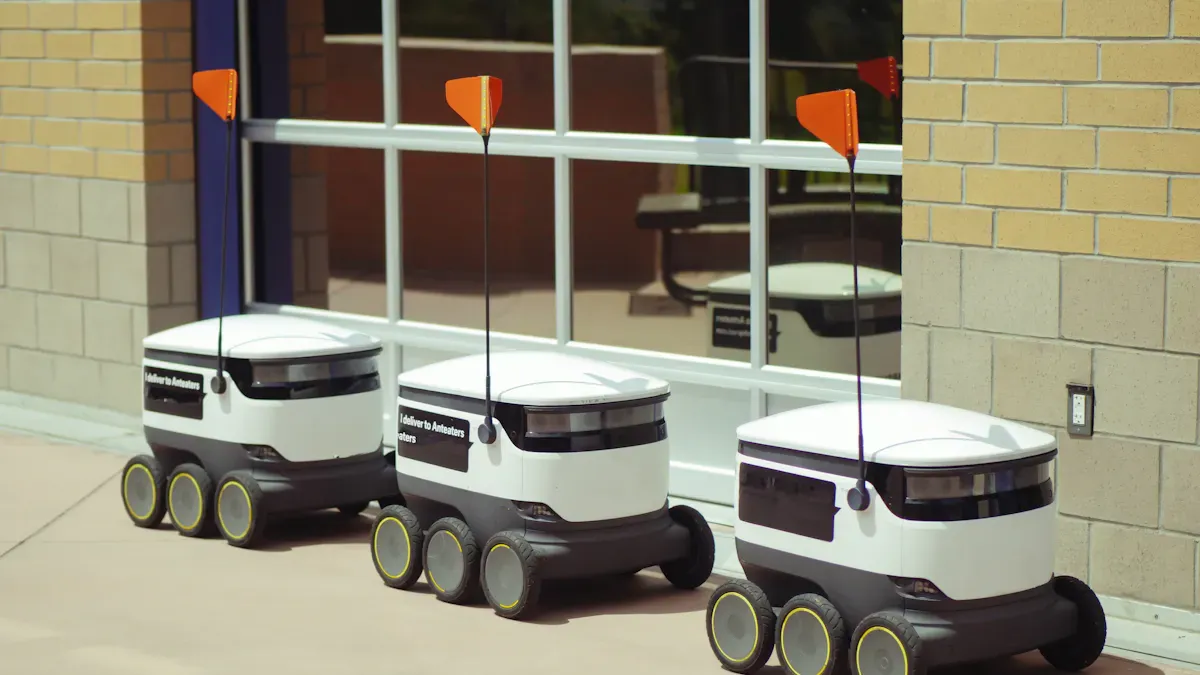
You need best practices to ensure an effective pilot when launching a pilot autonomous store on campus. University environments bring unique challenges because users come from a diverse end-user population. Stakeholders play a key role in planning, and user involvement shapes the customer experience. Many customers value being heard, and feedback from users with disabilities improves business value. The following table shows how engagement methods boost collaboration and ideas:
Engagement Method | Quality of Ideas | Collaboration Effectiveness |
|---|---|---|
Ideathon | Moderate | High |
Hackathon | High | High |
MAMCA Workshop | Low | Moderate |
You must set clear goals, focus on technology, and use feedback to guide your pilot program. Clear goals, training, and phased pilot strategies help your autonomous store reach its full potential in campus retail.
Key Takeaways
Set clear goals and KPIs to measure success. Define what success looks like for your autonomous store pilot.
Engage stakeholders early to build trust. Involve students, faculty, and staff in the planning process for better collaboration.
Gather feedback from users regularly. Use surveys and suggestion boxes to improve the customer experience and adapt your store.
Choose the right technology and vendors. Ensure that the systems you select meet the needs of your campus environment.
Design your store layout for easy navigation. Place popular items near the entrance and keep shelves organized for quick shopping.
Setting Goals & KPIs for Autonomous Store Pilot
Defining Success Metrics
You need clear goals to measure the success of your autonomous store pilot. Start by deciding what success looks like for your campus. Use both numbers and opinions to set your goals. For example, you can measure how fast transactions happen, how accurate the system is, and how much money you save. You should also ask users how they feel about the store and if they trust the technology. Before you launch, collect data on how things work now. This gives you a way to compare results after the pilot. Make sure you set benchmarks so you know if you reach your goals.
Set clear goals for processing time, accuracy, and cost savings.
Ask users about their satisfaction and confidence.
Collect baseline data before the pilot program starts.
Use feedback to find ways to add more business value.
Stakeholder Alignment
You must bring together students, faculty, and administration to get the most value from your autonomous store pilot. Each group in your end-user population has different needs. Early involvement helps build trust. Regular meetings keep everyone informed. Sharing data openly helps people make good decisions. You should always ask for feedback and address concerns. When you set clear goals and KPIs, all stakeholders understand what you want to achieve.
Description | |
|---|---|
Early Involvement | Engage key stakeholders from the beginning to build trust and collaboration. |
Regular Meetings | Hold frequent meetings with all key teams to ensure everyone is informed. |
Open Data Sharing | Share updates and data openly to facilitate informed decision-making. |
Feedback Mechanism | Actively seek feedback and address concerns to enhance stakeholder engagement. |
Clear Goals and KPIs | Ensure all stakeholders understand the pilot’s objectives and key performance indicators. |
Goal Setting Process
You should follow a simple process to set goals for your autonomous store pilot. First, talk to your stakeholders and learn what matters most to them. Next, match your goals to the needs of your campus retail environment. Make sure your goals support the outcomes you want from the pilot. Use a phased pilot approach to test and adjust your goals as you learn. This process helps you create business value and improve your pilot over time.
Tip: Review your goals often and update them as you get new feedback. This keeps your autonomous store pilot on track and adds more value for everyone.
Market Research & Location Selection

Understanding Student Preferences
You need to know what students want before you launch your autonomous store. Students have different habits and needs. Some prefer quick snacks, while others look for healthy options. You can use surveys to ask students about their favorite products. You can also hold focus groups to hear their opinions. Social media polls give you fast feedback. You should check which items sell best in other campus stores. This helps you pick the right products for your pilot.
Tip: Use simple questions in your surveys. Ask about favorite snacks, drinks, and meal times. This makes it easy for students to answer.
Here are some ways to learn about student preferences:
Survey students about their shopping habits.
Hold focus groups to discuss store features.
Use social media polls for quick feedback.
Review sales data from existing campus stores.
Method | Speed | Depth of Insight |
|---|---|---|
Survey | Fast | Moderate |
Focus Group | Medium | High |
Social Media Poll | Very Fast | Low |
Sales Data | Fast | High |
Campus Site Assessment
You must choose the best location for your autonomous store. Walk around campus and look for busy spots. Check where students gather between classes. You can use maps to mark high-traffic areas. Ask campus staff about popular places. Look for spaces near dorms, libraries, or student centers. Make sure the site is easy to reach and safe.
Visit campus to observe student movement.
Mark high-traffic zones on a map.
Ask staff about popular gathering spots.
Pick a location near key student areas.
Note: Safety matters. Choose a well-lit area with good visibility. This helps students feel comfortable using your store.
You can use these steps to find the best site for your pilot. This ensures your store gets enough visitors and meets student needs.
Best Practices for Autonomous Store Pilot Planning
Engaging Campus Partners
You need strong partnerships to make your autonomous store pilot successful. Campus partners include student groups, faculty, administration, and facility managers. Each group brings different ideas and resources. You should invite these partners early in your planning. This helps you build trust and share responsibility.
You can use these best practices to engage campus partners:
Meet with student leaders to learn about their needs.
Ask faculty for advice on technology and learning opportunities.
Work with administration to understand campus policies.
Include facility managers to help with logistics and safety.
Tip: Use open communication. Share your goals and listen to feedback. This creates a sense of ownership and helps everyone support the project.
You can also set up a small advisory group. This group can review your plans and suggest improvements. When you involve partners, you get more creative ideas and solve problems faster.
Pilot Strategy Development
You need a clear plan to guide your autonomous store pilot. Start by defining your goals. Make sure these goals fit your campus and retail environment. You should focus on best practices that match your resources and needs.
Here is a list to help you structure your pilot strategy:
Define and internalize the pilot's objectives. Make sure these fit your systems and campus culture.
Limit the scope to end-to-end pilot scenarios. Review these scenarios with subject matter experts.
Align your pilot scenarios with business value. Work with stakeholders to find what matters most.
Keep the pilot manageable. Choose a small group of end users for the first phase.
Decide what you want to learn from the pilot. Use these inputs to shape your final rollout plan.
You can use a table to track your planning steps:
Planning Step | Description |
|---|---|
Set Goals | Decide what you want to achieve |
Review Scenarios | Test real-life situations with experts |
Align with Business Value | Focus on what helps your campus retail most |
Limit End-User Population | Start with a small, focused group |
Define Expected Inputs | List what you need to learn for future rollout |
Note: Review your plan often. Update your strategy as you get new data and feedback. This keeps your autonomous project flexible and effective.
You should always use best practices in planning. This means you set clear goals, involve partners, and adjust your plan as you learn. When you follow these steps, you increase your chances of a smooth and valuable autonomous store pilot.
Autonomous Technology Integration
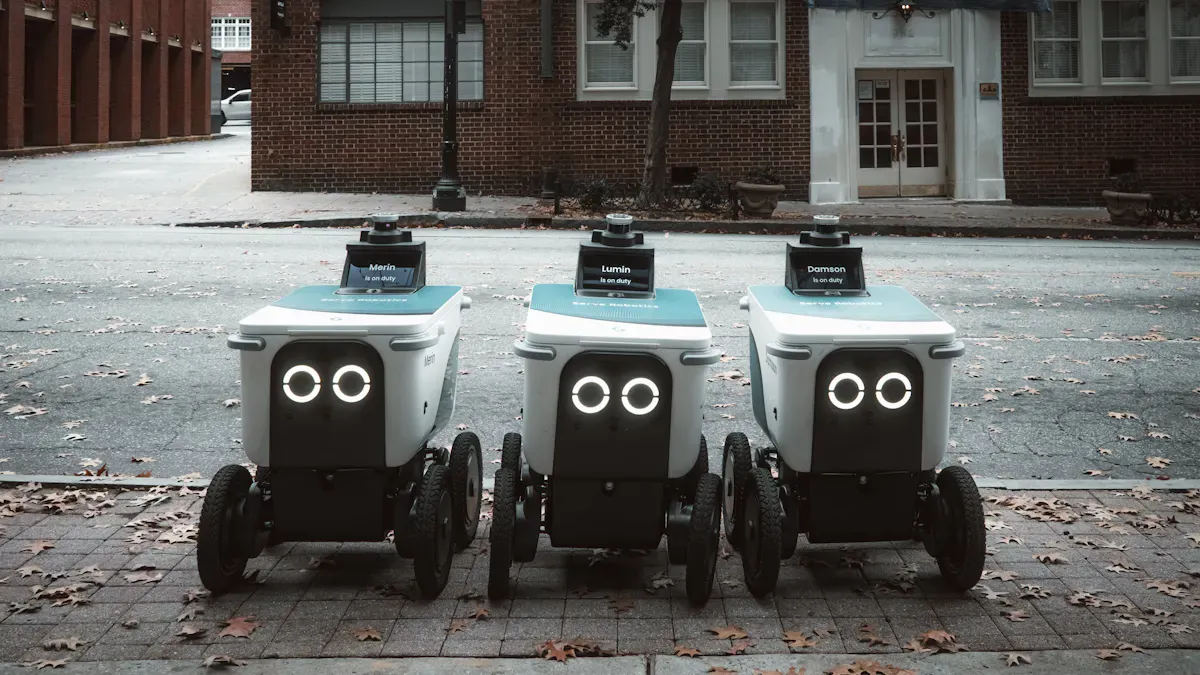
Choosing Technology & Vendors
You need to make smart choices when you select technology and vendors for your autonomous store. The right system rollout depends on how well you match your needs with what vendors offer. Many retailers now focus on technology integration that supports robotics in decision-making, customer service, and supply chain visibility. You should look for vendors who provide robots that learn from foot traffic and adjust in real time. This helps your system rollout plan work in busy campus environments.
Here is a table to help you compare important factors:
Factor | Description |
|---|---|
Technology Integration | Retailers use robotics for better decisions and customer interaction. |
AI-enhanced Navigation | Robots learn from foot traffic and adjust quickly. |
Natural Language Processing | Bots talk with customers and improve service. |
Analytics-first Robots | Robots collect data and give you useful insights. |
Modular Robotics | Plug-and-play robots save money and do many jobs. |
Cross-Pollination of R&D | Retail uses ideas from other fields for hygiene and delivery. |
Strategic Partnerships | Tech firms and retailers build strong platforms together. |
Robotics-as-a-Service | You can use advanced robots without high upfront costs. |
Tip: Always ask vendors about support and updates. This keeps your system rollout smooth and reliable.
AI-Driven Solutions
You can use AI-driven solutions to make your autonomous store smarter and more helpful. These tools give students 24/7 access to snacks and supplies. With checkout-free shopping, students walk in, pick up items, and leave. The system rollout plan tracks what they buy, so there are no lines. Smart inventory management uses AI to keep shelves full and reduce waste. AI chatbots answer questions and help students find what they need. Computer vision and robotics let you run an unmanned store, making the system rollout easier and more efficient.
Innovation | Description |
|---|---|
Students shop any time, day or night. | |
Checkout-free Shopping | No cash or cards needed—just grab and go. |
Smart Inventory Management | AI tracks stock and alerts for restocking. |
AI Chatbots | Bots give instant help and advice. |
Computer Vision & Robotics | Unmanned stores change the campus shopping experience. |
Note: Use these AI tools to improve your system rollout plan and make your autonomous store stand out.
Data Security & Privacy
You must protect student data during your autonomous system rollout. Good privacy practices keep trust high and meet legal rules. Start by setting clear data security policies and review them every year. Use safe methods to destroy old data. Keep a list of all sensitive data and classify it by type and risk. Build privacy into your system rollout plan from the start. Protect data when it moves between systems. Let students see, correct, or delete their data if they want. Use strong safeguards to protect data at every stage of your system rollout.
Control ID | Description |
|---|---|
DSP-01 | Review data security and privacy policies every year. |
DSP-02 | Destroy old data safely. |
DSP-03 | Keep a list of all sensitive data. |
DSP-04 | Classify data by type and risk. |
DSP-07 | Build privacy into your system by default. |
DSP-10 | Protect data when it moves. |
DSP-11 | Let users control their own data. |
DSP-17 | Use safeguards for data at all stages. |
Alert: Always include privacy and security in your system rollout plan. This protects students and your store.
Effective Pilot Operations
Store Layout & Inventory
You need to design your autonomous store for easy navigation and quick shopping. Place popular items near the entrance so students can find them fast. Use clear signs to guide people through the aisles. Keep shelves organized and tidy. When you use live dashboards, you can see what happens in your store at any moment. This helps you make smart choices and fix problems before they grow.
You should let data guide your merchandising decisions. If you test different display formats, you can see which one sells more. Data-driven choices often lead to better sales than picking layouts based on personal preference. Cross-store analytics help you spot issues and adjust your plan quickly. For example, if snacks sell out faster than drinks, you can restock snacks more often.
An AI-based inventory management system can help you keep shelves full. This system tracks what you have in real time and orders more when you run low. In one campus store, this approach reduced stockouts by 18% in just three months. Automated replenishment saves time and stops lost sales. When you connect your inventory system with other campus technology, you get a clear view of your whole operation. This makes your autonomous store pilot more effective and helps you respond to student needs.
Tip: Review your inventory data every day. Make small changes to your layout and stock based on what you learn.
Staff Training
You must prepare your team for the unique demands of an autonomous store. Staff training helps everyone understand new technology and store processes. Teach your team how to use dashboards, manage inventory, and help students with the autonomous checkout system. Give staff clear instructions for troubleshooting common problems. When your team feels confident, your pilot runs smoothly.
You should also encourage staff to share feedback. If they notice a problem, they can suggest a solution. This creates a culture of learning and improvement. Staff who adapt well to new systems help your autonomous store pilot succeed.
Note: Hold short training sessions before and during the pilot. Use real-life examples to make lessons clear.
Compliance with Campus Policies
You need to follow all campus rules when you run your autonomous store. Check the university’s guidelines for safety, privacy, and accessibility. Make sure your store meets fire codes and stays clean. Protect student data by following privacy rules. If your campus has rules about hours or noise, adjust your store operations to fit.
Work with campus officials to review your plans. Ask for feedback and make changes if needed. When you follow policies, you build trust with the university and students. This helps your pilot become a long-term success.
Compliance Area | What to Check |
|---|---|
Safety | Fire exits, lighting, emergency plans |
Privacy | Data protection, student consent |
Accessibility | Wheelchair access, clear signs, easy entry |
Operations | Store hours, noise levels, cleaning schedules |
Alert: Always keep a checklist of campus policies. Review it often to make sure your autonomous store stays compliant.
By focusing on store layout, inventory, staff training, and policy compliance, you create an effective pilot. These steps help your autonomous store run smoothly and meet the needs of your campus community.
Customer Experience in Autonomous Store Pilot
Student Onboarding & Education
You need to help students understand how to use your autonomous store. Many students feel nervous when they try new technology. You can make the onboarding process easy by using clear educational materials. Videos, interactive guides, and in-app tutorials show students how the autonomous shopping process works. You can offer incentives for first-time users, such as discounts or free snacks. This encourages students to try the store and builds confidence.
Strategy Type | Description |
|---|---|
Comprehensive Customer Education | Develop engaging educational materials (videos, interactive guides, in-app tutorials) to clearly explain the autonomous shopping process and its benefits. Offer incentives for first-time users. |
You should place signs near the entrance that explain each step. Staff can answer questions and help students during their first visit. When you make the onboarding process simple, you improve the customer experience and help students become regular users.
Marketing & Communication
You need to tell students about your autonomous store. Use posters, emails, and social media to share news. Highlight the benefits, such as fast shopping and no lines. You can run special events to attract customers. For example, host a grand opening or offer limited-time deals. Clear communication helps students know what to expect and builds excitement.
Tip: Use emojis and simple language in your messages. Students pay more attention to fun and easy-to-read posts.
You should ask student groups to spread the word. When students talk about their positive experience, more users will visit your store.
Feedback Loop & Iteration
You must listen to customers and use their feedback to improve your autonomous store. Set up a feedback system where students can share their thoughts. Use surveys, suggestion boxes, or digital forms. Human corrections and insights help your AI systems learn and get better. Collaborative intelligence means humans and AI work together. Humans provide context and judgment, while AI handles repetitive tasks.
Human-AI teams co-create workflows for the store.
Feedback loops allow students to correct and guide AI behavior.
Robust governance frameworks ensure trust and compliance.
Human corrections improve future performance in autonomous retail.
You should review feedback often and make changes based on what you learn. This process keeps your store fresh and meets the needs of all users. When you use feedback to guide your store, you create a better experience for everyone.
Monitoring & Scaling the Pilot
Tracking KPIs & Outcomes
You need to track key performance indicators to see if your pilot meets its goals. Use real-time outlier detection to spot problems as they happen. Align timestamps across devices so your data stays accurate. Data lineage helps you know where your information comes from and how it changes. You should check the availability of your sensors to make sure your store collects valid data. Track latency to see how fast your system updates. Fusion accuracy lets you compare your results with test data. Descriptive dashboards show trends and help you find issues quickly. Assign clear roles for data quality and use cross-functional teams to keep everyone on the same page. Good documentation and playbooks help new team members and make audits easier. Auto-escalation playbooks send alerts and help fix problems fast.
Method/Practice | Description |
|---|---|
Real-time outlier detection | Finds data problems as they happen |
Timestamp alignment | Keeps device clocks in sync |
Data lineage | Tracks data sources and changes |
Availability | Checks if sensors give valid data |
Latency | Measures update speed |
Fusion accuracy | Compares results to test data |
Descriptive dashboards | Shows trends and problems |
Organizational roles | Sets who manages data quality |
Cross-functional teams | Aligns teams on data and access |
Documentation and playbooks | Helps with onboarding and audits |
Auto-escalation playbooks | Sends alerts and fixes issues fast |
Refining Processes
You should review your pilot program often to find ways to improve. Use feedback from customers and staff to spot weak points in your store. Make small changes to your rollout plan and test them in your phased pilot. This helps you see what works best for your end-user population. Update your technology and store layout as you learn more. When you refine your processes, you add business value and make your pilot stronger. Keep your goals clear and adjust them as your store grows.
Tip: Hold regular meetings with your retail team to share updates and ideas. This keeps everyone focused on business value and helps your pilot succeed.
Planning for Expansion
When your pilot shows good results, you can plan for a bigger rollout. Look at your KPIs to see which parts of your store work best. Use what you learn to set new goals for your next rollout. Make sure your technology can handle more customers and bigger spaces. Work with your retail partners to find new locations on campus. Share your success with the campus community to build support. A strong pilot program gives you the confidence to expand and bring more value to your retail operations.
Note: Always use what you learn from your pilot to guide your next steps. This helps you grow your store and meet the needs of more customers.
You can launch a successful autonomous store pilot by following best practices. Set clear goals for your store and track progress during each rollout. Involve stakeholders early to build trust and teamwork. Use feedback to improve your store and adapt your rollout plan. The table below shows how these steps help your pilot succeed over time:
Practice | How It Helps Your Store and Rollout |
|---|---|
Clear goals | Track progress and measure pilot success |
Stakeholder engagement | Build trust for a smooth rollout |
Continuous improvement | Adapt your store for long-term success |
Stay flexible and adjust your rollout as you learn. Every campus is unique, so shape your store pilot to fit your needs.
FAQ
What is an autonomous store pilot?
An autonomous store pilot is a test store that uses technology like AI and sensors. You can shop without cashiers. The pilot helps you see how the system works before a full launch.
How do you keep student data safe?
You must use strong security tools. Always review your privacy policies. Let students control their data. > Tip: Ask your tech team to check for risks often.
Who should you involve in planning?
You should include students, faculty, and campus staff. Each group gives you new ideas. Use regular meetings to share updates and gather feedback.
What if students have trouble using the store?
You can help by offering clear guides and staff support. Use signs and videos to explain each step. > Note: Give first-time users a quick demo for extra help.
See Also
Starting a Low-Cost AI-Driven Convenience Store
Understanding the Growth of AI-Enhanced Retail Outlets
Comparing Micromarkets and Smart Stores in Global Retail
