How Cashierless Stores Are Changing Small-Format Grocery

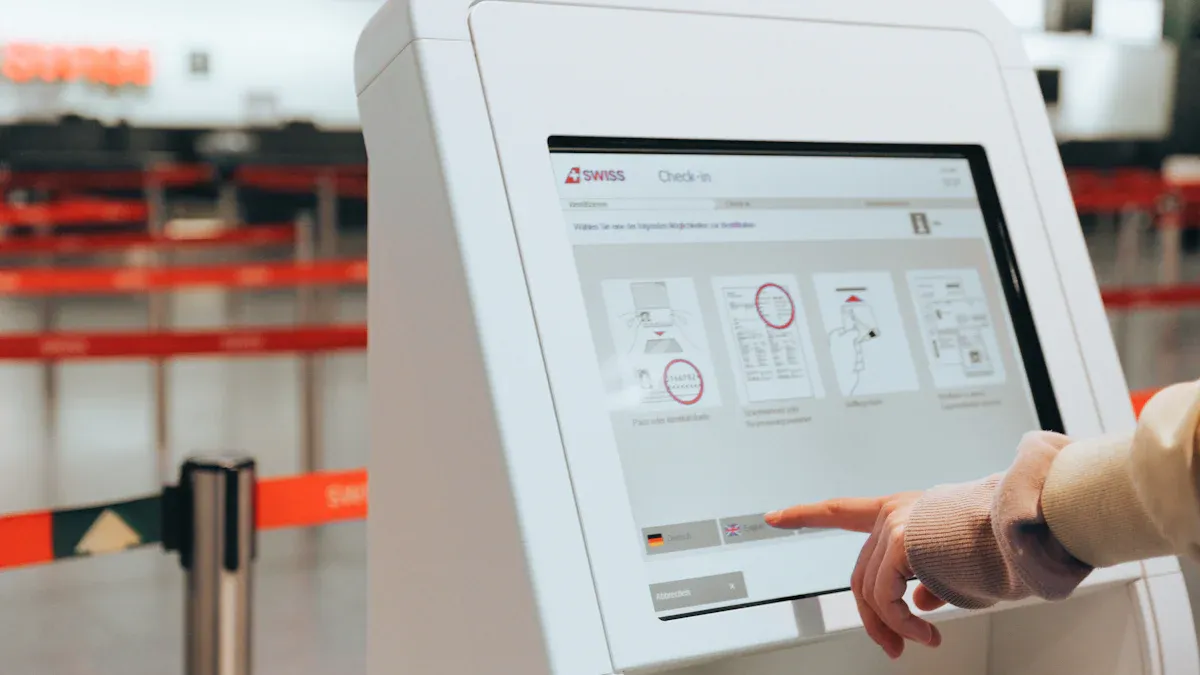
You now see a cashierless store in your neighborhood. It changes the way you shop for groceries. You walk in, pick up what you need, and leave without waiting in line. This new shopping experience feels fast and simple. Cashierless stores use advanced technology, so you find them in small shops or larger spaces. These stores make shopping easier for you.
Key Takeaways
Cashierless stores let you shop quickly and easily. You walk in, pick what you want, and leave. You do not have to wait in line.
Sensors and AI watch what you buy right away. You pay only for the things you take.
The store layout is open and simple. You can walk around and find things fast.
Shopping at cashierless stores saves you time. You can finish shopping much faster than in regular stores.
Cashierless stores are easy to use, but some people need time to get used to them. Some shoppers may miss talking to cashiers.
What Is A Cashierless Store
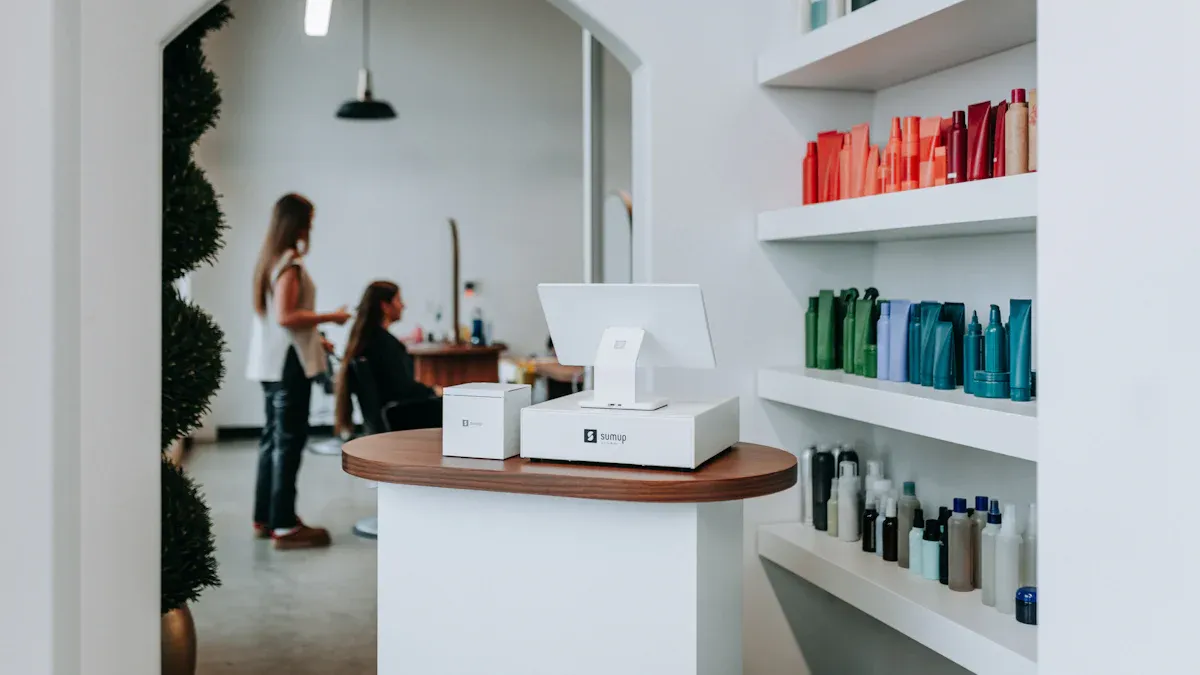
A cashierless store changes the way you shop. You do not see a traditional checkout counter. You do not wait in line. You walk in, pick up what you want, and leave. The store uses technology to track your items and charge you automatically. This creates a fast and easy shopping experience.
Technology Behind Cashierless
You find several advanced tools working together in cashierless stores. These tools help the store know what you buy and when you leave. Here are the main technologies you see:
Cameras
Artificial Intelligence (AI)
Machine Learning Algorithms
Mobile Applications
Radio-Frequency Identification (RFID)
Electronic Shelf Labels (ESL)
Sensors and cameras watch the shelves and aisles. They notice when you pick up or put back an item. AI and machine learning help the system understand your actions. Mobile apps let you enter the store and connect your payment. RFID tags and electronic shelf labels help track products and prices. All these parts work together to make shopping smooth and simple.
Tip: You do not need to scan each item or talk to a cashier. The technology does the work for you.
How Checkout Works
You start your visit by scanning a QR code or using a mobile app at the entrance. This links your phone to the store’s system. As you shop, cameras and sensors follow your movements. They add each item you pick up to your virtual cart. If you put something back, the system removes it from your cart.
When you finish, you just walk out. The store’s system checks what you took and charges your account. You get a receipt on your app. You do not need to stop or wait. This makes the process quick and easy.
Here is how the process usually works:
Check-In: Scan your app or QR code to enter.
Grab: Pick up the items you want. The system tracks your choices in real time.
Go: Leave the store. The system charges you and sends a receipt.
Store Sizes and Flexibility
Cashierless stores fit many types of spaces. You see them in small shops or larger grocery stores. The technology works in both small and big places. Here is a look at some examples:
Store Type | |
|---|---|
Amazon Go | 1,700 - 2,500 |
Amazon Fresh | 25,000 |
You find cashierless stores in city centers, airports, and even college campuses. This flexibility means you get the same fast and easy customer experience, no matter the size of the store. Cashierless technology brings convenience to many places where you shop.
Inside Cashierless Stores

Store Layout
When you enter a cashierless store, the space feels open. There are no checkout counters. You have more room to walk and look at products. This design helps you find things fast. Shopping becomes easier and smoother.
Feature | Description |
|---|---|
Removal of checkout counters | Gives more space for products and better paths for shopping. |
Shelves hold many items. Signs are clear and easy to read. Aisles are wide, so you can move around easily. You grab what you need and keep going. Cameras and sensors are above or next to shelves. Technology is there, but you do not notice it much.
Note: The open layout makes shopping easy and smooth in cashierless stores.
Shopper Experience
Your visit starts at the entrance. You use a mobile app, QR code, or debit card. This connects your visit to your account. As you shop, sensors and cameras watch what you pick up. Each item goes into your virtual cart. You do not scan anything or wait in line.
Step | Description |
|---|---|
Entry | Customers use an app, QR code, or debit card to enter. This links their visit to their account. |
Product Selection | Shoppers pick items. Sensors add them to a virtual cart. |
Real-time Tracking | Weight sensors and cameras track what you choose. AI helps keep the data correct. |
Data Synchronization | All data updates right away to keep your cart current. |
Automated Checkout | When you leave, sensors finish your cart automatically. |
Payment Processing | The store charges your payment and sends a digital receipt. |
When you leave, the system charges your account. You get a digital receipt. This makes shopping new and better for customers.
Convenience Chain Examples
Cashierless stores are in many places. You see them in city centers and airports. Amazon Go and Amazon Go Grocery show how cashierless technology works in different store sizes.
Store Type | Size (Square Feet) | Product Selection |
|---|---|---|
Amazon Go | 500 - 700 convenience items | |
Amazon Go Grocery | 10,400 (total) | ~5,000 grocery items |
Amazon Go is small and has snacks and drinks. Amazon Go Grocery is bigger and has thousands of grocery items. Both stores use cashierless technology for fast and easy shopping.
You save time in a cashierless store. Shopping is simple and quick. The technology makes your visit smooth and fun every time.
Benefits Of Cashierless Stores
For Retailers
Running a cashierless store gives you many good things. You do not need as many cashiers, so you save money. You also spend less on things like receipt paper and fixing printers. You do not have to handle as much cash. The space where cashiers used to work can now hold more products or special displays. This helps bring in more shoppers.
Here is a table that shows how you save money and make your store better:
Type of Savings | Explanation |
|---|---|
Reduced Labor Costs | Fewer cashiers are needed because one or two workers can watch many self-checkout kiosks. |
Lower Operational Expenses | Cashierless systems lower costs for receipt paper, fixing printers, and handling cash. |
Enhanced Efficiency | Automated payment makes fewer mistakes and saves money, so the store works better. |
Space Optimization | Self-checkout takes up less room, so you can use the space for more products or sales. |
You do not lose your workers. You give them new jobs. Employees help customers, restock shelves, and fix problems. They check IDs for alcohol and help shoppers who need it. This makes your store work better and keeps your staff busy with important tasks.
For Shoppers
Shopping in cashierless stores is faster and easier for you. You walk in, grab what you want, and leave. You do not wait in line or talk to a cashier. This gives you more time for other things you want to do.
Here is how your shopping gets better:
Improvement Type | Description |
|---|---|
Speed | Customers can go in and out fast without waiting in line. |
Convenience | Shoppers do not need to talk to cashiers, so checkout is simple. |
Overall Experience | Shopping feels better because you do not have the stress of regular checkouts. |
You feel happier because you finish shopping quickly. Cashierless systems can make checkout 75% faster. Stores with vision-based technology get more sales and more people come back. You get a new shopping experience that feels smooth and modern.
Tip: Cashierless stores let you shop your way. You move at your own speed and enjoy shopping.
Store Flow And Efficiency
Cashierless stores help shoppers move through the store fast. You do not see long lines or crowded aisles. The system watches how you move, how long you stay, and where you stop. This helps the store change layouts and product spots to make shopping better.
Store managers use these numbers:
Customer patterns
Dwell times
Abandonment rates
You see better store operations because staff and space are used well. The store keeps you moving without waiting. You find what you need quickly. Retailers can change prices or start sales fast. They also have less shrinkage and less work for price changes. This makes shopping better for you and for the store.
Note: Amazon Go stores use cashierless technology to get rid of lines. You shop and leave without waiting. The mobile app makes buying things easy and fast.
Challenges Of Cashierless
Privacy And Security
You might wonder how your privacy is kept safe in cashierless stores. These stores use cameras and sensors to see what you buy. Some systems use things like facial recognition, which can make you feel watched. Many people worry about being watched without saying yes. Studies show that facial recognition can be unfair to some groups. This can make you trust the technology less.
Stores try to keep your information safe in a few ways:
Anonymization and pseudonymization hide your personal details.
You agree before your data is collected.
Stores only take the data they need.
You might also worry about keeping payment data on your phone. This is scary if you have heard about data leaks. Trust is important. About 60% of shoppers spend more with stores that protect their data. Privacy and security change how you feel about shopping in cashierless stores.
Technology Reliability
You want cashierless technology to work every time you shop. Most systems work almost all the time and make few mistakes. For example:
Metric | Value |
|---|---|
System uptime | |
Error rate | Less than 1.5% of transactions |
Scan accuracy | Over 99.8% first-pass recognition |
Even with good numbers, problems can still happen. Sometimes the system does not see an item or charges you for something you did not get. Accessibility is important too. If you have a disability, you may have trouble. Blind shoppers may not use touchscreens easily. Deaf shoppers may need help if there is a problem. Wheelchair users may not reach screens. About 11.1% of people have trouble moving, so stores need wide aisles and clear paths. Self-service kiosks should have screens that move, big print or audio, and buttons you can feel.
Customer Adaptation
You may need time to get used to cashierless stores. Shopping feels different from what you know. Some people miss talking to cashiers. Others worry about using new technology. Stores use different ways to help you get used to it:
Strategy | Benefit Description |
|---|---|
Better customer experience | No long lines, so shopping feels easier and more fun. |
Efficiency | You spend less time shopping and checking out. |
Reduced labor costs | Employees can help you in other ways, not just at checkout. |
Better inventory management | Stores keep shelves full and waste less. |
Shrink reduction | Technology helps stop theft and fraud. |
Optimized retail space | More room for products and things that add value. |
You may find that cashierless stores are faster and easier. Over time, you will probably feel better about self-checkout and using new systems.
Future Of Cashierless Grocery
Technology Trends
You will see new technology in cashierless stores. These changes make shopping easier and more fun. Stores use smart video cameras and artificial intelligence to watch what you pick up. Sensor fusion helps track your items. You do not need to stop at a checkout lane. Shopping becomes faster and simpler.
Here is a table that shows the main technology trends you will notice:
Technology Trend | Description |
|---|---|
AI and Automation | Makes stores work better and improves your shopping. |
Smart Video Cameras | Remind you if you forget to scan something. This helps stop theft. |
Just Walk Out Technology | Lets you leave without waiting in line. Shopping is faster. |
Demand Forecasting | AI guesses what you want to buy. Shelves stay full. |
Supply Chain Optimization | Stores get deliveries and keep products in stock. |
Personalized Marketing | You get special deals based on what you buy. |
Autonomous Checkout | You pay without a cashier. Your visit is quicker. |
Fraud Detection | Finds strange purchases to keep you safe. |
Automated checkout uses computer vision and deep learning. These systems watch your items and update your cart right away. Sensor fusion mixes data from cameras, RFID tags, and weight sensors. This keeps your cart correct. The technology lowers mistakes and makes customers happier.
Impact On Retail
Cashierless stores will change retail in many ways. More convenience stores will use both regular and automated checkout. This gives you more choices and fits how you like to shop. Stores use data from cashierless systems to make layouts better.
You may see fewer cashiers working in stores. Automation can cut labor costs by up to 70%. This change affects jobs. Many cashier jobs are held by women and people of color. As cashierless stores grow, stores will help workers learn new roles.
Cashier-free stores use data to give better deals and keep shelves full. Cashless payments and fast checkout will be normal. These changes help stores serve you faster and make you want to come back. The future of cashierless stores will make shopping quick, safe, and fun.
Tip: As cashierless stores grow, you will shop faster, wait less, and get more special offers. The future of shopping is made for you.
Cashierless stores are changing shopping in small grocery stores. You shop faster and get a more personal trip. These stores use smart tools and easy layouts. You see lower prices and more organic food.
Cashierless stores give you:
Shopping that fits what you like
Stores that save energy and have more organic food
Small stores that help owners spend less
There are some problems too. Some people want to pay the old way. Others need help with new tech.
Opportunities | Challenges |
|---|---|
Easier shopping for people who like tech | Not everyone likes using new tech |
Stores are closer to your home | Some shoppers need time to get used to it |
Cashierless stores will keep getting more popular. More stores will use automation and AI. This will change how you shop for groceries in the future.
FAQ
How do you enter a cashierless store?
You use a mobile app, QR code, or payment card at the entrance. This links your visit to your account. The system starts tracking your shopping right away.
What if you pick up an item by mistake?
If you put the item back on the shelf, the system removes it from your virtual cart. You only pay for what you take with you.
Can you use cash in a cashierless store?
Most cashierless stores do not accept cash. You pay with a card or mobile app. Some stores offer a kiosk for cash payments, but this is rare.
Is your personal data safe in cashierless stores?
Security Feature | What It Does |
|---|---|
Data Encryption | Protects your payment info |
Anonymization | Hides your identity |
Consent Management | Lets you control your data |
Stores work to keep your information safe and private.
See Also
Discovering Cashierless Shopping Solutions With Cloudpick Technology
Walgreens Self-Checkout: Balancing Convenience With Retail Hurdles
Comparing Micromarkets And Smart Stores In Global Retail
Upcoming Changes To Walmart Self-Checkout By 2025
Time Out Corner Stores Transforming Urban Convenience Shopping
