Cashless internal billing for office retail

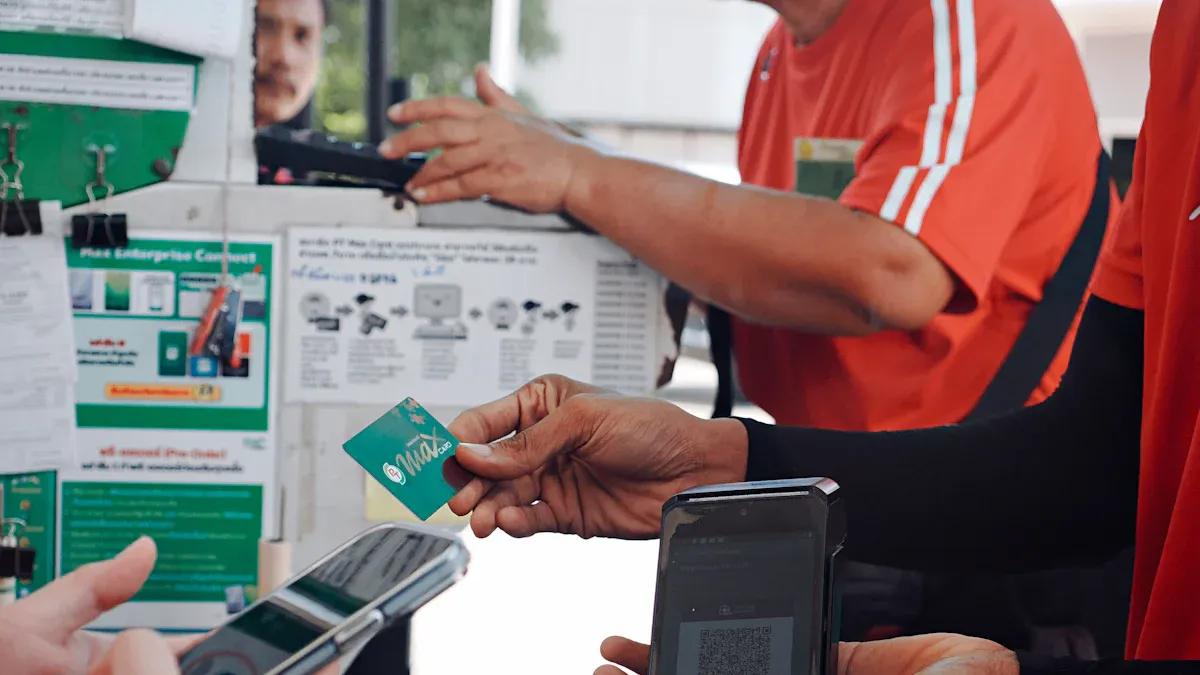
You notice more offices use cashless internal billing now. Digital payments change how you get snacks or supplies at work. Many offices want things to be faster and safer. Studies say digital wallets and contactless payments help make buying things quick and simple. Using cash takes longer, costs more, and can lead to theft. Would you feel safer and work quicker if your office used a cashless system?
Key Takeaways
Cashless internal billing makes transactions faster and cuts down waiting. This helps your team spend more time helping customers.
Digital payments make things safer by keeping a record of every transaction. This makes it harder for theft or fraud to happen.
To use cashless systems, you need to train your staff. You also need to tell customers about the changes. This helps everyone adjust easily.
Real-time tracking and reports let you watch your money closely. You can spot problems quickly this way.
You must plan for problems like system downtime or customer access. This is important for cashless billing to work well.
How Cashless Internal Billing Works
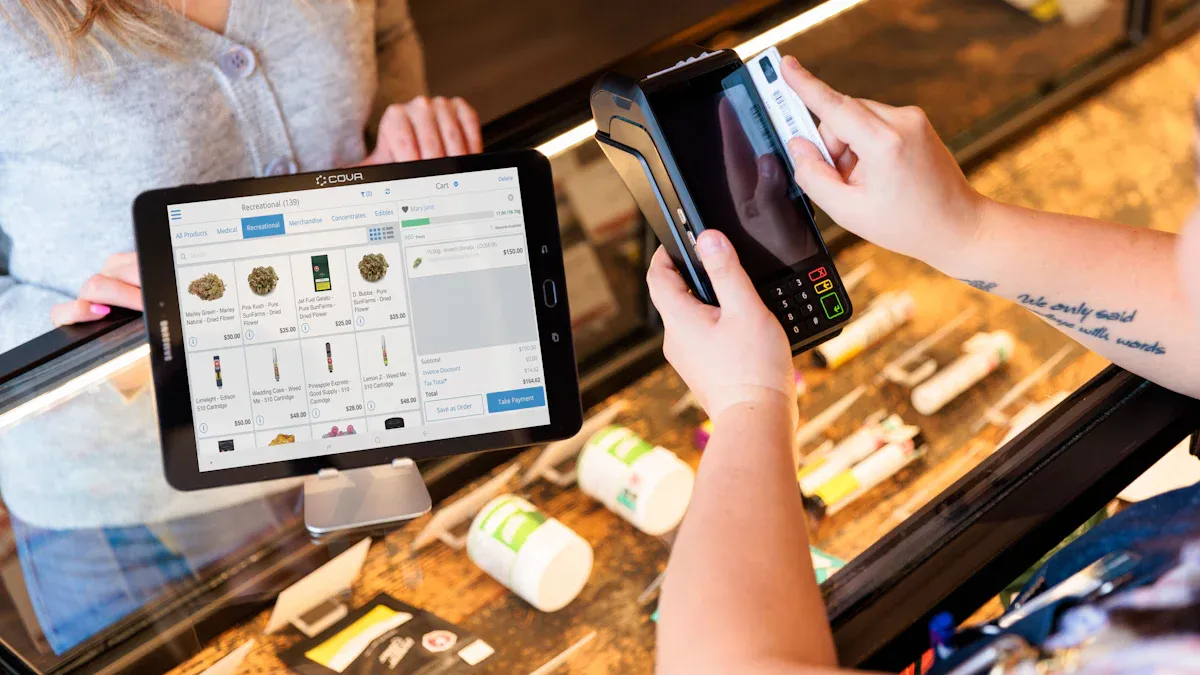
Digital Payment Process
You can change your office retail to cashless internal billing by taking a few easy steps. This helps your team and customers get used to the new way. Here is what you need to do:
Train Your Team and Update Internal Workflows
Show your staff how to use the digital payment system. Give them practice and help them fix simple problems.Communicate the Transition to Your Customers
Tell your customers about cashless internal billing. Use emails, posters, or meetings to explain it. Answer their questions.Launch and Monitor
Start using the new system. Watch how it works as people use it. Ask your customers and staff for feedback. Change things if you find problems.
Tip: Have a celebration with your team. This can make everyone happy about the new system!
Role of Technology in Office Retail
Technology helps cashless internal billing work well and makes it simple. You can pick from different tools for your office. Here is a table that shows some common technologies and what they do:
Technology Type | Description | Benefits |
|---|---|---|
Point of Sale (POS) Systems | Systems that handle cashless transactions in retail | Make transactions faster and safer |
RFID Technology | Uses radio waves to identify and process payments | Lowers the risk of losing money or theft |
NFC Technology | Lets you pay by tapping your card or phone | Makes checkout quick and easy |
These technologies help your office retail work better. Cashless internal billing gives you more control over sales and lowers mistakes.
What Is Cashless Internal Billing?
Cashless internal billing is a new way for offices to pay for things. You do not use cash or paper bills. You use digital systems that track payments inside your company. This makes paying fast, safe, and easy to handle.
Key Features
Cashless internal billing has many important features. These features help your office retail work better. They also help you avoid problems with cash. Here is a table that shows the main features and what they mean:
Feature | Description |
|---|---|
Streamlined Payment Processes | You can pay fast and skip lines. This keeps your office moving. |
Enhanced Security | The system keeps records. You do not worry about losing cash. |
Compliance with Regulations | Every payment gets tracked. This helps you follow rules and stay open. |
Improved Client Satisfaction | People like quick and easy payments. This builds trust and keeps everyone happy. |
Operational Efficiency | Automation saves time. You can do your work instead of paperwork. |
Note: These features help you make fewer mistakes. They also make your office retail more dependable.
Comparison to Traditional Billing
Cashless internal billing is different from traditional billing. Traditional billing uses cash or manual records. This can slow you down and cause mistakes. Cashless systems use digital tools that make things faster.
Aspect | Cashless Internal Billing | Traditional Billing |
|---|---|---|
Transaction Speed | Much faster | Slower because of manual steps |
Accuracy | More mistakes can happen |
You wait less for payments to finish.
You get better safety and fewer errors.
Automated records make your accounting simple.
Cashless internal billing is a smarter way to run office retail. You can trust the system to keep payments safe and correct.
Benefits of Cashless Internal Billing

Efficiency and Speed
You want your office retail to run smoothly. Cashless internal billing helps you reach this goal. You do not need to count cash or fill out paper forms. You can pay for snacks, supplies, or services in seconds. Your team spends less time waiting in line or fixing mistakes. This means you get more work done during the day.
You also see faster checkouts. Digital payments move money right away. You do not have to wait for someone to give you change. Your staff can focus on helping customers instead of handling cash. This makes your office retail more productive and less stressful.
Tip: When you use cashless internal billing, you can serve more people in less time. This keeps everyone happy and your business growing.
Security and Fraud Reduction
You want to keep your office safe from theft and fraud. Cashless internal billing gives you better protection than cash-based systems. Digital payments leave a clear record for every transaction. You can see who paid, when they paid, and how much they spent.
Here are some ways cashless internal billing improves security:
You get more transparency. Every payment is tracked, so it is hard for someone to steal or cheat.
Digital systems make it easier to follow the money. You can check incomes and revenues at any time. This helps you with taxes and audits.
During the COVID-19 pandemic, many offices switched to cashless systems. They found that these systems gave them more speed and safety in tough times.
You also face fewer risks from common security threats. For example:
Phishing scams are a big problem. In 2021, 83% of organizations had phishing attacks. This number went up by 26% from the year before.
Third-party risks can hurt your business if you do not check your partners.
You can use two-factor authentication and follow PCI DSS rules. These steps make your cashless internal billing system even safer.
Enhanced Tracking and Reporting
You need to know where your money goes. Cashless internal billing gives you better tools for tracking and reporting. You can see every transaction in real time. This helps you spot problems fast and fix them before they grow.
Many companies now want real-time monitoring. This lets you flag suspicious activity right away. In fact, 80% of financial institutions say real-time tracking is a top priority. They want to catch fraud and errors as soon as they happen.
You also get better reports. Most fintech companies have upgraded their systems to meet new rules. About 78% use advanced platforms for tracking and reporting. With AI and machine learning, you see a 40% drop in false alarms. This means you get more accurate data and spend less time checking mistakes.
Note: With cashless internal billing, you always know what is happening in your office retail. You can make smart choices based on clear and timely information.
Implementation Steps
Switching to cashless internal billing in your office takes planning. You can follow these steps to make it easy and work well.
Assessing Needs and Goals
First, look at how you pay for things now. Think about what you want to make better. Do you want to pay faster? Do you want fewer mistakes or less theft? Write down your goals. Talk with your team and ask for their ideas. This helps you pick the best system for your office.
Cost/Benefit Analysis
Before you change anything, look at the costs and benefits. You need to know what you will pay and what you will get.
Costs:
Things like payment machines, wristbands, or kiosks
Fees for using software
Making your network better
Training your staff
Telling staff and customers about the new system
Benefits:
Paying for things is faster
You spend less money on cash handling
Your office works better every day
People might spend more money
Tip: Write down all the costs and benefits. This helps you see if the change is good for your office.
Compliance and Data Security
You need to follow rules to keep payments safe. These rules protect your business and your customers. Look at the table to see some important rules:
Description | |
|---|---|
PCI Compliance | Stops credit card crime with network safety and encryption. |
Anti-Money Laundering (AML) | Stops money laundering with controls and staff training. |
Cybersecurity Protocols | Checks and updates to stop new threats. |
You should also:
Make rules inside your office
Teach your staff about the rules
Have someone else check your system
Pick a person to watch over the rules
Check customer names and addresses
Watch for strange payment actions
Note: Doing these things keeps your system safe and helps your team trust it.
Process Mapping
Draw a map of how people pay. Show each step from picking an item to paying. This helps you find problems before you start. You can use a chart or a list. Make sure everyone on your team knows the new steps.
Leadership Buy-In
Leaders need to support the change. When managers help, staff feel better. Leaders can answer questions and fix problems. Meet with your leaders. Tell them your goals and the good things about the change. Ask what they think and listen to their ideas.
Callout: When leaders support the change, it goes better and everyone feels part of the team.
Staff Training and Communication
Your staff need to be ready for the new system. Good training helps them learn and not be scared of new tools. Try these ideas:
Have a few training sessions before you start
Let staff ask questions and talk about worries
Get managers to help with training
Make a place to pick up devices and get help
Keep talking with your system provider
Tip: Talking clearly and practicing helps your staff feel ready for cashless internal billing.
If you follow these steps, you can switch to a cashless system with less worry and more success.
Real-World Success Stories
Office Retail Case Studies
You can see how cashless internal billing helps by looking at real offices. Many companies switched and saw big changes. Here are some examples:
A food and essentials distributor used a cloud-based payment platform. Past-due receivables went down from 28% to 6%. The company doubled its business without hiring more accounts receivable staff.
A beverage distributor switched to a cashless operation. They took online and mobile payments. Only 0.1% of their receivables became past due.
A top beverage importer made payments easier with online and AutoPay options. Customers paid faster, and the company made fewer collection calls.
These stories show you can save time and money with cashless internal billing. You also make it easier for customers to pay.
Tip: Using digital payments helps your business grow. Your team does not get extra work.
Lessons Learned
You can learn from companies that already use cashless systems. The table below shows some important lessons:
Lesson Learned | Explanation |
|---|---|
Operational Efficiency | Handling cash takes time and costs money. Cashless systems help you work faster and save money. |
Employee Theft Reduction | Cashless systems lower the risk of employee theft. This keeps your business safer. |
Most customers like using cards or mobile payments. You lose very few sales by going cashless. |
You should keep checking your system to make sure it works well. Many organizations use these ways:
Monitoring Method | Description |
|---|---|
Compliance Programs | Regular checks help you follow rules and keep data safe. |
Transaction Monitoring | Systems watch for strange activity and help you stop problems early. |
Staff Training | Ongoing training helps your team spot and report anything unusual. |
Note: Keep your cashless system strong by checking it often. Teach your staff new skills to help them.
Overcoming Challenges
Change Management
When you start using cashless internal billing, some people may not like it. They might feel nervous about new technology. Some people do not want to stop using cash. You can help your team and customers by making things clear and simple.
Challenge | Description |
|---|---|
You pay a fee every time someone pays digitally. | |
Risk of Customer Exclusion | Some people do not have bank accounts. They might feel left out if you only take digital payments. |
Technological Dependence and Downtime | Cashless systems need internet and power. If these stop working, you cannot take payments. |
Initial Setup Costs and Training | You need to buy new devices and teach your staff how to use them. |
Data Security and Privacy | You must keep customer information safe from hackers. |
You can solve these problems by planning before you start. Make small changes first. Teach your staff how to use the new system. Use posters and emails to tell customers about the changes. Listen to what people say and answer their questions. Have a backup plan in case the technology does not work.
Tip: Celebrate when your team learns something new. Give them praise or a small treat.
System Integration
You need to connect your cashless billing system to your other office tools. This helps you work faster and easier. Many offices use payment platforms that work with accounting software. You can see payments update right away. You do not have to type in data by hand.
Real-time payment processing lets you get money fast.
Automatic updates save you time and help you make fewer mistakes.
Secure, PCI-DSS compliant transactions keep your business and customers safe.
Self-service payment options let customers pay when they want.
You get more control over your work. You spend less time on paperwork. You can help your customers more. If you plan well, you will have fewer problems and your office will run better.
Note: Test your new system before you start using it. Make sure it works with your other software and devices.
You gain speed, security, and better tracking with cashless internal billing. Start by reviewing your current system:
Test your network and backup plans.
Look for insights in your payment data.
Make sure you follow security rules.
Train your staff for busy days.
Plan for growth and choose the right vendor.
Try a pilot program to see how it works for your team. Digital payments will keep growing. You will see more AI, biometric security, and new payment options.
"Cross-border payments will help your business compete and connect worldwide."
FAQ
What is cashless internal billing?
Cashless internal billing lets you pay for office retail items with digital systems. You do not use cash. The system keeps track of payments and records for you.
How do you start using cashless internal billing?
You pick a digital payment platform. You teach your staff how to use it. You tell your customers about the new way. You try the system before using it everywhere.
Is cashless internal billing safe?
Yes, it gives you better security. Digital payments use encryption and tracking. You can find fraud fast. You keep your business and customers safe.
What happens if the system goes down?
You need a backup plan. You can use manual records or offline payment methods. You keep helping your customers until the system works again.
Can everyone use cashless internal billing?
Group | Access to Cashless Billing |
|---|---|
Employees | Yes |
Customers | Most |
Unbanked | Sometimes |
You may need extra ways for people without bank accounts.
See Also
Enhancing Store Experience With Cashierless Solutions By Cloudpick
Boosting Office Efficiency Through Innovative Vending Machines
Resolving Self-Checkout Cash Issues For Seamless Transactions
Analyzing Walgreens Self-Checkout: Benefits And Retail Hurdles
Transforming Retail With Smart Technology In Vending Machines
