Compliance requirements for airport smart stores

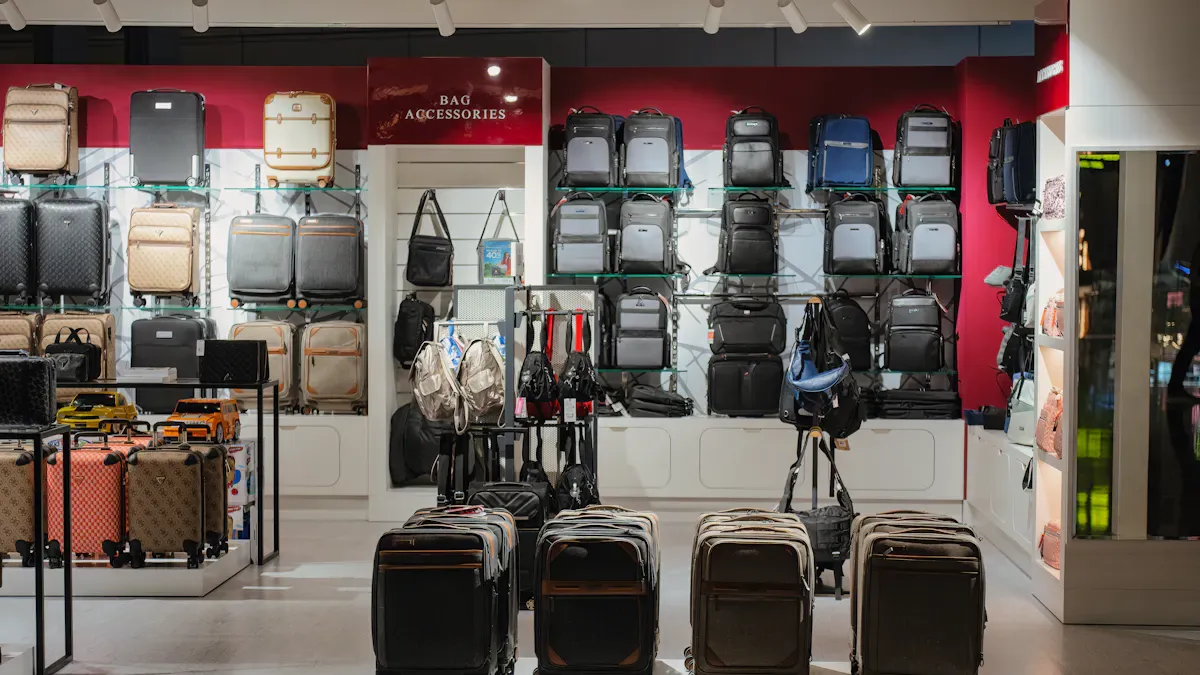
You must follow strict compliance requirements when you run a smart store in an airport. Airports use new technology and have special rules to keep travelers and workers safe. Security, data privacy, accessibility, and retail laws guide all your work. You need to know how these compliance requirements change your store every day.
Key Takeaways
Learn and use security rules to keep your store and customers safe. Use biometric systems to control who can enter.
Follow data privacy laws like GDPR and CCPA to protect customer information. Being open with customers helps them trust you.
Make sure your store follows accessibility rules so everyone can shop. Things like audio instructions and high-contrast screens are important.
Follow retail rules by getting the right licenses and keeping good records. This helps you avoid fines and problems with your store.
Check your store often and train staff to follow the rules. Doing this helps you find problems early and keeps your store working well.
Core compliance requirements
Airport smart stores have to follow important rules to stay safe and legal. These rules protect travelers, workers, and your store. There are four main things you need to think about: security protocols, data privacy, accessibility standards, and retail regulations. Each one has its own problems and ways to fix them.
Security protocols
You need to keep your store safe all the time. Old badge systems can be a problem. People might lose badges or someone could steal them. Sometimes, people share badges with others. This means the wrong person could get inside. New airport smart stores use better technology to stop this. AI systems watch for people who should not be there. They can see if someone sneaks in behind another person. Facial biometric authentication checks the person’s face, not just their badge. This makes your store much safer.
The TSA says you must use access controls to block people who should not enter.
Employee badging programs and access audits help you follow these rules.
Biometric systems help you know who comes in and out.
Experts say switching from badges to facial biometrics is a good idea. This change gets rid of badge problems and meets new security needs.
Data privacy
You work with private passenger information every day. You must follow strong data privacy laws like GDPR and CCPA. These laws protect people’s personal data and help you avoid big fines. You also need to check other local rules, especially if your airport has travelers from other countries. Before using new technology, you should look for risks and write down what you find.
You must tell people what data you collect and why you need it.
Only use data for clear reasons.
Collect only the data you really need.
Keep data safe so no one can steal or misuse it.
Write down your data rules and check them often.
Following these rules helps customers trust you and keeps your store running well.
Accessibility standards
Your smart store should be easy for everyone to use. There are international and local laws for accessibility. The Americans with Disabilities Act (ADA), Air Carrier Access Act (ACAA), and Section 508 are important standards.
Standard | Description |
|---|---|
Americans with Disabilities Act (ADA) | Sets rules for accessibility in public spaces, including kiosks. |
Air Carrier Access Act (ACAA) | Requires that 25% of kiosks are accessible to people with disabilities. |
Section 508 | Demands accessible electronic products, though not all kiosks are covered. |
You should add things like audio instructions, more languages, and paths for wheelchairs. Put touchpoints between 15 and 48 inches from the floor. Use high-contrast screens for people who cannot see well. These steps help everyone use your store, no matter what they need.
“The key mission of universal design is to work for everyone, and wayfinding is a key example of the practical application of universal design. Design is supposed to be as intuitive as possible.” — Brad McCannell, VP of Access and Inclusion at the Rick Hansen Foundation
Retail regulations
You must follow special rules for selling things in airports. These rules say what you can sell, how you store items, and how you report to customs. Duty-free licensing lets you sell things without local taxes, but you need special permission. Customs compliance means you must keep good records and track your stock. You also need to follow rules for selling things like tobacco, alcohol, and medicine.
Key Considerations | Description |
|---|---|
You need permission to sell goods without local import taxes or VAT. | |
Customs Compliance | You must keep records, track inventory, and report to customs authorities. |
Security and Screening | Staff must pass background checks and follow airport safety rules. |
Product Restrictions | You must handle and sell items like tobacco and alcohol with extra care. |
Smart locker systems help you store special things like sports gear or medical devices. These lockers give you more options and help you follow storage rules.
When you follow these main rules, your store stays safe, legal, and ready to open each day. You also show you care about your customers and your workers.
Security and safety compliance
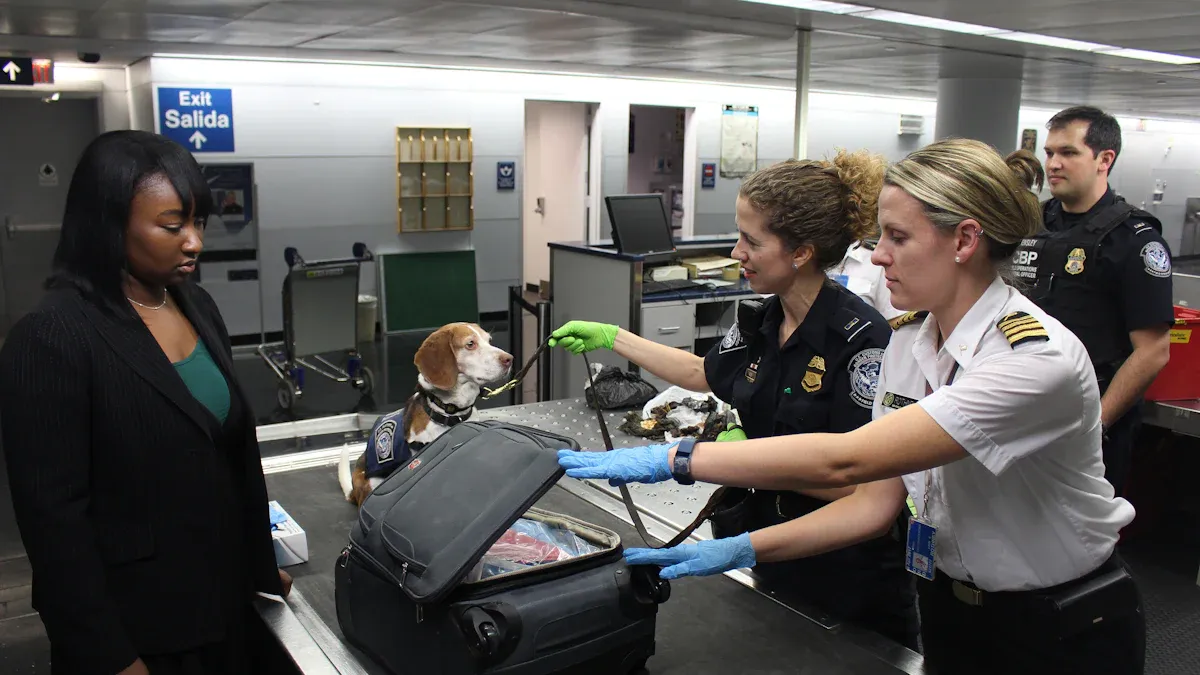
Physical security
You need to keep your smart store safe from theft. You also must stop people who should not enter. Airports have very strict rules for physical security. You must control who can go into each area of your store. Use access controls like key cards or biometric scanners. These tools help you pick who can enter and who cannot.
You should put up surveillance cameras in your store. Cameras watch your store all day and night. They help you see problems before they get worse. Alarm systems are important too. If someone tries to break in, alarms tell security teams right away.
Here are some important steps for strong physical security:
Use access controls at every door.
Put up cameras to watch all the time.
Set up alarms to warn about break-ins.
Check for new risks often.
Teach your staff how to handle security problems fast.
Doing these things helps make your store safer for everyone.
Integration with airport systems
Your smart store must work with the airport’s main systems. This means your alarms, cameras, and access controls should connect to the airport’s control room. If something bad happens, airport security can help quickly.
You also need to share important data with airport staff. For example, you may need to report who enters secure areas or when alarms go off. Working together helps keep the airport safe.
Tip: Test your systems often to make sure they work with airport controls.
Emergency procedures
You must have clear plans for emergencies. These plans cover fires, medical problems, and security threats. Make sure every worker knows what to do in each case.
Put emergency instructions where everyone can see them. Hold drills so your team can practice. Keep emergency exits open and easy to find. Acting fast can save lives and protect your store.
When you get ready for emergencies, you help everyone stay safe and calm.
Data privacy compliance requirements
Passenger data storage
You work with lots of passenger information in your smart store. It is very important to keep this data safe. You need to use strong ways to stop hackers and other dangers. Here are some good steps you should take:
Use strong encryption to keep all data safe.
Store data in safe places only trusted staff can reach.
Set up strict access controls so only the right people see or use the data.
These steps help stop people who should not see private information. You should also check your systems often for weak spots. When you keep passenger data safe, customers trust you and you follow the law.
Data transmission regulations
You must keep passenger data safe when you send it anywhere. Data moves between your store, airport systems, and sometimes outside partners. You need to use safe channels like encrypted networks. Never send sensitive data over open or public networks.
Tip: Always use secure connections, like VPNs or HTTPS, when sending data.
You should also keep records of when and how you send data. This helps you find problems and show you follow the rules. If you share data with other companies, make sure they follow the same strict rules as you.
Compliance with ICAO Annex 9/17
You must follow international rules for handling passenger data. The International Civil Aviation Organization (ICAO) makes these rules in Annex 9 and Annex 17. These rules tell you how to protect passenger privacy and keep data safe during travel.
ICAO Annex | Focus Area | What You Must Do |
|---|---|---|
Annex 9 | Facilitation | Protect passenger data and privacy |
Annex 17 | Security | Prevent misuse of passenger information |
You should look at these rules often. Make sure your store’s policies match what ICAO wants. This helps you avoid fines and keeps your store running well.
Accessibility and ADA compliance
ADA standards in smart stores
You have to follow ADA standards in your airport smart store. ADA means Americans with Disabilities Act. This law makes sure everyone can use public places. Your store must be easy for people with disabilities to shop. Put touchpoints between 15 and 48 inches high. Make aisles wide enough for wheelchairs. Add ramps if people need them. Use screens with strong contrast for people who cannot see well. Give audio instructions for people who cannot see. Put Braille labels on kiosks for blind people. ADA compliance lets you help all customers and makes your store friendly.
ADA compliance is more than just a rule. It shows you care about every traveler and helps you earn trust.
Biometric tech and accessibility
Biometric technology changes how you help customers. You use facial recognition and fingerprint scanners to make shopping faster. These tools help you cut down lines and speed up checkout. Adrian Thompson, Founder and Chief Solution Architect at imageHOLDERS, says biometric kiosks help both speed and customer experience. You can add features to kiosks that help everyone:
Audio prompts help people who cannot see the screen.
High-contrast displays help people with vision problems.
Braille labels help blind users find buttons.
Modular designs work for different needs and abilities.
Biometric kiosks help stop digital exclusion. You make sure people with mobility, language, or tech problems can use your store. ADA compliance becomes a sign of good design. You help all customers have a good experience.
Maintenance of accessible features
You must keep accessible features working every day. Check ramps, screens, and audio guides often. Fix broken things right away. Train your staff to help customers with disabilities. Keep walkways clear and free from things in the way. Update your technology to meet new rules. When you take care of these features, you show you care about accessibility. Regular checks help you avoid fines and keep your store safe for everyone.
Tip: Plan monthly checks for all accessible features. This helps you find problems early and keeps your store ready for every traveler.
Retail and storage compliance
Licensing and permits
You need special licenses to run your smart store in an airport. Airports have many rules for every business. You must get permission from airport leaders before opening. You also need retail licenses from the government. These licenses prove you follow the law and sell allowed products.
Tip: Keep all your licenses in your store. This helps you answer inspector questions fast.
If you sell food, alcohol, or tobacco, you might need more permits. Ask airport managers and local offices what you need. Update your permits every year. If you forget, you could get fined or lose your store.
Product and duty-free rules
There are special rules for selling things in airports. Duty-free shops let travelers buy items without local taxes. You need a duty-free license to sell these items. Only some things, like alcohol, perfume, and tobacco, can be duty-free.
Product Type | Duty-Free Allowed? | Extra Rules |
|---|---|---|
Alcohol | ✅ | Age checks required |
Tobacco | ✅ | Limit on quantity |
Perfume/Cosmetics | ✅ | Must seal items |
Electronics | ❌ | Regular taxes apply |
You must check each customer’s boarding pass before selling duty-free. This shows they are leaving the country. You also need to keep a record of every sale. Customs officers can check your records at any time.
Specialized storage requirements
You must store products safely and follow airport rules. Some items need extra care. For example, keep alcohol and tobacco in locked cabinets. Store medicine in cool places. Sports gear or medical devices may need smart lockers.
Label all storage areas clearly.
Check storage temperatures every day.
Lock up expensive items when not in use.
Note: Good storage keeps products safe and helps you pass checks.
Train your staff to store and handle items the right way. This keeps your store safe and legal.
Technology and GIS for compliance
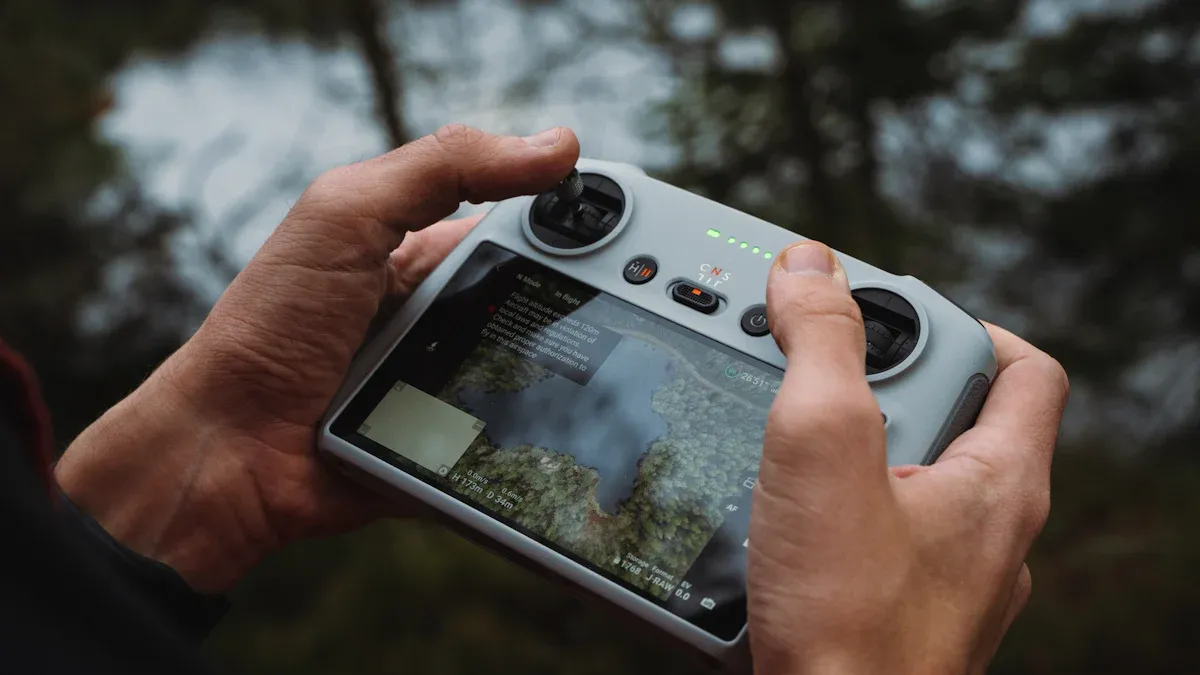
GIS in maintenance workflows
You can use GIS technology to make your maintenance tasks easier and more organized. GIS stands for Geographic Information Systems. This tool helps you see where things are in your store and airport. You can track assets, plan repairs, and check inspections with GIS. When you use GIS, you get a clear map of your store and airport areas.
GIS simplifies airfield inspections. You can see which parts need checking.
It organizes work orders. You know what needs fixing and when.
GIS monitors facility assets. You can spot problems before they get worse.
The data-centric approach lets you make smart choices. You see facts, not guesses.
GIS also helps you manage terminal work orders and runway signs. You can control costs and keep assets working well. Field crews use GIS to get information for their daily jobs. They update the system as they finish tasks. This keeps your records up to date and helps you prove you follow safety rules.
GIS gives you power to document safety inspections. You make sure work orders finish on time and nothing gets missed.
Tech solutions for monitoring
Smart stores need strong tech solutions to keep up with compliance. You can use sensors, cameras, and software to watch your store. These tools help you spot risks and fix problems fast. Sensors track temperature in storage areas. Cameras watch entrances and exits. Software alerts you if something goes wrong.
You can connect these tools to your airport’s main systems. This lets you share important information with airport staff. You get real-time updates and can act quickly. Tech solutions help you keep your store safe, legal, and ready for every traveler.
Tip: Use automated alerts to catch issues early. This keeps your store running smoothly and helps you stay compliant.
Ongoing compliance management
It takes constant work to keep up with compliance in your airport smart store. You must check your systems often. Train your team so they know what to do. Work with airport leaders to stay updated. These steps help you stop problems before they start. They also help your store stay safe and follow the law.
Regular audits
You need to do regular audits to make sure your store follows all rules. Audits help you find problems before they get worse. Use checklists for security, data privacy, accessibility, and retail rules. Look at your records and test alarms and cameras. Fix any issues as soon as you find them. Audits show airport leaders and inspectors that you care about safety and rules.
Tip: Plan audits every three months. This helps you find problems early and keeps your store ready for surprise checks.
Staff training
Your team needs good training to follow compliance rules every day. Training helps your staff learn faster and make fewer mistakes. You can use learning paths, mobile lessons, and track progress in real time. Automated reports show who finished training and who still needs help.
Training Outcome | Impact on Compliance |
|---|---|
Time-to-proficiency | |
Reduction in training-related findings | 85% reduction during audits |
Scenario-based practice lets your team try real-life problems. They can learn how to spot safety risks or handle emergencies. This hands-on training gets your team ready for anything. When you spend time on training, your store becomes stronger and safer.
Collaboration with authorities
You need to work with airport authorities and regulators. Share updates about your store and ask for advice. Go to meetings and join safety drills. Report any problems right away. Good communication helps you learn new rules and keep up with changes. Working together makes the airport safer for everyone.
Note: Build strong relationships with airport leaders. This makes it easier to fix problems and keep your store open.
Ongoing compliance is not just one job. You must check, train, and work with others all year. This keeps your store safe, legal, and trusted by travelers.
You have to follow rules for security, data privacy, accessibility, and retail to run a smart store in an airport. Following these rules helps your store in many ways:
Safety problems go down by 85%.
You pass more audits, up by 75%.
You get fewer fines, down by 90%.
You can save more than $25,000 every year.
Here are some important things to remember:
Keep customer data safe so people trust you.
Follow payment rules to stop cheating and stealing.
Obey airport rules so your store can stay open.
Always pay attention, use new technology, and work with airport leaders to keep your store safe and legal.
FAQ
What are the main compliance areas for airport smart stores?
You need to focus on four big things. These are security protocols, data privacy, accessibility standards, and retail regulations. These rules help keep your store safe and legal. They also make sure all travelers can use your store.
How can I protect passenger data in my smart store?
Use strong encryption to keep data safe. Only let trusted staff see private information. Always send data using secure networks like VPNs or HTTPS. Check your data rules often to make sure you follow the law.
Why is ADA compliance important for my airport smart store?
ADA compliance helps everyone use your store, even people with disabilities. It makes shopping better for all customers. It also helps you avoid getting in trouble with the law.
How often should I conduct compliance audits?
You should plan audits every three months. Regular checks help you find problems early. This keeps your store safe and ready for any inspection.
What role does technology play in compliance management?
Technology helps you watch over your store and keep it safe. Biometric systems, sensors, and GIS help you track security and maintenance. These tools make following the rules easier and more dependable.
See Also
Upcoming Changes to Walmart's Self-Checkout System in 2025
Comparing Micromarkets and Smart Stores in Global Retail
The Future of Retail: Embracing AI-Driven Stores
Walgreens Self-Checkout: Benefits and Obstacles in Retail
Space-Efficient Snack Vending Machines for Contemporary Environments
