How computer vision enables accurate checkout in convenience store chains & small-format grocery.

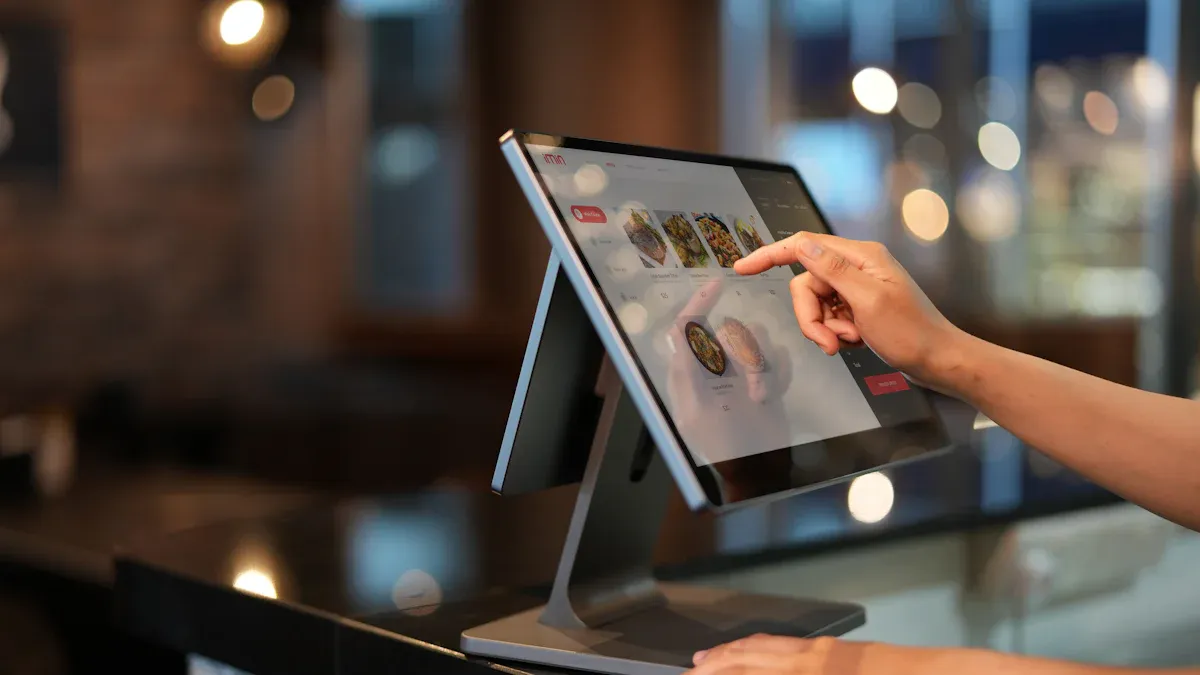
Imagine walking into your neighborhood grocery store, picking up a snack, and heading straight out the door. You do not need to wait in line or scan items. Computer vision systems use cameras, sensors, and artificial intelligence to track your selections and make checkout more accurate. Stores like Amazon Go combine shelf sensors with image recognition to spot what you take and return, even if you move items around. This technology helps stores reduce errors, boost profits, and improve your shopping experience.
Key Takeaways
Computer vision technology allows for automated item recognition, making checkout faster and more accurate without the need for scanning barcodes.
Real-time error detection helps reduce transaction mistakes, leading to fewer staff interventions and a smoother shopping experience.
Integration with point-of-sale systems enables quick and secure payments, allowing customers to check out without waiting in long lines.
Retailers benefit from improved inventory tracking, ensuring shelves are stocked and reducing lost sales due to out-of-stock items.
Privacy measures are in place to protect customer data, focusing on actions rather than identities to build trust in computer vision systems.
Computer Vision for Checkout Accuracy
Automated Item Recognition
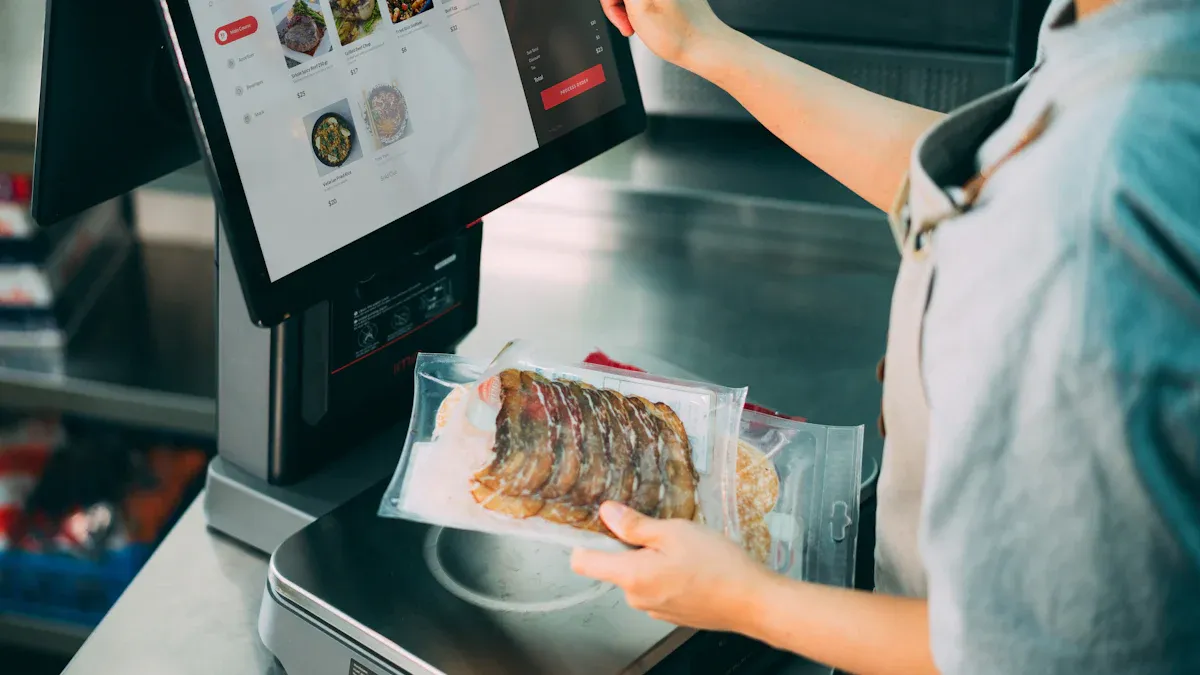
You see computer vision at work when you pick up an item and the system knows exactly what it is. Cameras and sensors watch what you take from the shelf or place in your cart. These tools use artificial intelligence to recognize each product, even if you move things around or put them back. Stores use this technology to match you with a virtual basket, so every item you select gets tracked.
Here is a table showing the main parts of these systems:
Component | Description |
|---|---|
Automated Self-Checkout | Finds and identifies products at the self-checkout station. |
Loss Prevention | Checks for high-risk items using object, text, and barcode recognition. |
Shopping Cart | Detects when you add or remove items from your cart. |
Autonomous Stores | Connects you to a virtual basket and tracks what you pick up or return. |
Core Service Modules | Provides the base for building AI-powered checkout experiences. |
Middleware and Frameworks | Helps developers build and connect solutions faster. |
Client Libraries | Supports different programming languages for easy setup. |
Pre-validated Data | Uses special data to make sure the system works well and can grow with your store. |
With computer vision, you do not need to scan barcodes or rely on staff to check every item. The system recognizes products quickly and reduces mistakes. This makes your checkout experience smoother and more accurate.
Real-Time Error Detection
Computer vision does more than just recognize items. It also checks for errors as you shop. The system uses deep learning to watch for missed scans or suspicious actions. It looks at how you move your hands and checks if you scan each item correctly. If something goes wrong, the system gives instant feedback or alerts staff right away.
Here are some ways computer vision detects errors:
Visual deep learning finds fraud as it happens.
Hand movement analysis checks if you scan items the right way.
Barcode validation looks for mistakes in scanning.
Item-level recognition makes sure each product is labeled correctly.
You benefit from real-time alerts and quick responses. This means fewer mistakes and less need for staff to step in. For example, stores have seen a 2% drop in transaction errors, which leads to 15% fewer staff interventions. New features like multi-scale attention help the system tell similar-looking products apart, so you get charged for the right item every time.
Integration with POS Systems
Computer vision connects with point-of-sale (POS) systems to make payment easy and secure. Cameras and AI track what you buy and send this information to the POS. This helps prevent theft and keeps inventory up to date. You can pay quickly, often with your phone or a mobile wallet, without waiting in line.
Self-checkout POS systems use computer vision and AI to let you handle most of the transaction yourself. This reduces the need for staff and speeds up the process. Stores can add these systems to their current setup by using middleware or APIs. This helps old and new systems work together, so you do not need a full upgrade.
Tip: When stores use edge computing, they process data right in the store. This makes real-time checkout possible and keeps your information safe.
Computer vision makes checkout faster, more accurate, and easier for everyone.
Benefits for Retailers and Shoppers
Fewer Transaction Errors
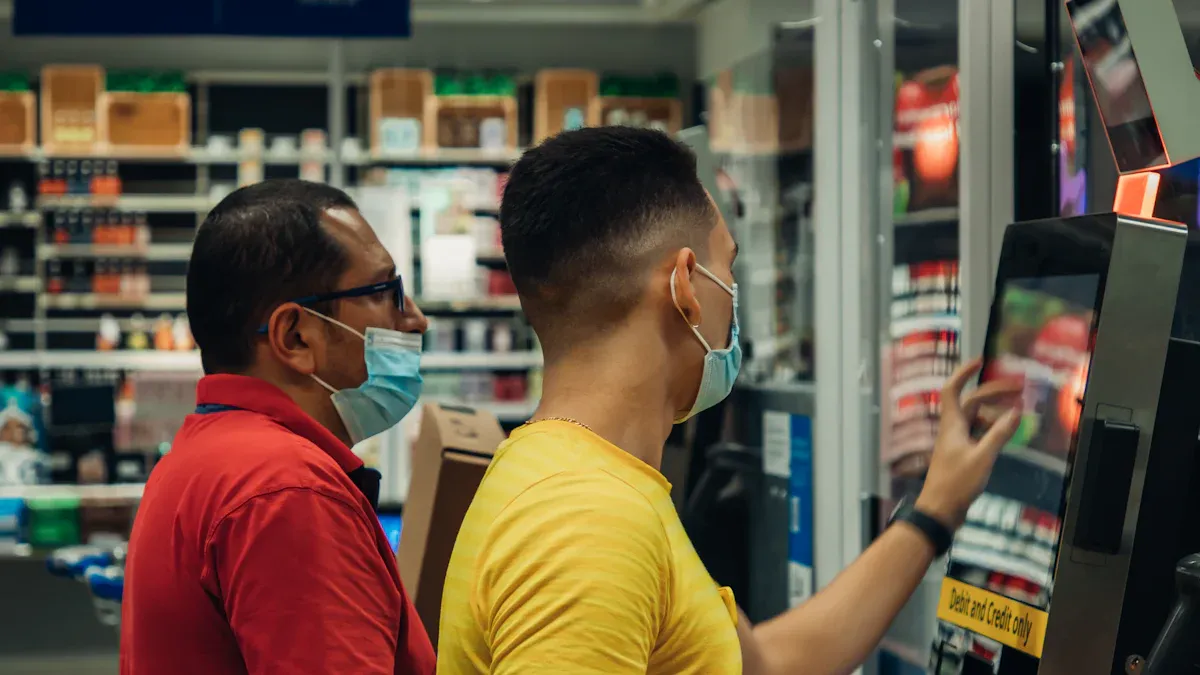
You want every purchase to be correct. Computer vision helps you and store owners by making sure each item gets counted and charged properly. Stores like Walmart and 7-Eleven use smart checkout systems with cameras that watch purchases in real time. Grabango found that using this technology led to a nearly 60% drop in partial shrink after studying over 37,000 transactions. These systems catch mistakes and stop fraud before it happens. You get fewer errors at checkout, and stores lose less money from missing items or dishonest actions.
Retailers see up to 80% less shrinkage after adding computer vision.
The system checks for mistakes and asks you to fix them right away.
You experience fewer staff interventions and more accurate receipts.
Note: Computer vision turns shrinkage from a risky problem into something stores can control.
Faster Checkout Process
You do not want to wait in long lines. Computer vision makes checkout much faster. AI-powered systems scan items in less than a second. The whole process can take as little as 6 seconds, compared to 44 seconds with a cashier and 88 seconds with traditional self-checkout. Stores using these systems can handle more customers every hour.
Metric | Traditional Systems | Vision-Powered Systems | Difference |
|---|---|---|---|
44 seconds | Twice as fast | ||
Self-Checkout Time | 88 seconds | 22 seconds | Four times faster |
Item Scan Time | 10-15 seconds | 0.5 seconds | Much faster |
You finish shopping quickly and enjoy a smoother experience.
Improved Inventory Tracking
You want your favorite products to be in stock. Computer vision helps stores track inventory in real time. Cameras and AI watch shelves and spot empty spaces or misplaced items. The system can alert staff or even order new stock automatically. This means you find what you need more often and stores avoid lost sales.
Real-time tracking keeps shelves full.
Automated restocking reduces human error.
Smart cameras detect empty shelves and damaged items.
Tip: Stores use computer vision to make better decisions about what to order and when to restock.
You benefit from fewer out-of-stock moments and a more reliable shopping trip.
Computer Vision Technology in Checkout
Cameras and Shelf Sensors
You see cameras and shelf sensors working together every time you shop in a smart store. Ceiling-mounted cameras capture everything that happens in the aisles. Shelf-edge cameras focus on specific products and help track what you pick up or put back. Many stores also use their existing CCTV systems to watch shelves more closely.
Cameras with high resolution and fast frame rates capture clear images.
Sensors measure the weight and presence of items on shelves.
The system checks for empty spaces and sends alerts when products run out.
Cameras and sensors compare real-time images to reference images to spot misplaced items.
Tip: Continuous image capture helps staff restock shelves quickly, so you always find what you need.
AI Algorithms for Product Identification
AI algorithms help the system recognize products with great accuracy. When you grab an item, the system uses image recognition and machine learning to identify it. This process updates inventory levels right away and helps stores manage stock better.
AI improves product recognition, even for items that look similar.
The system can suggest products you might like based on your shopping habits.
Real-time updates keep inventory counts correct.
You get a smoother shopping experience because the system knows what you want and helps you find it.
RFID and Autonomous Systems
RFID tags and autonomous systems make checkout even faster. RFID tracks products in real time, so stores know exactly what is on the shelves. Computer vision works with RFID to identify and track both products and customers. This combination allows for cashier-less shopping.
Amazon Go stores use hundreds of cameras and computer vision to watch what you do and add items to your virtual cart automatically.
RFID Advantages | RFID Limitations | Computer Vision Advantages | Computer Vision Limitations | |
|---|---|---|---|---|
Cost Efficiency | Good for high-value items | Tags add extra cost | Best for busy stores | High camera network cost |
Implementation | Easy with old systems | Needs tags on every item | No tagging needed | Needs many cameras |
Inventory Accuracy | Tracks large inventories well | Costly for disposable goods | Great for checkout automation | Can struggle in crowded stores |
Speed | Cuts inventory time in half | Reduces checkout lines | ||
Privacy | Cameras may concern customers |
You benefit from quick, accurate checkouts and better product availability.
Challenges and Solutions
Privacy and Data Security
When you shop in a store with computer vision checkout, you might wonder how your privacy stays protected. These systems watch your actions, not your identity, which helps keep your personal data safe. Stores follow strict privacy rules, such as GDPR, to protect your rights. They also use secure data storage and limit who can see your information.
Privacy Measure | Description |
|---|---|
Monitoring Actions | Focuses on actions rather than identities, reducing personal data exposure. |
Compliance with GDPR | Ensures that systems adhere to privacy standards, protecting customer rights. |
Secure Data Storage | Protects customer information from unauthorized access. |
Restricted Access | Limits who can view personal data, enhancing security. |
Note: Some shoppers worry about being watched or tracked. Stores must be open about how they use data to build trust.
Cost and Implementation
You may notice that setting up computer vision checkout can cost a lot. Basic self-checkout units range from $3,000 to $8,000 each. Advanced units with AI and sensors can cost $10,000 to $20,000 or more. Stores also pay for software licenses and maintenance every year.
Cost Aspect | Price Range (USD) | Notes |
|---|---|---|
Basic Self-Checkout Units | $3,000 - $8,000 per unit | Standard retail units average $4,500 - $6,500 |
Advanced Units | $10,000 - $20,000+ | Includes AI, sensors, RFID; some exceed $25,000 |
Software Licensing | $1,500 - $5,000 annually | Per unit, recurring cost |
Maintenance & Support | $500 - $3,000 annually | Per unit, varies by service level |
You can lower costs by mapping your current processes and finding where computer vision adds the most value. Setting clear rules for alerts and interventions helps your team work better and keeps costs down.
Difficult Product Identification
Some products, like loose fruit or unpackaged items, can be hard for cameras to recognize. You want the system to get it right every time. AI-powered image recognition now helps stores identify these tricky items more accurately. Self-checkout systems use this technology to tally products automatically and reduce mistakes.
AI can spot and count unpackaged goods, like apples or bread rolls.
Cameras monitor checkout lines and help stores adjust staffing when needed.
Automated recognition means you spend less time fixing errors at checkout.
Tip: Stores that use advanced image recognition give you a faster and more reliable shopping experience.
Future of Computer Vision in Retail
Emerging Trends
You will see new trends changing how stores use technology. AI, computer vision, and RFID work together to make shopping easier. You can check out faster because the system recognizes items without barcodes. Stores use real-time inventory management and loss prevention to keep shelves stocked and safe. You also benefit from customer behavior analysis, which helps stores understand what you like.
Enhanced self-checkout processes let you pay quickly.
Real-time inventory management keeps your favorite products available.
Loss prevention protects stores and shoppers.
Customer behavior analysis helps stores offer better deals.
Amazon Go stores use computer vision and sensors to let customers 'grab and go' without a traditional checkout counter.
AI can recognize products visually, enabling faster self-checkout processes.
Amazon Go stores utilize computer vision to allow customers to shop without traditional checkout.
Scalability for Small Stores
You may wonder how small stores can use these new systems. Advanced AI-powered kiosks help small shops recognize products automatically. Natural language processing lets you ask for help using your voice. Biometric authentication, like facial recognition or fingerprint scanning, makes your transactions secure. Backend integration gives stores real-time inventory updates and personalized offers.
Technology Aspect | Description |
|---|---|
Advanced AI-powered kiosks | Utilize computer vision for automatic product recognition. |
Natural language processing capabilities | Provide voice assistance to customers. |
Biometric authentication options | Include facial recognition and fingerprint scanning for secure transactions. |
Backend integration | Features like real-time inventory updates and tailored offers based on customer purchase history. |
Impact on Customer Experience
You will notice big changes in your shopping experience. Computer vision automates inventory management, so stores run smoothly. You get personalized product recommendations based on your shopping habits. Faster checkout means less waiting and more satisfaction. Stores use heatmaps to see where you spend time and which products you like. Dwell times help stores improve displays. Instant access to shopper behavior data lets stores make quick decisions.
Automated inventory management improves efficiency.
Personalized shopping experiences make you feel valued.
Enhanced checkout processes reduce wait times and boost loyalty.
Heatmaps and dwell times help stores create better displays.
Quick access to shopper data leads to timely improvements.
Computer vision gives you faster, more accurate checkouts and helps stores run better. You see fewer errors and enjoy a smoother shopping trip. Stores use real-time data to fix problems before they affect you.
Benefit | Description |
|---|---|
Real-time decision-making | Problems are fixed before they erode sales or satisfaction, reducing out-of-stock events significantly. |
Improved customer experience | Features like checkout-free stores and smart carts create a smoother, more personalized shopping experience. |
Shrinkage reduction | CV fraud detection has led to shrink reductions of up to 60% and faster incident resolution. |
Enhanced operational efficiency | Shelf analytics achieve over 99% accuracy, increasing audit frequency and reducing manual labor. |
You may notice new features like smart carts and digital displays that react to your activity. As more stores adopt these tools, you will see even better service and more choices. Now is a great time to think about how computer vision could help your store grow and improve.
FAQ
How does computer vision know which items you pick up?
Cameras and sensors track your movements. AI matches your actions to products on the shelf. You get charged for what you take.
Tip: The system uses image recognition to avoid mistakes.
Is your personal data safe when you shop with computer vision?
You stay protected because stores focus on your actions, not your identity. Data gets stored securely.
Note: Stores follow privacy laws like GDPR.
What happens if the system makes a mistake?
You see an alert right away. Staff can help you fix the error.
Most systems let you review your basket before payment.
Can small stores afford computer vision checkout?
You find affordable options like AI kiosks and smart cameras. Many systems work with existing equipment.
Solution | Cost Range |
|---|---|
AI Kiosk | $3,000-$8,000 |
Smart Camera | $500-$2,000 |
See Also
Navigating Walgreens Self-Checkout: Benefits And Hurdles In Shopping
Discovering Cashierless Shopping Solutions With Cloudpick Technology
Understanding The Growth Of AI-Driven Convenience Stores Today
Upcoming Changes To Walmart Self-Checkout By 2025 Revealed
Comparing Micromarkets And Smart Stores In Global Retail Automation
