How computer vision enables accurate checkout in Corporate offices & tech parks.

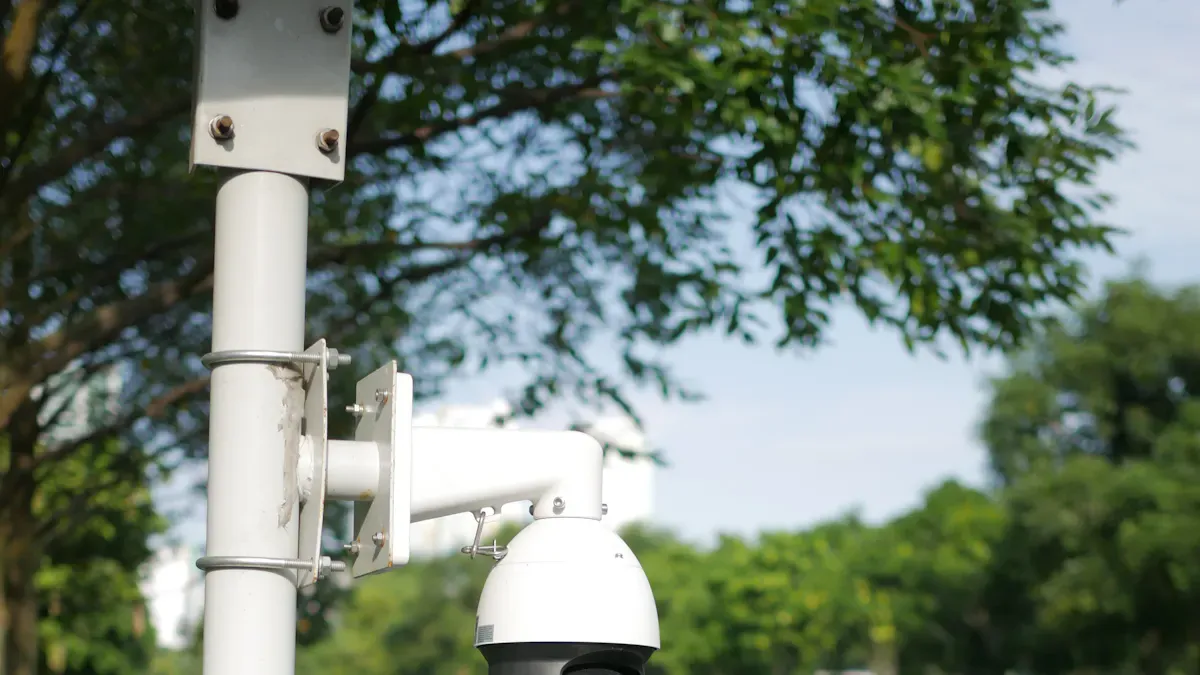
You see computer vision changing how you experience checkout in corporate offices and tech parks. AI-powered systems use cameras to create streamlined checkout, which gives you faster and more accurate transactions. You gain convenience because you spend less time finding items and face fewer errors. The table below shows how these systems outperform traditional checkout:
Metric | Traditional Checkout | AI-Powered Checkout | Improvement |
|---|---|---|---|
Average Item-Finding Time | 10 seconds | 70% reduction |
AI reduces false-positive rates in fraud detection, so you deal with less customer friction. Streamlined checkout makes your office visits easier and more pleasant.
Key Takeaways
Computer vision speeds up checkout by recognizing items instantly, reducing wait times significantly.
AI-powered systems lower errors in transactions, ensuring you pay for the correct items without manual scanning.
Automated checkout systems cut labor costs, allowing businesses to focus on improving customer service.
Real-time inventory tracking helps stores maintain stock levels, so you find what you need without delays.
Privacy measures, like data anonymization and encryption, ensure your information remains secure while using these technologies.
Computer vision for streamlined checkout
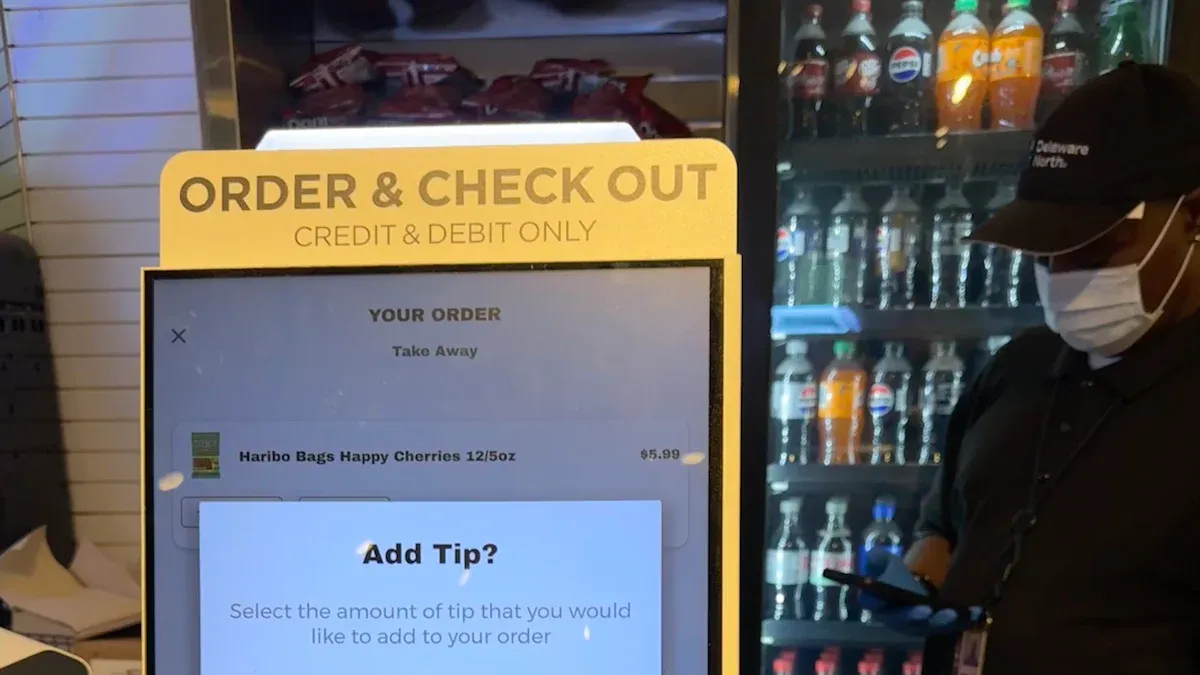
How AI cameras enable accurate transactions
You see computer vision changing the way you check out in offices and tech parks. AI-enabled cameras watch the checkout area and identify every item you pick up. These cameras use advanced algorithms to recognize products without needing barcodes. This means you do not have to scan each item by hand. The system tracks your actions and records each product you select.
You benefit from faster transactions because the system recognizes products automatically. You do not wait for a cashier to scan barcodes. The process becomes smooth and quick. You also see fewer mistakes. The technology can tell the difference between similar-looking products, so you get the right items on your bill. You do not need to worry about errors that come from manual scanning.
You notice that the elimination of barcodes brings several advantages:
The checkout process becomes faster because you do not need to scan each item.
The system reduces errors by distinguishing between products that look alike.
You experience fewer delays because employees do not need to step in as often.
AI-powered cameras help you avoid common problems in traditional checkout. You do not have to deal with long lines or slow service. The system works in the background, making your shopping experience better.
Object recognition and real-time tracking
Computer vision uses object recognition to identify every product you interact with. The system watches your movements and keeps track of what you pick up or put back. Real-time tracking means the system updates your cart instantly. You see the total change as you shop, which helps you stay aware of your purchases.
You get higher inventory accuracy because the system knows exactly what is on the shelf and what you have taken. Real-time inventory tracking helps the store keep products in stock. You do not find empty shelves or missing items as often.
Here are some of the latest advancements in object recognition and real-time tracking for checkout automation:
Advancement | Description |
|---|---|
AI-Powered Object Detection | Lets you scan items for real-time stock updates and personalized suggestions. |
Real-Time Inventory Monitoring | Keeps track of stock levels and helps you find what you need quickly. |
Enhanced Customer Experience | Offers digital signs and suggestions based on your past choices. |
Security Systems | Spots unusual behavior and improves loss prevention. |
Store Operations | Uses machine vision for stock control and helps design better store layouts. |
AI-Enabled Point of Sales | Watches self-checkout to reduce mistakes and improve your experience. |
You see automation making the checkout process more reliable. Real-time location systems replace barcode or RFID scanning. This reduces errors and makes the process more accurate. The system gives you real-time updates, so you always know what is in your cart. You do not face delays because the right products are available when you need them.
You may notice that AI sometimes faces challenges. For example, if you pick up and examine a product, the system might get confused. Fast movements, especially by children, can also cause tracking problems. In controlled tests, AI systems reach high accuracy, but real-world shopping can be unpredictable. Even with these challenges, autonomous checkout solutions keep improving and offer you a better experience.
Computer vision and automation work together to make your checkout faster, more accurate, and more convenient. You spend less time waiting and more time enjoying your day.
Key use cases in offices and tech parks
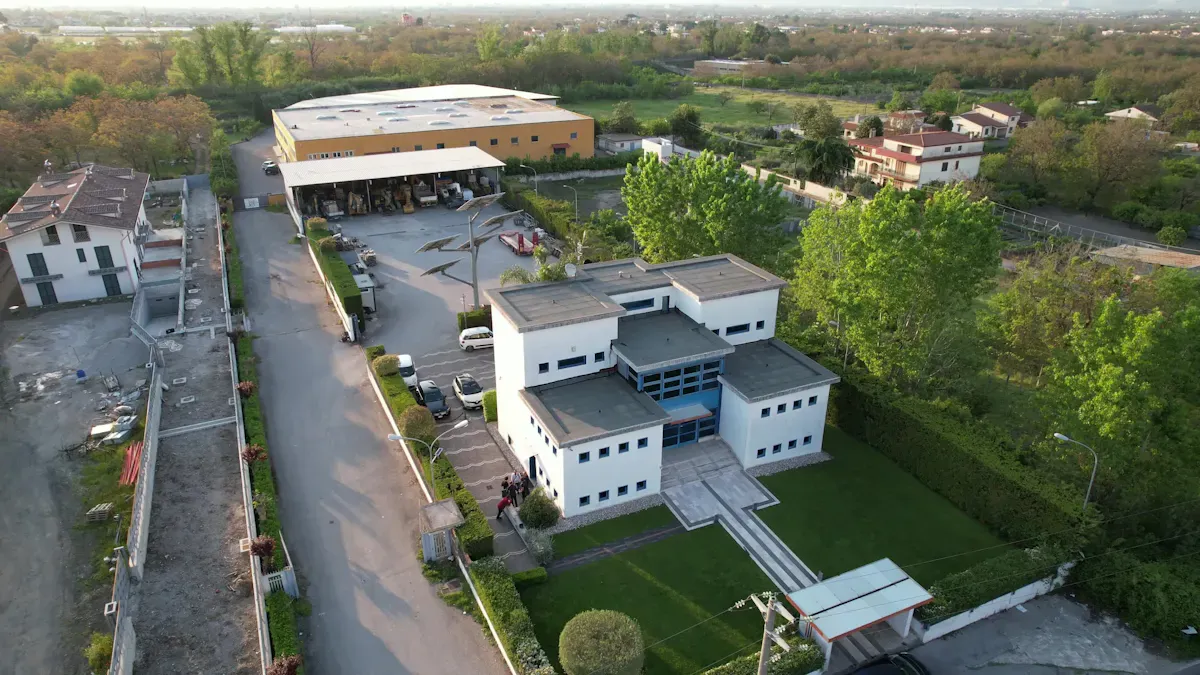
Automated cafeterias and cashierless stores
You see computer vision in retail changing how you buy food and snacks in corporate offices. Automated cafeterias and cashierless stores use computer vision to let you grab what you need and walk out. You do not wait in line or scan items. The system tracks your choices and updates your cart instantly. This cashierless checkout model improves operational efficiency. Businesses operate with fewer staff and still meet your needs. You get faster service and enjoy a smoother customer experience. Companies save money by reducing labor costs. The global retail market grows as more businesses use automation to serve customers quickly and stay competitive.
You can explore real-world examples of cashierless stores in tech parks and offices:
Case Study | Link |
|---|---|
Access control and visitor management
You experience computer vision in retail when you enter offices and tech parks. The system uses cameras to verify your identity and track visitors. You do not need to check in manually. Computer vision improves security and makes access control easier. You move through gates and doors without delays. The technology helps manage visitor flow and keeps your office safe. You see fewer errors in cart verification and checkout. The system records who enters and leaves, so you get accurate visitor logs.
Data insights from computer vision in retail
Computer vision in retail gives you valuable data insights. The system tracks how you move, what you buy, and how you use office spaces. You see predictive analytics that forecast demand and staffing needs. Customer journey tracking helps companies design better layouts and improve customer experiences. Revenue optimization identifies bottlenecks and high-performing areas. Inventory management automation detects out-of-stock items and compliance issues. Task management monitors completion and gives real-time feedback. Compliance tracking ensures stores follow merchandising standards. Queue optimization analyzes wait times and improves customer flow. Strategic insights help companies understand customer behavior and find growth opportunities.
Insight Type | Description |
|---|---|
Predictive Analytics | Forecasts demand, staffing needs, and inventory requirements using historical and real-time data. |
Customer Journey Tracking | Analyzes customer movement and engagement to inform layout and marketing strategies. |
Revenue Optimization | Identifies operational bottlenecks and high-performing areas to maximize sales. |
Inventory Automation | Detects out-of-stock items and compliance issues through shelf image analysis. |
Task Management | Monitors task completion and provides real-time feedback to improve store performance. |
Compliance Tracking | Automates monitoring of store conditions to ensure adherence to merchandising standards. |
Queue Optimization | Analyzes queue lengths to improve customer flow and reduce wait times. |
Strategic Insights | Provides deeper understanding of customer behavior and store dynamics for growth opportunities. |
You see computer vision in retail helping organizations optimize office amenities and services. Real-time monitoring detects changes in occupancy and environmental conditions. Equipment issue detection ensures timely maintenance. Space utilization analysis helps companies use office space better. Space analytics measure and improve resource allocation. Demand forecasting uses machine learning to suggest layout changes based on usage patterns.
Use Case | Description |
|---|---|
Real-time Monitoring | Detects changes in occupancy and monitors environmental conditions without constant human oversight. |
Equipment Issue Detection | Identifies equipment issues to ensure timely maintenance and reduce downtime. |
Space Utilization Analysis | Aggregates data from various sources to assess how spaces are used and optimize layouts. |
Space Analytics | Helps monitor, measure, and improve the use of office space, leading to better resource allocation. |
Demand Forecasting | Uses machine learning to analyze data and suggest layout optimizations based on usage patterns. |
You see computer vision in retail making your office more efficient, safer, and smarter. The technology improves checkout, cart verification, inventory management automation, and customer experience. You benefit from faster service, better amenities, and improved customer experiences.
Business benefits of computer vision checkout
Speed and efficiency gains
You notice that computer vision transforms the speed of your transactions. AI-powered systems recognize items almost instantly. You spend less time waiting in line and more time enjoying your day. The technology tracks your movements and updates your cart in real time. At King Power Stadium, transaction times dropped from 70 seconds to 18 seconds. Ford Field saw average transaction and queuing times cut by half, which led to a 139% increase in sales. Computer vision also helps businesses analyze queue dynamics and customer behavior. This allows managers to make decisions that reduce wait times and improve flow.
Metric | Standard POS Time | Improvement | |
|---|---|---|---|
Time to recognize items | 16+ seconds | < 1.5 seconds | ~10 times faster |
Transaction throughput | N/A | Up to 4 times | Increased efficiency |
Sales volume per hour | N/A | 40% increase | Increased revenue |
Cost savings and labor optimization
You see computer vision reducing costs for your office. Automated checkout systems require fewer staff for manual tasks. Supermarkets expect a 10% reduction in labor costs by 2025. Businesses redirect employees to roles that improve customer service. You benefit from better support and faster help. Automated systems also lower expenses for hiring and training. Companies save money on wages and indirect costs. You experience a more efficient workplace with staff focused on your needs.
Automated checkout systems reduce labor costs by 10%.
Staff move to roles that enhance customer service.
Businesses spend less on hiring and training.
Enhanced employee experience
You enjoy a better work environment with computer vision. The technology streamlines daily routines and removes tedious tasks. Employees spend less time on manual checkout and more time helping you. You get faster service and more attention. Computer vision improves accuracy, so you face fewer mistakes and delays. The system creates a smoother experience for everyone in the office. You feel valued and supported, which boosts morale and productivity.
Tip: When your office uses computer vision, you gain faster transactions, lower costs, and a more enjoyable workplace.
Implementation and privacy considerations
Integration with existing systems
You may wonder how to connect new technology with your current office tools. Many offices use older systems for payments and inventory. Sometimes, these systems do not work well with modern solutions. You need to plan carefully to avoid problems. Computer vision can help you manage inventory in real time and improve service. You can use user-friendly screens that guide you through the process. Mobile apps can also make your experience smoother by letting you scan items with your phone. Advanced AI makes the system smarter and more secure. However, you might face technical issues, like system malfunctions or the need for customer support. You should keep staff nearby to help when needed.
Tip: Always test new systems with your current setup before using them fully. This helps you find and fix problems early.
Challenge | Description |
|---|---|
Resistance to change | Staff may not want to switch from old systems. |
Data silos | Poor integration can cause information to get stuck in one place. |
Integration complexities | Old and new systems may not work well together. |
Real-time processing | Slow image analysis can make the process less smooth. |
Privacy concerns | Cameras can raise questions about how data is used. |
Privacy and data security
You must protect the privacy of everyone in your office. When you use cameras, you collect images and data. You need to follow strict privacy laws, like GDPR and CCPA. Leading providers use anonymization to hide personal details. They also use encryption to keep visual data safe from hackers. You should always ask for consent before collecting data. Clear and open data policies help you build trust with employees and visitors. If you do not follow these rules, you could face large fines and damage your reputation.
Follow privacy laws to avoid legal trouble.
Encrypt all visual data.
Get consent from everyone involved.
Share clear data policies with your team.
Staff training and change management
You need to prepare your staff for new technology. Training helps everyone learn how to use the system and solve problems. When you train both staff and customers, you reduce confusion and make the process smoother. Some people may not want to change, so you should explain the benefits and offer support. Good training programs help you manage customer flow and improve the overall experience.
Note: Regular practice and feedback sessions help your team feel confident with computer vision systems.
You see computer vision transforming your workplace. You gain faster checkout, better data, and real-time analytics. Companies report operational efficiency improvements from 20% to 40%. Checkout times drop by up to 30%. Over 70% of shoppers want tech-enabled experiences. You benefit from shelf monitoring, customer behavior analytics, and actionable insights. Organizations use data for monitoring, analytics, and shelf monitoring to improve service. Leaders like Amazon and Walmart use deep learning and sensor fusion for seamless shopping. Experts predict 20% annual growth as computer vision moves from pilot to mainstream. You can expect smarter workplaces with advanced monitoring, analytics, and shelf monitoring.
Impact Area | Statistic/Insight |
|---|---|
Operational Efficiency | 20%–40% improvement |
Checkout Time Reduction | Up to 30% faster |
Customer Preference | 70% prefer tech-enabled experiences |
Cashierless technology uses data, analytics, and monitoring for seamless shopping.
You see organizations focus on omnichannel experiences and customer behavior analytics.
Computer vision enables better shelf monitoring, data-driven insights, and advanced analytics.
You shape the future of work by adopting computer vision, data analytics, and monitoring. You unlock new insights, improve shelf monitoring, and create a smarter office.
FAQ
How does computer vision improve checkout accuracy?
You get more accurate checkouts because computer vision tracks every item you pick up. The system uses shopper behavior insights to reduce mistakes. You see fewer errors on your bill and enjoy a smoother shopping experience.
Can computer vision help prevent theft in offices?
You benefit from theft detection features. Cameras watch for unusual actions and alert staff if someone tries to take items without paying. This keeps your office safer and reduces losses.
What are shopper behavior insights and why do they matter?
Shopper behavior insights show how you move, what you buy, and when you shop. Companies use this information to improve store layouts and offer better services. You get a more personalized experience.
How do automated shelf audits work?
You see automated shelf audits in action when cameras scan shelves. The system checks for missing items and restocks quickly. This means you find what you need more often and spend less time searching.
How does computer vision support data-driven decisions?
You help companies make data-driven decisions by sharing your shopping patterns. The system collects information and suggests ways to improve service. This leads to better products and a more efficient office.
See Also
Boosting Efficiency And Customer Experience With Cloudpick Checkout
Discover Cashierless Shopping Convenience With Cloudpick Solutions
The Pros And Cons Of Walgreens Self-Checkout Experience
