How computer vision enables accurate checkout in Universities & campus retail.

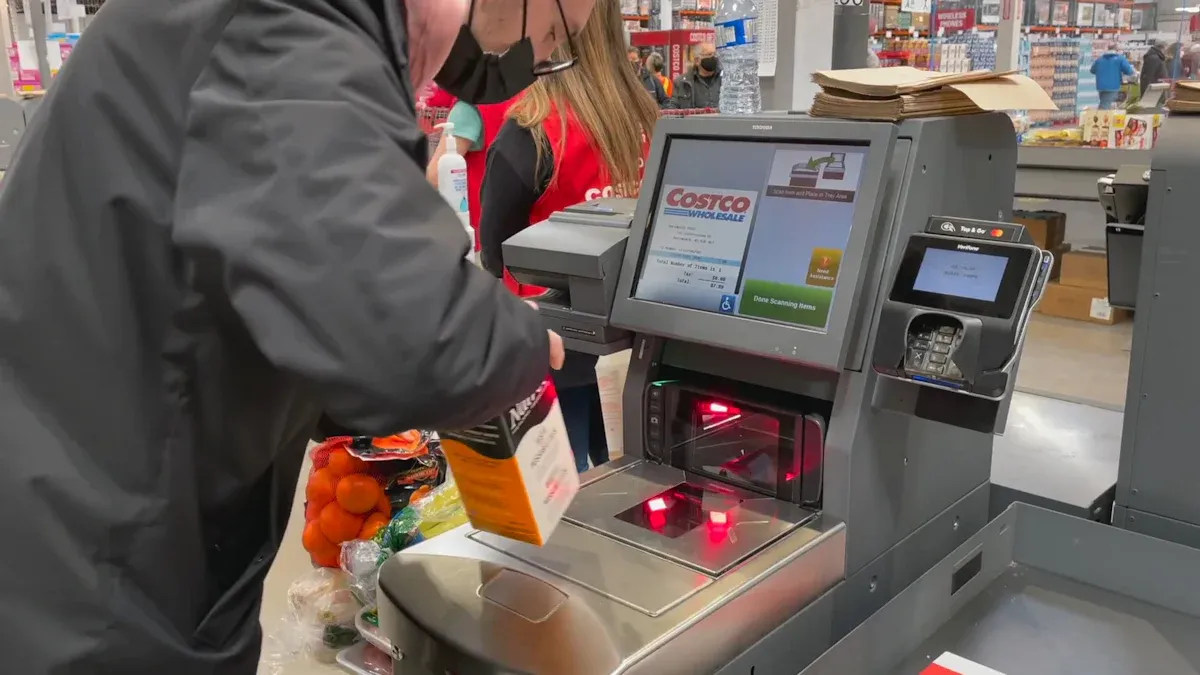
Computer vision helps you check out items quickly and easily in campus stores. You scan products without waiting for a cashier. Many universities now use autonomous retail stores to let students and staff shop faster. Real-time object detection makes your shopping experience smoother.
You see improved accuracy and speed when buying snacks or supplies. The table below shows how advanced product recognition and checkout optimization help you get what you need without delays.
Evidence Type | Description |
|---|---|
Product Recognition | Deep learning models like YOLOv10 boost accuracy and speed. |
Efficiency | Real-time detection reduces wait times. |
Customer Satisfaction | Shorter lines make shopping more enjoyable for you. |
Key Takeaways
Computer vision speeds up checkout times, reducing waits from over 90 seconds to just 12.5 seconds, allowing you to shop quickly.
Automated product detection ensures accurate pricing, preventing overcharging or undercharging, which builds trust in autonomous retail stores.
Real-time inventory management keeps shelves stocked, so you find what you need without facing empty shelves.
The checkout-free experience enhances convenience, letting you grab items and leave without scanning, making shopping more enjoyable.
Improved customer satisfaction scores show that most students prefer self-checkout systems, leading to more frequent visits to campus stores.
Computer vision in campus retail
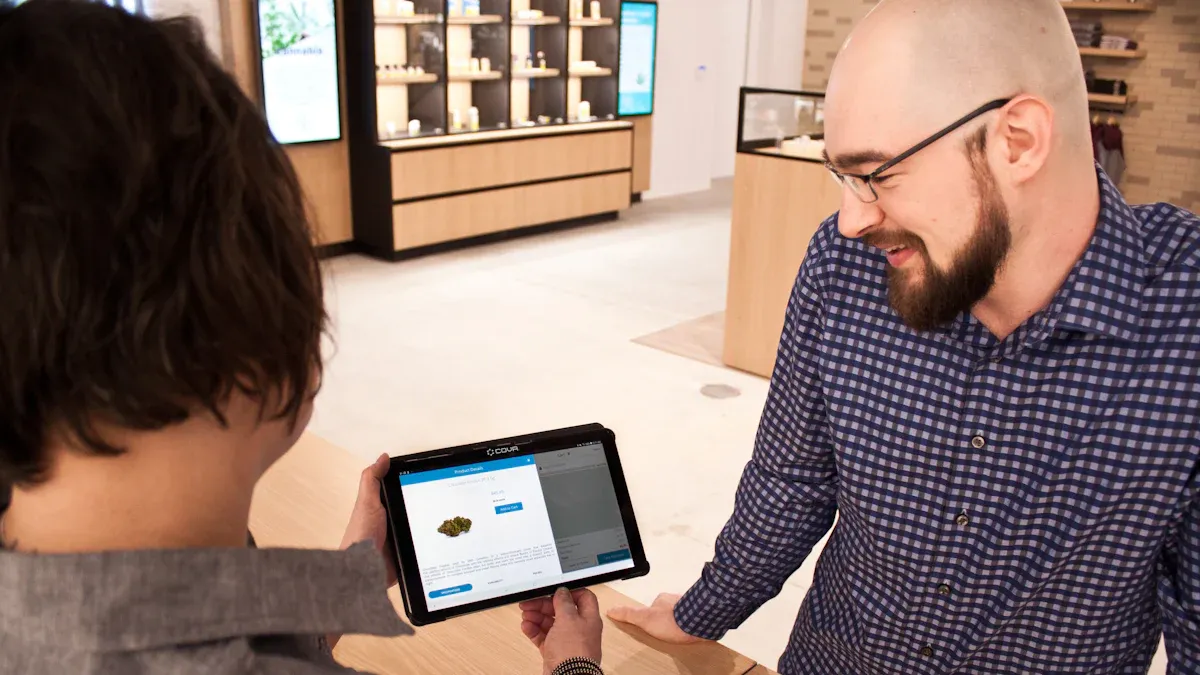
Technology overview
You see computer vision at work every time you visit autonomous retail stores on campus. This technology helps machines understand what they see, just like you do with your eyes. In campus retail, computer vision uses cameras and sensors to watch what happens in the store. It can spot when you pick up a snack or put it back on the shelf. The system uses artificial intelligence to recognize products, track movement, and even understand actions.
Here is a table showing the main components that make computer vision possible in campus retail:
Component | Description |
|---|---|
Intel’s relevance in retail | Uses Intel hardware and software to power smart retail solutions. |
AI fundamentals | Applies basic AI principles to help machines learn and improve. |
Edge to Cloud infrastructure | Connects devices in the store to powerful computers in the cloud for fast processing. |
Computer Vision use cases | Includes self-checkout and other smart retail features. |
Hands-on activity | Lets you try out the technology and see how it works in real life. |
You find computer vision doing many jobs in autonomous retail stores. It restores images, detects and classifies objects, and even tracks how people move. The technology can also break down scenes into parts and build 3D models from 2D images. This helps the system understand what is happening in the store at all times.
Note: Computer vision gives you and store managers valuable insights. It helps track what items are popular and keeps shelves stocked.
Difference from traditional checkout
Autonomous retail stores change the way you shop on campus. You no longer need to wait in line or scan each item yourself. The system recognizes what you take and charges you automatically. This makes shopping much faster and easier.
Here is a quick comparison between traditional checkout and computer vision-powered systems:
Metric | Traditional Systems | Vision-Powered Systems | Difference |
|---|---|---|---|
6.1 to 41.3 seconds | 232 milliseconds | Up to 85% faster | |
Decision Processing | 250 milliseconds | < 100 milliseconds | Faster by 150 ms |
Documentation Time | N/A | 72% reduction | More efficient |
You benefit from automated checkout because you do not have to wait in line. Retailers need fewer staff and see fewer pricing mistakes. Autonomous retail stores also collect data on what you buy, which helps them improve your shopping experience. Unlike self-checkout, you do not need to scan each item. The system also helps reduce theft, which is a big problem in traditional stores.
Autonomous retail stores use computer vision to make shopping simple, fast, and secure for everyone on campus.
Accurate checkout with computer vision
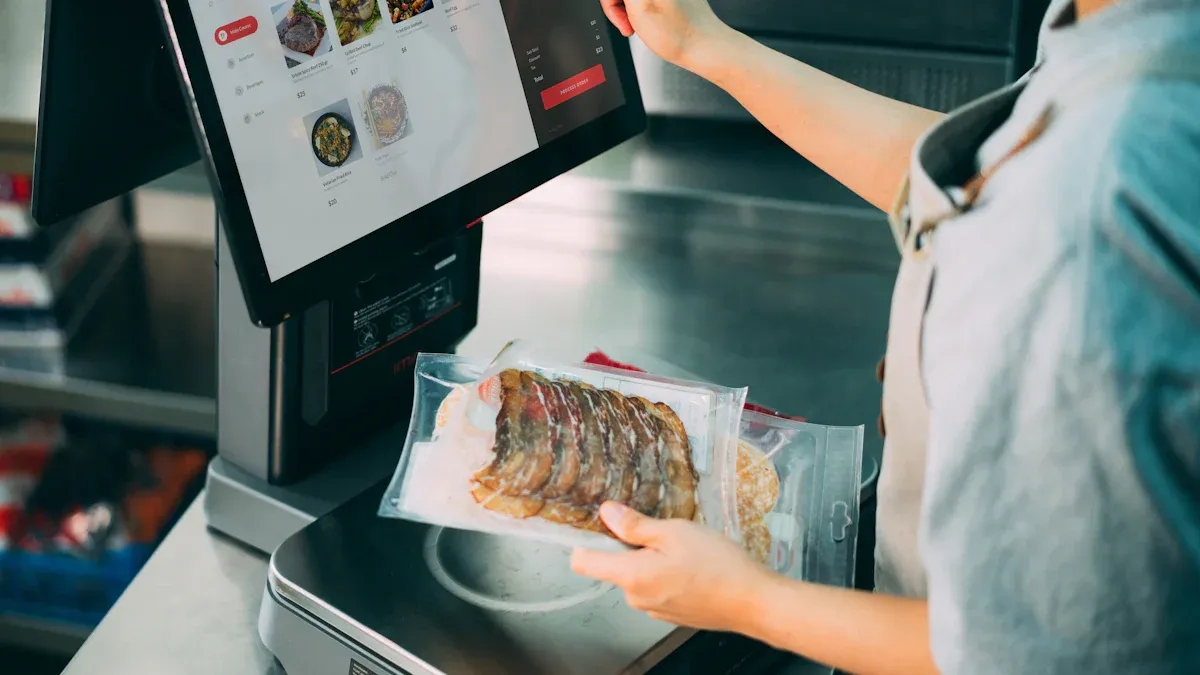
Automated product detection
You experience fast and accurate product recognition every time you shop in autonomous retail stores on campus. Cameras capture images as you pick up items. Deep learning algorithms, like improved YOLOv10 models, analyze these images and identify each product. This technology solves common problems such as occlusions and changing lighting conditions. You benefit from reliable detection, even when items overlap or shadows fall across shelves.
Computer vision systems use several methods to distinguish between similar products.
Color and pattern: The system recognizes the exact shade or unique print on an item.
Shape and texture: It tells the difference between a tote bag and a satchel, or leather and canvas.
Context: The technology understands if you grab clothing, electronics, or snacks.
You see object detection in action as the system identifies people, carts, and items on shelves. Object classification helps track which products you take or return. The process follows a simple pipeline: cameras capture images, algorithms interpret them, and business actions trigger automatically. This seamless integration allows campus retailers to maintain accuracy and scale their operations.
Note: Automated product detection reduces errors and speeds up your shopping experience. You spend less time searching for items and more time enjoying campus life.
Pricing error prevention
You avoid pricing mistakes when you use computer vision-powered checkout. The system recognizes each item and matches it to the correct price in the database. You do not need to worry about scanning errors or mislabeled products. The technology checks for accuracy every step of the way.
You see fewer pricing errors because computer vision tracks every item you select. The system analyzes images and verifies product details before finalizing your purchase. This prevents overcharging or undercharging. Campus retailers report higher accuracy rates and fewer disputes at checkout.
Tip: Accurate pricing helps you trust autonomous retail stores. You know you pay the right amount every time.
Streamlined payment
You enjoy a checkout-free experience in campus stores. AI-driven solutions let you grab items and leave without scanning products or using a card. Checkout times drop from over 90 seconds to just 12.5 seconds. You no longer wait in line, and your shopping becomes faster and more enjoyable.
Computer vision streamlines payment by capturing multiple signals during your transaction.
The system reduces the need for manual intervention.
You experience less friction and lower cognitive load.
The process feels smooth and effortless.
Self-checkout solutions also improve security. The system recognizes items in real time and analyzes your behavior. It detects scan errors and reduces shrinkage, making the store environment more efficient.
Campus retailers see big benefits after implementing computer vision checkout.
Profits rise by 30%.
Transaction volume increases by 10–15%.
Callout: Streamlined payment encourages you to shop more often. You spend less time at the register and more time enjoying campus activities.
Benefits for campus community
Faster transactions
You notice a big change in how quickly you can check out at campus stores. Computer vision systems speed up the process, so you spend less time waiting. At Pomona, checkout times dropped from over 90 seconds to just 12.5 seconds. You rarely see lines anymore. Many students and staff report a 15-20% reduction in checkout wait times. Staff utilization improves by up to 30%, which means employees can focus on helping you in other ways.
You grab what you need and leave without delay.
You avoid the frustration of long lines.
Staff can assist with stocking shelves or answering questions.
Tip: Faster transactions help you get back to class or activities quickly. You save time every day.
Improved inventory management
You benefit from better inventory management in campus stores. Computer vision gives store managers real-time tracking of products. The system automatically updates stock levels and triggers orders when supplies run low. You always find what you need because the store rarely runs out of popular items.
Benefit | Description |
|---|---|
Real-Time Tracking | You see instant visibility of product quantities and stock levels. |
Automatic Replenishment | Orders trigger automatically when stock is low, reducing the risk of stockouts. |
Minimization of Human Error | Automated processes reduce mistakes in inventory management. |
Optimization of Shelf Organization | Products display effectively, making it easier for you to find items and improving sales. |
Insights into Customer Behavior | Data helps store managers make informed decisions about inventory. |
You notice shelves stay organized and stocked. Stores use data from autonomous retail stores to understand which products you like most. This information helps them adjust inventory and keep shelves full.
Note: Improved inventory management means you rarely face empty shelves or missing items.
Enhanced shopping experience
You enjoy a better shopping experience with computer vision checkout. Autonomous retail stores let you access groceries and supplies any time, even late at night. You only need to download an app and enter your information. Prices display and calculate as you scan items, so payment is quick and easy.
Preference | Percentage |
|---|---|
80% | |
Traditional checkout options | 20% |
Most students and staff prefer self-checkout systems. You find the technology easy to use. The convenience of autonomous retail stores increases customer satisfaction scores. You avoid the hassle of traditional checkout and enjoy a smooth, efficient process. Stores see fewer abandoned purchases, and you feel more confident shopping on campus.
You shop 24/7 without worrying about store hours.
You pay quickly and see prices as you shop.
You return to stores more often because the experience is positive.
Callout: Enhanced shopping experiences encourage you to visit campus stores more frequently. You feel valued and satisfied every time you shop.
Implementing computer vision systems
Hardware and software setup
You need the right tools to make computer vision work in campus retail. Cameras and sensors watch the store and collect data. You also use computers to process images and run smart models. The table below shows the main parts you need for a successful setup:
Component Type | Description |
|---|---|
Reference Implementations | Open-source solutions that help you build AI-powered checkout systems. |
Core Services | Basic tools and libraries that connect all parts of the system. |
Vision Pipeline | Steps that let you run deep learning models and process images quickly. |
Middleware | Special software that helps you develop and manage your solution faster. |
Client Libraries | Tools for coding in languages like Python, Go, or C. |
Pre-validated Data | Ready-to-use data that helps you test and improve your system. |
Computing Options | Different hardware and software choices for easy scaling and maintenance. |
You see these components working together to power autonomous retail stores. This setup supports contactless purchasing and keeps your shopping experience smooth.
Staff training and support
You help your team succeed by giving them the right training. Staff learn how to use new technology and support customers. Here are some best practices:
Set clear goals that match your store’s needs.
Involve different teams to share ideas and strategies.
Test the system often and improve it based on feedback.
Train staff to use AI tools and answer customer questions.
Collect feedback from different stores to see what works best.
Use surveys and interviews to measure how well the system performs.
You make sure everyone feels confident using computer vision systems. This helps your store run smoothly and keeps customers happy.
Privacy and security
You protect shopper data by using strong privacy and security measures. The table below explains how you keep information safe:
Evidence Type | Description |
|---|---|
Advanced Technology | Cameras and computer vision tools improve security in your store. |
Real-time Analysis | The system checks shopper behavior to stop fraud and keep the process fair. |
Privacy Concerns | New rules and certifications, like ISO 27001, help you manage data safely and build trust. |
You follow strict rules to protect privacy. You use advanced technology to keep your store secure and make sure shoppers feel safe.
Overcoming deployment challenges
Technical limitations
You face several technical challenges when you use computer vision checkout systems in campus stores. These systems must identify products and track your actions accurately. Changes in packaging, lighting, or item placement can make this difficult. Powerful computers are needed to process video and sensor data instantly. Stores must connect new AI systems with old software and hardware, which can be complex and expensive. The technology must keep learning and adjusting to new layouts and products. Understanding different customer actions requires lots of training and testing. Scaling the system for larger stores costs more and needs better hardware.
Challenge | Description |
|---|---|
The system must correctly identify products and track what you do. Changes in packaging, lighting, or where items are placed can make this hard. | |
Real-Time Processing | The technology needs powerful computers to process video and sensor data instantly. This is important for tracking what you pick up or put back. |
Integration with Existing Systems | Stores must connect new AI systems with their old software and hardware. This can be complex and costly. |
Handling Dynamic Environments | Stores change often. The AI must keep learning and adjusting to new layouts and products. |
Analyzing Customer Interactions | The system must understand many different customer actions. This requires lots of training and testing. |
Making the technology work in bigger stores costs more and needs better hardware. |
You may also see issues like occlusion, where products are hidden by other items or your movements. Integrating different sensing technologies improves accuracy and efficiency. Some universities use Mashgin’s self-checkout system for instant item recognition. Amazon’s Just Walk Out technology at Marymount University allows contactless purchasing. AiFi’s system retrofits existing markets, letting you shop without waiting in line. These solutions help overcome technical challenges and make shopping easier.
Adoption barriers
You encounter several barriers when universities try to adopt computer vision checkout systems. High initial costs can make investment decisions difficult. Employees may resist change because they worry about job loss or find the technology complex. Compatibility issues with old systems can disrupt workflows. Automation may lead to less personal interaction, which can frustrate you as a customer. Technical failures can cause big disruptions, especially during busy times.
High initial cost makes it hard for stores to invest in new systems.
Employees may fear losing their jobs or struggle with new technology.
Old software and hardware may not work well with AI systems.
You may miss personal interactions with staff.
System failures can cause delays and confusion.
You see universities overcoming these barriers by adapting autonomous stores to campus environments. Real-time data on shopping behaviors helps manage inventory and improve decision-making. Autonomous stores enhance convenience and efficiency, making your shopping experience better.
You see computer vision making campus retail faster, more accurate, and easier. Students, staff, and administrators benefit from checkout-free shopping and improved store management. In the next five years, you will notice:
Better accuracy in product detection.
More mobile and IoT integration.
Wider use across campus stores.
Smarter analysis of shopping behavior.
Stronger privacy protections.
Advanced technology will create self-serve stores and reduce staffing needs.
Checkout-free shopping will become the norm, making your campus experience more convenient.
Ongoing innovation in computer vision will shape the future of campus retail.
FAQ
How does computer vision keep your personal data safe?
You stay protected because stores use strong encryption and follow strict privacy rules. They store only what is needed for your purchase. Many systems avoid saving video footage of your face.
What happens if the system makes a mistake with your purchase?
You can report errors right away. Staff can review your transaction and fix any problems. Stores often have support teams ready to help you quickly.
Is computer vision checkout more expensive for you?
You do not pay extra for using computer vision checkout. The store invests in the technology. You often see lower prices because the system reduces staffing costs and errors.
Can you still get help from staff in autonomous stores?
You can always ask for help.
Staff stay available to answer questions, restock shelves, or solve issues.
You get support even in high-tech stores.
See Also
Navigating Walgreens Self-Checkout: Benefits And Hurdles In Shopping
The Transformation Journey Of Self-Checkout Systems
How Cloudpick's Checkout Technology Boosts Efficiency And User Satisfaction
Upcoming Changes To Walmart Self-Checkout By 2025
The Impact Of Smart Technology On Electronics Vending Machines
