Retail Technology Showdown Computer Vision Versus RFID

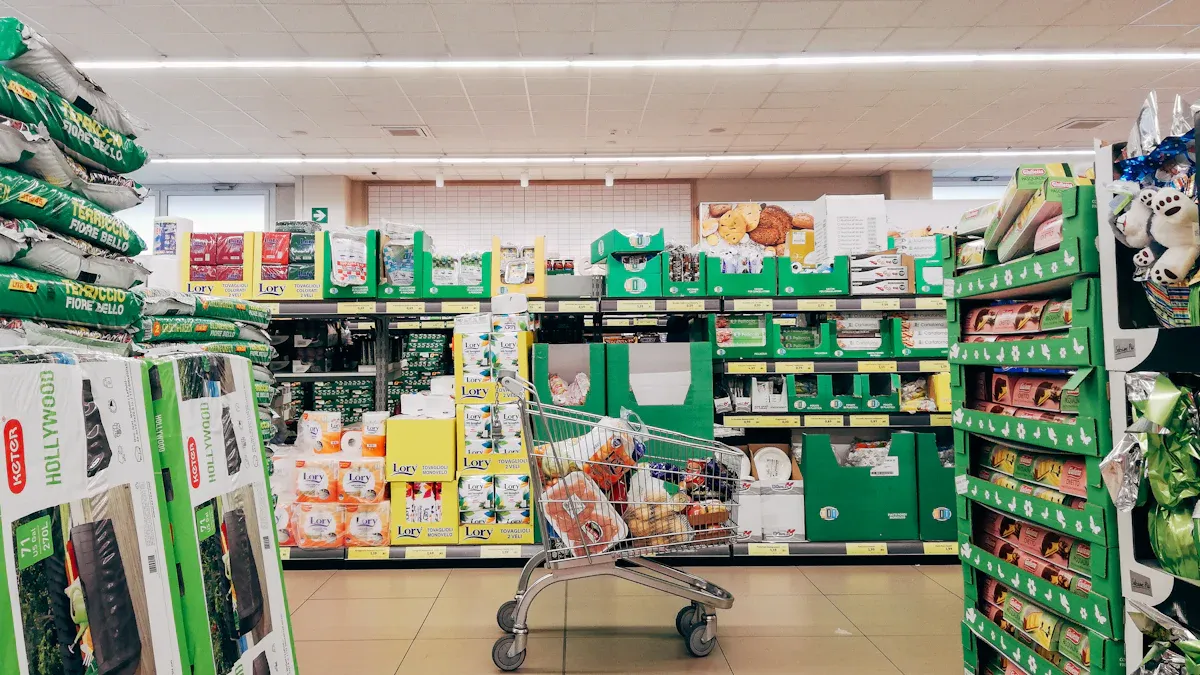
You have many options because retail technology changes fast. The best system helps you track items, stop losses, and make shopping simple for people. Some stores use RFID to achieve 99% correct inventory counts, while others leverage computer vision to enhance the shopping experience for customers. Big companies like Amazon Go and Zara demonstrate how new tools, including computer vision vs RFID, can make shopping faster and better. When you compare computer vision vs RFID, you should choose the solution that best fits your store’s needs and goals.
Key Takeaways
Pick the best technology for your store. Computer vision gives real-time information. RFID helps track inventory quickly and correctly.
Think about using both systems together. This mix uses the best parts of computer vision and RFID. It helps your store work better.
Use computer vision to make shopping better for customers. It watches how shoppers act. It helps keep track of products. It also makes checkout lines shorter.
Use RFID to manage inventory well. It lets you scan items fast. This makes your stock more correct and lowers losses.
Look at the costs and benefits first. Know your store’s size and goals. This helps you choose between computer vision and RFID.
Computer Vision vs RFID: Which Is Better?
Picking between computer vision and RFID depends on what your store needs. Both help you keep track of products, stop losses, and make shopping better. Many stores use both to get the best results. You should check what each one does best before you choose.
Computer Vision Advantages
Computer vision uses cameras and AI to watch your store live. This gives you quick updates about what is happening. You can see which shelves need more items and spot bad behavior fast. Here is a table that lists the main good things about computer vision in stores:
Advantage | Description |
|---|---|
Immediate visibility | You get live info about your store, not just old sales numbers. |
Shoppers can pay without cashiers, so there are fewer mistakes and shorter lines. | |
The system finds bad actions and helps stop stealing before it happens. | |
Efficient shelf monitoring | Cameras watch shelves and tell you when things are low, saving time and work. |
Enhanced customer insights | You learn how people move in your store, so you can put products in better spots. |
You can also use computer vision to:
Watch how shoppers act and spot bad actions.
Update stock numbers right away, so shelves do not go empty.
Watch the whole store and tell workers about problems as they happen.
Cut down on stealing by more than half with smart loss prevention.
Help workers fix long lines or empty shelves fast, so shoppers stay happy.
RFID Strengths
RFID uses small tags and readers to follow products. You do not have to see the tag to scan it, so counting is quick and easy. RFID is great for keeping track of products and shipments. Here are the main good things about RFID for stores:
You get very correct counts of what you have.
Keeping track of products is faster and needs less work.
Shoppers find what they want because you restock on time.
RFID helps stop stealing by following products as they move.
You can see where every product is, from the warehouse to the store.
Scanning many things at once saves time and work.
RFID tags give quick updates on where products are and their status.
The system helps stop mistakes in your records.
RFID helps you follow rules and pass checks easily.
RFID is good for tracking boxes, pallets, and single items. It helps you find lost things and keeps your supply chain working well.
Key Decision Factors
Think about your store’s size, money, and goals when picking between computer vision and RFID. Here are some tips to help you pick:
Use RFID if you want fast, correct counts and better tracking. Stores like Decathlon use RFID to make checkout faster and lose less.
Pick computer vision if you want live info, no cashiers, and better loss prevention. Stores like Aldi use computer vision to get rid of lines and make shopping better.
Try both if you want the best of both. Many stores use RFID for tracking and computer vision for watching shoppers and making checkout easy. This helps you track products better, spot problems fast, and learn how shoppers act.
Tip: You do not have to pick just one. Many stores use both computer vision and RFID together to get the most value.
When you compare computer vision and RFID, remember the best choice depends on your store. You can start with one and add the other as your store grows.
Technology Overview
Computer Vision in Retail
Computer vision is changing how stores work today. It uses cameras and smart software to watch stores live. Cameras take pictures of shelves, products, and people shopping. The system uses artificial intelligence to find empty shelves and track items. It can also notice when someone acts in a strange way.
A computer vision system has a few main parts:
It takes clear pictures and fixes them if needed.
It finds products, shelves, and price tags in the pictures.
It makes quick choices to send alerts or make guesses.
It works fast in the store or online.
Stores use computer vision for many things:
It watches shelves and tells workers when to restock.
It helps stop stealing by seeing risky actions.
It shows where shoppers walk the most.
It checks if shelves look like the plan.
It counts shoppers and helps with lines.
It keeps track of items for online orders.
When you look at computer vision and RFID, you see computer vision gives lots of details about shoppers and the store. Stores use this information to make layouts and service better.
RFID in Retail
RFID helps stores track products with small tags and readers. Each tag sends a signal, so you do not need to scan each item by hand. This makes counting and finding things much faster. RFID helps stores keep inventory correct, sometimes up to 98%.
Stores use RFID for these jobs:
Tracking items in the store and warehouse.
Getting alerts when stock is low.
Making checkout faster without barcodes.
Finding theft by matching sales and movement.
Sending coupons when products are almost gone.
To set up RFID, stores do these steps:
Decide what they want to do with RFID.
Work with suppliers to put tags on items.
Make sure all items use the same data rules.
Put readers and antennas in the store.
RFID is best for scanning many things at once and checking inventory quickly. It works well for big stores and helps keep products ready for shoppers.
Note: The table below shows the main differences between computer vision and RFID in retail.
Aspect | RFID Use Cases | Computer Vision Use Cases |
|---|---|---|
Inventory Management | Bulk scanning with high accuracy | Shelf monitoring for stock levels |
Checkout Efficiency | Self-checkout kiosks for quick scans | Autonomous checkout systems |
Loss Prevention | Alerts for unpaid items | N/A |
Customer Analytics | N/A | Heatmaps for shopping patterns |
Cost Efficiency | Low per-tag cost for high-value items | High infrastructure costs for stores |
Implementation | Tagging every item | Extensive camera setups |
Scalability | Scales for large inventories | Scales with store size |
Comparing Strengths and Weaknesses
Speed and Efficiency
You want your store to work quickly and easily. When you look at computer vision and RFID, you see they are not the same in speed and efficiency. RFID can read tags even if it cannot see them. This means you can scan lots of items at one time. Computer vision needs cameras to see every item. If shelves are full, this can slow things down. Check this table to see how each technology does its job:
Feature | Computer Vision | RFID (UHF RAIN) |
|---|---|---|
Line of Sight | Required | Not required |
Item Identification | Visual only | Unique serialization |
Processing Load | High | Low to moderate |
Setup Time | Weeks to months | Hours to days |
RFID systems finish transactions in less than 170 milliseconds. They can handle up to 5,000 each day. Computer vision systems answer in about 160 milliseconds. They can do around 3,200 transactions daily.
Accuracy and Reliability
You need tools you can trust to track products and stop losses. Computer vision uses AI to find items in the wrong place and spot strange actions right away. This helps you stop stealing and fix problems fast. RFID has tracked inventory for more than 20 years. It gives you live updates and keeps records correct, so you lose less. AI-powered cameras can also catch bad actions at checkout.
Computer vision makes a digital copy of your store and watches every move.
RFID makes sure every product is counted and followed from start to finish.
Cost and Implementation
You have to think about money before you pick a system. Computer vision needs cameras, computers, and special software. You pay for equipment and setup at every checkout spot. Mobile systems need batteries and charging too. You also pay to connect computer vision to your store’s other systems. RFID costs less to set up, especially in big stores. You put tags on items and set up readers, which takes less time and money.
Scalability and Flexibility
You want tech that can grow with your store. RFID has flexible APIs that work with old systems. You can add robots to help workers without teaching them new things. Both computer vision and RFID work for stores that sell in person and online. Electronic shelf labels and smart tracking make filling orders faster. You can try new apps and change systems easily with modular platforms.
Privacy and Security
You must keep customer and product data safe. RFID uses codes and safe tag designs to stop people from getting in. Each tag has its own number, so copying is hard. Passwords and locks keep data safe. Computer vision saves video and movement data, so you need strong security to stop leaks.
Tip: Always check privacy rules and safety features before you pick a system.
Real-World Applications
Computer Vision Use Cases
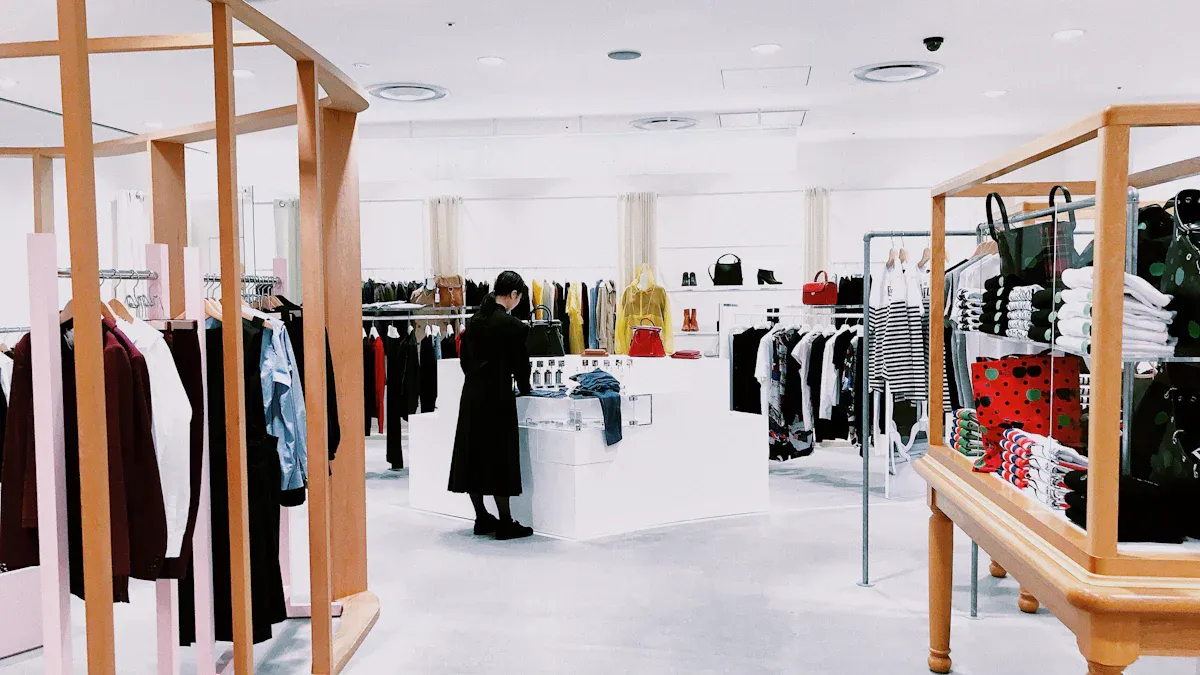
Computer vision is changing how stores work today. Stores use this technology to make shopping simple and safe. At Sephora, you can try on makeup using a screen. This lets you see how colors look before you buy them. Zara has smart mirrors in fitting rooms. These mirrors suggest outfits based on what you bring in. Some stores use self-checkout with cameras. You do not need to scan barcodes. The system knows what you are buying. This makes checkout faster and helps stop mistakes. Cameras also watch products and spot strange actions right away.
Retailer | Application Description |
|---|---|
Sephora | Virtual makeup try-on tool for testing shades and styles in-store and via mobile app |
Zara | Smart mirrors suggesting outfit combinations based on RFID-tagged items in fitting rooms |
Self-checkout | Vision-based systems identifying items without barcode scanning, improving checkout |
Anomaly detection | Systems tracking product movement to flag suspicious behavior in real-time |
Stores that use computer vision get better results. More customers are happy. Customer satisfaction goes up by 40%. Stores make more money. Operating margins rise by over 60%. Revenue grows by 5-10%. Stores spend less money. Costs drop by 15-20%. Fixing inventory problems helps sales go up by 3-5%. Workers spend less time on tasks. Labor hours go down by 20-30%. Shrinkage drops by double digits.
Outcome | Measurable Impact |
|---|---|
Customer Satisfaction | Improved by 40% |
Operating Margins | Increased by over 60% |
Revenue Uplift | 5-10% |
Cost Reductions | 15-20% |
Sales Lift from Inventory Fixes | 3-5% |
Labor Hour Reduction | 20-30% |
Inventory Shrinkage Reduction | Double-digit percentages |
RFID Use Cases
RFID helps stores keep track of products and stop losses. You can see where every item is, from the warehouse to the store. RFID makes counting items fast and correct. Stores use RFID to fight return fraud. Return fraud costs stores over $100 billion each year. RFID cuts shrinkage by 67% for makers and 47% for stores. Macy’s saw shrinkage drop by 20% after using RFID. Decathlon had a 15% drop in shrinkage.
RFID helps stop return fraud and saves money.
Shrinkage drops by 67% for makers and 47% for stores.
Macy’s shrinkage went down by 20% with RFID.
Decathlon saw a 15% drop in shrinkage.
When you look at computer vision vs RFID, you see both help stores fix real problems. You can use both together for the best results.
When to Use Each Technology
Best Scenarios for Computer Vision
You should choose computer vision when you want to see what happens in your store in real time. This technology works well if you need to watch shelves, check product placement, or spot problems before they grow. Stores use computer vision to help workers restock before items run out. You can also use it to check if prices match the shelf tags and if products look neat. The table below shows how computer vision helps you manage your store better:
Capability | Description |
|---|---|
Advanced Product Detection | Finds where products are and spots mistakes in how they are placed. |
Merchandising Analysis | Checks if shelves follow the plan and if prices are correct. |
Proactive Inventory Management | Sends alerts when stock is low, so you can refill before you run out. |
You get the most value from computer vision in busy stores, self-checkout areas, and places where you want to learn how shoppers move.
Best Scenarios for RFID
RFID works best when you need fast and accurate counts of many items. You can use RFID in stores that want to track products from the warehouse to the shelf. This technology helps you scan lots of items at once, even if you cannot see them. RFID is great for unmanned stores, places with high-value items, and stores that want to stop out-of-stock problems. The table below shows where RFID shines:
Technology | Benefits | Ideal Retail Environments |
|---|---|---|
RFID | High inventory accuracy, quick mass scanning, tracking items | Unmanned stores, stores needing stock visibility, large chains |
RFID helps you see when products leave the shelf, so you can restock right away.
Many studies show RFID helps stores sell more by keeping shelves full.
Hybrid Solutions in Retail
You do not have to pick only one technology. Many stores use both computer vision and RFID together. This mix gives you the best of both worlds. You can track every product and also see what happens in your store. For example, you can use RFID to count items and computer vision to watch shopper behavior. This approach helps you solve more problems and gives you better data.
Tip: When you compare computer vision vs RFID, think about your store’s size, budget, and goals. Using both can help you grow and keep shoppers happy.
You have learned that the best technology depends on your store’s needs. Computer vision gives you real-time insights. RFID helps you track items quickly and accurately. To choose the right system, you should:
Set clear goals for your store.
Compare costs and benefits.
Test solutions before a full rollout.
Retail technology keeps changing. You will see new trends like these:
Trend | Description |
|---|---|
Finds hidden items and stops theft in real time. | |
Multi-Modal Fusion | Combines cameras, RFID, and sensors for a full view of your inventory. |
You can expect even smarter stores in the future.
FAQ
What is the main difference between computer vision and RFID?
You use computer vision to watch and analyze what happens in your store with cameras. You use RFID to track products with tags and readers. Computer vision sees actions. RFID counts and locates items.
Is computer vision or RFID better for loss prevention?
You get strong loss prevention from both. Computer vision spots theft as it happens. RFID tracks items and alerts you if something leaves without payment. Many stores use both for the best results.
How much does it cost to start with RFID or computer vision?
You pay less to start with RFID, especially in large stores. Computer vision costs more because you need cameras and software. You should compare costs based on your store size and needs.
Can I use both technologies together?
Yes! Many retailers combine computer vision and RFID. You get real-time insights and accurate tracking. This mix helps you solve more problems and improve your store’s performance.
See Also
Transforming Retail: The Impact of Smart Vending Machines
Comparing Micromarkets and Smart Stores in Global Retail
The Future of Retail Lies in AI-Driven Stores
Understanding the Growth of AI-Enhanced Corner Stores
Analyzing Walgreens Self-Checkout: Benefits and Hurdles in Retail
