Design store layout for optimal computer vision coverage in Universities & campus retail.

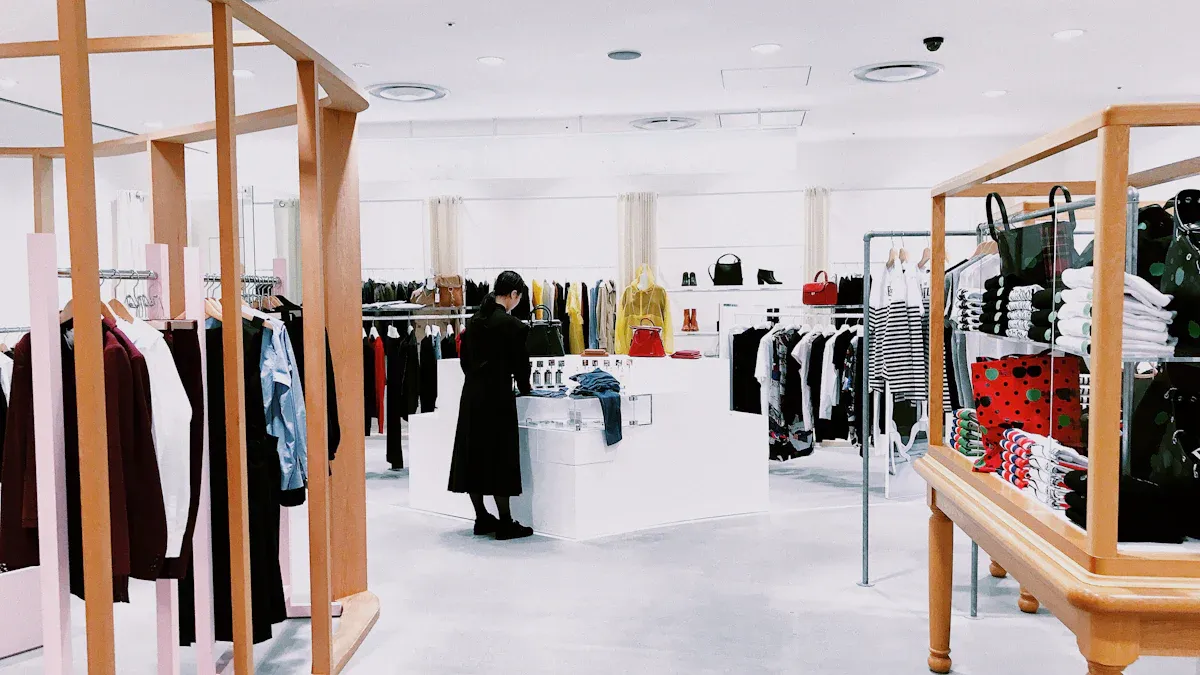
You can design store layout for optimal computer vision coverage in campus retail by focusing on how students move, where they gather, and what products they want. Computer vision helps you track customer actions, spot empty shelves, and prevent theft. Many campus stores use computer vision to boost customer experience and sales. You see better retail results when you design store layout for visibility and use computer vision for real-time insights. For example, stores with computer vision and RFID reach 95% inventory accuracy, while others only get about 65%.
Metric | With RFID and Computer Vision | Without RFID |
|---|---|---|
Inventory Accuracy | 95% or better | ~65% |
Annual Cost of Inventory Distortion | $1.7 trillion | N/A |
Percentage of Loss from Out-of-Stocks | 70% | N/A |
With computer vision, you can use retail heat maps, track customer traffic, and improve your design store layout for safer and more efficient shopping.
Key Takeaways
Design your store layout based on how students move and interact with products to enhance visibility and shopping experience.
Utilize computer vision and heatmaps to identify high-traffic zones, allowing for strategic product placement and improved customer flow.
Implement real-time inventory tracking with computer vision to reduce errors, save time, and enhance operational efficiency.
Enhance customer experience by offering personalized discounts and quick checkout options through automated systems.
Prioritize data security and compliance by using strong encryption and following privacy regulations to protect customer information.
Store Environment Assessment
Campus Retail Formats
You will find many types of retail stores on a university campus. Some stores focus on snacks and drinks, while others sell books, tech, or school supplies. Each retail format shapes how shoppers move and interact with products. You need to understand the unique layout of each store. For example, a bookstore may have narrow aisles and quiet corners, while a convenience store has open spaces and quick shopping. When you know the retail format, you can plan for better computer vision coverage and improve shopping for everyone.
Shopping Flow Mapping
Mapping the flow of shoppers helps you see how people enter, browse, and exit the store. You can use shopper flow tracking to spot patterns in shopping behavior. Studies show that visual features in retail spaces affect how shoppers make decisions. By using tools like convolutional autoencoders, you can analyze images of your store and group them by visual cues. This helps you understand which areas draw the most attention and how the flow changes during busy times. When you map the shopping flow, you can place cameras in the best spots to capture important shopper actions and improve the retail experience.
Tip: Use shopping flow maps to adjust displays and make shopping easier for students.
High-Traffic Zones
High-traffic zones are areas where many shoppers gather or pass through. You can use deep learning methods to count people and find hot spots in your retail store. A simple RGB camera and a CNN model can help you see where the most shopping activity happens. This method lets you spot busy zones in real time and adjust your layout to keep shopping smooth. When you know your high-traffic zones, you can place products and signs where shoppers will see them most. This boosts sales and makes shopping more enjoyable.
Identify high-traffic zones with people counting.
Place cameras in busy areas for better coverage.
Use hot spot data to improve shopping flow and safety.
Setting Coverage Goals with Computer Vision
Operational Efficiency
You can boost operational efficiency in your campus retail store by using computer vision. This technology gives you real-time data on inventory levels, so you avoid overstocking or running out of products. You do not need to spend hours on manual inventory checks. Computer vision automates these tasks, which saves time and reduces mistakes. You also cut labor costs because you need fewer staff for audits. When you use computer vision, you get accurate product catalogs and faster order fulfillment. This leads to higher customer satisfaction and a better shopping experience. You can also analyze customer behaviors to see which products attract the most attention. This helps you place items in the best spots and improve your store layout for maximum efficiency.
Track inventory in real time for better stock management.
Reduce errors and labor costs with automated audits.
Use customer behaviors to optimize product placement.
Customer Experience
You can create an augmented shopping experience for every customer by using computer vision. This technology recognizes regular shoppers and lets you offer personalized discounts and perks. Personalization builds loyalty and makes each visit special. Automated checkout systems let customers scan and pay for items quickly, so they do not have to wait in long lines. This improves the in-store experience and boosts customer satisfaction. Computer vision also helps you understand customer interactions and preferences. You can use this data to give personalized product recommendations, making shopping more enjoyable and relevant. Augmented reality displays can show extra product details or deals, adding excitement to the shopping experience.
Offer personalized perks to regular customers.
Speed up checkout with automated systems.
Use augmented reality for interactive product displays.
Improve customer engagement with tailored recommendations.
Security & Loss Prevention
You can protect your retail store and your customers by setting strong security goals with computer vision. AI-powered video surveillance helps you spot theft and monitor inventory in real time. If a theft happens, real-time analytics let you respond right away. You can combine RFID with computer vision for a layered security approach. This gives you complete coverage and reduces loss. Augmented reality alerts can notify staff about suspicious activities, keeping the shopping environment safe. When you use these tools, you build trust and improve customer satisfaction.
Use AI-powered cameras for theft detection.
Respond quickly to incidents with real-time analytics.
Combine RFID and computer vision for full security.
Keep customers safe with augmented reality alerts.
Store Layout Optimization
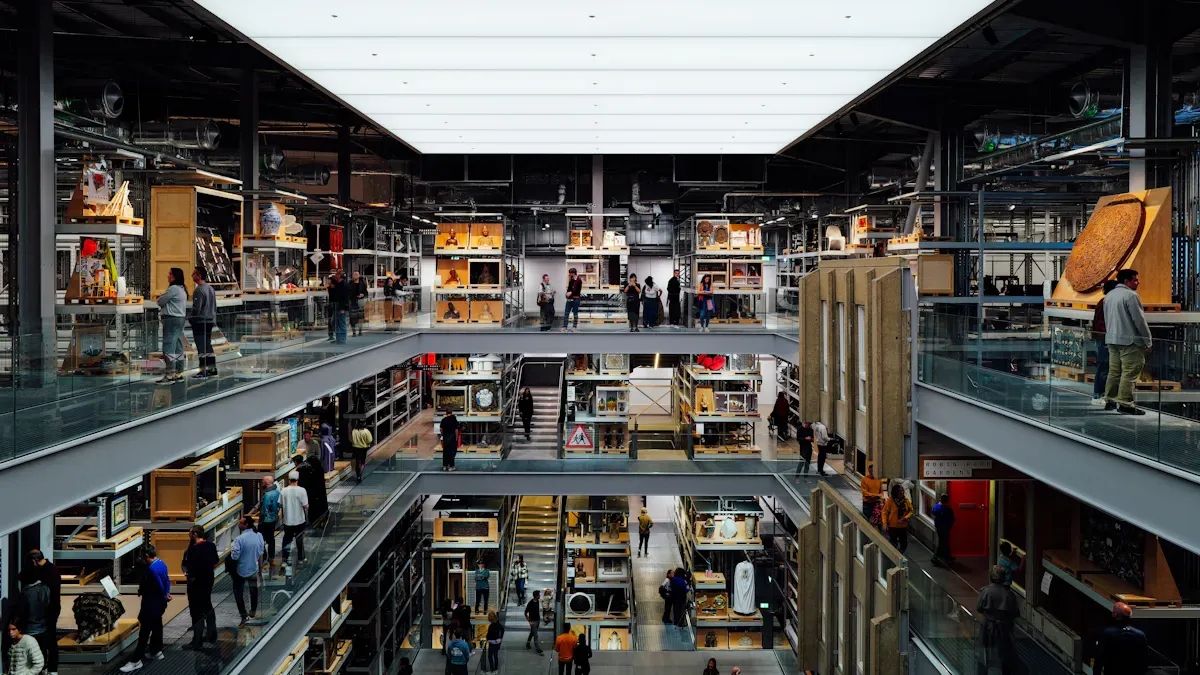
Design Store Layout for Visibility
You can improve visibility in your store layouts by using computer vision. This technology helps you see how customers move and interact with products. You should use your existing CCTV system to analyze customer behavior. This gives you valuable data for layout decisions. When you arrange essential products at the end of aisles, you make them easier to spot. Endcaps attract more shopper traffic and boost product exposure. You can place high-demand items in these areas to increase sales and enhance the shopping experience.
Use CCTV to study customer movement and adjust layout.
Place essential products at aisle ends for better visibility.
Use endcaps to highlight popular items and drive traffic.
Make layout changes based on real-time computer vision insights.
You can create store layouts that help customers find products quickly. This leads to higher satisfaction and more sales. When you focus on visibility, you make the retail experience smoother and more enjoyable.
Heatmap & Traffic Analysis
Heatmaps show you where customers spend the most time in your store layouts. Computer vision creates these maps by tracking foot traffic and dwell time. You can use heatmaps to see which areas need layout changes. Traffic analysis helps you understand how customers move through the retail space. You can spot bottlenecks and improve flow for a better experience.
Metric | Description |
|---|---|
Foot Traffic | |
Dwell Time | Measures how long shoppers stay in each area. |
Queue Lengths | Tracks lines at checkout for better staffing. |
Product Interaction | Shows how often customers pick up products. |
Heatmaps | Visualizes customer flow and engagement zones. |
You can use this data to make layout adjustments in real time. For example, if you see long lines at checkout, you can add more registers or change the layout to reduce wait times. When you notice customers spending more time in certain areas, you can place product recommendations there. This increases engagement and improves the retail experience.
Tip: Use heatmaps to spot high-traffic zones and place product recommendations where customers linger.
Signage & Product Placement
Signage plays a key role in store layout optimization. You can use signs to guide customers and highlight product recommendations. Clear signage helps customers navigate store layouts and find what they need. You should place signs in high-traffic areas and near endcaps to boost visibility. Product placement also affects customer experience. When you put popular items in easy-to-see spots, you increase sales and make shopping faster.
Place signs in busy zones to direct customers.
Use signage to promote product recommendations and deals.
Position products at eye level for better visibility.
Adjust product placement based on computer vision data.
You can use computer vision to monitor how customers respond to signage and product placement. This lets you make layout changes quickly. When you optimize signage and product placement, you create a retail environment that feels welcoming and efficient.
Metric | Impact |
|---|---|
Increase in Sales | |
Customer Satisfaction | Improved in-store experience and navigation |
You can see higher sales and better customer satisfaction when you use store layout optimization. Computer vision gives you the tools to make smart layout decisions and improve the retail experience for everyone.
Note: Real-time layout adjustments and AI-powered frameworks help you keep your store layouts fresh and effective.
Computer Vision Analytics Integration
Camera Placement Strategy
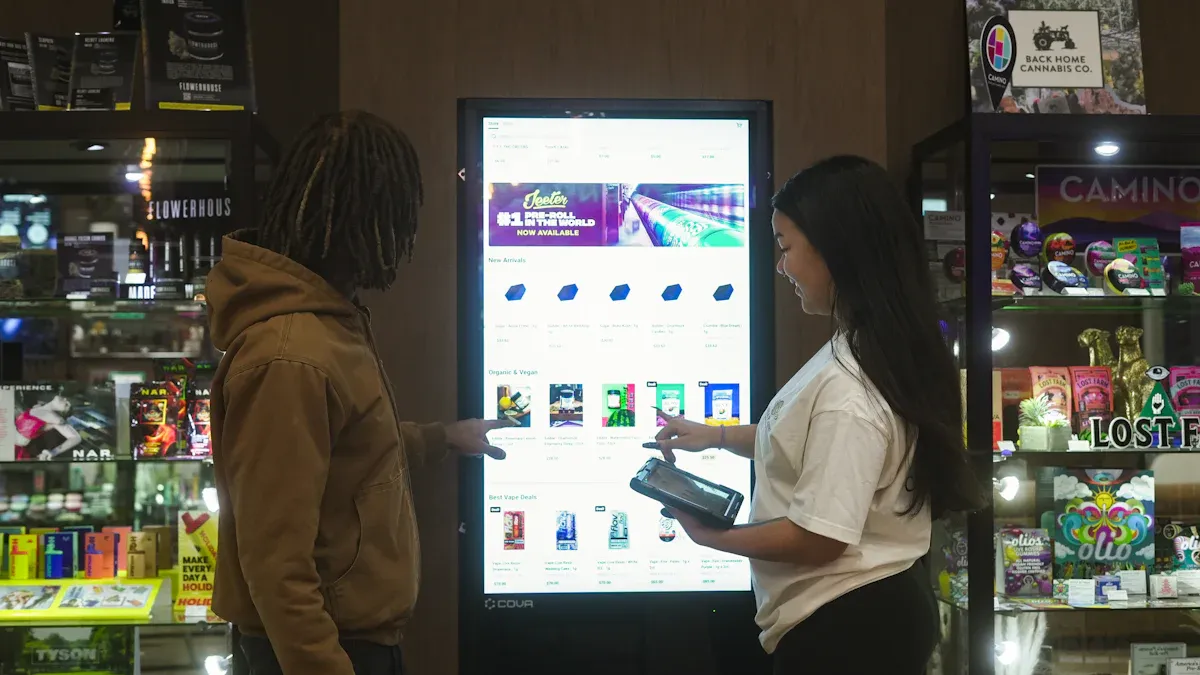
You need a smart camera placement strategy to get the most from computer vision analytics in campus retail. Cameras help you see how customers move and interact with products. You should place cameras at entry points, checkout areas, and high-traffic zones. This gives you a clear view of customer actions and traffic flow. Cameras near shelves let you monitor product levels and spot empty spots. You can use computer vision to track layout changes and see how they affect customer behavior. When you place cameras in the right spots, you get better coverage and more useful data.
Place cameras at entrances to track customer arrivals.
Use cameras in checkout zones to monitor lines and speed up service.
Position cameras in high-traffic areas to study traffic flow and layout effectiveness.
Install cameras near shelves to audit product placement and inventory.
Tip: Adjust camera angles and positions as your layout changes to keep coverage optimal.
Data Collection & Monitoring
You collect and monitor data with computer vision analytics to improve your retail layout. The Keeper process records inferences and images, including gradCAM heatmaps, to check data quality. It focuses on images classified as 'Bad' or with low confidence for future model training. You use a web-based interface to label images, evaluate model performance, and monitor system status in real time. This data-driven process helps you spot layout issues and make quick changes. You can see how customers respond to product placement and signage. Computer vision solution lets you track inventory, customer interactions, and layout effectiveness.
Record images and heatmaps to monitor layout and customer activity.
Prioritize low-confidence images for model improvement.
Use web tools to label images and check system health.
Track inventory and customer behavior for better layout decisions.
Data Type | Purpose |
|---|---|
Images | Analyze layout and customer movement |
Heatmaps | Visualize traffic flow and engagement |
Inventory Records | Monitor product levels and placement |
Customer Actions | Study interactions and preferences |
Note: Real-time monitoring helps you catch layout problems before they affect customer satisfaction.
Continuous Layout Improvement
You use computer vision analytics for continuous layout improvement in campus retail. Real-time shelf auditing lets you fix empty spots and misplaced items right away. Shopper behavior analysis helps you optimize product placement based on foot traffic data. This leads to a 15% average increase in sales. You make localized seasonal adjustments by tailoring displays to local sales data and weather patterns. This improves customer satisfaction and reduces leftover stock. Adaptive learning lets computer vision solution predict customer behavior better over time. You see a 20% higher conversion rate when you use AI to improve layout and ordering decisions.
Audit shelves in real time to keep products stocked and organized.
Analyze customer movement to boost sales with smart product placement.
Adjust displays for seasons and local trends to match customer needs.
Use adaptive learning to refine layout and ordering for higher conversion rates.
Callout: Continuous layout improvement keeps your retail space fresh and responsive to customer needs.
You get the best results when you combine computer vision analytics with a flexible layout. You can respond quickly to customer trends and traffic flow. This approach helps you create a welcoming retail environment that meets customer expectations and drives sales.
Privacy and Compliance
Data Security
You must protect customer information when you use computer vision in campus retail. Strong data security keeps your store safe and builds trust with every customer. You should use strong encryption to protect all customer data. Only store the information needed for purchases. Many computer vision systems avoid saving video footage of customer faces. This helps lower the risk of data leaks. Always follow strict privacy rules to stay compliant with laws like GDPR. When you use computer vision, you must make sure that customer data stays private and secure.
Use strong encryption for all customer data.
Store only the information needed for purchases.
Avoid saving video footage of customer faces.
Follow strict privacy rules and legal frameworks.
A table below shows the main privacy concerns you should know about when using computer vision in university retail:
Privacy Concern | Description |
|---|---|
Data Leakage | Unauthorized access to personal data processed by computer vision systems. |
Inferring Private Information | Computer vision can deduce sensitive details about a customer, raising ethical concerns. |
Interpretability Risks | Explaining how computer vision works can expose sensitive data and create new privacy risks. |
Compliance Challenges
You face unique compliance challenges when you use computer vision in campus retail. You must train your staff to handle new technology and privacy rules. Start by defining the change and assessing risks. Plan for change by setting clear roles and goals. Support the change with strong leadership and a positive culture. Keep communication open and honest to build trust. Training programs help staff learn new skills and understand privacy needs. When you use computer vision, you must keep up with changing laws and university policies. Good change management helps your team adapt and keeps customer data safe.
Define the change and assess risks before starting.
Plan with clear roles and goals for your team.
Support staff with leadership and a positive culture.
Communicate openly to reduce resistance.
Train staff to use computer vision and protect customer privacy.
Tip: Ongoing training and clear communication help your staff stay ready for new privacy and compliance needs.
You can design your campus retail store for optimal computer vision coverage by mapping shopping flows, placing cameras in high-traffic zones, and using heatmaps to adjust layouts. Computer vision increases dwell time in popular areas, improves transition flow, and boosts average basket size. You see higher sales and better customer satisfaction when you use computer vision for inventory management, cashierless stores, and augmented reality. You should review your layout often and adapt to new computer vision technologies. Start by implementing real-time monitoring and personalized shopping tools for continuous improvement.
FAQ
What is computer vision in campus retail?
Computer vision uses cameras and AI to help you track shoppers, products, and store activity. You can see how students move, find empty shelves, and spot theft. This technology makes your store smarter and more efficient.
How does computer vision improve store layout?
You use computer vision to see where students walk and where they stop. The system creates heatmaps and tracks traffic. You can move products or signs to busy spots. This helps you make your store easier to shop.
Is computer vision safe for student privacy?
You can keep student data safe by using strong security and following privacy rules. Many computer vision systems do not save faces. You only collect what you need. This protects students and builds trust in your campus store.
Can computer vision help reduce theft?
You can use computer vision to watch for theft in real time. The system alerts you if it sees something unusual. You can respond quickly and keep your store safe. This helps you lower losses and protect your products.
How do you start using computer vision in your store?
You start by mapping your store and finding high-traffic zones. You place cameras in key spots. You use computer vision software to track movement and inventory. You adjust your layout based on the data. This makes your store better for everyone.
See Also
Space-Efficient Snack Vending Machines for Contemporary Environments
Launching an AI-Driven Convenience Store on a Budget
Discovering Innovative Storage Options at The Container Store
Enhancing Workplace Efficiency with Intelligent Vending Machines
