How to Ensure Accuracy When Testing Computer Vision Models in Retail


To make sure computer vision models work well in stores, you must use real-world labeled data. You should check your results against ground truth. Keep watching how the model performs all the time. This technology is used in stores everywhere. Coles uses computer vision to make checkout lines shorter. It also helps restock shelves faster. Tesco and REWE use these systems to spot theft. They also help lower inventory loss. The table below shows how computer vision helps stores:
Statistic | Description |
|---|---|
More stores are spending money on data strategies | |
$2M+ | Stores earn more money from computer vision |
Stores lose fewer sales because they run out less often | |
37% | Stores miss fewer empty shelves with AI checking inventory |
10-15% | Stores spend less on workers because of automation |
15-25% | Customers are happier when staff is used better |
You may have problems like bad data, hardware issues, and stores that change often. Use clear steps to make your model testing trustworthy and useful.
Key Takeaways
Use real-world labeled data to make sure your computer vision models work well in stores.
Pick the right metrics, like precision and recall, to check how well your model works.
Gather many different images and videos to train your model. This helps it learn about different store situations.
Test your models in real stores to see how they deal with changes in lighting and store layouts.
Keep watching how your model works and retrain it often. This keeps it accurate as stores change.
Define Metrics for Computer Vision Models
Choosing Accuracy and Performance Metrics
You must pick the best metrics to check your computer vision models in stores. Every metric shows something different about how your model works. The table below lists common metrics and explains what they mean:
Metric | Description |
|---|---|
Precision | Finds correct products from all detected products. |
Recall | Counts all real products your model finds. |
Accuracy | Shows correct guesses out of all guesses. |
F1 Score | Balances precision and recall together. |
Confusion Matrix | Shows right and wrong guesses for each product. |
You can use other metrics to learn more about your results:
Specificity tells you how well your model avoids mistakes.
AUC shows how your model separates different product types.
Log loss tells you how sure your model is when guessing.
Each metric helps you in its own way:
Precision shows how many found items are correct. This helps you stop false alarms.
Recall shows how many real products your model finds. This matters for checking inventory.
Accuracy tells you how often your model is right, but it may miss details in busy stores.
Establishing Ground Truth Benchmarks
You need strong ground truth to test your computer vision models. Ground truth means you have real data with labels showing what is in each picture or video. In stores, you can use datasets like StandardSim. This dataset has over 25,000 pictures from more than 2,000 store scenes. It has labels for depth, object detection, and changes in the store, like before and after shoppers move things.
StandardSim uses advanced models like Dense Prediction Transformer and Deeplabv3 to set high standards for testing. It also handles hard problems, like tiny objects and crowded shelves. When you use a benchmark like this, you can see how your model compares to others and find ways to get better.
By picking the right metrics and using strong ground truth data, you make sure your computer vision models give you good results in real stores.
Collect and Label Retail Data
Gathering Diverse Store Images and Videos
You need lots of labeled pictures and videos for strong computer vision models in retail. Start by taking many photos and videos in your stores. Make sure you show shelves, products, and shoppers. Take pictures at different times. Use different lights and camera angles. Change how the shelves look. Take photos when the store is busy and when it is quiet. This helps your model learn what real stores are like.
Tip: If your data is more diverse, your model will work better in real stores. Diverse data stops bias. It also makes your model stronger and more reliable. When you use many types of images, your model can handle new things and surprises in the store.
You might have problems when you collect data. Technical problems can make it hard for your system to see products. Old store systems and weak networks can make it tough to get and share data. Workers may worry about new ways of working or need more training. Privacy is important too. You must ask before using pictures of people. Always follow privacy rules and tell people how you use their data.
Challenge Type | Description |
|---|---|
Problems like product recognition accuracy and things in the store that change how the system works. | |
Integration and Infrastructure | Trouble with old systems, sharing data, and weak networks. |
Organizational and Operational | Staff may not like changes, may not know how, or may not understand what to expect. |
Regulatory and Privacy Considerations | You must follow privacy laws and think about staff privacy. |
You should always care about privacy. Get permission from anyone in your pictures. Be clear about how you get and use data. This helps people trust you and keeps your project fair.
Ensuring High-Quality Data Annotation
Labeling your data well is just as important as collecting it. Good annotation helps your model learn the right things. Give clear rules to everyone who labels your data. Show them examples so they know what to do. Use tools that help, like AI-assisted pre-annotation. These tools can guess first, and your team can check and fix them.
Best Practice | Description |
|---|---|
Clear Annotation Guidelines | Give detailed rules and examples so everyone labels the same way. |
Regular Quality Checks | Set goals and use metrics to check work and give feedback. |
Use Pre-annotation Tools | Use AI tools to make first labels and save time. |
Implement Active Learning | Label the most important samples first to save work. |
Batch Processing | Group similar pictures together to keep labels the same and work faster. |
You should check your labels often. Look at samples to find mistakes. Use tools to spot common errors. Make sure everyone agrees on what each label means. Give feedback and training to keep your work good.
Check labels often for accuracy and to keep them the same.
Look at samples of labeled data.
Use tools to find common mistakes.
Make sure all labelers agree on what labels mean.
Give feedback and training to labelers.
When you collect many kinds of data and label it well, your computer vision models have the best chance to do well. This careful work helps your models work in any store, even if there are problems.
Test in Realistic Retail Environments
Simulating Store Conditions and Lighting
You need to test your models in real stores, not just labs. Stores change a lot every day. Sometimes the lights are bright. Other times, they are dim. Shelves can move around. Shoppers walk alone or in groups. These changes can make your model miss products. It might even count things twice. Use live video feeds from your store. This lets you see how your model works with real shoppers and products.
Tip: Test your model when the store is busy and quiet. Change the lighting and move products. This helps you see if your model can handle surprises.
Benefit | Description |
|---|---|
Testing in real stores helps your model find products better. | |
Handling Real-World Challenges | Models can deal with things like blocked views and changing lights. |
Enhanced Customer Experience | Better inventory and faster checkouts make shoppers happier. |
Stores are always changing. People walk in different places. Shelf height and camera spots matter. These things change your results. Make sure your model works everywhere in the store. Change your setup to keep your model accurate, even if the store layout changes.
Integrating AI Cameras and Hardware
You need to connect your cameras and hardware to your store’s systems. Start with one thing, like watching shelves. Use cloud processing to save money and grow later. Before you pick a system, check if it works with what you have now.
Start with one area, like tracking empty shelves.
Use cloud tools so you do not need lots of new hardware.
Make sure your cameras work with your store’s network.
Plan how data will move between your systems.
Good integration depends on where you put cameras, how clear the video is, and following privacy rules. Connect your point-of-sale and inventory tools too. This helps you get the most from your computer vision models and keeps your store running well.
Evaluate and Monitor Model Performance
Cross-Validation and Error Analysis
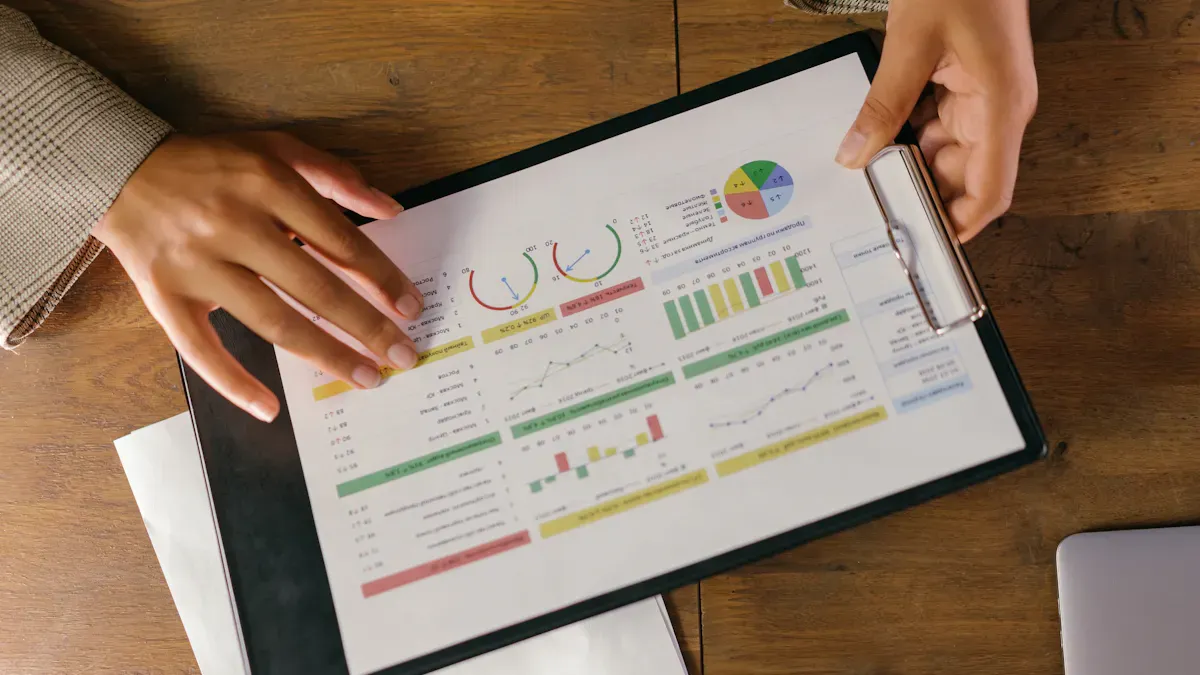
You need to check how well your computer vision models work, not just once, but many times. Cross-validation helps you do this. It means you split your data into parts and test your model on each part. One common way is k-fold cross-validation. You pick a number, like 5 or 10, and divide your data into that many groups. You train your model on some groups and test it on the rest. This helps you see if your model works well on different data.
Tip: Picking the right value for k is important. If you use a small k, your results might change a lot. If you use a big k, your model might take longer to test.
Sometimes, your data is not all the same. For example, you might have pictures from different stores or times. In these cases, regular cross-validation may not work well. You can use special methods, like time series cross-validation, to keep the order of your data. This is important if you want your model to predict what will happen next in your store.
Error analysis is another key step. You look at where your model makes mistakes. You find out if it misses products, counts things twice, or gets confused by new displays. This helps you understand what your model needs to improve. You can use tools like confusion matrices to see which products your model gets right or wrong.
Here are some best practices for cross-validation and error analysis:
Use k-fold cross-validation to get a good estimate of model performance.
Try time series cross-validation if your data changes over time.
Check for bias and variance by changing the value of k.
Use nested cross-validation or bootstrap methods to get confidence intervals.
Look at errors to find weak spots in your model.
Test your model on new data to see if it can handle surprises.
You should repeat these steps often. Many experts suggest retraining your models every month. This keeps your results fresh and helps you catch problems early. If you only care about short-term predictions, you can wait longer between checks.
Addressing Model Drift and Continuous Monitoring
Stores change all the time. New products arrive. Shelves move. Lights get brighter or dimmer. These changes can make your computer vision models less accurate. This is called model drift. You need to watch for it and fix it fast.
Model drift can happen for many reasons:
Lighting conditions vary.
New product displays appear.
The importance of features in your data shifts.
Sometimes, even if your data looks the same, your model can still make more mistakes.
To keep your models working well, you must monitor them all the time. Set up systems to track how well your model finds products and checks inventory. Use alerts to warn you if accuracy drops. Watch for data drift by checking if your input data changes. You can use tests like the K-S test or PSI to spot these shifts.
When you find drift, retrain your model with new data. Choose a retraining plan that fits your store. Some stores retrain every month. Others wait until they see a problem. Always update your model when you add new products or change your store layout.
Strategy | Description |
|---|---|
Track accuracy and precision. Use alerts for quick action. | |
Detecting Data Drift | Watch for changes in input data. Use tests to find shifts. |
Retraining and Updating the Model | Update your model when you see drift. Pick the best retraining plan for your store. |
Many top retailers use these steps:
Set up rules to catch model drift early.
Keep improving your model to stay accurate.
Watch your model in real time to spot problems.
Log errors and use them to retrain your model.
Listen to feedback from shoppers and staff.
Note: Continuous monitoring and fast updates help your models stay strong, even when your store changes.
By following these steps, you make sure your computer vision models keep working well. You help your store run smoothly and keep your customers happy.
You can help your store do better by using four main steps. First, pick clear ways to measure your model. Next, gather and label many kinds of data. Then, test your model in real stores. Last, check how your model works often. Good computer vision models help you see what is happening in your store. They make shoppers happier and help you keep track of products.
Benefit | Description |
|---|---|
Improved Visibility | You get updates right away to help you decide. |
Enhanced Customer Satisfaction | Shopping is easier with self-checkout. |
Increased Inventory Accuracy | You run out of things less and restock faster. |
Proactive Retail Security | You get quick warnings if something looks wrong. |
Improved Operational Efficiency | Workers can work together better and get things done faster. |
To keep getting better, you should watch your model’s results. Try to make your model work even better. Connect your vision tools with sales and stock systems. Always follow privacy rules. Use error lists to help you fix and retrain your model.
FAQ
How often should you retrain your computer vision model?
You should retrain your model every month or when you see changes in your store. New products, layouts, or lighting can affect accuracy.
What is the best way to label retail images?
You should use clear rules and examples for your team. Try AI tools for first labels, then check and fix them. This saves time and improves quality.
How do you handle privacy when collecting store data?
Always ask for permission before using images of people. Follow privacy laws. Tell staff and shoppers how you use their data.
Why does your model make mistakes in new stores?
Every store looks different. Lighting, shelf layout, and product types change. You need diverse data from many stores to help your model learn and improve.
See Also
Boosting Efficiency And Customer Experience With Cloudpick Checkout
Understanding The Impact Of AI In Corner Store Retail
Walgreens Self-Checkout: Balancing Convenience With Retail Challenges
Transforming Retail: The Smart Technology Behind Vending Machines
