How Cashierless Checkout Systems Work and What Retail Decision-Makers Need to Know

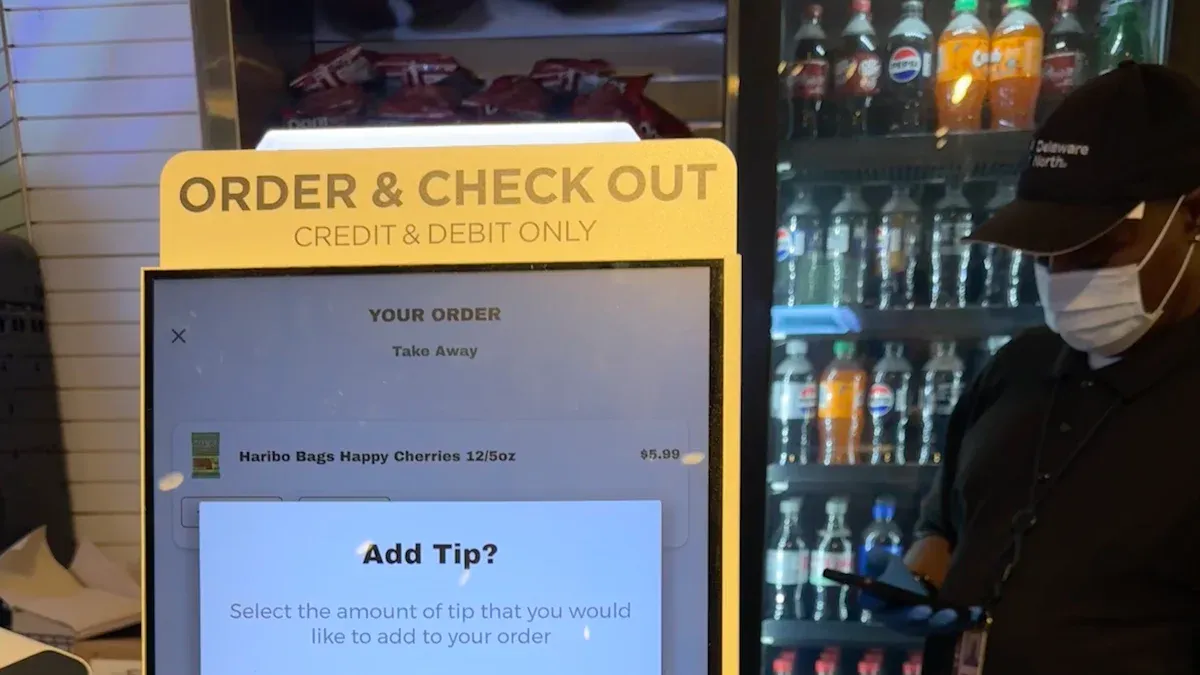
You use cashierless checkout systems when you go into a store. These stores use AI, cameras, sensors, and machine learning. They help make shopping and paying automatic. You can grab things and leave without waiting in line. You do not have to scan items.
In 2024, about 10,000 stores use this technology. Experts think more than 24,000 stores will use it by 2030.
Customers get faster checkout and do not need cash. They also get correct bills. Stores pay less for workers. They track items better and get more data.
The National Retail Federation says 97% of shoppers left a purchase because it was not easy. This shows that having a smooth shopping trip is very important.
Key Takeaways
Cashierless checkout systems use AI and sensors to watch items. Customers can shop without scanning things. This makes shopping much faster.
In 2024, about 10,000 stores will have cashierless technology. By 2030, more than 24,000 stores may use it. This shows people like easy shopping more and more.
Customers get faster checkouts and correct bills without using cash. Stores can save up to 30% on worker costs with this technology.
The onboarding process is easy. Shoppers can set up accounts fast with a smartphone app. This helps them start shopping right away.
Security steps like tokenization and biometric checks keep customer data safe. Cashierless systems are safer than old ways.
Cashierless Checkout Systems Process
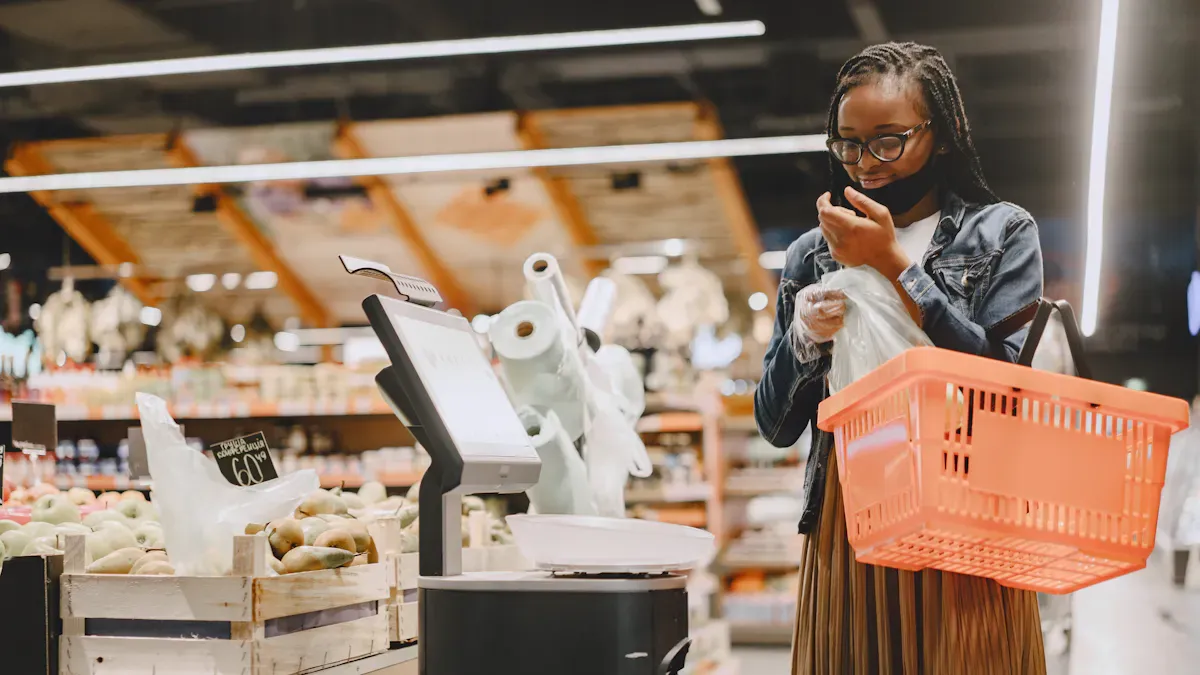
Store Entry and Access
You start your shopping journey by entering the store in a new way. Instead of walking in without any check, you use your smartphone app to scan a QR code at the entrance. Some stores let you use a debit card or even your fingerprint for access. This step links your identity and payment method to your visit. You do not need to talk to a cashier or wait for someone to open the door.
In traditional stores, you walk in freely, but you must wait in line to pay later. Cashierless checkout systems make entry smarter and faster.
Here is a quick look at the steps:
Step | Description |
|---|---|
Entering a Cashierless Store | You scan a QR code or use another method to unlock the door and connect your account. |
Shopping Experience | You pick up items, and the system tracks your choices with cameras and sensors. |
Payment Process | The system charges your account automatically as you leave. |
Receipt Generation | You get a digital receipt on your phone or by email. |
Product Detection and Tracking
When you shop, you pick up products and put them in your bag. You do not need to scan barcodes or use a self-checkout machine. The store uses many smart tools to watch what you take:
Cameras and sensors follow your movements and see which items you grab.
Artificial intelligence and machine learning help the system know exactly what you choose.
Pressure sensors and RFID tags check when you remove or return products to the shelf.
The system adds each item to your virtual cart in real time.
You do not need to worry about mistakes. The technology works together to make sure your bill is correct. This process is different from self-checkout, where you must scan each item yourself. In a traditional store, a cashier does this job.
Automated Payment and Exit
When you finish shopping, you walk out of the store. You do not stop at a register or scan your items. The system checks your virtual cart and charges your account automatically. You can use credit cards, debit cards, mobile payments, or other methods linked to your account.
Security gates at the exit make sure everything is correct. If there is a problem, the gate will not open. Cameras and sensors watch the exit to prevent theft. You get a digital receipt right away, which helps you track your spending.
Tip: You save time and avoid lines because cashierless checkout systems handle payment and security for you.
How Cashierless Checkout Differs from Other Systems
Feature | Cashierless Checkout | Self-Checkout | Traditional Checkout |
|---|---|---|---|
Technology | AI, cameras, sensors | Smartphones, QR codes | Human cashiers |
Checkout Process | Fully automated | Customer scans items | Cashier scans items |
Payment | Automatic | Customer pays at kiosk | Cashier handles |
Speed | Fastest | Moderate | Slowest |
Staff Needed | Few | Some | Many |
You see that cashierless checkout systems offer the fastest and most seamless experience. You do not need to scan or wait. Self-checkout still needs you to do some work. Traditional checkout takes the most time and staff.
Technology Behind Cashierless Checkout
AI and Machine Learning
You see artificial intelligence and machine learning at work every time you shop in a cashierless store. These smart systems help the store know what you pick up and put back. They use cameras, weight sensors, and computer vision to watch your actions. When you grab an item, the system adds it to your virtual cart. If you return the item, the system removes it. Machine learning algorithms look at all this data in real time. This process helps keep your bill correct and your shopping experience smooth.
Cameras and sensors follow your movements and track the products you choose.
Computer vision technology identifies each item as you pick it up or put it back.
Pressure-sensitive shelves notice when you move products.
Machine learning checks all the information to make sure your virtual cart matches what you take.
You do not need to scan anything. The technology does the work for you.
Cameras and Sensors
Cameras and sensors play a big role in cashierless checkout systems. The cameras must work well in different lighting. They need the right shutter speed and frame rate to catch every item you add to your bag. The lens must cover the whole shopping area so nothing gets missed. A good Image Signal Processor (ISP) helps make the pictures clear and sharp.
Cameras capture images even when the light changes.
The right shutter and frame rate make sure the system sees every item.
A wide lens lets the camera watch the whole cart or shelf.
The ISP improves image quality for better tracking.
Sensors, like weight sensors and RFID tags, help the system know when you pick up or return products. These tools work together to make sure the store tracks everything you do.
Real-Time Data Integration
Cashierless checkout systems use real-time data integration to make shopping fast and easy. The system tracks your purchases as you shop. You do not need to wait in line or scan items. This process makes your shopping trip more efficient.
The system tracks what you buy and lets you leave without stopping at a register.
Automated tracking means fewer mistakes and faster checkout.
You get more accurate bills and the store manages inventory better.
The store can see how products move, which helps with restocking.
IoT devices serve as physical sensors to detect certain events. For example, when you pick up an item from the shelf, you are causing an event – the AI software then responds to the event and does something in reaction. That action is usually putting whatever you picked up into your virtual cart. IoT devices are there to sense whatever is going on.
You see how all these technologies work together. They make your shopping experience smooth and help stores run better.
Customer Experience in Cashierless Stores

Onboarding and App Use
You start your journey by downloading the store’s app. The app guides you through a quick setup. You use your smartphone camera to scan your ID card or passport. This step helps the store confirm your identity. Next, you link your payment method. When you arrive at the store, you open the app and scan a QR code at the entrance. This action unlocks the door and connects your account to your visit.
You register your details by scanning an identity document.
You use the app to scan a QR code at the entrance.
The app uses “Scan and Go” technology, which is easy to learn.
Tip: Most people find the onboarding process simple and fast. You can start shopping in just a few minutes.
Shopping Journey
Once inside, you pick up items and put them in your bag. You do not need to scan barcodes or wait for help. Cameras and sensors track what you take. The system adds each product to your virtual cart. You can shop at your own pace. Many shoppers, especially Gen Z and Millennials, prefer this self-service style. A recent report shows that 84% of consumers like self-checkout options.
You move through the store without stopping at a register.
The system tracks your choices in real time.
You enjoy a smooth and private shopping experience.
Instant Checkout
When you finish shopping, you simply walk out. The system charges your account automatically. You get a digital receipt on your phone. There are no lines or delays. This process saves you time and makes shopping more enjoyable.
Technology | Benefit |
|---|---|
Edge AI | Tracks transactions in real time and improves security. |
Advanced Computer Vision | Offers personalized recommendations and increases satisfaction. |
Automation | Reduces checkout time and lets staff focus on helping you. |
Note: Cashierless checkout systems remove long lines and make your trip faster. Staff can help you with questions instead of running registers.
Retail Operations and Implementation
System Integration
You must plan well before adding cashierless checkout systems. First, check if the new system works with your store’s tools. Test how it connects to inventory, payment, and security systems. Use this table to see what you need to check before starting:
Testing Metric | Description |
|---|---|
Integration and Compatibility | Makes sure the system works with other tools and avoids problems. |
Regulatory Compliance and Security | Checks if data is safe and follows rules like PCI-DSS to protect customers. |
Performance and Scalability | Tests if the system works well when the store is busy. |
You might have some problems when setting up:
The system can cost a lot to buy and keep working.
It is hard to install cameras, sensors, and smart shelves.
You must keep product displays neat for the system to track items right.
Train your team often. Give them easy guides. Make sure staff are ready to help shoppers who use the system for the first time.
Staff Roles
Your staff will see their jobs change in the store. They will spend less time doing the same tasks over and over. They will help customers more. Employees will use technology to give you personal help. You need workers who know about tech, data, and customer service. Teach your team how to fix simple problems and answer shoppers’ questions.
Employees help customers more.
Staff use new tools to help you.
New jobs need tech skills and people skills.
Improving Store Efficiency
Cashierless checkout systems can lower labor costs by up to 30%. You need fewer workers at the checkout. Your team can help customers and keep the store running well. The system uses AI to make fewer mistakes, so your bill is always right. This also helps the store keep track of products better.
You may see higher labor costs and not enough staff. Cashierless systems help you with these problems. Most shoppers want to try new AI tools. Teaching them how the system works can make shopping better.
Tip: Have friendly staff and easy guides to help shoppers feel good about using the new system.
Security and Privacy Considerations
Data Protection
When you use cashierless checkout systems, you give stores your personal information. Stores use strong tools to keep your data safe. They use mobile payment apps and tokenization. Tokenization makes a new code for every purchase. This code is used only once, so hackers cannot steal your data. Many stores ask for your fingerprint or face scan. This step stops others from using your account. Real-time fraud detection watches for strange things. If something looks wrong, you must show more proof. Contactless payments make things safer and lower card fraud.
Description | |
|---|---|
Eliminates shoplifting risks | You must link a real payment account, so theft is harder. |
Mobile payment apps | These apps are safer than cash or cards. |
Tokenization Technology | The system uses a new code for each buy. |
Biometric Authentication | You may need a fingerprint or face scan for safety. |
Real-Time Fraud Detection | The system checks for odd things and asks for more proof. |
Contactless and Secure Transactions | NFC keeps your card details safe from skimming. |
Note: Many people worry about how stores use their information. You can often shop as a guest or say no to data collection.
Theft Prevention
Stores with cashierless checkout have less theft. Cameras, sensors, and artificial intelligence watch what happens in real time. The system can see mistakes or theft right away. It can stop you at the exit if something is wrong. Cashierless technology is very accurate and almost theft-free. Self-checkout lanes see more theft, but cashierless stores do not.
Feature/Benefit | Cashierless Checkout | Traditional Checkout |
|---|---|---|
Theft Prevention | Built-in loss prevention | Manual checks |
Shrinkage Metrics | Lower because of tech | Higher shrinkage |
Cameras and sensors find problems fast.
Real-time data finds strange buys.
AI tools spot trends that lead to theft.
Compliance Issues
You must follow many rules when using cashierless checkout systems. These rules protect your privacy and make sure stores are fair. Stores must follow laws about tracking shoppers and using biometric data. They must check ages for things like alcohol. Stores also need to help people with disabilities and those without smartphones. Labor laws may change as jobs change. Stores must protect their ideas and work with tech vendors on data and money.
Description | |
|---|---|
Consumer Privacy | Stores must keep your data safe. |
Authentication Tech | Stores must follow rules for biometrics. |
Age-Restricted Goods | Stores must check ages for some products. |
Discrimination Claims | Stores must help all shoppers, even those with disabilities. |
Labor Disputes | Stores must handle job changes from automation. |
Fraud Detection | Stores must manage fraud and work with tech vendors. |
Intellectual Property | Stores must protect their technology ideas. |
Insurance Coverage | Stores must update insurance for new systems. |
Vendor Relationships | Stores must agree on data and money with vendors. |
Tip: Ask how your data is used and what choices you have. Stores that respect your privacy earn more trust.
When you think about cashierless checkout systems, look at what customers want. You also need to think about safety and technology needs. Check if your store is ready for new digital tools. Many stores try small tests to see what works. Tell people how the system works to build trust. Good technology and making things easy help keep shoppers happy. This can help your business get bigger.
FAQ
How do you pay in a cashierless store?
You link your payment method in the store’s app before you enter. When you finish shopping, the system charges your account automatically. You do not need to scan or swipe anything at checkout.
What if you pick up an item and put it back?
The system uses cameras and sensors to track your actions. If you return an item to the shelf, the system removes it from your virtual cart. You only pay for what you take with you.
Can you shop without a smartphone?
Some stores let you use a debit or credit card, or even biometrics like fingerprints, for entry and payment. You should check with the store before you visit.
Is your personal data safe?
Stores use encryption, tokenization, and biometric checks to protect your information. You can ask how your data is used. Many stores let you shop as a guest for more privacy.
See Also
Navigating Walgreens Self-Checkout: Benefits And Hurdles In Retail
Discover How Cloudpick Offers Cashier-Free Shopping Solutions
Walmart Self-Checkout Updates: Anticipated Changes For 2025
Addressing Self-Checkout Cash Mistakes: Reasons And Remedies
