Step-by-Step Guide to Cashierless Checkout Systems

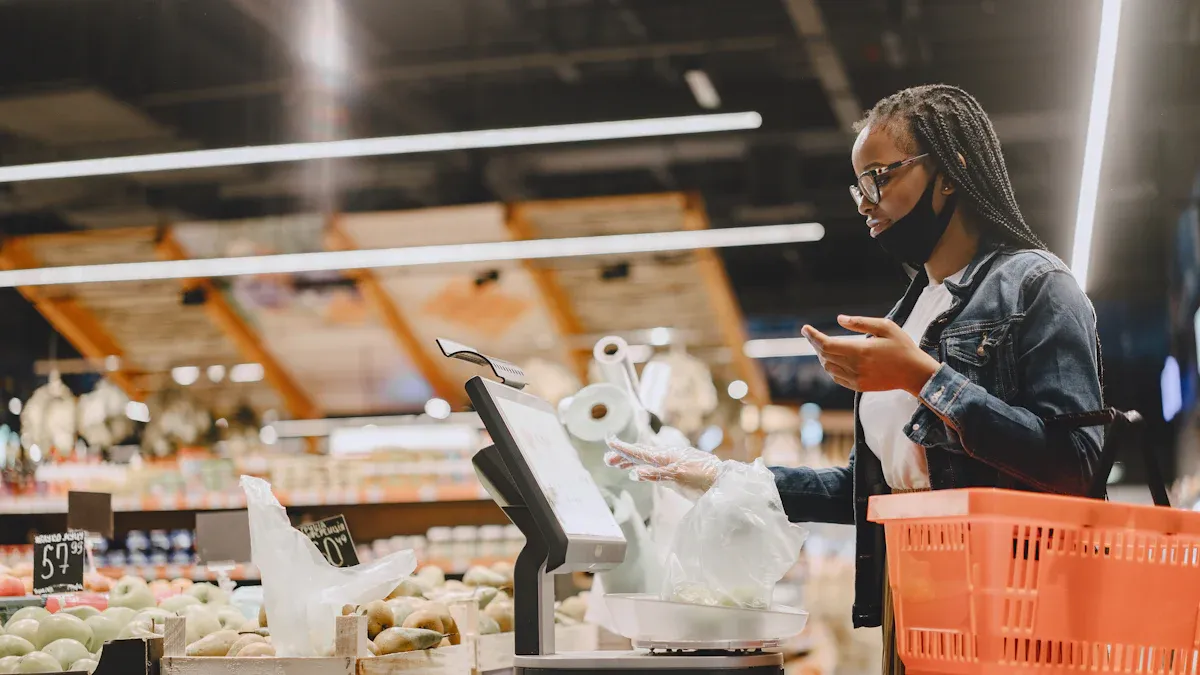
When you use cashierless checkout systems, you do not wait in line. These systems use IoT devices and computer vision software. You can walk into the store and take what you want. You do not need to stop at a register. The technology works together to make shopping easy and safe.
Technology | How It Works for You |
|---|---|
Computer Vision | Watches what you pick for correct billing |
Knows each product you grab | |
AI | Makes shopping faster and more correct |
IoT | Links devices for a smooth shopping trip |
Key Takeaways
Cashierless checkout systems let you shop without waiting in line. You can take what you want and leave the store. This makes shopping much faster and easier for everyone.
Cameras and AI watch what you pick up. You do not have to scan items by yourself. This helps stop mistakes from happening.
You can enter the store in different ways. You might use a QR code or facial recognition. This makes getting inside simple and quick.
Your payment happens by itself when you leave. You can pay in many ways, so you save time and skip long lines.
Privacy is very important. You can shop as a guest if you want. Your data stays safe, so you can shop without worry.
How Cashierless Checkout Systems Work
When you enter a store with cashierless checkout systems, you experience a new way to shop. These stores use cameras, sensors, and artificial intelligence to track what you pick up. You do not need to scan items or wait in line. The whole process feels smooth and fast.
Store Entry and Setup
You start your shopping journey at the entrance. The store needs to know who you are before you go in. You can choose from several ways to check in:
Authentication Method | How It Works |
|---|---|
QR Code (App) | Scan a QR code at the entrance |
Barcode (App) | Scan a barcode made by the app |
Debit Card | Swipe your card at the gate |
RFID Access Card | Tap your card to enter |
Facial Recognition | Camera checks your face |
Biometric Authentication | Fingerprint or other scan |
Kiosk Registration | Sign up at a kiosk for entry |
You might use your phone, a card, or even your face to enter. Some stores let you register at a kiosk if you do not have an app. This step links you to your shopping session.
Tracking and Identification
Once inside, the system starts tracking your movements and the items you touch. You do not need to do anything special. The technology works in the background:
Cameras watch where you go and what you pick up.
Sensors on shelves notice when you remove or return products.
The system gives you a random ID, so it can follow your actions without using your real name.
Deep learning models help the system tell you apart from other shoppers.
You can start your session with a QR code from your app or by using facial recognition. The cameras and sensors work together to make sure every item you take is added to your virtual cart. You do not need to scan anything yourself.
The main technologies used include:
Computer vision for tracking and recognizing products.
Deep learning for understanding shopper behavior.
IoT devices that connect sensors and cameras.
AI that automates billing and improves your experience.
Weight sensors that check if you put items back.
Tip: You can shop as a guest if you do not want to create a profile. This helps protect your privacy.
Privacy and Anonymity
Many people worry about privacy in cashierless checkout systems. These stores use advanced technology, but they also work hard to keep your information safe. Here are some ways they protect you:
The system uses anonymization and pseudonymization. This means your real name is not linked to your shopping data.
You must give consent before the store collects your data. You can choose to opt out.
The store collects only the data it needs. This reduces the risk of data leaks.
You can shop as a guest if you do not want to share personal details.
Some shoppers like to create profiles for special offers, but you do not have to.
Note: Trust matters. Most shoppers prefer stores that handle their data with care.
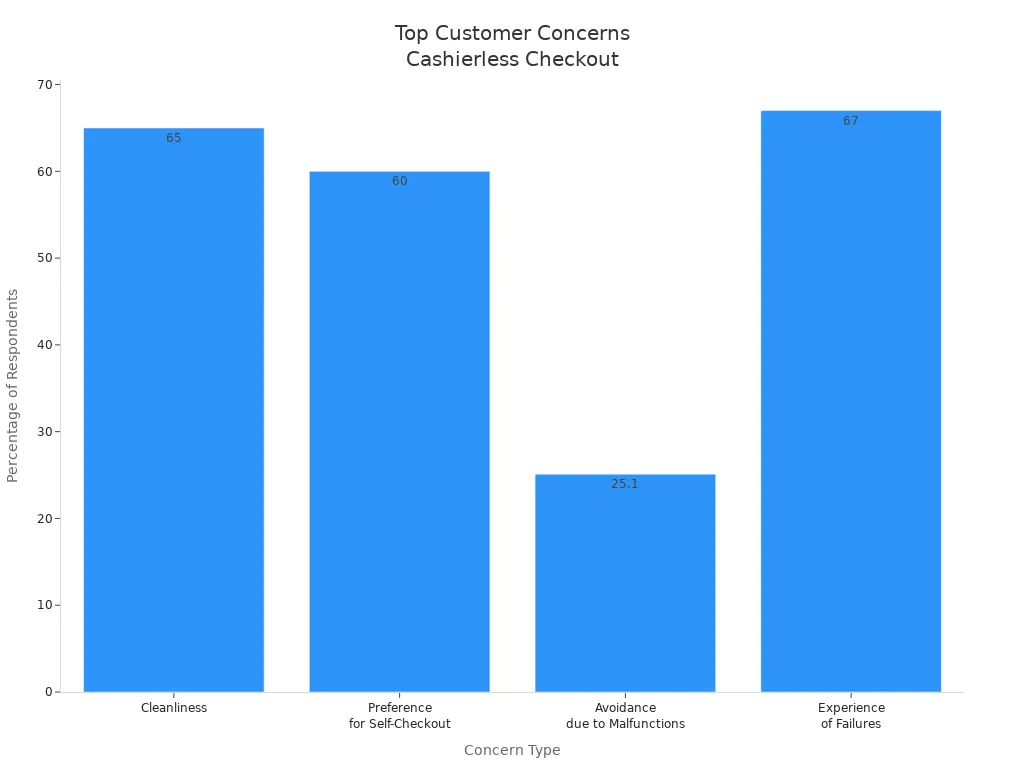
Many customers worry about privacy, technical problems, and system failures. Stores try to address these concerns by using secure technology and giving you control over your data.
Product Selection and Cart Tracking
Item Detection
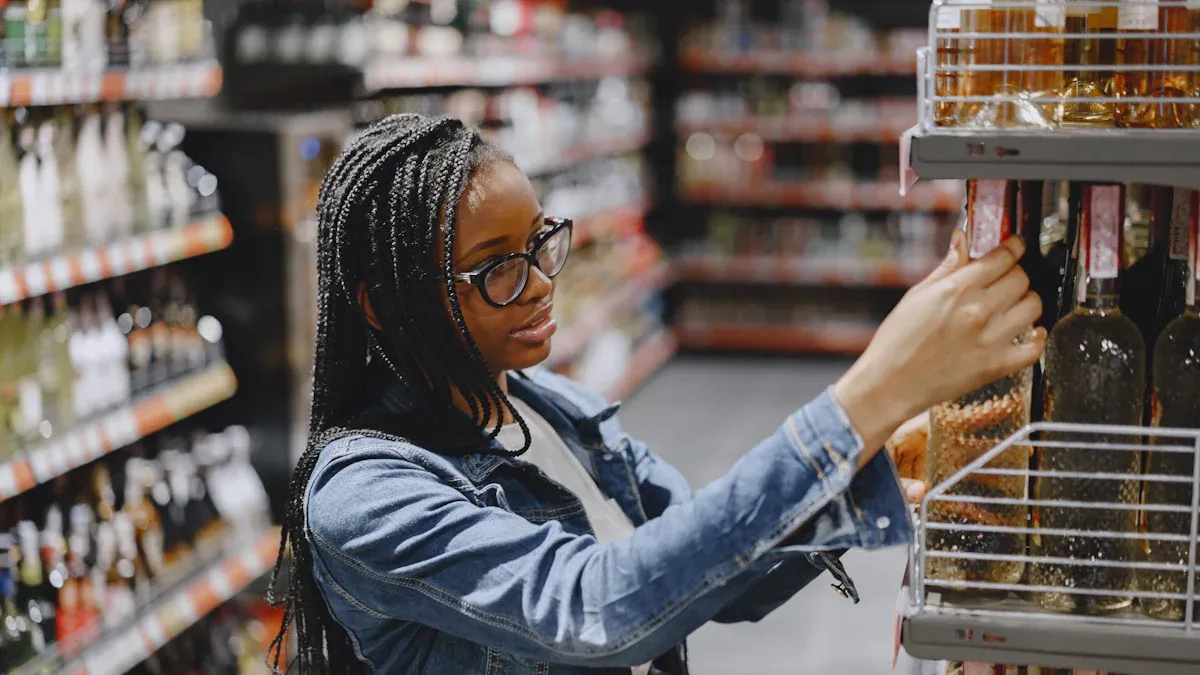
When you pick up something in a store with cashierless checkout systems, cameras and computer vision start working right away. These tools see what you grab, so you do not need to scan barcodes. Computer vision helps stop mistakes and saves time. Shopping becomes faster and more correct.
Cameras watch what you buy as it happens.
Mobile scan-and-go apps let you scan things and pay on your phone.
Computer vision AI checks how many items are left and tells workers to restock.
AI can see what you pick, even if there is no barcode. The system can ask you to confirm the item, which makes checkout easier. This technology uses AI, computer vision, and RFID to be more correct. Mashgin's self-checkout machines are right 99.9% of the time. You can trust the system to keep track of what you choose.
Tip: If you want to see your cart, some stores have screens or apps that show your items while you shop.
Cart Updates and Changes
When you add or put back items, your cart changes right away. Smart carts use cameras and weight sensors to notice changes. You always see the right total, even with discounts. Your virtual cart connects to your account and updates with sensor data. You can see changes as you hold or return things.
Smart carts have barcode scanners, cameras, weight sensors, and touchscreens.
Just Walk Out uses cameras on the ceiling and shelf sensors to watch what you do.
Scan and Go lets you use your phone to scan and pay.
You do not need to worry about mistakes. The system watches every change and keeps your cart right. You get an easy shopping trip with cashierless checkout systems.
Automatic Checkout and Payment
Payment Processing
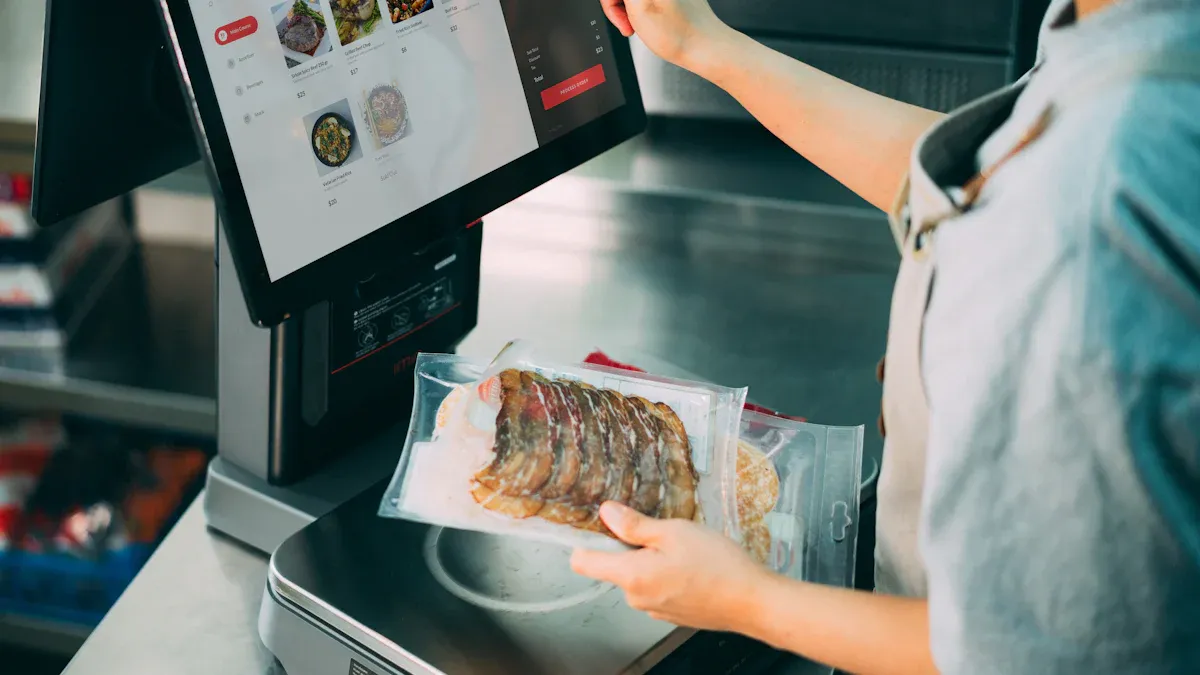
You do not need to stand in line or hand your items to a cashier. In cashierless checkout systems, payment happens automatically as you finish shopping. The system tracks your items with cameras and sensors. When you leave, it reads the products in your cart and charges you right away. You do not need to scan anything or wait for approval.
You can pay in several ways:
Debit cards
Mobile payments
QR codes
Cash
Apple Pay
The store connects your payment method to your account when you enter. As you walk out, the system updates your electronic cart and processes your payment. This process uses connected devices and smart shelves to make sure you pay for what you take. You save time and avoid long lines.
Tip: You can choose your favorite payment method before you start shopping. This makes checkout even faster.
Receipts and Notifications
After you leave the store, you get a digital receipt almost instantly. Some systems, like AiFi, send your receipt to your phone in just 200 milliseconds. You do not need to ask for a paper copy or wait for an email.
Your receipt usually includes:
A list of all items you bought
The total amount charged
The payment method used
The time and date of your purchase
You receive notifications on your phone or through the store’s app. This helps you keep track of your spending and makes returns easier if needed.
Note: Digital receipts are safer and better for the environment than paper ones. You always have a record of your purchases.
Exiting the Store
Security and Exit Gates
When you finish shopping, you head toward the exit. The store uses several security measures to make sure you leave safely and pay for your items. You see gates at the exit that control who can leave. These gates use advanced access control systems. You might scan a QR code from your app, or the gate checks your face with biometric authentication. Some stores use both methods to make the process faster and more secure.
Advanced access control systems check your identity.
Biometric authentication confirms you are the right person.
QR codes let you exit quickly and easily.
You do not need to worry about mistakes. The system checks your cart and payment before you leave. If there is a problem, the gate will not open. You can ask for help from a store employee if you need it. Security cameras watch the exit to prevent theft and keep everyone safe.
Tip: Always check your cart and payment method before you reach the exit. This helps you avoid delays.
What Happens After Exit
After you leave the store, your shopping session ends. The system sends your receipt to your phone or app. You can review your purchases and see the total amount charged. If you notice a mistake or have a question, you can get help right away.
Zippin’s support team investigates any disputes and works to solve them quickly.
An employee may be stationed at the exit to help with purchase disputes or other needs.
You can contact customer support through the app or website. The store keeps your data safe and only uses it to help you with your purchases. If you need to return an item or fix a billing issue, support teams respond fast. You get clear answers and help without waiting in line.
Note: Stores want you to feel confident about your shopping experience. You always have access to support after you exit.
You get lots of good things from cashierless checkout systems. You do not have to wait in long lines. You finish shopping much faster. You check out by yourself and have more privacy. These systems use smart technology to make shopping easy and safe.
Fast to get in and out
Shopping feels like what you do online
Impact Area | Description |
|---|---|
Efficiency | No lines, open all day, fewer mistakes |
Customer Experience | Fast checkout, more trust |
You can see how these systems change stores. Stores work better and give you a nicer shopping trip.
FAQ
How do you know you paid for the right items?
The system tracks every item you pick up or put back. You can check your virtual cart on a screen or app. If you see a mistake, you can ask for help before you leave.
What if you want to pay with cash?
Some stores let you pay with cash at a kiosk before you exit. You can choose this option when you start shopping. Ask a staff member if you need help.
Are cashierless stores safe for your privacy?
Stores use anonymized data and strong security. You can shop as a guest if you do not want to share personal details. Your information stays protected.
What happens if you need to return an item?
You can start a return in the app or at the store. The support team helps you quickly. You get a refund to your original payment method.
See Also
Discover How Cloudpick Enhances Cashierless Shopping Experiences
A Journey Through the Development of Self-Checkout Systems
Analyzing Walgreens Self-Checkout: Benefits and Retail Hurdles
Walmart Self-Checkout Updates: Anticipated Changes for 2025
Addressing Self-Checkout Cash Mistakes: Solutions for Seamless Payments
