How to upgrade an existing store into a cashierless format

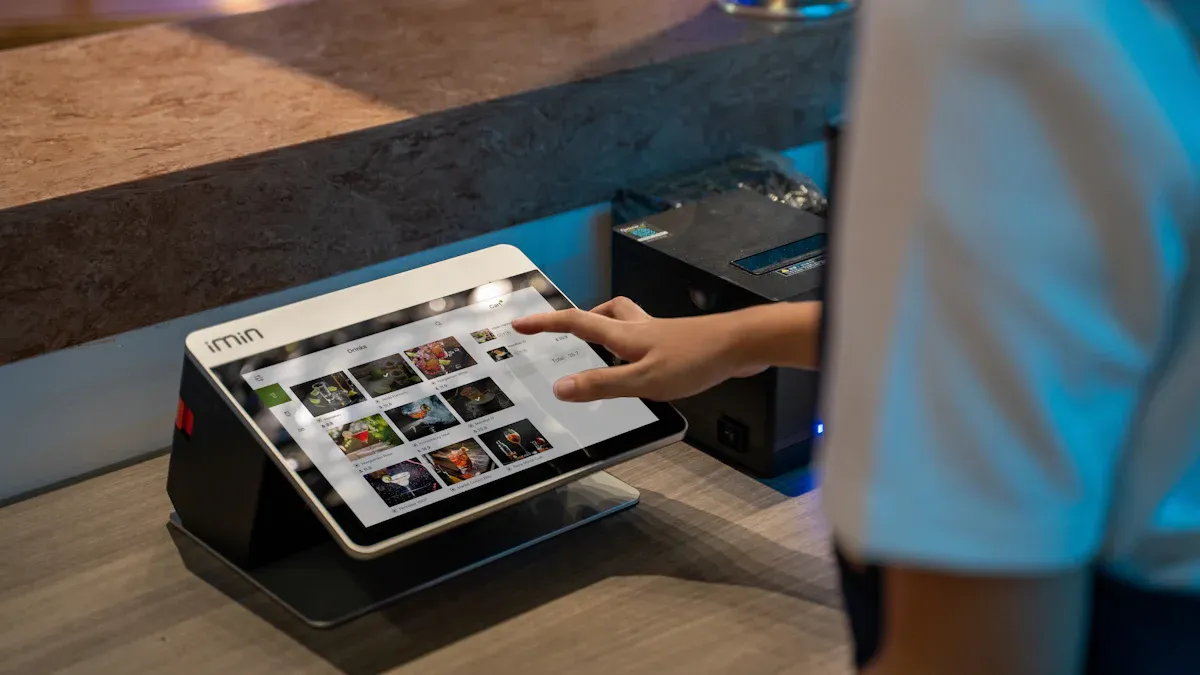
Ready to upgrade an existing store and make shopping easier for everyone? When you switch to a cashierless format, you boost efficiency and create a smoother in-store shopping experience. Many shoppers, especially Gen Z and millennials, love the streamlined shopping experience and quick checkout. You need to check your store’s automation and see if you’re ready for change. Take a look at how different age groups feel about cashierless technology:
Age Group | Shopping Experience Preference |
|---|---|
Gen Z & Millennials | Enjoy digital cashierless experience |
Older Shoppers | Prefer traditional shopping process |
You can improve customer experience and make shopping more fun for everyone.
Key Takeaways
Assess your current technology to identify what needs upgrading. This helps you plan effectively and saves time and money.
Focus on customer needs by observing their shopping behavior. Understanding their pain points allows you to choose the right upgrades.
Select the right cashierless technologies like smart shelves and AI to enhance efficiency and improve the shopping experience.
Run pilot programs to test cashierless systems before a full rollout. This helps you gather feedback and make necessary adjustments.
Train your staff and inform customers about the new system. Proper preparation ensures a smooth transition and enhances customer satisfaction.
Assess and Plan Store Upgrade
Review Current Automation
Before you jump into a cashierless upgrade, you need to know where your store stands. Take a close look at your current systems. Some stores already use self-checkout or have inventory management tools. Others might still rely on manual processes. Make a list of all the technology and automation you use right now. This step helps you spot what works and what needs an upgrade.
Check if your store has self-checkout stations.
Look for any inventory tracking systems.
List all the devices and software that help with automation.
Find out which parts of your store still use manual work.
When you understand your store’s automation level, you can plan better. You will see which upgrades are easy and which ones need more work. This step saves you time and money later.
Identify Customer Needs
You want your store to make shopping easy and fun. To do that, you need to focus on customer needs. Ask yourself what problems your customers face during checkout. Do they wait in long lines? Do they get confused by self-checkout machines? Maybe they want a faster way to finish shopping.
The technology has gotten significantly better since Amazon’s first Go store opened in 2018, but real-world retail presents challenges that controlled test environments don’t capture. Customers pick up items and put them back, hand products to their kids, and shop in groups, which complicates tracking interactions. Successful implementations target specific operational pain points rather than attempting comprehensive store transformation.
Talk to your customers. Watch how they move through your store. Notice where they get stuck or frustrated. When you know their pain points, you can choose the right upgrades. Focus on solving real problems instead of changing everything at once. This way, your store will meet customer needs and make shopping better for everyone.
Choose Cashierless Technologies
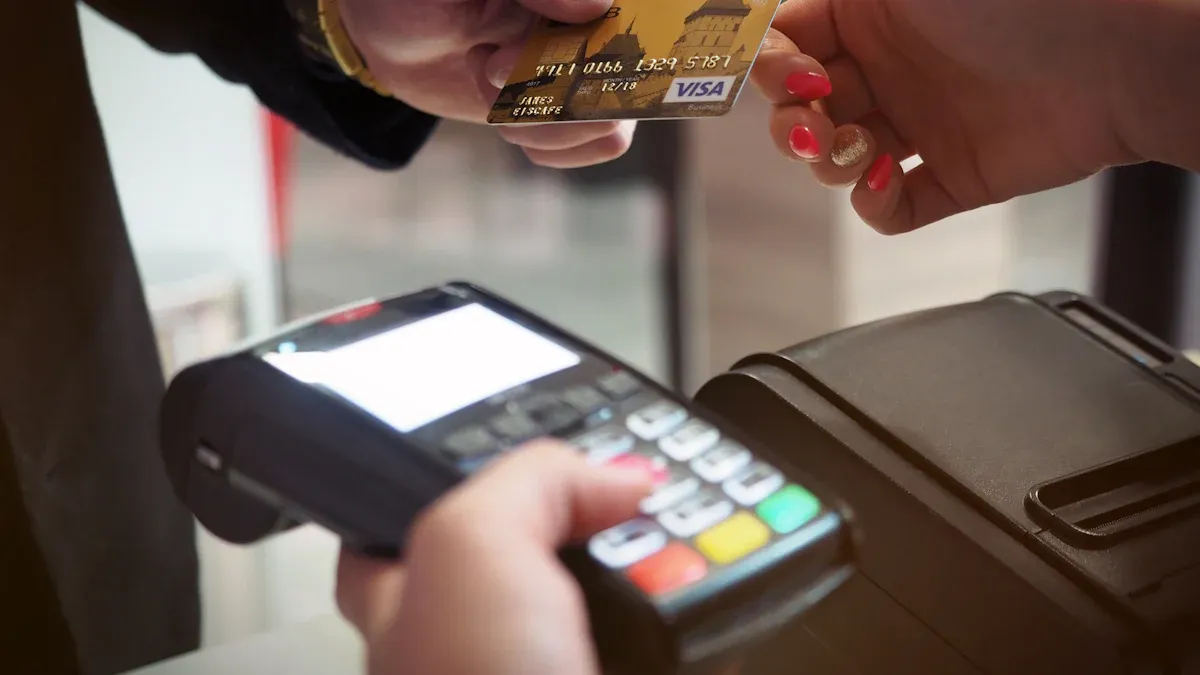
Upgrading your store to a cashier-less format means picking the right mix of hardware, software, and infrastructure. You want to create a smooth shopping experience for everyone. Let’s break down the main technologies supporting cashier-less checkout and see how each one helps you move toward a checkoutless technology future.
Smart Shelves and Sensors
Smart shelves and sensors are the backbone of cashier-less technology. These tools help you track products and keep your store running smoothly. When you use sensors, you get real-time updates on inventory. You know exactly when someone grabs an item or puts it back. This makes your store smarter and helps you avoid running out of stock.
Real-time tracking lets you see when products leave the shelf, so you can restock faster.
RFID technology tracks items without needing a direct line of sight. You can audit your stock quickly.
Weight sensors measure changes in shelf weight, so you know how many items customers take.
IoT connectivity sends instant updates to your inventory system.
Loss prevention features help you spot theft and reduce shrinkage by up to 25%.
Smart shelves and sensors make your store safer and more efficient. You spend less time counting products and more time helping customers enjoy their shopping experience.
Computer Vision and AI
Computer vision and AI are changing the way you run your store. These technologies supporting cashier-less checkout use cameras and smart software to watch what customers do. You can track items, spot mistakes, and even prevent theft. Computer vision helps you build a true grab and go experience.
Here’s a look at the latest advancements:
Technology Type | Description |
|---|---|
Computer Vision & Deep Learning | Cameras and neural networks identify products in real-time, making shopping easier. |
Sensor Fusion | Combines data from sensors and cameras for better accuracy and fewer errors. |
Mobile & App Integration | Lets customers scan items and pay with their phones for a seamless checkout. |
Smart Carts | Carts with built-in tech allow scanning while shopping, so customers skip the checkout line. |
Fully Cashierless Stores | Advanced systems charge customers automatically as they leave, no checkout needed. |
When you use computer vision and AI, you see fewer transaction errors and less shrinkage. Stores report a 2% drop in transaction mistakes and up to 80% less shrinkage. You also need fewer staff interventions, which means your team can focus on helping customers instead of fixing checkout problems.
Security gets a boost, too. AI-driven video surveillance watches for suspicious activity and alerts you to possible theft. Retailers like Walmart use these systems to cut down on fraud and keep their stores safe.
Barcoding and Alternatives
Barcoding has been around for a long time, but it doesn’t always fit the cashier-less concept. Traditional barcodes need to be scanned at checkout, which can slow things down. You want your store to offer a faster, smoother experience, so it’s time to look at alternatives.
Some new systems let customers scan-and-go technology barcodes with their phones and pay right away. You don’t need a special app or a checkout counter. This makes the process easier and more flexible.
Let’s compare some popular options:
Technology | Advantages | Impact on Checkout Efficiency |
|---|---|---|
RFID | Contactless, automated payments and scans multiple items at once | |
QR Codes | Stores more data and works with smartphones | Streamlines checkout and boosts customer engagement |
Retailers like Amazon use RFID for cashier-less shopping, making the experience truly checkoutless.
Walmart improved stock accuracy by 20% with RFID, so you avoid stockouts and overstock.
Starbucks uses QR codes in their app, which increases mobile payments and customer loyalty.
If you want your store to support cashier-less checkout for every item, you need to mix barcoding, RFID, and QR codes. This way, you cover products that don’t have traditional barcodes and make checkout easier for everyone.
Choosing the Right Technology for Your Store
Every store is different. You need to pick cashier-less technology that fits your space, budget, and customer needs. Here’s a quick guide to help you decide:
Criteria | Description |
|---|---|
Types of Technologies | |
Operational Aspects | Payment processing and inventory management for different store formats. |
Sensor Technology | Tracks item movement and placement in real-time. |
Virtual Carts | Adds items to a virtual cart for easy checkout. |
Automatic Payment Processing | Charges customers automatically as they exit. |
Cameras | High-res cameras monitor shopping areas and customer interactions. |
You also need to think about legal and regulatory rules. Make sure you protect customer data and follow local laws. Address any bias in AI systems and keep consumer rights safe.
Cashier-less technology can help your store go green, too. Digital payments and mobile wallets cut down on paper waste by 85%. You use less energy and lower your carbon footprint.
When you choose the right mix of technologies supporting cashier-less checkout, you create a better shopping experience. Your store becomes more efficient, secure, and ready for the future.
Integrate Cashier-less Checkout System
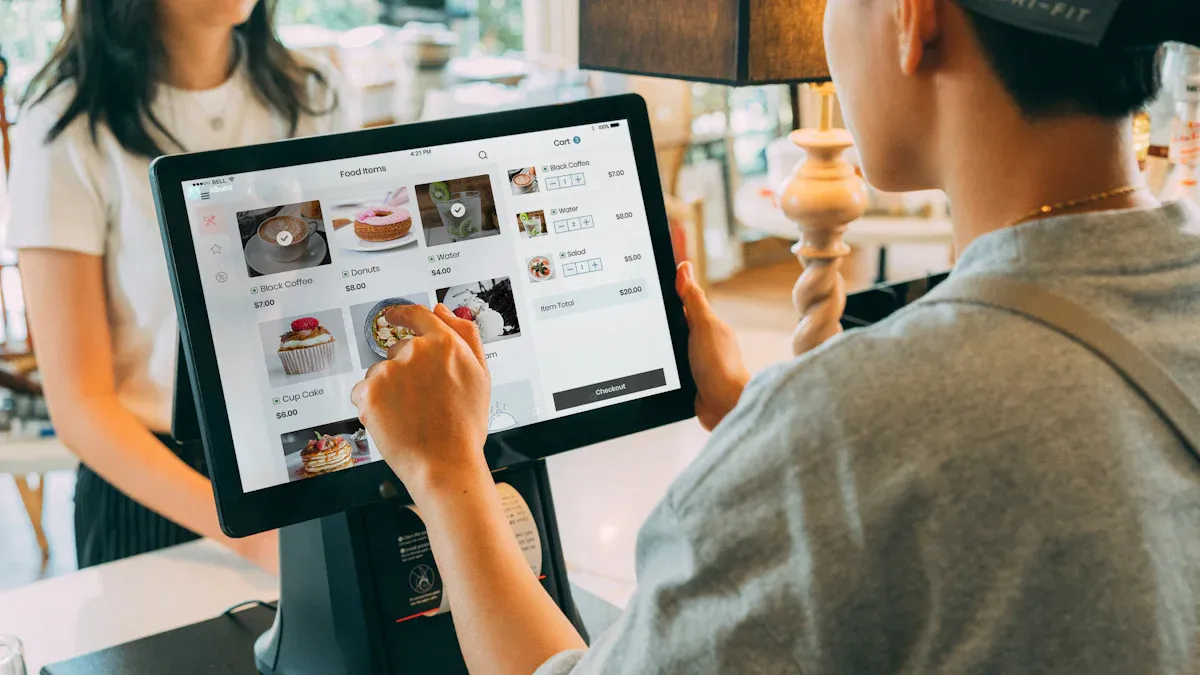
System Compatibility
You want your store to run smoothly with a new cashier-less checkout system. Start by checking if your current technology can work with cashier-less tools. Some systems need upgrades, while others might need a complete change. You should look at your store’s software, hardware, and network. Make sure everything connects well so the cashier-less checkout system does not slow down your shopping experience.
Here’s a table showing common challenges you might face when adding a cashier-less checkout system to your store:
Challenge | Description |
|---|---|
High setup costs | Installing a cashier-less checkout system can be expensive. You need sensors, cameras, and smart software, which cost a lot. |
Operational changes | You may need to retrain staff and change your store layout to fit the new cashier-less checkout system. |
Customer adoption barriers | Some shoppers worry about privacy or prefer the old way. They may not trust the cashier-less checkout system at first. |
Technical failures | Sometimes the cashier-less checkout system makes mistakes or goes offline. This can frustrate customers during shopping. |
You can solve these problems by planning ahead. Test your cashier-less checkout system before you launch it. Make sure your automated payment method works every time. Keep your store’s network strong so the cashier-less checkout system stays online.
Staff and Customer Preparation
Your team plays a big role in making the cashier-less checkout system work. Train your staff so they know how to help customers and fix problems. Use hands-on training to show how the cashier-less checkout system works. Teach problem-solving skills so your team can handle payment errors or connection issues. Give them quick guides for common problems.
Hands-on training helps staff learn the cashier-less checkout system, including sensors and payment tools.
Problem-solving skills let your team fix issues with the cashier-less checkout system fast.
Customer assistance training prepares staff to help shoppers use the cashier-less checkout system, especially if it’s their first time.
Let your customers know about the new cashier-less checkout system before you launch it. Use signs, flyers, or social media to explain how the cashier-less checkout system works. Show them how easy shopping can be with a cashier-less checkout system. Answer questions about privacy and payment. Invite feedback so you can improve the cashier-less checkout system and make shopping better for everyone.
Tip: A friendly staff member can make the cashier-less checkout system less scary for first-time users. Smile and offer help during their shopping experience.
When you prepare your staff and customers, your store will have a smooth cashier-less checkout system. You will see happier shoppers, fewer mistakes, and a better shopping experience. The right training and clear communication make your cashier-less checkout system a success.
Pilot, Test, and Improve Cashierless Experience
Run Pilot Programs
You want your cashier-less upgrade to work well before you roll it out across your whole store. Running a pilot program helps you test the new cashier-less checkout system in a small area. You can see how customers react and spot any problems early. Choose a section of your store with steady traffic. Set up the cashier-less checkout system and invite shoppers to try it. Watch how they move through the shopping area and use the new cashier-less checkout process.
Ask customers for feedback about their cashier-less experience.
Track how long it takes for each shopper to finish checkout.
Look for any confusion or slowdowns in the cashier-less checkout area.
Use dashboards to see store traffic and product performance.
A pilot lets you fix issues before you make cashier-less checkout available everywhere. You can make changes based on real customer needs and improve the shopping experience.
Monitor and Refine
After your pilot, you need to keep improving your cashier-less store. Use customer feedback systems to learn what shoppers like and what slows them down. Dashboards show you traffic heatmaps and which products sell best. These tools help you decide how to arrange your store and which items to highlight.
Strategy | Description |
|---|---|
Enhance Store Layout and Workflow | Place popular items in smart spots to make shopping easier and draw customers to other areas. |
Leverage Technology and Automation | Connect your cashier-less checkout system with inventory tools to cut down on errors and manual work. |
Efficiency That Enhances Every Touchpoint | AI-powered cashier-less systems reduce wait times and make checkout fast and easy. |
You want error-free transactions and instant digital receipts. Touch-free cashier-less checkout systems keep things clean and quick. Real-time analytics help you spot trends and improve your store’s cashier-less experience. Keep listening to shoppers and use their ideas to make your cashier-less store better every day.
Tip: Keep your cashier-less store flexible. Change your layout and checkout process as you learn what works best for your customers.
Upgrading your store to a cashier-less format takes planning and smart choices. You start by reviewing your current setup and picking the right cashier-less technology. Pilot testing helps you see how cashier-less systems work in real life. You need to train your team and get customers ready for cashier-less shopping. A cashier-less upgrade means new hardware, better security, and a focus on customer needs. With cashier-less systems, you cut wait times and boost satisfaction. Cashier-less stores use real-time data to improve inventory and staff use. Embrace cashier-less innovation for a future-ready, efficient store.
Cashier-less Upgrade Steps | Benefit |
|---|---|
Assess and plan cashier-less | Find what your store needs |
Choose cashier-less technology | Match tools to your goals |
Integrate cashier-less systems | Make shopping smooth and secure |
Pilot cashier-less solutions | Test and improve before full rollout |
Monitor cashier-less results | Keep getting better every day |
Tip: Start small with cashier-less pilot programs. You will learn fast and make your store better for everyone.
FAQ
What is the first step to upgrade my store to cashierless?
You should start by checking your current technology and automation. Make a list of what you have. This helps you see what you need to change or add for a smooth upgrade.
Will my staff lose their jobs after switching to cashierless?
No, your staff can take on new roles. They can help customers, manage inventory, and solve problems. Cashierless systems let your team focus on better service instead of just scanning items.
How do I handle customers who prefer traditional checkout?
You can keep a small area with regular checkout for those who want it. Use signs and friendly staff to guide shoppers. Over time, most customers will try the new system and see how easy it is.
Is cashierless technology safe for customer data?
Yes, most cashierless systems use strong security. You should pick technology that protects customer information. Always follow privacy laws and let shoppers know how you keep their data safe.
See Also
Discovering Cashierless Shopping Solutions with Cloudpick Technology
Upcoming Changes to Walmart's Self-Checkout Experience in 2025
Analyzing Walgreens Self-Checkout: Benefits and Retail Obstacles
Comparing Micromarkets and Smart Stores in Global Retail Automation
