Ion Self-Checkout

You walk into a store and see a new way to pay for your groceries—no waiting for a cashier. Ion Self-Checkout lets you scan your items and pay by yourself, right in the store. In Japan, stores like Aeon use this system, and you may have heard about Regi-Go, too. You might wonder how Ion Self-Checkout works, what using it feels like, or if it makes shopping easier.
Key Takeaways
Ion Self-Checkout allows you to scan and pay for groceries without waiting in line, making shopping faster and more convenient.
You can use a store smartphone or your own device to scan items, which helps you stay in control of your shopping experience.
Payment options are flexible, including cash, credit cards, and QR codes, allowing you to choose what works best for you.
If you encounter issues, staff members are always available to assist you, ensuring a smooth checkout process.
Using Ion Self-Checkout can reduce the risk of spreading germs since you handle your own payments and items.
How Ion Self-Checkout Works
Scanning Items
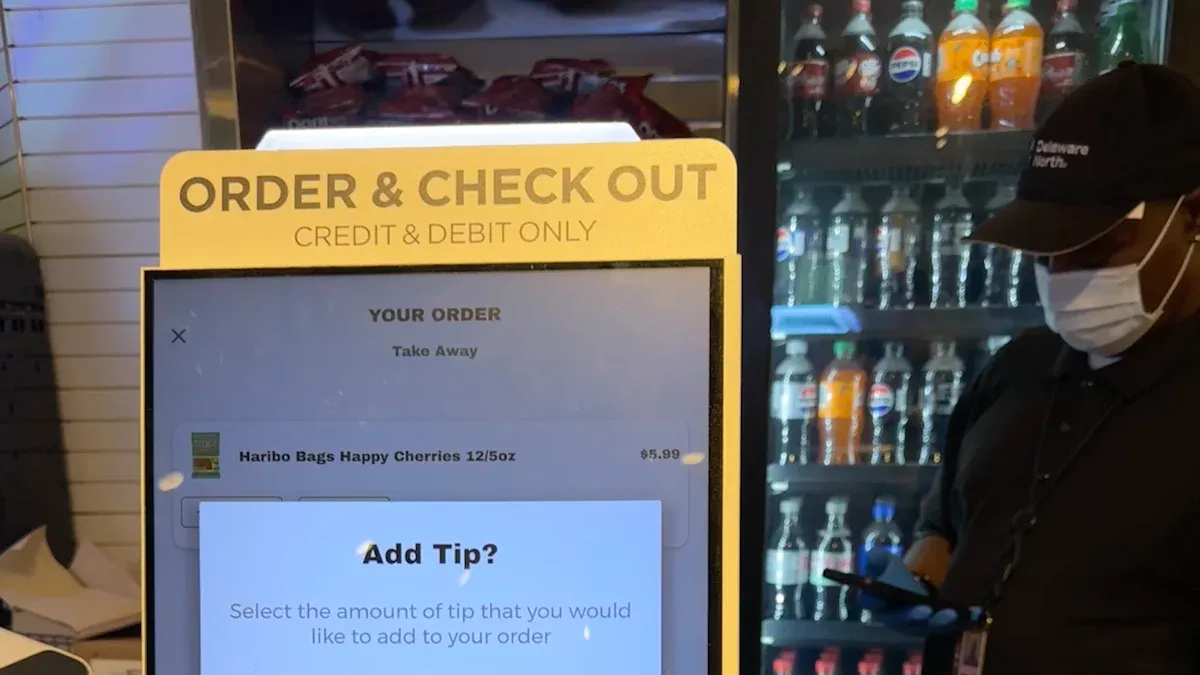
When you use Ion Self-Checkout, you get to scan your own groceries. In many Aeon stores, you can borrow a special smartphone at the entrance. This phone has a built-in app that lets you scan each item’s barcode as you shop. You just hold the phone over the barcode and wait for the beep. If you have trouble, a staff member is usually nearby to help you scan tricky items or answer questions. Some stores, like those using Regi-Go, let you use your own smartphone instead. This makes the process even faster because you don’t have to wait for a store device.
Payment Options
After you finish scanning, you head to a self-service checkout machine. Here, you pay for everything you scanned. You don’t need to unload your groceries again. The payment machines give you lots of choices, so you can pick what works best for you.
Cash
Credit cards (VISA, Mastercard, JCB, AMERICAN EXPRESS, Diners Club, DISCOVER, UnionPay)
Prepaid IC cards (like Suica, PASMO, ICOCA, and others)
QR code payments (such as PayPay, LINE Pay, Alipay, WeChat Pay, and more)
You just follow the on-screen steps, tap or insert your card, or scan your QR code. The machine prints your receipt, and you’re done. This whole process saves you time and keeps things simple.
Security Features
You might wonder how Ion Self-Checkout keeps things safe. The system uses several smart features to prevent mistakes and theft. Staff members watch the checkout area and sometimes check your bag to make sure everything is scanned. The app and machines also track each item you scan, so it’s hard to miss anything by accident. Some stores use cameras or sensors to watch for problems. If you ever get stuck, you can call for help right from the checkout screen. This way, you can shop with confidence, knowing that both you and the store are protected.
User Experience
Convenience & Speed
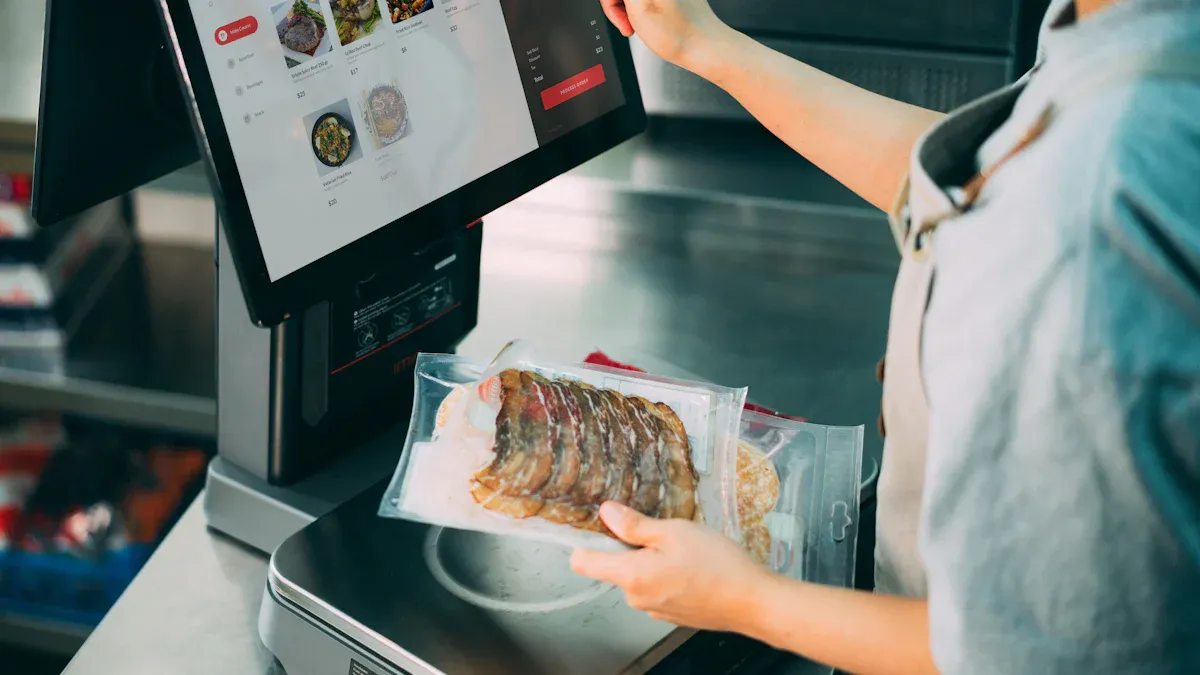
You probably want to get in and out of the store fast. Ion Self-Checkout helps you do that. You scan your groceries as you shop, so you skip the long lines at the register. Many shoppers say this system saves them time, especially during busy hours. Stores like Aeon use Ion Self-Checkout to help with labor shortages, too. Fewer cashiers means more staff can help you on the floor or answer questions. You get a smoother shopping trip, and the store runs better.
First-Time Use
Trying something new can feel a little scary, but Ion Self-Checkout makes it easy. When you walk in, you can borrow a store smartphone if you don’t have one. The app on the phone shows you how to scan each item. If you get stuck, a staff member is always nearby to help. You don’t need to worry about making mistakes. The screens use simple words and pictures, so you know what to do next. Many people find that after one try, they feel confident using the system.
Tip: If you ever feel unsure, just ask for help. Staff are happy to guide you through your first checkout.
Common Challenges
Even with a simple system, you might run into a few bumps. Some shoppers forget to scan an item, which can cause problems at checkout. Kids sometimes drop things into the cart without you noticing, so those items don’t get scanned. Payment machines can confuse you if you’re not used to them. Here are some common issues:
Children adding unscanned items to the cart
Trouble with payment steps
If you face any of these, staff can help you fix the problem right away. Most people learn how to avoid these mistakes after a few visits. Ion Self-Checkout keeps getting better as more people use it.
Benefits & Challenges
Shopper Advantages
You get a lot of perks when you use Ion Self-Checkout. You can finish shopping faster because you do not have to wait in long lines. You scan items as you shop, so you stay in control. Many people like that you do not have to touch cash or hand your card to someone else. This helps keep things clean and lowers the risk of spreading germs. You can also pick your favorite way to pay, like cash, credit card, or even a QR code. If you want a quick and easy shopping trip, this system makes it possible.
Note: You can ask for help at any time. Staff are always ready to answer questions or fix problems.
Limitations
You might face some challenges with Ion Self-Checkout, especially if you are new to the system. Some shoppers forget to scan all their items. Sometimes, children add things to the cart without scanning them. These mistakes can cause trouble at checkout and may lead to losses for the store. You might also feel unsure about using new technology. Not everyone feels comfortable with self-checkout right away. Here are some common issues:
Missing an item during scanning
Kids adding unscanned items to the cart
Feeling confused by the payment machine
You can always ask for help, but it may take a few tries to get used to the process.
Store Impact
Stores see big changes with Ion Self-Checkout. They can save money because they need fewer cashiers. This helps with labor shortages and lets staff focus on helping you in other ways. Stores also keep things cleaner, which is important for everyone’s health. Aeon plans to add more self-checkout systems in the future. You will probably see this technology in more stores soon. This shift changes how stores work and how you shop, making everything faster and more efficient.
Common Issues
Scanning Problems
You might run into trouble when you try to scan your groceries. Sometimes, the barcode on an item does not scan right away. Maybe the barcode is wrinkled or the scanner cannot read it. You might also forget to scan something if you are in a hurry. Kids sometimes toss things into the cart without you noticing. These small mistakes can slow you down at checkout.
Here are some common scanning problems you might face:
The scanner does not beep or light up.
The barcode is damaged or missing.
You accidentally skip an item.
The app freezes or closes.
Tip: If you cannot scan an item, ask a staff member for help. They can scan it for you or show you what to do.
Payment Errors
Paying for your groceries should feel easy, but sometimes things go wrong. You might pick the wrong payment method by mistake. The machine could say your card did not work. Some payment apps might not connect. You could also run into limits if you try to use a card that is not accepted.
Common payment errors include:
Card not reading or being declined
QR code not scanning
Not enough money on your prepaid card
Machine freezing during payment
If you see an error message, do not panic. You can try again or pick another way to pay.
Support Options
You do not have to solve problems alone. Staff members stay close to the self-checkout area. If you get stuck, just raise your hand or press the help button on the screen. Someone will come over and help you right away.
You can also find answers on the checkout screen. Many machines show simple instructions or pictures. If you need more help, staff can walk you through each step. They want you to have a good shopping experience.
Note: Do not feel shy about asking for help. Everyone needs a little support sometimes, especially when trying something new.
You have seen how Ion Self-Checkout makes shopping faster and easier. You scan items, pay your way, and get help when you need it. Young shoppers and tourists love the smart carts and mobile scanning. Some older shoppers still like manned registers. Here’s how people in Japan use self-checkout:
Age Group | Preferred Locations | |
|---|---|---|
20s | 17% | Convenience Stores (62%) |
30s | 54% | Supermarkets (79%) |
40s+ | Decreasing preference | Manned Cash Registers |
You might find Ion Self-Checkout makes your next shopping trip smoother and more fun!
FAQ
Can I use my own smartphone for Ion Self-Checkout?
Yes, you can use your own smartphone in some stores. Just download the store’s app and start scanning. If you do not have a smartphone, you can borrow one at the entrance.
What should I do if I cannot scan an item?
If an item will not scan, ask a staff member for help. They can scan it for you or show you what to do. You do not need to worry.
Tip: Look for the help button on the screen if you need quick support.
Is Ion Self-Checkout safe for my payments?
You can trust the payment system. Ion Self-Checkout uses secure machines and digital checks. Staff also watch the area to keep you safe.
What if I make a mistake during checkout?
Do not panic if you miss an item or choose the wrong payment. Staff can fix mistakes right away. You can always ask for help.
😊 Everyone makes mistakes sometimes. Just ask, and someone will help you.
See Also
The Journey of Self-Checkout Technology Over Time
Common Mistakes Encountered in Walmart's Self-Checkout System
Navigating Walgreens Self-Checkout: Benefits and Hurdles Faced
Understanding Cash Mistakes in Self-Checkout and Their Fixes
