Steps to retrofit existing infrastructure for autonomous retail in Universities & campus retail.

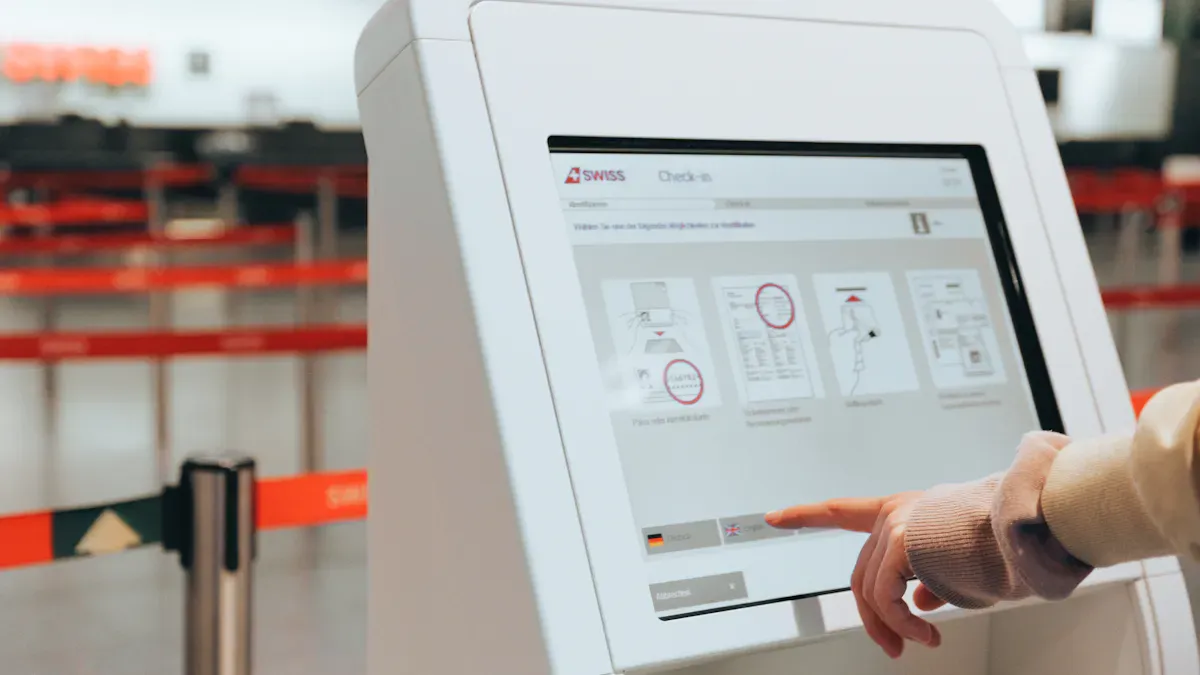
You see the need to retrofit existing infrastructure in your campus grow every year. Education demands modern solutions, so you must adapt campus retail to support autonomous systems. Many campuses face challenges with IT services culture, high costs, and tight implementation schedules. Legacy infrastructure can slow down progress, but you know students expect advanced education experiences. Upgrading your campus helps you deliver better education, supports innovation, and strengthens campus community life. When you retrofit existing infrastructure, you set your campus apart in the world of education.
Key Takeaways
Form a strong internal task force with diverse skills to lead your smart campus project. Clear roles and regular check-ins keep the team focused and motivated.
Conduct a thorough site audit to understand your current infrastructure. Gather feedback from students and staff to identify needs and set clear goals for upgrades.
Prioritize upgrades that enhance sustainability and resilience. Focus on energy efficiency and collect user feedback to adapt to changing needs.
Select compatible autonomous retail technologies that integrate well with existing systems. Ensure security and user-centered design to enhance engagement.
Implement a phased approach to minimize disruption during upgrades. Use pilot programs to test new technologies and gather feedback before full rollout.
Key Steps to Retrofit Existing Infrastructure
Forming an Internal Task Force
You need a strong team to lead your smart campus infrastructure project. Start by bringing together people from technology, business, finance, and operations. Each person brings a unique skill. This helps you solve problems faster and make better decisions. Assign clear roles so everyone knows what to do. Use tools like Slack for quick updates and email for important news. Plan team-building activities. These build trust and help your team work better together. Check in with your team often. Review progress and fix problems early. Celebrate when you reach goals. This keeps everyone motivated and focused on smart campus innovation.
Tip: A well-organized team can make your smart campus project run smoothly and avoid delays.
Here is how successful campus autonomous retail projects structure their internal task forces:
Strategy | Description |
|---|---|
Ensures everyone knows their responsibilities, which helps in accountability and engagement. | |
Establish communication channels | Clear communication is vital; agreeing on channels like Slack for updates and email for formalities. |
Foster team building | Organizing activities to build trust and rapport among team members enhances collaboration. |
Monitor progress | Regular check-ins and progress reviews help identify issues and keep the project on track. |
Celebrate achievements | Acknowledging successes boosts morale and encourages continued collaboration. |
Site Audit and Needs Assessment
You must understand your current smart campus infrastructure before you start retrofitting. Walk through your campus retail spaces. Look at the technology, power, and network systems. Check if your smart campus has enough sensors, cameras, and smart devices. Make a list of what works and what needs improvement. Talk to students, staff, and faculty. Ask them what they want from smart campus retail. Use surveys and interviews. This helps you find gaps and set clear goals for your smart campus project.
Note: A detailed site audit helps you avoid surprises and plan for smart campus upgrades that fit your needs.
Prioritizing Upgrades for Resilience
You want your smart campus infrastructure to last. Focus on upgrades that support sustainability and smart campus growth. Start with energy efficiency improvements. Better insulation and right-sized mechanical systems save energy and money. Use data from energy audits to pick the best upgrades. This makes your smart campus more sustainable and supports smart campus innovation. Collect feedback from users after upgrades. Use surveys and reports to learn what works. Keep checking your smart campus systems. This helps you adapt to new needs and supports sustainable development.
Here are the most effective strategies for making your smart campus retail upgrades resilient:
Strategy | Description |
|---|---|
Energy Efficiency Improvements | Focus on improving insulation and right-sizing mechanical systems to enhance sustainability and user satisfaction. |
Data-Driven Interventions | Utilize energy audits and performance modeling to identify high-return upgrades before mechanical investments. |
Post-Occupancy Feedback Collection | Gather insights through surveys and reports to refine future projects and align with evolving needs. |
Culture of Evaluation | Establish a continuous evaluation process to adapt campus environments to changing academic and student life requirements. |
Tip: When you focus on smart campus infrastructure resilience, you support sustainable development and create a better environment for everyone.
You can follow these steps to make your smart campus infrastructure strong, flexible, and ready for the future. Smart campus infrastructure upgrades help you reach your sustainability goals and support smart campus innovation. When you plan carefully, you make your campus a leader in smart campus technology and sustainable development.
Planning Smart Campus Infrastructure Integration
Selecting Autonomous Retail Technologies
You want your smart campus to use the best technology. Start by looking for solutions that fit your smart infrastructure and can grow with your needs. Choose smart systems that work well with your current smart infrastructure. You can use advanced sensing technologies for cashier-less shopping and real-time inventory tracking. Multi-modal sensing approaches combine computer vision, RFID, and LiDAR. These smart tools help you track items and people in your smart retail space. You may face challenges like occlusion in vision tracking, scalability, and theft prevention. Smart infrastructure needs flexible and future-proof solutions. Consider intelligent shelving and floor-integrated power. These smart upgrades make your smart campus ready for new smart technology.
Advanced sensing technologies for cashier-less shopping
Multi-modal sensing with computer vision, RFID, and LiDAR
Intelligent shelving for smart inventory
Floor-integrated power for smart devices
Ensuring IT Compatibility and Security
You must make sure your smart infrastructure works with your IT systems. Check if your smart devices connect to your network. Test smart sensors and smart cameras with your smart campus Wi-Fi. Secure your smart infrastructure with strong passwords and regular updates. Use smart firewalls and smart monitoring tools to protect your smart data. You need reliable, adaptable, and usable smart solutions. Many universities use synthetic data and simulation strategies. These smart methods help you test new smart systems without real-world data. This makes your smart infrastructure more dependable and user-friendly. Focus on user-centered design to boost engagement with your smart campus.
Tip: Always update your smart devices to keep your smart infrastructure safe.
Addressing Data Privacy
You collect a lot of data in your smart campus. You must follow rules to protect this data. Different countries have different laws for smart data privacy. Here are some important regulations you need to know:
Regulation | Description |
|---|---|
Establishes principles for data handling, including purpose limitation and storage limitation. | |
EU AI Act | Prohibits certain AI uses and enforces data governance practices for high-risk AI systems. |
US Privacy Regulations | Includes laws like CCPA and Texas Data Privacy Act, with a focus on individual consent for data use. |
China’s Interim Measures | Mandates respect for individual rights and prohibits infringement on privacy rights in AI services. |
You must train your team to handle smart data safely. Always ask for consent before collecting smart data from students or staff. Store smart data securely and delete it when you no longer need it. This keeps your smart campus trustworthy and safe for everyone.
Upgrading Physical Spaces for Smart Campus Retail

Store Layout Modifications
You can transform your campus retail space by making smart changes to the store layout. Smart micro-merchandising adjustments help you place products where students see them first. Smart integration with IoT and robotics lets you use smart shelves and smart robots for real-time inventory. Smart dynamic product placement means you move smart items based on smart sales data. Smart automated space allocation helps you use every inch of shelf space. Smart real-time shelf auditing checks smart shelf conditions with smart sensors and smart AI. These smart strategies boost sales and keep your smart store running smoothly.
Strategy | Description | Impact on Operations |
|---|---|---|
Micro-Merchandising Adjustments | Fine-tuning product positioning to enhance visibility and sales. | Increases sales by up to 23% for eye-level products; 5-10% increase in impulse buys. |
Integration with IoT and Robotics | Use of smart shelves and robots for real-time inventory management. | Creates a self-healing shelf, reduces labor for auditing, and ensures stock. |
Dynamic Product Placement | Adjusting product locations based on real-time sales data. | Maximizes visibility and encourages impulse buys. |
Automated Space Allocation | Optimizing shelf space based on product performance and dimensions. | Reduces stockouts and ensures efficient use of shelf space. |
Real-Time Shelf Auditing | Continuous monitoring of shelf conditions using AI and sensors. | Ensures items are always in place, correcting errors quickly. |
Tip: Smart layout changes make your smart infrastructure more flexible and ready for smart technology upgrades.
Installing Sensors and IoT Devices
You need to add smart sensors and smart IoT devices to your smart campus retail space. Smart sensors track smart inventory, smart customer movement, and smart energy use. You may face smart challenges like battery life, smart cost, smart security, and smart connectivity. Smart cross-platform capability and smart data collection are also important. You must plan smart integration with your smart infrastructure. Smart network infrastructure supports many smart devices. Smart device management and smart data management keep your smart system running. Smart skills and smart training help your team handle smart technology.
Challenge | Description |
|---|---|
Battery life | Issues in packaging and integration of small-sized chips with low power use. |
Increased cost and time | Embedded systems need optimal design to control cost and time. |
Security | Smart systems must be robust and secure. |
Connectivity | Poor connectivity can hinder smart monitoring and data supply. |
Cross platform capability | Smart applications must adapt to future changes. |
Data collection | Smart planning for data collection, storage, and processing is critical. |
Lack of skill set | Skilled resources are needed for smart development. |
Integration | Seamless smart integration with existing smart infrastructure is necessary. |
Network infrastructure | Building and maintaining smart network infrastructure is crucial. |
Device management | Managing many smart devices is key for success. |
Data management | Analyzing and integrating smart data is a challenge. |
Security | Protecting smart deployments from threats is essential. |
Cost | Balancing smart deployment and maintenance costs is important. |
Note: Smart planning for smart sensors and smart IoT devices helps you avoid smart problems and supports your smart infrastructure.
Ventilation, Lighting, and Utilities
You must upgrade smart ventilation, smart lighting, and smart utilities to support your smart campus retail. Smart LED lighting saves energy and works with smart sensors for smart control. Smart ventilation systems keep air fresh and adjust to smart occupancy levels. Smart utility upgrades help you monitor smart energy and smart water use. Smart systems send smart alerts if smart problems happen. Smart upgrades make your smart infrastructure safer and more comfortable. You can use smart data to improve smart energy use and smart maintenance. Smart utilities support your smart campus goals and help your smart infrastructure last longer.
Tip: Smart upgrades to smart utilities and smart lighting make your smart campus retail space efficient and future-ready.
Phased Implementation for Retrofitting College Campuses
Scheduling and Minimizing Disruption
You want your campus to stay active during smart upgrades. You can plan smart work in phases. This helps you keep your campus running while you improve smart infrastructure. You can schedule smart construction during breaks or at night. This reduces noise and keeps students safe. You should talk to campus leaders and share smart plans early. You can use signs and smart alerts to tell everyone about smart changes. You can move smart classes or smart events if you need more space. Smart planning helps you avoid problems and keeps your campus life smooth.
Tip: Use a smart calendar to track smart project steps and share smart updates with your campus community.
Pilot Programs and Feedback
You can test smart technology with a pilot program. Pick one smart campus store or smart space to try new smart systems. You can watch how smart sensors, smart shelves, and smart checkout work. You can ask students and staff for smart feedback. Use smart surveys and smart interviews to learn what works. You can fix smart problems before you add smart systems to the whole campus. Smart pilot programs help you save money and time. You can build trust by showing smart results to your campus.
Step | Action |
|---|---|
Choose pilot space | Select a smart campus location |
Install smart tech | Add smart devices and smart systems |
Collect feedback | Use smart surveys and smart interviews |
Adjust and improve | Fix smart issues before full rollout |
Facilities Maintenance and Ongoing Support
You need smart support for your campus after you finish smart upgrades. Train your smart team to fix smart devices and smart systems. Set up a smart help desk for students and staff. You can use smart monitoring tools to check smart infrastructure every day. Smart alerts tell you when smart repairs are needed. Keep smart spare parts ready for quick fixes. Review smart systems often and update smart software. This keeps your campus safe and your smart infrastructure strong. You can ask for smart feedback to keep improving your campus.
Note: Smart maintenance and smart support make your campus a leader in smart technology.
Training and Stakeholder Communication
Staff Training Programs
You need to prepare your staff for smart campus retail. Start with hands-on smart training sessions. Show your team how to use smart devices and smart systems. Give them smart guides and smart checklists. Use smart role-playing to practice smart customer service. You can set up smart workshops for smart troubleshooting. Staff learn how to fix smart problems and keep smart infrastructure running. Smart training helps your team feel confident with smart technology. You can use smart quizzes to test smart knowledge. Reward staff who master smart skills. This builds a smart culture and supports your smart infrastructure.
Tip: Smart staff training reduces smart mistakes and keeps your smart campus running smoothly.
Informing Students and Faculty
You must keep students and faculty informed about smart changes. Use smart emails, smart posters, and smart campus apps to share smart updates. Hold smart info sessions where you explain smart systems and smart benefits. Answer smart questions and listen to smart feedback. You can make smart videos that show how to use smart checkout and smart shelves. Smart communication helps everyone feel part of the smart campus. Students and faculty trust smart infrastructure when you share smart news. You can use smart surveys to collect smart opinions and smart ideas.
Send smart newsletters with smart tips
Host smart Q&A sessions
Share smart guides on smart campus websites
Support Channels During Transition
You need strong support channels during the smart transition. Set up a smart help desk for smart questions. Offer smart chat support and smart phone lines. Place smart support kiosks in smart retail spaces. Staff can help with smart troubleshooting and smart device setup. Use smart feedback forms to track smart issues. Update your smart FAQ page with smart answers. You can create a smart support schedule so help is always available. Smart support keeps your smart infrastructure strong and your smart campus happy.
Support Channel | Purpose | Example |
|---|---|---|
Smart Help Desk | Answer smart questions | In-person or online smart support |
Smart Chat Support | Quick smart troubleshooting | Smart app chat or smart website chat |
Smart Kiosks | On-site smart assistance | Smart device setup help |
Smart FAQ Page | Share smart answers | Smart campus website |
Note: Smart support channels help everyone adjust to smart infrastructure and smart technology.
Testing and Optimizing Smart Campus Systems
System Testing and Troubleshooting
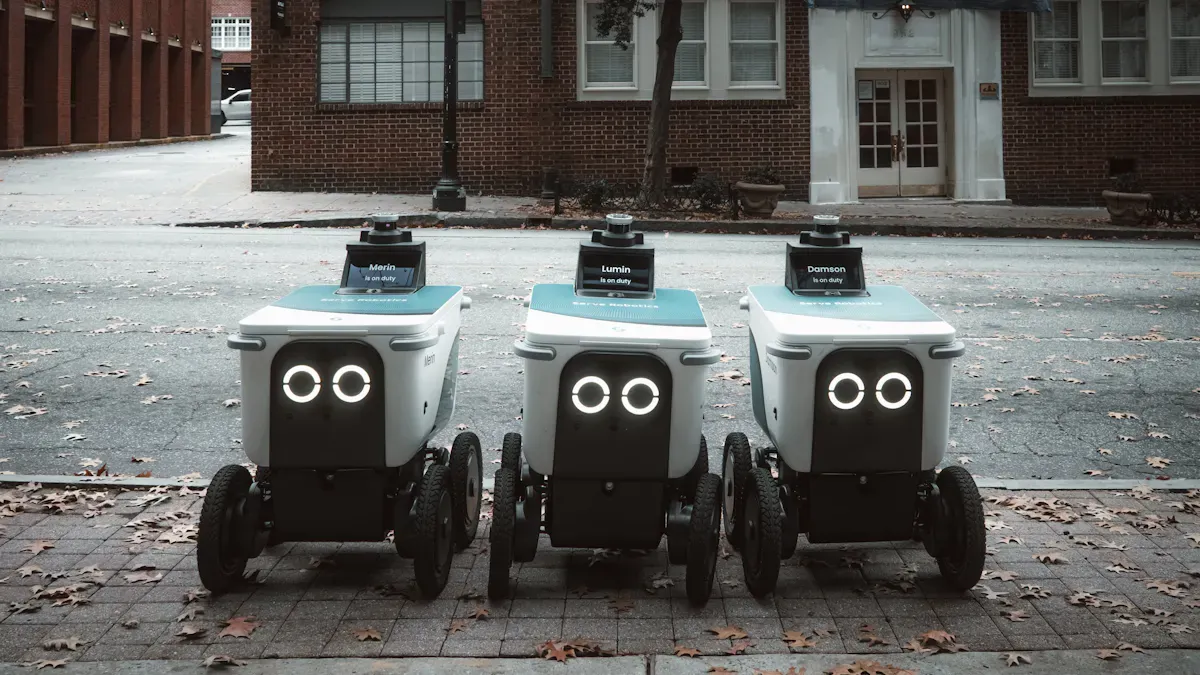
You must test your smart campus systems before you launch them. Start by checking every smart device and smart sensor. Make sure each smart camera works with your smart network. Use smart checklists to track your smart testing steps. If you find smart errors, fix them right away. Smart troubleshooting helps you solve smart problems fast. You can use smart diagnostic tools to scan your smart infrastructure. Smart logs show you where smart issues happen. You should run smart tests after every smart update. This keeps your smart campus safe and ready for smart use.
Tip: Smart testing prevents smart failures and keeps your smart campus running smoothly.
Performance Monitoring
You need to monitor your smart campus systems every day. Smart dashboards show you smart data in real time. You can see smart energy use, smart inventory levels, and smart device status. Smart alerts warn you about smart problems. You can set smart thresholds for smart performance. If a smart sensor stops working, you get a smart notification. Smart monitoring helps you spot smart trends and smart patterns. You can use smart reports to share smart results with your smart team. Smart graphs make smart data easy to understand.
Smart Metric | What It Shows | How You Use It |
|---|---|---|
Smart Energy Use | Smart power consumption | Find smart ways to save energy |
Smart Inventory | Smart stock levels | Prevent smart shortages |
Smart Device Status | Smart device health | Plan smart maintenance |
Continuous Improvement
You must improve your smart campus systems all the time. Collect smart feedback from smart users. Ask smart students and smart staff about smart experiences. Use smart surveys to find smart ideas for smart upgrades. Review smart performance data every month. Smart analysis helps you see what smart changes work best. Update your smart software and smart hardware often. Smart improvements keep your smart campus ahead. Share smart success stories with your smart community. Celebrate smart milestones and set smart goals for the next smart phase.
Note: Smart improvement makes your smart campus stronger and smarter every year.
You can transform your campus by retrofitting existing infrastructure for smart autonomous retail. Smart upgrades help your campus save energy, boost security, and improve student life. When you follow a smart, step-by-step plan, you make your campus future-ready. Smart teams from your campus can lead smart projects and solve smart problems. You see smart results when you use smart feedback and smart data. Smart systems keep your campus strong. Start your smart journey now. Assess your campus and plan smart changes. Your campus can become a smart leader in smart campus innovation.
FAQ
What is autonomous retail in a campus setting?
Autonomous retail uses technology to let you shop without staff. You scan items, pay with your phone, and leave. Sensors track products. You see this in many campus stores. You get faster service and less waiting.
How do you retrofit existing campus infrastructure for autonomous retail?
You start with a site audit. You check your campus store layout, power, and network. You install sensors and smart shelves. You upgrade lighting and ventilation. You train staff. You test systems. You collect feedback from campus users.
What are the main benefits of autonomous retail for campus communities?
You save time. You get 24/7 access to campus stores. You see fewer lines. You enjoy safer shopping. You help your campus reduce energy use. You support innovation. You make your campus more attractive to students.
How do you address privacy concerns with autonomous retail on campus?
You follow privacy laws. You ask for consent before collecting data. You store data safely. You delete data when you do not need it. You train your campus team. You share privacy updates with campus users.
What support is available during the transition to autonomous retail on campus?
You get help desks in campus stores. You use campus apps for support. You find campus kiosks for troubleshooting. You join campus workshops. You ask questions at campus info sessions. You use campus chat and phone lines.
See Also
Comparing Micromarkets And Smart Stores In Global Retail
Analyzing Walgreens Self-Checkout: Benefits And Hurdles In Retail
Understanding The Growth Of AI-Driven Corner Stores For Retailers
