How to Streamline Inventory Management in Corporate Micro Stores

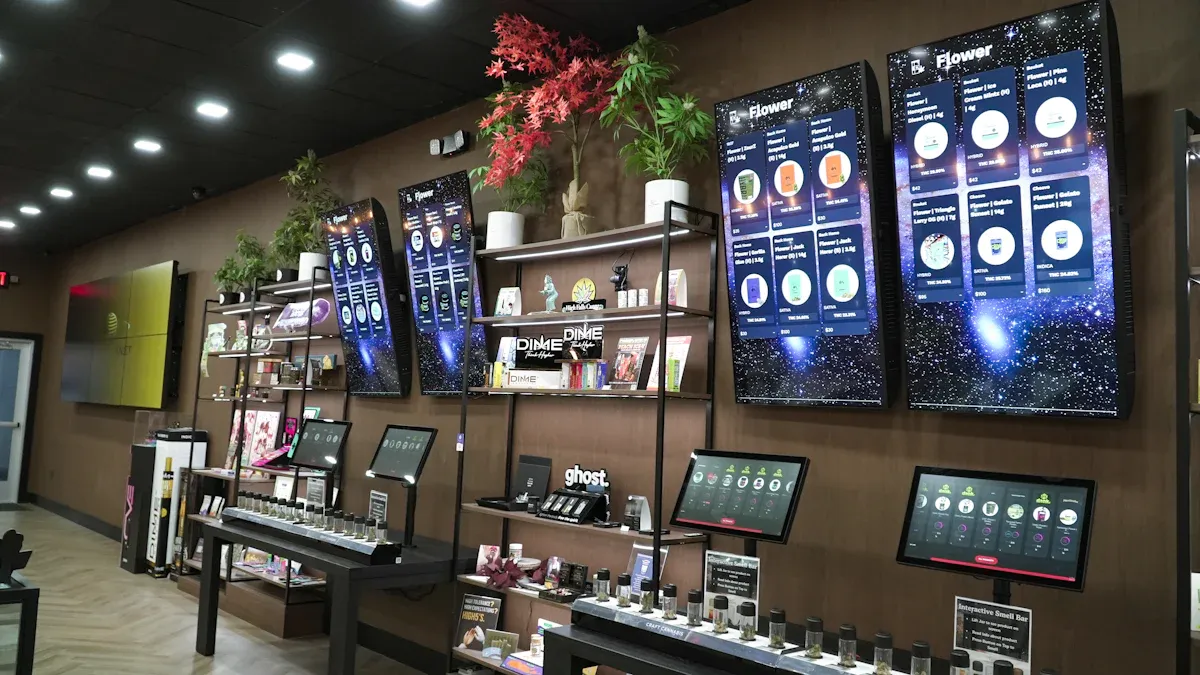
You can make inventory management better in your micro store by using smart inventory management software and mobile apps. These tools let you see your inventory right away. You always know what is in stock. Real-time data helps you save money and work better. You do not run out of items or have too many. Customers find what they want, so they are happier. Look at the benefits below:
Benefit | Description |
|---|---|
Cost Reduction | Real-time data helps stop running out or having too much stock, so you save a lot of money. |
Customer Satisfaction | 82% of people would tell others about a company if they like how they are treated. |
Enhanced Decision Making | Good demand forecasting helps you manage inventory and make better choices about stock. |
Increased Purchase Completion | Easy checks for products help people trust your brand and buy more. |
Omnichannel Shopping Experience | About one-third of U.S. shoppers like picking up in store, so you need correct inventory data. |
With good inventory management, you save money, work easier, and keep customers happy.
Key Takeaways
Use smart inventory management software to watch your stock all the time. This stops you from running out of things or having too much. It helps you save money.
Use demand forecasting tools to guess what customers want. This helps you change how much inventory you have. It makes customers happier.
Keep your inventory neat with shelves and labels. When things are organized, you can find them fast. It also keeps your store clean.
Teach your staff how to handle inventory steps. Good training means fewer mistakes and more confidence. This makes your store work better.
Check your inventory often and look at the numbers. Doing audits a lot helps you find mistakes early. It keeps your stock numbers right.
Small Business Inventory Challenges
Space and Resource Limitations
It is hard to fit everything in a small store. Micro stores do not have much space for inventory. You must use every bit of space well. Too much stock fills up your store fast. Too little stock makes customers unhappy. Smart inventory management helps you fix this problem. You want your inventory to move quickly. High inventory turnover means you sell things fast and spend less money. Low turnover means products sit too long and waste space and money.
Here’s how space and resources change your store:
Evidence Type | Description |
|---|---|
High Inventory Turnover | Stores work better, holding costs are lower, and customers get fresh products. |
Low Inventory Turnover | Too much stock, higher costs, and wasted resources. |
AI-Driven Analytics | Keeps inventory levels right, products stay available, and extra stock goes down. |
Just-in-Time Practices | Helps you react fast to what people want, great for small stores. |
These ideas can help make inventory management easier and better.
Demand Fluctuations
Demand changes often. One week, snacks are popular. The next week, drinks are wanted more. If you guess wrong, you get too much or too little inventory. This can hurt your sales and your store’s reputation. Good inventory management helps you deal with these changes.
Try these ways to handle demand changes:
Put inventory in different places. This cuts wait times for customers.
Use micro fulfillment centers. These small warehouses near your store help you restock quickly.
Make inventory delivery faster. Better logistics bring products to your shelves sooner.
Use technology to be more efficient. Real-time systems help you make smart choices about inventory.
Manual Tracking Issues
If you use pen and paper or spreadsheets, mistakes can happen. Manual tracking has a 1% to 2% error rate. That seems small, but it adds up over time. You might count wrong, enter numbers wrong, or lose track of items. These mistakes mess up your inventory and can cause lost sales or wasted money.
Tip: Use automated inventory management tools. You will make fewer mistakes and save time.
Small business inventory management is hard, but the right tools and strategies can help you solve these problems.
Streamlining Inventory Management
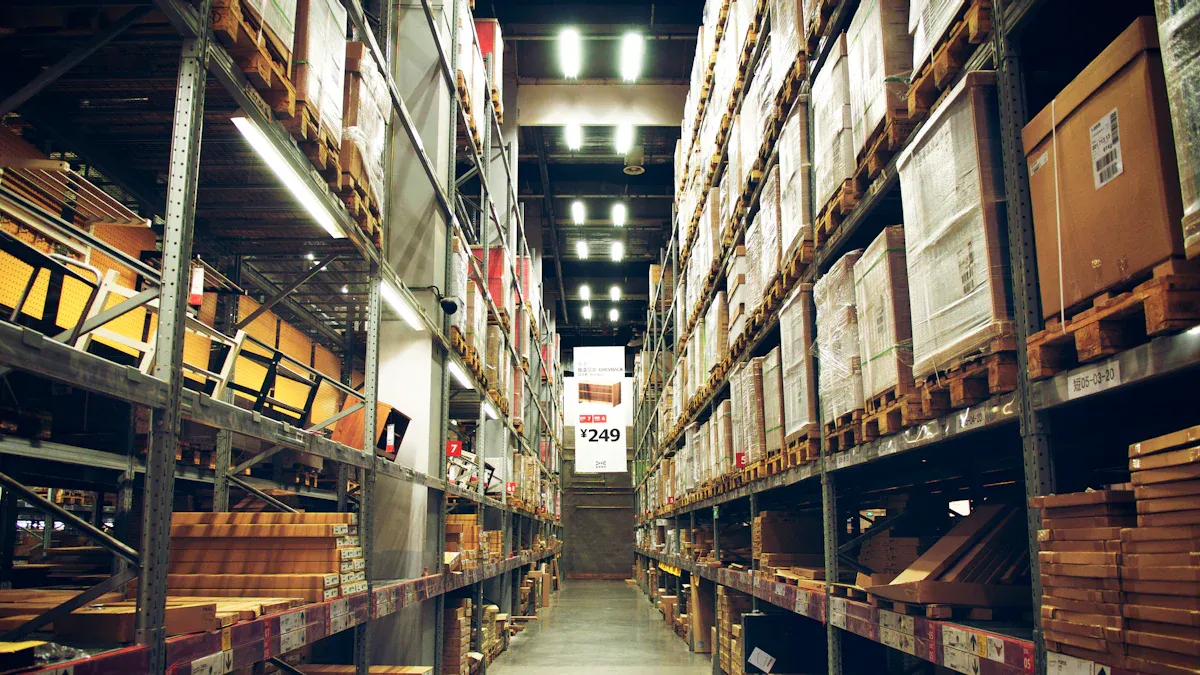
You want your micro store to work well. You need to know what you have. You also need to know what you need. You should know when to order more. Let’s look at steps to make inventory management easier.
Assess Current Systems
First, check how you manage inventory now. See if you use old ways like spreadsheets. Or maybe you use a system that updates right away. Old systems can cause mistakes. You might lose track of products. Checking often helps you find problems early.
Tip: Real-time inventory tracking shows what you have right away. This keeps your data correct and matches your store.
Set Objectives and KPIs
You need clear goals for inventory management. Decide what you want to get better at. Maybe you want to sell things faster. Or maybe you want to spend less money. Use KPIs to see how you are doing. Here are some important KPIs for micro stores:
KPI | Description |
|---|---|
Inventory Turnover | Shows how often you sell and replace stock. Higher numbers mean better management. |
Fill Rate | Tells how well you fill orders without running out. |
Carrying Costs | Measures storage, insurance, and handling costs. Lower is better. |
Lead Time | Time it takes to get new stock. Shorter times keep shelves full. |
GMROI | Compares profit to inventory cost. Higher numbers mean better performance. |
Days Sales of Inventory (DSI) | Shows how long items stay unsold. Lower numbers are good. |
Stock to Sales Ratio | Compares what you have in storage to what you sell. Helps you keep the right amount. |
Sell-through Rate | Measures how much you sell compared to what you get. |
Backorder Rate | Counts orders you can’t fill right away. Lower rates mean you meet demand. |
Demand Forecasting
You want to know what customers will buy next. Demand forecasting helps you plan for busy and slow times. Use tools like RFID and IoT sensors to track products. These tools give you updates right away. Automation and AI-based systems spot trends. They help you order the right amount. These techniques help you guess less and make fewer mistakes.
RFID tags follow products as they move.
IoT devices watch stock levels and product conditions.
AI finds patterns in sales and predicts what you’ll need.
Inventory Planning
Good planning keeps shelves full but not crowded. Use good data and forecasting to match inventory to what people want. If you plan well, you do not run out of popular items. You also do not have too much of things that do not sell. Stay ready because customer demand can change fast.
Check your data often.
Change your orders based on sales trends.
Use inventory analysis to find slow or fast-selling items.
Supplier Selection
Pick suppliers who deliver on time and have good prices. Build strong relationships with them. Good suppliers help you keep inventory steady. If you have more than one supplier, you avoid problems if one is late. Always check how your suppliers are doing as part of your routine.
Storage Organization
Use your space well. Organize inventory so you can find things fast. Use shelves, bins, and labels. Put fast-selling items near the front or close to where you get shipments. Here are some best practices:
Best Practice | Description |
|---|---|
Optimize layout | Arrange your store to cut down on walking and speed up work. |
Use vertical space | Stack items up, not just out, to fit more in your store. |
Flow-based design | Set up your space so products move easily from receiving to selling. |
Adjust for seasons | Move items around when demand changes, like during holidays. |
ABC analysis | Group items by how often they sell and their value. |
Replenishment and Fulfillment
Keep shelves stocked by using smart inventory management. Micro-fulfillment centers store products close to your store. This helps you restock fast. Use real-time data and predictive analytics to know when to order more. Route optimization software helps you deliver products quickly.
Real-time tracking updates your stock right away.
Predictive analytics uses past sales to plan future orders.
Route optimization finds the fastest way to deliver goods.
Returns Handling
Returns happen in every store. Make returns easy for customers and your team. Here is a simple way to handle returns:
Customers start the return online or in-store.
Approve the return and give clear instructions.
Plan for products to come back to your store.
Check returned items for damage or quality.
Give refunds or exchanges as needed.
Track why items come back and look for patterns.
Use software to speed up the process.
Watch the cost of returns.
Use a fulfillment center if you get lots of returns.
Ask for feedback to improve your process.
Note: Good product pages and strong packaging can lower the number of returns.
Inventory Audits
Check your inventory often to keep records right. Use different audit schedules for different products:
Inventory Type | Recommended Audit Frequency |
|---|---|
High-value or high-risk items | Continuous cycle counting |
High-turnover or high-shrinkage | Weekly or monthly |
Slower-moving merchandise | Quarterly verification |
Large annual inventories | Annual physical inventory |
Regular audits help you find mistakes and keep inventory on track.
Strategy Review
Look at your inventory management plan often. Watch for signs you need to make changes. These signs include slow sales, too much stock, or high costs. Use inventory analysis to see what works and what does not. Make changes to keep your store running well.
Indicator | Description |
|---|---|
Inventory turnover | Shows how fast you sell your inventory. |
Overstock levels | Too much stock means you need to adjust your orders. |
Sales performance | Low sales can mean you have the wrong products or too much inventory. |
Inventory costs | High costs can hurt your profits. |
Keep checking your plan to stay ahead and make inventory management better every day.
By following these steps, you use the best inventory management techniques. Your micro store will work better and make more money. You save time, spend less, and make your customers happy.
Inventory Management Technology
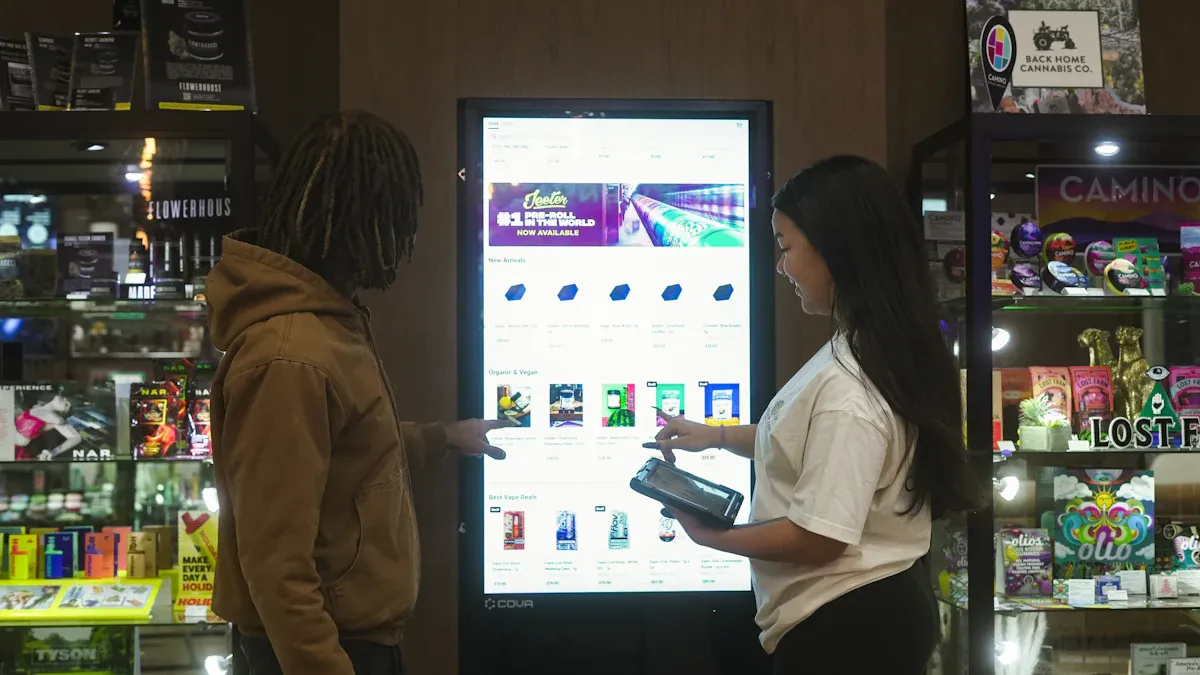
The right technology can help your micro store work better. Software, mobile apps, and hardware all help you manage inventory. These tools work together to make things easier.
Software Solutions
Inventory management software lets you see what you have. You can follow each item as it comes and goes. Tools like Sortly help you do jobs faster and make fewer mistakes. Cloud-based inventory management lets you check updates from any device. You do not have to worry about losing your data.
Here is how software features help your store:
Feature | Benefit |
|---|---|
Makes counting and moving items faster and easier. | |
Cloud synchronization | Keeps your data the same on all devices right away. |
Low-stock alerts | Tells you when to order more so you do not run out. |
Offline capture | Lets you manage inventory without internet and sync later. |
Activity logs | Shows what happened for audits and helps with budgets. |
These tools help you trust your numbers and make smart choices.
Mobile Apps
Mobile apps let you manage inventory from anywhere. You can check stock, scan barcodes, and update records on the sales floor. Apps like Odoo show you inventory in real time, even if you are not at your desk. You get alerts when you need to order more. You can also manage suppliers with just a few taps.
Some great features in mobile apps are:
See inventory right away
Get alerts for low stock
Manage suppliers and orders easily
Control inventory while moving around
Easy to use and flexible
You can add photos or documents to items. This helps with audits and customer questions. Mobile apps make inventory management quick and simple.
Hardware Integration
Hardware like barcode scanners and mobile devices help you avoid mistakes. You scan items instead of typing numbers. This makes receiving shipments and counting stock faster. Real-time data sync shows you what is on your shelves right now.
Benefit | Description |
|---|---|
Eliminate manual entry errors | Fewer mistakes mean your stock numbers are right. |
Speed up inventory processes | You can do jobs like counting and receiving much faster. |
You always know your stock levels and can decide better. | |
Cost reduction | Fewer mistakes mean you spend less on returns and labor. |
Enhanced customer satisfaction | Orders are right and fast, so customers are happy. |
When you use software, mobile apps, and hardware together, you get a strong inventory system. Cloud-based inventory management keeps your data safe and easy to reach. You save time, spend less, and keep your customers happy.
Tip: Try one tool first, then add more as your store grows. You will see your inventory management get better fast.
Best Practices for Micro Stores
Standardize Inventory Processes
Your store works better when you use the same steps each time. Standardized inventory processes help you keep track of products more easily. You do not waste as much and you save money by not having extra stock. When you follow a routine, you find mistakes quickly and fix them before they get bigger. You might also get better deals on tools and money if you show you manage things well.
Use electronic shelf labels to change prices fast.
Try scale management for things you need to weigh.
Use direct store delivery to make getting products easier and keep vendors fair.
These steps help you build a strong base for inventory management.
Staff Training
Your team should know how to handle inventory the right way. Good training helps everyone do things the same way. You can teach your staff to use new tools, scan barcodes, and check dates on products. When your team knows what to do, you see fewer mistakes and better results. Your staff will also feel more sure of themselves and ready for busy days.
Tip: Show your team how to use real-time tracking and explain why it is important for inventory management.
Monitor Metrics
You need to watch your numbers to see if your inventory management is working. Tracking the right metrics helps you find problems early. Here are some important metrics to watch:
Metric | Description |
|---|---|
Checks if you have enough products so you do not lose sales. | |
Near-expiry and expired items | Helps you manage products that are almost out of date. |
Inventory wastage and shrinkage | Watches for losses from waste or theft. |
When you check these numbers often, you can make smart choices and keep your store running well.
Leverage Automation
Automation makes inventory management faster and more correct. You can use tools that scan items, update records, and send alerts when you are low on stock. Automation helps you make fewer mistakes and saves time. For example, stores that use automation spend less time counting and more time helping customers. You can see inventory accuracy go from 94% to almost 99%. Labor costs go down, and your team can do other jobs.
Automation can make picking items three times faster and keep mistakes low.
Real-time updates help you match what you have with what you sell.
You spend less on wasted stock and more on growing your business.
When you use these best practices for inventory, you get better results, happier customers, and a stronger store.
You can make inventory management simple if you pick good tools. Organize your inventory so you find things fast. Teach your team how to handle inventory the right way. Use technology like RFID and real-time tracking to keep numbers right and cut down on waste. Check your inventory often to find problems and fix them. Good planning and smart choices help you earn more money and make customers happy. When you use analytics and automation, your store gets a big advantage.
FAQ
How often should you check your inventory?
Check your inventory at least once every week. If you sell items quickly, check every day. Regular checks help you find mistakes early. This keeps your store working well.
What is the best way to organize inventory in a small space?
Use shelves, bins, and clear labels to organize. Put popular items where you can grab them fast. Stack items up to use space better. Good organization helps you find things quickly and keeps everything tidy.
Can inventory management software help with returns?
Yes! Inventory management software tracks returns right away. You can see which items are returned most often. This helps you fix your process and stop problems later.
Why does inventory accuracy matter for micro stores?
Accurate inventory means you know what you have and need. You do not run out or have too much. This makes customers happy and saves money. Good management starts with knowing your numbers.
See Also
Exploring Global Automated Retail: Micromarkets And Smart Stores
Enhancing Office Efficiency Through Smart Vending Solutions
Revolutionizing Online Retail Management With AI-Driven Tools
Space-Efficient Snack Vending Machines For Contemporary Environments
