Testing computer vision models in retail environments

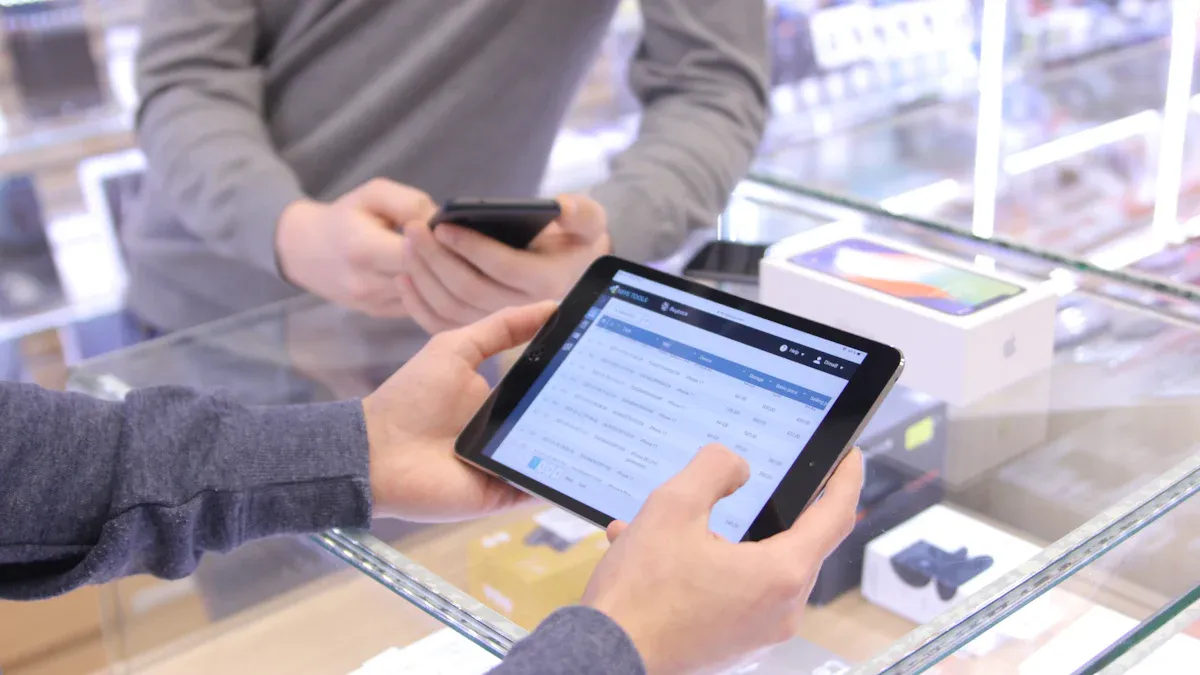
You need to test computer vision models in your store to see if they work. Real-world validation shows if computer vision in retail gives real results. When you test in your store, you can automate inventory. You can also help shoppers better and make your team work well. For example, stores using retail computer vision made over $2 million more. They also cut lost sales by 65%. Imagine walking into a store where cameras watch shelves. These cameras help you find products faster. This is how computer vision in retail changes how stores work.
Key Takeaways
Testing computer vision in stores helps manage inventory better. It stops shelves from being empty and prevents lost sales.
Computer vision systems give real-time alerts. These alerts make shopping easier for customers. Shoppers get faster checkouts and find products more easily.
Labeled images and videos are important for training models. Good data makes models more accurate in real stores.
Begin with small pilot projects to test the systems. This finds problems before using computer vision everywhere.
Update and improve your models often with real store data. Keep making changes so your system works well and stays reliable.
Why test computer vision models
Store operations impact
You want your store to work well every day. Testing computer vision in retail helps you do this. These systems let you see your inventory right away. You know when shelves are empty and need more products. This stops empty spots, so shoppers find what they need. Good inventory management keeps your store neat and helps stop lost sales.
Retail computer vision also helps with high labor costs and not enough workers. Automation lets your team help shoppers instead of counting items. You can find problems fast, like open freezer doors or bad food. This keeps your store safe and saves money.
Automated checks and shorter checkout lines
Better accuracy from watching shelves in real time
Fast alerts for missing items or safety problems
Models trained only on product catalog images do not work well in messy stores, but models trained on real shelf photos stay accurate in real stores.
Testing computer vision models with real store data makes your system work better. You see how it does with real lights, messes, and busy aisles. This helps you fix problems before you use the system in every store.
Customer experience benefits
When you test computer vision in retail, you make shopping better for everyone. Shoppers find things faster because shelves are full. Checkout lines move fast with automated systems. You can even have checkout-free shopping with smart carts.
Here is how computer vision in retail helps your customers:
Benefit Type | Description |
|---|---|
Loss Prevention | Cameras spot theft, safety problems, and self-checkout mistakes right away. |
The system finds empty spots, wrong items, and planogram mistakes. | |
Continuous Oversight | Cameras watch the store all the time, better than people checking. |
You can track less shrink, better audits, and finished tasks. |
You give your customers a better shopping trip and keep your store working well.
Key retail applications
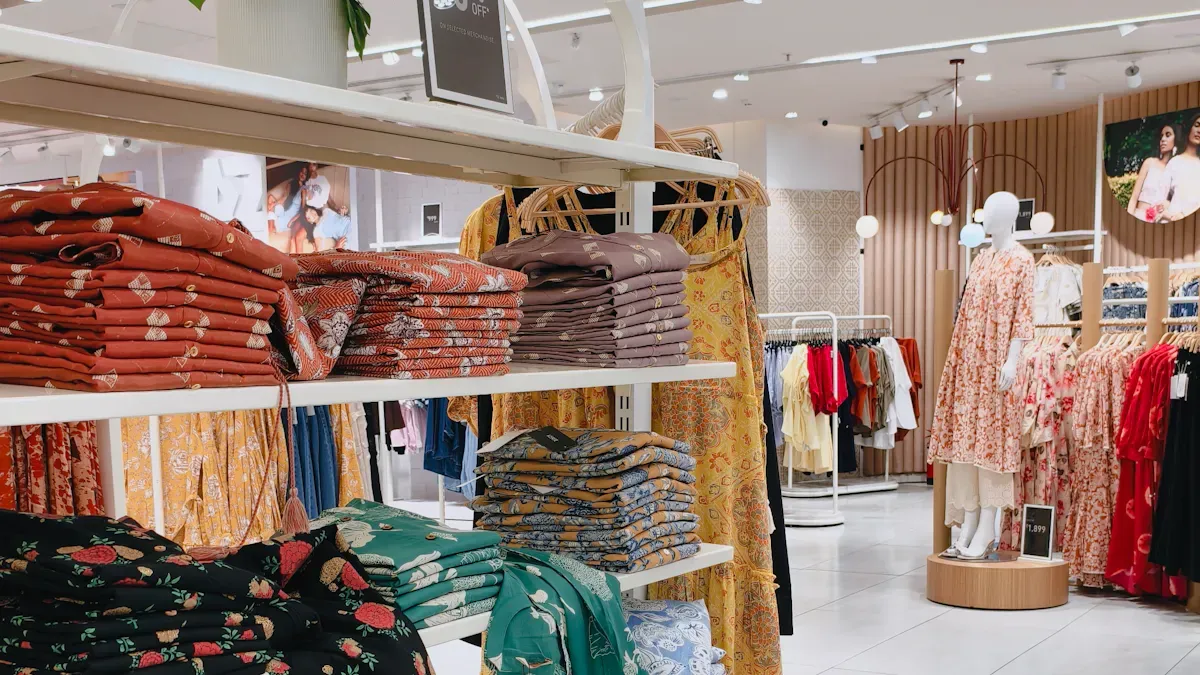
Retail computer vision has many uses in your store. These tools help your team work better and see inventory clearly. They also let your team help customers more. Here are four main ways you can use them:
Shelf monitoring
Computer vision can watch your shelves all the time. The system scans shelves and counts products. You see how much you have right away. It finds empty spots and wrong items fast. This means you do not have to count by hand. You can restock shelves quicker and make fewer mistakes. Taking a picture is faster than counting everything yourself. You see what you have and can fix problems fast.
Automated shelf monitoring lets you see your inventory right away and helps you restock quickly.
Cashierless checkout
Cashierless checkout is changing how stores work. These systems use computer vision to see what people buy. They add up the cost for you. Shoppers do not have to wait in line. They pay faster and leave happy. Your team can help shoppers instead of scanning items. This makes shopping easier for everyone.
You make lines shorter.
You spend less money on workers.
You give shoppers a better trip.
Theft detection
Stopping theft is very important for stores. Computer vision helps you see bad actions right away. The system watches for strange moves or people going where they should not. You get alerts fast and can stop theft before it happens. This keeps your store safe and saves money.
Loss prevention tools with computer vision help you protect your store and get better at stopping theft.
Customer analytics
Customer analytics show you how shoppers act in your store. Computer vision tracks where people walk and what they look at. Heat maps show busy and quiet spots. You can change your store to make it better. You test new ideas and see what works. This helps you make smart choices and give shoppers what they want.
Application | Benefit |
|---|---|
Shelf Monitoring | See inventory right away |
Cashierless Checkout | Faster checkout |
Stop theft | |
Customer Analytics | Learn about shoppers |
These tools help your store work smarter and faster.
Data requirements for computer vision models
Labeled images and videos
You need good labeled images and videos to train computer vision in retail. Labels tell the system what each thing is, like a product, shelf, or customer. Clear labels help the model spot items and actions more accurately. You should collect lots of images and videos from your store. This data should show products, shelves, store layouts, and how customers act.
A strong dataset shows many situations. You want photos with different lighting, angles, and messy shelves. This helps your model deal with real-world problems like shadows or crowded aisles. If you use bad data, your model may miss items or make mistakes. Good data helps your model learn faster and do better in real stores.
Gather images and videos from real stores.
Use many lighting types, angles, and shelf conditions.
Make sure each image has clear and correct labels.
The quality and variety of your training data decide how well your model can "see" and understand your store.
Data collection protocols
You need good rules to collect data for computer vision in retail. Start with small projects that can grow bigger later. This makes things easier to handle and helps you see results fast. Bring together teams from different parts of your store, like IT, operations, and sales. This makes sure the data fits what everyone needs.
Follow these steps for better data collection:
Start with a small project you can manage.
Include teams from different areas to cover all needs.
Check and improve your system often.
Retail computer vision works best when your data is labeled and stays the same. Mistakes in labels can confuse your model. You must check your labels often to stop errors. Stores change quickly, so update your data often. This keeps your object detection and image recognition models accurate and reliable.
Setting objectives and KPIs
Use case selection
You need to pick the right use cases before you test computer vision in retail. Start by thinking about the biggest problems in your store. For example, you may want to reduce out-of-stock items, make checkout lines shorter, or stop theft. Real-time insights from computer vision in retail help you fix these problems fast. You can use shelf monitoring to keep products available or queue analytics to move shoppers through lines quickly. Some stores use computer vision to spot spills or crowded aisles, which helps keep everyone safe.
You should also look at how much time and money you can save. Warehouse pilots with drones have shown that inventory checks can be much faster. This lets your team spend more time helping customers. When you choose use cases, focus on what will help your store the most and what you can measure.
Tip: Start with one or two use cases that solve your biggest problems. This makes it easier to see results and improve your store.
Defining success metrics
You need clear goals to see if your computer vision models work well. Set three to five main KPIs for your pilot. These can include planogram compliance, on-shelf availability, share of shelf, must-sell SKU visibility, and promotional execution rate. Use manual audits at first to check if the system is accurate.
Here are some important metrics you can use:
Metric | Description |
|---|---|
Shows how many correct alerts the system gives. | |
Recall | Measures how well the system finds all real problems. |
F1 Score | Combines precision and recall for a balanced view. |
Mean Average Precision (mAP) | Checks how well the system works for many types of products. |
You can also measure how fast your team fixes problems after an alert. Set a dollar goal for return on investment. When you track these numbers, you can see how retail computer vision helps your store.
Technical setup
Getting your store ready for computer vision testing needs good planning. You need the right cameras, strong computers, and a good network. Each part helps you get good results and makes things run smoothly.
Camera placement
You have to put cameras in the best places to see everything. Good camera spots help your computer vision models work better. If you miss a shelf or have a blind spot, you might not see problems.
Use overhead or wide-angle lenses to see more of the store and stop blocked views.
Set up each camera so it matches real-world spots. This helps your system know where things and people are.
Draw a map of your camera spots. Look for places you cannot see and fix them before you start.
Pick ai-enabled cameras with their own processing, or use regular cameras with edge servers for faster results.
Tip: Walk around your store and check what each camera can see. Make sure you cover all important places, like doors and busy aisles.
Edge and cloud processing
You need to pick where your system will handle video data. You can use edge processing, cloud processing, or both together.
Edge processing means your cameras or local servers handle data right in your store. This gives you fast results, better privacy, and less waiting. You can see problems and fix them quickly.
Cloud processing sends data to far-away servers. This is good for big stores or chains because it can handle lots of data and is easy to grow. You can update your models fast in many stores.
Each way has good and bad points:
Edge processing is fast and private but may need more care and hardware in each store.
Cloud processing is easier to update and manage but can be slow and needs a strong internet connection.
You can use both ways. Use edge processing for quick alerts and cloud processing for deeper checks.
Network and hardware
Your network and hardware must handle the extra work from retail computer vision. You need fast, steady connections and strong computers.
Requirement | Description |
|---|---|
Distributed Deployment | Use systems that can grow when you add more stores. |
Version Control and Updates | Keep track of your model versions and update them without stopping your store. |
Performance Monitoring | Watch your models to find problems early. |
System Compatibility | Make sure your cameras and software work with your store’s other systems. |
Data Interoperability | Use standard data formats so all parts of your system can share information. |
Effective Edge Deployment | Put models on different types of hardware in your stores. |
Enhanced Model Observability | Use tools to see how your models do, even if your internet is slow. |
Automating Recurring Batch Processing | Set up automatic jobs to keep your models working well. |
You need to balance good results and cost. Better results often need more expensive hardware and more computer power. You also need to plan for regular care, setup, and retraining. This keeps your system working well.
Use wired connections or Wi-Fi 6 to handle the extra data from your cameras.
Make sure your system follows privacy and security rules, like GDPR or CCPA.
Pick hardware that fits your store’s size and needs.
Note: A strong setup helps you get the most from computer vision in retail. Good planning now saves you time and problems later.
Calibration and validation
Ground truth labeling
You need to make a labeled dataset for your store. A team adds labels by hand to make sure they are right. Sometimes, you use outside companies to help label faster. Checking the labels helps you find and fix mistakes. These steps are important because your model learns from these labels. If you want your model to spot products or people, you must label each thing clearly.
Labels are added by trained people
Outside companies can help with labeling
Checks make sure labels are correct
Ground truth labels are very important for segmentation tasks. They help your model tell objects apart in pictures, like finding different products on a shelf.
You need to update your labels often. Stores change and new products show up. Good ground truth labeling helps your model find objects and keeps your system working well.
Model accuracy checks
You need to see how well your model works in real stores. Start by picking clear numbers like precision, recall, and F1 score. These numbers show if your model finds problems and avoids mistakes. You should test your model in a safe place first. This lets you see how it works with real shelves and shoppers.
Pick numbers like precision, recall, and F1 score
Use special tests and keep data separate to stop mistakes
Watch for changes in confidence scores and false alerts after you start using the model
Put your model in a real store to test it in real life.
Run hard tests to see if your model works when the store is busy or things are tricky.
Keep watching your model to see how it does and retrain it when needed.
You need to keep an eye on your model after you start using it. If you see it making more mistakes or missing things, retrain it with new data. This helps your system stay good and helps you make smart choices in your store.
Integration with retail systems
POS and inventory links
You need to connect your computer vision models to your store’s POS and inventory systems. This connection helps you use the data from cameras to make smart decisions. You can track what sells and what stays on the shelf. You can also see when you need to restock.
Use strong APIs and middleware to link your computer vision models with POS and inventory management.
Make sure your systems can share data easily. This helps all parts of your store work together.
When you connect these systems, you get real-time updates on stock levels and sales.
You can use these links to power cashierless stores. The system knows what shoppers pick up and updates inventory right away. This makes shopping faster and helps you keep shelves full.
Real-time dashboards
You need real-time dashboards to see how your computer vision models work. These dashboards show you important numbers and help you act fast. You can check if your team follows rules, see how long items stay on shelves, and find ways to improve.
Feature | Description |
|---|---|
Actionable Directives | Dashboards send tasks to staff phones so they can restock or fix problems quickly. |
You see numbers for labor savings, stock time, sales gained, and rule-following. | |
Store Walk | Dashboards let you walk through your store virtually to check products and displays. |
You can use dashboards to support streamlined checkout. You see alerts when lines get long or when shelves need attention. This helps you keep your store running smoothly and gives shoppers a better experience.
Tip: Set up your dashboards to send alerts to your team. Fast action keeps your store safe and efficient.
Pilot testing and iteration
Controlled store pilots
You need to test your computer vision model in a real store before you use it everywhere. Start with a pilot project in a controlled environment. This helps you measure results and see what works. You can follow these steps:
Choose one store or a small group of stores for your pilot. Pick a place where you can watch everything closely.
Check your infrastructure. Make sure your cameras, network, and computers are ready. Place cameras where they can see shelves and busy areas.
Set up privacy and security rules. Decide how you will collect, keep, and protect video data. Make sure only the right people can see the data.
Run your proof-of-concept. Use the pilot to learn how your system works in real life. Watch for problems and write down what you see.
Tip: A controlled pilot helps you find issues early. You can fix them before you spend more money or time.
Model refinement
After your pilot, you need to improve your model. You want your system to work well for your store and your shoppers. Here is how you can refine your model:
Pick a sample of shoppers and products that match your real store. This helps you see if your model works for everyone.
Plan your pilot with clear goals and steps. Use numbers and facts to measure how well your model does.
Collect both numbers and stories. Look at data like alerts and errors. Listen to feedback from staff and shoppers.
Change your model based on what you learn. Fix mistakes and make your system better for your store.
You should repeat this process. Each time you test and improve, your computer vision model gets smarter and more useful. This helps you get the best results before you use the system in all your stores.
Data analysis and insights
Heatmaps and zone metrics
Heatmaps help you see where shoppers spend time in your store. These maps use colors to show busy and quiet spots. Blue and green mean not many people go there. Red and yellow show places with lots of shoppers. You can learn about shopper behavior by looking at these colors. People detection algorithms follow each person and mark where they are. Over time, the system makes a heatmap that shows where customers walk.
Zone metrics tell you how shoppers move and look at products. You can count how many people go into a zone. You can see how long they stay and where they go next. The table below lists common metrics and what they mean:
Metric | Purpose / Insight |
|---|---|
Zone entries per time unit | How many unique visitors enter that zone (volume) |
Average dwell time in zone | Engagement indicator: longer dwell suggests interest |
Exit-to-entry ratio | Proportion of visitors who leave a zone without visiting downstream zones |
Transition counts (zone i → j) | Flow weights—how many visitors go from i to j |
Normalized traffic (density per m²) | Helps detect overcrowding or underuse |
You can use these numbers to learn about customer actions and make your store layout better.
Real-time alerts
Computer vision systems give you real-time alerts in your store. The system tells you when shelves are empty or lines get long. It also warns you if someone goes into a restricted area. You can fix problems fast when you get these alerts. Store workers saved up to 60% of their time on scanning jobs with smart tools. One retailer stopped $1.3 million in losses by finding pricing mistakes early. Real-time alerts help you keep your store safe and running well.
Fast alerts help you act before problems get worse. You save time and protect your money.
A/B testing for layouts
You can use tracking to test different store layouts. A/B testing means you try two setups to see which is better. You measure how shoppers move, how long they stay, and what they buy. A big European grocer got over 95% on-shelf availability by using these tests. You can try new layouts and see if shoppers find products faster. This way, you can make smart changes that help sales and make shopping better.
Operational and privacy concerns
Staff training
You have to get your staff ready before using computer vision. Training helps everyone learn how the new system works. Show your team how cameras and software watch shelves and shoppers. When staff know what will happen, they can use the system well.
Teach staff to use dashboards and answer alerts.
Explain how computer vision shows inventory and store activity right away.
Make sure staff know who to call if there is a problem.
You need people from many teams to work together. Data scientists, IT, security, and store workers all help. When everyone helps, you fix problems faster. You also need to check if the system works in real stores. Watch how well the model does and fix mistakes fast. Running these systems in many stores takes time, so plan for updates and support.
Customer privacy
You must keep your customers’ privacy safe when using computer vision. Shoppers want to feel safe in your store. Use systems that look at patterns, not at who people are. Modern tools use anonymized data to study customer behavior without tracking personal details.
Tell customers how you use cameras and data. Clear signs and open talk help build trust. Store video data safely and use strong encryption. Only trained staff should see private information. Follow all data protection laws, like GDPR or CCPA, to keep your store legal.
Note: Using computer vision the right way helps you make shopping better while keeping privacy and honesty most important.
Challenges and limitations
Environmental factors
There are many problems when using computer vision in stores. Light changes during the day. Shadows and glare can trick your models. Sometimes, products block each other on shelves. This is called occlusion. Cameras might miss important things. Busy aisles and messy shelves make it hard to spot items. You should test your models in different conditions. Try cameras with better sensors. Change camera angles to fix blind spots. These steps help your models do better.
Tip: Try your system at different times. Morning and evening light can change how cameras see products.
Scalability
You want your computer vision system to grow with your store. Adding more cameras and computers costs money. You must keep your network strong. Big stores need more hardware and software updates. You need to plan for regular maintenance. When you expand, you must retrain your models. New products and layouts need new data. Use tools that help you manage many stores at once. Set up automatic updates and checks. This keeps your system running well.
Challenge | Solution |
|---|---|
More stores | |
Hardware upkeep | Schedule regular checks |
Model retraining | Automate updates |
Data quality
Your models need good data to work well. If your images are blurry or labels are wrong, your system makes mistakes. You must check your data often. Update your labels when products change. Use clear photos and videos. Train your staff to label items the right way. Good data helps your models spot theft and improve loss prevention. When you keep your data clean, your system gives you better results. Loss prevention works best when your models see real store conditions.
Note: Clean and updated data helps your computer vision models stay accurate and reliable.
Best practices and future trends
Deployment tips
You want your computer vision project to succeed in your store. Start with a clear plan. Pick the most important applications for your business. Test your system in one store before you use it everywhere. This helps you find problems early.
Here are some best practices for deployment:
Train your staff to use the new tools and answer alerts.
Check your cameras and network often to make sure they work well.
Update your models when you add new products or change your store layout.
Use dashboards to track how your applications perform each day.
Tip: Always review your loss prevention results. This helps you see if your system stops theft and errors.
You should also talk to your team often. Ask for feedback and fix any issues quickly. Good teamwork makes your project stronger.
Emerging technologies
New technologies keep changing how you use computer vision in retail. You can now use smart cameras that process data right in the store. These cameras give you faster results and better privacy. Some stores use AI to spot new patterns in shopper behavior. This helps you improve your applications and make better decisions.
Here is a table of new trends you should watch:
Technology | Benefit |
|---|---|
Edge AI Cameras | Faster alerts and privacy |
3D Vision | Better product tracking |
Synthetic Data | Easier model training |
TinyML | Low-power devices for more uses |
You can use these tools to improve loss prevention and other applications. Stay updated on new trends. This helps you keep your store safe and smart.
You can try computer vision models in your store with easy steps. First, think about your main goals. Choose the best applications for your store. Run small tests to see how they work in real life. Use organized testing to help stop theft and make your store run better. Keep learning new things and update your models often.
Tip: Look at online guides and stories from other stores. These can help you find more ways to stop theft and use your applications well.
FAQ
How do you start testing computer vision in your store?
You begin by choosing one or two main problems to solve. Set up cameras and collect real store data. Test your system in a small area first. Watch how it works and make changes as needed.
What equipment do you need for computer vision testing?
You need cameras, a strong network, and computers to process video. Some stores use edge devices for faster results. Make sure your equipment matches your store’s size and needs.
How does computer vision help with loss prevention?
Computer vision spots theft and mistakes quickly. The system sends alerts when it sees risky actions. You can act fast to stop losses and keep your store safe.
Is customer privacy protected with these systems?
You protect privacy by using anonymized data. Cameras do not track personal details. You must follow privacy laws and tell customers how you use their data.
Can you use computer vision in any type of retail store?
You can use computer vision in many types of stores. Grocery, clothing, and electronics stores all benefit. You adjust the setup to fit your store’s layout and needs.
See Also
Navigating Walgreens Self-Checkout: Benefits and Hurdles in Shopping
The Transformation of Retail Through Smart Electronics Vending Machines
Comparing Micromarkets and Smart Stores in Global Retail Automation
Understanding AI-Driven Corner Stores: Essential Insights for Retailers
How Cloudpick's Checkout Systems Improve Efficiency and Customer Satisfaction
