How Unmanned Stores Improve Workplace Convenience and Safety

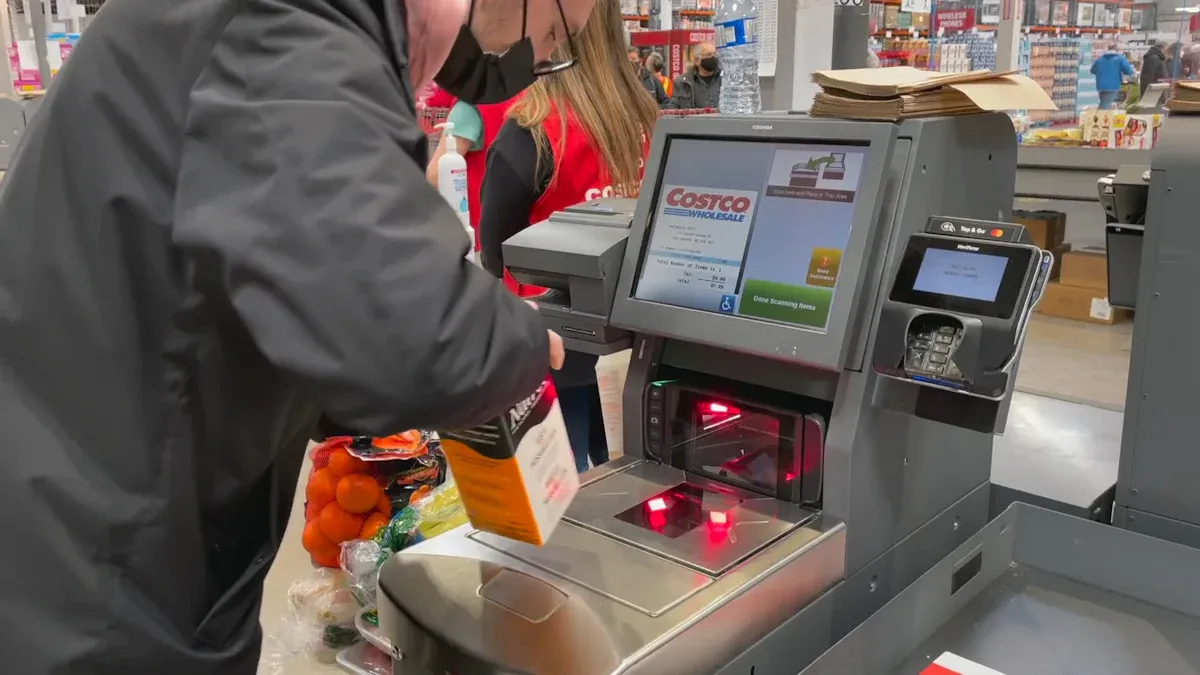
You walk into your office and grab a snack from an unmanned store without waiting in line. You enjoy 24/7 access, so you never worry about closing hours. Smart technology tracks inventory in real time, making shopping fast and easy. You pay with a tap and avoid touching surfaces, which keeps you safe. These features save you time and help you stay healthy at work.
Key Takeaways
You can get snacks and supplies any time, day or night. You do not have to wait in line. This helps you save time and stay focused on your job.
You can pay without touching anything. This helps stop germs from spreading. It also keeps your hands clean.
The office works better with unmanned stores. You can get what you need fast. This means you take fewer breaks and get more work done.
Smart technology keeps track of what is in the store. You will always find fresh things. You will not see empty shelves.
Your information is safe with strong data protection. Unmanned stores use good security to protect your data.
Benefits of Unmanned Stores
24/7 Access and Time Savings
Think about needing a snack late at night. Maybe you want lunch during a busy day. An unmanned store lets you shop anytime. You do not wait for someone to open the door. You do not stand in a long line. You walk in, grab what you want, and leave. This saves time. You can focus more on your work.
You get food, drinks, and supplies right away.
You do not waste time waiting for help.
You can shop during breaks, after work, or early mornings.
You feel happier because you control how you shop. Your company wins too. Workers stay busy and pleased when they get things fast.
Contactless Shopping for Safety
You do not touch cash or hand over your card. You pay with your phone or tap your card. This keeps your hands clean. It lowers the chance of spreading germs. Unmanned stores use smart tech to make shopping safer.
The study made a contactless check-in system to lower infection risks in public places. It shows why changing entry steps based on risk and venue matters. These systems help manage visitors and keep people safe.
The article explains how businesses use more digital tools to cut person-to-person contact. This leads to more contactless services to stop COVID-19 from spreading.
The research says COVID-19 brought new contactless delivery services. This happened because people needed to stay apart and avoid spreading the virus.
You feel safer because your workplace follows health rules. You do not worry about touching things or using cash. Your company shows it cares about you.
Improved Office Efficiency
An unmanned store helps your office work better. You do not leave the building to buy snacks or supplies. You save time and energy. Your team stays focused and gets more done.
Here is how unmanned stores help:
Benefit | How It Helps You |
|---|---|
On-demand access | You get things quickly |
Reduced waiting | You spend less time shopping |
Enhanced satisfaction | You feel good at work |
You notice fewer breaks in your day. Your office feels easier and nicer to work in. Everyone gains from a system that fits today’s needs and supports health rules.
Unmanned Store Technology
Smart Shelves and Inventory
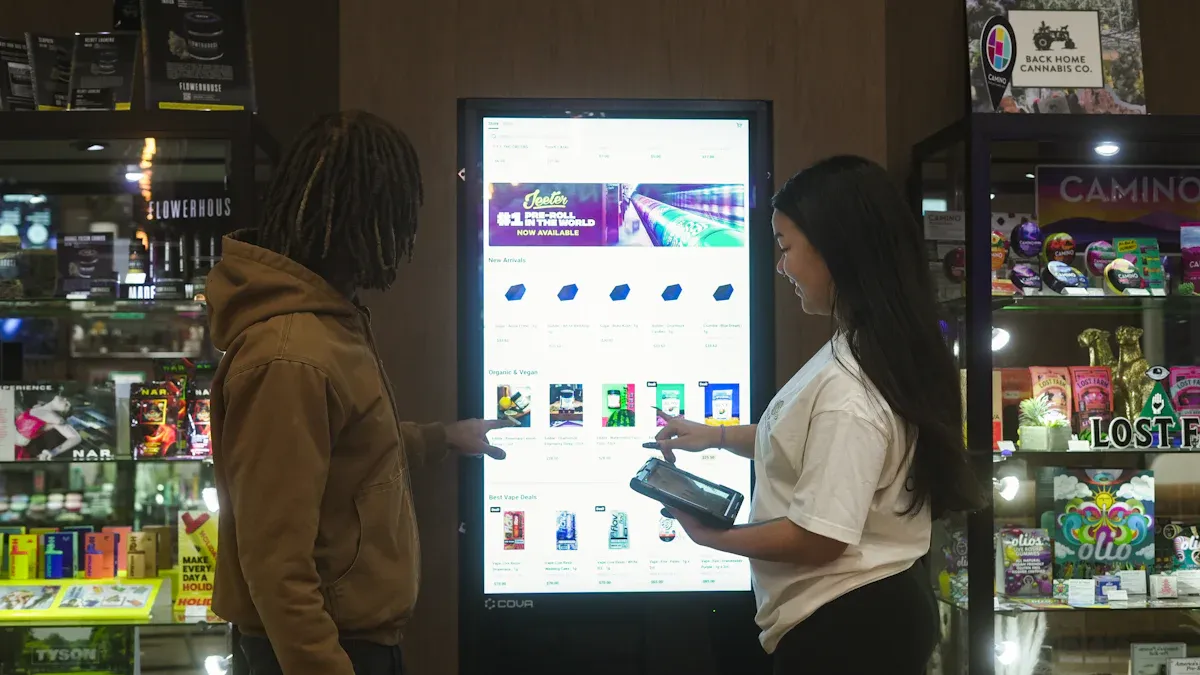
When you walk into an unmanned store, you see smart shelves. These shelves use sensors, RFID tags, and cameras. They track products all the time. The shelves know when you pick up something. They also know when you put it back. This helps you find what you need. You almost never see empty shelves.
Here’s how smart shelves work:
Functionality | Description | Impact on Inventory Management |
|---|---|---|
Automatic Checkout | RFID or cameras scan items and pay for them fast. | Shopping is quicker for you. |
Anti-Theft and Loss Prevention | Sensors notice strange actions and help stop theft. | Products stay safe and money is saved. |
Smart Forecasting and Restocking | Shelves watch sales and send alerts to restock. | Fewer times when shelves are empty. |
Cold Chain Monitoring | Checks temperature for fresh foods. | Snacks and drinks stay fresh. |
Real-time Inventory Management | Shopping is smooth and reliable. |
Smart shelves use AI to learn what you buy. They send alerts when items are low. This means you never miss your favorite snack. The shelves stay full and neat. You get a better shopping experience.
Cashless Payment Systems
You do not need cash in an unmanned store. You pay with your phone, card, or QR code. Cashless systems make shopping fast and safe. You tap, scan, or swipe to pay.
Digital kiosks and vending machines take chip cards and mobile wallets.
Many stores use apps or QR codes for entry and payment.
These systems keep your money and data safe.
Cashless payments help you in these ways:
Aspect | Impact on Transaction Speed | Impact on Operational Costs |
|---|---|---|
No waiting in line | Fewer staff needed | |
Unmanned store tech | Payments are quick | Costs are lower |
Automated sensors | Shopping is fast and easy | Less overhead |
You spend less time paying. You have more time to enjoy your break.
Automated Vending Solutions
Automated vending machines make shopping easier at work. You can shop any time, day or night. These machines offer snacks, drinks, and office supplies. They use smart tech to track what’s inside and restock when needed.
You get many products, so you always find something you like.
Shopping is quick and easy, with no lines.
Machines use IoT to manage inventory and offer cashless payments.
Automated vending solutions make shopping smooth and safe. You get more choices, faster service, and a safer way to shop. You do not have to leave your office.
Implementation in Office Buildings
Integration with Office Systems
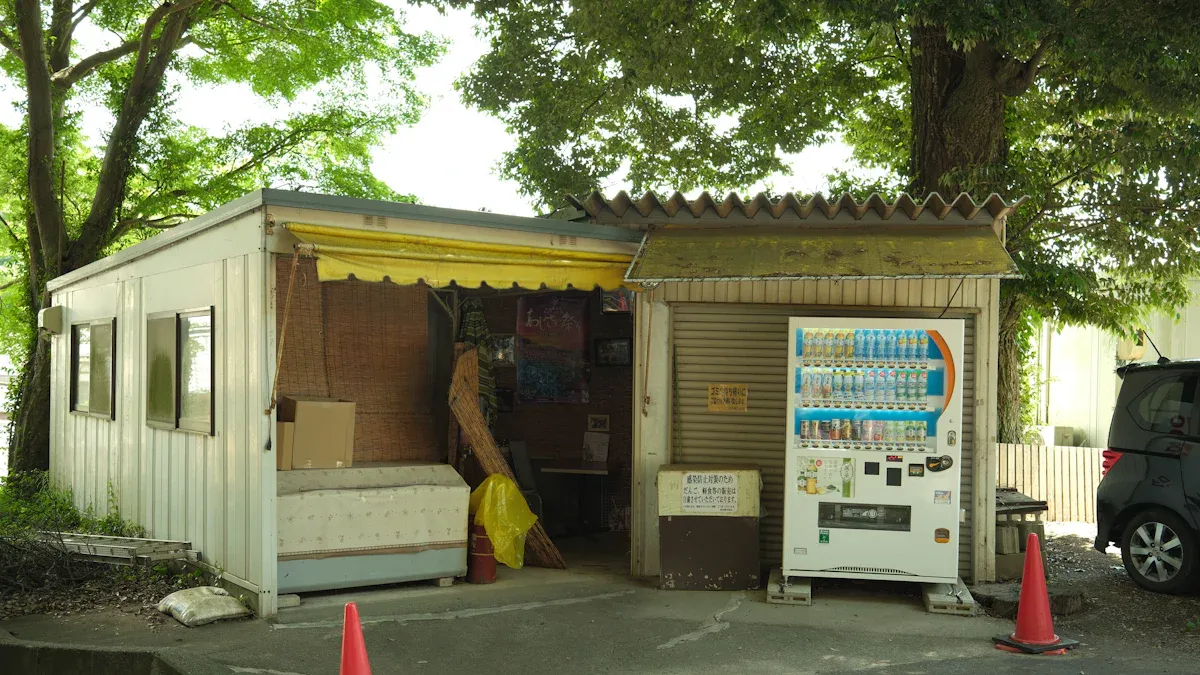
You want the unmanned store to fit your office life. Smart stores connect to your building’s access system. You swipe your badge or scan a QR code to get inside. The store links to your company’s payment system. This makes buying things easy. Modular kiosks, like MODSTREET, help you set up fast. You can move the store if your office changes. These kiosks cost less and install quickly. You get a flexible store that matches your business needs.
Tip: Modular kiosks are easy to move. You save money and skip long building work.
Challenge | Description | Solution |
|---|---|---|
High Setup Costs | Building spaces cost a lot of money. | Modular kiosks are cheaper to use. |
Slow Deployment | Construction takes a long time to finish. | Prefab kiosks install much faster. |
Difficulties in Relocation | Permanent stores are hard to move. | Modular kiosks make moving simple. |
Addressing Security and Privacy
You want your data to stay safe when you shop. Unmanned stores use strong security tools to protect you. Firewalls and intrusion detection block hackers. Anti-malware keeps your devices clean. Stores require secure logins and multi-factor authentication. Only trusted people can see payment data. Every access request gets checked. Networks stay separate, so your info does not mix with business data. AI watches for threats in real time. End-to-end encryption keeps your payment details safe. Tokenization replaces your card number with a one-time code. SSL encryption protects online transactions.
Security Measure | Description |
|---|---|
Firewalls & Intrusion Detection | Stop people from getting into networks without permission. |
Anti-Malware Protection | Blocks spyware and ransomware from your devices. |
Secure Login Practices | Use strong passwords and extra steps to log in. |
Limit Access to Sensitive Data | Only certain people can see payment information. |
Verify Every Access Request | Every login or payment gets checked. |
Segment Networks | Customer data stays apart from business data. |
Monitor System Activity | AI looks for threats all the time. |
End-to-End Encryption | Data is protected from start to finish. |
Payment Encryption | Payment details are safe during transactions. |
Tokenization Technology | Uses one-time codes instead of card numbers. |
SSL Encryption for Websites | Keeps online payments secure. |
Employee Adoption and Training
You want everyone in your office to feel comfortable using the new technology. Training programs help your team learn digital skills and work efficiently. Companies that focus on retraining boost morale and keep a good reputation. Reskilling and cross-training make sure employees can handle unmanned store tech.
Reskilling teaches your team new digital skills.
Cross-training helps employees do different jobs.
Training makes work smoother and faster.
Retraining keeps everyone happy and builds trust.
You see your coworkers learn quickly. Everyone feels ready and confident to use the store.
Real-World Examples
Office Building Success Stories
You might wonder how these stores work in real life. Let’s look at some office buildings that use smart shopping solutions. In one tech company, employees grab snacks and drinks from a store right next to their workspace. They use their badges to enter and pay with their phones. The store never closes, so you can shop late at night or early in the morning. You see fresh food every day because the shelves track inventory and send alerts when items run low.
Another office in New York installed vending kiosks in the lobby. You walk in, scan your ID, and pick up what you need. The machines offer healthy snacks, coffee, and even office supplies. You don’t wait in line. You don’t worry about germs. The company noticed fewer trips outside the building and happier employees. People feel safe and enjoy the convenience.
Tip: If you want to boost morale, place the store where everyone can see it. Easy access makes shopping part of your daily routine.
Lessons and Best Practices
You can learn a lot from these success stories. If you want your store to run smoothly, follow some simple steps:
Build a strong business plan that covers more than just theft prevention.
Set up a customer identification system before checkout.
Remind shoppers gently about store rules.
Add a little friction if it feels fair, like asking for ID at checkout.
Match the store’s style to local tastes and needs.
Watch customer behavior without focusing on personal data.
Connect systems to make shopping easier.
Create trust so shoppers feel honest and comfortable.
You see that these steps help keep your store safe and convenient. When you follow best practices, you build trust and make shopping easy for everyone.
You notice that new technology makes office life easier and safer. You can get what you need any time, day or night. Smart lockers and contactless systems help you skip lines. You do not have to touch surfaces. Shopping feels smooth and safe with double-gate entry and mobile payments. Look at the main benefits below:
Key Benefit | Description |
|---|---|
Enhanced Convenience | Service is fast and you do not wait long. |
Automation and Cost Reduction | Transactions are quick and contactless, and costs are lower. |
Improved Shopping Experience | Offers are personalized and there are no cashiers. |
Increased Security | Entry is checked so stores stay safe. |
Simplified Payment Process | Mobile payments make checkout simple. |
Unmanned store solutions will become more common in offices. They help you work better and stay safe every day.
FAQ
How do you access an unmanned store in your office?
You usually scan your employee badge or use a QR code on your phone. The system unlocks the door for you. You walk in and start shopping right away.
Is shopping in an unmanned store safe?
Yes! You use contactless payment and avoid touching surfaces. The store uses security cameras and smart tech to keep you and your data safe.
What happens if you need help while shopping?
You can tap a help button or use a chat feature on the store’s app. Some stores have a phone number posted for quick support.
Can you buy more than snacks in an unmanned store?
Absolutely! You find drinks, office supplies, and sometimes fresh food. The store updates its inventory often, so you always see new items.
How does the store know when to restock?
Smart shelves track every item. When something runs low, the system sends an alert to staff. You rarely see empty shelves.
See Also
Automated Retail: Comparing Micromarkets And Smart Stores Globally
The Future of Retail: Embracing AI-Driven Stores
Walgreens Self-Checkout: Benefits And Hurdles In Retail
Understanding AI-Enhanced Corner Stores: Insights For Retailers
Modern Retail's Advantage: Features Of AI-Driven Combo Vending
