The Growth of Unmanned Stores in Modern Office Buildings and How to Get Started
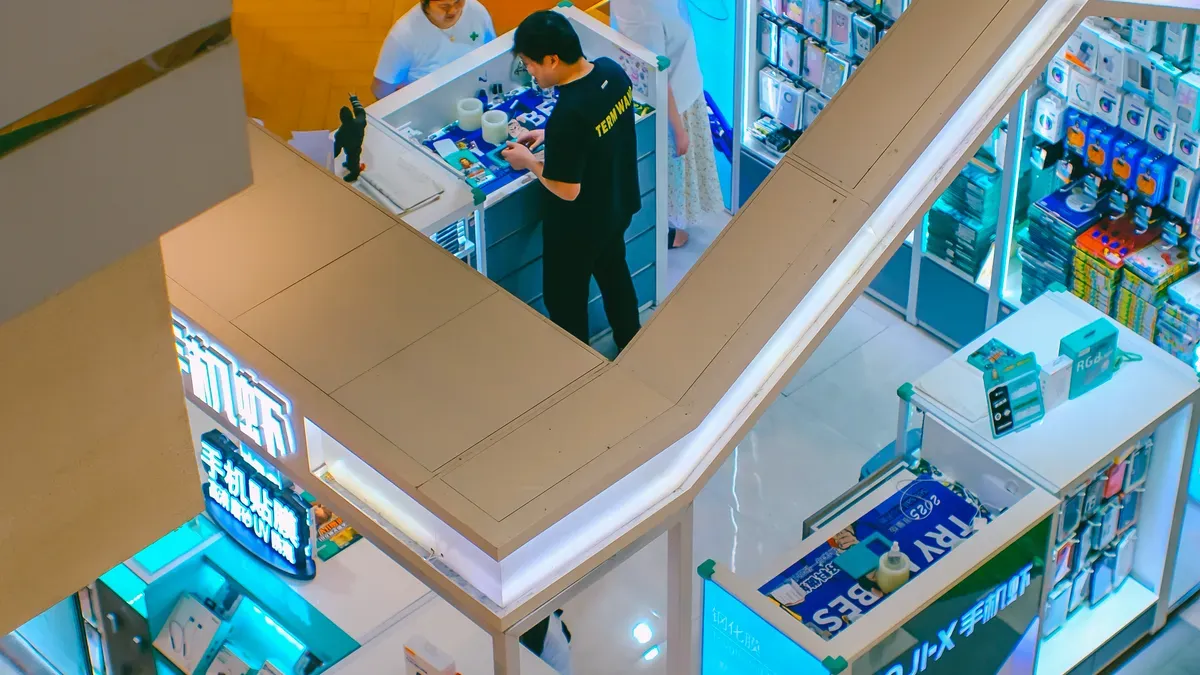
An unmanned store lets you shop without a cashier by using smart technology. You walk in, grab what you want, and pay with your phone. These stores use AI, cameras, and mobile payments to make shopping quick and simple. Many office buildings now have this type of store. The main reasons are shown below:
Description | |
|---|---|
Touch-free Shopping Experience | Safe, touchless payment options protect you. |
Sophisticated AI and Computer Vision | Tracks products better and stops theft. |
Integration with Mobile and Payment Technologies | Check out faster with your phone. |
24/7 Accessibility | Shop any time, day or night. |
Smart Inventory Management | Products get restocked when needed. |
Convenience | No lines and fast shopping. |
Safety and Hygiene | Less contact with people means more safety. |
Novelty and Experience | Try something new in your routine. |
Personalization | Get tips based on what you like. |
You might wonder how these stores work and what good things they offer. There are also some problems you may face. New trends and easy steps can help you see if this is good for your building.
Key Takeaways
Unmanned stores let you shop without touching anything. You can shop safely and fast. You do not have to wait in line. These stores are open all day and night. This helps busy office workers get snacks or supplies anytime. Smart technology helps keep track of what is in the store. It makes sure products are there when you need them. Having an unmanned store saves employees time. It can make people at work happier. To start, look at what your office needs. Pick the best technology. Plan what products to sell and how to set up the store.
Unmanned Store Basics in Office Buildings

What Is an Unmanned Store?
An unmanned store is different from a regular shop. It uses smart technology so you do not need a cashier. When you walk in, you see digital price tags. These tags change prices right away. You always get the newest deals. The store uses AI and computer vision to watch what you pick up. You pay with your phone. You do not have to stand in line.
Some stores use facial recognition or sensors. These tools make shopping faster. They help the store know when to add more items. They also keep track of what is on the shelves. Shopping is smooth and easy with less trouble.
AI-driven systems make shopping fast and simple.
Computer vision and predictive analytics mean fewer staff are needed.
IoT sensors and mobile payments help you check out quickly.
Real-time inventory management keeps products ready for you.
Tip: The store learns what you like. It suggests products you may want.
Why Offices Are Adopting Unmanned Stores
Many office buildings have unmanned stores now. These stores give employees many benefits. You can get snacks and drinks any time. This helps you balance work and life. It is good if you work late or start early. More than half of employees use these stores. This shows they are popular and useful.
You save time because you do not leave the building. You also do not wait in line. Employees save about 3.5 hours each time they shop. You can focus on your work and important things. Companies with these stores have happier employees. People enjoy their jobs more.
24/7 access makes shopping easier.
High engagement means employees like the store.
Time savings help you work better.
Better workplace satisfaction leads to happy teams.
Key Benefits of Unmanned Stores
24/7 Access and Convenience
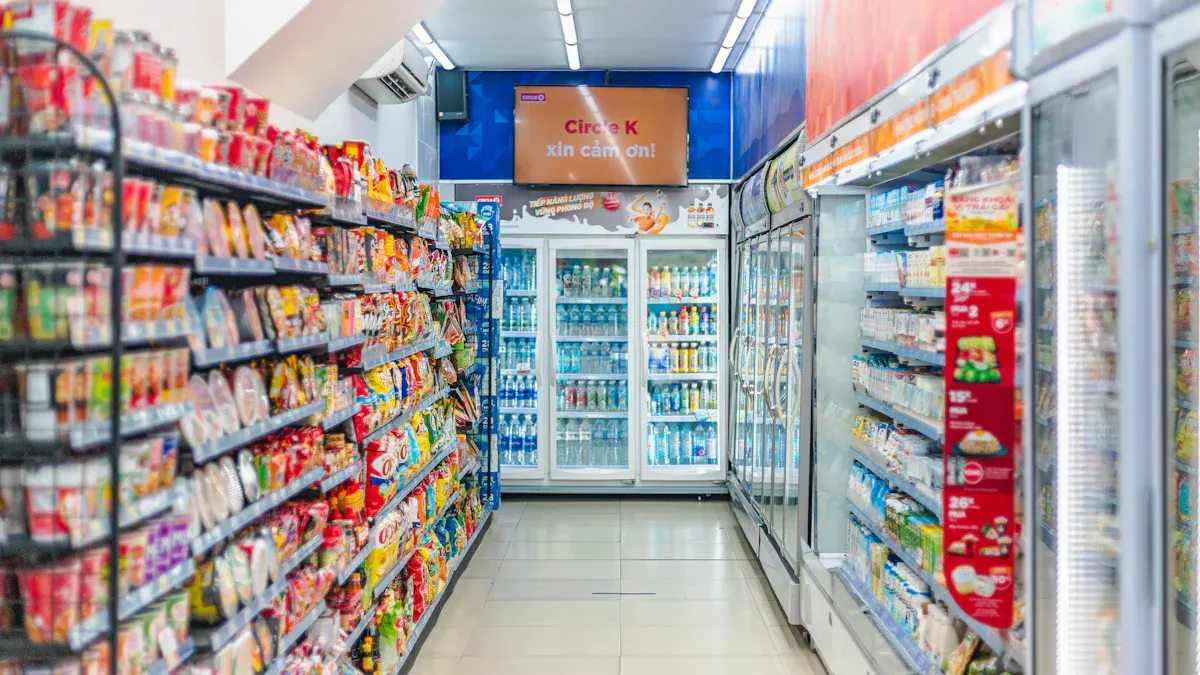
You can shop at an unmanned store any time you want. There are no set hours, so you do not have to rush or wait for a store to open. This flexibility helps you fit shopping into your busy workday. If you need a snack early in the morning or a drink late at night, the store is always ready for you. You do not have to wait in line, which saves you time and makes shopping less stressful. Many office workers find this helpful because their schedules can change often. The automated systems in these stores let you grab what you need and check out quickly. You get easy access to many products, making your day smoother.
Note: Studies show that long lines make people less likely to buy. Unmanned stores help you avoid this problem by letting you shop without waiting.
Improved Efficiency and Productivity
When you use an unmanned store, you spend less time away from your desk. You can get what you need fast and return to work quickly. This helps you stay focused and get more done during the day. The technology in these stores, like RAIN RFID, scans items quickly and accurately. You do not have to scan each item one by one. This makes the checkout process faster and reduces mistakes. Stores like Easy Deli in Finland show how quick service and round-the-clock access can help both employees and visitors.
No waiting in line means you save time.
Fast checkout helps you get back to work sooner.
Easy access increases customer satisfaction.
Cost Savings and Data Insights
Unmanned stores use smart technology to track what is on the shelves. Real-time inventory management helps keep products in stock and reduces waste. You get the items you want, and the store does not overstock or run out. The store collects data about what people buy and when they shop. This information helps store managers offer better products and deals. AI can also track how you move through the store, which helps improve the layout and makes shopping easier for everyone.
Real-time inventory tracking keeps shelves stocked.
Data insights help stores offer products you like.
AI systems can give you help and suggestions while you shop.
Challenges and Considerations
Technology and Security
Running an unmanned store needs advanced technology. Smart shelves, AI, and cameras help track products and stop theft. The self-service POS system scans items and handles payments. This system sends reports about sales and restocking needs. You may have problems if your building lacks the right technology. The store’s location matters and can affect how well it works as a distribution center.
Security is very important. You must protect the store from digital and physical threats. Risks include weak communication, data leaks, and break-ins. To keep your store safe, use strong encryption and secure authentication. Multi-layered detection systems help find problems early.
Tip: Always update your software and security systems to stay safe from new threats.
Inventory and Logistics
Managing inventory in an unmanned store needs careful planning. You must know what sells and when to restock. AI and visual recognition technology help track items and predict demand. The system uses sales data to guess what you need, so you do not run out of popular products. This also helps you avoid overstocking and saves money.
You must set reorder points and lead times for each product. AI can also help plan delivery routes, making sure products arrive on time. The store acts as a small distribution center, so logistics are important. Good planning makes sure you always have enough stock for your customers.
Use demand forecasting to keep shelves full.
Analyze trends to adjust your product mix.
Plan deliveries to match your store’s needs.
Note: Smart inventory management helps you save money and earn more.
How to Start an Unmanned Store
Starting an unmanned store in your office may look hard at first. But you can break it into easy steps. Each step helps you make a store that fits your team. It also matches your business goals.
Assessing Needs and Goals
Start by finding out what your office needs. Think about how big your building is. Count how many people work there. Ask what products people want. Set clear goals for your unmanned store. Do you want to save your staff time? Maybe you want to give healthier snacks. Write down your main goals.
You should also check if the store will save money. Look at the possible return on investment (ROI). Here is a simple way to do this:
Add up your first costs, like equipment and setup.
Guess your yearly costs, such as fixing things and restocking.
Find out how much you save by being more efficient.
Use the ROI formula to see if you will earn money back.
For example, Wal-Mart used drones to check inventory. This made inventory time much shorter. They added up all costs and savings. They saw a good ROI after five years. You can do the same to see if an unmanned store is right for you.
Tip: Write down your goals and savings before you begin. This helps you check if you succeed later.
Choosing Technology and Partners
Next, pick the best technology and partners. Look for tools that fit your goals and budget. Choose technology that solves real problems in your office. For example, pick systems that make checkout fast. Or pick ones that help track inventory easily.
Big companies like Amazon and Alibaba use smart tools. These include AI-driven checkout, computer vision, and IoT sensors. These tools help you sell items fast and keep shelves full. Some companies also work with real estate and logistics partners. This can help you set up your store faster.
When you pick a partner, see if they can help as you grow. Make sure they give good training and support to your team.
Pick technology that fixes big problems.
Choose partners with good experience and support.
Make sure your system can grow with your business.
Product Selection and Store Setup
Now, choose what products to sell and how to set up your store. Pick items your employees want and need. Use sales data or surveys to find out what is popular. Plan your store so people can find things easily.
Think about the future. Your layout should work now and later if things change. Teach your staff how to use the new systems. Change can be tough, so help your team get used to it.
Use AI and IoT to track products. Smart shelves and sensors tell you when to restock. This keeps your store working well.
Note: Update your technology often and check how your store is doing. This keeps your store running smoothly.
Managing Operations and Customer Experience
After your store opens, focus on daily work and making customers happy. Use digital price tags to change prices fast. A good POS system helps you take payments safely. Barcode scanners make checkout quick and cut down on mistakes.
Here is a table that shows some key technologies and their benefits:
Technology | Purpose | Benefits |
|---|---|---|
Digital Price Tags | Update prices and info in real time | Increases efficiency and flexibility |
Reliable POS System | Securely process payments at self-checkout | Ensures safe transactions and protects information |
Barcode Scanners | Register products quickly | Reduces delays and errors during checkout |
Think about access control and payment systems too. Use systems that count people coming in and out. This helps you see busy times and manage shoppers. Track how people move in the store to make your layout better. For valuable goods, set up alerts if someone stays too long in those spots.
Optimization Strategy | Description |
|---|---|
Queues and checkouts | Detects lines and assigns staff if needed |
Display areas for valuables | Notifies staff when customers linger in profitable areas |
Shop floor tracking | Monitors movement and helps optimize layout |
Entrances and exits | Counts people to identify busy times and allocate staff efficiently |
Keep your systems updated and check them often. Regular checks help stop problems and keep your store working well. Train your staff to fix issues fast and keep customers happy.
Tip: Listen to feedback from your workers and shoppers. Use their ideas to make your unmanned store even better.
Future Trends for Unmanned Stores
Innovations in Technology
Unmanned stores will change fast as new tech comes out. AI now helps you find things in the store. Smart shelves watch products and tell staff when stock is low. Cameras and sensors help stop theft and keep the store safe. Mobile apps let you pay with your phone and get special deals. These tools make shopping quick and simple for you.
Many stores use live data to change prices and restock shelves. You get good deals and always find what you need. AI learns what you like and shows you new products. More stores will use facial recognition and voice helpers soon. These features let you shop without touching anything. Tech will keep getting better, making unmanned stores safer and easier.
Note: As tech gets better, unmanned stores will give you smarter ways to shop and manage products.
Evolving Workplace Expectations
People at work want more from stores in their building. You want shopping to be easy and fast. Unmanned stores stay open all day and night to help you. AI runs these stores, focusing on price and speed. This gives you a smooth shopping trip. Human-led stores are still important for social reasons, but unmanned stores use smart tools to help you get more done.
AI helps you shop and makes it personal.
Stores try to be fast but also give good experiences.
Human-led stores give value through real-life contact.
Stores will change their spaces to fit both tech and real needs. This helps you shop faster and enjoy your time.
Factor | Description |
|---|---|
Operational Efficiency | Unmanned stores cut labor costs and stay open longer, so they make more money. |
Consumer Demand | 24/7 stores help city shoppers who want easy shopping. |
Scalability | These stores can open fast in busy places, helping them grow. |
Unmanned stores will keep growing in office buildings. You will get better service, more choices, and easier shopping. The future will bring smarter stores that fit your work and shopping needs.
Unmanned stores in office buildings help you save money. They make shopping easy and fast. These stores use technology to work better. But there are some problems too. You may have trouble with technology or security. There are also fewer people to talk to.
Benefit | Description |
|---|---|
Unmanned stores use tech instead of workers, so they cost less. | |
Convenience | Self-service lets you shop and pay quickly. |
Efficiency | Tech helps keep track of products and makes shopping smoother. |
Challenge | Description |
|---|---|
Technology barriers | Tech problems can make shopping harder. |
Security | Not having staff means tech must keep things safe. |
Human interaction | No staff means shopping can feel less friendly. |
If you want to start your own store, follow these steps. First, decide what you want to do. Next, think about what you need most. Then, check if you have the right permits and follow the rules. Last, make a plan for the future.
You will see new things like AI, robotics, and IoT in stores soon. Unmanned retail will keep growing and change how you shop.
Start now and see how an unmanned store can help your office building.
FAQ
How do you pay in an unmanned store?
You use your phone or a card to pay. The store has a self-checkout system. You scan your items and follow the steps on the screen. Payment is fast and secure.
Is shopping in an unmanned store safe?
Yes, unmanned stores use cameras and sensors to protect you. The store updates security software often. You can shop with confidence because the system watches for problems.
What happens if you need help in the store?
You can press a help button or use a chat feature. Some stores have staff on call. You get answers quickly from the support team.
Can you return items bought from an unmanned store?
Most unmanned stores let you return items. You follow the instructions on the app or website. The store gives you a refund or exchange.
What products can you find in an unmanned store?
You find snacks, drinks, office supplies, and personal care items. The store updates products based on what you buy. You get choices that fit your needs.
See Also
The Future of Retail Lies in AI-Driven Stores
Understanding the Growth of AI-Enhanced Convenience Stores
Starting an AI-Driven Corner Store on a Budget
Comparing Micromarkets and Smart Stores in Global Retail
Enhancing Office Efficiency with Intelligent Vending Machines
