How to upgrade an existing store into a cashierless format in universities and campus retail


You can upgrade an existing store by using cashierless technology that lets customers scan, pay, and go. This approach meets customer demand for convenience and contactless purchasing, which helps students manage busy schedules. Many universities now choose this frictionless experience to boost store efficiency and keep customers happy. You will see fewer lines, faster service, and better satisfaction for both students and staff.
Key Takeaways
Upgrade your store by assessing the current layout and understanding student shopping habits. This helps create a more efficient shopping experience.
Implement real-time inventory management to keep shelves stocked and reduce out-of-stock items. This ensures students find what they need quickly.
Choose technology that integrates well with campus apps. This makes payments easier for students and enhances their shopping experience.
Train staff on the new cashierless system to ensure they can assist customers effectively. Well-informed staff improve overall store operations.
Gather feedback from students after launching the cashierless store. Use their suggestions to make continuous improvements and keep customers satisfied.
Upgrade an Existing Store: Assessment
Upgrading an existing store to a cashierless format starts with a careful assessment. You need to look at your current setup, understand how students shop, and set clear goals for your retail operations. This step helps you find what works well and what needs improvement.
Store Layout Review
You should walk through your store and see how easy it is for customers to find what they need. A good layout makes shopping faster and more enjoyable. When you upgrade an existing store, you can remove traditional checkout counters and use the extra space for more products or wider aisles. This change helps students move around easily and find popular items quickly.
A well-designed store layout improves accessibility and navigation.
Cashierless systems remove the need for long checkout lines, making shopping more efficient.
Digital signs and interactive displays help students locate items and connect with digital payment systems.
Tip: Place high-demand items near the entrance or along main paths. This makes it easier for students to grab what they need and go.
Inventory and Operations Check
You need to review your inventory system before you upgrade an existing store. Self-serve stores depend on real-time inventory management to keep shelves stocked and avoid out-of-stock items. You should check if your current system can track products as customers pick them up.
Here is a table showing some inventory technologies that work well with cashierless retail operations:
Technology | Benefits |
|---|---|
Advanced Image Recognition | Accurate item identification, theft prevention, and customer behavior analysis. |
RFID Technology | Precise inventory management and seamless self-checkout for high-turnover goods. |
Robotics | Automates fulfillment and restocking, ensuring 24/7 operation. |
Advanced Payment Systems | Integration of NFC, QR codes, and mobile apps for fast, secure transactions. |
You should also look for pain points in your retail operations. For example, you might notice slow restocking or frequent inventory errors. Real-time inventory management helps you solve these problems and keeps self-serve stores running smoothly. Set clear goals for your upgrade, such as reducing restocking time or improving accuracy in inventory tracking.
Customer Preferences Analysis
Understanding what students want is key when you upgrade an existing store. Most students value convenience and speed. They prefer self-serve stores that let them shop without waiting in line or talking to staff. Many students like using apps to manage their shopping and payments.
Here is a table showing what students look for in campus retail operations:
Preference/Feature | Description |
|---|---|
Self-checkout kiosks | 56% of consumers prefer using self-checkout kiosks or vending machines over human cashiers. |
Interest in unattended shopping | 38% of consumers are interested in non-traditional, unattended shopping experiences. |
Convenience of autonomous stores | Autonomous stores provide 24/7 access, catering to students' busy schedules. |
Frictionless experience | Students prefer not having to interact with staff or wait in line during checkout. |
Easy-to-use technology | Students can easily download an app to manage their shopping and payments. |
Reduced labor needs | Self-serve stores require fewer staff, lowering costs and improving efficiency. |
You should gather feedback from students and other customers. Ask them what they like and what could be better. Use this information to set clear metrics for your upgrade, such as shorter wait times or higher satisfaction scores.
Note: Setting clear goals and tracking your progress helps you measure the success of your upgrade and make improvements over time.
Cashierless Tech Options
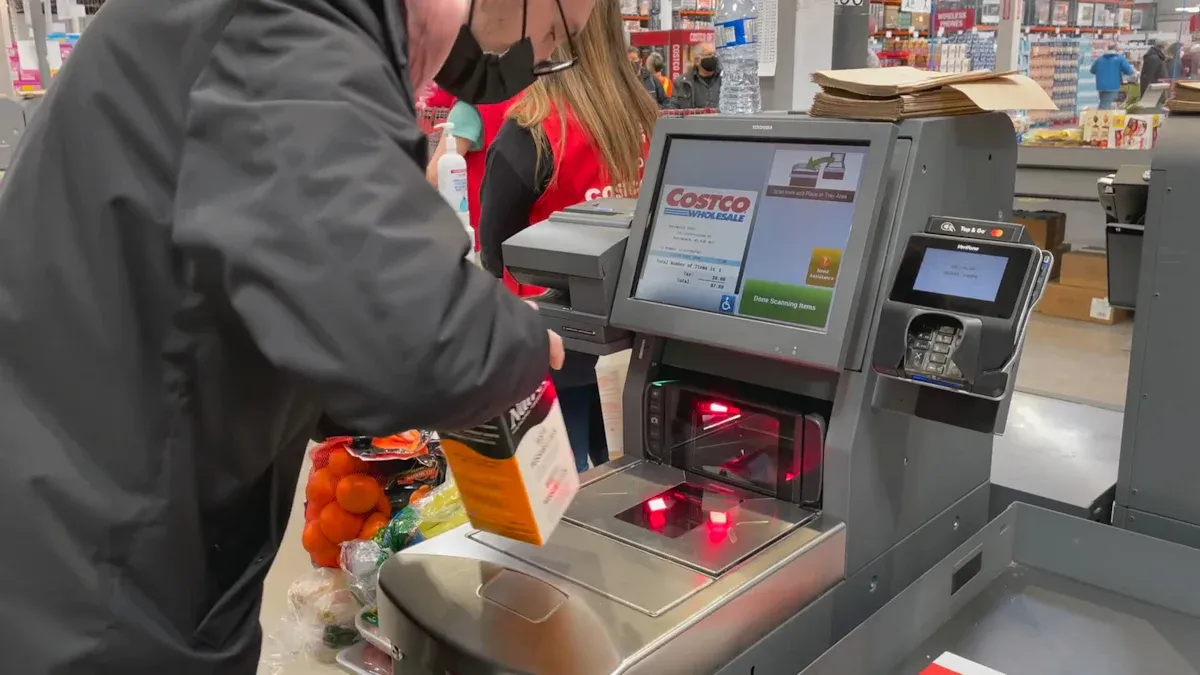
Choosing the right technology for your campus store is important. You want to make shopping easy and fast for students. You also want to keep your operations smooth and secure. This section will help you understand the best options for hardware, software, and integration.
Hardware and Software Selection
You can find many hardware solutions for checkout-free technology in campus retail. These tools help you run your store without cashiers. They also make shopping more convenient for students and staff. Unmanned retail experiences let students buy snacks, drinks, and supplies at any time. This reduces the need for extra staff and helps your store serve more people.
Many stores use smart shelves and IoT devices. These tools track products in real time. They also help you restock items quickly. Cameras and sensors watch what students pick up and put back. This makes the shopping experience smooth and fast. You can also use RFID tags for checkout-free technology. These tags let students pay without waiting in line.
Here is a table showing some leading hardware solutions for cashierless campus stores:
Hardware Solution | Description |
|---|---|
Camera-Only Computer Vision | Cameras track shoppers and items for anonymous shopping. |
Flexible Entry Systems | Turnstiles and kiosks make entry easy and quick. |
Smart Operating System & Analytics | Tools for inventory management and customer analytics. |
IoT Devices | Smart shelves, RFID checkout, and sensors improve efficiency and the shopping experience. |
You should also look at software platforms that support checkout-free technology. Some popular options include Grubhub and Standard. Grubhub works with Amazon’s Just Walk Out technology. This uses cameras and sensors to let students shop without stopping at a register. Standard uses AI to power self-checkout and connects with mobile ordering apps. These platforms help you offer a touchless and fast shopping experience.
You can also use these tools:
Smart shelves that detect when products move
Environmental sensors for food safety
Smart cameras that manage traffic flow
IoT-connected vending machines for 24/7 access
QR-based item recognition and instant payments
Tip: Choose hardware and software that match your store’s size and student needs. Test different options to see what works best.
Integration with Campus Apps
You want your cashierless system to work with campus apps and student ID systems. This makes shopping even easier for students. Many universities use technology like Amazon’s Just Walk Out. Students scan a QR code to enter the store. The system starts a virtual shopping session. As students pick up items, the technology tracks their choices. When they leave, the system charges their campus account or mobile wallet.
Here is a table showing how cashierless systems connect with campus apps:
Feature | Description |
|---|---|
Integration Partners | |
Technology Used | Amazon's Just Walk Out technology |
Payment Method | Students use mobile credentials for payments and store entry |
Store Entry Process | Students scan a unique QR code to enter the store |
Checkout Process | No lines; items are detected automatically, and payment is processed through campus apps |
Benefits | No checkout lines, faster transactions, and better tools for universities and vendors |
You can connect your cashierless system with existing campus credentials. This lets students use their ID cards or mobile apps to pay. The system also works with third-party vendors. You can track sales, control access, and get reports using your campus credential system.
Note: Make sure your technology works with all devices students use, like smartphones and smartwatches.
Compatibility and Security
You need strong infrastructure for checkout-free technology. Your network must be fast and reliable. This helps your store handle more data from cameras, sensors, and student devices. You should work with your campus IT team to make sure everything connects smoothly.
Here is a table of technical requirements for a cashierless store:
Requirement | Description |
|---|---|
Optimized Network Infrastructure | Supports cashierless technology and keeps performance high and secure. |
High-Speed Connectivity | Handles more data traffic from devices and systems. |
Seamless Integration | Works with campus IT systems for a unified experience. |
Flexibility and Innovation | Supports many devices and apps in a changing retail space. |
Visibility and Security | Protects data and keeps the shopping experience smooth. |
Security is very important in a cashierless store. You must protect student data and follow privacy rules. Many systems, like DigitMart Autonomous Smart Store, keep shopper data anonymous. They use strong security protocols and experts to protect information. You should always check that your technology meets campus security standards.
Alert: Always update your software and hardware to fix security issues and keep student data safe.
Infrastructure and Implementation
Hardware Setup
You need to plan your hardware setup before you upgrade your store. Most hardware for cashierless technology can be installed in just a few days. You can use commodity hardware to keep costs low. If a part stops working, you can replace it easily. This helps you save money on support and keeps your store running smoothly.
Here is a table that shows what you can expect during hardware setup:
Aspect | Details |
|---|---|
Installation Timeline | Most hardware can be installed within a few days in the store. |
Cost Efficiency | Using commodity hardware keeps costs low for retailers. |
Maintenance | Non-functioning components can be easily replaced, reducing support costs. |
Tip: Test all devices before opening your store to students. This helps you avoid problems on launch day.
Software Integration
You must connect your new technology with your current systems. Work with your IT team to test new cashierless tools before you use them in your store. This helps you avoid errors and keeps everything running well. Make a plan to add new automation tools to your old systems. This prevents data loss and keeps your records safe.
Sometimes, old POS and inventory systems do not work well with new technology. You can ask a technology partner for help. Middleware solutions can connect old and new systems. You can also replace old parts step by step. This makes the change easier for your store.
Collaborate with your IT team for testing.
Develop a plan for integration.
Use middleware or phased migration for legacy systems.
Testing and Troubleshooting
You should test your store before you let students use it. Check every device and system. Make sure cameras, sensors, and payment tools work together. Fix any problems you find right away. You can run a soft launch with staff or a small group of students. This helps you find issues before the full launch.
Note: Keep a checklist for testing. Update your technology often to fix bugs and improve security.
Staff Training and Student Communication
Staff Onboarding
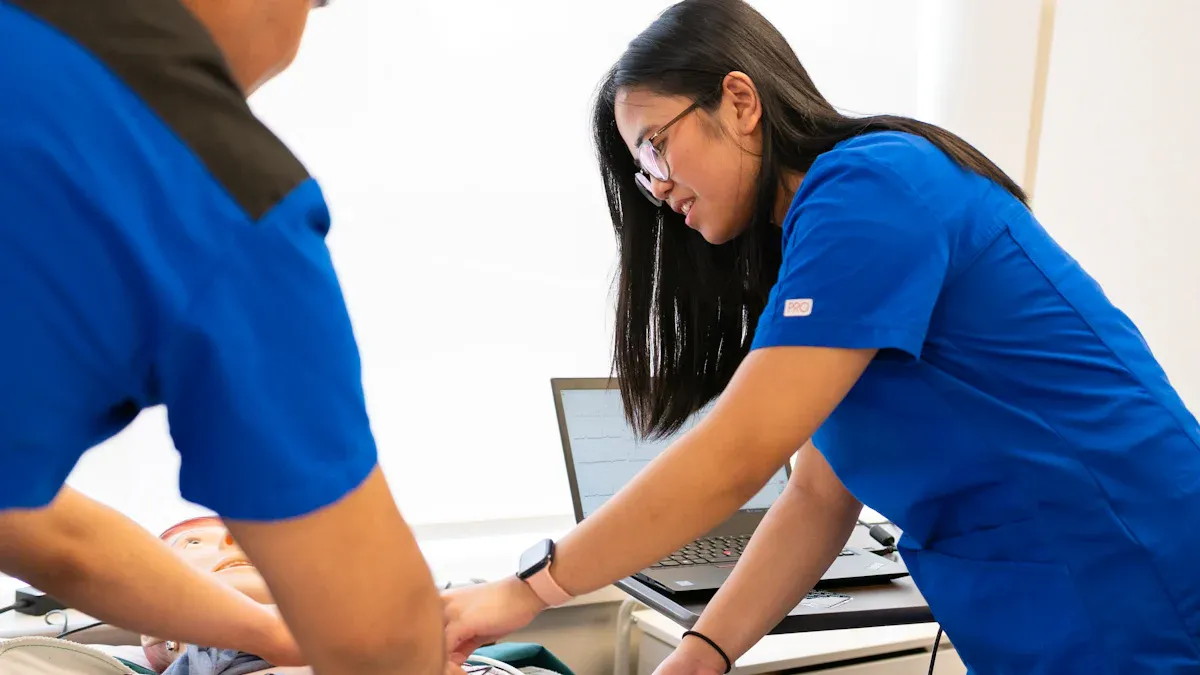
You need to prepare your staff for the new cashierless store. Start by showing them how the technology works. Give hands-on training so they can help customers and answer questions. Staff should know how to use the system, fix small problems, and keep the store safe. You can create a checklist for daily tasks. This helps staff remember what to do each day. Faculty members who work in the store should also learn about the new process. When everyone understands the technology, the store runs better.
Tip: Hold short training sessions each week. This keeps staff and faculty up to date with any changes.
Student Education
Students need to know how to use the new store. You can use signs, videos, and campus emails to teach them. Most students like using their phones for shopping. Mobile-driven experiences make the process easy. In fact, 74% of students say mobile tools improve their college life. Show them how to enter the store, pick items, and pay with their phones or campus ID. Offer contactless payment options, like debit, credit, and campus accounts. This gives customers more choices.
Here is a table with ways to help students learn about the new store:
Strategy | Description |
|---|---|
Mobile-driven experiences | 74% of students believe mobile experiences enhance their college experience. |
Contactless payment options | Offers multiple payment methods including debit, credit, and Campus ID accounts. |
Quick transactions | Enables one-click purchasing and eliminates waiting in line, enhancing convenience for students. |
You can also hold short demos during busy hours. Faculty can help answer questions and guide new customers.
Feedback and Adjustment
After you launch the cashierless store, ask for feedback from students, customers, and faculty. Place suggestion boxes near the entrance. Use online surveys to collect ideas. Listen to what people say about the technology and the shopping experience. Make changes based on their feedback. This helps you improve the store and keep everyone happy.
Note: Review feedback every month. Share updates with students and faculty so they know you care about their experience.
Launch and Monitor
Store Launch Steps
You can launch your cashierless store by following a few important steps. Start by making sure the technology fits your current layout. You do not need to change the design of your store. This helps you save time and money. Connect your campus card system to the cashierless platform. This lets students pay with their campus IDs, which many find easy and familiar. Place clear signs and instructions around the store. These help shoppers learn how to use the new system. You should have staff available during the first days. They can answer questions and guide people through the process. Focus on making the experience smooth for everyone.
Keep the store layout the same for a simple transition.
Use campus cards for easy payments.
Add clear instructions and signs.
Have staff ready to help during opening.
Tip: A low-friction experience makes shoppers feel comfortable and confident.
Performance Tracking
After you open your store, you need to track how well it works. Watch how many people visit each day. Check how fast they move through the store. Look at payment data to see if students use their campus cards. Review inventory reports to make sure shelves stay full. You can use digital tools to collect this information. Set goals for speed, accuracy, and customer satisfaction. Compare your results to these goals every week.
Metric | What to Track |
|---|---|
Store traffic | Number of visitors per day |
Payment methods | Use of campus cards |
Inventory accuracy | Stock levels and restocking |
Customer feedback | Comments and suggestions |
Continuous Improvement
You should always look for ways to make your store better. Listen to feedback from students and staff. Update signs or instructions if people seem confused. Fix any problems with payments or technology right away. Try new ideas to make shopping even easier. Review your data each month. Make small changes to improve speed and satisfaction. When you focus on improvement, your store will stay modern and helpful for everyone.
Note: Regular updates and feedback keep your store running smoothly and keep customers happy.
Upgrading your store to a cashierless format gives students more convenience and faster service. You can improve efficiency by using new technology and clear training. Students enjoy less waiting and a better shopping experience. Some stores face challenges, but you can solve them by using AI visual tools and having staff ready to help. Remember to focus on convenience and keep your store flexible. Ask what problems you want to solve before you start.
Make sure your technology is easy to trust.
Always listen to feedback from students and staff.
FAQ
How long does it take to upgrade a campus store to cashierless?
Most stores finish the upgrade in one to two weeks. You can install hardware and train staff quickly. Testing and setup may take a few extra days.
Will students need to download a special app?
You can let students use their campus app or a mobile wallet. Some systems work with QR codes or student IDs. Students do not always need a new app.
What happens if the technology fails?
Staff can help students check out manually.
You can use backup payment methods.
Most systems have support teams for quick fixes.
Is cashierless shopping secure for student data?
Security Feature | Benefit |
|---|---|
Data encryption | Protects student info |
Anonymous tracking | Keeps shopping private |
Regular updates | Fixes security issues |
You can trust these systems to keep data safe.
Can you still accept cash payments?
Yes, you can set up a hybrid system. Students can pay with cash at a kiosk or service desk. This gives everyone more choices.
See Also
Discover How Cloudpick Enhances Your Store's Cashierless Experience
Comparing Micromarkets And Smart Stores In Global Retail Automation
Analyzing Walgreens Self-Checkout: Benefits And Hurdles In Retail
Walmart's Self-Checkout Innovations: Anticipated Changes By 2025
