How to upgrade an existing store into a cashierless format

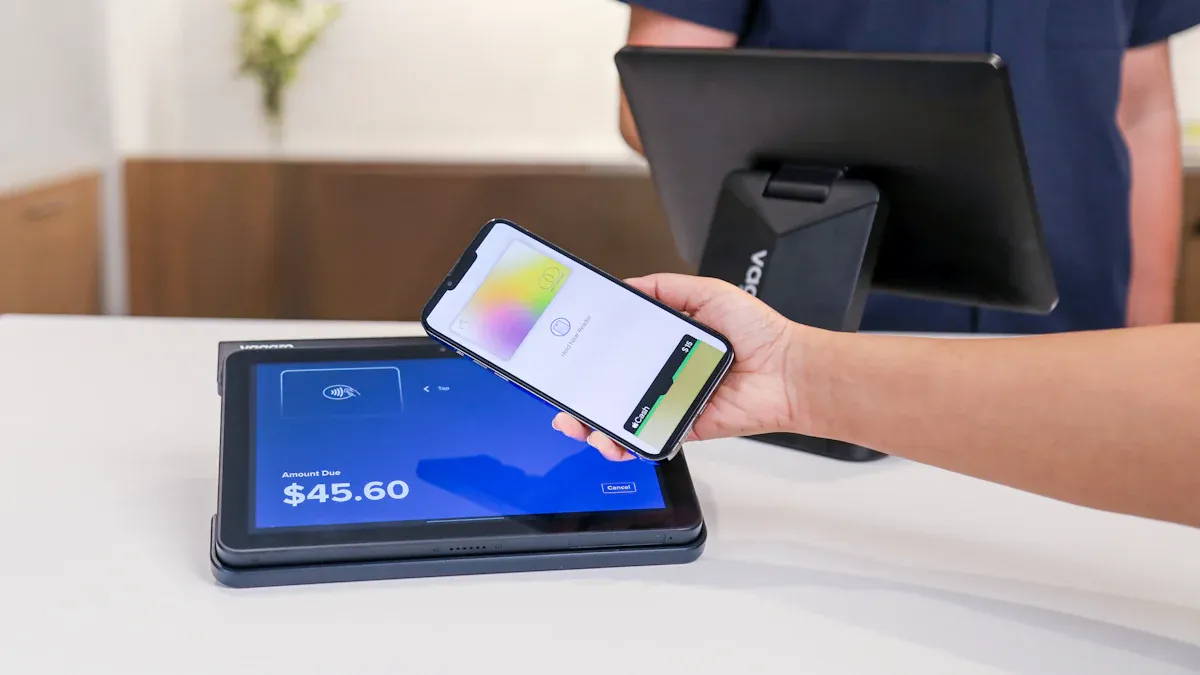
You can upgrade an existing store into a cashierless format by first looking at your current technology and staff setup. Many stores, like Maplefields, use guided self-checkout systems that let customers scan items on their own. Staff members often stay on the sales floor to help shoppers, making the upgrade smooth and efficient. Using automation and smart kiosks helps you improve the shopping experience and keeps operations running well.
Key Takeaways
Assess your current technology and staff setup before upgrading to a cashierless format. This helps identify what changes are needed.
Start with a small pilot area to test the cashierless system. This allows you to manage costs and fix issues before a full rollout.
Choose the right technology based on your store size and budget. Options include sensors, AI, and mobile apps for a smoother shopping experience.
Train your staff to assist customers with the new system. Clear instructions and friendly support build trust and enhance customer satisfaction.
Gather feedback from customers and staff after the upgrade. Use their insights to make continuous improvements and keep the shopping experience enjoyable.
Upgrade an Existing Store: Key Challenges
Traditional Checkout Limitations
When you look at traditional checkout systems, you see many problems that slow down your store. Long lines often form at the registers, making customers wait and feel frustrated. Human error can lead to mistakes in item tracking and pricing. These mistakes can cost your business money. You also face high labor costs because you need staff at every register. Traditional checkout systems make it hard to track every item, which can lead to theft and lost products. Many stores lose thousands of dollars each year because of these issues.
Long waits at cashier lines reduce customer satisfaction.
Manual checkouts increase the chance of errors and mispricing.
Labor costs stay high because you need staff at registers.
Poor item tracking can lead to retail shrinkage and lost profits.
Customer Pain Points
You want your customers to have a smooth shopping experience, but traditional checkout often causes problems. Machines can break down or make errors, which interrupts the process. Scanning items like produce can be hard, and barcodes sometimes do not work. Customers often need help from staff, especially for age checks or fixing mistakes. Many people feel frustrated when they have to do more work themselves or when technology glitches slow them down. Some shoppers miss talking to staff and feel less happy with their visit.
Frequent machine errors and interruptions
Difficulty scanning certain items
Need for staff help during age checks or errors
Extra work for customers at self-checkout
Lack of human interaction
False alarms from anti-theft sensors
Not enough staff in self-checkout areas
Technology glitches and longer wait times
Operational Barriers
When you plan to upgrade your store to a cashierless format, you face several barriers. The cost of new technology can be very high, especially for small stores. You need to buy sensors, cameras, and AI systems, which can cost millions. Each store has a different layout and product range, so you must adjust the technology for each location. Reliable internet and regular software updates are also important for smooth cashierless operations. Some customers may not like the change and prefer talking to staff. You must also follow data privacy laws and prevent theft without cashiers.
Tip: Start your upgrade with a small pilot area before expanding to the whole store. This helps you manage costs and learn what works best.
Cashierless Format: Step-by-Step Transition
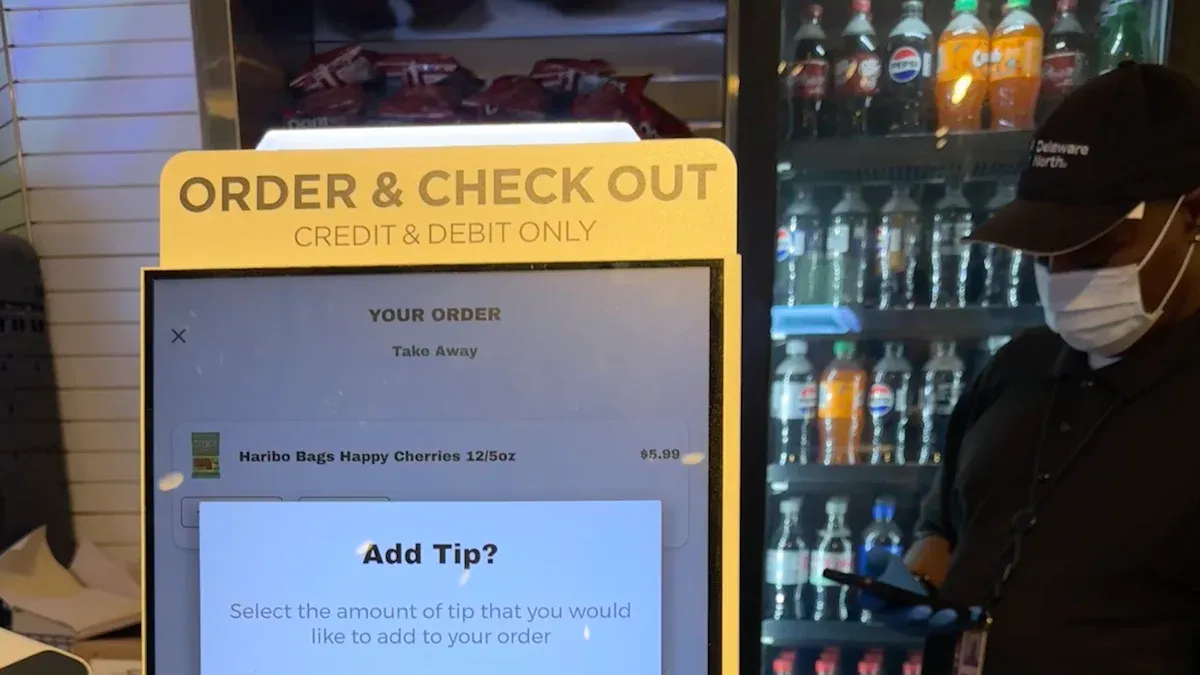
Assess Store Automation and Infrastructure
You should start your upgrade an existing store project by checking your current automation and infrastructure. This step helps you see what you already have and what you need to change. Follow these steps to make a smart decision:
Calculate your return on investment. Look at the costs for hardware, software, and training. Compare these costs to the money you will save on labor and the boost in efficiency. Many cashierless stores see lower operating costs after the upgrade.
Ask your customers if they want a faster, tech-enabled checkout. Most shoppers like quick and easy shopping.
Check if going cashierless will give you an edge over other stores in your area.
Think about your store size. Large stores often get the most value from a full cashierless format. Small stores can use lighter solutions like scan-and-go apps.
Make sure your staff and store layout can handle the new technology.
Tip: Start with a small pilot area before you upgrade the whole store. This lets you test the system and fix problems early.
Select Cashierless Technologies
You have many technology options for your upgrade. The right choice depends on your store’s size, budget, and customer needs. Here are some leading cashierless solutions:
Sensors and cameras track what shoppers pick up and put back.
Artificial intelligence and machine learning help the system recognize products and actions.
Mobile applications let customers scan items and pay with their phones.
Radio-frequency identification (RFID) tags and electronic shelf labels make tracking and pricing easier.
Internet of Things (IoT) devices connect all parts of the system for real-time updates.
Most shoppers want a frictionless experience. Automation helps you save money, especially when labor is expensive. New AI and sensor technology make cashierless systems more reliable.
Feature | Cashierless Stores | Mobile Self-Checkout |
|---|---|---|
Implementation Cost | Very high (AI, hardware, software) | Low (uses current equipment) |
Feasibility for Small Stores | Limited by cost and complexity | Easy and affordable |
Choose the technology that fits your budget and store type. Mobile self-checkout works well for smaller stores because it costs less and is easy to set up.
Integrate Hardware and Software
You need to connect all the new hardware and software for a smooth upgrade. Set clear goals, like saving money or making shopping easier. Make sure you have enough money for the upgrade and a skilled team to help with IT and data.
Best practices for integration include:
Run pilot tests with fake transactions to check if everything works.
Write down any problems and work with vendors to fix them.
Launch the system during a slow time and have staff ready to help.
Keep watching the system and ask for feedback to fix issues fast.
Update your point-of-sale software often to keep things running well.
Challenge Type | Description |
|---|---|
Setup Cost | High investment for advanced hardware and software |
Operational Changes | Need for new processes and staff training |
Customer Adoption | Some shoppers may not like or trust the new technology |
Technical Failures | Glitches can cause payment errors and frustration |
Keep testing and improving your system. Plan for future upgrades as your store grows.
Staff Training and Customer Preparation
Your staff and customers need to feel comfortable with the new cashierless format. Train your team to use the new technology and help shoppers. Hold short demo sessions during busy times to show customers how to use the system. Give out simple guides and have staff ready to answer questions.
Note: Friendly staff and clear instructions make customers feel safe and happy with the upgrade.
Watch key numbers like transaction speed, error rates, and customer satisfaction. Help shoppers quickly if they have problems with payment or checkout. This keeps the transition smooth and builds trust.
Security and Compliance
Security is very important in cashierless stores. You must protect your store from theft and follow all laws. Here are some common risks:
Security Risk | Description |
|---|---|
Increased Vulnerability to Theft | Less staff means more chances for shoplifting |
High Rates of Shoplifting | Self-checkout can lead to more stolen items |
Tracking Challenges | Harder to watch what every customer does |
Customer Errors | Shoppers may make mistakes and not pay for items |
Fraudulent Activities | Some people may try to cheat the system |
Retail Losses | Stores can lose more money if not careful |
You also need to follow privacy and payment rules. Protect customer data and follow laws about digital payment, biometrics, and age-restricted items. Make sure your system checks IDs for things like alcohol or tobacco.
Alert: Always update your security systems and train staff to spot problems. This keeps your store safe and legal.
By following these steps, you can upgrade an existing store to a cashierless format that is safe, efficient, and ready for the future.
Cashierless Experiences: Benefits and Use Cases
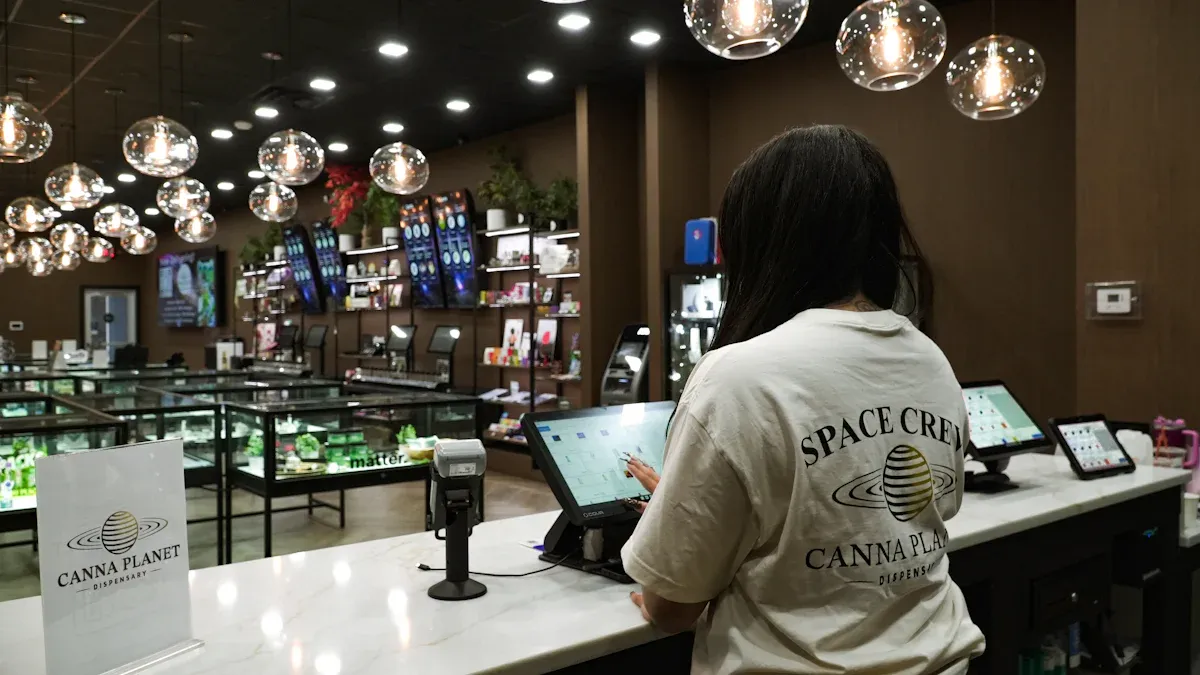
Enhanced Shopping Experience
You want a shopping experience that is fast and easy. Cashierless stores give you this by removing long lines and making your journey smooth. Many shoppers look for convenience and speed. You can grab what you need and leave without waiting. This flexible shopping journey helps you save time, especially if you have a busy schedule or only a short break. Cashierless experiences also let you enjoy a variety of products with less hassle. Most customers feel happier and return more often when they do not face checkout delays.
You spend less time in the store.
You avoid frustration from long lines.
You get more control over your shopping journey.
You can use multiple payment options for contactless shopping.
A recent report shows that almost 70% of shoppers leave if lines are too long. Cashierless formats help you finish your shopping and increase your satisfaction.
Efficiency and Cost Savings
When you upgrade to cashierless technology, you see big changes in how your store works. Cashierless stores cut labor costs by about 15% because you need fewer cashiers. Staff can focus on helping customers and restocking shelves. You also save money on payroll, since labor makes up most of the non-product costs in stores. Walmart saw a 30% drop in logistics costs and a big rise in earnings after using cashierless systems. Target improved checkout speed and customer satisfaction. Automated systems handle payment and price updates, making your store more efficient.
Factor | Impact on Customer Satisfaction |
|---|---|
Performance Expectancy | Positive |
Effort Expectancy | Positive |
Customer Empowerment | Positive |
Overall Customer Experience | Positive |
Data Privacy Concerns | Negative |
Real-World Store Examples
Many stores have already made the upgrade to cashierless formats. You can see the results in different places:
Location | Key Outcomes | Additional Details |
|---|---|---|
Mercedes-Benz Stadium, Atlanta, GA | Revenue increased by 270%; conversion rate rose 3.5x; repeat shopper rate up 25-45% | Focus on fan experience and revenue growth |
King Power Stadium, Leicester, England | Transaction time dropped from 70 to 18 seconds; repeat shoppers up 30-50%; labor cut by 60% | First Premier League club with autonomous draft beer store |
Chase Center, San Francisco, CA | Tap/swipe/insert card entry; digital receipts; discounts for Chase Card holders | AiFi technology and backend analytics improve stock management and reduce wait times |
Ford Field, Detroit, Michigan | Transaction and queue time cut by 50%; sales up 139% | AiFi-powered cashierless checkout speeds up fan purchases at stadium |
Hardrock Stadium, Miami, Florida | Verizon 5G autonomous store for Miami Grand Prix; positive fan feedback | Fans return for the convenience and fast service |
These examples show how cashierless experiences can boost sales, improve customer satisfaction, and make your store stand out.
Actionable Tips for Cashierless Stores
Planning and Timeline
You need a clear plan before you upgrade an existing store to a cashierless format. Start by setting goals for your upgrade. Decide if you want to improve speed, reduce labor, or boost customer satisfaction. Make a timeline for each step. Break the process into smaller tasks, such as choosing technology, training staff, and preparing customers. Use a checklist to track your progress. You can avoid delays by assigning roles and setting deadlines.
Tip: Begin with a pilot area. This lets you test the cashierless system without risking your whole store.
Testing and Iteration
Testing helps you find problems before you launch cashierless systems across your store. Use a soft launch to gather feedback from customers. Monitor key metrics like speed, errors, and satisfaction. You should check if the system works with other tools and follows rules for payment security. Test how the system handles busy times. Sometimes, error rates reach 20% under stress. You need fallback options and human oversight to fix issues quickly.
Testing Metric | Description |
|---|---|
Integration and Compatibility | Checks if the system works with other tools |
Regulatory Compliance | Makes sure data stays safe and follows rules |
Performance and Scalability | Tests if the system handles busy times without slowing down |
Note: Keep staff ready to help customers during testing. This builds trust and solves problems fast.
Feedback and Improvement
You must listen to your customers and staff after you upgrade an existing store. Gather feedback through surveys, quick interviews, or suggestion boxes. Use this input to make changes. For example, Walmart learned from pilot tests that customers disliked unbagged items and receipt checks. The company used these insights to improve future cashierless upgrades. Keep improving your system based on what you learn. Small changes can make a big difference in customer satisfaction.
Ask for feedback often.
Make adjustments based on real experiences.
Review your process and update your plan.
Callout: Continuous improvement helps your cashierless store stay reliable and keeps shoppers happy.
You can upgrade your store to a cashierless format by assessing your layout, choosing technology that fits your needs, and training staff. Cashierless stores help you save money and improve customer satisfaction. Real-time inventory management keeps shelves stocked. You should gather feedback for continuous improvement. For more guidance, explore resources like Hunton Retail Law Resource, Trigo Retail articles, and SOLUM insights. These tools help you understand legal, technical, and future trends in cashierless retail.
FAQ
What is a cashierless store?
A cashierless store lets you shop and pay without using a traditional checkout. You pick up items, and sensors or apps track your purchases. You pay automatically when you leave.
How much does it cost to upgrade to cashierless?
Costs depend on your store size and technology choice. Small stores can start with mobile self-checkout for less money. Large stores may spend more on sensors and cameras.
Will customers need special apps or devices?
Some systems use store apps or QR codes. Others let you pay with credit cards or mobile wallets. You can choose the option that fits your customers best.
How do you prevent theft in a cashierless store?
You use cameras, sensors, and smart software to track items. Staff monitor the store and help customers. Regular updates keep your security strong.
See Also
Discover How Cloudpick Enhances Your Store's Cashierless Experience
Upcoming Changes to Walmart's Self-Checkout System by 2025
Understanding Walgreens Self-Checkout: Benefits and Obstacles in Retail
Comparing Micromarkets and Smart Stores in Global Retail Automation
