Meeting compliance requirements in airport smart stores today


When operating an airport smart store, you must adhere to numerous compliance requirements. These requirements encompass security, data privacy, accessibility, retail regulations, FAA and federal standards, as well as technology. Failing to comply with these regulations could lead to legal issues, including fines or even the closure of your store. It is essential to understand the risks involved and take necessary actions to ensure the safety of your business and your customers.
Key Takeaways
Know and follow compliance rules to stay out of trouble and avoid fines. These rules cover security, data privacy, and accessibility.
Use strong security steps like access control and regular checks. These actions keep your store safe and help protect customers.
Teach your staff about compliance often. This helps them learn about security risks, data privacy, and how to help travelers with disabilities.
Use technology to make data privacy and accessibility better. Smart devices and easy-to-use apps can help service and compliance.
Work with airport authorities to learn about new rules. Talking often helps you change quickly when rules update.
Core compliance requirements
Airport smart stores have to follow important rules to stay safe and legal. You should pay attention to security, data privacy, accessibility, and retail regulations. These rules protect your business, your customers, and the airport. You also need to follow federal rules like the FAA Airport Compliance Manual. There are federal grant obligations and international standards such as ICAO Annex 9 and 17.
Security protocols
Your store needs to be secure all the time. Security protocols use physical and digital tools. For physical security, smart barriers with biometric readers help control entry. These barriers stop people from getting into restricted areas. AI-powered systems can spot tailgating, which is when someone tries to sneak in behind another person. Multi-factor authentication uses badges and fingerprints for extra safety.
Tip: Keep access logs and audit trails. These records show who goes in and out of secure places. They help you meet TSA and ICAO Annex 17 rules.
Here is a table showing how rules affect access control systems:
Compliance Framework | Access Control Features |
|---|---|
Audit trails, access logs, role-based credential management | |
ICAO Annex 17 | Access logs, permission records, real-time alert documentation |
Local Aviation Authority Requirements | Configurable access policies, reporting formats for local rules |
Data privacy standards
You handle passenger data every day. You must follow strict data privacy standards to keep this information safe. These standards include rules from GDPR and CCPA. You need to tell customers what data you collect and why. Only collect the data you need for your store. Use strong encryption to protect data and store it safely. Only trusted staff should see the data.
Here is a table that explains important data privacy steps:
Compliance Steps | Description |
|---|---|
Inform Customers | Clearly state what data is collected and why |
Purpose Limitation | Use data only for specific, legal reasons |
Data Minimization | Collect only what is necessary |
Data Security | Use strong security to protect data from theft or misuse |
Regular Audits | Check data handling rules and review them often |
Sometimes you need to share data with airports or airlines for lost and found or security. You may have to give data to law enforcement if the law says so. Passengers have rights over their data, and you should help them use these rights.
Note: Always use secure channels to send data. Do not use open networks. Keep records of all data transfers.
Accessibility (ADA)
Your smart store must be easy for everyone to use. The Americans with Disabilities Act (ADA) gives rules for accessibility. You need clear floor space for wheelchairs and mobility aids. All controls, like payment terminals, must be easy to reach and use with one hand. They should not need much force.
Here is a table of key ADA requirements:
Requirement Type | Description |
|---|---|
Clear Floor Space | At least 30 inches wide and 48 inches deep for maneuvering |
Operable Parts | Reachable, usable with one hand, no tight grasping, less than 5 lbs of force |
Speech Output | Volume control and Braille instructions for speech features |
Tactile Input Controls | Numeric keys with tactile marks, especially on the number five key |
Visual Contrast | High contrast between keys and background for better visibility |
Text-to-speech helps customers who cannot see well. Closed captioning and visual signals help people with hearing loss. Dual input methods, like touchscreens and voice commands, make your store more welcoming.
Retail regulations
You must follow all retail rules set by the airport and local authorities. These rules cover product labeling, pricing, and sales tax collection. You need to show prices clearly and use approved payment systems. You must also follow rules for selling age-restricted items, like alcohol or tobacco.
Following all compliance requirements helps you avoid fines and keeps your store running smoothly.
Security and safety compliance
Physical security measures
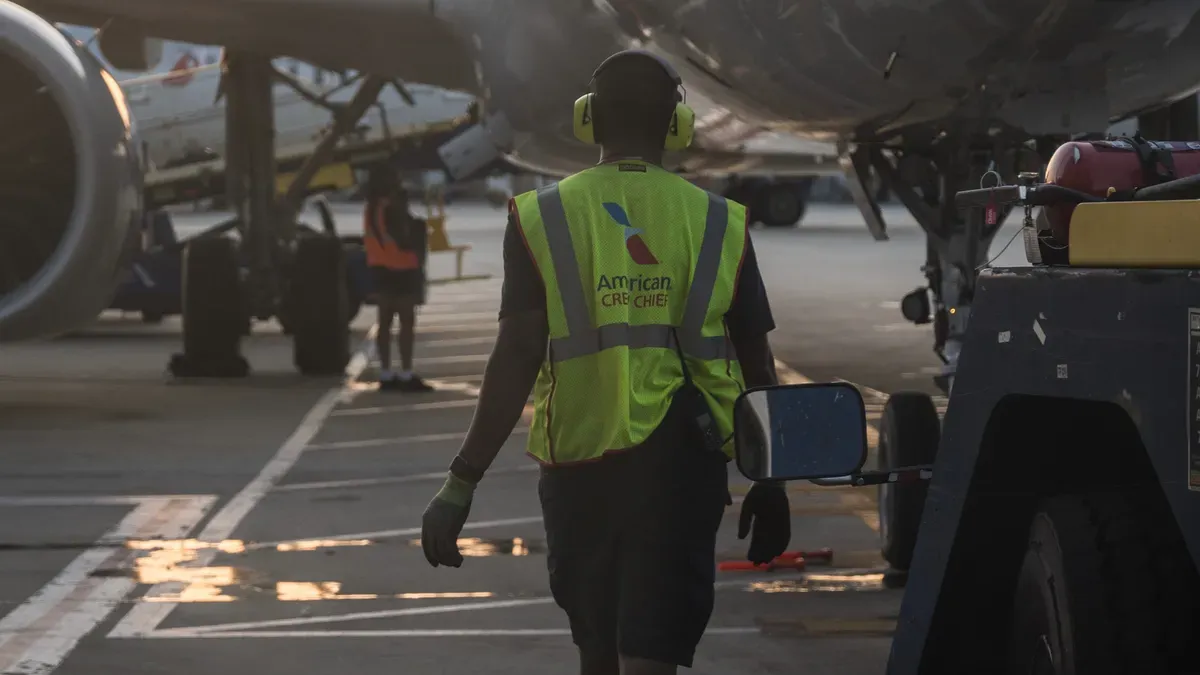
You need to keep your smart store safe from theft. Only approved people should get inside. Access control systems help with this. Cameras let you watch what happens in the store. Physical barriers block off important areas. Give employees access based on their jobs. Use mobile credentials or fingerprints for extra safety.
Access control systems let only approved people in
Video cameras help you watch the store
Barriers protect important areas
Employees get access based on their jobs
Mobile or fingerprint checks add more safety
These actions help you follow airport and federal rules.
Cybersecurity frameworks
You must protect your digital systems from harm. Network segmentation keeps systems separate. This stops problems from spreading everywhere. If one system is attacked, others stay safe.
Network segmentation is very important. Many systems do different jobs on the same network. If one app is hacked, others could be at risk. Some airport systems are needed for safety. For example, point-of-sale systems can be abused. They must be kept apart from flight info or runway controls. This keeps the airport safe and working well.
Use Intrusion Detection Systems to find threats early. SIEM tools help you fix problems fast.
Emergency procedures
You need to be ready for emergencies. Hold emergency drills every 3 to 6 months. These drills test your safety tools. They also show if your evacuation plans work. Change how often you do drills if your risks change. Practice helps your staff know what to do.
Do emergency drills every 3 to 6 months
Test all safety equipment
Update evacuation plans when needed
Equipment maintenance
You must keep track of all equipment checks. This helps you pass audits and meet FAA rules. Use digital tools to record each step. Start with a work order and end with supervisor approval. Store records so you can find them fast.
Step | Description |
|---|---|
Work Order Created | Time is recorded, technician checked, equipment ID added. |
Parts Documented | Scan serial numbers, add vendor papers, track batches. |
Work Performed | Follow checklist, take photos, track time spent. |
Digital Signature | Technician signs, time is locked, changes are shown. |
Supervisor Approval | Supervisor checks work, flags problems, gives approval. |
Record is saved, easy to find with search or barcode. |
Mobile devices help you record data right where you work. This makes sure you follow all rules and keep your store safe.
Data privacy and technology
Passenger data handling
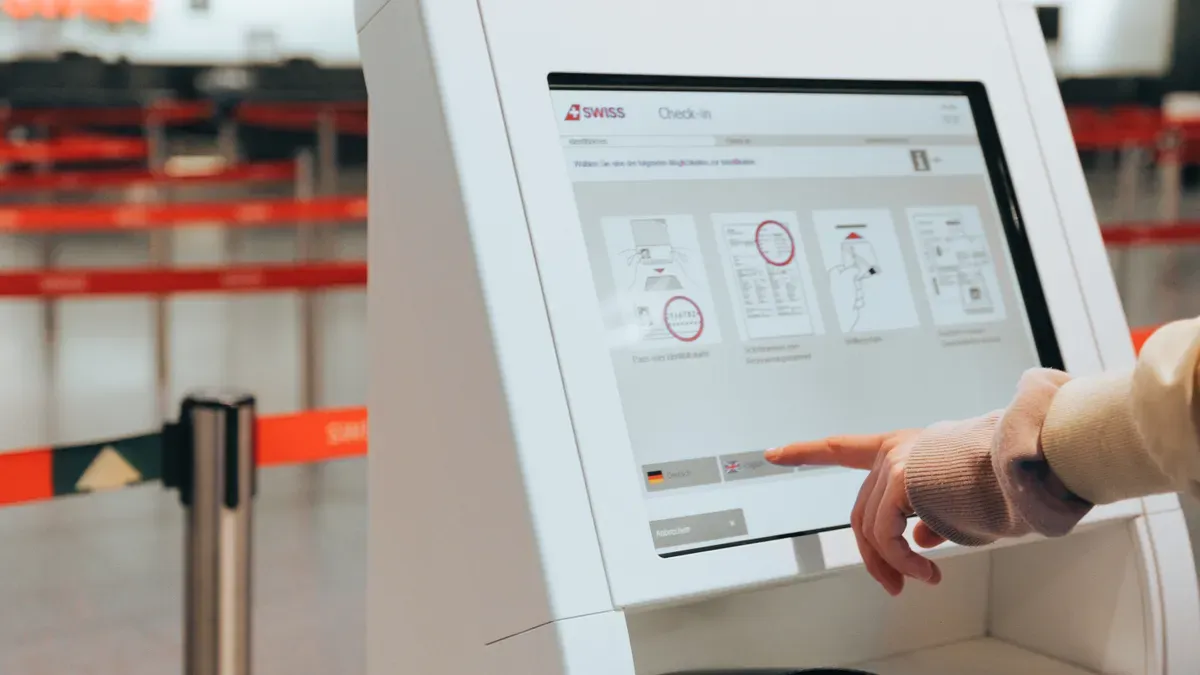
You use a lot of passenger data in your smart store. Good data habits keep your customers safe and help you follow rules. You can link passenger feedback to surveys to make service better. Smart restroom technology shows travelers where open stalls are. It also tells staff when supplies are low. These tools use data to make the airport nicer.
Practice | Details |
|---|---|
Correlation of survey data | Links survey answers with passenger feedback and experience. |
Smart restroom technology | Helps travelers find open stalls and alerts staff about supplies. |
Smart devices let your staff work anywhere in the airport. Employees can help passengers fast because they have the right tools. This makes your service quicker and more useful.
Airport workers can help passengers anywhere.
Smart devices help staff move and serve better.
International standards (GDPR, CCPA)
You must follow strict rules when you collect passenger data. The General Data Protection Regulation (GDPR) and California Consumer Privacy Act (CCPA) set strong privacy rules. You need to tell passengers what data you collect and why. Only take what you need. Use strong encryption to keep data safe. Only trusted staff should see the data.
Initiative | Description |
|---|---|
Uses passenger info and records for risk checks and targeting. | |
Biometric Data | Uses special biometric info to make identification and security better. |
SMART Borders | Focuses on security, automation, and privacy for border crossing. |
Always use secure ways to send data. Keep records of every data transfer. These steps help you follow privacy laws.
GIS and smart tech integration
You can use GIS and smart technology to run your store better. GIS helps you track real-time data and follow rules. It also helps you watch your store and manage assets.
GIS manages real-time data and supports compliance.
Smart maps and spatial analysis help you follow rules.
GIS tools watch over facilities and assets.
Modern GIS solutions automate FAA compliance.
GIS helps you see airport activities as they happen.
When you use these tools, you make smarter choices and keep your store running well.
Accessibility compliance
ADA requirements
Your smart store should be easy for everyone to use. The Americans with Disabilities Act (ADA) gives rules for accessibility. You need wide aisles for wheelchairs and mobility aids. Payment terminals and kiosks must be easy to reach. Signs should have big, clear letters and strong contrast. Add Braille and tactile buttons for people who cannot see well. Automatic doors and ramps help people get in and out safely.
Tip: Check your store layout often. Make sure nothing blocks paths or emergency exits.
Inclusive technology
Technology can help all travelers move through your store easily. Many tools give people more freedom and control. These tools include:
Clear wayfinding signs and digital maps show accessible routes.
Information points are easy to reach and use.
There are many ways to pay and get service.
Flexible spaces change for different needs, like quiet zones or adjustable lights.
Special apps and devices can help travelers too:
SociAbility and AccessAble apps share details about your store’s accessibility features.
CityMaas helps people plan routes and get help for each part of their trip.
Wheeliz offers car rentals for wheelchair users.
Wayfindr uses Bluetooth beacons to guide people with vision loss using sound cues.
These solutions help you make your store welcoming for everyone.
Staff training
Your staff help make your store accessible. You need to train them to support travelers with different needs. Training covers important areas:
Training Aspect | Description |
|---|---|
Staff learn to spot and respond to different needs. | |
Handling Equipment | Staff practice using wheelchairs and walking canes safely. |
Wheelchair Availability | Staff know how to find and offer wheelchairs to travelers. |
Disability Awareness | Staff learn to help people with many types of disabilities. |
Note: Regular training keeps your team ready to help everyone. This builds trust and makes your store a better place for all.
Ongoing compliance management
Regular audits
You need to check your smart store often to make sure you follow all rules. Regular audits help you find problems before they grow. You can use checklists to review your security, data privacy, and safety steps. Audits also show if your equipment works well and if your records are up to date. Try to schedule audits every quarter. If you find any issues, fix them right away.
Tip: Keep a simple log of each audit. Write down what you checked, who did the check, and what you fixed. This record helps you prove you meet compliance requirements if someone asks.
Staff education
Your staff play a big part in keeping your store compliant. You should train them on new rules and best practices. Use short training sessions or quick guides. Teach your team how to spot security risks, help travelers with disabilities, and protect customer data.
Here is a sample training plan:
Training Topic | Frequency | Method |
|---|---|---|
Security Awareness | Every 6 months | In-person |
Data Privacy | Yearly | Online Module |
Accessibility Support | Yearly | Workshop |
Ask your staff for feedback after each session. This helps you improve your training.
Collaboration with authorities
You need to work closely with airport and government officials. These groups set many of the rules you must follow. Meet with them often to stay updated on changes. Share your audit results and ask for advice when you have questions.
Join airport compliance meetings.
Sign up for updates from the FAA and local agencies.
Build a contact list of key officials.
Staying connected helps you adapt quickly when rules change. You can also learn from other stores and share your own tips.
You can keep your airport smart store compliant by taking simple steps. Check your compliance requirements often. Train your staff so they know what to do. Use user-focused apps to help your team work faster. Work with airport officials to stay updated. Use tools that make information easy to find. The table below shows ways to stay updated on FAA and federal rules:
Capability | Description |
|---|---|
Information Availability | Lets you find information easily in the office or outside. |
User-Focused Apps | Gives apps that help your team work better and faster. |
Collaboration | Helps everyone in your group work together and share ideas. |
Decision-Making | Helps you make smart choices at every level. |
Compliance | Makes sure you follow Federal Aviation Administration (FAA) rules. |
Watch for new rules and check your plans often. This keeps your business safe and helps travelers.
FAQ
What happens if you do not follow airport compliance rules?
You may face fines, lose your business license, or have your store closed. Following rules keeps your store safe and open for business.
How often should you train your staff on compliance?
You should train your staff at least once a year. Use short sessions and refreshers. Regular training helps your team stay ready.
Which laws protect passenger data in airport smart stores?
Law | Area Covered |
|---|---|
GDPR | Data privacy |
CCPA | Consumer rights |
ADA | Accessibility |
These laws protect passenger data and rights.
How can you make your smart store more accessible?
Add ramps and wide aisles.
Use Braille signs and voice features.
Train staff to help travelers with disabilities.
Small changes can help everyone feel welcome.
See Also
Upcoming Changes to Walmart Self-Checkout by 2025
Comparing Micromarkets and Smart Stores in Global Retail
The Future of Retail: Embracing AI-Powered Stores
Walgreens Self-Checkout: Benefits and Hurdles in Retail
Enhancing Office Productivity with Intelligent Vending Machines
