POS integration helps prevent theft with computer vision

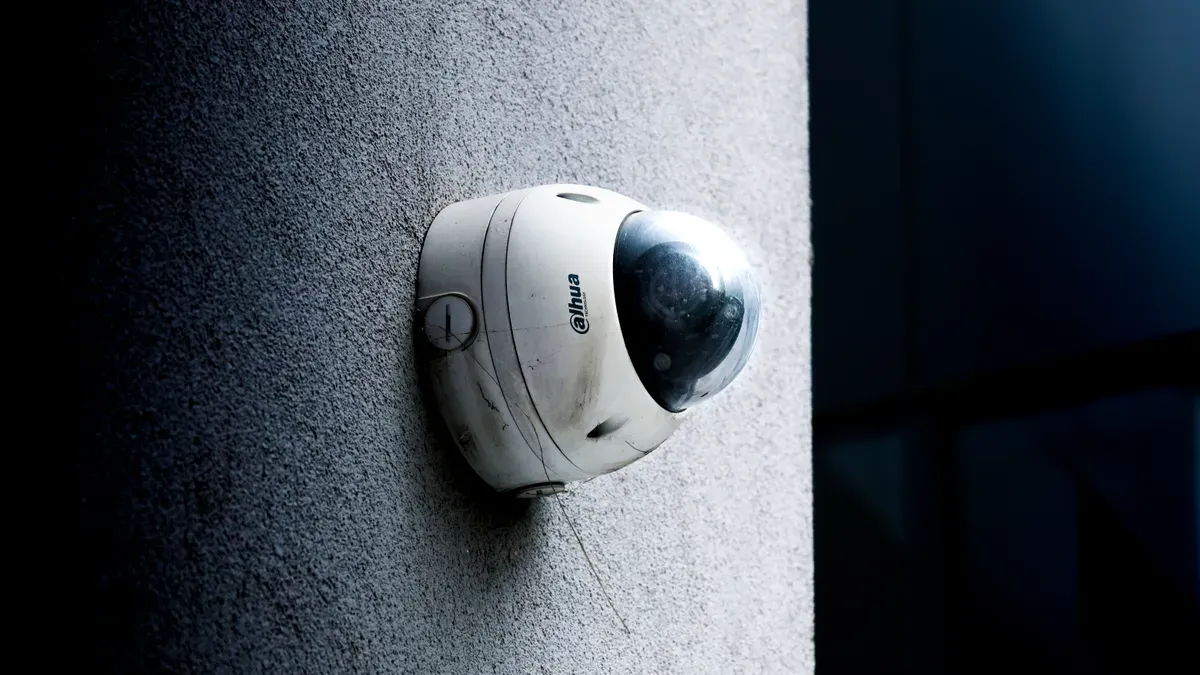
You can turn your store’s security cameras into smart tools with POS integration and computer vision. These systems help you stop theft and make your store work better at the same time. When you use computer vision at checkout, shopping gets faster and easier for your customers. Many shoppers like stores with quick checkouts. In fact, 70% of people say they would go to a store that lets them check out faster. Here is how computer vision helps your store every day:
Aspect | Impact |
|---|---|
Inventory Automation | Stops $1.73 trillion in losses each year by keeping shelves full and neat. |
Task Management | Gives you real-time updates on store jobs and how things are going. |
Compliance Tracking | Checks shelves and displays for you, saving time and work. |
Queue Optimization | Makes lines shorter by watching them, so your customers are happier. |
Key Takeaways
POS integration with computer vision can help stop theft and make stores safer. Real-time alerts let workers know fast if something is wrong, so they can stop theft and keep shoppers safe. Automated inventory tracking saves time and makes sure shelves have products, which makes customers happy. Behavior analysis with computer vision can spot suspicious actions, so there are fewer thefts. Using these systems can save a lot of money and help your store run better.
How POS Integration Works
Data Synchronization with Computer Vision
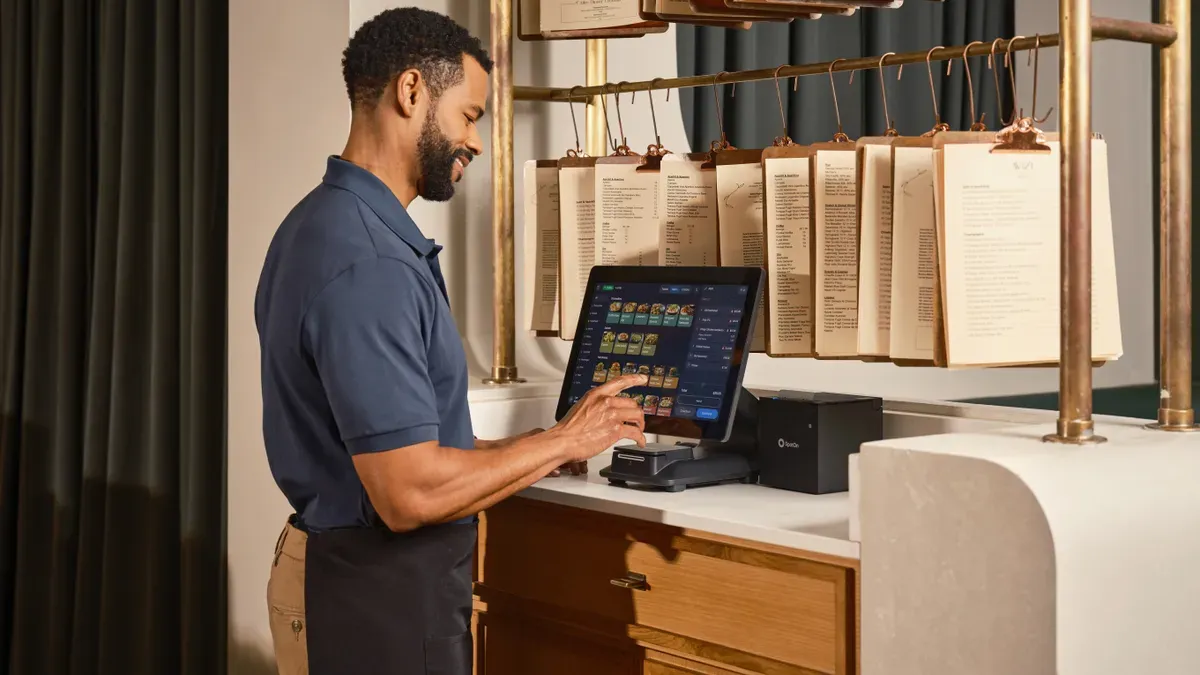
You can link your store’s POS system to computer vision platforms using APIs and middleware. This setup works for both new and old systems. POS integration lets your store’s data move easily between sales, inventory, and security tools. You get one dashboard that shows all the important information.
Connected System | |
|---|---|
Product identification data | Point-of-sale systems |
Shelf stock level data | Inventory management systems |
Foot traffic and queue length data | Workforce management systems |
Anomaly detection alerts | Loss prevention platforms |
Computer vision shows you inventory levels right away. You do not need to count items by hand. The system finds empty shelves, low-stock items, and misplaced products. You can fix these problems quickly and keep shelves full. Real-time POS sales data helps you manage inventory better. You can also see what customers like and use this for marketing. When you put data together, you get ideas that help your store work better.
Tip: Automated inventory tracking gives your staff more time to help customers instead of counting items.
Linking POS Events to Video
POS integration lets you match every sale to video footage. You can watch what happens at checkout and spot anything strange right away. The system sends alerts for odd transactions, like when someone tries to hide an item without paying. It checks transaction data with video to see if theft happened.
Real-time alerts help you act fast if there is theft.
The system links voided transactions and refunds to video clips, so you can check if they are real.
You can set alerts for known shoplifters who enter your store.
AI tools find patterns in transactions and send alerts with video proof.
This technology helps you stop theft before it happens. You can look at video and transaction data together, making it easier to find problems and keep your store safe.
Theft Prevention Mechanisms
Real-Time Monitoring and Alerts
You can use POS integration with computer vision to catch theft right away. Cameras and sensors watch the checkout area closely. They track every item that gets scanned. The system checks if what is scanned matches what goes into bags. If someone skips scanning an item or switches barcodes, the system sends an alert fast. Staff can stop the problem before anything is stolen.
Here are some ways real-time monitoring helps stop theft:
Skip scanning: Someone puts an item in the bag without scanning it.
Start and end anomalies: Items show up before scanning or stay unscanned after payment.
Product stacking: Only the bottom item in a stack gets scanned, but others do not.
Barcode switching: A cheaper item’s barcode is scanned, but a more expensive item is bagged.
Walkaways: A customer leaves the checkout without paying.
Tip: Real-time alerts help you stop theft before it gets worse.
Computer vision turns your cameras into tools that help stop loss. You get alerts right away if something looks wrong. Staff can act quickly and keep your store safe.
Source | Key Point |
|---|---|
SafetyScope | Cameras spot strange actions in real time and alert staff before losses happen. |
Growth Market Reports | Systems find suspicious actions, so theft and shrinkage go down. |
Bitcot | AI-powered cameras give instant alerts for possible theft. |
Trigo Retail | Computer vision watches for odd behavior and alerts staff to step in early. |
Automated Incident Documentation
POS integration helps you keep track of every problem. When the system finds an issue, it links the sale to video. You can watch what happened and decide what to do. This saves time and makes it easier to check problems.
Automated records give you clear proof for each case. You can share video with police or use it to train staff. The system tracks voided sales, refunds, and other strange events. You get a full report without extra work.
Metric | Value |
|---|---|
£420K | |
Reduction in incidents within first year | 47% |
ROI timeframe | 6-12 months |
Reduction in investigation time | 75% |
Improvement in conviction rates | 3x |
Expected annual savings for mid-sized retailer | £420K-£600K |
Note: Automated records can help you save money and make your store safer.
Behavior Analysis
You can use computer vision to watch how shoppers and workers act in your store. The system learns what normal actions look like. It finds nervous actions near items that get stolen a lot or warns you about groups that hang around. You get reports that show up to 40% fewer thefts when you use behavior analysis.
"Computer vision can spot these actions once it knows what normal shopper behavior looks like compared to odd behavior."
Behavior analysis helps you learn what customers like and how they move. You can find busy spots and change your store to stop theft. You also get ideas for better product placement and sales.
Customer behavior analysis uses computer vision to learn about shopper habits.
You can change your store layout and improve where you put products.
The system finds nervous actions and warns security about groups that hang around.
You get fewer thefts and better store safety.
AI-powered checkout systems give you even more protection. These systems use smart tools and video to spot fraud. You get information about sales and predictions that help you stop loss before it happens.
Feature | Benefit |
|---|---|
Makes security better and lowers theft with smart tools. | |
Computer Vision | Gives video proof to make theft detection more accurate. |
POS Analytics | Gives sales information that helps stop fraud with video data. |
Predictive Analytics | Helps stop loss early by using data to find risks. |
Real-time Threat Detection | Spots theft as it happens, so staff can act fast. |
Integration with Existing Systems | Works with old loss prevention tools for a stronger plan. |
Cuts down on manual checks, making things work better. |
POS integration with computer vision makes your data more accurate and your store run better. You get better inventory checks, staff tracking, and smart store reports. These tools help you stop loss and keep your store safe.
Practical Examples in Retail
Detecting Non-Scanning and Sweethearting
Computer vision can help you spot non-scanning and sweethearting at checkout. These are ways people try to steal from stores. Non-scanning is when someone does not scan an item. Sweethearting is when a cashier helps a friend or family member steal by skipping some items. Stores like WinCo Foods saw theft drop by 60% after using computer vision instead of old security tools.
Many stores use ScanItAll from StopLift. This tool works with your store’s cameras and POS system. It watches every sale and looks for tricks like hiding barcodes or stacking items.
Feature | Description |
|---|---|
Technology Used | Computer vision system made by StopLift called ScanItAll. |
Purpose | Finds checkout mistakes and sweethearting actions. |
Functionality | Watches sales with ceiling cameras and POS systems you already have. |
Detection Methods | Spots items not scanned and actions like hiding barcodes or stacking. |
Tells managers about problems so they can fix them and stop theft. |
Tip: Smart cameras can help you stop theft at the checkout by watching for these tricks.
Identifying Return Fraud
Return fraud can make your store lose a lot of money. Computer vision helps you find fake returns and other scams. The system checks every sale and looks for strange things, like too many refunds or big discounts on pricey items. It also checks if what is scanned matches what goes into bags.
Method | Description |
|---|---|
Transaction Monitoring | Watches every sale as it happens, so you can act fast if something is wrong. |
Pattern Recognition | Finds odd sales, like voided sales or too many discounts on expensive things. |
Real-Time Visual Verification | Makes sure scanned items match what goes into shopping bags. |
Behavior Analysis | Spots strange actions, like people hanging around high-risk spots or handling costly items. |
Employee Monitoring | Watches what workers do to make sure they follow the rules and do not steal. |
You can act quickly when the system finds a problem. This helps keep your store safe and protects your money.
Preventing Internal Theft
Internal theft is when workers steal from the store. Computer vision helps you find these problems and stop them early. You can use video and data to see patterns and make better choices.
You can move products or change worker shifts to stop theft.
AI tools watch shelves and help you keep items in stock.
These tools show which things get stolen most and when it happens.
You can use this to make better security and train your team.
Note: Using computer vision makes your store safer and saves money by stopping theft from workers.
Benefits of POS Integration
Reduced Shrinkage and Enhanced Security
You can lower losses in your store by using POS integration with computer vision. Many stores lose 1.5-2% of sales each year from shrinkage, which adds up to billions of dollars. When you use this technology, you can see a 20-40% drop in total shrinkage. You also get faster alerts and fewer false alarms. Some stores save $20,000 to $75,000 each year per location. You can spot theft of high-value items and fix inventory errors quickly. You also improve vendor delivery accuracy.
20-40% less shrinkage in total
30-60% less theft of high-value items
40-70% fewer inventory mistakes
25-50% better vendor compliance
You make your store safer for staff and customers. Real-time video checks help you see if scanned items match what goes into bags. The system watches for odd actions, like people hanging around expensive items. You can also track what employees do to make sure they follow the rules.
Operational Efficiency and Queue Management
You can make your store run better with POS integration. The system watches how customers move and helps you put staff where they are needed most. You can speed up checkout by up to 20% during busy times. This means shorter lines and happier shoppers. You can also save money on payroll by using staff more wisely. Better queue forecasts help you change your store layout and place impulse items where people will see them.
Tip: Use data from your system to make smart choices about staffing and store layout.
Implementation Steps and Best Practices
You can start small and grow your system over time. Here are steps to help you succeed:
Check if your store is ready for AI and see what tech you already have.
Pick one area to focus on, like shelf monitoring or stopping shoplifting.
Work with experts to build and test your system.
Connect your computer vision tools to your POS and other systems.
Keep checking how well your system works and make changes as needed.
Best practices include using cloud-based tools to save money and picking subscription plans for easy budgeting. Make sure your new system works with what you already use. Set clear goals and measure your results.
Benefit | How It Helps Your Store |
|---|---|
Fast ROI | Many stores see results in 12-18 months |
Easy to Scale | Cloud tools let you add features as you grow |
Works with Old Systems | You do not need to replace everything |
Clear Reports | Managers get easy-to-read loss prevention data |
Note: Plan your rollout step by step and measure your progress for the best results.
You can make your store safer and more efficient with POS integration and computer vision. These tools give you real-time alerts and video proof, so you can stop theft fast. You also get better control over refunds and employee actions.
AI-powered systems help you act before losses happen
Video clips link to sales for quick checks
You can spot errors and fix them right away
Start by reviewing your current systems. Choose one area to improve, then add more features as you grow.
FAQ
What is computer vision in retail?
Computer vision uses cameras and AI to watch stores. It helps you keep track of items and spot theft. It also helps make customer service better. You get updates right away and video proof that is easy to see.
How does the system alert staff about theft?
You get alerts right away on your dashboard or phone. The system tells you if it sees something strange, like missed scans or barcode tricks. Staff can act fast when they get these alerts.
Can I use my current cameras and POS system?
Most of the time, you can add computer vision tools to your cameras and checkout systems. This helps you save money and makes it simple to set up.
What are the main benefits for my store?
Benefit | Result |
|---|---|
More profit | |
Faster checkout | Happier customers |
Better reports | Easier management decisions |
See Also
Exploring The Advantages Of AI-Driven Vending Machines
The Future Of Retail Lies In AI-Enhanced Stores
Cloudpick's Checkout Technology Boosts Efficiency And Customer Satisfaction
Understanding The Growth Of AI-Driven Convenience Stores
Transforming Online Retail Management With AI-Powered Solutions
