Strategic deployment of multi-camera AI retail systems

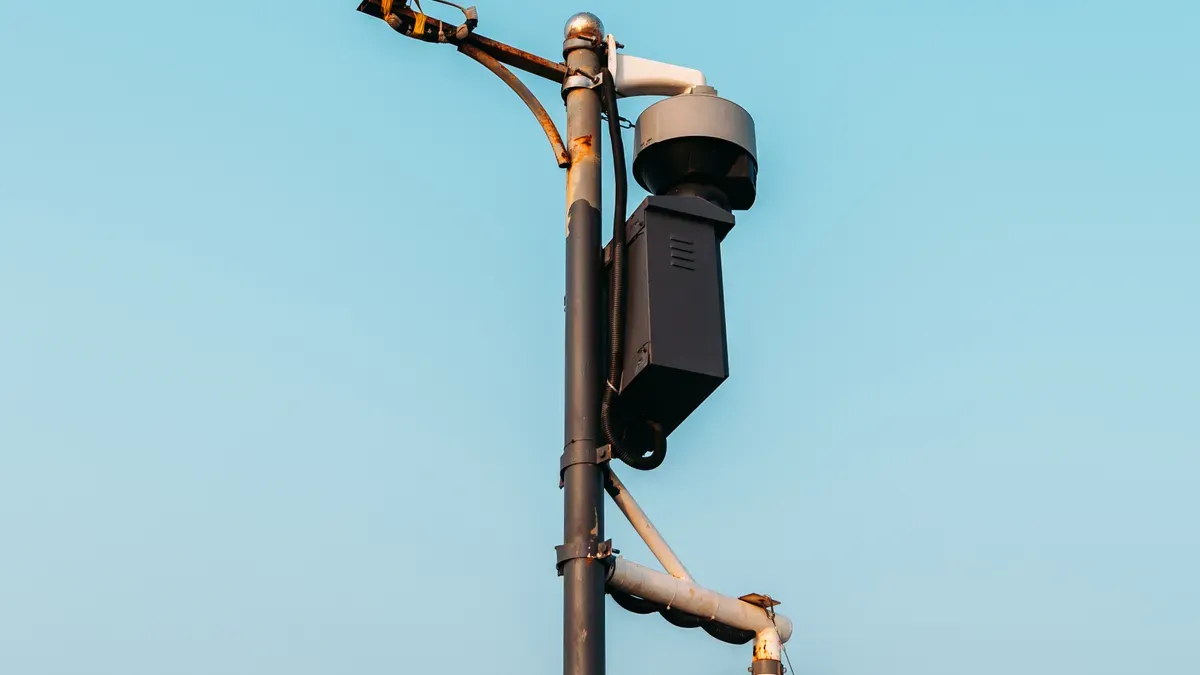
You can change how your store works by planning where to put multi-camera AI retail systems. Make sure you know your business goals. When you use real-time analytics and Edge AI, you get quick information. This helps you make better choices. Retailers who plan ahead see real improvements, as shown below:
Improvement Type | Description |
|---|---|
Revenue Gain | Retailers using AI see their money go up by 6% or more. This shows a clear financial benefit. |
Security | Cameras watch stores all the time. They stop theft and help people respond faster, by up to 90%. |
Labor Cost Reduction | Automation can cut labor costs by 40%. |
Customer Experience | AI solutions like Amazon Go remove checkout lines. This makes customers much happier. |
A good plan helps you solve problems and check your progress at every step.
Key Takeaways
Place cameras in the right spots to make the store run better and meet goals.
Use Edge AI to get fast insights and save money by processing data nearby.
AI systems help keep the store safe, cut labor costs, and make customers happier.
Connect AI with current systems using open standards so everything works smoothly.
Check and update systems often to keep them working well and data correct.
ok
Integrating AI with existing retail infrastructure
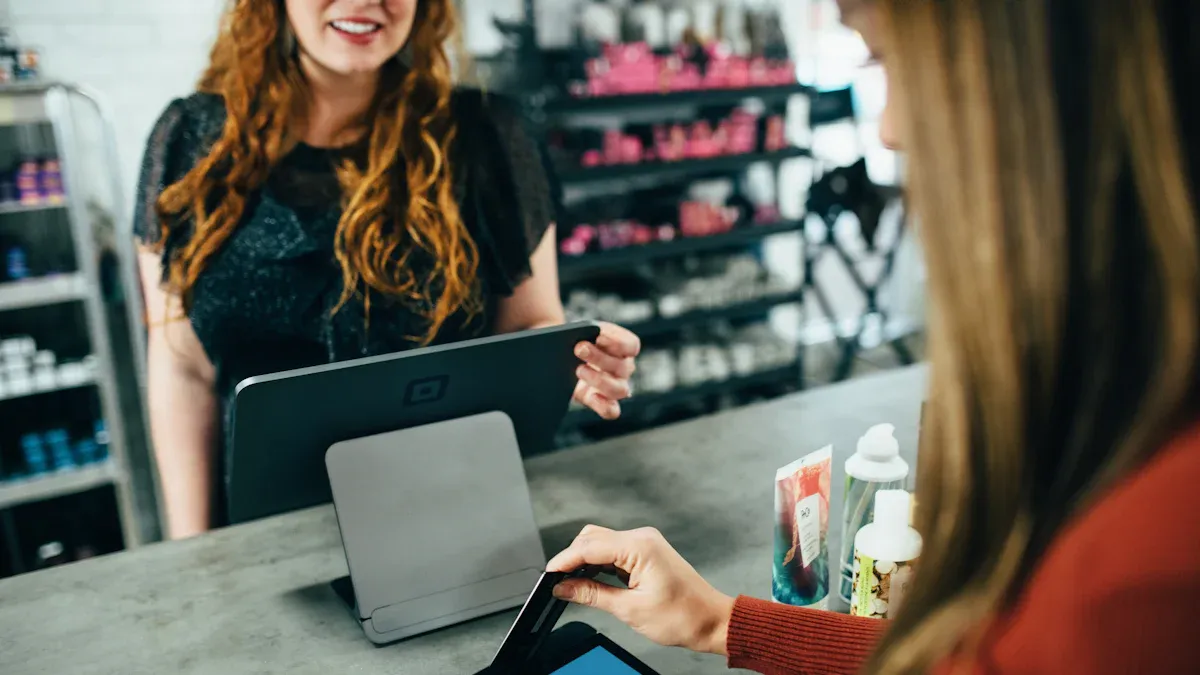
Combining AI with traditional security systems
You can make your store safer by using AI with your old security systems. Many stores have trouble when they try to use new tech with what they already have. You need tools that fit your business and work with your current systems. Try to find cloud-based platforms that you can change or add to later. These let you add more features as your store grows. New systems use strong APIs and built-in connections. This helps your cameras and alarms work together. You need good data for the best results. Make sure your system keeps data private and follows the rules. Some people worry about jobs when stores add automation. You can help by teaching your team and showing how AI helps everyone.
Tip: Pick partners who use standards like ONVIF Profile S or RESTful APIs. This makes it easier to connect everything.
Leveraging Edge AI and processing power
Edge AI gives you quick results because it works in your store. You do not need to send all data to the cloud. This means you get alerts right away and can act fast. You also save money because you use less internet and storage. Edge AI keeps private data in your store, which helps protect it. Smart cameras can count items and watch how people shop. They can even help with checkout by handling data in the store.
Makes decisions faster
Saves money on networks
Keeps data private
Helps with smart checkout
Using analytics for customer insights and layout simulation
AI analytics turn video into helpful facts. You can see where shoppers spend the most time and what displays they like. Heatmaps show busy spots, so you can move products to better places. Counting people helps you know when to schedule more staff. Tools for lines help cut wait times and make people happier. AI can also look at reviews and social media to see what people think. You can use this to change prices, make deals, and keep shoppers coming back.
Customer Insight Type | Benefit |
|---|---|
Heatmaps | Help put products in better places |
Footfall Counting | Plan staff schedules |
Queue Management | Make lines shorter |
Sentiment Analysis | Learn what customers think |
Churn Prediction | Keep more shoppers |
Multi-camera AI retail systems help you make smart choices. This makes your store run better and keeps customers happy.
Best practices for implementation
Phased deployment and testing
You can make things go smoothly by using a step-by-step plan. First, look at your current systems. Find what is the same and what is missing. Make your hardware and software the same everywhere. This helps you grow your system later. Add tools to watch your system and set up quick alerts. Try out your system in just a few stores at first. Use what you learn right away to make changes. Teach your team during this time. Let them share ideas and ask questions.
Check your systems and find what is the same.
Make hardware and software the same for easy growth.
Add tools to watch and set up quick alerts.
Test your plan in a few stores first.
Teach your team and share what you learn.
Tip: Begin with a small test and only grow bigger when you see good results. This lowers risk and helps you fix problems early.
Staff training and change management
Your team should know how the new system works. Give them hands-on practice. Use easy guides and simple steps. Show how AI tools help with daily work. Tell staff to ask questions. Talk about worries with automation. Explain how AI makes things safer and faster. Use role-play to help them feel ready. Give rewards to staff who learn quickly.
Training Focus | Benefit |
|---|---|
Builds confidence | |
Clear instructions | Reduces confusion |
Role-play scenarios | Prepares for real events |
System calibration and ongoing adjustments
You need to check your cameras and AI tools often. Look at camera angles and what they can see. Change settings if your store layout changes. Look at the data and find patterns. Update your software when you need to. Plan for regular check-ups. Use ideas from staff and customers to make things better. Keep your system ready for new problems.
Note: Checking your system often keeps it working well. This helps you get good results every day.
Optimizing performance and insights
Real-time monitoring and alerts
You can make your store safer with real-time monitoring. AI video surveillance systems watch your store and check video data. These systems find objects and notice strange things, like loitering or items left alone. You get alerts right away if something seems odd. Cameras send live video to an AI engine. The AI checks each frame and sends alerts for weird situations. Predictive alerts warn you about risks using past data. This helps you act before problems get worse.
Watch thousands of cameras from one dashboard.
Use heat maps and graphs to track crowds and busy spots.
Automated alerts happen when occupancy changes.
Tip: Connect your monitoring system to your current tools. This gives you better control and faster response.
Using analytics for operational improvements
Analytics from multi-camera AI retail systems help you make smart choices. These tools automate tasks and give your staff real-time info. You can use AI analytics to make shopping better and your store run smoother. Cameras can count people and track how they move. This helps you plan staff schedules and see how displays work. Real-time alerts can stop theft and help your team serve customers faster.
AI-powered analytics also help you spot trends. You can see if longer dwell times lead to more sales in the afternoon. You can compare layouts and see if moving a shelf increases sales by 12%. A/B tests in different stores show what works best. You can measure sales boosts from campaigns in busy areas.
Automating redeployment and updates
You can keep your system up to date with automation. Computer vision cameras take pictures of products on shelves all day. Shelf AI checks these pictures to find stock levels and missing items. An action tool app helps your team update inventory in real time. A dashboard lets you measure improvements, like better compliance and higher sales.
Component | Description |
|---|---|
Computer Vision | Cameras take pictures of products on shelves all day. |
Shelf AI | Checks camera data to find stock and missing items. |
Action Tool | App for teams to update inventory and tasks in real time. |
Impact | Dashboard to track compliance and sales recovery. |
Automation helps you move cameras and update software without stopping your business. This keeps your multi-camera AI retail systems running well and ready for new challenges.
Overcoming challenges in deployment
Technical integration hurdles
Adding multi-camera AI systems to your store can be tricky. Stores often use different brands of cameras and security tools. This makes it hard to connect everything. Choose camera-agnostic platforms that work with many types of cameras. These platforms help you avoid buying new hardware. Strong APIs and open standards let your AI system link with your current tools. Plan upgrades during slow hours to reduce downtime. Test your system often so you find problems early. Work with vendors who give good support and regular updates.
Tip: Always check if your new AI system works with your current cameras before buying more equipment.
Privacy and security concerns
Keeping customer privacy safe is very important. Only collect the data you need and get user consent. Use data for clear business reasons. Encrypt all data when you store or send it. Set up privacy controls from the start. Limit who can see private data by using passwords and access controls. Anonymize data when you can. Test your AI system often to stop attacks. Review and update your security settings regularly.
Get user consent
Encrypt data at all times
Limit access with strong controls
Anonymize data when possible
Test and update systems often
You build trust by being open with your customers. Tell them how you use AI and what steps you take to keep their data safe. Teach your staff and customers about privacy. This helps everyone feel confident in your store.
Cost management and ROI expectations
Managing costs is key for a successful deployment. You will pay for hardware, installation, software, and monitoring. Some systems need special hardware, which can raise costs and limit your choices. Camera-agnostic platforms help you save money by using your current equipment. AI remote guarding can lower your staffing costs by up to 40% each year. This means you can use your budget for other needs.
Cost Component | Description |
|---|---|
Proprietary Hardware | Raises capital expenses and limits flexibility in vendor choice. |
Camera Compatibility | Camera-agnostic platforms cut deployment time and costs by working with existing systems. |
Total Cost of Ownership | Includes hardware, installation, software licensing, monitoring fees, and possible staffing offsets. |
AI Remote Guarding | Can lower on-site staffing costs by up to 40% yearly, representing a financial reallocation. |
You should check your costs and savings often. This helps you see the value of your AI system and plan for future upgrades.
Measuring success and ROI
Key performance indicators
You need to watch the right numbers to see if your multi-camera AI retail system works well. These key performance indicators, or KPIs, help you check progress and find ways to get better. AI-powered cameras give you good data for each KPI. You can use this data to make smart choices.
Here are some important KPIs for stores:
KPI | What It Measures | How AI Helps |
|---|---|---|
Sales per Square Foot | Revenue for each area of your store | Shows which zones drive sales |
Sales per Employee | Staff productivity | Links staff actions to sales |
Average Basket Size | Items per transaction | Tracks shopper behavior |
Number of people entering your store | Counts visitors with high accuracy | |
Capture Rate | Percentage of visitors who buy | Measures conversion effectiveness |
Conversion Rate | Shoppers who make a purchase | Tracks sales from total visitors |
You can use these KPIs to see if your system helps sales, makes staff do better, and makes customers happier. AI cameras help you get this data right away.
Tip: Check your KPIs every month. This helps you see changes and fix your plan fast.
ROI measurement techniques
You want to know if your money spent on AI cameras is worth it. ROI means return on investment. It shows what you get back from your system. There are a few ways to measure ROI.
Compare Before and After
Look at your KPIs before you add the system. Check them again after a few months. If sales per square foot or conversion rate goes up, your system is working.Calculate Cost Savings
Add up money saved from lower labor costs, less theft, and fewer mistakes. AI systems often save money by doing jobs and making stores safer.Track Revenue Growth
Use sales numbers to see if your store makes more money. Bigger basket size and higher capture rate mean you earn more.Monitor Customer Experience
Use feedback and sentiment analysis to see if shoppers are happier. Shorter lines and better store setups make people like your store more.
Note: Use dashboards to watch ROI. These tools help you see your results and share them with your team.
You can use all these ways together to see how your system helps. Checking often helps you make good choices and plan for new upgrades.
You get the best results from multi-camera AI retail systems when you plan well. You need to integrate and optimize your system with clear goals. This technology keeps changing and improving. Automation and Edge AI now give you predictive analytics, 5G connections, and cameras that work together. You should pay attention to important things when making your deployment plan:
Consideration | Description |
|---|---|
Camera Placement | Put cameras in smart spots for good coverage and accuracy. |
Compliance with Privacy Laws | Work with legal teams to follow all rules. |
Staff Training | Teach your team to use and take care of the system. |
Be ready and stay ahead. Check if your store is prepared and make a plan that fits your needs.
FAQ
How do I choose the right camera placement?
Put cameras in busy spots, entrances, and exits. Make sure they see checkout counters and aisles. Good placement helps you cover more areas. It also makes your data more accurate. This helps with analytics and keeps your store safe.
What privacy measures should I implement?
Encrypt all data and limit who can see it. Hide customer information when you can. Get permission from customers before collecting their data. Follow local privacy laws. Check your security rules often to keep data safe and earn trust.
Can I integrate AI with my existing security system?
Yes, you can. Use open standards and APIs that work with your hardware. Pick platforms that connect to many types of cameras. This lets you upgrade slowly. You do not need to buy all new equipment at once.
How often should I calibrate my system?
Check your cameras and AI tools often. Do this after you change your store layout. Regular checks keep your system working well. They help your analytics stay accurate. This keeps your store safe and your system strong.
What is the typical ROI for AI retail systems?
ROI depends on how you use the system. You may see more sales, less theft, and lower labor costs. Watch KPIs like sales per square foot and customer happiness. This shows how your system helps your store and if you should keep investing.
See Also
Exploring The Advantages Of AI-Driven Vending Solutions
The Future Of Retail Lies In AI-Enhanced Stores
Starting An AI-Driven Corner Store On A Budget
Revolutionizing Online Retail With AI-Driven Management Tools
