What Is an Unmanned Store for Office Buildings and How Does It Work

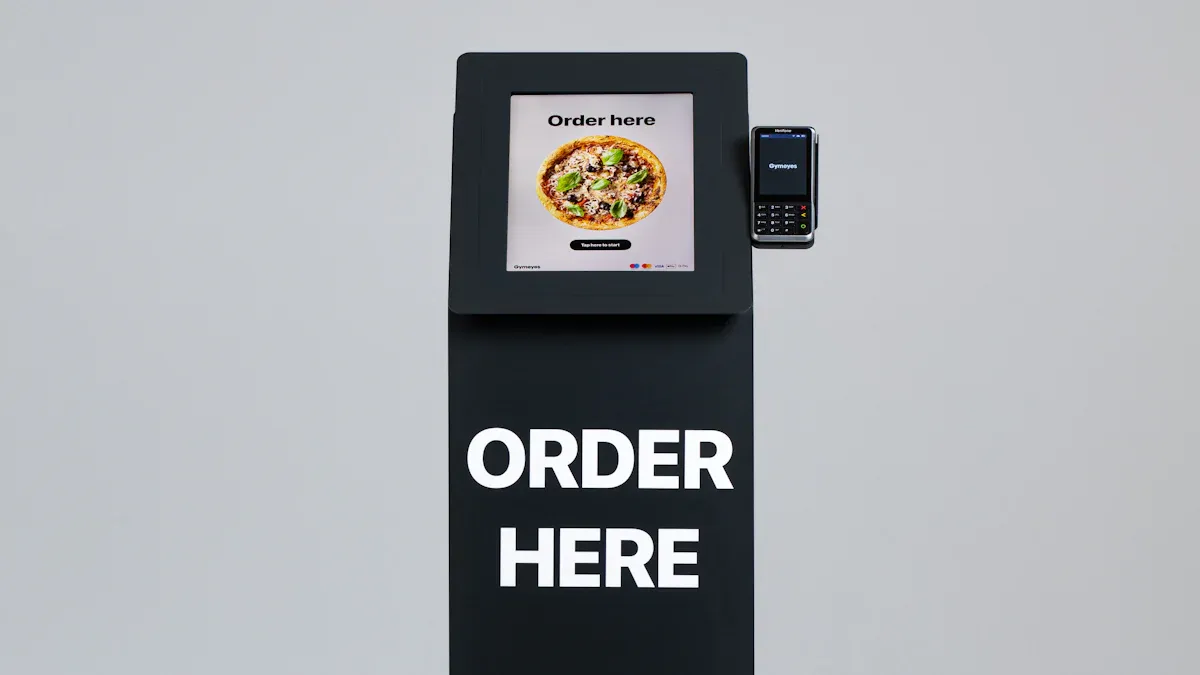
An unmanned store for office buildings is a self-service shop. Employees walk in, take items, and pay automatically — no cashier or line. It differs from a regular store because no staff is on site. It also differs from a vending machine because you can walk in, browse shelves, and buy many items at once. The unmanned stores market is expected to reach $82.56 billion in 2025, growing to $103.39 billion in 2026 at a CAGR of 25.2%. This article explains the process, technology, benefits, and steps to set it up for your office.
Key Takeaways
Unmanned stores let you shop without cashiers or waiting in line. You get in with a badge or app, grab what you want, and pay happens on its own.
These stores use smart tech like cameras and sensors to track what you take. You get a digital receipt on your phone.
Unmanned stores give employees convenience all day and night. You can buy snacks, drinks, and fresh food fast without leaving the office.
Employers save money on hiring staff and keep workers in the building. This helps people get more done and feel happier at work.
Starting an unmanned store is simple. You need about 5 square meters, the right products, and a good technology provider.
What Is an Unmanned Store
Definition and Key Features
An unmanned store is a retail idea with no service staff and no cashiers. In an office building, you enter with a mobile app or digital ID. Sensors, cameras, and AI track the items you take. The system charges your account when you exit. These small stores run 24 hours a day, seven days a week. They give you fast access to everyday products like snacks, drinks, fresh food, and office supplies. They range from simple roadside stalls with a lockbox to advanced setups where technology handles every transaction.
Unmanned convenience stores run without on-site staff, using automation, self-service kiosks, and digital payment systems. They have smart shelves, AI-powered inventory management, and contactless checkout. They come in formats like micro-stores and automated kiosks to give quick access to everyday products.
A fully digitized unmanned store depends on several core technologies that work together smoothly. You gain from advanced computer vision for real-time product recognition. Robotics and automation handle inventory management and restocking without human help. IoT sensors give real-time data on stock levels, temperature, and customer movement. Biometric authentication gives you secure contactless payment without cash or cards. Edge computing processes all data locally for instant response.
Advanced computer vision for product recognition, customer tracking, and theft prevention
Robotics and automation for inventory management, restocking, and customer interaction
IoT sensors and connectivity for real-time data on inventory, environment, and flow
Biometric authentication for secure contactless payment and identity verification
Edge computing for local data processing with low latency
Data analytics and AI algorithms for personalized shopping and inventory optimization
These stores give you a contactless shopping experience from start to finish. Real-time inventory tracking tells you if your favorite items are in stock through a mobile app. When you enter one of these fully autonomous smart stores in your office building, the environment responds right away. You get personalized engagement and mobile payment integration without any effort.
How It Differs from Vending Machines
A vending machine lets you buy one or two items from behind a glass panel. You pick a number and pay at a terminal. The machine then drops your product into a tray. You cannot see products up close, compare brands side by side, or check expiration dates. Buying multiple items means repeating the payment process each time, which takes longer and limits your choices.
An unmanned store gives you a completely different experience. You walk through the door into a small retail space that feels like a real shop. You browse open shelves, pick up items, examine packaging, and place products in your basket. You can buy a sandwich, a drink, a snack, and a notebook all in one visit without extra steps. The store uses artificial intelligence, RFID tags, IoT sensors, NFC devices, and barcode scanners to track everything you take. Digital price tags update automatically so you always see the current price.
Technology | Function |
|---|---|
Artificial intelligence | Product recognition and purchase tracking |
RFID tags | Item-level inventory monitoring |
IoT sensors | Environmental and customer flow data |
NFC devices | Secure entry and contactless payment |
Digital price tags | Real-time price updates |
Barcode scanners | Product identification at shelf level |
When you use a self-checkout kiosk in a traditional shop, you still scan each item and tap your card at the terminal. In an unmanned store, the checkout happens automatically as you walk toward the exit. You simply walk out with your items, and the system charges your account. You receive a digital receipt on your phone. These cashless unmanned stores give you the variety of a small shop with the speed of automation. That makes shopping faster and more convenient every day.
How an Unmanned Store Works
Entry and Access Control
Your visit begins at the door. The unmanned store checks who you are before letting you in. Most office buildings connect this step to tools you already have. You can enter with your work card, your face, or a mobile app. Each method links your identity to a payment account.
Common ways to verify identity include:
Biometrics, like facial recognition or fingerprints, which tie access rights to one person
Key cards loaded with security credentials that managers can update or cancel
Mobile credentials that use Bluetooth or NFC on your smartphone
PIN codes that add extra security when paired with another method
Facial recognition uses a simple sign-up-to-entry process. You download the app, send a selfie, and link a credit card for online payment. The system then recognizes you at the door, spots the items you pick up, and charges your linked card through a cloud service. Several people can enter and exit one at a time after paying their bills. This setup gives you 24/7 access to essentials without waiting for staff.
Shopping, Payment, and Exit
Once inside, you shop just like in any small store. You look at open shelves, grab a sandwich or a drink, and put items in your basket. You do not scan anything. Cameras and shelf sensors track what leaves the shelf and add each item to a virtual cart. The store knows your choices on its own.
The whole trip follows a clear order:
Before you buy, you may need to download the store's app.
At check-in, you scan a barcode in the app or verify your face to enter.
While picking products, you just take what you want, though a few stores ask you to scan a barcode or tap a screen.
At check-out, sensor fusion and deep learning let you walk out with your items.
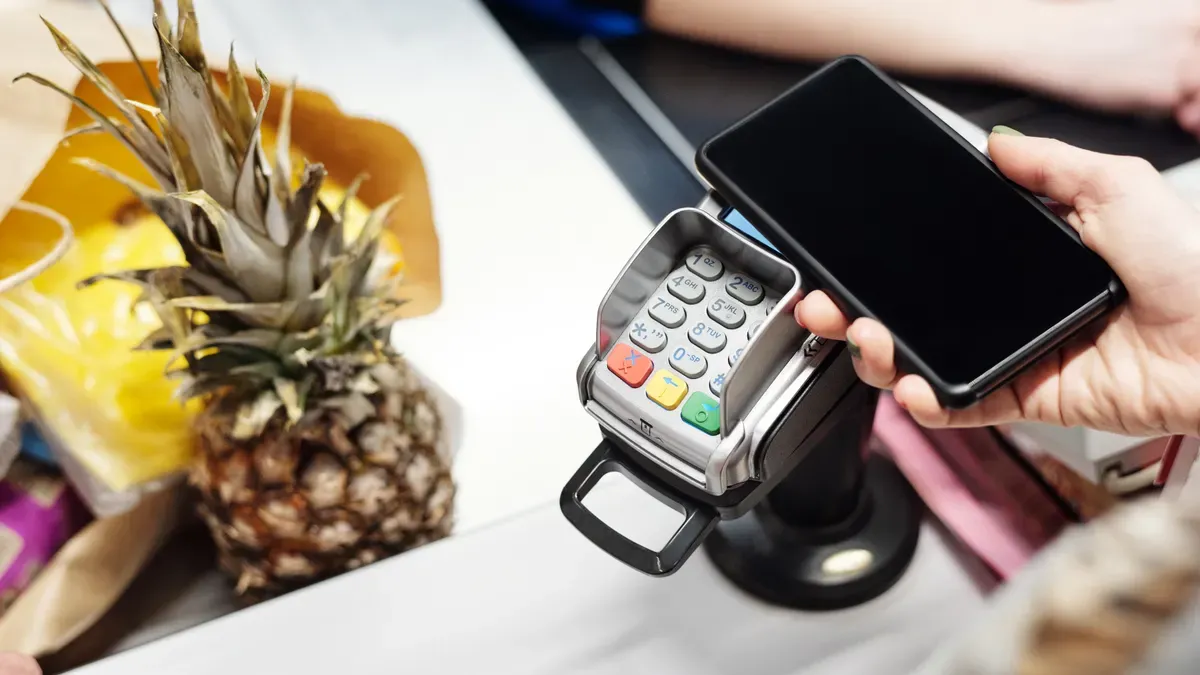
Payment goes through in seconds. Providers like AiFi and Zippin charge your linked payment method the moment you leave and send a digital receipt. Imagr recognizes products and lets you pay online through the app before you exit. Trigo Vision bills registered customers on its own. You face no checkout counter, no scanning, and no line. Age-restricted products may need verification at a self-service terminal.
These stores run 24 hours a day, seven days a week. That schedule matters in an office building, where shifts end late and cravings do not follow business hours. The unmanned format turns a quick break into smooth shopping. You walk in, take what you need, and go. Your receipt arrives online, and your account shows the charge before you reach your desk. For employees, this removes the small daily hassle of finding cash, standing in line, or leaving the building. For employers, it means the workplace keeps people fed and supplied at any hour. The technology handles the transactions, and you handle everything else.
Technology Behind Unmanned Retail
Core Technologies
Several technologies work together to make an unmanned store work well. Machine automation handles stock tasks and needs fewer workers. IoT sensors check stock levels and customer movement in the store. Facial recognition checks who you are at the door and connects you to a way to pay. More sensors track items you take and put back on shelves.
Computer vision is very important for seeing what you pick. Cameras with AI look at images and compare them to the store's list. This helps when shelves have many similar items. The system spots items even if you pick them up and put them back. This stops mistakes and makes sure your final bill is correct.
Component | Description |
|---|---|
Enable checkout-free shopping by tracking shopper movements and buying habits | |
Blockchain Technology | Acts as a secure digital ledger that prevents data tampering |
Multi-IMSI SIM | Provides reliable connectivity by switching between network providers |
Data Encryption | Protects customer data and prevents unauthorized access |
Backup Systems | Keep the store running if the main system fails |
Sensor fusion combines computer vision and other sensor technologies to fix each method's weak points. Vision alone has trouble with hidden items and similar products. Weight sensors can't tell apart small items well. By using all these methods together, the system tracks products in real time and monitors stock accurately. This technology powers the automatic transactions that define unmanned retail.
Security and Loss Prevention
Security measures keep products and shoppers safe in an unmanned store. Access control only lets approved people in. Video analytics catch theft as it happens. Audio systems warn people who might steal. POS data analysis finds fraud and loss patterns.
AI-powered surveillance helps cut losses at self-checkout and catches skipped scans with high accuracy. These systems connect what you pick up in the aisle to what you pay for. That link finds hidden items and missed payments. Old cameras miss things like items in your hand or behind other products. AI checks if you really paid for items you picked up. This lowers wrong alerts and handles both theft and honest errors. Auto payment lowers risk by charging your account as you leave. These security and privacy steps keep the store making money and safe.
Micro-Markets and Unmanned Retail Benefits
Convenience for Employees
A small self-service micro-store fits easily into an office building, business park, or corporate campus. You can put it in a lobby or an unused corner. Its small size uses space very well. You get many daily essentials without leaving your workplace.
Your shopping trip takes only seconds. You scan to enter, take what you want, and walk out. Payment happens on its own through your work badge, credit card, or mobile app. You skip the checkout line completely. This smooth shopping experience saves you from driving to an outside store during breaks. You get snacks, drinks, and fresh meals at any hour.
Micro-markets keep you fed, hydrated, and stocked with essentials. They carry healthy snacks and fresh food. You enjoy 24/7 convenience without cash or old-style payment methods. The self-service setup means you never wait for staff. These stores help several shoppers at once, so you spend less time in line. That speed adds up over your workweek.
Advantages for Employers
Unmanned retail brings clear wins for employers. You cut staffing costs because the store runs without on-site workers. The system works 24 hours a day, seven days a week. Your team stays on site and gets back to work faster.
Benefit | Description |
|---|---|
Contactless Shopping Experience | Shop without physical contact from entry to exit |
Real-Time Inventory Tracking | Know which items are in stock via mobile app |
Personalized Customer Engagement | Tailored offers and recommendations |
Mobile Payment Integration | Pay with phone or badge automatically |
Smart Shelf & Product Analytics | Real-time data on product movement |
Micro markets also help keep workers. Employees show more loyalty, better communication, and improved productivity. Higher satisfaction rates follow. These results tie to break time bonding in shared spaces.
You should think about common challenges. Initial setup cost, product shrinkage, and technical maintenance all need attention. Experience-led automated kiosks and unmanned store systems need regular checks. Still, the benefits beat the risks for most offices. Unmanned retail keeps your workplace running smoothly.
Implementing an Unmanned Store
Key Steps and Considerations
You begin by checking how much space you have. A micro-store only needs a small space, such as a lobby corner or an empty alcove. Look at how people move near that spot. Busy areas close to elevators or break rooms bring in more shoppers. Next, pick products that match what employees want. See what your team buys the most, then stock snacks, drinks, fresh food, and office supplies. Put in the technology after you settle on the layout. Cameras, shelf sensors, and access control panels must cover every corner. Last, start with a soft opening. Ask a small group first, collect feedback, and fix problems before the full launch.
A few things shape your planning. Product demand changes with the season and the team, so check sales data often. Linking payment to work cards matters for easy adoption. Your staff already has badges, so connecting those badges to the system removes hassle. Mobile payment systems also give options for visitors and contractors. Think about using space well too. A tight layout with clear sightlines helps cameras track items and cuts down blind spots.
Choosing a Solution Provider
Look at providers that offer cashless onsite retail for offices and commercial buildings. Ask about their past work with similar clients. A good partner knows the security needs of a workplace. They should explain how their automation handles inventory tracking and shrinkage. Ask for a demo of the entry and exit flow. Test how fast the system completes a payment after a shopper leaves.
Compare providers on support and maintenance. Unmanned retail systems need regular updates and fast repairs. Ask about response times and remote diagnostics. Check if the provider gives you analytics dashboards. These tools show you what sells and what sits on shelves. A strong provider also trains your team during setup. That training builds confidence and boosts shopping adoption among employees. Pick a partner who sees your office as a long-term site, not a one-time sale.
An unmanned store in an office building has no cashiers. You enter with your work badge or face and pick items from open shelves. The store tracks your selections using computer vision, AI, and IoT sensors, and your account pays automatically when you exit. This system gives you 24/7 convenience, so your shopping takes seconds with no waiting. The store reduces staffing costs and keeps employees on site, so your office gets a useful feature. This type of store will become a normal part of workplaces as more people use it.
FAQ
How much space does an unmanned store need in an office?
A micro-store only needs a small space, such as a lobby corner or an empty alcove. This small size works well in office buildings, business parks, and corporate campuses. The compact footprint uses your space well without big renovations.
What happens if the payment system fails when you exit?
Backup systems keep the store running if the main system fails. The store tracks your items using multiple technologies like computer vision and other sensors. If one method has trouble, others fill the gap. Your account still gets charged the right amount.
Can visitors use the unmanned store without a work badge?
Yes. Many systems support mobile credentials through Bluetooth or NFC on smartphones. Visitors can download the app, link a payment method, and enter. This gives contractors and guests the same easy shopping experience as regular employees.
How does the store prevent theft?
Access control only lets approved people enter. AI-powered surveillance catches skipped scans and hidden items. The system links what you pick up to what you pay for. Auto payment charges your account as you leave. These measures reduce losses by a lot.
What products work best in an office micro-market?
Stock snacks, drinks, fresh food, and office supplies. Match your product mix to what employees buy most. Healthy options like fresh food and snacks do well. Check sales data often because demand changes with seasons and team preferences.
See Also
Comparing Micromarkets And Smart Stores In Global Automated Convenience Retail
Why Stores Powered By Artificial Intelligence Represent The Future
Boosting Employee Productivity In Small Offices Using Smart Vending Solutions
How To Launch An AI-Powered Corner Store With Minimal Investment
The Growth Of AI-Powered Corner Stores And What Retailers Should Know
