What Accessibility Questions Should Be Asked Before Opening a Cashierless Store?

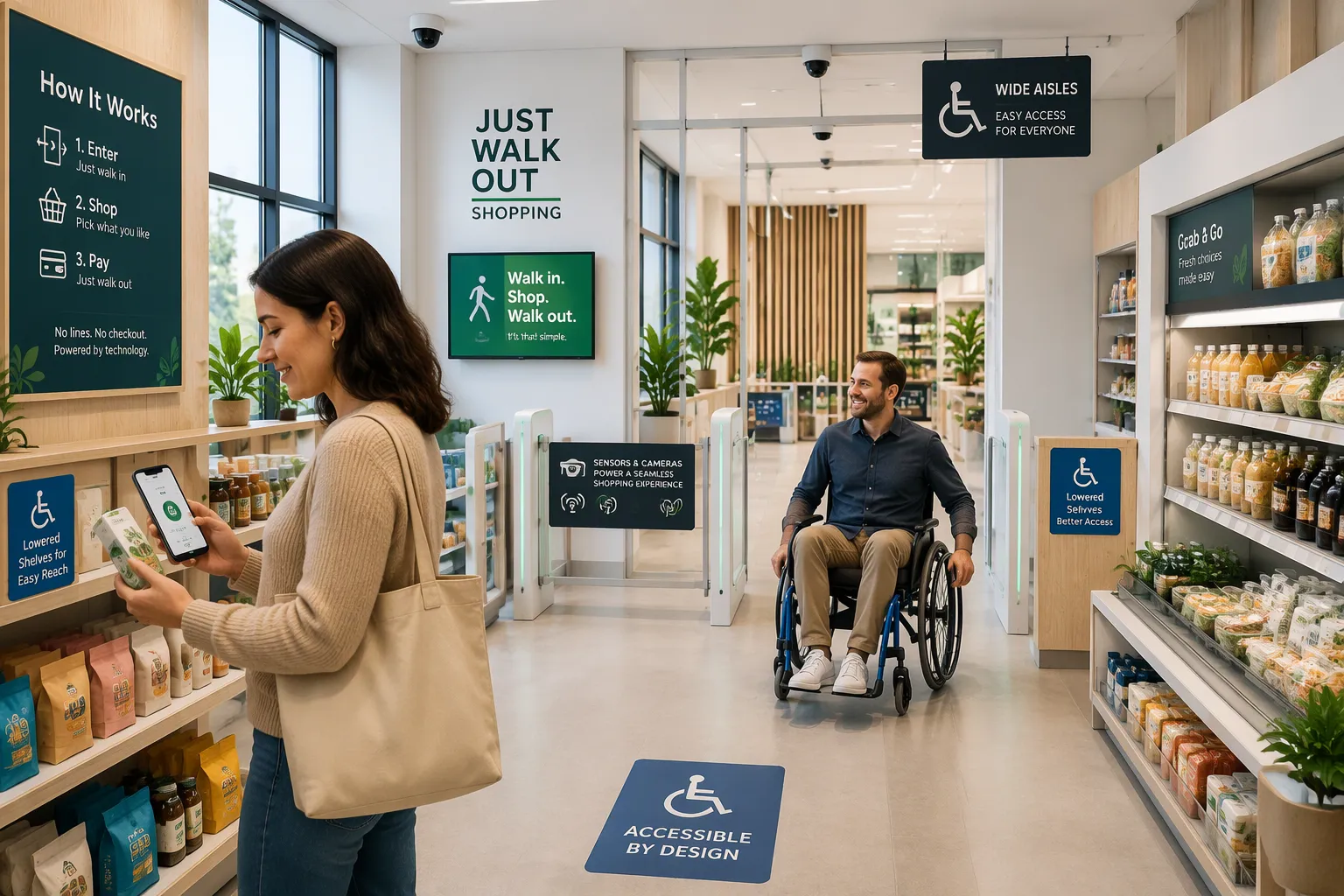
Have you thought about how customers with disabilities will get around and buy things in your store? Answer this before opening day. A missed step can lead to legal trouble, lost sales, and damage to your reputation that is hard to undo.
This post gives you a practical checklist of accessibility questions, section by section. Bring it to your planning meetings. Use it to go over entrances, apps, payments, staffing, and emergencies one at a time.
Cloudpick builds cashierless solutions with these concerns in mind. That makes the checklist useful in real life, not just on paper. You can test each item against a real store plan and fix gaps early.
Key Takeaways
Check the doorways and aisles to make sure wheelchairs can get through easily.
Use a screen reader to test the store app and make sure it works for blind users.
Give customers without smartphones a way to shop, such as help from staff who are not on site.
Put help buttons where people can reach them. Train staff to help customers with disabilities.
Check emergency exits and alarms to make sure they work for all customers, including people with disabilities.
Physical Accessibility Questions
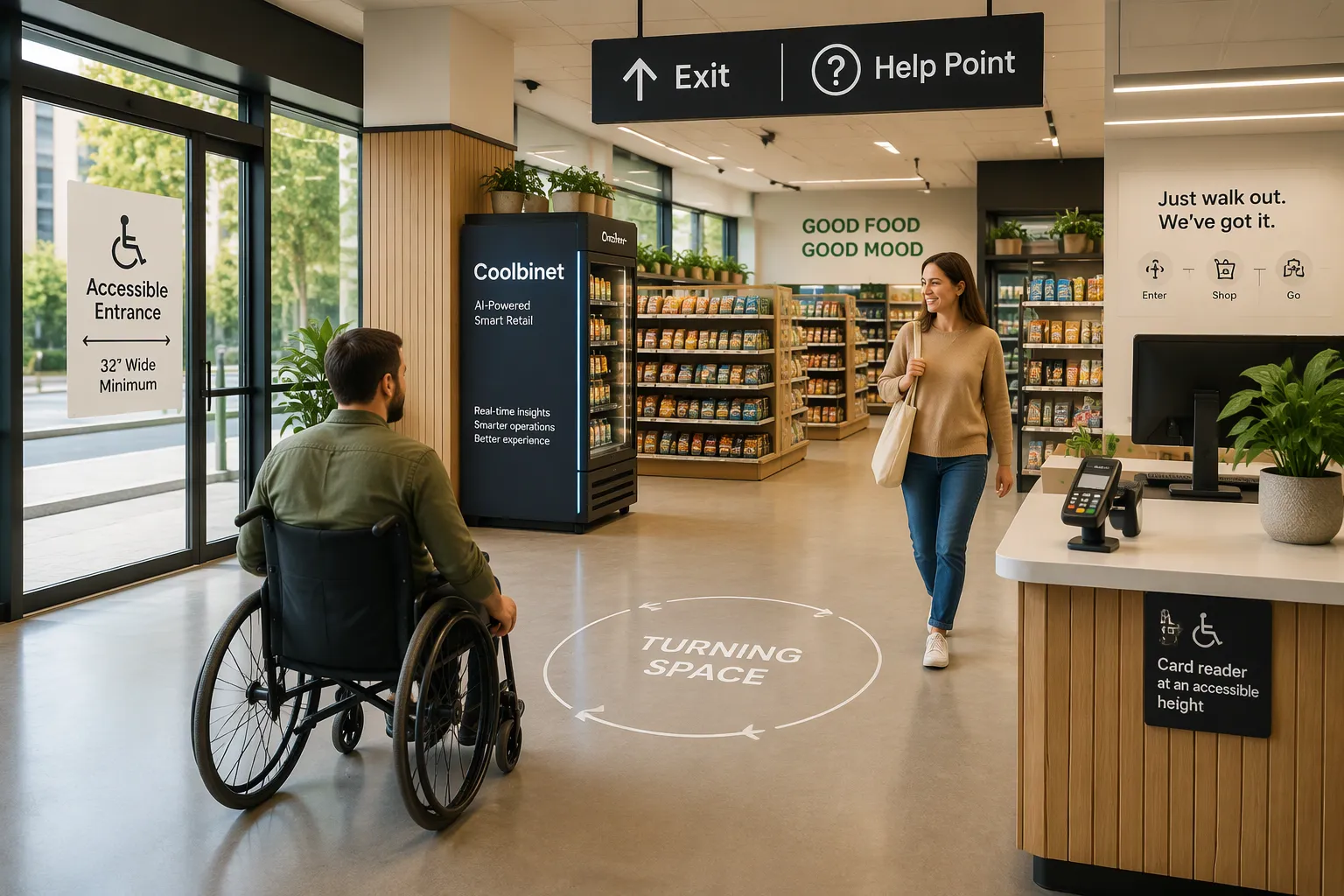
Cloudpick's AI-Powered Unmanned Store gives you a special advantage. You can plan the physical space for accessibility from the very start. No old counter layout forces you to compromise. No fixed checkout lane limits your choices. Treat the floor plan as a design decision, not something you add later.
Entrances and aisles
Start at the door. Is the accessible entrance free of things that block the 18–42 inch clear wall and floor space needed to open the door? A trash can, a promotional sign, or a bike rack can quietly ruin that clearance. Do all doors and entrances have at least a 32-inch opening so wheelchairs and mobility aids can get through? Measure the actual opening, not the frame.
Move inside. Are aisles wide enough for wheelchairs and mobility aids to pass each other? One shopper can slip through a narrow gap. Two shoppers cannot. Can someone in a seated position reach the shelves? Put high-demand items at mid height, not on the top shelf. Does signage use high-contrast text and clear wayfinding? A customer with low vision should be able to read your signs without guessing.
Checkout zone and signage
The checkout zone needs its own walkthrough. Are checkout counters low enough for people in wheelchairs and equipped with card readers that are easy to reach? Test the reach from a seated position, not standing. Does the Computer Vision Coolbinet's compact footprint create any barrier, and how can you place it to keep clear floor space? The Coolbinet works as a mini AI unmanned store for the last 10 meters of a purchase journey. Its small size helps here. Place it so it never narrows a turning circle or blocks a path of travel.
Signage ties the whole store together. Check that wayfinding signs sit at a readable height and use plain language. Pair text with icons. A customer should find the exit, the help point, and the payment area without asking anyone.
Do not assume a ramp and minimum aisle widths make the store accessible. Walk the route yourself in a wheelchair or ask someone who uses one to test it. Check turning space, reach ranges, and sightlines together. A store can pass a checklist and still feel unwelcoming. Your goal is a space where every customer moves with confidence. Cloudpick's flexible store format makes those fixes easier to build in early.
Technology Accessibility Questions
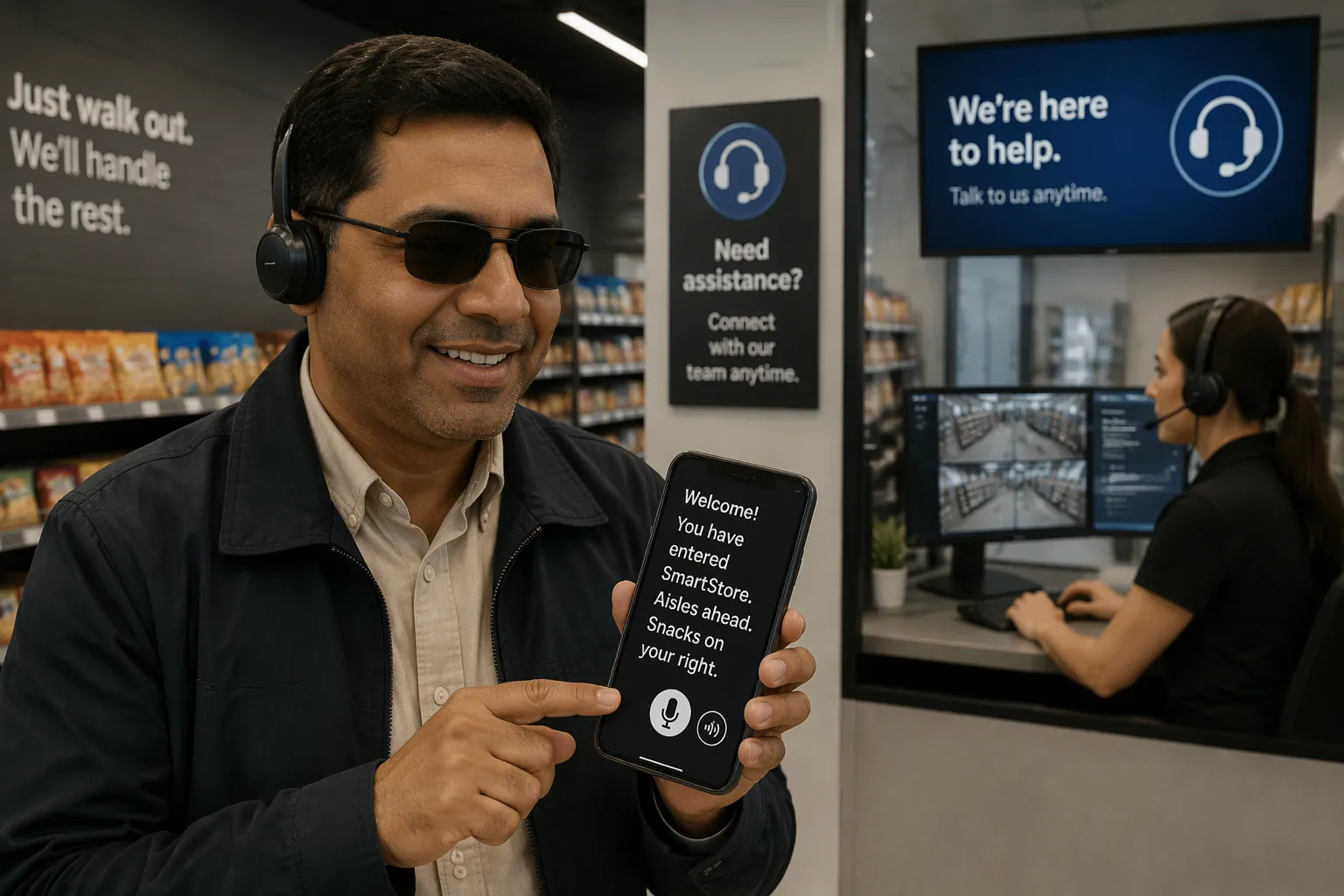
Cloudpick's AI-Powered Unmanned Store uses an app to enter and pays you automatically. A customer scans in, shops, and walks out. That flow removes the checkout line, but it also moves the whole shopping experience onto a screen. Cloudpick serves 100+ clients across 30 countries. Your accessibility testing must cover that same range of user needs, not just the average shopper.
App interface and setup
Open the app with a screen reader turned on. Do headings get announced in a sensible order? A screen reader reads the page in code order, so a heading in the wrong place confuses the listener. Do buttons make sense when read aloud? "Submit" tells a blind user nothing. "Confirm entry code" does. Do form fields have clear labels? A field with no label becomes "edit text" with no context.
Then test the hardest case. Can a customer finish account setup without sight or fine motor precision? Ask someone with a tremor to tap the small targets. Ask a blind user to complete registration alone. If either person needs a helper, the setup flow has a gap. Fix the flow, not the customer.
Payments and alternatives
Payment deserves its own review. Does the store offer multiple payment options to improve accessibility for customers with disabilities? A single payment method shuts out anyone who cannot use it. Are card readers reachable and usable from a seated position? Check the angle and the height from a wheelchair, not from standing.
Now think about the customer without a smartphone. How can that person shop? Some shoppers use basic phones. Some cannot manage an app at all. Your store needs a fallback. Cloudpick's Smart Store Management System gives remote staff control of the store. That remote control can support assisted checkout when a customer cannot complete automated settlement independently. A staff member can verify the purchase and open the exit remotely. The customer still shops, and the store still sells.
Run these accessibility questions with real users before launch. Test the app with a screen reader, test the card reader from a seated position, and test the no-smartphone path end to end. Cloudpick's flexible deployment makes each fix a configuration change, not a rebuild.
Customer Service and Assistance Questions
Cloudpick's AI-Powered Unmanned Store runs 24/7 with no staff on site. That saves money, but it raises a fair question. How does a customer get human help when something goes wrong? The answer is the Smart Store Management System. Remote staff watch the store, control the doors, and step in when a shopper needs help. Your planning meetings should treat that remote help as a core service, not something you add later.
Staffing and help requests
Ask whether your store offers a clear, accessible way to ask for help inside. A help button must be at a height people can reach and have a label they can see. A customer with low vision needs to find it by touch or by contrast. A customer in a wheelchair needs to reach it without stretching.
Then test the response. How fast can remote staff respond through the Smart Store Management System? Time a few test calls and write down the results. Ask one more question about training. Do your staff know how to help customers with visual, auditory, or mobility challenges? A remote agent who speaks clearly and calmly can guide a shopper through a stuck payment in seconds.
First-time user onboarding
First-time users need a clear path through entry and payment. How do you guide them? Are instructions available in multiple formats, such as audio, large text, and visual cues? A short audio prompt at the entrance helps a blind shopper. A large-text sign helps a shopper with low vision. Pair both with simple icons.
The Moby Mart deployment model deserves its own review. This mobile smart store fits outdoor settings, such as scenic spots and transit hubs. Outdoor shoppers often arrive with no prior training. Plan a different onboarding flow for those sites, with louder audio cues and simpler steps.
Inclusive design decides whether the shopping journey feels empowering or isolating. Test every Cloudpick deployment with real users with disabilities before opening. Their feedback will answer your accessibility questions faster than any checklist alone.
Compliance and Emergency Questions
ADA Title III says businesses open to the public must remove physical barriers when it is easy to do so. This law covers your store, your app, and your emergency plan. Treat compliance as a planning item, not a cleanup task after opening day.
ADA and regulatory compliance
Has someone checked the store against ADA Title III barrier-removal rules? Walk the space with that standard in hand. Check door clearances, counter heights, and reach ranges against the code, not against your memory of it. Where the store sells tickets or runs testing services, confirm those accommodations follow ADA requirements too.
The app needs its own audit for ecommerce accessibility. A screen reader test, keyboard navigation check, and label review will find most gaps. Cloudpick serves 100+ clients across 30 countries, so its deployments face different regulatory expectations. Build the audit into your launch plan and write down the results.
Emergency procedures
Ask whether evacuation routes stay accessible to customers using wheelchairs or mobility aids. A route that works on paper can fail when a display blocks the path. Check alarms next. Do they sound and flash? A customer who is deaf needs the visual signal, and a customer who is blind needs the audible one.
Remote staff can act fast in a crisis. Can they unlock doors and guide customers through the Smart Store Management System? Test that control before you need it. Cloudpick has empowered over 200 smart stores worldwide, and emergency planning belongs on every new deployment checklist. Run one drill with real users, then write down what you learned. These accessibility questions turn a legal duty into a safer store for everyone.
Take these questions to your next planning meeting, sorted by area:
Physical space: entrances, aisles, checkout areas, and signs
Technology: app setup, screen reader order, payments, and ways to shop without a smartphone
Service: asking for help, remote response times, and helping first-time users
Compliance and safety: ADA review, app checks, alarms, and exit routes
Planning ahead lowers legal risk, brings in more customers, and makes the trip better for every shopper. Bring up these accessibility questions early in your Cloudpick deployment talks. You build accessibility in from day one, not add it on later.
FAQ
What is the first accessibility check I should run on a cashierless store?
Measure the door. Every entrance needs a clear opening of at least 32 inches, and the area around it must stay free of clutter. Cloudpick's AI-Powered Unmanned Store lets you set this clearance during layout planning, before any fixture lands on the floor.
Can a customer without a smartphone still shop in an unmanned store?
Yes, if you plan for it. Cloudpick's Smart Store Management System lets remote staff check a purchase and open the exit for a shopper who cannot use the app. Test that assisted path from start to finish before opening day.
How do I test the app for screen reader users?
Turn on a screen reader and go through entry and payment yourself. Listen for headings read in a sensible order, buttons that make sense aloud, and labeled form fields. Cloudpick serves 100+ clients across 30 countries, so test with many different users.
Where should I place the Computer Vision Coolbinet?
Place it so it never narrows a turning circle or blocks a path of travel. The Coolbinet is a compact mini AI unmanned store built for the last 10 meters of a purchase. Its small footprint helps you keep clear floor space.
How do remote staff help during an emergency?
Cloudpick's Smart Store Management System gives remote staff door control. Confirm they can unlock exits and guide customers when needed. Pair audible alarms with visual signals, and run one drill with real users before launch.
See Also
A Look at Walgreens Self-Checkout: Retail Convenience and Its Challenges
How Cloudpick Delivers Cashierless Shopping Convenience to Your Retail Store
Walmart Self-Checkout Access: What Changes Are Coming in 2025?
Micromarkets Versus Smart Stores: How Automated Convenience Retail Operates Globally
How Grocery Vending Machines Are Transforming Retail Accessibility for Everyone
