What Happens When an Unmanned Convenience Store Uses AI for Inventory Management

You walk into a small store. No cashier. No checkout line. You grab a snack and leave. Your phone buzzes with the bill.
That is an unmanned convenience store. AI cameras watch the shelves all the time. AI sends restock alerts. AI sees which products are popular. AI learns what shoppers want. You get automatic billing and a payment notice.
A Latin American group saw this at Cloudpick. AI made the process visible. AI inventory management and artificial intelligence in retail now drive growth. The unmanned stores market reached USD 82.56 billion in 2025.
Next, explore the shopper journey, machine learning behind the scenes, business questions, and a focused pilot.
Key Takeaways
AI lets you shop without cashiers. You grab items and leave. Your phone gets the bill.
AI cameras track shelves. They send restock alerts. They predict what sells best.
AI inventory management cuts stockouts and waste. It saves money and time.
Start with a small pilot. Test one or two use cases. Define success before you begin.
AI handles repetitive tasks. People still manage alerts and refunds. The team works together.
The Shopper Journey in an Unmanned Convenience Store
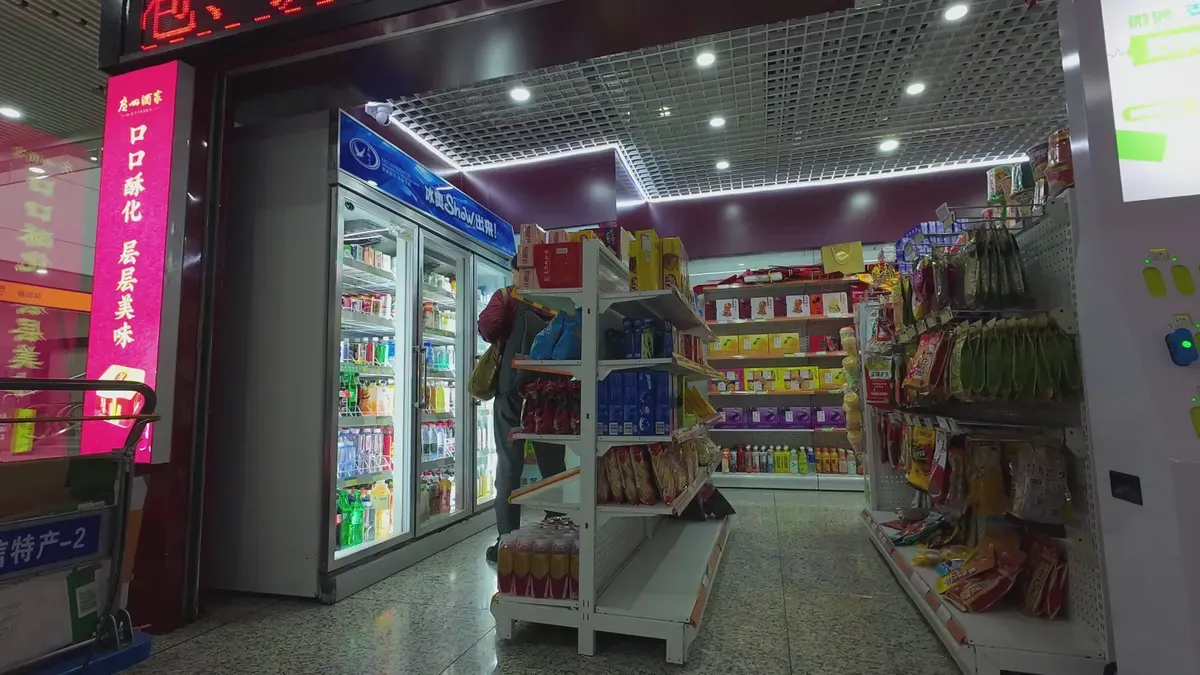
Walking into an unmanned convenience store feels surprisingly ordinary. Open the Cloudpick mobile app. Scan your face or a QR code. The door unlocks. No staff. No line. You grab a snack, pick a cold drink, and walk out. Your phone buzzes with the bill seconds later. The whole visit takes less than a minute.
Facial Recognition and Product Selection
You enter through the app’s facial-recognition or QR-code access.
You choose items. Cameras and shelf-weight sensors detect every movement.
AI and RFID tracking update your virtual cart right away.
AI tracks each shelf’s movement in real time. It knows when you lift a bag of chips and when you put it back. Your virtual cart changes with each choice. You never touch a screen. You never scan a barcode.
This workflow already runs in real workplaces. CyberLink and Japan’s CAC Corporation built an on-premises convenience store where employees buy snacks with facial recognition alone. No cash. No cards. No ID badges. The deployed system proves the entry step can be secure and smooth.
Automatic Billing and Payment Notification
How it works | |
|---|---|
Automatic payment processing | Charges you at exit, no manual checkout. |
Mobile app or QR code | Connects you to your payment profile at entry. |
Linked payment method | Bills the card or wallet tied to your account. |
You don’t pause at a register. Keep walking. The store reconciles your virtual cart, settles the payment, and sends the notification within seconds.
A few seconds later the transaction arrives on your phone. The store has watched the products move, maintained your virtual basket, and closed the sale before the doors settle behind you.
This simple flow shows what ai in retail feels like when it works. The same ai that bills you powers ai inventory management. Camera data updates stock levels and flags low-stock shelves. Artificial intelligence in retail connects the shopper’s path to the stockroom’s next move. AI decides which shelves need attention. AI identifies which products move fast. AI keeps the store running while you’re already on your way.
Behind the Scenes of AI Inventory Management
AI Cameras and Replenishment Alerts
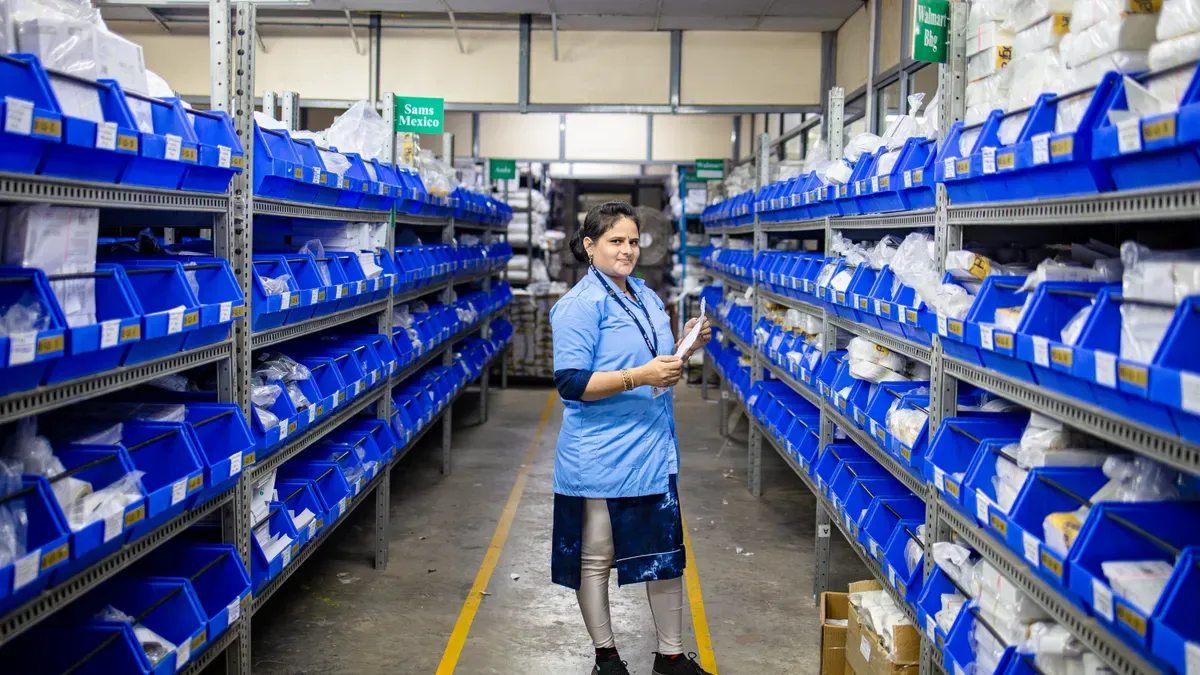
You just walked out with a snack. Now think about the shelf you left behind. How does anyone know it needs a refill? That job belongs to ai inventory management, and cameras do most of the heavy lifting.
Here is the basic loop an ai-powered inventory system runs:
Cameras capture shelf images all day and store them as reference points.
Image processing tools identify each product, count how many sit on the shelf, and compare the count to the reference image.
When an item runs out, the system flags it as unavailable and sends a restocking alert.
The same comparison catches misplaced products and alerts staff.
Real-time notifications prompt workers to restock before customers notice a gap.
Retailers like Walmart and Kroger already use computer vision to monitor inventory levels in real time. Best Buy takes it further. Its system detects low stock and automatically triggers restocking orders. That is automated replenishment in action, and it cuts stockouts without a single manual shelf check.
Demand Forecasting and Product Popularity
Counting what is on the shelf is only half the story. The smarter half is predicting what will leave the shelf next. Here machine learning earns its keep. Your ai studies sales patterns, time of day, and product popularity. Then it builds demand forecasts that tell the store what to order and when.
This is where demand forecasting turns into real operational advice. The system might suggest moving a fast-selling drink closer to the entrance. It might warn that a slow item is tying up space better used elsewhere. Over time, these signals feed inventory optimization and even supply chain optimization across multiple locations.
You should treat these capabilities as areas to explore, not promises that every integration already works out of the box. Predictive analytics depends on clean data, steady camera coverage, and a store layout the ai can actually read. A busy unmanned convenience store with cluttered shelves will challenge any vision system. So will a product line that changes every week.
Still, the direction is clear. Automated inventory management moves the store from reacting to guessing. Inventory forecasting gets sharper as the ai sees more shopping days. The system learns your customers, your peak hours, and your problem shelves. That knowledge supports inventory decisions no human could track by hand across every shelf, every hour.
Put the two halves together and you get a store that watches itself. Cameras handle the present. Forecasting handles the future. Your team handles the exceptions.
AI in Retail: Business Views
Questions from Different Teams
Different teams ask different things about ai in retail. A varied group wants to know where a small store could be useful. Maybe it works on a factory floor, a campus, or a hospital lobby. You should check the spot against real foot traffic before you commit.
Cloud and software teams ask a tougher question. What would you check before linking a new app to your current setup? Start with these steps:
Look at your current infrastructure, databases, and network setup.
Get stakeholders on the same page and check your team's cloud skills.
Run a gap analysis for data transfer, compatibility, and security.
Plan the cloud solution and choose your vendor.
Build a step-by-step plan for moving over.
Financial-technology teams focus on the transaction itself. How should the shopping trip and the payment experience fit together? Your entry step, virtual cart, and payment notice must feel like one flow. If the billing is slow, the shopper will notice.
Areas to Explore
Treat these as areas to explore, not claims that every setup already works. Handling data privacy and security takes careful planning. IBM's 2025 Cost of a Data Breach report found 13% of organizations had a breach involving AI models or apps. Worse, 97% lacked proper AI access controls, and 63% had no AI governance policy.
You also need to weigh scalability against control. A hybrid cloud approach can balance both. Watch for vendor lock-in, since proprietary tools tie you to one provider. A multicloud strategy keeps your options open as your ai needs change. Regulatory compliance matters too, with rules like CCPA, GDPR, and HIPAA shaping how you handle data.
These questions connect right to inventory management. The benefits of ai in inventory management show up when your systems talk to each other. Machine learning can forecast demand, but only if your data flows cleanly. That is why the business talk and the technical one belong in the same room.
From Demonstration to Focused Pilot
Defining the Business Problem
A demo shows what ai can do. A pilot proves what ai should do for you. Start with the problem, not the technology. Ask what hurts today. Maybe you lose sales when shelves sit empty. Maybe you throw away too much fresh food. Maybe your staff spends hours counting boxes.
Write down the workflow, the information you need, and the local rules that shape it. Then name who owns daily operation. A store without a cashier still needs a person who checks alerts, handles refunds, and calls a technician. That clarity turns a demo into a plan.
You should also check your current setup before you grow. Old systems often can't handle new ai tools without problems. So build a plan in steps:
Look at your infrastructure and how data flows.
Run a small pilot that proves return on investment.
Train staff and show ai as a tool that helps their roles.
Pilot Testing and Success Evidence
Decide what your pilot tests. Pick one or two use cases for ai in inventory management, like automated replenishment or demand forecasting. Then define what success looks like before you start. A demo can handle crashes. A pilot cannot. Aim for uptime of 98% or higher, with remote monitoring and field technician coverage.
Model the full total cost of ownership, not just hardware against labor. Day 2 costs like maintenance, connectivity, and software updates decide whether the numbers work. Expect front-end labor reduction around 20 to 30 percent, with payback in 6 to 12 months for well-placed units. Track inventory levels, stockouts, and waste to see if ai inventory management really improves inventory optimization.
An on-site visit gives your business and technical teams a shared example to discuss. You can compare notes on inventory systems, stock planning, and supply chain optimization. Then ask what must change for your market. We invite Kattan Group, CorpSol, Tribal, and NICO to explore the first use case your teams would want to evaluate.
AI in an unmanned convenience store shows how technology handles everyday business tasks. You saw the shopper path: face-recognition access, choosing items, automatic billing, and a payment alert. This simple flow shows how AI fits into a retail workflow.
Behind the scenes, AI cameras watch stock, send restock alerts, and study what sells best. These signals give useful advice. So don't just copy a demo. Define a focused pilot, decide what success looks like, and find what must change for your market.
We invite Kattan Group, CorpSol, Tribal, and NICO to connect with Cloudpick and look at your first use case. Reach out to see how AI inventory management could work for you.
Contact Method | Details |
|---|---|
Website | |
Scheduling Link |
#UnmannedRetail #AIinRetail #InventoryManagement #Cloudpick #SmartRetail
FAQ
How does AI know which products I take off the shelf?
Cameras and shelf-weight sensors watch every movement. The system compares each shelf image to a reference shot, then updates your virtual cart. When stock runs low, it flags the gap and sends a restocking alert. You never scan a barcode or touch a screen.
Does AI inventory management replace store staff completely?
No. The technology handles counting, alerts, and forecasting, but people still matter. Someone must check alerts, handle refunds, and call a technician. Think of ai as a tool that removes repetitive work, not as a replacement for your team. A cashier-free store still needs human oversight.
What should a focused pilot actually test?
Pick one or two use cases, like automated replenishment or demand forecasting. Define success before you start. Aim for uptime of 98% or higher. Track inventory levels, stockouts, and waste. Expect front-end labor reduction around 20 to 30 percent, with payback in 6 to 12 months for well-placed units.
How do you handle data privacy in an unmanned convenience store?
Plan carefully. IBM's 2025 report found 13% of organizations had a breach involving ai models or apps, and 97% lacked proper ai access controls. Weigh scalability against control. Watch for vendor lock-in. Follow rules like CCPA, GDPR, and HIPAA. Clean data flow keeps your ai inventory management trustworthy.
Can this work for my market?
That depends on your local rules, foot traffic, and workflow. An on-site visit gives your business and technical teams a shared example to discuss. Then ask what must change for your market. A demo shows what ai can do. A pilot proves what ai should do for you.
See Also
Why Stores Powered By Artificial Intelligence Will Dominate Future Retail
The Emergence Of AI Corner Stores: Essential Insights For Retailers
How AI E-Commerce Tools Revolutionize The Management Of Online Stores
AI Combo Vending Machines: Key Features And Benefits For Today's Retail
How To Launch An AI Corner Store With Very Little Investment
