Data Synchronization Between POS and AI Analytics for Retail Success


You can achieve data synchronization between your POS system and AI analytics through APIs, middleware, or cloud integration platforms. This gives you real-time sales insights, more accurate inventory management, and personalized customer experiences. When your POS data synchronizes smoothly with your analytics platform, you can make faster, smarter decisions. Whether you manage a retail store or oversee IT systems, proper data synchronization ensures your AI analytics tools receive reliable data to drive business growth.
Key Takeaways
Link your POS system to AI analytics with APIs so data moves on its own.
Real-time data sync gives you quicker insights, better inventory, and personalized customer experiences.
Tear down data walls and replace old equipment to prevent wrong predictions.
Pick your integration tools with care and follow security rules like PCI DSS to keep data safe.
When data is in sync, customers stay longer and you lose fewer of them.
Why AI Integration in POS Systems Matters
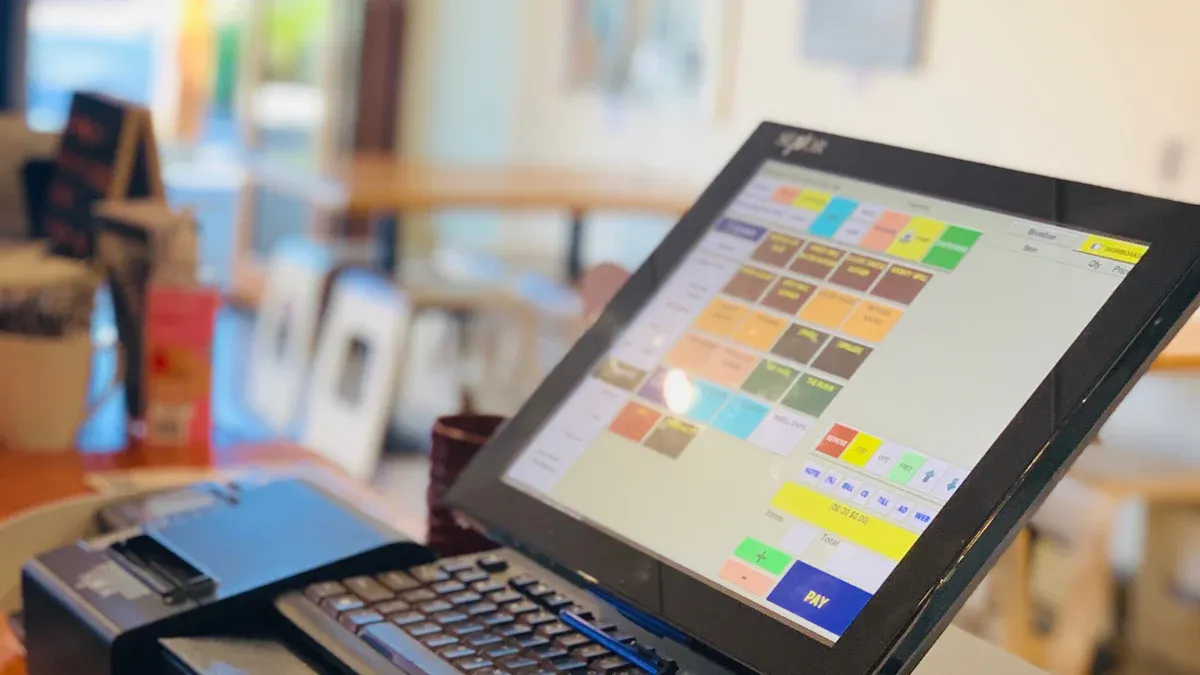
AI integration in POS systems transforms your point of sale from a simple checkout tool into a central data hub. Every transaction, return, and customer interaction feeds a stream of sales and customer insights. You gain a single source of truth for your business. That foundation supports better decisions across purchasing, marketing, and store operations.
Decision-ready data unlocks several capabilities at once. You can forecast demand, optimize promotions, segment customers, and detect anomalies like sudden sales drops or unusual refund patterns. AI-powered POS systems make these insights accessible without requiring a data science team. Your managers see clear recommendations instead of raw numbers.
Retail AI investments often underperform without a reliable data foundation. A powerful analytics engine cannot fix messy, delayed, or incomplete POS data. You must synchronize clean data first. Then your AI tools deliver the value you expect.
Real-Time Insights for Faster Decisions
Real-time analytics give you an immediate view of what sells, what sits on shelves, and what customers want next. AI in POS systems replaces slow batch processing with continuous data ingestion. You respond to demand changes as they happen, not days later.
Machine learning improves forecast accuracy through several mechanisms. Signal extraction separates true trends from random spikes, which reduces forecast errors. Cross-functional variable analysis adds non-traditional data such as weather, port congestion, and social media to adjust short-term forecasts. Automated alerting notifies your planners or adjusts ordering systems when demand shifts. Downstream visibility connects the shelf to the factory, so suppliers see consumer demand in real time. These mechanisms reduce the bullwhip effect, raise on-shelf availability, and lower working capital.
Smarter Inventory and Personalization
AI-enabled POS systems connect sales data to inventory rules and customer profiles. You set automatic reorder points that adjust to actual demand patterns. Slow-moving items stop tying up your cash. Fast sellers stay in stock.
Personalization also improves with synchronized data. AI-integrated POS systems match purchase history, loyalty activity, and browsing behavior to individual shoppers. You deliver relevant offers at checkout or through follow-up messages. Customers notice the difference, and repeat visits grow.
Data Synchronization Between POS and AI Analytics
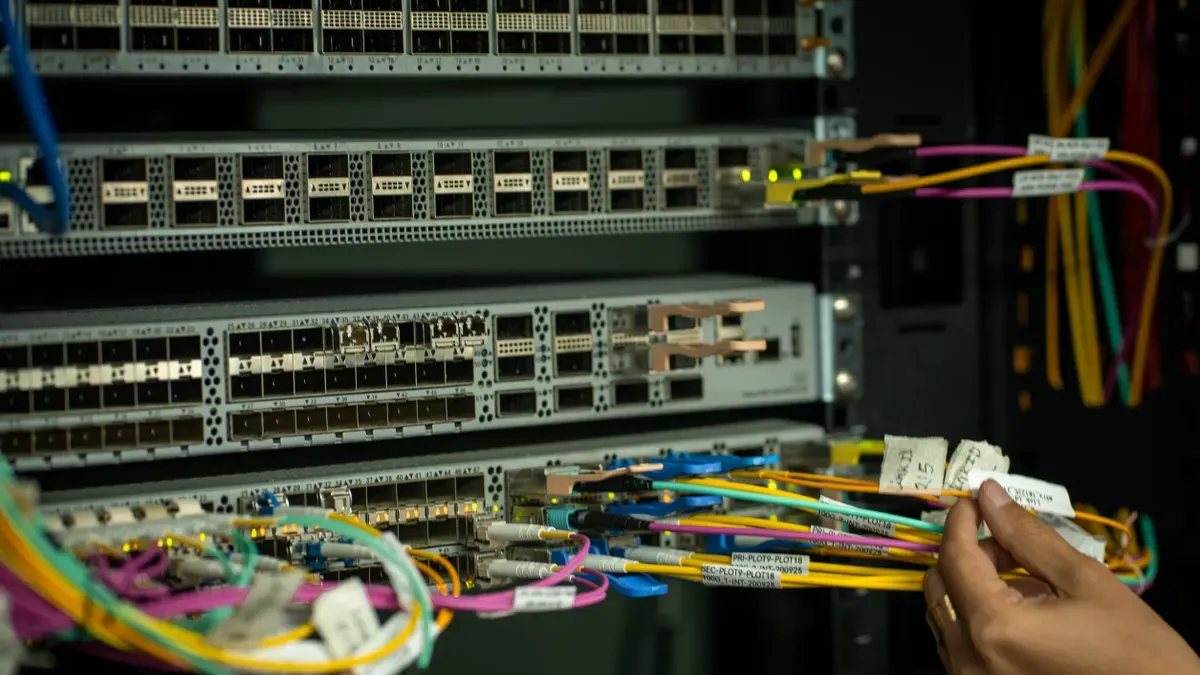
You start data synchronization between your POS and AI analytics by connecting your POS system through APIs. An API acts like a bridge. It lets your analytics platform ask for sales, inventory, and customer data right from the POS. This connection replaces manual exports and spreadsheets. You get a steady, automatic flow of information instead of old reports.
Sync Product and Transaction Data
Product data forms the backbone of accurate analytics. You need to sync product and transaction data so that every SKU, price, and discount matches across systems. According to a guide on retail pricing optimization software, correct SKU structures and matched retail price fields are basic requirements for AI-driven price optimization on a large scale. The guide says that connecting POS and ERP systems in the right order is important. You should match sales, returns, cost changes, taxes, and promo tags across systems. This step removes errors that mess up pricing analytics, especially for returns and promo codes for specific channels.
A documented case of a U.S.-based luxury furniture retailer shows the results. After centralizing SKU and retail price data across ERP and selling channels, the retailer cut the time spent on SKU mapping and manual pricing by about 40%. Data integrity improved across systems that support pricing decisions. The match between product master data and retail price execution got stronger across channels. These outcomes confirm that syncing product data between POS and AI directly improves the accuracy and reliability of pricing optimization.
Load and Stream Data in Real Time
After the API connection, you extract, transform, and load POS data into your analytics platform. Extraction takes raw transaction data from the POS. Transformation cleans and makes that data the same format. Loading puts it into your analytics system. This ETL process works with past data and batch updates.
Real-time synchronization goes even further. Instead of waiting for set times, you stream data all the time. This means every sale, return, and price change reaches your AI models in seconds. That supports real-time analytics for demand forecasting and finding problems. Real-time inventory syncing keeps stock counts right across all channels. Real-time product syncing makes sure price changes and new items show up everywhere at once. Real-time checkout syncing captures basket details for personalization. Cloud syncing and API-based cloud integration make this possible without big, on-site hardware.
Once your POS data is synchronized, you can set up AI-based inventory rules. These rules change reorder points based on real demand patterns. Automatic stock updates after billing keep inventory records up to date. Your centralized AI analytics platform then sends restock orders or alerts when stock runs low.
Real-time AI synchronization also combines online and in-store sales. You connect POS systems with AI analytics platforms to join customer history, loyalty activity, and transaction data into one view. This POS data integration approach gives you a full view of each shopper. You can act on that view right away.
The path from POS to AI analytics depends on reliable connections and clean data. You should start with APIs, transform your data carefully, and stream it in real time. Then let your AI tools do the rest.
Overcoming Data Synchronization Challenges
When you connect POS systems to AI analytics, you meet two big problems: data silos and hardware issues. Knowing about these challenges helps you plan a better path.
Breaking Down Silos and Latency
Data silos happen when your systems keep information in different places. A customer who buys in the store and online has purchase data stored in separate POS and e-commerce systems. This stops you from getting a full picture of their shopping. You lose chances to personalize, and your customer experience feels broken.
Fragmented data causes many problems:
You cannot see the full customer profile, so your marketing misses the mark
You make decisions based on incomplete information
You spend more money running extra systems that do the same job
Different teams cannot work well together because their data does not match
Latency makes things harder. Data stored in many systems costs you real-time views. The POS shows quick sales, but your ERP inventory is old because the WMS hasn't updated. This mismatch leads to stockouts or too much stock. You pay more to hold inventory and lose sales. Without good data syncing, your demand forecasting suffers. Your analytics tool cannot give accurate predictions when it gets old data.
Many retailers still export data by hand into Excel sheets. This method is full of errors and does not work as your business grows. You need automatic syncing to remove these roadblocks.
Solving Compatibility Issues
Older POS hardware brings another set of barriers. Old POS systems usually give only basic sales summaries. They cannot create the detailed, real-time data that modern analytics tools need. These older machines do not support links with advanced tools like CRM and inventory systems. Without real-time updates, you cannot feed live info into your AI engines. You get delayed or incomplete insights.
Old terminals, often from the early 2000s, lack the power and design for cloud-based analytics. This creates slowdowns when you connect old hardware to new AI systems. Different vendors make it hard to sync updates across mismatched hardware and software.
To fix these issues, payment processors and tech providers use APIs and hybrid edge-cloud setups. These methods let old terminals share data with newer systems. You get tools like remote checks and predictive analytics without replacing all your hardware at once.
Fixing these sync problems takes careful planning. You must break down silos with unified data pipelines and solve compatibility issues through API bridges or middleware.
Best Practices for AI-Powered POS Integration
AI-driven synchronization uses machine learning and predictive analytics to make your workflows better. These tools learn from your sales patterns and change data flows by themselves. You spend less time fixing errors and more time using insights. AI-powered POS integration also brings online and in-store sales, inventory, customer history, loyalty, and analytics into one connected view. That unified view helps you make better decisions at every level of your business.
Choosing Tools and Ensuring Data Quality
You should check integration platforms against clear rules before you commit. The table below shows what to check and why each point matters for your POS and AI analytics synchronization.
Criterion | What you verify | Why it matters |
|---|---|---|
Integration depth | Documented connectors for POS, OMS, WMS, and CRM | Confirms the platform truly syncs with your POS data sources |
Governance and compliance | Certifications for payment, loyalty, and customer data | Ensures your AI analytics meets regulatory standards |
Production track record | Pilot-to-production deployments, not just demos | Reduces risk that synchronization breaks at scale |
Omnichannel capability | Shipped agents across more than one channel or language | Supports unified analytics across in-store, online, and voice |
Pricing transparency | Public budget expectations or custom quote | Helps you forecast total cost of ownership |
Case-study evidence | Real, checkable outcomes | Validates real-world synchronization performance |
Data quality is a must. Clean, complete transaction data feeds accurate models. You should also confirm scalability, security, and vendor support before signing. Ask each vendor which systems connect in production today at your transaction volume. A strong answer names a real retailer running that exact integration.
Prioritizing Security and Compliance
Security and compliance are must-haves when you sync POS data with AI in the cloud. Integration platforms should include PCI DSS compliance, encryption, role-based access, and adherence to GDPR and regional data laws, as emphasized by evaluation criteria. These controls protect sensitive POS and customer data flowing into AI analytics pipelines.
AI-powered POS systems that skip these controls expose your business to breaches and fines. AI in POS systems should make your security stronger, not weaker. Choose AI-enabled POS systems with built-in compliance controls. Then your data synchronization stays both fast and safe.
To do well, you link your POS system using APIs. You pull out and change POS data. You send it to your AI analytics platform. You solve POS data problems like silos and hardware compatibility with the right tools. These steps give you real-time insights, better inventory, and personal experiences. Manhattan Associates research shows unified commerce leaders get higher customer lifetime value. PwC confirms that many customers leave a brand after one bad experience. Good data synchronization stops those disconnects. Future trends like edge computing and adaptive synchronization will make these connections stronger. Retailers of any size can achieve POS and analytics synchronization with the right approach.
FAQ
How do I connect my point of sale system to AI analytics?
You connect by using an API. The API lets your analytics platform ask for sales, inventory, and customer data straight from your point of sale system. This takes the place of manual exports and spreadsheets. You get a steady, automatic flow of information instead of old reports.
What is the difference between batch ETL and real-time streaming?
Batch ETL moves past data on a set schedule. Real-time streaming sends every sale, return, and price change to your AI models in seconds. Streaming helps with live demand forecasting and instant inventory counts. Batch works well for historical reporting. Many retailers use both methods together.
Why does my AI analytics give inaccurate forecasts?
Old or fragmented data causes most forecast errors. Data silos split your in-store and online records. Latency leaves your inventory counts out of date. Your models then predict from an incomplete picture. Clean, synchronized data fixes the main problem before any model tuning can help.
Can I sync data with legacy POS hardware?
Yes. Old terminals often lack cloud support, but APIs and hybrid edge-cloud setups bridge the gap. These methods let legacy hardware share data with newer systems. You gain remote checks and predictive analytics without replacing every terminal at once.
What security rules apply to POS and AI data pipelines?
PCI DSS applies to any system that stores, processes, or transmits cardholder data. Your integration should include encryption and role-based access controls to protect data pipelines. Compliance with PCI DSS and other relevant regulations helps safeguard sensitive information.
See Also
Artificial Intelligence Tools Revolutionize Managing Online Retail Stores
The Future Belongs To Stores Driven By Artificial Intelligence
The Growth Of AI-Enabled Corner Shops And Retailer Essentials
A Detailed Comparison Of Amazon Go Versus Cloudpick Systems
Worldwide Automated Convenience Retail Through Micromarkets And Smart Stores
