Understanding Cashless Internal Billing for Office Retail in 2026

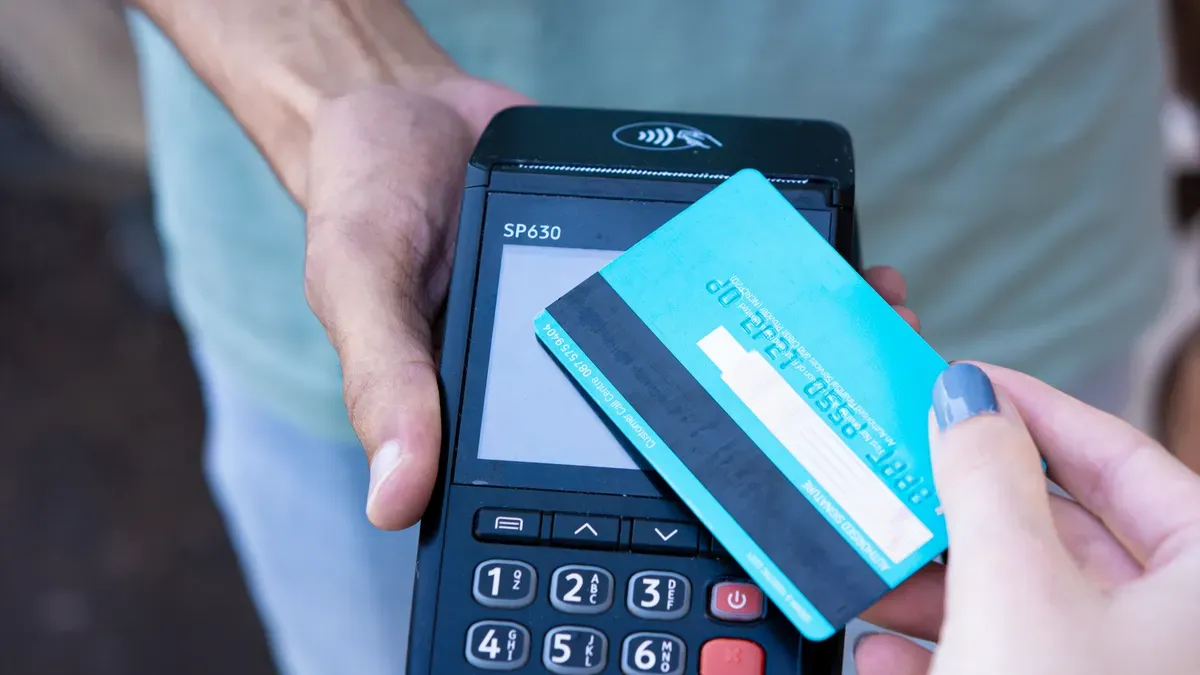
Imagine you go into your office break room. You pick up a snack and scan your badge. You do not need cash or to wait in line. Cashless internal billing lets you buy things at work with digital systems. You get quicker service and fewer mistakes. Your transactions are safer. Cashless solutions help you skip carrying money. You do not have to worry about lost receipts. These systems make your day easier and safer. They make every step simple and fast.
Key Takeaways
Cashless internal billing helps you buy things at work fast. You do not need to use cash. You just scan your badge or tap your card.
Digital payments make things safer by lowering theft risks. They also track every payment. You can see what you spent anytime.
Cashless systems make things faster and cut down on mistakes. Staff can help you more because they do not handle cash.
To start cashless billing, you must look at what you need. You pick the best vendor and teach staff how to use it. This helps everything go well.
A flexible cashless system can change as your office grows. It gives many ways to pay for everyone.
Cashless Internal Billing Explained
What Is Cashless Internal Billing
Cashless internal billing lets you pay at work without cash. You use digital payments to buy things. You scan your badge or tap your card. The system takes money from your account. You do not need to touch cash or keep paper receipts. Cashless payments make buying things quick and correct.
Cashless internal billing has important parts. These parts work together when you buy something:
Component | Description |
|---|---|
Payment Input Systems | Handles transaction processing through cashless readers and other devices. |
Control Boards | Manages system operations and communicates with payment and dispensing mechanisms. |
Sensors | Detects product availability and ensures proper functioning of the system. |
Connectivity Features | Enables communication with digital payment systems and supports secure protocols. |
You use cashless payment systems in easy steps. You pick your item, scan your badge, and pay digitally. You get a quick confirmation. You do not wait for change or worry about mistakes.
Tip: Cashless internal billing helps you see your spending. You can check your purchases right away. You do not lose receipts or forget what you bought.
Differences from Traditional Billing
Cashless internal billing changes how you pay and how your company handles payments. You notice the changes fast. Cashless payments are quicker. You tap or scan, and your purchase is done in seconds. Traditional billing is slower. You count cash, wait for change, and sometimes make mistakes.
Here is a table that shows the main differences:
Factor | Cashless Business | Cash-Accepting Business |
|---|---|---|
Security | High physical security (no cash on-site). Cybersecurity risks present. | Lower physical security (risk of robbery, employee theft, counterfeit bills). |
Speed | Very fast transaction times (tap-to-pay). Reduces queues. | Slower transactions due to counting cash and making change. |
Costs | Incurs credit card processing fees (typically 2-3% per transaction). | No processing fees on cash. Incurs cash handling costs (labor, bank fees, security). |
Customer Reach | Potentially excludes unbanked, underbanked, and cash-preferring customers. | Maximally inclusive, serves all customers regardless of banking status. |
Bookkeeping | Highly simplified and automated. Digital records for every sale. Easy reconciliation. | More complex and manual. Requires daily cash counting and reconciliation. Prone to human error. |
Data Insights | Rich data on sales trends, customer behavior, and peak hours. | Limited data available only from cash transactions logged in a POS. |
Fraud Risk | Risk of chargebacks and online payment fraud. | Risk of accepting counterfeit currency. |
Setup Cost | Requires investment in POS system, card readers, and reliable internet. | Lower initial tech cost (can use a basic cash register), but may need a safe. |
Technology Dependency | Completely dependent on power, internet, and payment processor uptime. | Can still operate during power or internet outages. |
Legal Compliance | May be illegal in certain cities and states that mandate cash acceptance. | Compliant with all current U.S. laws regarding payment acceptance. |
Cashless internal billing gives you faster payments and fewer mistakes. Digital payments record every sale. You do not count cash or worry about errors. Cashless payments also make things safer. You do not keep cash at work, so you avoid theft and loss.
You can compare how fast and accurate cashless internal billing is to traditional billing:
Aspect | Cashless Internal Billing | Traditional Billing |
|---|---|---|
Transaction Speed | Much faster | Slower because of manual steps |
Accuracy | Fewer human mistakes | More mistakes can happen |
Cashless internal billing makes your experience better. You wait less. You make fewer errors. You enjoy safer and easier payments.
How Cashless Systems Work
Technology & Payment Process
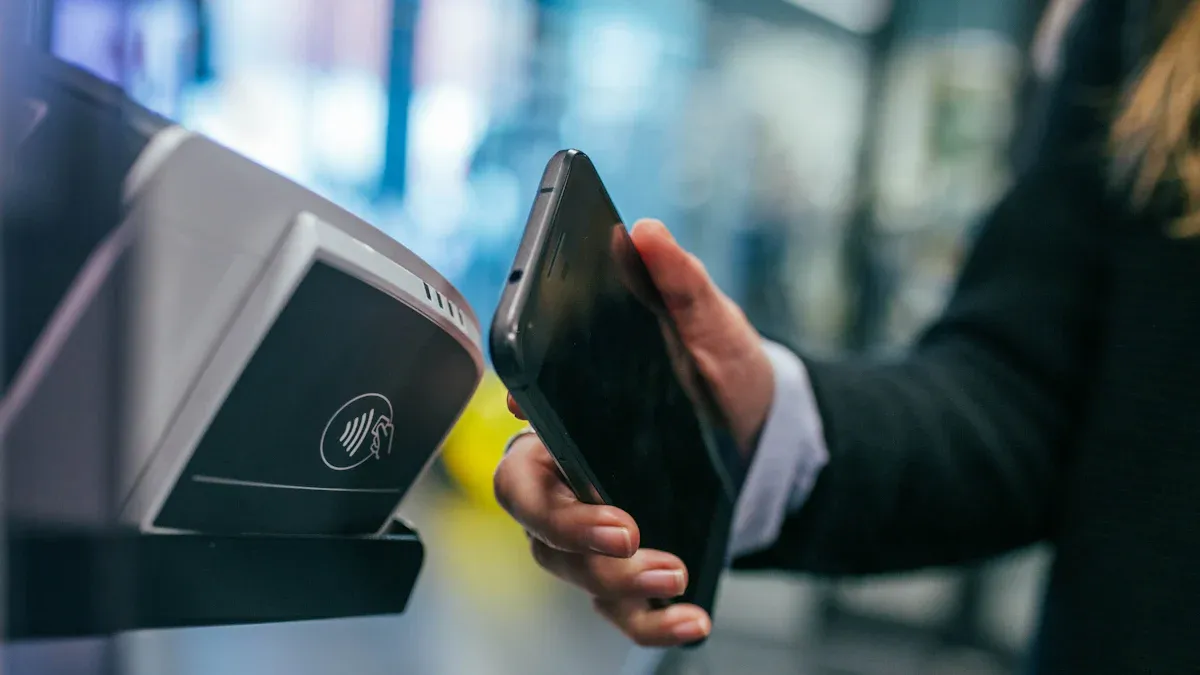
You use cashless payment every day at work. These digital payments help you buy snacks or supplies fast. First, you choose how to pay. You might swipe a card or use your phone. The system checks who you are with a PIN or fingerprint. It checks if you have enough money and looks for fraud. If everything is okay, the money moves to the office. Both you and the office get a receipt. This keeps your payments safe and quick.
Step | Description |
|---|---|
Initiation | You pick how to pay, like swiping a card or using your phone. |
Authentication | The system checks who you are with a PIN or fingerprint. |
Authorization | The system checks if you have enough money and looks for fraud. |
Transfer | Money moves from your account to the office. |
Confirmation | You and the office get a receipt or message. |
Digital payments help you avoid mistakes. You do not need to count cash or wait for change. Cashless systems record every payment, so you always know what you spent.
RFID Integration in Office Retail
RFID makes cashless payments even easier at work. You can pay with a wristband or keycard. These connect right to your account. You just tap and go. This helps stop billing mistakes and makes you happier.
RFID lets you pay with a wristband or keycard.
Payments connect to your account for fast checkout.
RFID helps stop mistakes and makes things better for you.
You get better inventory tracking and faster service.
RFID helps stop loss and keeps products in stock.
RFID also tracks inventory right away. You do not need to scan each item by hand. The system scans many items at once, even if you cannot see them all.
User Experience Workflow
You see how fast and correct cashless systems are at work. Automated payments use AI to finish payments in milliseconds. This means you wait less. Offices that use these systems spend less on each payment and make fewer mistakes. Automated systems lower mistakes by up to 80%. You get clear records and fewer errors.
Note: When you use cashless payments, you expect quick service and correct inventory. Offices with automated payments keep you happy and run better.
Benefits of Cashless Internal Billing
Speed & Efficiency
You want your day at the office to move quickly. Cashless internal billing helps you get what you need without waiting. When you use cashless payments, you do not stand in long lines. You scan your badge or tap your card, and the system finishes your purchase in seconds. This speed means you spend less time buying snacks or supplies and more time working.
Cashless payment systems also make work easier for staff. They do not need to count cash or fill out paper forms. The system tracks every sale and matches it to your account. This reduces mistakes and saves time. You see fewer errors and faster checkouts.
Here is how cashless internal billing improves efficiency:
Improvement Type | Description |
|---|---|
Automation of Reconciliation | The system tracks money for you, so you do not need to count cash by hand. |
Elimination of Till Counting | Staff can help you instead of counting cash at the end of the day. |
Auto Reconciliation | The closing process is faster because there is no cash to count. |
Tip: You can solve problems faster because every transaction is recorded and easy to find.
Security & Fraud Reduction
You want your payments to be safe. Cashless internal billing gives you more security than cash. Digital payments use PINs, passwords, and encryption to protect your money. You do not need to worry about theft because there is no cash in the office. Every transaction is recorded, so you can check your purchases at any time.
Cashless payments also help your company. The system can spot fraud quickly. If someone tries to make a fake purchase, the payment systems can block it. You and your office both stay safe.
Digital payments use strong security like PINs and passwords.
No cash means less risk of theft in the office.
Every payment is tracked, so you can find problems fast.
Improved Productivity
You want to get more done at work. Cashless internal billing helps you and your team work better. Staff do not spend time counting cash or filling out forms. They finish transactions in seconds. This means less waiting and fewer mistakes.
When you use cashless payments, staff can focus on helping you instead of handling money. You get better service, and your office runs smoothly. Faster checkouts let everyone get back to work quickly.
Staff complete sales faster and make fewer errors.
More time for customer service means higher productivity.
Enhanced Customer Experience
You want a good experience when you buy something at work. Cashless internal billing makes this possible. You do not need to carry cash or worry about losing receipts. You get instant confirmation of your purchase. If you have a problem, staff can fix it right away because every transaction is recorded.
Cashless payment systems also help your office keep products in stock. The system tracks what you buy and updates inventory in real time. You find what you need when you need it.
Faster checkouts and shorter lines make your day easier.
Staff can help you more because they do not handle cash.
You see your purchases right away and solve problems quickly.
Note: Cashless internal billing gives you a safer, faster, and more reliable way to pay at work. You enjoy better service and fewer mistakes every day.
Implementation Steps

Assessing Needs
Start by thinking about what your office wants. Make a list of things you want to fix. Do you want faster service or fewer mistakes? Maybe you want better security. Write down your goals. Next, check if cashless payments are worth the money. Use a table to help you see what matters:
Factor | Description |
|---|---|
Assessing needs and goals | Find what you want to make better, like speed or accuracy. |
Cost/benefit analysis | Look at how much cashless systems cost and what you get. |
Compliance and data security | Make sure you follow rules that keep your business and customers safe. |
Process mapping | Draw out how payments work to spot problems before you start. |
Leadership buy-in | Get your managers to support the change and help staff. |
Staff training and communication | Teach staff about the new system and talk about changes. |
Tip: Draw your current payment steps to find problems before switching to cashless payments.
Vendor Selection
Pick a vendor that works well for your office. Look for companies with good help and easy billing tools. Make sure their system connects to your office’s tools. Ask if they know about cashless payments in offices. Check if they give good training and help.
Compare what vendors offer and how much they cost.
Ask to see how their payment systems work.
Make sure the vendor fits your office’s needs.
Compliance & Security
You need to follow rules to keep your office safe. Cashless billing needs strong security. Check if your payment systems meet these rules:
Compliance Standard | Description |
|---|---|
Anti-Money Laundering (AML) | Helps find and report strange cashless transactions. |
Bank Secrecy Act (BSA) | Makes banks help the government stop money laundering. |
Transaction Monitoring | Systems must track cashless payments and spot odd patterns. |
Data Governance | Keeps customer data safe and correct during cashless payments. |
Enhanced Security Measures | Protects customer information from hackers and leaks. |
Comprehensive Training Programs | Staff must learn to spot and stop risks with cashless payments. |
Note: Always keep customer data safe and follow all rules for cashless payments.
Staff Training
Train your team before starting cashless billing. Show them how to use the new payment system. Let them practice using it. Answer their questions and listen to their ideas. Good training helps your office avoid mistakes and keeps everyone ready.
Hold training for all staff.
Use simple guides and let staff try the system.
Tell staff to ask questions about cashless payments.
If you follow these steps, your office will switch to cashless billing easily. You will get faster service, better security, and happier staff.
Safety & Practicality
Security Measures
You want to feel safe using cashless payments at work. These systems use strong tools to protect your money and information. You see things like PIN codes and fingerprint scans. Encryption keeps your data private. If someone tries to use your account without permission, the system blocks them fast. Every payment is tracked, so you can check your spending anytime. You do not need to worry about lost cash or stolen cards at work.
Tip: Always keep your badge or card safe. Tell your office manager right away if you lose something.
System Integration
Your cashless system should work well with other office tools. Good integration means you use one system for payments, inventory, and reports. You do not switch between different apps. This makes your work easier and faster. Your office connects the cashless system to vending machines, supply cabinets, and printers. Staff see all payments in one place. This helps your office save time and avoid mistakes.
Connect your cashless system to your office’s main software.
Use one login for everything you need at work.
Get updates on payments and inventory right away.
Scalability & Flexibility
Your office may grow or change over time. You need a cashless system that can keep up. Look for features that let you add more users or devices easily. Many offices use cloud services like Microsoft Azure or AWS. These platforms help your cashless system grow or shrink as needed. You can also pick payment options that fit your team, like cards or mobile apps.
Here are some important features for scalability and flexibility:
Feature | Description |
|---|---|
Unified Application | Use one platform for all your office needs. |
Seamless Payment Systems | Offer many payment choices, such as cards and mobile apps, to fit everyone in your office. |
Use cloud services to grow your cashless system as your office grows. |
Note: A flexible cashless system helps your office stay ready for the future.
You gain faster service, better security, and fewer mistakes when you use digital payment systems at work. These tools help your office run smoothly and keep your information safe.
Review your current payment process.
Set clear goals for upgrades.
Choose systems that fit your needs.
Tip: Start planning now so your team stays ahead in 2026.
FAQ
How do you add money to your office payment account?
You can add money online or through your office’s payment app. Some offices let you link your bank account or use payroll deductions. Ask your office manager for the best way.
What happens if you lose your badge or payment card?
Tell your office manager right away. The system can block your lost badge or card. This keeps your account safe from others.
Can you see your purchase history?
Yes, you can check your purchases anytime. Most systems let you view your history through an app or website. This helps you track your spending.
What if the payment system goes down?
You may need to wait until the system works again.
Some offices have backup plans, like manual logs or temporary codes.
Is your personal data safe with these systems?
Your data stays protected with strong encryption and security checks. Only approved staff can see your information. Always use secure passwords.
See Also
Discover How Cloudpick Enhances Your Store's Cashierless Experience
Upcoming Changes to Walmart Self-Checkout Options in 2025
Transforming Cash Vending Machines: Coins to Digital Solutions
Smart Technology in Electronics Vending Machines Reshapes Retail
Identifying Self-Checkout Cash Issues and Their Effective Solutions
