Implementing Cashless Internal Billing Solutions for Modern Office Retail

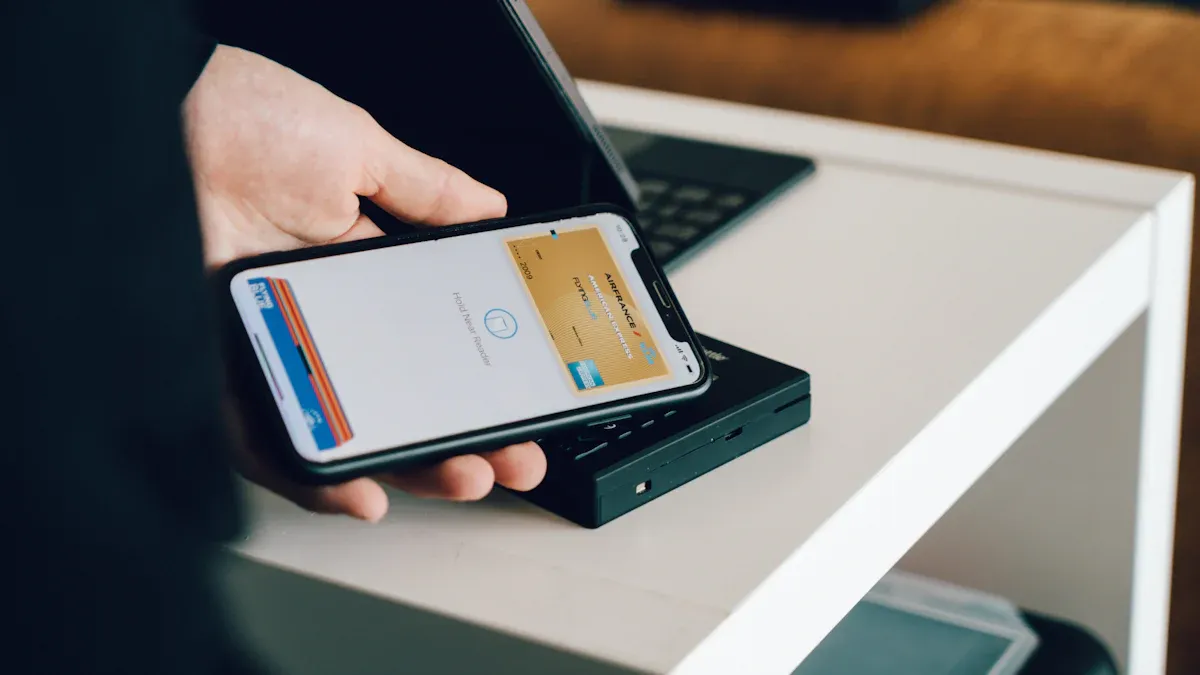
You notice cashless internal billing is changing office shopping. This digital way uses automated payments instead of cash. It helps make your workday easier. Many office managers say it makes things work better. It also keeps money safer and follows rules. Fast payments make clients happier and checkouts quicker. Offices started using cashless systems during COVID-19. This made things safer and faster. You get a helpful solution that helps you work better and feel less stress.
Key Takeaways
Cashless internal billing makes office shopping easier. It uses digital payments. This helps transactions go faster and keeps them safe.
Using cashless systems means less paperwork for staff. Staff can spend more time helping customers. They do not need to handle cash as much.
Digital payment systems keep things safer. They use encryption and real-time tracking. This lowers the chance of theft or fraud.
Picking the right technology and vendors is very important. You should check what you need. You should also compare your choices.
Training staff is a key step. Getting leaders to support the change is also important. This helps everyone switch to cashless billing smoothly.
Why Cashless Internal Billing Matters
Definition and Core Concepts
Cashless internal billing helps you pay in your office store without cash. You use digital tools to keep track of every payment. This way, you do not need cash registers or paper slips. Technology takes care of payments fast and safely. The main parts of a cashless internal billing system are payment input systems, control boards, sensors, and connectivity features. These parts work together to handle payments, check products, and keep things running well.
Component | Description |
|---|---|
Payment Input Systems | Handles transaction processing through cashless readers and other devices. |
Control Boards | Manages system operations and communicates with payment and dispensing mechanisms. |
Sensors | Detects product availability and ensures proper functioning of the system. |
Connectivity Features | Enables communication with digital payment systems and supports secure protocols. |
From Cash to Digital Payments
You can see more people using digital payments at work. Most shoppers want fast and easy ways to pay. Stores now offer digital wallets, QR codes, and buy now, pay later choices. Companies use payment data to make rewards and loyalty programs. Digital payments work both online and in stores, so shopping is easier. COVID-19 made more offices use contactless payments for safety and speed.
65% of consumers want easy payments, but only 45% of stores offer them.
Companies use digital payment data to give special deals and rewards.
Real-time payments and safe QR codes are now used in many places.
Impact on Office Retail Efficiency
Cashless internal billing makes your office store work better in many ways. You do not need to count cash or fill out paper forms. Digital payments make checkouts faster and lines shorter. Staff can help customers more instead of handling money. You can see every payment right away, so you can fix problems fast. Digital records also keep your system safer than using cash.
Aspect | Description |
|---|---|
Streamlined Payment Process | No more cash counting or paper forms, so transactions are quicker. |
Digital payments mean less waiting for customers. | |
Enhanced Productivity | Staff spend more time on service, less on cash handling. |
Improved Tracking | Real-time data helps you solve issues fast. |
Better Security | Digital records protect against theft and fraud. |
Tip: Using cashless internal billing saves time and helps keep your office store safe and running well.
How Cashless Internal Billing Works
Digital Payment Systems
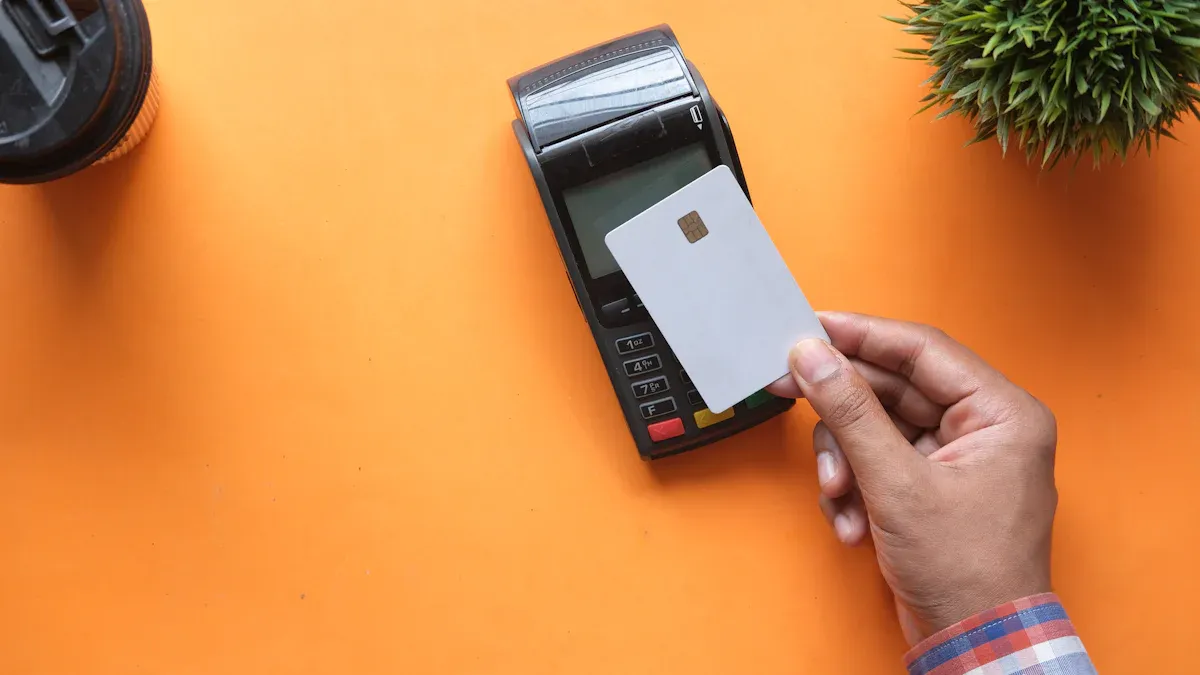
Digital payment systems help you pay quickly and safely in your office store. These systems do payments by themselves and make fewer mistakes. They help you keep good records and save time on math work. Here are some important things digital payment systems can do:
Feature | Description |
|---|---|
Payments Automation | Puts all payments in one place, sends bills faster, and lowers the chance of fraud. |
Business Payments Network | Links you to a safe group of over 600,000 businesses. |
Payments Connectivity | Lets you send and get payments safely, close by or far away. |
Cash Management | Does money jobs for you so you can track and plan better. |
Fraud & Compliance | Finds dangers and keeps your business safe from payment fraud. |
Digital payments and automation stop people from making mistakes and keep your records right. You can help customers more because you do not have to handle cash.
Technology Integration
You need the right technology to connect cashless internal billing to your office systems. The right tools make paying easy and stop long lines or mistakes. Here are some tools you should think about using:
Point of Sale Systems help you pay fast and easy.
RFID Technology lets you pay safely and quickly.
NFC Terminals let people pay with phones or smart cards.
Card Readers check and approve payments.
Self-Service Kiosks let people pay by themselves.
If you do not use these tools, you might have slow bills, mistakes, or trouble running more than one place. Real-time data helps you make smart choices and keeps things working well.
Security and Compliance
You must keep payment data safe and follow rules when you use cashless internal billing. Security rules say you should not keep card data and must use safe payment machines. You should also use security codes and 3D Secure 2 for extra safety. Fraud systems look for strange things and stop dangers right away.
Compliance Standard | Description |
|---|---|
Stops credit card fraud with strong network safety and secret codes. | |
Anti-Money Laundering | Uses rules and staff lessons to stop illegal money use. |
Cybersecurity Protocols | Checks and updates often to fight new dangers. |
Tip: Always update your systems and teach your staff to see risks. This keeps your office store safe and makes users trust you.
Key Benefits of Cashless Internal Billing
Streamlined Operations
Cashless internal billing makes office stores work better. Automation does the money counting for you. Robots handle the till mixes and give out change. Your team can help customers instead of counting cash. Auto reconciliation makes closing time faster. You see fewer mistakes and save time.
Improvement Type | Description |
|---|---|
Automation of Reconciliation | Tracks money automatically, so you do not count cash by hand. This lowers mistakes and saves time. |
Elimination of Till Counting | Robots handle till mixes and change, so workers help customers more. |
Auto Reconciliation | Managers do not count cash at shift end, so closing is faster. |
Tip: Smoother operations help you serve more people and keep your store running well.
Enhanced Security
Digital payments help keep your business safe. PINs, passwords, and encryption protect your payments. No cash means less chance of theft. Digital payments make a record of every sale. This helps you find fraud and manage money better.
PINs, passwords, and encryption keep payments safe
Less cash means less chance of theft
You can see every payment and check for problems
Reduced Administrative Tasks
You do not spend as much time on paperwork. Digital systems mean you do not worry about stolen or fake cash. Every payment is tracked, so it is hard to hide mistakes. Secure records help you watch sales and fix problems fast.
No cash to steal
Less chance of workers taking money
Fewer fake bills
Safe records make tracking easy
Better User Experience
Cashless internal billing makes things better for workers and customers. Customers can pay how they want, so you do not lose sales. You can check machines and stock from anywhere. This makes service faster. Special deals and rewards bring customers back.
Benefit | Description |
|---|---|
Boost Sales | |
Optimize Operations | You can manage machines and stock from anywhere for better service. |
Increase Customer Loyalty | Special deals make customers happy and want to return. |
Note: A better experience makes customers happy and helps your team do more.
Implementation Steps

Assess Needs and Goals
First, find out what your office store needs. Check how your team takes payments now. Write down what works well and what does not. Ask staff and customers what they want in a new system. Set clear goals for your cashless internal billing project. You may want faster checkouts or better security. Make a list of your most important needs. This helps you pick the right tools and see if you reach your goals later.
Tip: Get both managers and workers to help with this step. They can tell you about real problems they face every day.
Analyze Costs and Select Vendors
You need to know how much money you will spend and save. Write down all costs, like hardware, software, and training. Compare these costs to the time and money you save with cashless internal billing. Look for vendors who give good support and work with your systems. Check if they have a good name and follow the rules. Ask for demos and read reviews from other office stores.
Make a budget for starting and running costs.
Compare at least three vendors before you choose.
Ask about customer support and updates.
Pick a vendor that fits your needs and budget.
Ensure Compliance and Map Processes
You must follow all rules when you use digital payments. Draw out each step in your payment process. This helps you find risks and fix weak spots. Use one set of rules to cover things like GDPR, CCPA, and Brazil's LGPD. This makes it easier to handle rules that are the same. Check every partner and vendor for third-party risk. In North America, you need to check carefully because payment rules change fast.
Emerging Technology | Regulatory Challenge | Strategic Action |
|---|---|---|
CBDCs | Real-time reporting | Upgrade ledger interoperability |
Biometrics | Sensitive PII storage | Implement hardware-level encryption |
Instant Payments | Faster fraud velocity | Deploy real-time AI risk scoring |
Open Banking | Data consent management | Centralize permission dashboards |
Try to use one set of controls to avoid too many rules.
Draw your steps to see where rules are the same.
Update your system often to stay safe from new risks.
Note: Checking partners is harder now. Always look at your partners closely before you connect your systems.
Gain Leadership Support and Train Staff
You need your leaders to agree with this change. Show them how cashless internal billing helps the business. Use facts and stories to explain the good parts. When you have support, teach your staff how to use the new system. Use easy guides and let them practice. Make sure everyone knows how to use the tools and spot security risks. Keep lessons short and simple. Give extra help to anyone who needs it.
Share stories from other offices that did well.
Give staff time to learn and ask questions.
Set up a way for staff to share problems or ideas.
Callout: Good training and support from leaders help your project work. Your team will feel ready and sure of themselves.
Case Studies and Overcoming Challenges
Success Stories in Office Retail
You can see many offices succeed with cashless internal billing. One large tech company switched to digital payments in their staff café. Employees used their ID badges to pay for snacks and drinks. The company saw shorter lines and happier staff. Another example comes from a co-working space. They used a mobile app for all purchases. This helped them track sales and reduce theft. Both companies reported fewer errors and faster checkouts.
Tip: Start with a small pilot project. You can learn what works best for your office before a full rollout.
Lessons Learned
You will face some challenges when you change to a new system. Many offices learned that clear communication helps everyone adjust. Staff need simple guides and time to practice. You should test your system before launch. This step helps you find problems early. Offices that asked for feedback improved their systems faster.
Lesson | What You Can Do |
|---|---|
Train Staff Early | Give hands-on practice |
Test Before Launch | Run a pilot with real users |
Gather Feedback | Ask staff and customers often |
Addressing Integration and Change Management
You must connect your new system to your old tools. This step can feel hard. Work with your IT team to map out each step. Make sure your payment system talks to your inventory and HR tools. Change can feel scary for staff. You should explain the benefits and show how cashless internal billing makes work easier. Celebrate small wins to keep your team motivated.
Note: Good planning and open talks help you overcome most challenges. You can build a stronger, safer office store.
You get faster service, safer payments, and easier tracking with cashless internal billing in your office store. First, look for spots where digital payments can make things better. Then, check out B2B marketplaces to find more buyers. Use payment data to make your service better and learn about your customers. Digital transformation helps your office store work better and get ready for the future.
Act now. Find out about best ways to build a smarter office store.
FAQ
What is cashless internal billing?
You use cashless internal billing to handle payments in your office store without cash. The system tracks every transaction digitally. This method improves speed and security.
How do you start using a cashless system?
You begin by choosing a trusted vendor. You set up payment devices and train your staff. You test the system before full use.
Tip: Start with a small pilot to learn what works best.
Is cashless billing safe for your office?
Yes, cashless billing uses encryption and secure codes. You protect payment data and reduce theft risks. You also follow industry rules for safety.
Security Feature | Benefit |
|---|---|
Encryption | Protects data |
PINs/Passwords | Stops theft |
What if your staff has trouble with the new system?
You provide simple guides and hands-on training. You answer questions quickly. You encourage feedback to fix issues fast.
Give staff time to practice.
Offer extra help when needed.
Can you still accept cash if needed?
You can keep a backup cash option during the transition. Most offices move to full cashless after staff and customers adjust.
Note: Clear signs help everyone know your payment options.
See Also
Discover How Cloudpick Enhances Your Store's Cashierless Experience
Boosting Office Efficiency Through Innovative Smart Vending Machines
Transforming Retail: The Impact of Smart Electronics Vending Machines
Identifying and Resolving Self-Checkout Cash Issues for Efficiency
