How to Effectively Handle Inventory in Corporate Micro Stores

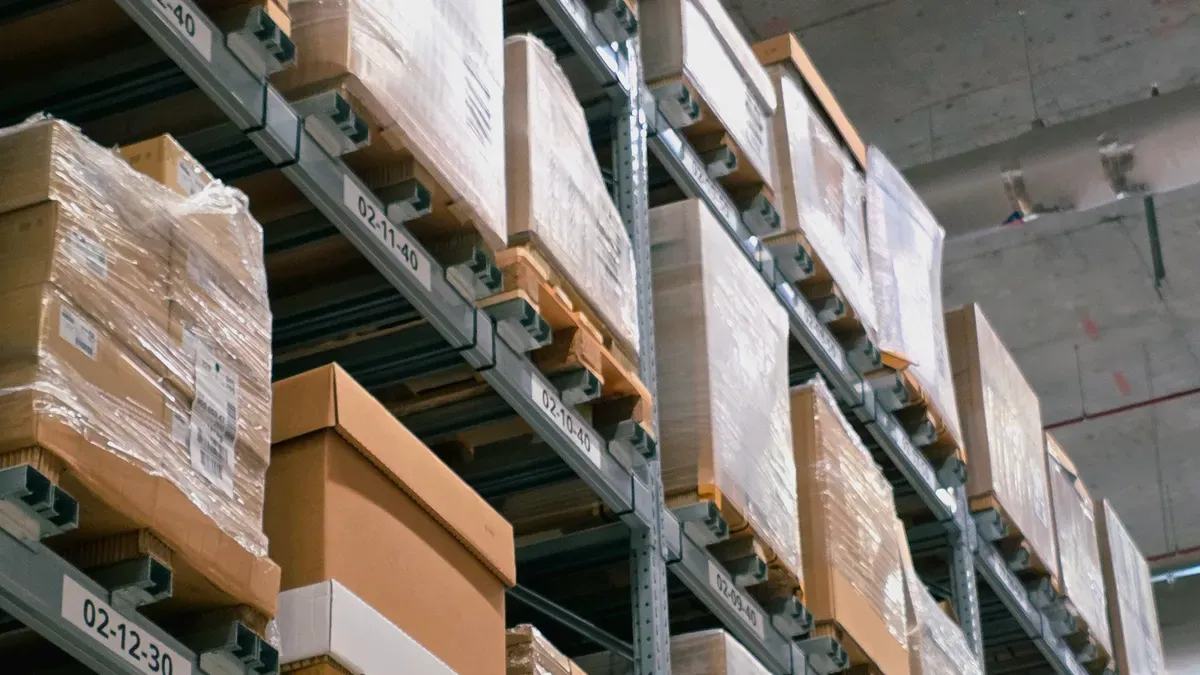
You need good inventory management to keep your micro store working well. Being correct helps you stop expensive mistakes and makes sure your team has what they need. Micro stores have special problems like small space and items that sell fast. Using technology and following good ways to manage inventory can help you watch items, save money, and make fewer mistakes. Use the best tools and habits to make inventory management easy and trustworthy.
Key Takeaways
Keep all inventory information in one place with a centralized product database. This stops confusion and makes sure stock levels are right.
Check SKUs and barcodes often to keep things correct. Doing this helps restock faster and lowers order mistakes.
Count inventory often, depending on the product type. This finds errors early and keeps stock levels right.
Use real-time inventory syncing to stop overselling and show correct stock. This helps your store stay neat and work well.
Use automated replenishment systems to keep good stock levels. This stops you from running out or having too much stock.
Inventory Management Fundamentals
Centralized Product Database
A centralized product database is very important for good inventory management in corporate micro stores. You keep all your product details together in one spot. This helps you find items fast and update information easily. It also stops confusion about what you have in stock. When you use just one database, you lower the chance of having double records or missing products. You can see your stock levels right away, so you know when to order more. A centralized system helps everyone use the same data. This keeps your inventory correct and stops shortages or having too much stock, which can waste money.
Tip: Pick a database that updates by itself when you sell or get new products. This makes your inventory management smooth and dependable.
SKU and Barcode Accuracy
SKU and barcode accuracy are very important for inventory management. Each SKU is for one special product. Barcodes let you scan and track items quickly. When SKUs and barcodes are correct, your store works better in many ways:
You restock faster because you notice low stock right away.
You fill orders with fewer mistakes since each SKU is for one item.
You can guess future sales better by watching each SKU.
You make inventory checks easier and quicker.
You handle returns and restocking with less trouble.
To keep inventory correct, check your SKUs and barcodes often. Make sure every product has its own clear code. This helps stop mistakes and keeps your inventory management strong.
Regular Inventory Counts
Regular inventory counts help your store run well. You check your stock often to find mistakes early. This helps you keep inventory correct and spot problems before they get big. Stores that count important items every week can reach over 98% accuracy. You can pick how often to count based on the product type and how fast it sells.
Here is a simple guide for how often to count different items:
Product Type | Recommended Count Frequency |
|---|---|
High-velocity items | |
High-value items | More frequent counts (weekly/daily) |
Low-risk SKUs | Quarterly or semi-annual counts |
You can also group your SKUs by how much they move:
SKU Category | Count Frequency |
|---|---|
Top 20% of SKUs | At least weekly |
C-items (minimal movement) | Quarterly or semi-annually |
When you count inventory often, you see what you have and catch mistakes fast. This keeps your inventory management correct and helps you avoid running out or having too much.
Regular checks show you what is in your inventory.
You can change your counting schedule to fit your products.
Counting high-value items often protects your business from big mistakes.
By following these steps, you make your inventory management strong in your micro store. You stop errors, save money, and make sure your team always has what they need.
Retail Inventory Management Best Practices
Real-Time Inventory Syncing
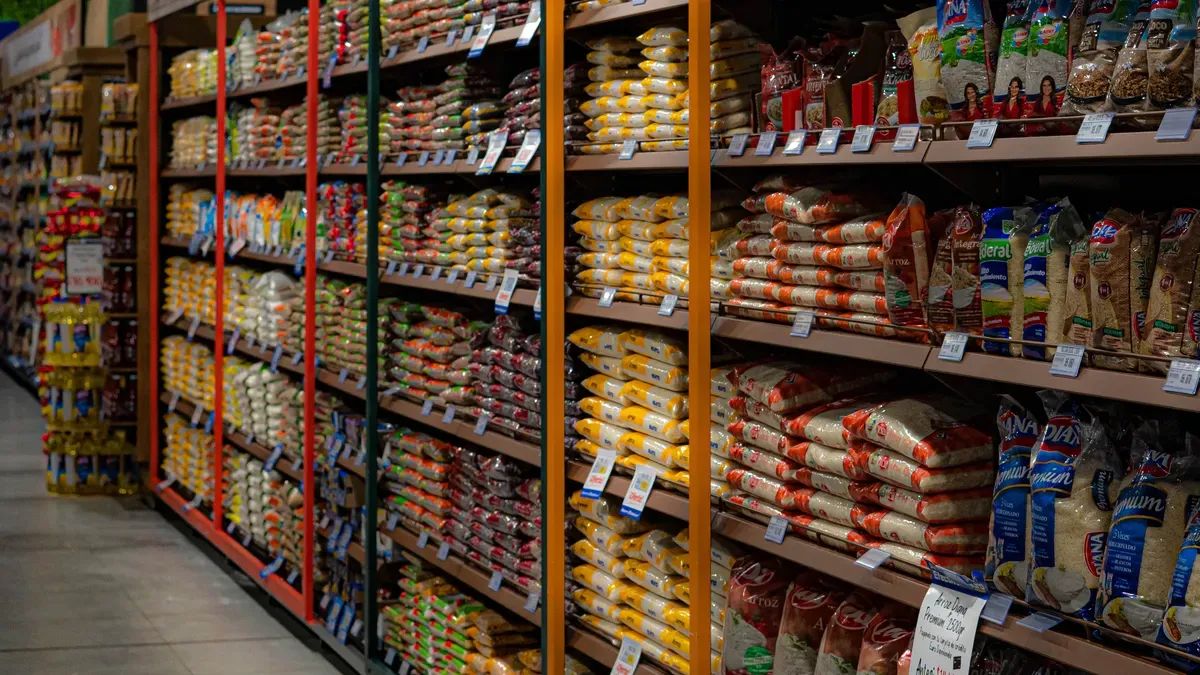
Real-time inventory syncing helps your store stay organized. When you update stock right away, you do not sell items you do not have. You can see which products are not selling fast. This helps you decide about sales or discounts. Real-time syncing keeps your inventory management correct and makes your store run smoothly.
Here is how real-time syncing helps your store:
You see your inventory levels right after each sale, return, or restock. This stops you from selling too much and keeps your numbers right.
You do not run out of popular items. You also do not keep too many slow sellers. This helps you use your space and money well.
You do not make mistakes from typing data by hand. Automated syncing keeps your records the same everywhere.
Tip: Use tools like edge-enabled POS systems or IoT sensors. These tools update your stock in less than a second. They help you keep up with fast sales.
Technology | Description |
|---|---|
Edge-enabled POS | Makes inventory sync much faster, cutting wait time from 3.2 seconds to under 150 milliseconds. This is a 95% reduction. |
IoT Sensors | Update stock levels right away at the store or center. This lets you see changes in real time. |
Predictive Analytics | Sends restock orders and shows items that are not selling well. This keeps your store running lean. |
AI can look at sales and market changes. It tells you when to restock or run a sale. This makes your retail inventory management smarter and more dependable.
Automated Replenishment
Automated replenishment keeps your stock levels healthy. You set rules in your inventory management system. The system orders more products when you get low. This stops you from running out or buying too much.
Here are some benefits of automated replenishment:
Benefit | Description |
|---|---|
Lower total spend | Real-time tracking stops you from buying too much and shows unused items. |
Prevention of stockouts and overstock | |
Fewer errors and duplicates | Barcode/RFID scans stop mismatches and old entries. |
You make fewer mistakes because the system does the math for you. You do not need to remember to order or worry about the wrong amount.
Automated systems help your inventory management by:
Keeping stock levels right and lowering human mistakes.
Giving you real-time data for better choices.
Automating orders so you never forget to restock.
Note: Set your system to alert you before you run out. This way, you always have what your team needs.
Inter-Store Transfers
Sometimes, one micro store has too much of an item. Another store may run out. Inter-store transfers help you balance stock across your stores. You move products from one place to another. This way, every store has what it needs.
Inter-store transfers can help inventory optimization by improving sell-through rates. But they also add extra work, transit costs, and risks of shrinkage. An ERP system should not transfer items just because of inventory levels. It must check transfer limits, expected demand, handling costs, and timing for seasons or sales.
To make inter-store transfers work well, follow these steps:
Workflow Area | Typical Fragmentation Issue | ERP Automation Tactic | Operational Benefit | Tradeoff to Manage |
|---|---|---|---|---|
Inter-store transfers | Transfers tracked by email or spreadsheet | System-directed transfer requests, approvals, shipment, and receipt confirmation | Better stock balancing across the network |
Use your inventory management software to track every transfer.
Set clear rules for when and how to move products.
Make sure each transfer has an owner who checks the process from start to finish.
Tip: Check your transfer process often. This helps you find problems early and keep your store management efficient.
By using these retail inventory management best practices, you keep your stock balanced, make fewer mistakes, and make your store management easier. You also save money and keep your team ready for anything.
Leveraging Inventory Management Software
Software Selection Criteria
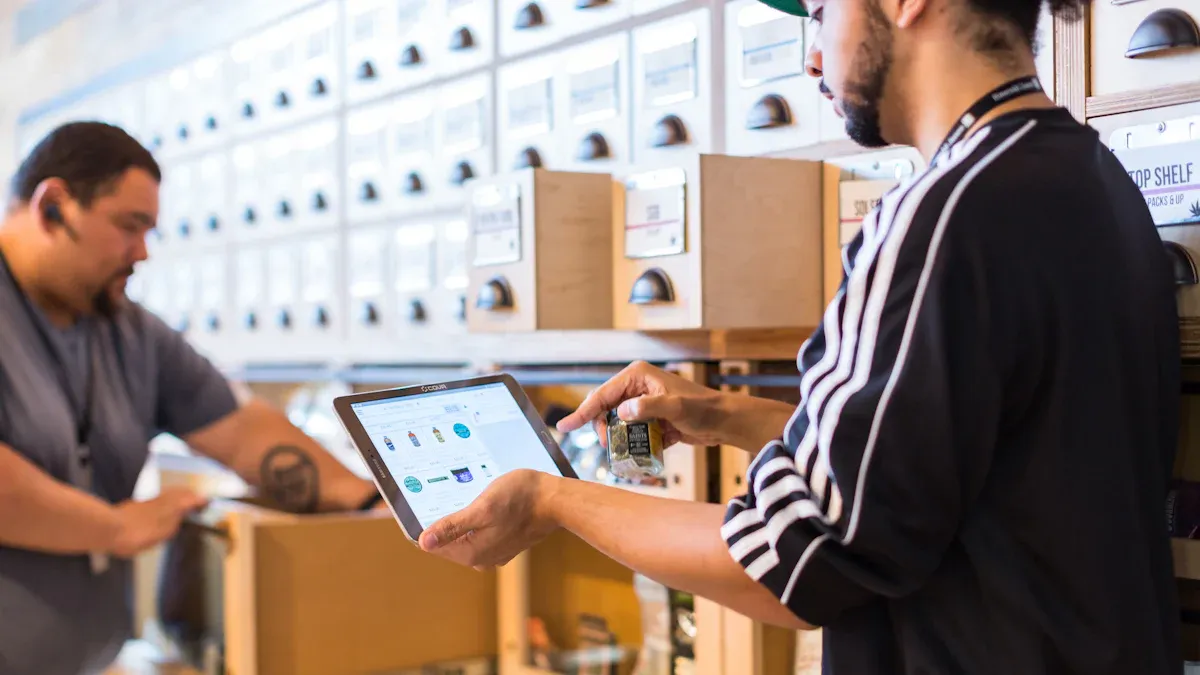
You need the right inventory management software to help your micro store work well. Good software lets you keep track of products, stop mistakes, and save time. When picking inventory management software, look for these key features:
Real-time inventory tracking at all your locations
Native BOM and work order management
MRP or production-driven replenishment
Lot and batch traceability for better control
A timeline that is realistic for your team to set up and use the software
Clear pricing with no hidden fees
Check if the inventory management software connects with your sales channels, marketplaces, and fulfillment partners. Make sure it gives you automatic stock updates and detailed analytics. These tools help you make smart choices and keep your inventory management strong.
The best inventory management software for micro stores should have:
Inventory tracking to stop shortages and overstock
Demand forecasting to help you know what you need next
Barcode scanning for quick and correct counts
Reporting and analytics for better planning
Integration with other systems for smooth operations
Integration with Sales and Purchasing
You can make your store work better by linking your inventory management software with sales and purchasing systems. This connection puts all your data in one place. You see everything as it happens, which helps you avoid mistakes and work faster.
Benefit | Description |
|---|---|
You get one main place for inventory data. This helps your team work together better. | |
Quick Implementation & Streamlined Procurement | The software does buying tasks for you. You spend less time on manual orders. |
You might have some problems when you connect different systems. These can include:
Challenge | Description |
|---|---|
Different platforms may not work together easily. You may need to update old systems. | |
Data security and privacy | More data sharing means you need strong security to protect information. |
Handling inventory discrepancies | Sometimes, numbers in the system do not match real stock. Regular cycle counts help fix this. |
Technical debt | Old software can slow you down. You may need to upgrade for better connections. |
You can solve these problems by picking inventory management software that works well with your current tools and by following best practices.
Data-Driven Decision Making
Inventory management software helps you make better choices by using data. You collect information from many places, like online sales, in-store purchases, mobile apps, and social media. This data shows you what your customers want and how they shop.
You can use these steps to improve your inventory management:
Gather data from all customer touchpoints.
Use AI and machine learning to find patterns and trends.
Apply predictive analytics to guess future demand and set the right stock levels.
With inventory management software, you can see which products sell best, when to reorder, and how to plan for busy times. IoT technology can even track inventory in real time, so you always know what you have. This helps you avoid running out of popular items and keeps your micro store ready for anything.
Advanced Inventory Techniques
Demand Forecasting
You can make inventory management better by using demand forecasting. This helps you guess what products your micro store will need soon. Good demand forecasting helps you plan your supply chain and manage money. It also helps you set prices and stop running out of items. Many stores now use AI-based forecasting tools. These tools lower mistakes and find patterns in big data sets. About 70% of companies are switching to AI forecasting, and most will use it by 2030.
Here are some common ways to forecast demand:
Method | Description |
|---|---|
Trend Projection | Uses old data to guess future demand and ignores rare events. |
Regression Analysis | Finds links between sales and other things to help use resources better. |
Barometric Model | Uses different signs to guess short-term demand. |
Diffusion Index | Sums up economic signs to guess future trends. |
Econometric Model | Looks at how sales and economic factors connect for better forecasting. |
ABC Analysis
ABC analysis is a helpful way to manage inventory. You use it to focus on your most important items. Here is how you do it:
Pick your goal, like saving money or selling more.
Gather data on what you spend for each item.
Sort items by how much they matter, from most to least.
Find each item's sales impact as a percent.
Put items into groups (A, B, or C) for easier management.
Check your groups and change your plan if needed.
ABC analysis helps you take care of high-value items. You can stop running out or having too much, use space better, and find problems in your inventory.
Just-in-Time Inventory
Just-in-time inventory is another good way to manage stock. You only order products when you need them. This method cuts waste and saves money. It also helps your store work better and faster.
Benefit | Description |
|---|---|
Waste Reduction | Stops you from buying too much and having extra stock. |
Improved Efficiency | Lowers storage costs and helps you sell items faster. |
Greater Productivity | Saves time and makes your work easier. |
Lower Costs | Cuts inventory and labor costs. |
Improve Quality | Focuses on quality, so customers are happier. |
You need good data and strong steps for just-in-time inventory. Mistakes or late deliveries can cause trouble, so you must stay organized.
Key Inventory KPIs
You can check how well you manage inventory by using key KPIs. These numbers show how your store is doing.
KPI Name | Description |
|---|---|
Inventory Turnover Rate | Shows how often you sell and restock items each year. |
Weeks on Hand | Tells you how many weeks items stay in storage. |
Sell-through Rate | Compares sold units to received units. |
Stock-to-Sales Ratio | Compares inventory value to sales value. |
Backorder Rate | Shows how many orders are late. |
Accuracy of Forecast Demand | Checks how close your guesses are to real sales. |
Gross Margin Return on Investment | Measures how much profit you make from your inventory. |
Tracking these KPIs helps you find problems and make your inventory management better. You can earn more and help your store work well.
You can improve your micro store’s inventory by following a few key steps.
Fine-tune your forecasting using past sales and trends.
Track stock levels in real time with cloud-based tools.
Audit your inventory often and use ABC analysis to focus on important items.
Use automated systems to keep stock at the right level.
Start with one new strategy today to make your inventory management stronger.
FAQ
How often should you check inventory in your store?
You should check inventory in your store at least once a week. High-value or fast-moving items need more frequent checks. Regular counts help you avoid shortages and keep your store running smoothly.
What is the best way to track products in a micro store?
You can use barcodes and inventory software to track products in your store. This method helps you find items quickly and reduces mistakes. Real-time tracking lets you see what is available in your store at any moment.
How do you handle supplier performance issues in your store?
You should review supplier performance every month. Track delivery times and product quality for your store. If you see problems, talk with your supplier. Good supplier performance helps your store avoid delays and keeps shelves stocked.
Why is it important to watch sales trends in your store?
Watching sales trends in your store helps you know what customers want. You can adjust your orders and keep popular items in stock. This practice helps your store avoid overstock and lost sales.
Can you use one system for multiple store locations?
Yes, you can use one inventory system for every store location. This setup lets you see all your store data in one place. You can move products between stores and keep each store stocked with what it needs.
See Also
Comparing Micromarkets And Smart Stores In Global Retail
Enhancing Office Efficiency Through Smart Vending Solutions
Launching An AI-Driven Corner Store On A Budget
Understanding Corner Store Fundamentals And Their Importance
