Unlocking Success with Inventory Management for Corporate Micro Stores

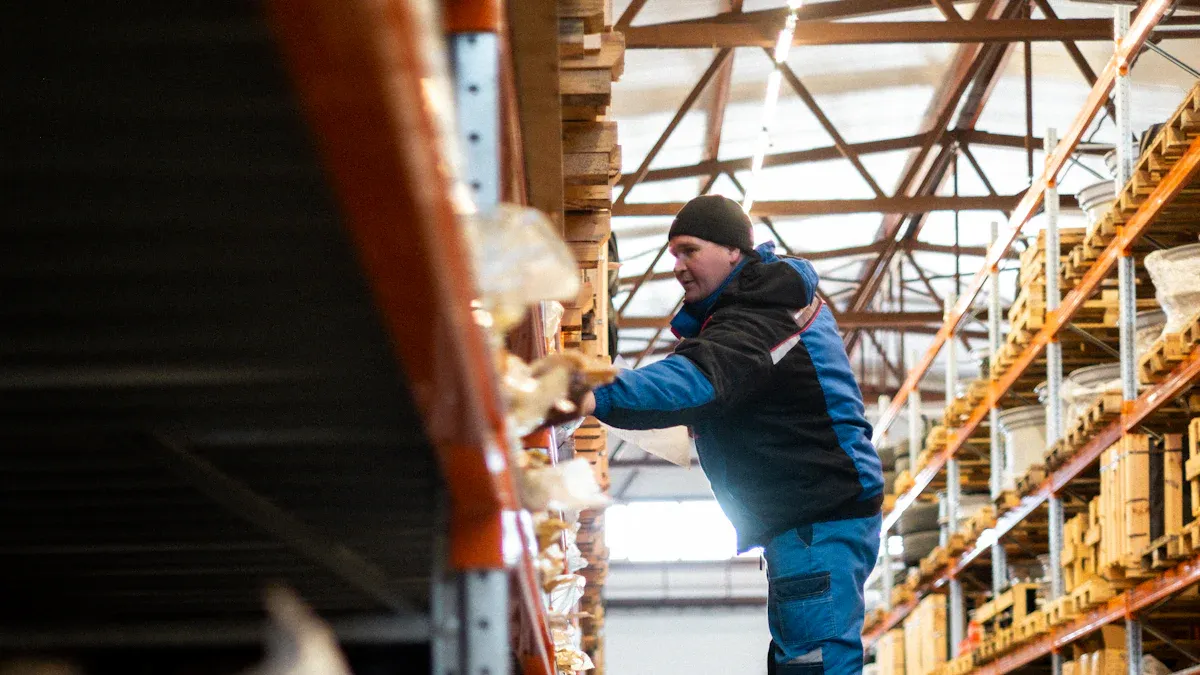
Inventory management lets you know where every item is in your micro store. You will not run out of things people want to buy. You also will not waste money on things that do not sell. When your micro store gets bigger, you stop using spreadsheets or pen and paper. You start using automated systems instead.
Smart inventory management helps you save time and make fewer mistakes.
Key Takeaways
Good inventory management stops you from running out of items and cuts down on waste. This saves money and keeps customers happy.
Use technology and machines to make inventory work easier. This helps you track and order items faster and with fewer mistakes.
Check your inventory often and use real-time tracking. This keeps your stock numbers right and lowers errors. It also helps you work better.
Pay attention to your best-selling products by using the 80/20 rule. This helps you earn more money and handle inventory well.
Teach your staff often so they know how inventory works. This means fewer mistakes and better service for customers.
Inventory Management Success Factors
Efficiency and Operations
Inventory management helps your micro store work better. When you organize your stock, picking is faster. Barcodes make packing more accurate. Batch tracking lets you find products quickly if there is a problem. Reorder points help you keep popular items in stock. Safety stock is extra inventory that stops shortages. Regular audits and digital tools make counting stock easier. Lower inventory levels give you more money for other things. The table below shows ways you can improve:
Improvement Type | Description |
|---|---|
Pick and Pack Optimization | Organize stock and use barcodes for faster order fulfillment. |
Batch Tracking | Trace products quickly using batch numbers. |
Accurate Reorder Points | Know when to reorder to prevent stockouts. |
Safety Stock Inventory | Keep extra stock to handle supply and demand changes. |
Inventory Turnover Optimization | Monitor turnover rates for efficient sales. |
Streamlined Stocktaking | Use digital tools for regular audits. |
Reduced Inventory Levels | Lower stock to free up capital. |
Tip: Use the 80/20 rule. Focus on the top 20% of products. These products bring in most of your revenue. This helps you manage your inventory better.
Cost Control and Waste Reduction
Inventory management helps you save money and cut waste. You avoid buying too much, so storage costs go down. Products do not get old or damaged as often. Faster turnover means you sell items quickly and get new stock. This brings in money and lowers losses. The table below shows how you can save money and waste less:
Description | Impact |
|---|---|
Minimize expenses and waste | |
Prevent waste from obsolete or damaged products | Keep products sellable and reduce losses |
Increase inventory turnover | Generate revenue faster and avoid dead stock |
Customer Satisfaction
Good inventory management keeps customers happy. They get what they want with fewer delays. Mistakes happen less often. Returns and bad reviews go down. Satisfaction scores go up. Customers come back more often. Brand loyalty gets stronger. Here are some results you can expect:
Customer return rate drops by 27%.
Satisfaction scores rise by 42%.
Repeat purchase rate increases by 28%.
Negative reviews decrease by 76%.
Brand loyalty improves by 53%.
Inventory management gives you tools to keep customers happy and your business strong.
Fundamentals of Inventory Management for Micro Stores
Key Concepts
You need to know some simple ideas to manage inventory well. These ideas help you stay in control and stop problems. Here are the main things you should do:
Make your warehouse neat and easy to use. A good layout helps you find things fast.
Check your stock when it comes in. Look at every delivery to make sure you got the right items.
Put labels on all your products and sort them. Labels help you spot mistakes and stop confusion.
Make a plan to count your inventory often. Counting helps you keep your records right.
Watch expiration dates and shelf life. This is important if you sell food or things that can go bad.
Try to guess what you will sell and keep the right amount of stock. This stops you from running out or having too much.
Give each person a clear job with inventory. Make sure someone is in charge of every step.
Set up tools that tell you when to order more. These tools help you not forget to restock.
Save your inventory data in another place. This keeps your records safe if something goes wrong.
Check your steps often and look for ways to do better. Always try to improve your system.
Tip: If you follow these steps, you can stop many problems and keep your store working well.
Unique Needs of Micro Stores
Micro stores have special problems. You may have less space and not many workers. Small mistakes can turn into big problems. The table below shows common mistakes and how to fix them:
Mistake | Description | Solution |
|---|---|---|
Using spreadsheets can slow you down as your store grows. | Invest in software for automation and real-time tracking. | |
Lack of Real-Time Inventory Tracking | Without real-time updates, you might run out of stock or overstock items. | Use software that gives you real-time inventory updates. |
Poor Demand Forecasting | Guessing sales can lead to too much or too little stock. | Use tools that analyze sales data and trends. |
Failing to Conduct Regular Audits | Not checking inventory can cause financial problems from errors. | Switch to cycle counting for better accuracy. |
You can stop these mistakes by using inventory management software and making good habits. This saves you time, cuts down on errors, and keeps your customers happy.
Inventory Challenges in Corporate Micro Stores

Space and Resource Constraints
Micro stores do not have much space or many resources. Small storage rooms make it hard to keep enough products. Old equipment can spoil up to 30% of perishables. About 20% of food gets wasted from bad storage. Many micro stores lose up to 40% of their perishable items every year. You need to use your space in a smart way and check your storage often. Good shelves and new equipment help you waste less. You can use clear labels and sort products by type. This makes it easier to find things and keeps your store working well.
Note: Smart storage and regular checks help you save money and stop spoilage.
Demand Forecasting
It is hard to guess what customers want. Bad demand forecasting can make you run out of stock or have too much. If you run out, you lose sales and customers get upset. If you have too much, your money gets stuck and things may not sell. You can use different ways to forecast demand. The table below shows some common ways:
Forecasting Method | Description | Application Example |
|---|---|---|
Time Series Analysis | Looks at past sales to find patterns. | Planning for holiday sales spikes. |
Moving Averages | Uses average sales to predict future needs. | Setting monthly stock levels. |
Exponential Smoothing | Focuses on recent sales for fast-changing products. | Forecasting demand for new gadgets. |
Regression Analysis | Studies how outside factors affect sales. | Measuring impact from social media marketing. |
Causal Models | Checks how changes like price affect demand. | Predicting sales after price increases. |
Hybrid Methods | Combines different approaches for better results. | Launching new products with market research. |
Machine Learning & AI | Uses computers to find patterns and improve accuracy. | Cutting forecasting errors by up to 50%. |
Collaborative Planning | Shares data with suppliers for better forecasts. | Aligning stock levels across the supply chain. |
You can pick the method that works best for your store. These tools help you keep the right amount of stock and waste less.
System Integration
Your inventory management system should work with your other business tools. If systems do not connect, you can get errors and delays. Staff may need extra training to use new software. If you do not connect your systems, you cannot track inventory in real time or reorder fast. Sales data may be wrong, which can make customers unhappy and slow down your store. You should pick systems that are easy to connect and give your team help. This keeps your store neat and your customers happy.
Tip: Pick software that works with your sales and accounting tools for smoother work.
Best Practices for Micro Stores
Process Optimization Steps
You can help your micro store work better by following easy steps. First, stop using pen and paper or spreadsheets. Use inventory management software to keep track of your stock. This saves time and helps you make fewer mistakes. With software, you can scan barcodes and count stock fast. You can also see reports right away.
Here are the main steps to make your process better:
Step | Description |
|---|---|
Monitor sales trends | Check your sales data to see patterns and busy times. |
Create a re-order point | Set your software to order more of your best-sellers before you run out. |
Invest in inventory management software | Change from manual tracking to software that updates your stock by itself. |
Prioritize inventory | Put fast-selling items close to where you pack orders. |
Consistent stock receiving | Always check and record new stock the same way every time. |
Tip: Real-time visibility means you can see your stock at any moment. This helps you not run out or buy too much.
When you follow these steps, you save time and money. You also make better choices because you can see your sales and stock right away. Your customers will get faster service and find what they want more often.
Technology and Automation
Technology helps you do more work with less effort. Automated systems can track your stock and send alerts when you need to order more. They also help you find products faster. You can pick the technology that fits your store best.
Technology | Key Benefits |
|---|---|
AutoStore | Moves products fast and works well in small spaces. |
Swisslog’s SynQ | Connects your inventory system with other business tools for more options. |
Exotec Skypod | Finds and moves products quickly, even in small areas. |
You can also get these benefits:
Lower delivery costs by keeping products close to customers.
Better use of space with tall shelves and small systems.
Less need for people to do the work, so there are fewer mistakes and faster service.
Automated reorder alerts are very helpful. These alerts tell you when to order more stock. You do not have to guess or check by hand. This keeps your shelves full and your customers happy.
Real-time inventory visibility gives you many good things. You can sell more by fixing stock mistakes. You do not buy too much, so you save money. You can also change prices fast if you need to. Your staff can help customers more instead of counting stock.
Benefit | Impact on Decision-Making |
|---|---|
Increased Sales | Fixing stock mistakes can help sales go up by 4% to 8%. |
Reduced Overstock | Do not buy too much and keep your money for other things. |
Improved Inventory Turnover | See which products sell fast and manage your stock better. |
Dynamic Pricing Strategies | Change prices based on how much you have and how fast things sell. |
Enhanced Customer Experience | Staff can focus on helping customers, which makes them happier. |
Staff Training
Your team needs good training to keep your inventory right. Training helps everyone know what to do and how to do it well. Keep training short and easy to understand. Teach your staff in the store so they can learn by doing. Make sure each person learns what is important for their job.
Here are some ways to train your staff:
Keep lessons short so no one gets tired.
Train in the store for real practice.
Make training fit each job so it is clear and helpful.
Repeat important steps to build good habits.
Use real customer problems for practice.
Give feedback often to help staff get better.
Celebrate when people do well to keep everyone happy.
When your staff knows what to do, you make fewer mistakes. Your inventory stays right, and your store works well. Customers notice when your team does a good job together.
Inventory Management Tools and Methods
Just-In-Time (JIT)
Just-In-Time (JIT) helps you keep less inventory. With JIT, you only get products when you need them. This saves you money and space in your store. You do not spend extra cash on stock you do not need. Your store works faster and you can find problems sooner. If customers want something new, you can change your orders. The table below shows the main good things about JIT:
Advantage | Description |
|---|---|
Reduced Inventory Costs | JIT frees up cash flow and lowers storage needs. |
Improved Efficiency | You get faster turnaround times and higher productivity. |
Enhanced Quality Control | Small batches make it easier to find and fix defects. |
Increased Adaptability | You can adjust quickly to market changes and customer needs. |
Economic Order Quantity (EOQ)
Economic Order Quantity (EOQ) helps you know how much to order. EOQ helps you balance costs and keep enough stock. This stops you from buying too much or too little. You can make better choices and keep customers happy. Here are some ways EOQ helps your micro store:
EOQ helps you fill orders by making sure you have enough.
You keep customers happy and sell more by not running out.
EOQ uses data to help you guess what you need and not buy too much.
You spend less on storage, buying, and shipping.
EOQ keeps your inventory at the right amount for your store.
Inventory Management Software
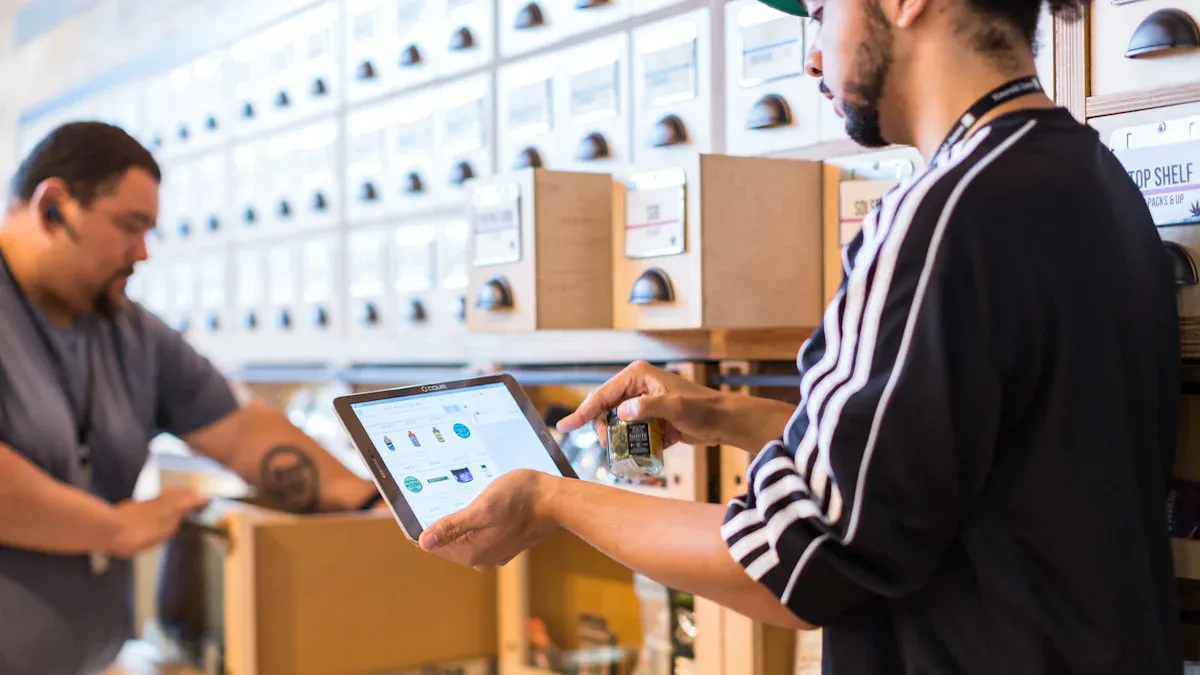
Inventory management software gives you tools to track your stock. You can see your inventory right away and get alerts when you need to order more. MicroBiz is a good example for small and medium stores. You can connect your software with sales and accounting tools. This makes your work easier and keeps your records right. The table below shows what features to look for:
Feature | Description |
|---|---|
Real-time inventory tracking | Updates stock levels as products move, preventing mistakes. |
Order management and stock alerts | Sends alerts to avoid stockouts and keeps audit logs. |
Demand forecasting | Uses sales history to predict future needs and optimize inventory. |
Barcode scanning | Tracks products and helps with compliance. |
Multi-location management | Balances supply across different sites. |
Integration with 3rd parties | Connects with accounting, ERP, CRM, and POS systems. |
Analytics dashboards | Shows trends and inventory needs for smart decisions. |
Tip: Pick software that works with your sales and accounting tools. This helps you run your store with less work and fewer mistakes.
You can get great results by making inventory management better in your micro store. When you follow best practices, you get:
More efficiency and spend less money
Improved stock and fewer times you run out
Less waste and happier customers
You can check how you are doing in different ways:
Use demand planning tools to lower inventory and out-of-stock numbers.
Use real-time analytics to spend less and sell more.
Put vendor management in one place to save more money.
Look at your current process today. Small changes can help your business grow.
FAQ
What is the best way to track inventory in a micro store?
You should use inventory management software. This tool helps you see your stock in real time. It also sends alerts when you need to reorder. You save time and make fewer mistakes.
How often should you count your inventory?
Count your inventory at least once a month. Cycle counting works well for busy stores. This method checks small sections each week. You find errors faster and keep your records accurate.
Why do micro stores need automated reorder alerts?
Automated reorder alerts help you avoid running out of popular items. You get reminders before stock runs low. This keeps your shelves full and your customers happy.
Can inventory software connect with other business tools?
Yes, many inventory systems connect with sales and accounting tools. You can see all your data in one place. This makes your work easier and helps you make better decisions.
What should you do if you have too much stock?
First, check your sales data. Then, run a sale or offer discounts to move extra items. You can also bundle products together. This helps you free up space and reduce waste.
See Also
Enhancing Office Efficiency Through Intelligent Vending Machines
Comparing Micromarkets and Smart Stores in Global Retail
Launching a Low-Cost AI-Driven Convenience Store Successfully
Revolutionizing Online Retail Management with AI Tools
Modern Retail Advantages of AI-Enhanced Combo Vending Machines
