POS Integration with Computer Vision Improves Customer Experience

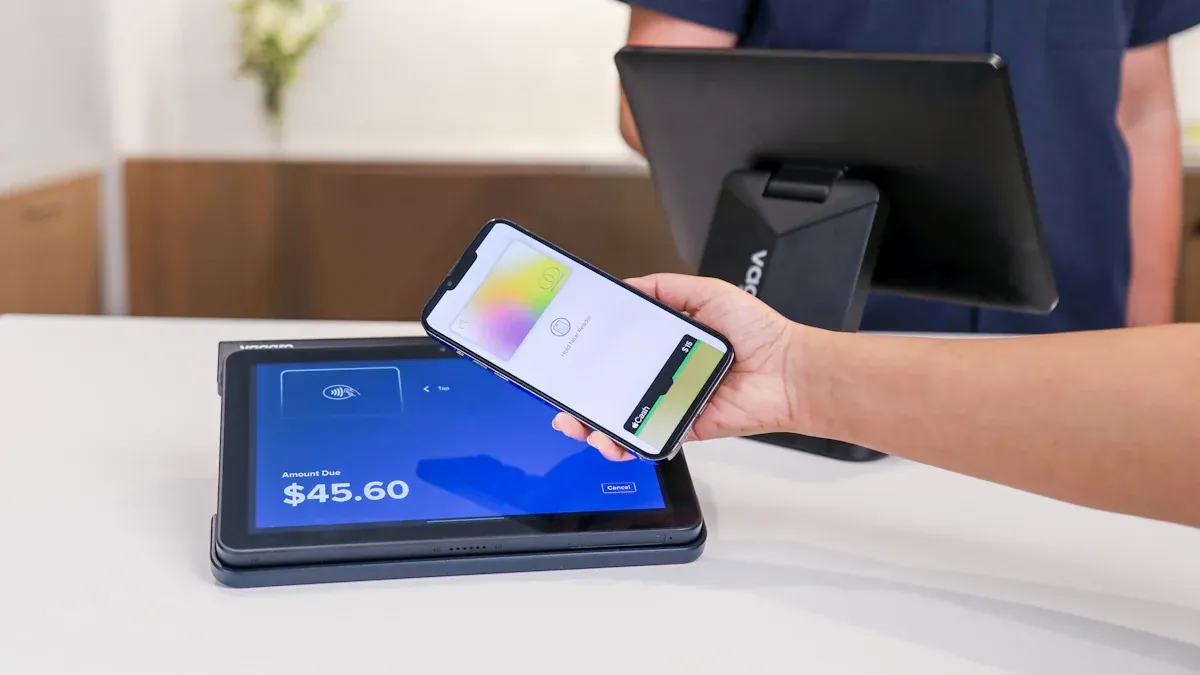
Imagine walking into a store, picking up your items, and leaving without waiting in line. This becomes possible when you link your point-of-sale system with computer vision cameras. Stores using this tech see checkout speed rise by up to 30 percent, thanks to seamless POS integration that connects every transaction in real time.
This POS integration cuts wait times a lot. Fewer shoppers leave their full carts behind when lines move fast. You can also offer personal service, keep accurate stock counts, and handle payments smoothly—all through a unified system that works behind the scenes.
Faster checkout directly boosts customer happiness. Happy shoppers come back more often, building strong loyalty. This blog shows how smart POS integration changes the shopping experience you give, making every visit quicker, easier, and more enjoyable.
Key Takeaways
Linking POS with computer vision cuts checkout time by 70 percent per item.
Personalized offers use customer recognition to build loyalty and increase sales.
Watching shelves in real time stops items from running out and keeps products on hand for customers.
Store data shows customer paths, so staff can use that information to act quickly.
Begin with a small test run to check privacy rules and how well the system works together.
Streamlined Checkout and Reduced Friction
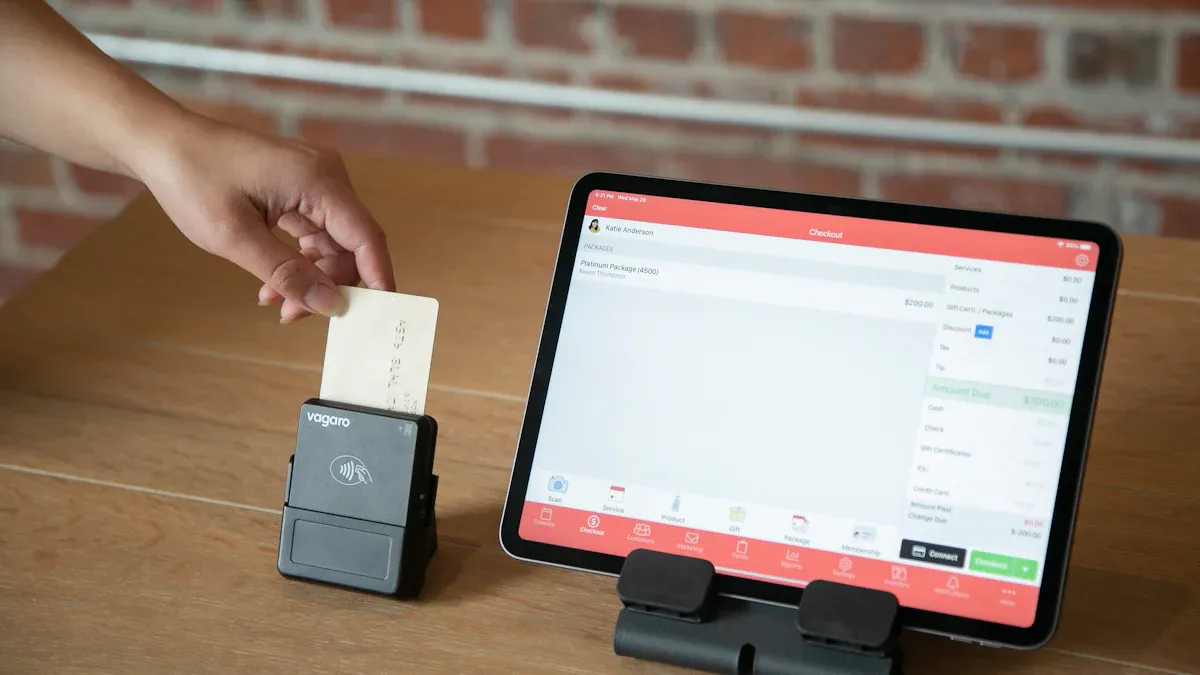
Long lines and slow checkout make customers leave. You can fix these issues by linking computer vision cameras to your point-of-sale system. This POS integration creates an easy checkout that helps both you and your shoppers. The system watches every sale as it happens. It spots issues before they get worse. It also helps you handle lines better. The outcome is a quicker, smoother checkout that pleases customers.
Automated Scanning and Payment
Old self-checkout lanes make customers find barcodes and scan each item. This takes about ten seconds per item on average. Computer vision changes this fully. The system spots products as soon as you put them in the bagging area. Your customers no longer need to search for barcodes. The average time to find an item drops to just three seconds. That is a 70 percent cut in scanning time per item.
The tech also handles problems that cause trouble at self-checkout. A customer might skip a scan by accident. They might put an unscanned item in the bagging area. Computer vision sees this mismatch right away. Instead of setting off an alarm that needs staff help, the system shows a gentle note on the screen. This neutral message asks the customer to check their items. More than 80 percent of these missed-scan cases fix themselves without any staff help. The customer corrects the issue and keeps shopping. This method lowers friction and builds trust. For bigger issues like swapping products or barcode errors, the system uses a hard stop. It pauses the sale and alerts a worker with video proof. This happens within 500 milliseconds.
A European store chain used this AI-powered watch across its locations. The chain cut incident response time by 50 percent. Workers could step in right away instead of checking suspicious sales days later. The result was up to 30 percent less shrink in high-risk stores within the first year. Automated scanning and payment speeds up the checkout process directly. It removes delays after sales and manual check steps.
The clear gains go beyond speed. A PwC survey found that 43 percent of buyers will pay more for convenience. The 2025 ACSI data shows that a 1 percent boost in checkout speed raises satisfaction scores. Self-checkouts with computer vision handle sales up to 30 percent faster than old systems. Faster checkout cuts wait times, which directly fixes cart abandonment during busy times. Shorter waits lead to more sales and higher total revenue. You can serve more customers during rush hours without adding extra staff or tools.
Queue Reduction and Alerts
Computer vision also watches your whole checkout area. It tracks line length at every open register and self-checkout group. It measures exactly how long each customer waits. This POS integration gives you live data to stop cart abandonment caused by long lines.
The system uses a simple four-step process. First, constant lane watching tracks line depth without any change to your store layout. Second, when line length or wait time goes past a limit you set, the system marks that lane. Third, a notice goes to the floor manager's device. In advanced setups, the system can automatically call for an extra register to open. Fourth, the system records how fast the line cleared once a lane opened. This builds a history of what response times work best for your store.
This data also helps you see your busiest times. You can change your staff schedules to match. During rush hours, live line data lets you open new checkout lanes as needed. Your customers face shorter waits and feel important. This directly improves their whole shopping trip.
Customer service is a chance to build loyalty and also shape what others choose. — Brian Solis, digital analyst and author
This quote captures the heart of smooth checkout. Every fix you make to the checkout process creates loyal customers. Those customers tell others about their good experience. Your store gains a name for speed and ease.
Personalized Shopping Experience
Every shopper wants to feel important, not like just another person in the crowd. Computer vision linked with your point-of-sale system makes this happen. The technology spots returning customers the moment they enter your store. It then pulls their purchase history from your POS integration to create offers that fit their unique tastes. This personal touch turns a simple errand into a friendly experience that brings customers back again.
Customer Recognition and Tailored Offers
Facial recognition tech helps you spot returning customers right away at the point of sale. A camera at your entrance or checkout takes a quick picture. The system checks that picture against your loyalty database. Within seconds, you know who walked in and what they bought before. This quick recognition allows for tailored offers and personal greetings that feel truly thoughtful.
Loyalty apps give another way to reach the same goal. Customers can check in through your app when they arrive. The system connects their digital identity to their shopping history. Either method removes the hassle of searching for loyalty cards or typing phone numbers. Customers simply walk in or scan their face, and the experience starts.
Facial recognition also boosts security for your loyalty program. Tools like 1:1 Face Match and biometric authentication make sure rewards go to real members only. This protects your customers' benefits and supports safe POS transactions. Customers feel secure knowing their rewards stay safe from fraud.
Here is how this works in real life. A regular customer named Maria walks into your store. The camera sees her face and alerts your system. Her profile shows she buys organic produce and gluten-free snacks. Your digital signage updates to show a special discount on her favorite brand of almond butter. At checkout, she pays with a quick facial scan. No cards, no phone numbers, no QR codes. The whole process takes seconds, and Maria leaves feeling understood and valued.
Purchase History and Personalized Offers
Your POS system stores every transaction your customers make. Computer vision adds visual context to that data. Together, they build a full picture of each shopper's likes and in-store actions. This data fusion strategy mixes visual insights with your customer data platform. You get a clear view of what each person buys, where they stop, and which displays grab their attention.
This rich data powers predictive analytics. The system learns what customers want and when they want it. You can meet needs before customers even say them. A customer who buys coffee every Monday morning gets a discount on their usual brand as they walk in that day. A parent who buys diapers monthly gets a notice about a baby formula deal during their expected visit week. This proactive personalization shows customers you pay attention.
Personalized offers build trust in real ways. When you give exclusive discounts based on true understanding, customers see that you care about their needs. This steady and clear approach strengthens their loyalty to your store. They become less likely to switch to competitors, even when other stores offer lower prices. The reciprocity principle works for you. Customers respond to your personal benefits with more purchases and word-of-mouth referrals. This cycle drives long-term loyalty and steady sales growth.
CRM integration completes the picture. Your customer relationship management system connects with your POS and computer vision tools. This integration allows smooth data flow for targeted promotions. Vision systems measure zone engagement and shopper movement patterns. When combined with CRM and loyalty platforms, you can trigger relevant recommendations based on consent-based personalization. A customer who stops to look at a new skincare display gets a follow-up offer for that product line. The system tracks dwell time and engagement, then delivers timely, relevant promotions that feel useful rather than pushy.
Enhanced Inventory Management
When customers visit, they expect to find products on the shelves. Empty shelves upset shoppers and push them to other stores. Computer vision paired with your POS system shows you exactly what stock you have. This technology stops stockouts before they happen. The result is a better shopping experience that brings customers back.
Real-Time Stock Visibility
Edge AI cameras check product displays often. The system spots empty or low-stock spots in seconds. This SKU-level recognition learns from your product catalog. It checks facing counts and confirms planogram positions.
The system keeps a visual stock record for each SKU. It compares this record with your POS transaction data. This check finds phantom inventory, theft, miscanning, or administrative errors.
This visibility boosts inventory accuracy. The visual data gives a time-stamped audit trail. Your loss prevention team sees actual stock levels and matches them with POS data.
81% of people claim that receiving good customer service makes them more likely to make another purchase.
Having the right products in stock counts as good customer service. When shelves hold what shoppers want, you build trust and loyalty. Customers do not need to complain. The system works without friction.
The best customer service is if the customer doesn't need to call you, doesn't need to talk to you. It just works. – Jeff Bezos
Your POS integration connects sales data with visual shelf data. This combination gives you a complete picture of inventory health.
Predictive Analytics and Automated Restocking
The system does not just show current stock levels. It predicts what you need next. Machine learning models analyze sales history and seasonal patterns. They consider local events and promotions. They forecast demand for each product accurately.
This capability lets you automate restocking. When the system predicts a product will run out, it triggers a reorder. Your staff receives a notification to restock the shelf. The system tells them which items need attention and where to find them.
Automated restocking reduces out-of-stock issues. Your customers always find what they need. They do not leave empty-handed. They do not switch to a competitor because you consistently have the items they want.
The combination of real-time visibility and predictive analytics creates a powerful system. You save money by reducing excess stock. You also save sales by preventing stockouts. Your customers enjoy a reliable shopping experience where products are always available.
Improved Store Operations
Your store creates data every second. Computer vision cameras catch every move. Your POS system records each sale. Together, they turn raw data into clear insights. You see exactly how your store runs. You know where customers go and what they do. This knowledge helps you make smarter choices about layout, staffing, and daily operations.
Store Analytics and Insights
The conversion rate answers a simple question: what share of visitors to your store actually buy something? For example, if 25 people come in but none buys, the conversion rate is 0%.
Retail dwell time is how long a customer stays in a store or a certain area. Footfall counting gives you visitor numbers. Dwell time adds context on whether shoppers leave fast or stay to look around. By matching dwell time data with sales conversion figures from your POS integration, you can spot operational bottlenecks like confusing product placement or weak displays. This combined analysis supports precise tweaks to merchandising and marketing plans.
Store traffic: Real-time traffic counting via camera and AI detection tracks who enters and leaves. It avoids errors common with infrared sensors when many people walk together.
Dwell time: Zone heatmaps come from dwell time and movement paths. They visually show hot and cold zones. Dwell classification — quick pass, stop, long stay — reveals where customers show interest.
Conversion rates: AI tracks full in-store routes and links them with POS data. It shows conversion rates and points out high-traffic, low-conversion trouble spots.
Layout optimization: You use heatmaps to find high-traffic areas and spots where customers pause. You compare these with ignored zones to guide product placement. In-store sensors and Wi-Fi analytics track exact customer movements. You match these with sales data to understand customer intent. Real-time dashboards let you react quickly to changing customer flows. Analytics lets you predict how customers will respond to layout changes before you move items.
Staff Efficiency and Actionable Insights
These insights let your staff focus on high-value tasks. AI chatbots handle simple questions. Your service agents deal with tough issues. This direct focus on complex customer problems improves the experience. Empowering your employees lets them give customers special attention and top-notch service. This leads to higher customer satisfaction.
Your staff knows which products need restocking first. They know which areas need more help. They spend less time scanning shelves and more time assisting customers. Your POS integration sends real-time data to their mobile devices. They get alerts when a shelf runs low or when a customer needs help. This boosts productivity and customer satisfaction at the same time.
POS Integration Considerations
Linking computer vision to your current POS system needs careful planning. Many stores have old systems not made for AI tools. This can cause problems. You must check your setup before making any changes.
Many stores still use old POS systems not built for advanced AI and machine learning. Adding AI to these old systems is hard. It often needs big spending on upgrades and training. Also, moving data between systems or making them work together can be tough.
POS Integration Steps and Tech Stack
You can follow a clear order to connect computer vision with your POS system. First, event generation happens when a cashier does something like a void, refund, or override at the register. Second, data transmission sends a packet with a timestamp, transaction ID, and event type through an API or webhook. Third, visual correlation marks the camera footage for that register. Fourth, intelligent analysis uses AI agents to read the video for odd behavior and check it against the transaction record. Fifth, alerting sends a real-time notice to loss prevention if the video does not match the transaction data.
Your tech stack must handle certain limits. Checkout transactions last only one to two seconds. So the system must process data locally at the lane to avoid delays from cloud servers. Stores often have weak internet connections. So the system must work on-site without needing constant cloud access. Video data should stay local to keep shopper footage on-site for rules. Hardware must fit in checkout kiosks with low power use. This rules out high-power GPUs. The cost per lane must stay low because you will use it on hundreds of lanes. Otherwise the project stops at the test phase.
Data Privacy and Cost Considerations
You should start with a single, high-impact use case like shelf monitoring or loss prevention. This keeps the test focused. Connect computer vision with existing POS systems to link customer behavior data with purchase decisions. Run a controlled test in a few stores. Record starting numbers and run the test for a set time. Set clear success measures like detection accuracy, false-alert rate, shrink percentage, or queue length.
Privacy rules need your attention. Check laws like GDPR and CCPA. Use data minimization, anonymization, and consent where needed. Use privacy-protecting methods like differential privacy, federated learning, synthetic data, pseudonymization, tokenization, and aggregation. Build consent-aware pipelines that remove non-consented records before data extraction. Do not use facial recognition or biometric IDs. Do not store personal identities. Process detection events on-site instead of sending to cloud servers. Encrypt data in transit with TLS/SSL and at rest with AES-256. Use access controls and yearly security audits.
Pick a tech partner with proven retail experience, open integration standards, and clear data ownership. Plan to scale only after the test meets or beats its goals for several reporting periods. This careful approach ensures your POS integration adds value without losing customer trust.
POS integration with computer vision transforms your store. Customers enjoy faster checkout, personalized offers, accurate inventory, and smoother operations. These improvements directly boost satisfaction and loyalty.
You gain a clear competitive edge. Shoppers notice when you remember their preferences and keep shelves stocked. They return more often and spend more.
Start small. Launch a pilot program in one or two locations. Measure results against your current baseline. Consult experienced technology partners like Focal Systems or Trigo for guidance. They help you avoid common pitfalls and scale successfully.
Learn how to implement POS integration with computer vision in your store. Download our free guide or schedule a demo today. Your customers will thank you.
FAQ
How much does POS integration with computer vision cost?
Hardware, software, and integration fees vary widely by store size and system complexity. Start with a single high-impact use case like shelf monitoring. Run a controlled pilot in a few locations. Measure results against your baseline before scaling to more stores.
Does facial recognition violate customer privacy?
You can build a privacy-first system. Avoid facial recognition and biometric identification entirely. Use anonymized data and consent-based opt-in policies. Process detection events on-site rather than sending footage to cloud servers. Follow GDPR and CCPA requirements. Customers appreciate transparency about how you handle their information.
Will computer vision work with my existing POS system?
Many legacy POS systems lack built-in support for AI tools. Check your connectors, API documentation, and legacy protocols first. Your tech stack must process data locally at the lane. This avoids delays from cloud servers. Weak internet connections should not disrupt operations.
How long does implementation take?
Timelines depend on your store count and system readiness. Begin with a focused pilot in one or two locations. Set clear success measures like detection accuracy and queue length. Once the pilot meets its goals for several reporting periods, plan your broader rollout.
What happens if the system makes a mistake?
Computer vision systems flag mismatches for staff review. For missed scans, the system shows a gentle on-screen note asking customers to check items. Most cases resolve without staff help. For serious issues, the system pauses the sale and alerts a worker with video proof.
See Also
How Cloudpick's Checkout Devices Boost Speed, Access, And Joy
The Ways Artificial Intelligence Reshapes Online Retail Operations
Smart Combo Vending Machines: Top Advantages For Today's Shops
The Unstoppable Rise Of Intelligent Retail Stores Ahead
Essential Insights For Retailers On Smart Corner Store Growth
