How to Solve Common Testing Challenges for Computer Vision Models in Retail

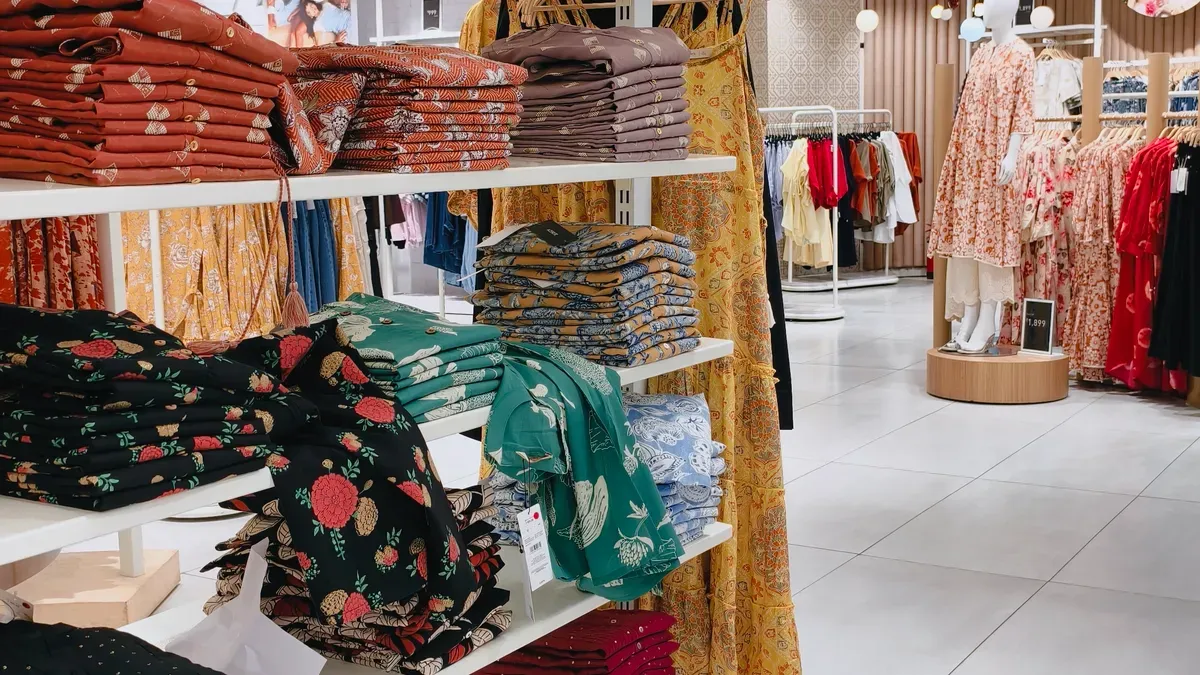
Imagine you go into a store with no cashiers. The shelves are neat and products are easy to find. Computer vision models make this happen behind the scenes. When you test computer vision in retail, you fix problems that change real results.
You help stores keep track of items better, so fewer things run out.
You make it easier for customers to see products and move around.
You help workers do their jobs faster by giving them good data to fix problems quickly.
Testing helps tech teams and store workers use these solutions every day.
Key Takeaways
Good data is very important for computer vision models to work well. Make sure your data is correct and labeled the right way. This helps stop your project from failing.
Keep labeling the same way every time to make your model better. Use easy-to-understand rules and check often. This makes sure everyone labels things the same way.
Using different kinds of data helps your model do better. Get pictures from many stores and different times. This helps your model learn to handle real changes.
Try out your models in real stores. This helps you find problems and makes sure your model works well in real life.
Watch your models all the time to find problems early. Check them often and use feedback to keep them working well as the store changes.
Data Quality for Computer Vision Models
You need good data to make strong computer vision models for retail. If your data is bad, your models will not do a good job. Many projects do not work because of this. About 85% of failed AI projects happen because the data is not good. Only 12% of companies have data that works well for computer vision in retail. You have to care about data quality if you want your solutions to work well.
Labeled Data Challenges in Retail
You need big datasets with correct labels to train and test computer vision models. In retail, there are lots of products, shelves, and shoppers. Every image should show what is in it. If you miss labels or make mistakes, your model will not learn the right things. This can cause problems for loss prevention and customer behavior analytics.
Here are the main reasons why data problems make projects fail:
Labels are not always the same and some images are blurry.
Changes in the real world can confuse the model.
Not enough testing before using the model in stores.
It is hard to set up the model.
The model changes over time.
You can stop these problems by taking clear pictures and labeling them carefully. You should also check your data often to find and fix mistakes.
Annotation Consistency
You need to keep your labels the same. If different people label the same image in different ways, your model gets mixed up. This can make mistakes when finding products or tracking shoppers. Annotation inconsistency adds noise and makes it hard for your model to learn.
You can check how often labelers agree to measure consistency. High agreement means your rules are clear. Low agreement means you need better rules. You can also look at how well the shapes drawn around objects match the real edges. This is called geometric alignment accuracy.
To make annotation consistency better, you can:
Give labelers clear rules.
Use both machines and people to check.
Change your rules when you see new problems.
Check labeled data at random to find mistakes.
Retrain or remove labelers who make too many mistakes.
Tip: Use a review system where skilled labelers check the work of others. This helps you find mistakes early and keeps your data strong.
Building Diverse Datasets
You need datasets that show many different scenes and people. If your data only shows one kind of store or shopper, your computer vision models will not work well in other places. You want your models to work in all kinds of stores and for many uses, like loss prevention or tracking customers.
Here is a table that shows what makes a good dataset:
Factor | Description |
|---|---|
Scale and Structure | You need a big dataset with balanced classes and good labels. |
Diversity and Realism | Your data should show many types of stores, products, and shoppers to help your model learn. |
You should take pictures from different stores, at different times, and with different shoppers. This helps your model understand real-world changes and gives you better results in computer vision in retail.
When you build diverse datasets, you help your computer vision applications spot theft, track customer paths, and improve loss prevention. You also get better shopper behavior insights and can use customer behavior analytics to make smart business choices.
Real-Time Inference and Edge Deployment

Computer Vision in Retail Environments
Computer vision is used in stores every day. It helps with things like cashierless shopping and stopping theft. It also tracks items on shelves in real time. These tools need to give answers very fast. You want the system to notice empty shelves or theft right away. Stores change a lot during the day. Products get moved, lights change, and people walk in front of cameras. These things make it hard for computer vision models to work well. You have to test your solutions in real stores to see if they can handle these problems.
Here is a table that lists the main challenges:
Challenge Type | Description |
|---|---|
Environmental and Accuracy Constraints | Lights, crowds, and moving items can confuse models. Sensor fusion can help. |
Legacy System Integration | Old systems may not work well with new computer vision. Middleware can help connect them. |
Data Privacy and Compliance | You must follow rules like GDPR and CCPA when using ai-enabled cameras. |
You need fast answers on local devices for efficiency and loss prevention. |
Optimizing for Edge Devices
You want computer vision in stores to be fast. Edge devices help by working right in the store. They do not send data to the cloud. This means you get answers quicker. For example, edge AI can give results in 10–50 milliseconds. Cloud solutions can take 100–500 milliseconds. Fast answers help with shelf checks, inventory, and stopping theft. You should test every step: capture, preprocessing, model inference, and action. This helps you find slow parts and fix them. Good ai model deployment gives you quick and reliable results for computer vision.
Tip: Use edge devices for real-time inference. This makes things faster and saves money.
Performance Metrics (Precision, Recall, F1)
You need to check how well your computer vision works. Use precision, recall, and F1 score. Precision tells you how many positive results are correct. This is important for theft detection because false alarms cost money. Recall shows how many real cases your model finds. This matters for loss prevention and customer behavior analytics. The F1 score balances both precision and recall. Use these numbers to test your models in real stores. You will get better shopper behavior insights and stronger automated audits.
You can follow these steps to make your computer vision better in retail:
Test in real stores.
Measure speed and accuracy.
Use edge devices for quick results.
Track precision, recall, and F1 for every use.
System Integration in Retail
Integrating Computer Vision with Retail Systems
It can be hard to connect computer vision to store systems. Some reasons are old data models and tricky setups. You also need to keep your systems safe from cyber attacks. Computer vision must work with point-of-sale, inventory, and customer analytics. This helps you use computer vision better and make smart choices.
Here are ways to make things easier:
Start with one thing, like shelf checks or watching lines.
Use the cloud to save money and grow when you need.
Pick plans that cost the same each month.
Check if you get your money back. Many stores see results in a year or so.
Plan how data moves between systems for better ideas.
Make sure computer vision works with all main systems, like marketing and worker management.
Distributed and Multi-Store Deployments
If you use computer vision in many stores, you need to think about how to keep it working well. Scalability means you can handle more work as you grow. Load balancing spreads jobs across servers to keep things fast. Auto-scaling adds more power when you need it. These steps help you stop theft and learn about shoppers in all your stores.
Ensuring Seamless Operations
Testing computer vision in lots of stores is important. Here are some best ways to do it:
Best Practice | Description |
|---|---|
Data Collection Protocols | Start small, get teams to help, and check data often. |
Setting Objectives and KPIs | Pick big problems to solve and set clear goals. |
Technical Setup | Put cameras in good spots and build a strong network. |
Deployment Tips | Try it in one store first, teach workers, and check how it works often. |
When you test and watch your computer vision in real stores, you stop theft and learn about shoppers. This helps you make good choices and improve your stores.
Monitoring, Loss Prevention, and Continuous Improvement
Monitoring Computer Vision in Production
You need to watch your computer vision models all the time. This helps you make sure they work well. If you track what the model does, you can find problems early. You can set up alerts if accuracy drops or results look strange. This lets you fix things before they hurt your store. Sometimes, your model stops working as well because your store changes. This is called model drift. You should check your models often to catch these changes. Good monitoring means you:
Check how well your model works over time.
Watch for model drift and sudden changes.
Use rules to handle new situations.
Run checks to look into odd results.
Debug to find out why problems happen.
You can also ask workers and customers for feedback. Their ideas help you make your models better and keep your store running well.
Loss Prevention Applications
Computer vision helps stop loss and theft in many ways. It turns cameras into tools that help with loss prevention. You get alerts right away when the system sees risky actions. This means your staff can act fast and stop problems. Here is a table that shows how computer vision helps with loss prevention:
Application | Description |
|---|---|
Shoplifting Detection | Finds hiding gestures and strange moves linked to theft. |
Organized Retail Crime | Spots groups and repeat visits that show planned loss events. |
Checkout Anomalies | Matches video with sales data to find items not scanned at checkout. |
You can test these systems by trying real-life situations. Then you check if the alerts work. This keeps your store safe and your loss prevention strong.
Model Drift and Feedback Loops
Your store changes every day. New products, seasons, and shopper actions can cause model drift. You need to retrain your models often, sometimes every week or even every day when it is busy. Watch your performance numbers in real time. If you see lower scores, it is time to retrain. Use feedback loops to keep your models up to date:
Watch your model’s accuracy and set alerts for drops.
Look at new data for changes in patterns.
Collect new images that show what your store looks like now.
Retrain and check your model with this new data.
Use the updated model and keep watching how it works.
Continuous improvement gives you many good things. You get happier customers, faster service, and safer stores. You also get better inventory tracking and smart ideas for your business.
You can fix common testing problems in retail computer vision by using smart steps. First, get good data from many places and label it the right way. Next, test your models inside real stores and check them a lot. Try using object recognition, ID scanning, and shelf intelligence to make things work better and faster.
Big stores like Amazon and Walmart use these ideas to do well and save time:
Retail Brand | Application | Description |
|---|---|---|
Amazon | Just Walk Out Technology | Easy shopping with computer vision |
Walmart | Shelf-Scanning Robots | Quick and correct inventory checks |
Testing all the time helps you handle changes and keep your systems working well. Begin with small steps, learn from what happens, and use data to make smart plans for the future.
FAQ
How often should you retrain your computer vision models in retail?
You should retrain your models whenever you see changes in store layout, products, or shopper behavior. Regular checks help you keep your models accurate and reliable.
What is the best way to label retail images?
You should use clear rules for labeling. Combine human labelers with automated tools. Review samples often to catch mistakes early and improve data quality.
How do you test computer vision models for real-time use?
You should test your models in real stores. Measure how fast and accurate they are. Use edge devices to get quick results and spot problems right away.
Why does model drift happen in retail?
Model drift happens when your store changes. New products, lighting, or shopper actions can confuse your model. You need to monitor and update your model to keep it working well.
What should you do if your model gives too many false alarms?
You should check your data and labels for errors. Adjust your model’s settings for better precision. Test with real store events to find the right balance.
See Also
Navigating Walgreens Self-Checkout: Benefits and Hurdles in Shopping
The Growth of AI-Driven Convenience Stores: Insights for Retailers
How Cloudpick's Checkout Systems Improve Efficiency and User Experience
Comparing Micromarkets and Smart Stores: Global Automated Retail Insights
Addressing Self-Checkout Cash Mistakes: Solutions for Seamless Payments
