Unmanned store solutions make office life simpler

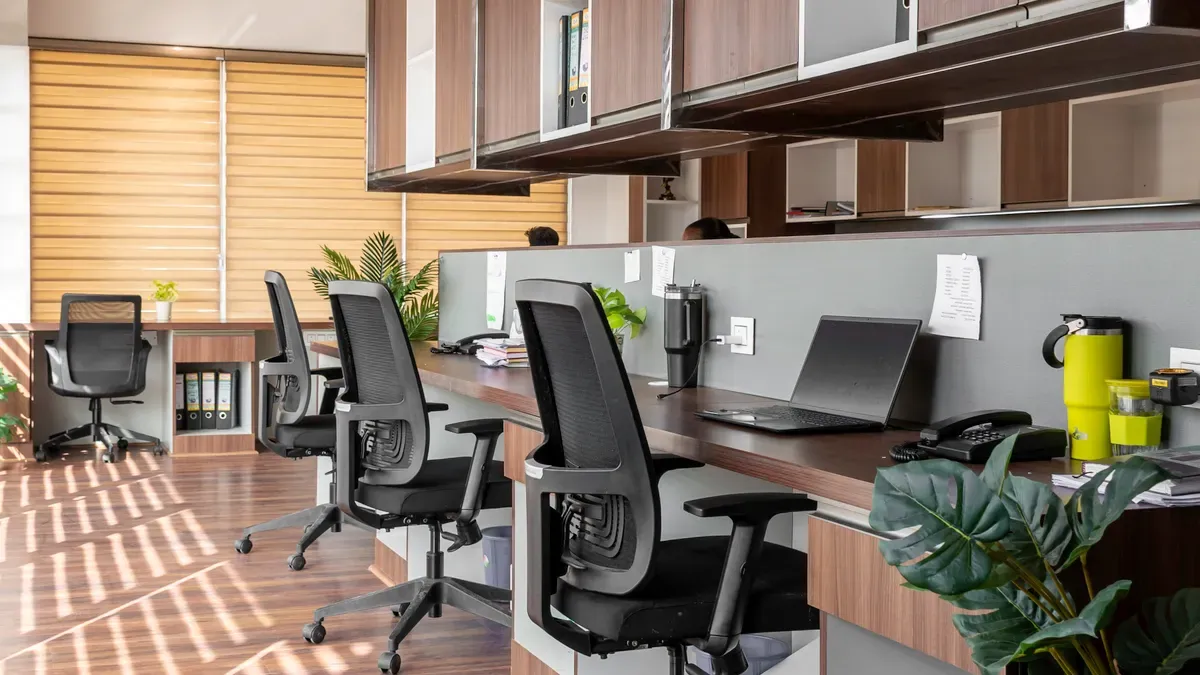
Imagine you walk into your office and get a snack or coffee right away. An unmanned store lets you get what you need without staff. You pick what you want from smart shelves or vending machines. There are no more lines to wait in. Put the store close to your favorite coffee spot or rest area. This is a flexible solution that fits your space and daily routine. Advanced technology works in the background to make office life easier and better.
Key Takeaways
Unmanned stores let you get snacks and drinks fast. This saves you time and stops work interruptions.
Smart shelves and payment systems use advanced technology. They make shopping easy without needing staff.
You can put unmanned stores anywhere in your office. This uses space well and helps your team. It makes everyone happier.
Unmanned stores have many products to choose from. This helps workers stay active and interested. It also helps them work better.
Having an unmanned store shows you care about your workers. It makes your office a nicer place to work.
What Is an Unmanned Store?
An unmanned store is a new way to buy snacks and things you need at work. You do not have to wait for someone to help you or stand in a line. You just walk in, grab what you want, and pay fast. This kind of store uses smart technology to make your work life easier and more flexible.
Core Features and Technology
You will see that an unmanned store uses special tools to make shopping simple. These stores use smart devices and software to help with everything, from getting in to paying. Here is a quick list of the main features you will see:
Feature/Technology | Description |
|---|---|
Connects store equipment for real-time monitoring and fast maintenance. | |
Customer Recognition Technology | Lets you enter with QR codes, facial recognition, or palm scans. |
Product Recognition Technology | Identifies items using computer vision and sensors, so you do not need to scan barcodes. |
Inventory Management Technology | Tracks stock and restocks products automatically. |
Security and Monitoring Technology | Uses cameras and AI to keep the store safe and watch for theft. |
Data Analysis and AI Utilization Technology | Studies shopping patterns to improve product choices and store layout. |
Shopping is quick, safe, and simple for you. The technology works quietly, so you can pay attention to your job.
Types of Automated Retail Equipment
You can pick from different types of automated retail equipment for your office. Each type is good for different spaces and needs. Here is how an unmanned store is different from regular snack options:
Characteristic/Technology | Traditional Office Snack Solutions | |
|---|---|---|
Self-Service | Advanced self-service technologies | Staff-assisted service |
Price Updates | Real-time digital price tags | Manual price updates |
Payment Processing | Integrated POS systems for various payment methods | Cash or card transactions with staff |
Product Identification | Efficient barcode scanners | Manual product selection |
Access Control | QR code scanning for entry | Open access without verification |
You can set up smart shelves, vending machines, or small walk-in kiosks. These choices let you put the unmanned store near coffee spots, rest areas, or busy halls. You give your team more options and help their day go better.
Tip: Adding an unmanned store to your office shows your team you care about their time and comfort.
How Unmanned Stores Work
Access and Payment Methods
You want a snack or drink fast. An unmanned store helps you get it quickly. You can get inside by scanning a QR code. You can also use facial recognition or a palm scan. You do not need to wait for someone to let you in. You get in right away.
When you pay, you have many ways to do it. You do not need cash or your wallet. You can use your phone or a card instead. Paying is quick and safe. Here are some ways you can pay:
Payment Method | Description |
|---|---|
Accepted for transactions at self-checkout. | |
Mobile Payments | Allows payments via smartphones. |
QR Codes | Used for quick payment processing. |
You do not need coins or bills to pay.
You pay without worrying about cash.
This makes shopping safer and easier for you.
Some unmanned stores use blockchain technology. This keeps your payment safe and records secure. Your money and information stay protected.
Tip: Pick the payment way that works best for you. You save time and stay in control every day.
Smart Shelves and Inventory Management
You do not want empty shelves when you want a snack. Smart shelves and inventory systems help stop this problem. These systems use special technology to watch every product all the time.
Technology | Function |
|---|---|
Give each product a unique identity for accurate tracking. | |
IoT Sensors | Monitor shelf levels and product movement automatically. |
Smart Cameras | Watch inventory and provide real-time updates. |
Integration | Combine data from all sources to reduce mistakes and keep shelves full. |
Smart shelves send alerts when items are almost gone. IoT sensors and cameras check what you take and what needs more stock. You always find what you want. Office managers do not have to guess what to buy next.
Note: These systems help cut waste and make sure your favorite snacks are always there.
Security and Data Privacy
You want to feel safe when you shop. Unmanned stores use strong security to protect you and your data. Cameras and AI watch for theft and keep the store safe. Your payment stays private because the system locks your card data.
Security Measure | Description |
|---|---|
Stop grab-and-run theft for high-value items. | |
Strategic Store Layout | Place valuable products in visible spots for better monitoring. |
Physical Barriers | Use mirrors and registers near exits to prevent undetected theft. |
Customer Engagement | Reduce theft by making customers feel seen and supported. |
The system locks your data to keep it safe.
Security checks happen often to find problems.
Employees learn how to spot tricks and keep your info safe.
Staff learn how to handle tough times safely.
Clear rules tell staff when to help or just watch.
Offices practice drills to get ready for emergencies.
You can shop without worry. The unmanned store keeps your privacy safe and your office secure.
Employee Benefits
Convenience and Time Savings
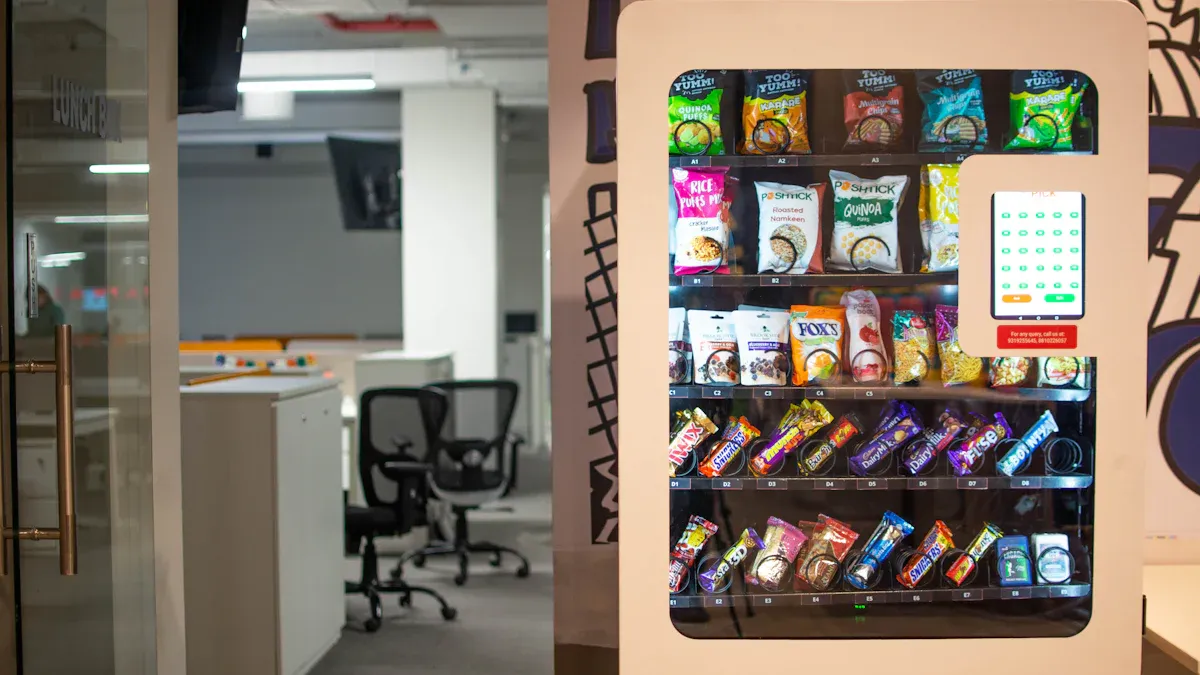
You want to get things done fast at work. An unmanned store helps you do that. You do not need to leave your office or wait in line for snacks or drinks. You walk in, grab what you need, and go back to your tasks. This saves you time every day. You can use that extra time to finish projects or take a real break. When you have quick access to essentials, you feel less stressed and more focused.
Tip: Use the time you save to recharge or connect with your team.
Reduced Interruptions
Interruptions can break your focus and slow you down. With an unmanned store, you do not need to ask a coworker for help or search for supplies. You get what you need without stopping your workflow. This means fewer distractions and more time to think clearly. You stay in control of your schedule.
You do not need to wait for staff.
You avoid long walks to outside stores.
You keep your mind on your work.
Supporting Well-being and Productivity
You work better when you feel good. Easy access to healthy snacks and drinks supports your energy and mood. Studies show that when you have what you need at work, you feel more satisfied and less likely to leave your job. Teams that use smart data capture save time and see more products available, which leads to higher satisfaction. Stores with engaged employees report better customer service, higher sales, and fewer mistakes. Regular feedback and recognition also help you feel valued and boost morale.
You feel more engaged and motivated.
You make fewer mistakes.
You enjoy your workday more.
An unmanned store gives you the tools to stay productive and happy at work.
Business Benefits
Cost and Resource Efficiency
You want your office to run smoothly and save money. An unmanned store helps you cut costs by removing the need for extra staff. You do not have to pay for cashiers or attendants. The smart technology tracks sales and inventory, so you avoid overstocking or running out of products. You spend less time on manual tasks and more time on important work. Your business saves money on labor and reduces waste.
Tip: Use the data from your store to see what sells best. You can adjust your orders and keep your budget on track.
Space Optimization
You want to make the most of every inch in your office. An unmanned store fits into small spaces, like a hallway or a corner near the break room. You do not need a big area or a full kitchen. The flexible design lets you choose shelves, vending machines, or a small kiosk. You can move or expand the store as your team grows. This helps you use your office space better and keeps your workplace neat.
Place the store where people gather.
Change the layout when you need more room.
Keep your office organized and clutter-free.
Enhancing Employee Satisfaction
You want your team to feel happy and valued. When you offer easy access to snacks and drinks, your employees feel cared for. They do not have to leave the office or wait in line. This boosts morale and keeps everyone energized. A convenient unmanned store shows you listen to your team’s needs. Happy employees work harder and stay longer with your company.
Note: A simple change like this can make your office a place where people want to work.
Real-World Use Cases
Flexible Placement in Offices
You can place an unmanned store almost anywhere in your office. Some companies put it near the break area, so you grab a snack during lunch or a quick coffee between meetings. Others set it up in a hallway or close to a rest zone. You get fast entry, short lines, and a compact setup that fits your space. The table below shows how different settings shape the layout and payment options:
Setting | Typical demand pattern | Layout focus | Payment priority |
|---|---|---|---|
Office break area | Rush at lunch and short breaks | Fast entry, short queue, compact | Tap card, employee wallet, QR pay |
Campus dorm or library | Long hours, late-night spikes | Clear product display, durable doors | Mobile wallet, app pay, prepaid |
Hospital staff zone | Irregular shifts | Quiet, hygiene-friendly surfaces | Tap card, mobile wallet, fallback |
You can customize the store to match your office’s unique needs. This flexibility helps you serve everyone better.
Diverse Product Offerings
You decide what goes on the shelves. You can offer healthy snacks, fresh fruit, or quick meals. Some offices add drinks, coffee pods, or even small office supplies. You can change the products based on what your team likes. If you notice people want more healthy choices, you add them. If you see a rush for energy drinks in the afternoon, you stock up. This keeps your team happy and energized.
Tip: Ask your team what they want to see in the store. You will boost satisfaction and make everyone feel heard.
Lessons from Early Adopters
You can learn a lot from offices that already use unmanned stores. Here are some key lessons:
Remove barriers to change by helping your team accept new technology.
Make sure the technology works well before you add more features.
Give your staff training and AI tools to help them work better.
Support your team and communicate clearly about changes.
Focus on what your team needs most to make the store a success.
You can avoid common mistakes and create a smooth experience for everyone. When you plan well, your unmanned store will become a favorite spot in the office.
Getting Started with Unmanned Store Solutions
Implementation Steps
You can set up an unmanned store in your office by following a few easy steps. First, find out what your team needs and where the store should go. Then, pick the best technology to make shopping simple and safe. The table below shows tools that help your store work well:
Technology | Function |
|---|---|
Digital price tags | Change prices and product info fast, making your store run better. |
Reliable POS solution | Handle payments safely at self-checkout, taking many payment types. |
Efficient barcode scanners | Find and register products quickly, so checkout is always fast. |
Once you install the equipment, check everything before you open. Teach your team how to use the store and answer their questions. Keep things easy, so everyone feels good about using it.
Tip: Begin with a small setup and grow as your team gets comfortable.
Choosing Equipment and Providers
Pick equipment that fits your office and meets your needs. Look for providers with good reviews and helpful support. Ask about fixing machines, software updates, and security. Compare smart shelves, vending machines, and payment systems. Choose a provider who listens to you and helps you make the store just right.
See if the provider has real-time inventory tracking.
Make sure the payment system works with cards and phones.
Ask to see a demo before you choose.
Key Considerations for Offices
Think about more than just the technology. Pay attention to safety, privacy, and rules. Here are some important things to remember:
Liability and insurance: Know your coverage for automated systems.
Data privacy and cybersecurity: Follow privacy laws for payments and customer info.
Regulatory compliance: Check local rules, especially if you use drones or advanced cameras.
Note: Always check your policies and talk to legal experts before starting.
A smart unmanned store makes your office better and easier. Follow these steps to launch your store successfully.
Unmanned store solutions help make office life simple. You can shop quickly without touching anything. The store updates what is in stock right away. These stores fit in any office space and keep everyone happy. More offices now want stores that are open all day, have smart shelves, and let you pay with your phone.
The market might grow to $252.29 billion by 2030.
People look for fast, safe, and easy shopping.
You can be a leader. Check out unmanned store choices for your office and talk to trusted providers soon.
FAQ
How do you access an unmanned store in your office?
You scan a QR code, use facial recognition, or tap your palm. The system lets you in right away. You do not need a key or staff help. You get fast entry every time.
Is your payment information safe in an unmanned store?
Yes. The store uses secure payment systems and strong encryption. Your card and phone data stay private. You control your payment method. You can trust the technology to protect your information.
What products can you find in an unmanned store?
You choose from snacks, drinks, coffee pods, and office supplies. You can request new items. The store updates its offerings based on your team’s needs. You always find something useful.
Can you use your phone to pay?
Absolutely! You pay with your phone, card, or QR code. The store accepts many payment types. You do not need cash. You finish your purchase in seconds.
How does the store keep products stocked?
Smart shelves and sensors track inventory. The system alerts managers when stock runs low. You always see fresh products. You never worry about empty shelves.
See Also
Enhancing Workplace Efficiency Through Innovative Vending Solutions
The Future of Retail Lies in AI-Driven Stores
Cloudpick Revolutionizes Shopping With Cashierless Store Experience
