What Is POS Integration with Computer Vision in Retail Systems?

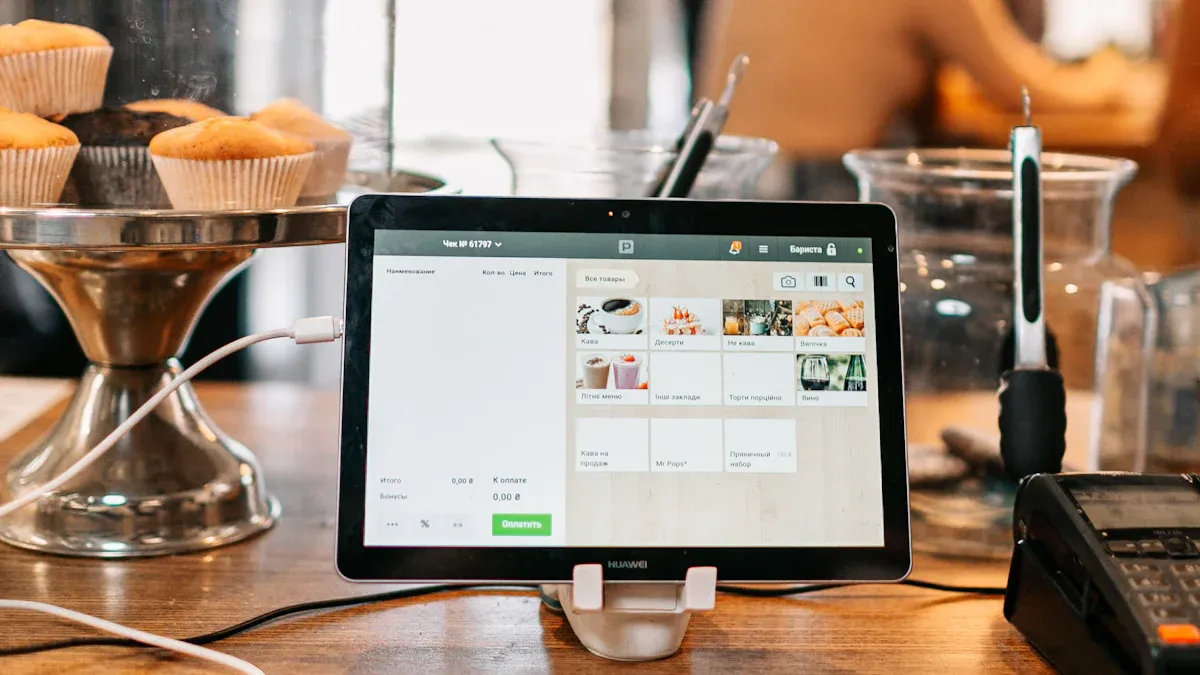
POS integration with computer vision retail systems connects your checkout software to smart cameras. These cameras watch and understand what happens in your store. This mix is more important than ever. Retail shrink costs U.S. stores $90 billion each year. According to Appriss Retail's 2026 report, 73% of that loss is preventable. At the same time, you must keep inventory accurate and learn about your customers. Computer vision gives you a real-time tracking layer that traditional systems cannot match. This technology is becoming useful for everyday store operations, not just big chains.
Key Takeaways
This system spots missed scans and theft at checkout right away.
Inventory accuracy goes up to more than 95%, which cuts down on out-of-stock problems.
Data on how customers act helps stores make better layouts and promotions.
Begin with a small test program to try out the technology before using it fully.
POS and Computer Vision in Retail Explained
What a POS System Does Today
A POS system takes care of every sale at your checkout counter. It handles payments, saves sales records, and updates your inventory counts after each purchase. When a customer buys a shirt, the POS records the sale and removes that item from your stock. This keeps your records up to date without typing anything in by hand.
Modern POS platforms do more than just ring up sales. They link to your retail software solutions and send data to dashboards you review each morning. You can see what sold yesterday, what you need to reorder, and which products sell the fastest. That information helps you make better choices about buying and staffing.
What Computer Vision Adds to Retail
Computer vision in retail pairs cameras with AI systems that watch your store all the time. These solutions spot products on shelves, follow people walking through aisles, and flag strange events. One camera finds an empty spot on a shelf and alerts your team. Another catches a customer putting an item in a bag without scanning it.
Several computer vision solutions now offer direct POS integration and ERP connectivity. This integration brings visual data and transaction records together in one view. Shelf monitoring turns gaps and misplaced items into actionable events linked to your ERP. Phantom inventory detection matches repeated empty facings with stock records to find items listed as in stock but missing from shelves. Mature systems reach precision and recall above 90% for gap detection. This tracking improves inventory management and shortens out-of-stock periods.
How POS Integration with Computer Vision Works
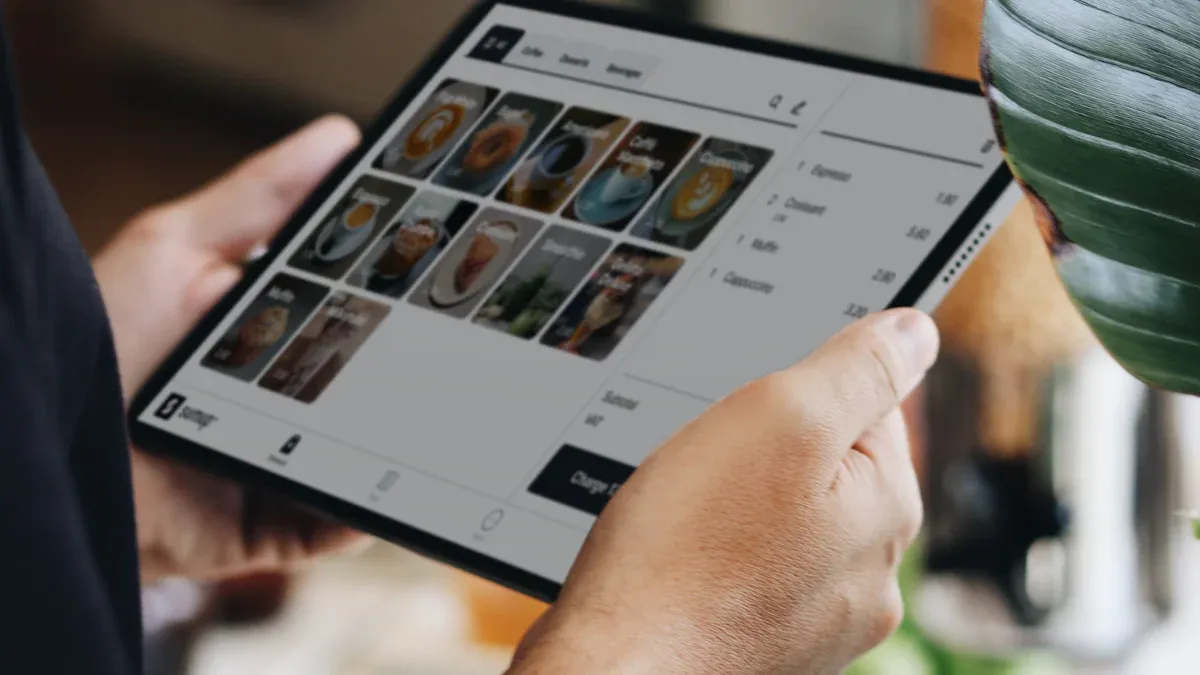
POS integration connects transaction data with visual events right away. Each scan, item, and payment is linked to a camera feed that sees the same thing. This link combines two separate data streams into one clear record of what happened at the checkout.
Real-Time Transaction Monitoring
Kroger now uses visual AI in over 1,700 grocery stores. The system watches self-checkout lanes with high-resolution cameras. It mixes structured POS data with video feeds and finds scanning mistakes as they happen. Chain Store Age says that more than 75% of self-checkout errors in these stores are now fixed without any worker help.
Visual AI at checkout uses computer vision to automatically identify items. This helps reduce mistakes and theft on a large scale. It removes the hassle shoppers might have when scanning their own items. It also cuts down loss by recognizing items more accurately at checkout.
A real-time analytics engine gives live transaction monitoring, loss prevention reports, and fraud alerts. This add-on works with self-checkout systems and sends instant alerts for possible problems. Edge processing allows item recognition and fraud detection to happen right away. Checking each item visually cuts down on false alerts and catches fraud even in hard conditions.
Vision AI systems analyze transactions at the edge. They send alerts before payment finishes. They fix over 75% of non-scan cases without staff help, according to Chain Store Age. The system identifies various fraud and loss patterns and sends appropriate alerts.
How the System Detects It | |
|---|---|
Missed scan | AI tracks each product into the bagging area and reconciles scanned items with the checkout. |
Product stacking | Item-level visual counting tracks discrete products; a mismatch flags a quantity discrepancy. |
Barcode switching | A reconciliation engine compares the camera-identified product against the barcode in the POS. |
Walkaway | Session-level tracking flags incomplete transactions before the lane resets. |
Visual Verification at Checkout
Automated checkout uses computer vision to recognize items, add up totals, and allow smooth payments. Product recognition accuracy is over 95% for CV platforms. This includes fresh produce like apple types and banana ripeness. A false-positive rate below 5% is the suggested starting point. False alarms annoy customers and frustrate staff.
Most retailers use older POS systems that were never made to handle real-time AI data. An enterprise service bus (ESB) often acts as middleware. It turns the computer vision system's output into a format that old systems can read. Managed cloud CV services like AWS Rekognition and Microsoft Azure Vision offer standard APIs. These help retailers who don't have machine learning teams. Seamless POS integration allows one dashboard that shows sales, supplier, and stock data. This gives you a single view of inventory, transactions, and visual events at every lane.
Key Benefits for Retail Operations
Loss Prevention and Shrink Reduction
You mix POS analytics with computer vision to create a loss prevention system. It connects every transaction with visual events. This method catches problems before the sale is done. Real-time visual checks confirm that scanned items match the items put in bags. If a customer skips a scan, the system spots the mismatch and alerts your staff right away.
Computer vision checks that each scanned item matches what goes in the cart. It alerts staff if there are differences.
Behavior analysis adds another layer. The system flags suspicious actions, like lingering near high-risk areas. It also catches unusual handling of high-value items. Employee monitoring watches actions to confirm rules are followed and to find possible theft. Sweethearting prevention uses POS analytics to spot suspicious patterns. Computer vision then provides visual proof. This two-layer defense catches both accidental and intentional loss.
Think about a real example. A shopper at self-checkout scans a cheap item but bags an expensive one. The camera sees the mismatch. The system sends an alert before payment finishes. Your staff steps in, and the store avoids the loss. Kroger uses this method in over 1,700 stores. More than 75% of self-checkout errors are now fixed without worker help.
Inventory Accuracy and Customer Insights
Computer vision solutions change how you manage stock. Continuous shelf monitoring scans aisles during store hours. It finds empty facings, misplaced items, and wrong product positions. This gives you real-time identification of inventory gaps. Centralized inventory visibility delivers consistent shelf status signals across all store locations. Your team spends less time counting by hand and more time fixing availability gaps.
The accuracy gains are big. Mature computer vision systems achieve precision and recall above 90% for gap detection. Warehouses using AI scanning achieve 99% accuracy, far above the industry average. Some retailers have seen significant inventory accuracy improvements after adding computer vision.
Automated restocking alerts sync with POS data to trigger replenishment before shelves go empty. Predictive analytics for demand forecasting feeds back into your POS and inventory systems. This creates a closed loop where visual data and transaction records work together.
Customer insights also get better. POS data alone shows what shoppers bought. Computer vision in retail fills the behavioral layer. You see shopper movement, shelf interactions, and engagement. Heatmaps reveal high-traffic zones and overlooked sections. You learn why shoppers left without buying and how they engaged with products. This allows faster feedback on layout and promotion decisions.
Think about a scenario. A customer picks up a product, studies it, then puts it back. The system captures this interaction. You learn the product placement or price may need adjustment. Without this insight, you would only see the missing sale.
Together, these benefits create a full view of your retail operations. Loss prevention, inventory management automation, and customer insight work as one system.
Challenges, Privacy, and Ethics in Retail
Adding computer vision to your store brings real benefits. It also raises questions you must answer honestly. Customers worry about cameras watching them. Your team needs to understand the rules. Implementation costs can feel steep. Let us walk through these concerns one at a time.
Data Privacy and Customer Trust
Privacy laws now shape how you use computer vision in retail. The European Union's GDPR requires clear consent and limits on data storage. In the United States, multiple state-level consumer privacy laws have taken effect since 2023. This mix of rules means you must check what applies in your area.
Best practices help you earn customer trust:
Tell the difference between anonymous crowd data and cases where people can be identified.
Choose privacy-friendly methods like on-device processing, blurring, and grouping data together.
Ask for clear permission before using any feature that identifies a shopper.
Put clear signs at store entrances that explain what the cameras record and why. Privacy laws require you to give clear explanations and get permission from customers.
Your system design matters too. Solutions that use non-identifying details like clothing color or hairstyle to track shopping patterns can avoid storing personal data. This approach keeps you GDPR compliant. It still gives you useful tracking data for your retail inventory and retail systems.
Cost and Implementation Complexity
Hardware costs include cameras, edge processing units, and networking upgrades. Software costs include the computer vision solutions platform and any middleware needed for a smooth integration. You also need staff training. Your team must respond to alerts and keep the systems running.
POS integration with legacy systems often creates the biggest hurdle. Your POS was never built to handle real-time AI data. You may need an enterprise service bus or other middleware to bridge the gap. This adds time and expense to your rollout.
Despite these challenges, the technology becomes easier to use each year. Managed cloud services reduce the need for in-house machine learning teams. Edge processing lowers bandwidth requirements. Start with a pilot program in one or two lanes. Test the systems, measure results, and expand from there. Better inventory tracking gives you faster returns.
Future Trends in POS and Computer Vision
Edge AI and Smarter Cameras
Edge AI puts the processing power right on the cameras. This change affects how computer vision solutions work in your store. Cameras study video right there instead of sending it to the cloud. You get answers right away without waiting for data to go back and forth.
The good things reach every part of your store. Real-time processing means your systems act the moment something happens. Privacy gets better because private video data stays on the device. You only send useful details instead of raw pictures. This way uses less internet and keeps customer info safer.
Benefit | Description |
|---|---|
Real-time processing | Edge AI lets video be studied right away by handling data at the source |
Privacy protection | Private video data is studied on the device without sending raw footage |
Reduced latency | A setup close to the camera avoids cloud delays |
Operational efficiency | Makes less data while getting better data quality |
Autonomous operation | On-device machine learning runs all the time without people |
Scalability | Spread-out systems work anywhere without delay problems |
These smarter cameras help with inventory management by watching product amounts all the time. They guess stock shortages and make reordering easier. Customer flow analysis helps you make store layouts better. Contactless checkout becomes possible when cameras track what you pick and charge through a mobile app.
Checkout-Free and Personalized Retail
Checkout-free stores are the next step for automated checkout. A group of cameras and AI tracks what customers pick as they shop. Your mobile app charges for purchases on its own. Edge processing handles everything locally to keep privacy and stop payment fraud.
Personalization gets better when you mix POS data with visual tracking. You see what customers bought and how they moved through your store. This data powers personalized shopping experiences. Virtual try-on features let shoppers see products on themselves before buying. Virtual try-on lowers returns and boosts confidence. Virtual try-on works well for clothes and accessories. Virtual try-on needs accurate body mapping. Virtual try-on pairs with shelf analytics. Virtual try-on creates fun retail moments.
These predictions stay realistic. The technology works today in controlled settings. Wider use depends on lower costs and privacy standards. Retailers who start with pilot programs will learn the fastest.
POS integration with computer vision retail systems joins checkout data with visual tracking. You get one clear picture of your store. This mix helps stop loss, improves inventory counts, and shows how shoppers act. Privacy rules and setup costs need your attention. But the technology gets cheaper each year. Cloud services and edge AI make it easier for smaller stores. The pos system gets smarter when you add cameras. You should try a pilot program or ask for a vendor demo. Test computer vision solutions in a few lanes first. Check the results. Then grow with confidence. Your retail operations will gain from this integration.
FAQ
Do I need to replace my current POS to use computer vision?
No. You can keep the POS you already have. Middleware like an enterprise service bus changes visual data into a format your old system can read. This adds time and cost to your rollout. But managed cloud services now offer standard APIs that make the connection easier.
How accurate is computer vision at recognizing products?
Product recognition accuracy is over 95% for computer vision platforms. This covers fresh produce like apple types and banana ripeness. A false-positive rate below 5% is the suggested starting point. False alarms bother customers and upset staff. Mature systems reach precision and recall above 90% for gap detection.
What privacy rules apply to in-store cameras?
The European Union's GDPR requires clear consent and limits on data storage. In the United States, multiple state-level consumer privacy laws have taken effect since 2023. You must check what applies in your area. Put clear signs at store entrances that explain what cameras record and why.
Can small stores afford this technology?
Costs include hardware, software, and staff training. Legacy POS integration often creates the biggest hurdle. However, the technology becomes easier to use each year. Managed cloud services reduce the need for in-house machine learning teams. Edge processing lowers bandwidth requirements. Start with a pilot program in one or two lanes.
What results can I expect from a pilot program?
You will see faster loss detection and better inventory counts. Kroger uses visual AI in over 1,700 stores. More than 75% of self-checkout errors are now fixed without worker help. Warehouses using AI scanning achieve 99% accuracy, far above the industry average. Mature systems achieve precision and recall above 90% for gap detection.
See Also
Smart Combo Vending Machines: Key Features And Benefits For Today's Retail
The Reasons AI-Driven Retail Stores Will Dominate Tomorrow's Shopping Landscape
How AI-Enhanced Convenience Stores Are Growing: Essential Insights For Retailers
How Smart Electronic Vending Machines Are Transforming Retail Through Advanced Technology
Examining Walgreens Self-Service Checkout: Benefits And Difficulties In Modern Retail
