Cashless Internal Billing Solutions for Modern Office Retail

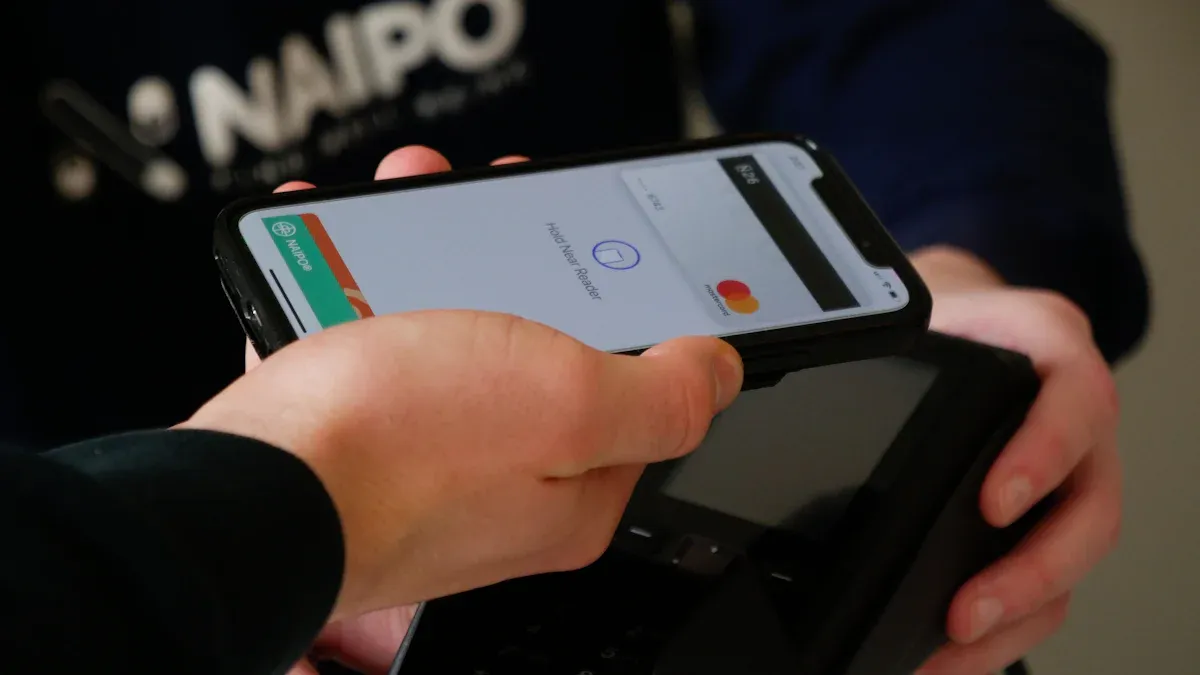
Cashless internal billing is changing how offices do transactions each day. This system lets you pay for office retail items using digital ways instead of cash. People want payment options that are quick and safe. More people use mobile payments and credit cards now. You expect things to be easy at work. The COVID-19 pandemic made digital payments even more common. If your office does not have digital options, you might lose happy workers and smooth operations.
Key Takeaways
Cashless internal billing lets people pay fast and safely in the office. They use digital tools like apps and ID cards.
Digital payments help things go faster. They also lower the chance of theft or mistakes.
Training and support are important for moving to cashless systems. This helps everyone feel good about using the new technology.
Offices gain from cashless billing by saving time and cutting down on paperwork. It also makes the retail experience better for employees.
What Is Cashless Internal Billing
Core Concepts
Cashless internal billing lets you pay for goods and services inside your office without using cash. You use digital tools like mobile apps, employee ID cards, or online accounts. This system tracks your purchases and bills you or your department directly. You do not need to carry cash or wait for change.
When you look at the core ideas behind cashless internal billing, you see that these systems must work for everyone. Here are some important principles:
Payment systems should be easy for all employees, including those who may not use technology often.
Everyone should have access to payment options so no one feels left out.
Offices should teach you how to use digital payment methods.
The system should protect you from mistakes or unfair charges.
You should find it simple to get help if you have questions or problems.
Note: Offices must make sure that cashless internal billing does not leave out people who still rely on cash. Training and support help everyone feel comfortable with the new system.
Why Offices Are Going Cashless
You may wonder why so many offices now use cashless internal billing. The main reason is efficiency. Digital payments make transactions faster. You can buy a snack or supplies in seconds. You do not need to count coins or wait in line.
Security is another big reason. Cash can get lost or stolen. Digital payments keep your money safer. Offices also want to meet your expectations. Many people now prefer digital payments, especially after the COVID-19 pandemic. You want quick, touch-free ways to pay at work.
Faster transactions save you time.
Digital systems lower the risk of theft.
Offices can track spending more easily.
You get a better, smoother experience.
Cashless internal billing helps your office run better. It gives you more control and makes daily tasks easier.
How Cashless Billing Works
Digital Payment Process
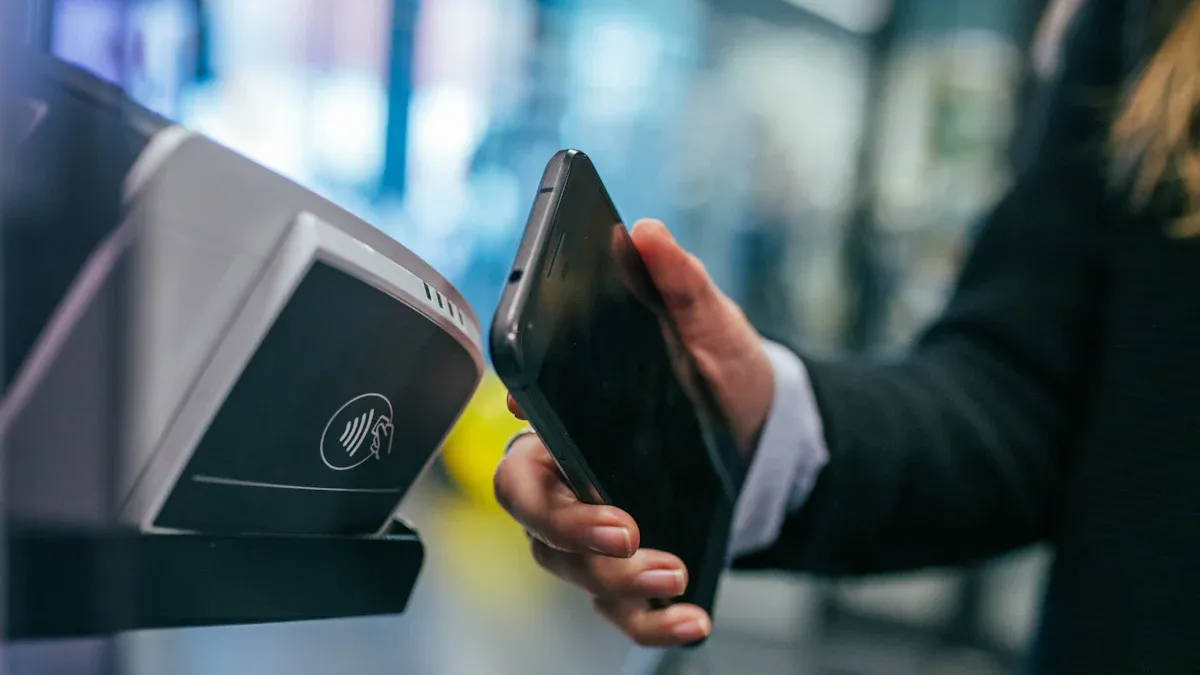
You start a cashless transaction by choosing what you want to buy. You might use your phone, an employee card, or a special app. The system guides you through each step. Here is how a typical digital payment works in your office:
Transaction initiation: You begin the payment by presenting your digital method, such as scanning your badge or tapping your phone.
Payment gateway: The system sends your payment details to a secure gateway. This keeps your information safe.
Authorization: The payment processor checks your details and sends them to the bank that handles office payments.
Verification: The bank looks at your account to see if you have enough funds or credit.
Authorization response: The bank sends back a message. It says if your payment is approved or declined.
Transaction completion: If approved, your purchase is complete. If not, you can try another way to pay.
Tip: You can finish most transactions in just a few seconds. This saves you time and helps you get back to work quickly.
Technology Integration
You see many types of technology in cashless billing systems. Each one helps make payments fast and safe. Here are some common tools you might use in your office:
Point of Sale Systems: These let you pay quickly at the checkout.
RFID Technology: You can tap your card or badge for instant payment.
NFC Terminals: These work with your phone or smart card for contactless payments.
Card Readers: These check and approve your payment method.
Self-Service Kiosks: You can pay for items yourself without waiting for help.
You do not need to worry about handling cash or making mistakes with change. The right technology makes your office retail experience smooth and secure. You can trust these systems to keep your information safe and your payments easy.
Benefits of Cashless Internal Billing
Efficiency and Speed
You want your office retail experience to be quick and easy. Cashless internal billing helps you reach that goal. When you use digital payments, you do not have to wait for someone to count cash or give you change. The system processes your payment right away. This means you spend less time in line and more time on your work.
Transactions happen almost instantly.
You avoid mistakes that can happen with cash.
Staff can help you instead of handling money.
Every payment is recorded, so you always know what you spent.
Cashless internal billing also makes it easier for your office to track sales and income. This helps with taxes and audits. You get a faster, smoother experience, and your office runs better.
Tip: When you use digital payments, you help your office save time and reduce errors.
Security and Reduced Admin
You want your payments to be safe. Cashless internal billing gives you more security than cash. Every payment is tracked, so it is hard for theft or fraud to happen. You can see your transactions in real time. If there is a problem, your office can fix it quickly.
Digital systems make it easy to check finances.
Real-time monitoring helps spot mistakes or fraud fast.
Two-factor authentication keeps your account safe.
Offices follow strict rules to protect your data.
When you use cashless internal billing, you help your office reduce paperwork. Staff do not need to count cash or fill out forms. This means fewer mistakes and less stress for everyone.
Note: Most financial institutions now use real-time tracking to catch problems early and keep your money safe.
Enhanced Experience
You want your office retail experience to feel modern and simple. Cashless internal billing gives you that. You can pay with your phone, badge, or app. You do not need to carry cash or worry about losing it. The system remembers your purchases, so you can check them anytime.
You get faster service and shorter lines.
You can use the payment method you like best.
The system helps you keep track of your spending.
When your office uses cashless internal billing, you feel more in control. You get a better, safer, and more enjoyable experience every day.
Callout: A smooth payment process makes your workday easier and helps your office stay up to date.
Cashless vs. Traditional Billing
Process Comparison
There are big differences between cashless and traditional billing. Traditional billing uses cash and paper receipts. You pay with coins or bills. Staff count money and write down sales. People can make mistakes when handling cash. You might wait in line while staff count change.
Cashless internal billing uses digital tools. You pay with your phone, badge, or app. The system records your payment right away. You do not need to carry cash. Staff do not handle money. The system tracks every transaction for you and your office. You get a receipt on your device. You can check your spending anytime.
Tip: Cashless systems help you skip long lines and avoid errors. You spend less time waiting and more time working.
Key Advantages
Cashless internal billing gives you many benefits over traditional billing. You save money, time, and effort. Offices do not need to make or store cash. You do not pay for moving coins and bills. Transactions happen faster, so staff can help you more.
Here is a table that shows the main advantages:
Advantage | Description |
|---|---|
No cash production costs | Gets rid of costs for making and keeping coins and banknotes. |
No transportation costs | Removes costs for moving and storing cash. |
Improved transaction efficiency | Makes transactions faster and easier, lowering labor costs. |
You see that cashless billing helps your office save money. You get faster service and fewer mistakes. Staff spend less time on paperwork. You feel safer because digital payments track every transaction.
Callout: Cashless internal billing makes your office retail experience smoother and safer. You help your office save money and work better every day.
Implementing Cashless Internal Billing
Assessing Needs
You should start by understanding what your office needs before moving to cashless internal billing. Look at how your team currently pays for items and what payment methods they prefer. Some people may still want to use cash or checks. You need to plan for exceptions and set up workflows for these cases. The move to digital payments often happens step by step. You will need to watch how things go and make changes as needed.
Common challenges during this phase include:
Some employees may prefer cash or checks.
You must create clear steps for handling exceptions.
The switch to digital payments takes time and needs regular checks.
Tip: Keep everyone informed about changes and listen to feedback during the transition.
Planning and Buy-In
A good plan helps your office switch to cashless internal billing smoothly. Break the process into small steps. Start with a few payments, then add more as people get used to the system. Make sure everyone understands why you are making the change. Get support from leaders and team members. Share the benefits, like faster payments and better security.
You can learn from others. For example, the Kansas Turnpike Authority planned for years before going cashless. They used marketing to help people accept the new system and made it easy to switch from prepaid to postpaid accounts. In schools, leaders found that getting buy-in from staff and parents made the change easier.
System Setup and Training
Set up your new system so it works with your current tools. You may need to connect payment systems with inventory or HR software. This can be hard, so work with your IT team. Change can feel scary for some people. Show them how the new system helps everyone.
Train your staff based on their roles. For example, a manager needs different training than someone at the checkout. Keep teaching and offer help when problems come up. Make sure everyone knows how to use the system and where to get support.
Note: Ongoing training and clear communication help your team feel confident with the new system.
You notice lots of good things when your office uses digital payments. You spend less time paying. You make fewer mistakes. Your payments are safer. If you want to start using digital payments, follow these steps:
Write down how your office bills now and find problems.
Show where payment tracking and data entry are slow.
Make a clear plan for change and spot what is missing.
You can work with different teams and use flexible ways to solve problems. Set up ways to help your team get used to changes. Start now and make your office retail faster and safer.
FAQ
What is cashless internal billing?
Cashless internal billing means you can buy things at work without cash. You use digital tools, like an app or a badge. The system keeps track of what you buy and charges you or your department.
Is cashless billing safe?
Yes, cashless billing is safe because it uses secure technology. You can see your payments right away and your data is protected. Offices use two-factor authentication and follow strict rules to keep your information safe.
How do I pay if I forget my phone or badge?
You can get help from your office if you forget your phone or badge. Many offices have backup ways to pay, like giving you a code or letting you enter your info by hand. Always ask your office support team for the best way to pay.
Can everyone use cashless billing?
Almost everyone can use cashless billing. Offices give training and help to people who need it. If you have trouble with technology, your office can teach you or give you another way to pay.
See Also
Enhancing Store Experience With Cloudpick's Cashierless Solutions
Boosting Office Efficiency Through Innovative Vending Machines
Transforming Retail: The Impact of Smart Electronics Vending
Identifying and Resolving Self-Checkout Cash Transaction Issues
