How Can Office Employees Shop in a Cashierless Store for the First Time?

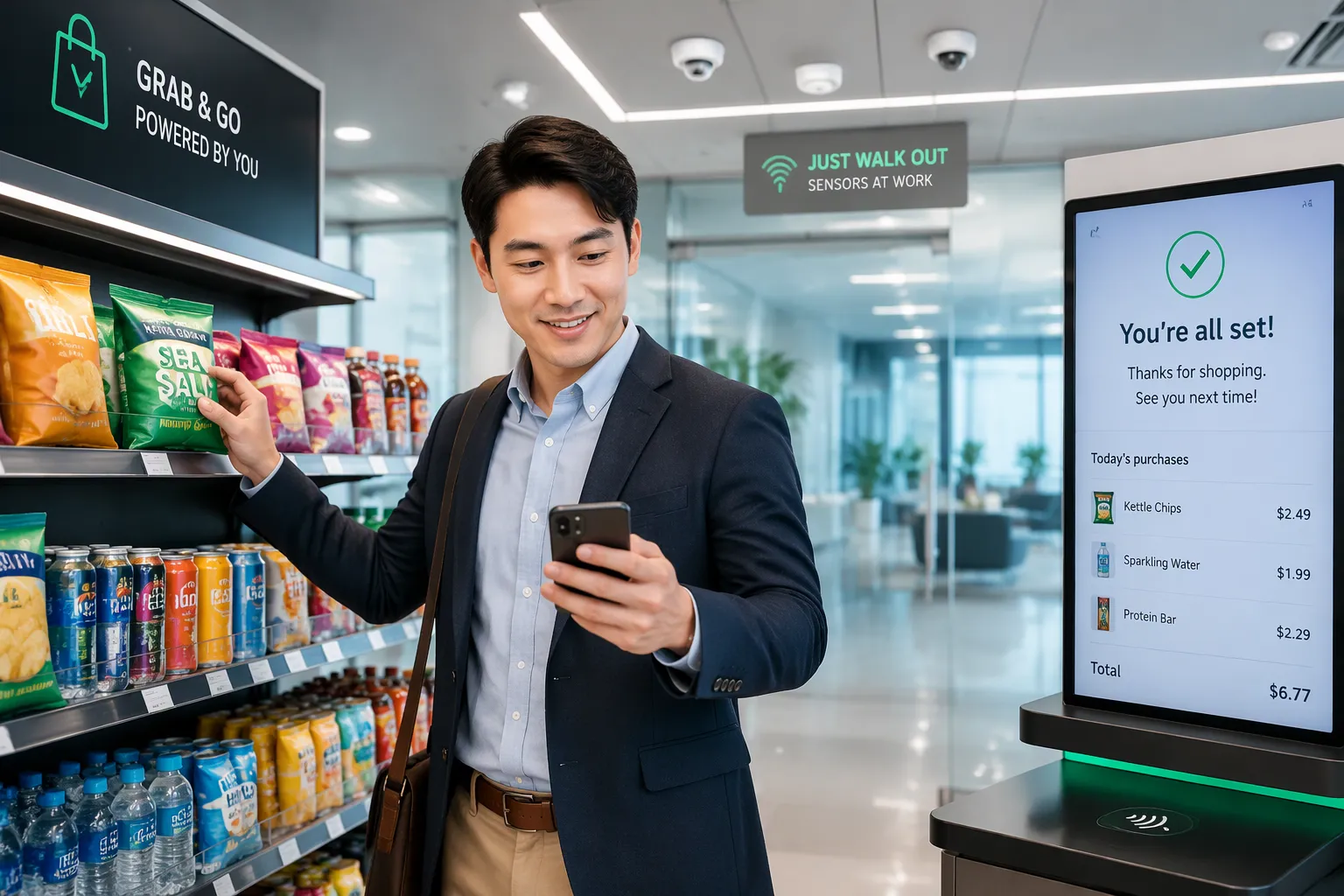
The meeting ends at 10:55. Your next one starts at 11:00. You want a coffee and a granola bar, and the checkout line eats your whole break. Sound familiar?
Here's the good news. The first trip is simple: download the store app, scan in at the gate, take what you want, and walk out. Billing happens automatically.
Cloudpick powers many cashierless stores in corporate headquarters and CBD office lobbies, so this walkthrough shows how the technology really works. For office employees shop trips take just minutes. Only the first visit feels new.
Key Takeaways
Download the store app and add a payment method before you visit.
Scan the QR code at the gate to enter the store quickly.
Pick up items freely; the system tracks your choices automatically.
Walk out when done; billing happens automatically and you get a digital receipt.
Check your receipt in the app and use the help option if you have questions.
Prep Your Phone First
A configured smartphone and the store's app are your entry ticket. Most cashierless stores make entry difficult without them. Set both up before you leave your desk, and your first visit becomes a smooth walk-through.
Download the App
Start with the app store on your phone. Search for the store's name, or scan the QR code printed near the store entrance. Tap install, then open the app. The setup screen asks for your phone number or email address. Enter it, and a verification code arrives within seconds. Type the code into the app, and your account is ready.
Cloudpick-powered stores support QR code entry through this app. Some locations also accept payment cards, employee work cards, or facial recognition. Check which options your office store supports before your first trip. A quick look at the signage by the gate, or a note in your company's facilities email, usually tells you. Cloudpick serves corporate headquarters and CBD office lobbies, so many locations tie entry to your employee badge. Ask your facilities team if you are unsure.
Add a Payment Method
Open the payment section of the app. Add a credit card, debit card, or the payment option your employer allows. Type the card number, expiration date, and security code. Save the card, and the app stores it securely for future visits.
Set your default payment method, and confirm the billing details match your name. This step matters. Automatic billing charges this card when you leave the store, so a wrong number creates a headache later. Take thirty seconds to double-check the digits. The app may also ask you to accept the store's terms. Read the short summary, tap agree, and you are done. Your phone now works as your wallet and your key.
How Office Employees Shop: Scan and Enter
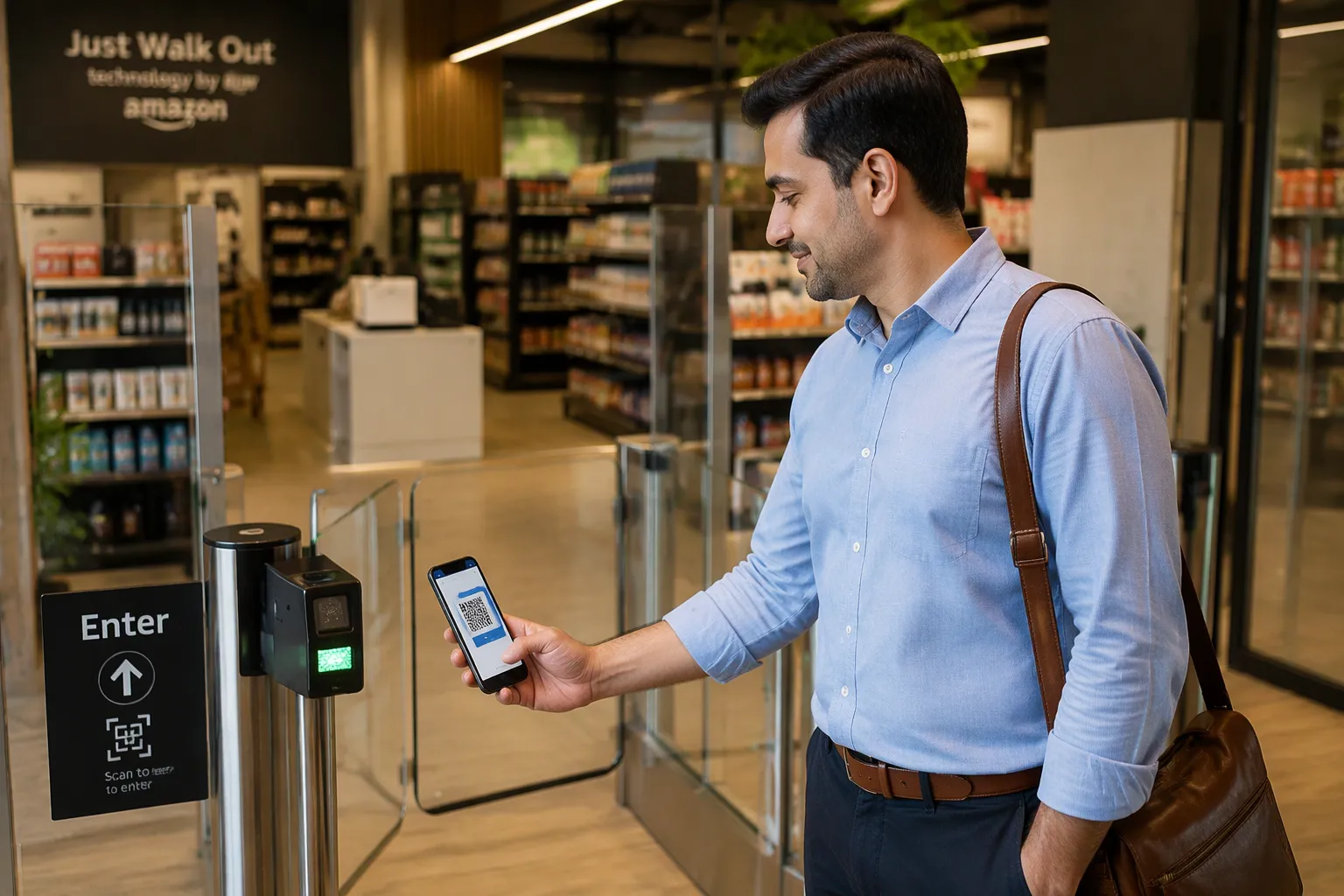
The entry moment is the part that feels strangest on day one. You walk up to a glass gate with no cashier in sight. Then you remember your phone is the key.
Scan the QR Code
Open the app and tap the entry button. A QR code appears on your screen. Hold your phone up to the reader beside the gate, about a hand's width away. The reader beeps, the gate unlocks, and you walk in. That is the whole ritual.
Here is the sequence in plain steps:
Open the app and tap the entry button.
Wait for the QR code to load on your screen.
Hold the phone steady in front of the gate reader.
Walk through once the gate unlocks.
The moment you cross the threshold, Cloudpick's system starts working. Computer vision and multi-sensor fusion combine to identify each shopper on entry. A behavior recognition engine then follows your movements through the aisles. Depth sensing plays a key role here. Cloudpick uses the RealSense Depth Camera D455 for 3D modeling and gesture recognition, so the system reads the shape of the space and the motion of your hands, not just flat images. This is how the store knows who you are and what you touch, without a single scan at a shelf.
Choose Card or Facial Recognition
Not every store runs on QR codes alone. Some locations let you tap a payment card at the gate. Others accept your employee work card, which suits a corporate headquarters setting nicely. A few support facial recognition, where you simply look at the camera and the gate opens. Check the signage before your first visit, or ask your facilities team which method your office store uses.
Entry takes seconds either way. No staff member checks your bag. No one hands you a ticket. You just walk in, and the system takes over from there. For office employees shop trips, this is the moment the old checkout line disappears from your break entirely.
Cloudpick builds these stores for exactly this setting: compact spaces of 5 to 25 square meters holding 100 to 600 SKUs, open 24/7 in headquarters and CBD lobbies. The entry design reflects that purpose. A quick scan, a short walk, and you are shopping.
Shop and Track Items
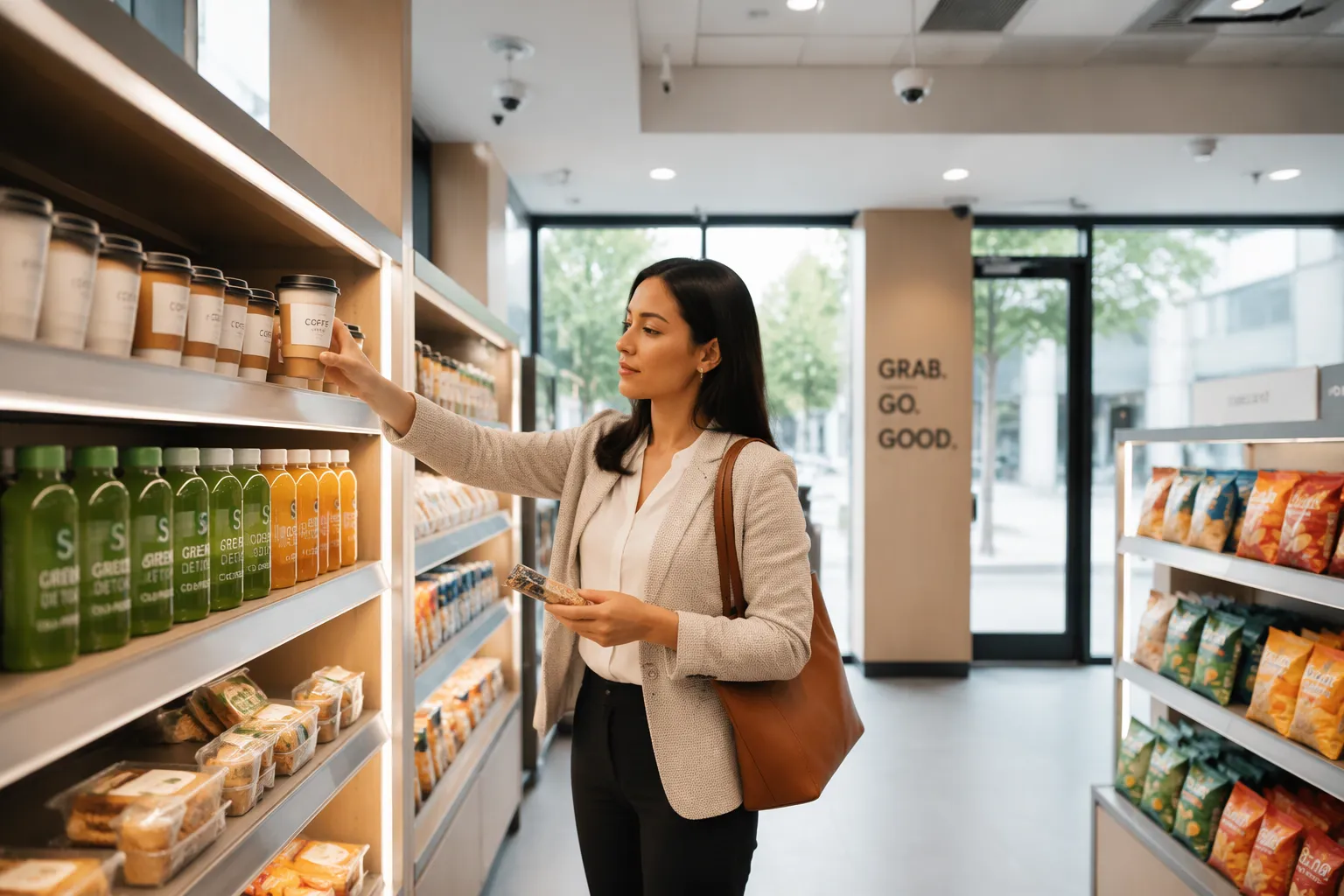
This is the fun part. Once you are inside, the store works like any shelf you have ever browsed. You pick things up. You change your mind. You put them back. No protocol, no scanning, no waiting for permission.
Pick Up and Put Back Freely
Grab-and-go means exactly that. Take the coffee you came for. Add a granola bar. Swap one brand for another. The store expects you to handle products the way you would in any shop, and nothing you do at the shelf needs a special step.
That freedom is the whole point for office employees shop trips. You have five minutes, not fifteen. You want to compare two snacks, decide, and move on. The system watches the shelf so you do not have to think about it.
How Item Tracking Works
Cloudpick's AI does the quiet work here. A proprietary object and behavior recognition engine reads pick-up and put-back actions as they happen. It knows which item left the shelf and which one came back. Cloudpick reports 99.5% accuracy in tracking shopper activity and purchases, so the record of your visit stays reliable.
The recognition runs on edge computing, right inside the store. Cloudpick uses Intel i3/i7/i9 processors with OpenVINO, which means the AI processes what the cameras see on-site and in real time. You get instant tracking instead of a delayed upload to some distant server. The same AI-powered unmanned store design enables automated settlements and 24/7 operation, so the store keeps working through early coffee runs and late-night deadlines alike.
A few habits make your first visit even smoother:
Pick up one item at a time, so the system registers each choice clearly.
Keep items visible as you carry them, rather than tucked inside a bag or pocket.
Return anything you do not want to its shelf spot, so the tracking stays clean.
None of these are rules you must follow. Think of them as small courtesies to the technology, the same way you face a camera at a self-checkout. They cost you nothing and keep your receipt accurate.
Cloudpick has tested this process at scale. The company has deployed stores in 2000+ locations across 30 countries, which means the tracking you experience in your office lobby follows a well-worn path. Your building is not a pilot project. It is one more stop in a network that already handles millions of grab-and-go moments.
Pay and Exit Automatically
Automatic Billing
You finish shopping and walk toward the exit. That is the whole checkout. The system adds up your purchases as you leave, and payment goes through without a cashier. No line, no scanner, no card tap at the door.
Cloudpick's AI-Powered Unmanned Store makes this work. The platform allows automated settlements and 24/7 unmanned operation, so the store stays open for early coffee runs and late-night deadlines. Your card on file gets charged for exactly what the system tracked. For office employees shop trips, this is the reward: you walk out with your snack and your break stays yours.
Check Your Digital Receipt
Open the app after you leave. Your receipt shows up there, usually within moments. Look over the item list and the total. Check that each line matches what you carried out.
If a charge looks wrong, follow these steps:
Compare the receipt against what you remember taking.
Tap the dispute or help option in the app.
Describe the item in question and submit.
Operators can solve most questions quickly. Cloudpick's Smart Store Management System gives them real-time inventory and remote monitoring, so they can check shelf activity and purchase records without visiting the store. That visibility speeds up dispute resolution and keeps small office locations running smoothly.
Cloudpick has deployed this setup in 2000+ locations across 30 countries. The billing you experience follows a well-tested path, not an experiment.
Fix First-Time Hiccups
Most first visits go smoothly. Still, a few small snags can show up, and none of them are a big deal. Here is what to do when something feels off.
Entry and Tracking Issues
The gate will not open? Check your app first. An account without a saved payment method often blocks entry. Open the app, confirm your card is on file, and try the QR code again. If the reader ignores your screen, raise your phone a little and hold it steady. A cracked screen or low brightness can confuse the scanner. Turn up the brightness and give it another go.
Tracking problems look different. You might notice an item missing from your receipt later. Maybe you picked up two things at once, or carried something in your hand away from the camera's view. Payment issues also happen. A declined card or an expired one stops the charge. Update your payment details in the app, and the system can settle the bill.
When to Ask for Help
You do not have to solve everything alone. Some retailers keep workers on-site to help, and that is a normal part of the experience. Other locations offer remote support through the app or a help button near the gate. Either way, a real person can step in.
Behind the scenes, Cloudpick's Smart Store Management System keeps small office stores running smoothly. Remote store control lets operators check activity without visiting the building. Out-of-stock reminders flag empty shelves before your favorite snack disappears for good. These tools matter for office employees shop trips, where a quick break leaves no time for surprises.
Feeling nervous about your first try? Relax. Cloudpick has deployed stores in 2000+ locations across 30 countries. The process is well tested, and your office lobby is one more stop on a proven path.
Your first visit follows one short path: prep the app, scan in, shop freely, walk out, and check the receipt. Cloudpick's technology handles the tracking and the billing on its own. That makes the trip faster than a traditional checkout, and your break stays yours.
So try the store in your office lobby or headquarters on your next break. Cloudpick builds compact stores of 5 to 25 square meters with 100 to 600 SKUs, and this setting is exactly what they were made for. Office employees shop there every day. Now you know how.
FAQ
What if my phone battery dies before I reach the gate?
Charge up before you head down, or carry a backup entry option. Some Cloudpick-powered locations accept a payment card, an employee work card, or facial recognition at the gate. Check your store's signage first, so you know your fallback before you need it.
Do I have to scan each item I take?
No. You just pick things up and walk out. Cloudpick's object and behavior recognition engine reads pick-up and put-back actions on its own, and the company reports 99.5% accuracy in tracking shopper activity and purchases. Your only job is to shop.
How long does a first visit actually take?
Usually a few minutes. Entry takes seconds, and settlement happens as you leave. Cloudpick's AI-Powered Unmanned Store handles billing automatically, so you skip the line entirely. The first trip feels new. The second one feels routine.
What happens if I put an item back on the shelf?
Nothing. The system registers the put-back and drops the item from your bill. Cloudpick's tracking engine follows both actions, so your receipt reflects what you actually carried out. Return unwanted products to their shelf spot and keep them visible as you shop.
Can I shop without downloading the app?
It depends on your location. Many Cloudpick-powered stores run on QR code entry through the app, and some also accept cards, employee work cards, or facial recognition. Ask your facilities team which methods your office store supports before your first trip.
See Also
Cloudpick Delivers Seamless Cashierless Shopping Experience for Your Retail Store
Examining Walgreens Self-Checkout: Benefits and Difficulties in Modern Retail
Walmart Self-Checkout Availability: Key Changes Coming in 2025
How Walmart+ Membership Enhances Self-Checkout Options
Tracing the Historical Development of Self-Checkout Technology
