How to upgrade an existing store into a cashierless format in airports and transportation hubs

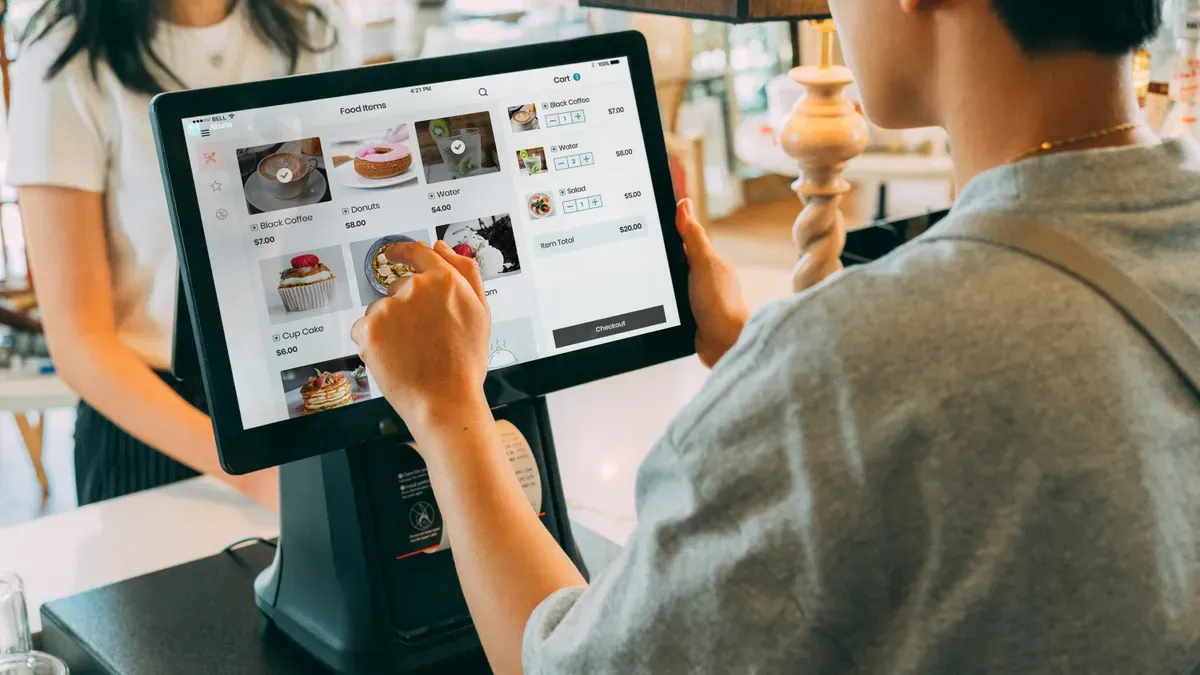
You can upgrade an existing store in airports to a cashierless format and transform the shopping experience. This shift brings convenience to travelers, reduces wait times, and increases profits. Recent data shows Amazon’s Just Walk Out technology now operates in more than 360 locations worldwide, including dfw airport. Stores like Market Express at ExCel London achieved a 300% boost in peak customer service and a 56% rise in annual revenue. Cashierless stores help you serve more customers and improve satisfaction by letting travelers shop quickly and efficiently.
Key Takeaways
Upgrading to a cashierless store enhances convenience for travelers, reduces wait times, and boosts sales.
Assess your store's infrastructure and layout to ensure it supports cashierless technology effectively.
Choose the right cashierless technology, like RFID or computer vision, based on your store's needs and customer flow.
Coordinate with airport teams to comply with regulations and ensure smooth integration of new systems.
Provide ongoing support and training for staff to assist travelers and maintain a positive shopping experience.
Assessing Readiness to Upgrade an Existing Store
Infrastructure and Layout Review
You need to start by reviewing your store’s current infrastructure. Reliable technology forms the backbone of any cashierless system. When you upgrade an existing store, you must ensure that your hardware and network can support new systems. The table below outlines the key infrastructure requirements for a successful transition:
Key Infrastructure Requirement | Explanation |
|---|---|
Reliable Technology | Ensures smooth operation and minimizes downtime, which is critical for customer satisfaction. |
Operational Support | Maintains hardware uptime and addresses issues quickly, preventing service disruptions. |
Remote Monitoring | Tracks system performance and addresses potential failures early. |
Predictive Maintenance | Services equipment before failures occur, keeping uptime high. |
Parts Inventory Management | Allows for quick repairs and reduces downtime from hardware failures. |
Field Technician Coverage | Provides on-site support for issues that remote teams cannot resolve. |
You should also check the physical layout. Open aisles and clear sightlines help customers move easily, which increases convenience and safety.
Customer Flow and Traffic Analysis
Understanding how people move through your store is essential before you upgrade an existing store. Airports and transit hubs have unique traffic patterns. You can use several methods to analyze customer flow:
Method | Description |
|---|---|
WiFi and mobile device tracking | Counts visitors and tracks movement using smartphones searching for networks. |
Video camera and AI vision systems | Uses cameras to count people and track movement direction. |
Infrared and thermal sensors | Detects body heat or movement, reliable in all lighting conditions. |
Break beam and pressure mat sensors | Counts entries by detecting interruptions or footsteps. |
Manual counting methods | Staff use clickers or tallies, practical for short-term use. |
Constant monitoring of visitor flows helps you match staffing and inventory to travel peaks. Your frontline staff often notice changes in passenger flow first and can provide valuable insights.
Operational Constraints in Airports
When you upgrade an existing store at an airport like dfw airport, you must consider strict security and operational rules. You need to plan for 24/7 operation, quick maintenance, and compliance with airport regulations. Space is often limited, so every square foot must serve a purpose. You also need to coordinate with airport teams to avoid disruptions during busy travel times. By understanding these constraints, you can create a cashierless store that meets the needs of both travelers and airport management.
Choosing Cashierless Store Options
Comparing Technology Solutions
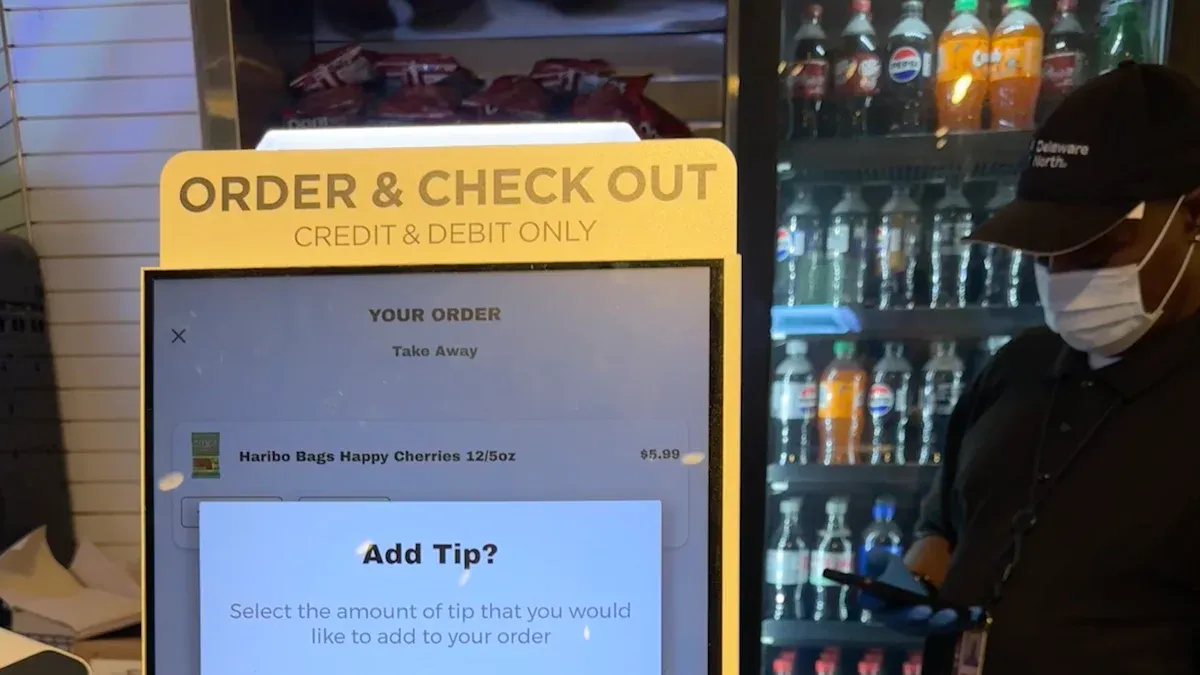
When you upgrade an existing store in an airport or terminal, you face many cashierless store options. Each technology offers unique benefits for cashierless checkout and can shape the customer experience in different ways. You should compare the most widely adopted solutions to find the best fit for your retail environment.
RFID (Radio Frequency Identification): RFID tags attach to products. Customers pick up items, and sensors read the tags at the exit for fast cashierless checkout. RFID works well for stores with packaged goods but may require tagging each item.
Computer Vision: Cameras and AI track what customers take from shelves. This system powers just walk out technology, like Amazon Go, and supports seamless cashierless checkout. It works best in stores with clear sightlines and open layouts.
Mobile Checkout: Customers scan items with their smartphones and pay through an app. This option reduces hardware costs and gives travelers control over their checkout process.
Digital Labels/ESL (Electronic Shelf Labels): These digital price tags update automatically. They support dynamic pricing and help keep inventory accurate, which is vital for cashierless retail.
You can see how adaptable these solutions are by looking at TOUCH TO GO. This technology works in train stations, office buildings, and busy airports. It handles short dwell times and congestion, making it ideal for high-traffic locations like dfw airport. In office buildings, it solves labor shortages and supports flexible hours, showing its scalability.
Amazon Go’s just walk out technology also proves successful in airports and sports venues. Its versatility shows that cashierless checkout can thrive in high-traffic areas and deliver a smooth experience for travelers.
Tip: Choose a solution that matches your store’s size, product mix, and customer flow. Scalability and ease of integration will help you future-proof your investment.
Aligning with Airport Regulations
You must align your cashierless checkout system with strict airport regulations. Airports enforce high standards for security, data privacy, and IT compliance. Your system must protect customer data and integrate with airport networks without causing disruptions.
Work closely with airport IT and security teams before you deploy new technology.
Ensure your cashierless checkout system meets all cybersecurity requirements.
Plan for regular audits and updates to stay compliant with changing rules.
Some airports, like dfw airport, require extra steps for network access and payment processing. You should document all compliance measures and keep communication open with airport authorities. This approach helps you avoid delays and ensures a smooth launch.
Note: Regulations may differ between airports and terminals. Always check local requirements before you install new systems.
Planning Hardware and Network Needs
Reliable hardware and strong network connections form the backbone of any cashierless checkout system. You need to plan for 24/7 operation, especially in airports where travel never stops. Downtime can hurt both revenue and customer satisfaction.
Hardware/Network Need | Why It Matters |
|---|---|
High-speed Wi-Fi | Supports real-time cashierless checkout and updates |
Redundant Power Supplies | Prevents outages during peak travel times |
Secure Payment Terminals | Ensures safe and fast transactions |
Remote Monitoring Tools | Detects issues before they affect the experience |
Scalable Server Capacity | Handles spikes in traffic during busy periods |
You should also consider how your hardware will fit into your store’s layout. Compact devices and wireless sensors save space, which is often limited in airport retail. Plan for easy maintenance and quick repairs to keep your cashierless checkout system running smoothly.
Pro Tip: Test your network and hardware under real-world conditions before you launch. This step helps you catch problems early and ensures a seamless experience for every traveler.
System Integration & Compliance
Inventory and Payment Integration
You must connect your inventory and payment systems to create a seamless cashierless checkout experience. When you upgrade an existing store in airports, you need real-time inventory tracking. This helps you avoid stockouts and keeps shelves full for travelers. Payment integration should support multiple methods, including contactless cards and mobile wallets. You can use APIs to link your checkout system with inventory management software. This ensures that every sale updates your stock levels instantly. At dfw airport, stores rely on fast payment processing to reduce wait times and improve customer satisfaction.
Tip: Choose payment terminals that support secure transactions and integrate easily with your existing systems.
Security and Data Privacy
Protecting customer information is essential in airports. You must follow strict data privacy laws and safety standards. Cashierless checkout systems use advanced encryption protocols to secure transactions. Anonymization removes personal identifiers from collected data. Regular audits help you maintain compliance and build trust with travelers. Transparent data usage policies show customers how you handle their information. The table below highlights key compliance measures:
Compliance Measure | Description |
|---|---|
Advanced Encryption Protocols | Secures customer data during transactions to prevent unauthorized access. |
Anonymization of Customer Information | Removes personal identifiers from data collected. |
Regular Audits | Reviews data handling practices to ensure compliance. |
Transparent Data Usage Policies | Communicates data usage clearly to customers. |
Adherence to CCPA | Follows California Consumer Privacy Act guidelines for data privacy. |
You must also comply with evolving laws like PCI DSS and maintain safety standards as technology advances.
Coordination with Airport Teams
You need to work closely with airport teams when you upgrade an existing store. Coordination ensures smooth integration and avoids disruptions. Share your rollout plans with IT, security, and operations staff. Schedule system updates during low-traffic hours. Keep communication open to address any issues quickly. At airports, teamwork helps you meet compliance requirements and deliver a reliable cashierless checkout experience.
Note: Collaboration with airport teams supports ongoing maintenance and keeps your store running efficiently.
Transitioning to Autonomous Stores

Staff Training and Role Changes
When you upgrade to autonomous stores, your staff will see changes in their daily roles. Traditional cashier positions will decrease, but you still need team members for restocking travel essentials and helping travelers who are new to grab-and-go technology. Many companies choose autonomous stores to save on labor costs, but you must remember that some jobs, like stockers, remain important. Management roles may also shift as technology increases productivity. You should prepare your team for these changes by offering training on new systems and customer support.
Cashier roles decrease as autonomous stores handle transactions.
Staff focus on keeping shelves stocked with essentials and assisting travelers.
Management may need fewer secondary managers due to higher efficiency.
Customer Experience Design
You must design your autonomous stores to meet the convenience needs of travelers in the terminal. Convenience and easy access matter most for customer experience, with many travelers saying these features improve satisfaction. Personalization helps create a stronger connection with your customers, moving beyond quick grab-n-go purchases to planned shopping for travel essentials. Integrating digital solutions, such as mobile ordering, makes the experience smoother and more enjoyable.
Make store layouts simple and easy to navigate.
Use digital tools to personalize offers and speed up shopping.
Focus on convenience to meet the needs of busy travelers.
Communication and Support
During the first phase of operating autonomous stores in an airport, you must provide strong support. Human assistance remains essential, especially for travelers who may not know how to use grab-and-go technology. You should have staff available to answer questions and guide customers through the process. Clear signage and simple instructions help travelers feel confident using the new system.
Place staff near entrances to greet and assist travelers.
Use signs and digital displays to explain how autonomous stores work.
Offer quick help for any issues to keep the experience positive.
Testing, Launch, and Maintenance
Pilot and Troubleshooting
You should begin your transition by running a pilot program in your airport store. Start by testing the technology with your employees. This step helps you find technical issues before travelers use the system. Gather feedback from your team and make adjustments to improve the process. After you fix early problems, expand the pilot to a small group of real customers. Use their feedback to refine the experience.
Here is a table that outlines the key steps and how you can measure success:
Key Steps in Piloting | Success Metrics |
|---|---|
Test technology with employees first | Financial benefits |
Gather feedback and make adjustments | Efficiencies |
Wider launch after testing | Consumer satisfaction |
You can use these metrics to decide when your pilot is ready for a full rollout.
Full Rollout and Monitoring
After a successful pilot, you can launch your cashierless system across your retail location. Make sure all hardware and software work smoothly in the terminal. Monitor system performance in real time. Watch for issues like slow checkouts or network problems. Use dashboards to track sales, inventory, and customer satisfaction. Respond quickly to any problems to keep the experience positive for travelers.
Tip: Schedule regular check-ins with your team to review system data and customer feedback. This helps you spot trends and make improvements.
Ongoing Support and Updates
You need to provide ongoing support to keep your cashierless store running well. Train staff to handle technical issues and answer customer questions. Update your software often to add new features and fix bugs. Stay in touch with airport management to make sure your system meets changing rules. Regular maintenance keeps your equipment reliable and your store ready for busy travel days.
Note: Continuous improvement helps your store stay ahead in the fast-changing world of airport retail.
Upgrading your airport store to a cashierless format brings clear benefits. You reduce long lines, increase sales, and improve customer satisfaction. Many stores now offer 24/7 access, smart inventory management, and faster service during busy times. You can follow these steps to get started:
Assess your store’s readiness.
Consult with technology partners like Amazon or Zippin.
Map the customer journey for high-impact improvements.
Plan for ongoing updates to stay competitive.
Stay focused on efficiency and customer needs to future-proof your business.
FAQ
What are the main benefits of cashierless stores in airports?
You gain faster service, reduced lines, and 24/7 operation. Your store can handle more customers, boost sales, and improve traveler satisfaction. Cashierless technology also helps you manage inventory more efficiently.
How long does it take to upgrade an existing store?
Most upgrades take between 2 and 6 months. The timeline depends on your store’s size, technology choice, and airport requirements. You can speed up the process by planning ahead and working closely with technology partners.
What technology works best for high-traffic airport stores?
Technology | Best For |
|---|---|
Computer Vision | Fast, seamless checkout |
RFID | Packaged goods |
Mobile Checkout | Tech-savvy travelers |
You should choose a solution that matches your store’s layout and customer needs.
How do you support travelers unfamiliar with cashierless systems?
Place staff near entrances to greet travelers and offer help. Use clear signs and digital displays to explain the process. You can also provide quick guides or QR codes for step-by-step instructions.
See Also
Discovering Cashierless Shopping Solutions with Cloudpick Technology
Upcoming Changes to Walmart's Self-Checkout Experience in 2025
Walgreens Self-Checkout: Benefits and Obstacles in Retail Shopping
Comparing Micromarkets and Smart Stores in Global Retail Automation
The Transformation Journey of Self-Checkout Systems Over Time
