A Complete Guide to Corporate Micro Store Inventory Management

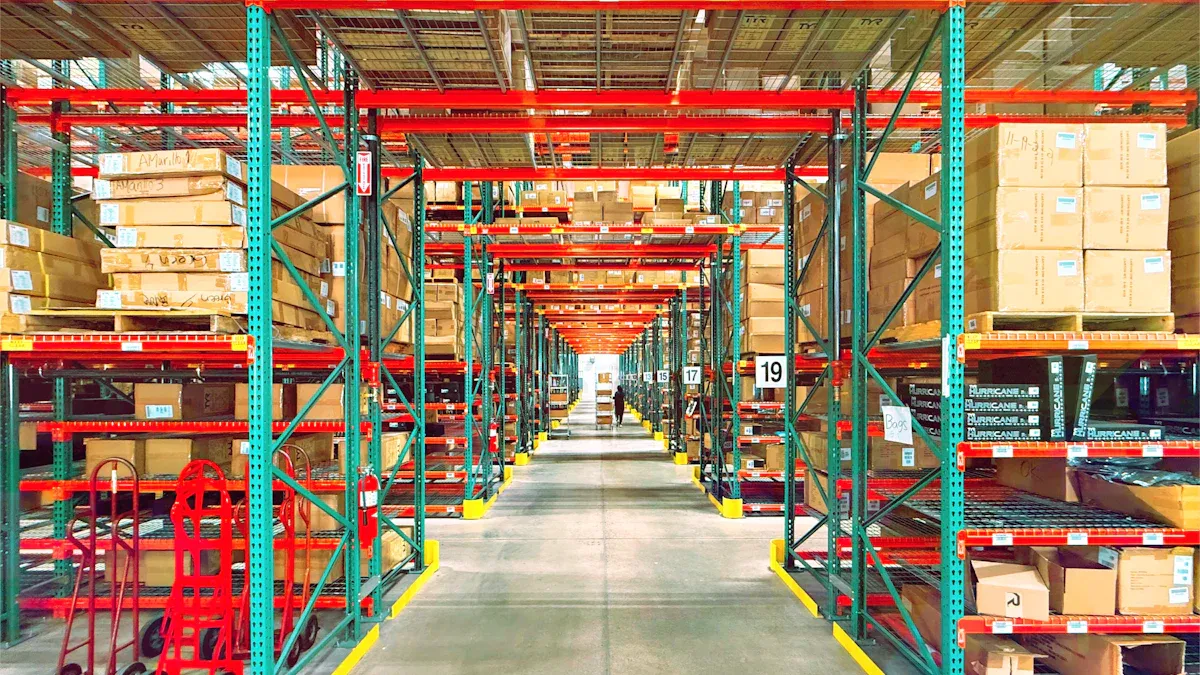
Corporate micro store inventory management means keeping track of products in office stores that have no cashier. This method helps the store run better by cutting waste and avoiding stockouts. The main challenge is keeping correct inventory counts without a staff member watching every purchase. Loss from theft or items going bad is a real worry. You also need to balance snacks that spoil with office supplies. Trust, clear rules, and automatic tools are your base. This guide covers main ideas, common errors, how to set it up step by step, ways to track, and software choices. It helps you get good at managing inventory and keep it under control.
Key Takeaways
Pay attention to the items that sell the most to reduce waste and increase profits.
Use barcodes to track your stock correctly and make fewer mistakes.
Check your stock often to find theft and spoilage early.
Set par levels so you don't run out or have too much stock.
Begin with easy tools like spreadsheets, and get better ones as you grow.
Core Principles of Inventory Management
The 80/20 Rule in Office Retail
The Pareto principle helps manage inventory in office stores. This rule says 80% of your sales come from 20% of your items. You need to find those top products and give them more space and care. For example, a few popular snack brands and soda flavors make most of your money. When you focus your inventory work on these items, you cut waste and get better results.
You must also watch demand for these key products. Careful tracking helps you set the right stock levels and prevents running out. Use simple ways to predict when to reorder. This keeps your inventory light and your shelves full of popular items.
Inventory Types and Costing Methods
Office micro stores have two main inventory types. Raw materials are items you use to make other products, like coffee beans for a coffee station. Finished goods are products you sell directly to workers, such as bottled water or granola bars. Each type needs different handling and stock management plans.
Costing methods decide how you value your inventory and figure profit. FIFO, LIFO, and weighted average are the three common ways. For perishable goods, FIFO is the best choice.
FIFO (First-In, First-Out) is best for perishable goods, fashion items, technology. Principle: Oldest inventory sold first.
This method makes sure you sell older stock before it goes bad. LIFO works by selling the newest items first. Weighted average mixes all costs together. Your choice affects your inventory work and money reports. FIFO is the right pick, especially for businesses with perishable goods like restaurants. Use this same idea for your office micro store to get the best results.
Inventory Management in Micro Stores
Trust-Based Retail Dynamics
A micro store has no cashier. This one fact changes how you control inventory. You trust employees to pay honestly using a kiosk, a mobile app, or a drop box. That trust creates a special problem. Shrinkage grows when no one watches the shelf. Workers might take items without paying. They might also forget to scan a product. These small losses add up quickly.
You need strong inventory management to fight this risk. Put the store in a busy area. Add cameras near the shelves. Post clear signs that explain payment rules. Do regular counts to find gaps between physical stock and sales records. This tracking builds accountability without a full-time staff member. Your inventory stays accurate when everyone knows the rules.
Balancing Snacks, Drinks, and Supplies
Your micro store holds three main categories. Each one needs different handling. Perishable snacks like yogurt or fresh fruit expire quickly. You must rotate these items and check dates often. Drinks like soda and water last longer. They still take up heavy space and require steady demand planning. Office supplies such as pens and printer paper never spoil. They sit on the shelf until someone needs them.
This mix makes your inventory management harder. Perishables need frequent, small orders. Supplies let you buy in bulk at lower cost. You should set different stock levels for each group. Track demand for snacks and drinks closely. Watch supply usage over months instead of days. Good visibility across all three categories prevents waste and keeps popular items ready. Your efficiency improves when you treat each category as its own mini inventory system.
Common Challenges and Mistakes
Shrinkage and Unaccounted Consumption
Three big reasons cause your stock to shrink. Theft is when workers take things without paying. Spoilage is when snacks go bad before you sell them. Miscounts happen when you write down received goods wrong or miss damaged items. Each reason takes from your stock directly. You need strong inventory control to stop these losses. Daily inventory control lets you see what leaves the shelf. Compare your physical stock to sales data often. A gap of a few items each day adds up over a month. Set clear payment rules and put up pricing signs. Check expiry dates on new shipments. Good inventory needs attention to detail. Proper inventory management keeps shrinkage low and protects your stock investment. Good inventory management also needs steady demand forecasting. Know which snacks sell fast and which sit on the shelf. The right stock levels help you avoid waste.
Cycle counting helps too. Count a part of your inventory each week instead of one big yearly count. This tracking method catches problems early. You spot theft patterns before they grow. Good tracking of expiry dates helps demand planning. Adjust orders to match real usage. This step needs steady demand forecasting. Without it, you order too much and waste inventory. Excellent inventory management depends on seeing into your operation. Your stock of fast-selling items needs regular monitoring. Your inventory data gets better with regular counts.
Overstocking vs. Stockouts
Overstocking and stockouts hurt your operation in opposite ways. Overstocking traps cash in inventory that does not sell. Dead inventory hurts your bottom line. Perishable items expire and non-perishable items waste space you could use for better product availability. The clutter makes inventory management harder and blocks your view of what you need. Poor inventory management also affects your stockout rate. When you order too much of one item, you have less cash for popular items.
Stockouts damage employee trust. When you run out of popular items, employees get upset. They expect stock you cannot give. This lowers trust in the store. Measure your stockout rate to understand performance. Fill rate tells you how much demand you meet from your stock. Set stock levels that balance these metrics. Use demand forecasting to predict needs. Keep safety stock for items with unpredictable usage. This approach cuts overstocking. You get better efficiency in your inventory management system. Good inventory management also means you have the right stock at the right time. Popular stock moves quickly. Keep stock ready for employees. Steady inventory management builds a reliable store that employees trust.
Step-by-Step Implementation Guide
Planning, Purchasing, and Receiving
Begin with demand planning. Look at past sales data, market trends, and seasonal changes to guess future sales. This step gives you a starting point for what you need. Adjust your inventory forecasts using promotions and growth estimates. A study of small grocery stores found that buying and storing methods worked very well. The ABC Classification System was the strongest sign of success. Use ABC analysis by sorting items into A, B, and C groups. Give closer inventory control to high-value products.
Set par levels next. Figure them out from average use over a set time, add safety stock for demand spikes, and divide by the number of deliveries in that period. A common safety stock rule is about 25% of usage during the same period. Change par levels when product speed changes. Set par stock levels, lead times, and economic order quantities ahead of time so orders start at the best moments. This method keeps products available while lowering carrying costs. Let your system create purchase orders on its own. You check suggestions instead of figuring out orders by hand.
Receiving requires strict quality checks. Use blind counts so staff count goods without knowing expected amounts. This practice lowers errors and theft. Barcode scanning technology reduces human error during receiving and counting. Three-way matching of purchase orders, receiving documents, and supplier invoices finds vendor fraud. Audit your vendors on a regular basis. Check incoming shipments for damage and correct labeling. Verify quantities against invoices before you put goods on shelves.
Storing, Selling, and Counting
Move inventory to storage and record each item. Use barcodes and inventory management software to track stock levels and product locations. This inventory tracking and storage step keeps your data up to date. Place newer items behind older ones. This FIFO method matters most for perishable goods. Find low-turn stock and stop stocking items that have not sold in 6–12 months.
Selling comes next. Use tracking systems to find, pick, and pack orders. Update inventory counts automatically after each sale. This real-time visibility supports effective stock management. Review reports on lead times, return rates, and inventory turnover. These metrics show inefficiencies in your order management.
Counting keeps your records honest. Cycle counting gives you continuous auditing throughout the year. A full physical count requires shutdowns and carries high accuracy risk from pressure and fatigue. Cycle counts use pre-planned SKU batches with no disruption. One small manufacturer cut its full count from 120 labor hours to about 40 hours using daily micro-counts. Shrinkage dropped from 3.5% to 1.5% within a year. Track your fill rate to measure how much demand you meet from stock. Use just-in-time practices for steady sellers. Trigger replenishment when stock dips below thresholds. Review supplier prices and performance regularly. This rhythm builds inventory optimization into your daily routine.
Organization and Inventory Control Techniques

Barcoding and Labeling Systems
Barcodes change how you track each item in your micro store. Manual methods give you a 63% inventory accuracy rate. Barcode systems push that number to 99.9%. You also cut data entry errors from 1 in 300 keystrokes to 1 in 3 million scans. This accuracy makes your inventory management much more reliable. A basic setup costs under $500 for a scanner, label printer, and starter labels. Many businesses get their money back within 3 to 12 months. You reduce inventory errors by 50–90% and save 1–3% on carrying costs.
Label every shelf, bin, and rack with clear codes. Place your fastest-moving items near the restocking point. If one SKU shows up in 40% of daily orders, store it close to the main pick path. This simple move cuts travel time and stops misplacement errors. Use ABC analysis to sort items by value and pick frequency. Give A-items prime shelf space. This approach speeds up restocking and keeps your stock levels accurate.
Reconciliation and Sales Data
Reconciliation means matching your physical counts to sales records. You find gaps and fix them before they grow. Start with cycle counting. Count a small batch of SKUs each week instead of shutting down for a full count. Spot checks work well too. Pick random items and check their counts against your system. Use ABC prioritization to count high-value items more often. This tracking method catches theft and miscounts early.
When you find a discrepancy, review recent transactions first. Check sales, returns, and receipts for recording errors. Generate reconciliation reports to analyze patterns. Barcode scanning makes this process smoother and cuts human error. Real-time inventory software adjusts counts on its own after each sale. This visibility keeps your data honest. You spot demand shifts faster and adjust orders before stockouts hit. Good inventory control depends on this steady rhythm of counting, comparing, and correcting.
Inventory Management Software and Automation
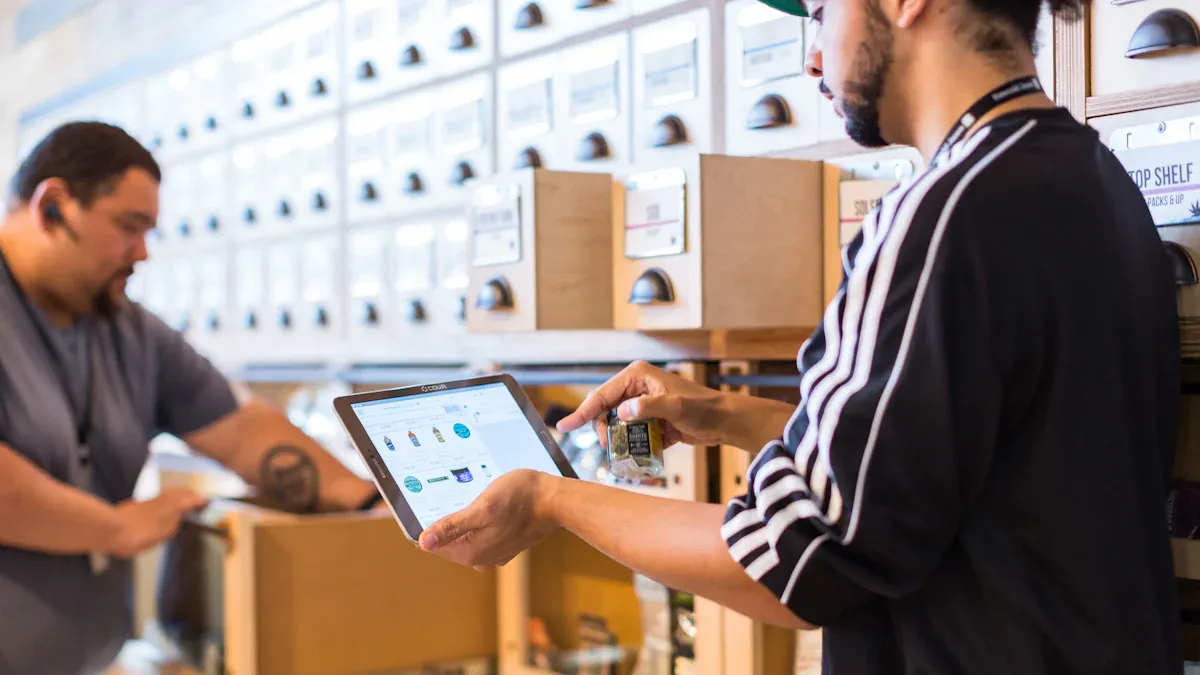
Benefits of Automated Reordering and Reporting
Software changes how you manage inventory. You see every item as it moves in real time. This lets you know stock levels without walking the shelves. Automated reordering watches stock and places new orders when supplies run low. You set the rules once, and the system handles replenishment. This cuts the chance of running out and keeps shelves full.
Reporting gives you clear pictures of your inventory. You see which items sell fast and which sit still. These reports help with forecasting and demand planning. You spot trends before they become problems. Real-time demand planning is possible when data updates with each sale. An inventory system also tracks lead times and supplier performance. This helps you make better buying choices.
Several inventory software options exist for small operations. QuickBooks Commerce links inventory with accounting. Zoho Inventory offers order management and stock tracking in one place. Cin7 handles complex inventory for growing businesses. Each tool provides an order system that fits different needs. These platforms support small business inventory with features like barcode scanning and automatic updates.
Spreadsheets vs. Dedicated Software
Spreadsheets are familiar and free to start. Many small business inventory efforts begin with a simple template. This works for a few items with steady demand. Problems show up as inventory grows. Manual tracking with spreadsheets leads to mistakes. Wrong cell references and typing errors happen often. Your inventory accuracy drops, and you lose track of what you have.
Dedicated inventory software solves these problems. The table below shows the difference.
Method | Inventory Accuracy | Human Error Rate |
|---|---|---|
Manual (including spreadsheets) | 65–80% | 8–12% |
Dedicated Software (barcode scanning) | 95–99% | <1% |
The gap is large. Manual methods leave you guessing about real stock levels. Dedicated tools give you confidence in your numbers. You spend less time fixing errors and more time on other tasks. This efficiency matters when you manage a micro store alone.
Software also supports e-commerce operations. If your office store connects to an online platform, inventory software keeps both channels in sync. You avoid overselling and keep customers happy. The right inventory system grows with your needs. Start with basic tools and add features as your operation expands. Automation reduces your daily work and improves accuracy across every part of inventory management.
Low-Cost Starting Points and Integrations
Scaling from Basic Tools
You don't have to buy inventory software right away. Start with free spreadsheet templates from Excel or Google Sheets. These are the easiest way to begin, and you can make barcodes by hand. Airtable has hybrid database templates with simple barcode tools. If you like cloud tools, inFlow On-Premise Free holds up to 100 products and makes basic barcodes. Build a clear SKU database with columns for product ID, description, location, quantity, and reorder points. Get a free barcode font like Code 39, then use a formula to turn product IDs into barcode text. Add data rules to keep entries the same and stop mistakes.
Spreadsheets work fine when you have fewer than about 50 SKUs in one place. Past that, they become a problem. Watch for clear warning signs. You always put out fires, either sold out of top sellers or stuck with a pile of cash in goods that won't move. You sell on more than one channel, and syncing stock across a website, Etsy, and Amazon with a spreadsheet causes overselling. Your team wastes hours each week updating numbers and fixing typos. Mistakes cost you money through bad buying choices. When these signs show up, switch to a dedicated inventory system.
Integrating with POS and Accounting
Manual bookkeeping is slow, boring, and full of errors. Industry data shows manual data entry makes between 2 and 2,784 errors per 10,000 fields. Manual entry has a natural error rate of 1–3%. Linking your point of sale right to accounting software removes this block. The link builds an automatic bridge between daily register sales and the general ledger. It automates four kinds of financial data: sales transactions, tax data, payment methods and deposits, and tips and payroll data.
When your POS also links to inventory tools, you remove manual inventory errors and keep food-cost numbers correct. Every sale records itself with no re-entry. Sales data, inventory costs, tax figures, and payment totals sync into the right accounting categories in real time. This builds one source of truth across sales, inventory value, cost of goods sold, and tax owed. Real-time sync catches gaps early and cuts losses from theft, spoilage, and admin errors before they grow.
"This integration saves time and ensures that your revenue recognition is aligned with your accounting systems, providing more accurate financial reporting." — Nicole Gralapp, CPA at SVA Accountants
This setup supports real-time demand planning and gives you clear demand signals. Your inventory control software becomes the base of a smooth small business inventory management workflow.
Your work builds a clear inventory system. Good inventory management cuts waste from items going bad. Trusty inventory management saves money by freeing up cash stuck in slow-moving stock. Solid inventory management makes the office a happier place.
Begin with a simple check. Set par levels for items that sell fast. Steady inventory management builds correct data. Smart inventory management keeps your stock safe. Good inventory management does not need costly software. Your routine stays easy. Use this basic inventory management method for steady results.
Get a free inventory management template. Sign up for weekly operational tips.
FAQ
How often should you count inventory in a micro store?
Count a small batch of items every week instead of one big yearly count. Cycle counting catches theft and miscounts early. Count your high-value inventory more often. This steady rhythm keeps your records honest and your shelves full.
What is a par level, and how do you set one?
A par level is the stock amount you want on hand. Figure it out from average use over a set period. Add safety stock for demand spikes. A common rule is about 25% of usage during that same period. Adjust par levels when product speed changes.
Do you really need inventory management software?
Not at first. Spreadsheets work fine when you have fewer than about 50 SKUs in one place. Switch when you sell on more than one channel or waste hours fixing typos. Dedicated tools lift accuracy from 65–80% to 95–99% and pay for themselves within 3 to 12 months.
How do you stop shrinkage without a cashier?
Put the store in a busy area and add cameras near the shelves. Post clear payment rules. Compare physical counts to sales data every week. Barcode scanning cuts data entry errors sharply. This tracking builds accountability, and your inventory stays accurate when everyone knows the rules.
Can a micro store run on real-time data alone?
No. Real-time software updates counts after each sale, and that visibility helps you spot demand shifts fast. You still need physical counts to verify the numbers. Match your records to the shelf, resolve gaps, and your inventory management stays trustworthy.
See Also
Comparing Micro Markets And Smart Stores In Global Automated Convenience Retail
How Artificial Intelligence E-Commerce Tools Change Online Store Management
Essential Basics Of Corner Stores And Their Importance
Boosting Employee Productivity Using Smart Vending Solutions In Small Offices
Find The Top Micro Market And Vending Solutions For Your Business
