How to Integrate Computer Vision with POS Systems in Retail: A Step-by-Step Guide for 2026

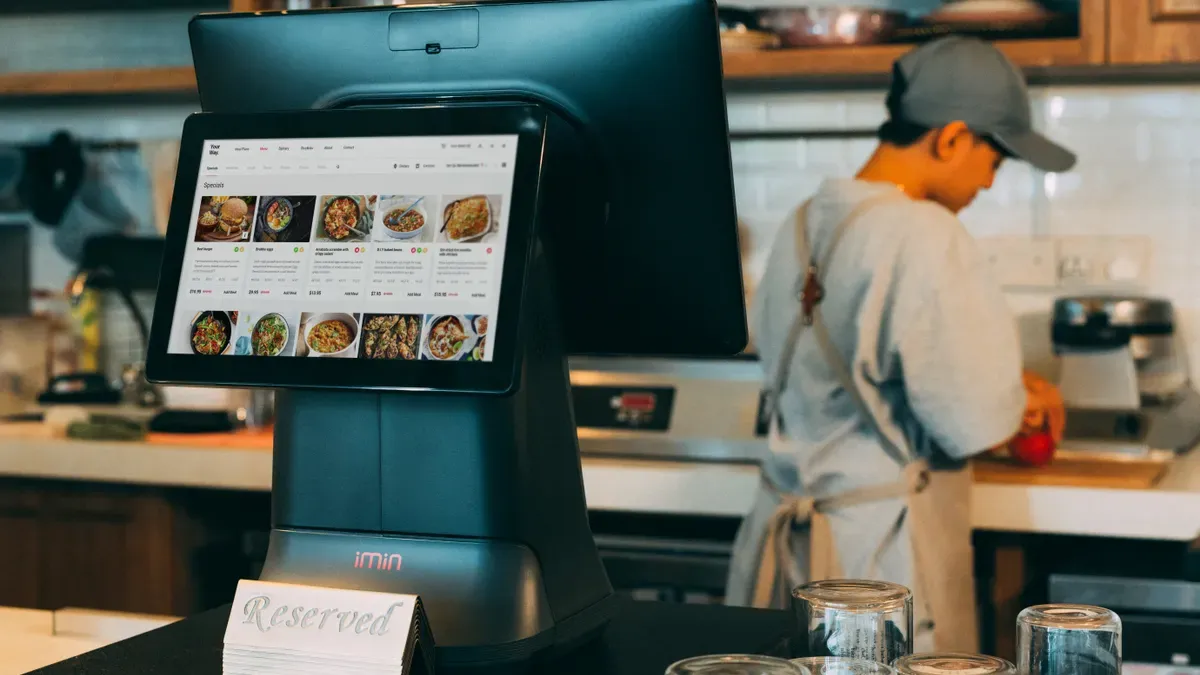
You can connect computer vision to POS systems by following a clear set of steps. First, define the business problem. Then look at your current systems, pick a setup, and choose partners. Next, run a small test, train the models, and connect them to your daily operations. Finally, train your staff and keep checking how well it works.
The results are real: faster checkout, accurate inventory in real time, better loss prevention, and smoother lines. Retail computer vision turns camera feeds into events your POS can act on.
This guide is practical and goes in order. It is for retail managers and technical decision-makers planning 2026 rollouts. You will learn how to add computer vision in retail step by step, from the first small test to a full launch. POS integration with computer vision retail systems – scenario [commercial deployment] stays the main focus throughout.
Key Takeaways
Begin with a clear business problem. Then match it to a computer vision use case, such as checkout or shelf monitoring.
Look at your current POS and inventory systems early. This step shapes your deployment plan and the partners you choose.
Start with a small pilot test. Try 2–4 cameras and one use case to show ROI before you scale up.
Link vision outputs to your POS and ERP systems. Integration turns insights into actions, like restocking or alerts.
Keep checking how well the system is working. When store layouts and products change, retrain the models so they stay accurate.
How Computer Vision Works with POS
The Integration Model
Cameras take pictures. Models turn those pictures into events. A detection shows a product on a shelf. A count tells how many units are in a lane. A match connects a scanned item to a visual record. The computer vision pipeline then sends these events to your POS system as organized data.
Think of the flow as three layers. The camera layer takes images. The ai model inference layer runs detection and counting on each frame. The event layer turns raw output into messages your POS can read. A well-built retail computer vision system keeps each layer separate, so you can swap a model without touching the checkout lane.
Why the Operational Stack Matters
Visual data alone changes nothing. Computer vision in retail becomes powerful when it connects to your erp, pos, or inventory systems. A low-stock alert can start a replenishment order. A long queue can send a cashier to an open lane. That is the real payoff of integration.
Legacy POS and inventory systems still work with modern computer vision. They are just harder to connect, because they use outdated communication protocols. Many retailers use an enterprise service bus as middleware to translate between protocols. Modern, API-first systems fit best when you plan a fast rollout. Legacy setups fit best when you phase the work and budget for system integration labor. Either path works. The choice depends on your timeline and your team.
To implement computer vision well, treat the connection to your operational stack as a core design decision. Retail computer vision systems that skip this step produce dashboards nobody acts on.
Computer Vision in Retail: Core Use Cases
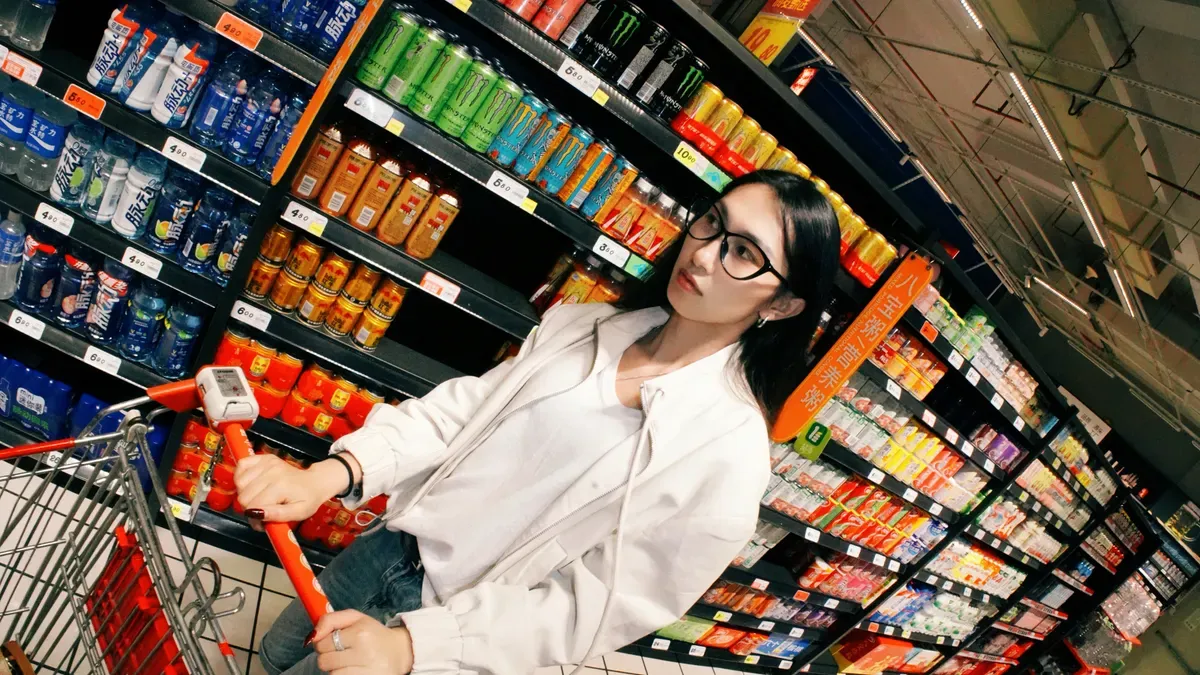
You should decide on use cases before you look for vendors. Most commercial rollouts focus on two areas: the checkout zone and the shelf. Each area gives a different return, and each needs a different camera layout.
Checkout and Queue Monitoring
Checkout automation takes the barcode scan out of the sales process. A camera captures each product a shopper picks. A model trained for product recognition identifies the object and its price. The system links the transaction to a specific shopper, so the right person is charged on exit. The flow runs in four stages:
A QR code scan links the shopper's profile and digital wallet to the person entering.
Cameras track people and objects, and each product taken from a shelf joins a virtual cart.
The model matches the product image against your database, so no barcode scan is needed.
The session ends when the shopper leaves the covered zone, and the wallet is charged automatically.
Named deployments prove the model works at scale. Amazon Go and Amazon Fresh run just-walk-out stores. Aldi tested a Shop&Go checkout-free pilot. Tiliter, an Australian startup, sells an AI product-recognition solution that promises a shopping experience five times faster.
Queue monitoring watches the other half of the checkout problem. Cameras measure queue length, customer waiting time, checkout utilization, and congestion. AI-driven queue analytics can reduce customer wait times by up to 30 percent during peak windows. One computer vision queue solution built on Ultralytics YOLO cut average queue length from seven customers to four in two weeks at a single site. Dayta AI's Cyclops runs on any RTSP-supported camera, so you can reuse existing video hardware.
Shelf and Inventory Tracking
Automated shelf monitoring turns every aisle into a live data source. Edge cameras capture shelf facings at fixed intervals. The model scores fill level against your planogram baseline. Each SKU carries its own threshold, so a fast-moving dairy case and a slow seasonal endcap do not trigger alerts at the same fill percentage. A confirmed low-stock event becomes a task routed to the nearest associate's device with aisle, SKU, and priority.
This closes the loop from detection to replenishment. Simbe built an autonomous robot with 3D cameras that detects low inventory and alerts staff. Auchan's ReShelf solution turns ceiling-camera shelf images into real-time insights and out-of-stock analysis across the supply chain. Walmart and Carrefour use shelf-scanning robots for the same job. Vendors report stockout reduction of up to 50 percent from continuous shelf monitoring.
Inventory management improves in three ways. You see gaps in real time instead of at the next store walk. You catch misplaced items that weight sensors cannot see. You trigger automated reordering before a shelf empties. These computer vision systems also flag receiving discrepancies and unusual inventory activity, which supports loss prevention.
To implement computer vision in your retail store, start with one of these two areas. Both produce measurable results, and both connect cleanly to your pos and ERP stack.
The Step-by-Step Implementation Guide
Define Goals and Assess Systems
Begin with the problem, not the camera. Find the specific business goals and pain points that computer vision can solve. Put high-impact uses first that match your operations and customer-experience goals. A queue problem points to checkout analytics. A stockout problem points to shelf monitoring. This matching keeps your computer vision uses focused and your budget honest.
Next, check existing systems for compatibility. Map your POS system, ERP, and inventory management platforms. Check which protocols they expose and which data they can accept. This check shapes your deployment architecture. Cloud fits centralized analytics across many stores. Edge fits low-latency checkout and privacy-sensitive zones. Hybrid fits chains that need both. Then pick partners who understand retail operations, not just model training.
Here is the full sequence for a commercial deployment:
Define retail business goals and match them to the right computer vision solution.
Check existing systems for compatibility.
Choose the deployment architecture: cloud, edge, or hybrid.
Pick partners with retail experience.
Run a pilot in selected stores.
Train models on diverse store data.
Integrate with POS, ERP, and inventory.
Train staff on new workflows.
Monitor performance and retrain.
Pilot, Integrate, and Monitor
Keep the pilot small: 2–4 cameras and one use case. Expect 8–12 weeks from install to a validated production model. A single-store pilot usually costs $30,000–$80,000 for hardware, model training, and integration. Prove ROI before you commit to a full chain. An enterprise rollout runs $500,000 to several million, depending on camera density, edge versus cloud, and labeling. Full rollout takes 6–12 months, mostly for labeling pipelines and system integration.
Integration with the operational stack is a key implementation step, not an afterthought. Feed shelf-stock data into replenishment, product IDs into the POS, queue data into workforce management, and anomaly alerts into loss prevention. This integration layer is where most business value appears. Use standardized API contracts to keep integration portable across ERP backends without re-engineering the model pipeline.
A standalone dashboard nobody acts on delivers no return. Connect every vision output to a system that triggers an action.
Train models on diverse datasets covering lighting, reflections, occlusion, and angle variation. Models trained in controlled conditions degrade in real stores. Tune alert thresholds per store format, so a convenience store and a hypermarket do not share the same noise level. Apply privacy-by-design: process video at the edge, discard raw images, and keep only aggregated event data.
Monitor continuously. Check model accuracy against ground truth and retrain as new products and layouts appear. Adopt step by step, then scale once accuracy and consistency of vision-powered insights are proven. This discipline turns computer vision implementation from a lab demo into a working retail computer vision system.
Cost, ROI, and Performance
Budgeting the Build
You should plan for five cost groups before you sign anything. Cameras and hardware come first. Edge or cloud compute comes next. Software licensing pays for the recognition service. Integration labor covers the work that turns a detection into a POS line, a stock change, or a label check. Staff training is the last item on the list.
Recognition pricing often runs per thousand units. Google Cloud Vision charges $1.50 per 1,000 units for label detection after the free first 1,000 units. The rate drops to $1.00 per 1,000 units above 5,000,000 units per month. Add a catalogue of reference images from many angles for every product and pack design. Budget an exit plan too, so you can move when a vendor retires a service. Microsoft Image Analysis API retires on September 25, 2028.
Measuring Return
Tie every dollar you spend to a result you can count. Checkout wait-time drops of up to 30 percent during peak windows make a solid benchmark. Inventory accuracy gains, shrinkage reduction, and shelf-compliance improvement follow the same logic.
ROI Area | Documented Outcome |
|---|---|
Checkout speed | Cashierless checkout removes queue wait and raises throughput |
Inventory accuracy | 95%+ on-shelf availability and 2%+ sales increase for a large European grocer |
Shrinkage | Shopper theft below 1% in cashierless stores |
Planogram compliance | Rises from a 50–60% industry average to above 90% |
For payback, figure out the value you get back from three sources. These are sales recovered through faster stockout detection, labor hours freed from manual shelf walks, and shrink or pricing errors caught earlier. Multiply that value by a detection rate below 100 percent, because no computer vision system catches every item. Then price deployment and running cost directly. Payback equals recovered value minus cost, divided by cost. Compare the result against realistic AI timelines. Deloitte reports a typical AI payback horizon of 2–4 years, and only 13 percent of enterprise AI projects reach payback within 12 months. A store with $800,000 of out-of-stock loss that recovers a tenth gains $80,000 per year. That money must cover cameras, recognition, catalogue work, and staff time.
Challenges, Compliance, and What's Next
Technical and Operational Hurdles
You will run into problems in four areas. Make a plan for each one before your pilot begins.
Challenge | Practical Solution |
|---|---|
Map out workflows and software stacks early, then connect through documented APIs | |
Camera placement and lighting | Test angles on the production floor before you buy hardware; use stable mounts and standard lighting |
Model drift | Set up monitoring schedules, drift detection, and a clear retraining process |
Network bandwidth | Run inference at the edge so only event data travels to the cloud |
Camera placement needs extra care. Bad lighting and shaky mounts lower accuracy just as much as a weak model does. Make lighting the same across stores, because it affects results as much as the camera you pick.
Model drift is the failure you may not notice. Store layouts change, products rotate, and accuracy slowly drops. Build feedback loops and retraining schedules into your computer vision systems from day one. Keep watching performance after go-live, and follow a set retraining process when drift shows up instead of reacting on the fly.
Large chains also deal with distributed deployment. You must manage model versions, updates, and monitoring across many edge devices without disrupting store operations. Optimize models for limited compute with pruning and quantization, and keep latency low for real-time use cases.
Privacy, Compliance, and 2026 Trends
Treat compliance as part of your setup, not legal overhead. Build privacy by design into the architecture from the start. Blur faces and identifiable features at the edge before data leaves the store. Set strict retention windows with automated deletion schedules. Post clear consent signage, publish staff policies, and apply role-based access controls. Make sure you meet compliance in every jurisdiction you operate in.
Edge processing helps here. Inference runs locally on in-store appliances, which avoids cloud privacy exposure and bandwidth costs.
Looking to 2026, three trends matter. Edge inference matures, so real-time decisions no longer need cloud roundtrips. Multimodal models that read images and text together let non-technical staff query visual data in plain language. Tighter orchestration between ERP and pos systems turns vision output into automated action. Together these shifts make computer vision in retail cheaper to run and easier to trust.
Deploying computer vision at retail endpoints means integrating with POS, inventory management, and CRM software. That integration makes insights actionable.
You have the plan in your hands. Name the problem, check your systems, choose a setup, pick partners, run a pilot, train the models, connect them to POS and ERP, train your staff, and keep watching. This is how computer vision in retail becomes a system that really works.
A small pilot lowers the risk. Show real ROI before you grow. To add computer vision to your store, pick one business problem, check your current systems, and plan a pilot. Use shelf monitoring and queue analytics together. Treat integration as a key step. Vision output pays off when it leads to an action, and your computer vision systems should send data to POS and inventory. Plan your retail computer vision work now, and your roadmap will be ready for 2026.
FAQ
How long does a computer vision pilot take?
Plan for 8–12 weeks from setup to a proven working model. Keep the pilot small: 2–4 cameras and one use case. A single-store pilot usually costs $30,000–$80,000 for hardware, model training, and integration. Show real ROI before you commit to a full chain.
Can computer vision work with my existing POS?
Yes. Older POS and inventory systems still work with modern computer vision. They are just harder to connect, because they use outdated communication protocols. New, API-first systems fit best for a fast rollout. Older setups fit best when you phase the work and budget for system integration labor.
What results should I expect from shelf monitoring?
Vendors report stockout reduction of up to 50 percent from continuous shelf monitoring. One large European grocer reached 95%+ on-shelf availability and a 2%+ sales increase. Planogram compliance rises from a 50–60% industry average to above 90%. These gains feed directly into inventory management and replenishment.
How do I measure payback on computer vision in retail?
Count three value sources: sales recovered through faster stockout detection, labor hours freed from manual shelf walks, and shrink or pricing errors caught earlier. Multiply that value by a detection rate below 100 percent. Deloitte reports a typical AI payback horizon of 2–4 years, and only 13 percent of enterprise AI projects reach payback within 12 months.
What privacy steps belong in a computer vision rollout?
Build privacy by design into the architecture from the start. Blur faces and identifiable features at the edge before data leaves the store. Set strict retention windows with automated deletion schedules. Post clear consent signage and apply role-based access controls. Edge processing keeps inference local, which avoids cloud privacy exposure and bandwidth costs.
See Also
How AI Combo Vending Machines Benefit Modern Retail Businesses Today
AI-Powered Corner Stores Are Rising: Key Insights for Retailers
Why Stores Powered by AI Represent the Future of Retail
Walgreens Self-Checkout Explored: Convenience and Challenges for Retail
