What Power and Network Requirements Should We Confirm for a Cashierless Store?

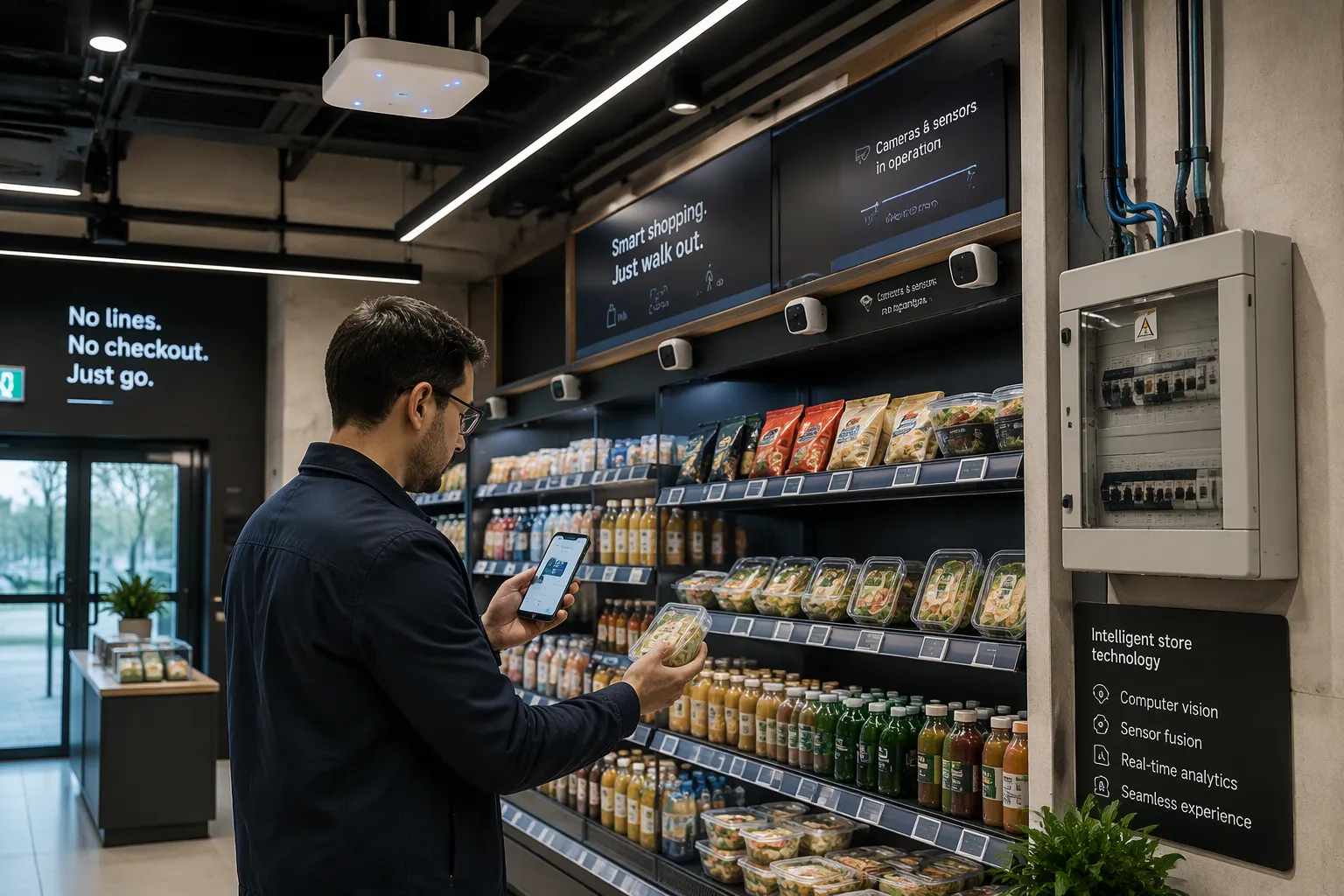
A cashierless store depends on two basics: power and network. Check both before opening day, never after. Your Power and Network Requirements cover capacity, backup power, redundancy, and monitoring for power, plus bandwidth, latency, reliability, security, and coverage for network. Treat each item as a pass-or-fail test. Cloudpick built these checkpoints from real cashierless store launches. So they match the loads and traffic that stores really see. Answer each checkpoint with measured data, not guesses. A store that passes every test opens on time. A store that skips one finds the gap at the worst moment: in the middle of a transaction, with a customer waiting.
Key Takeaways
Figure out the highest power load for all devices, then add extra capacity for future growth.
Set up backup power (UPS) and separate circuits for key systems to stop outages.
Set up power monitoring so you get alerts about voltage drops or battery problems.
Check the network speed and delay during busy times to make sure checkout stays fast.
Check failover, security, and coverage before you open. This helps you avoid downtime.
Power Requirements to Confirm
Capacity and Load Planning
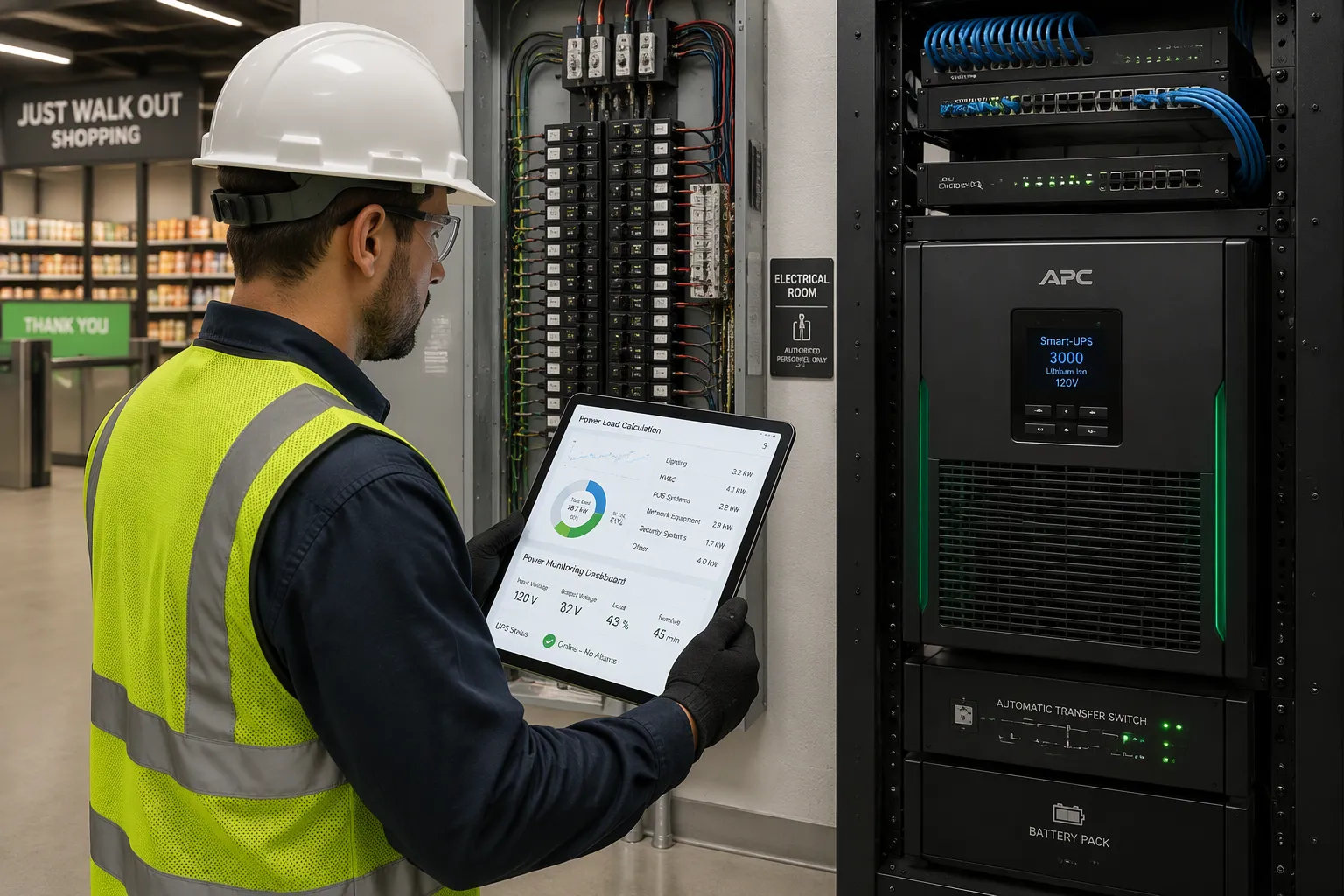
Begin with a full load calculation. Add up the power draw of every device in the store. That list includes checkout and POS terminals, edge computing hardware, cameras, network gear, digital signage, smart shelf weight sensors, and refrigeration or food service equipment. Each device pulls a small amount on its own. Together they set the size of your electrical service.
Do not size the service to the average draw. Size it to the peak. Peak load arrives when every camera records, every screen runs, and refrigeration cycles at the same time. Add headroom on top of that peak. Headroom covers two things: normal growth in traffic and the sensors you will add later. A store built to the exact current load has no room to expand. Cloudpick's site survey walks through this calculation device by device. The survey produces a load figure you can hand to your electrician with confidence.
Redundancy, Backup, and Monitoring
A single circuit feeds a single point of failure. Give critical systems their own dedicated circuits. Put edge computing, network gear, and checkout hardware on separate circuits from lighting and signage. Then a tripped breaker in one area cannot take down checkout.
Add an uninterruptible power supply, or UPS, to the critical path. Size the UPS to carry the store through short outages. Set a backup runtime target that lets customers finish their transactions and lets the store close in an orderly way. Decide that target before you buy the unit. A UPS sized by guesswork may fail at the moment it matters.
Monitoring closes the loop. Power monitoring and alerting tell you when voltage drops, when a circuit runs hot, or when a UPS battery weakens. Cloudpick's sizing guidance treats monitoring as part of the power design, not an add-on. You learn about a problem from an alert, not from a dark aisle.
These Power and Network Requirements share one logic: measure first, then build. Power failures rarely announce themselves. They build quietly until a peak load exposes the gap.
Network Requirements to Confirm
Bandwidth and Latency
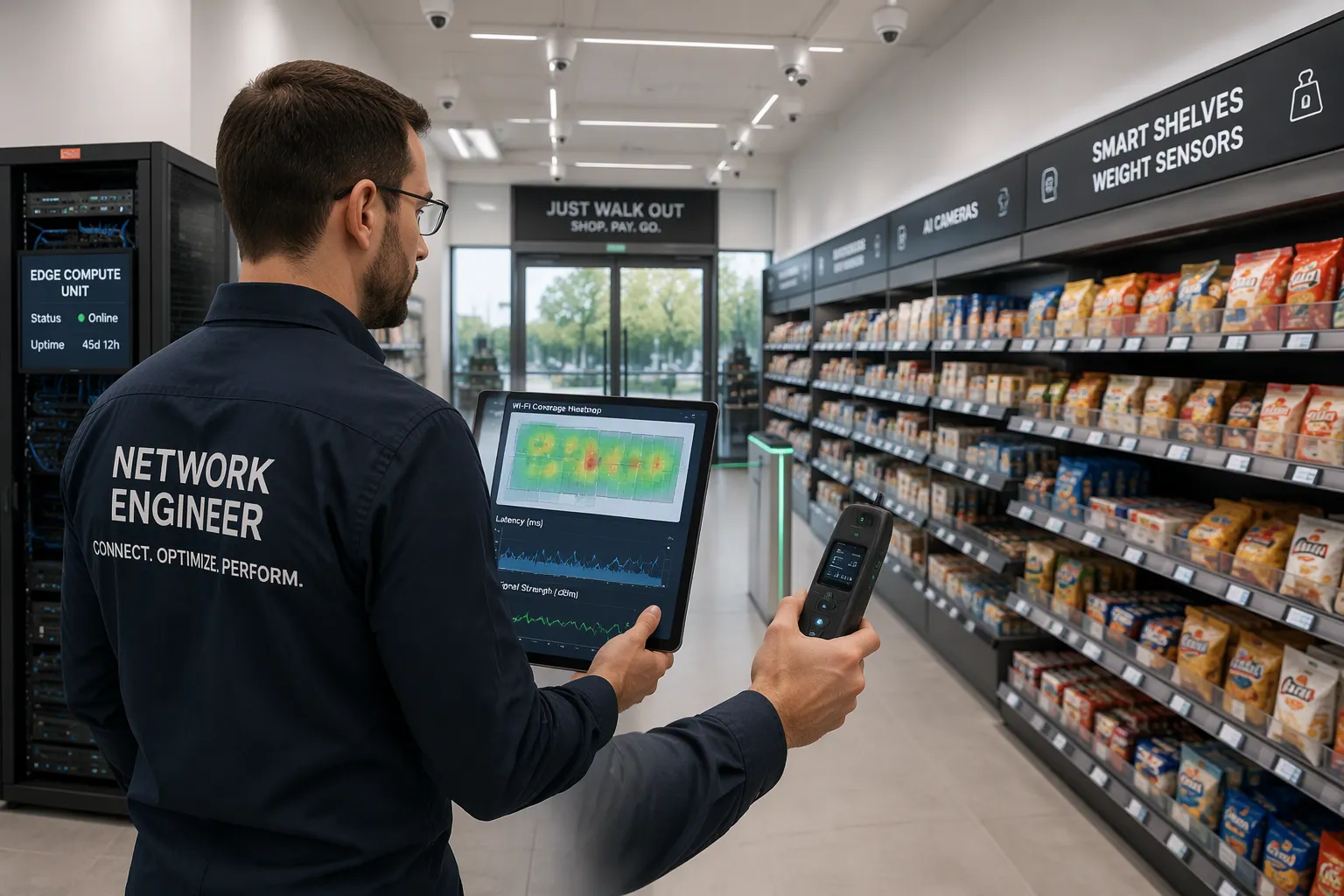
Network capacity starts with a count for each device. Each camera sends video to edge computing hardware for recognition. Each smart shelf sensor reports weight changes. Each POS terminal and entry gate swaps data with the cloud. Add up the traffic of every device, then multiply for peak periods. A busy Saturday morning pushes more frames and more transactions than a quiet Tuesday night. Size the network to that peak, not the average.
Set a latency ceiling for real-time recognition and checkout. A customer expects the entry gate to open right away and the payment to clear with no visible pause. High latency breaks that flow. The store feels slow, and customers notice. Cloudpick's network architecture recommendations set latency targets for each part of the chain: entry, product selection, and automatic payment. Follow those targets when you test the network.
Coverage matters as much as speed. Map signal strength across the entry, every aisle, and the exit. Dead zones in an aisle can drop sensor data. A weak spot at the exit can stall a customer right at payment. Walk the floor with a test device and record the results.
Reliability, Security, and Coverage
Build failover into the design. A second network path keeps traffic moving when the primary link drops. Critical-traffic separation protects the essentials. Put entry control, checkout, and payment on their own network segment. Then an internet outage or a bandwidth spike from signage cannot take down the contactless entry–product selection–automatic payment chain. That chain depends on continuous availability. One broken link stops the sale.
Security protects the same chain. Encrypt traffic between devices and the cloud. Restrict access to the network by device role. Log every connection attempt. These steps guard customer data and keep unauthorized devices off the store network.
Cloudpick's monitoring data shows how these Power and Network Requirements behave in production. The data reveals which links carry the heaviest load and where failover events occur. Use that evidence to tune your design before launch. Reliability is not a single device. It is the whole path working together, tested under real conditions.
Confirming Power and Network Requirements with Cloudpick
Cloudpick Pre-Launch Validation
Cloudpick begins each deployment with a site survey. A team walks the floor and records every device, where it sits, and how much power it uses. The survey covers checkout hardware, edge computing, cameras, network gear, signage, shelf sensors, and refrigeration. You get a load picture for each device instead of a rough estimate.
From that survey, Cloudpick sizes the electrical service and the network. The load plan sets capacity with headroom for peak draw and future sensors. The bandwidth plan counts traffic for each camera and each sensor, then adds margin for busy periods. Cloudpick also runs redundancy checks. The team confirms dedicated circuits for critical systems, checks UPS runtime against your backup target, and tests failover paths under load. Sign-off comes only when every check passes with measured data. You review the results and approve the design before any hardware ships.
Cloudpick Monitoring and Failover
Cloudpick keeps watching after launch. Production monitoring tracks power quality, link health, and traffic load across the store. Alerts fire when voltage drops, a circuit runs hot, or a UPS battery weakens. On the network side, the system watches latency at entry, product selection, and payment. It also logs failover events and flags links that carry heavy load.
Failover support keeps the contactless chain alive. Critical-traffic separation holds entry control and payment on their own segment. A dropped primary link switches to the backup path, and checkout keeps moving. Cloudpick's monitoring data shows where these events happen and how the store recovers. You tune the design from that evidence, not from guesswork. Issues surface as alerts long before a customer reaches the payment step.
Pre-Launch Checklist
Power Sign-Off Items
Think of the power sign-off as a gate you must pass, not just a formality. First, confirm you have capacity headroom. Your load calculation must cover every device at peak draw, with margin left for future sensors. Compare the measured figure against the service size your electrician installed. If they match, the store can grow without a retrofit.
Next, verify redundancy and backup runtime. Walk the panel and confirm that edge computing, network gear, and checkout hardware each sit on dedicated circuits. Then test the UPS under load. Time how long it carries the critical path and compare that result against your backup target. Cloudpick's validation step asks for this measured runtime, not the label on the unit.
Finally, confirm monitoring is active. Trigger a test alert and watch it arrive. A silent monitoring system is worse than none, because it builds false confidence. Cloudpick signs off on power only when all three items pass with recorded evidence.
Network Sign-Off Items
Test bandwidth and latency before you open. Run traffic at peak levels and measure latency at entry, product selection, and payment. Each point must meet the target Cloudpick's architecture guidance sets for that stage of the chain. Record the results.
Then verify failover and critical-traffic separation. Pull the primary link and confirm the backup path carries checkout traffic without a stall. Check that entry control and payment sit on their own segment, apart from signage and guest Wi-Fi.
Confirm security and coverage last. Validate encryption between devices and the cloud, device-role access rules, and connection logging. Walk the floor with a test device and record signal strength at the entry, every aisle, and the exit. Cloudpick's checklist closes when every Power and Network Requirements item shows a passing, measured result.
Check four power items before you open: extra capacity, backup systems, backup runtime, and monitoring. Then check six network items: bandwidth for each camera and sensor, latency limits, failover, keeping critical traffic separate, security, and coverage. Each one needs a measured result, not a guess.
These Power and Network Requirements decide whether your store sells without stopping. Check them before deployment, and you avoid downtime, missed sales, and costly rework. Skip them, and the problem shows up mid-transaction. Use Cloudpick's validation process and pre-launch checklist as your own sign-off template. Walk the floor, record the evidence, and open only when every item passes.
FAQ
How much extra power capacity should you plan for?
Plan for the highest power use, not the average. Cloudpick's site survey adds extra room on top of that peak. This extra room covers busier traffic and sensors you add later. Your electrician sizes the service from that measured number.
What happens to checkout during an internet outage?
Keeping critical traffic separate keeps entry control and payment on their own segment. A backup network path carries that traffic when the main link drops. Cloudpick tests this failover under load before sign-off, so checkout keeps moving during an outage.
Can you run a cashierless store on a standard office network?
No. Cameras and shelf sensors make steady traffic that office gear rarely handles at peak. Cloudpick's architecture guidance sets bandwidth and latency targets for each device. Test your network against those targets before you commit.
How do you prove the store passed its power and network checks?
Record measured results, not labels or estimates. Time the UPS under load. Pull the main link and watch failover work. Walk the floor and log signal strength. Cloudpick signs off only when every item shows a passing, recorded result.
See Also
Discover How Cloudpick Delivers Cashierless Shopping Convenience to Your Store
Explore AI-Powered Combo Vending Machines: Key Features and Benefits for Modern Retail
Micromarkets Versus Smart Stores: How Automated Convenience Retail Operates Globally
Walmart Self-Checkout Access: What Changes Are Coming in 2025?
How Smart Technology Is Revolutionizing Retail Through Electronics Vending Machines
