Ensure Compliance in Your Airport Smart Store with These Strategies

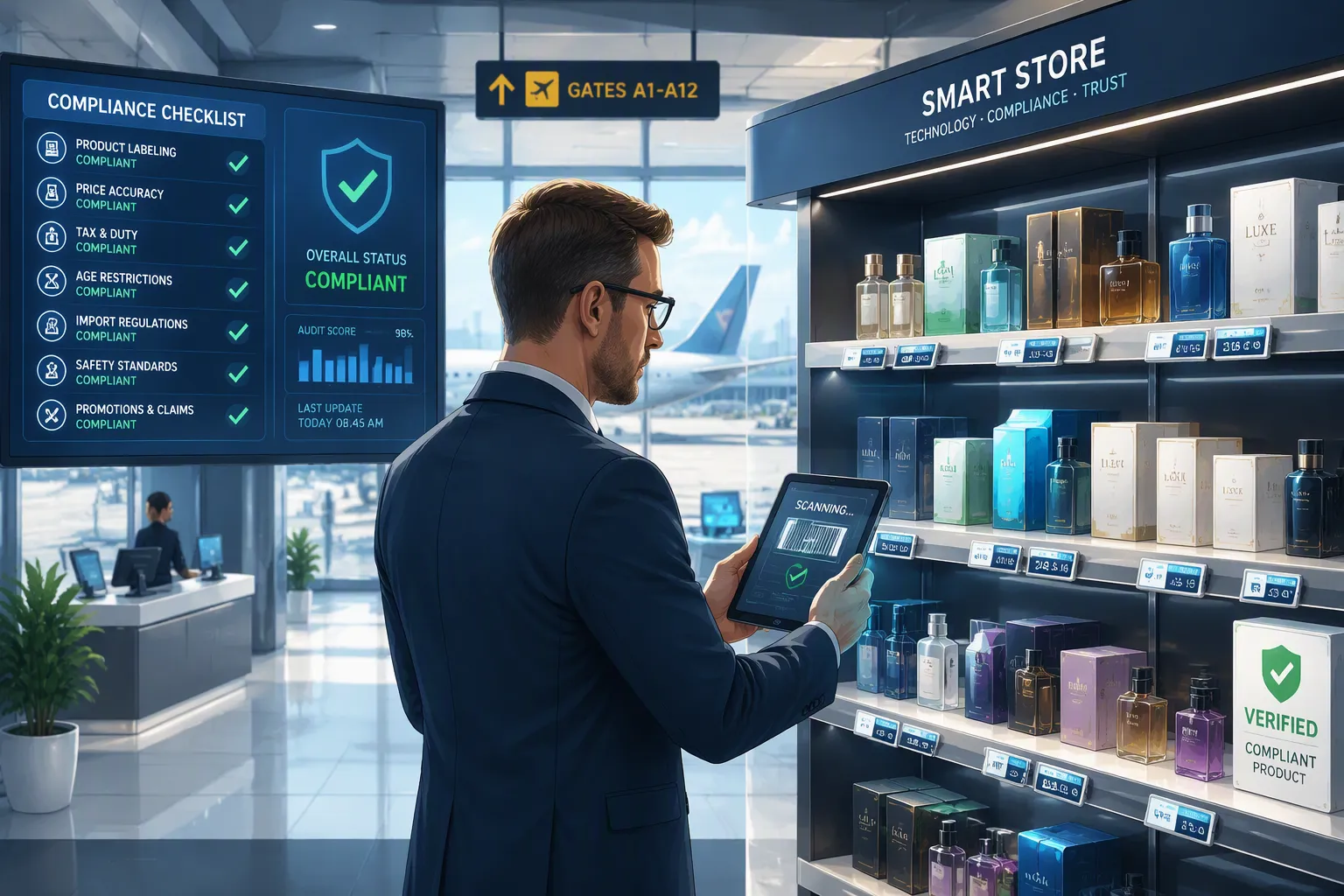
You walk into a grab-and-go store, scan your palm, grab a snack, and leave. No lines. No checkout. That ease seems like something from the future. But behind that smooth experience are many compliance requirements from TSA, FAA, and privacy laws. These rules could shut down your store very quickly. Dealing with these compliance requirements isn't just a legal task—it's your advantage over others. One mistake can cause fines, store closings, or passengers who stop trusting you. This guide explains the important compliance requirements for airport smart stores. You'll get a simple, step-by-step plan to follow all the rules and keep following them. Turn this possible problem into a way to win. Here is how to meet compliance requirements and keep doing it.
Key Takeaways
Plan your store with TSA, FAA, and local airport rules in mind from the very start.
Protect customer data with strong encryption and strict access controls to meet GDPR and CCPA.
Make sure 25% of kiosks are usable by all, and follow ACAA standards for all passengers.
Achieve PCI DSS compliance to avoid fines and keep your payment systems safe.
Do compliance checks every three months and train your team often to make following the rules a normal habit.
Understanding Compliance Requirements for Airport Smart Stores
Before you put in a single smart shelf or set up facial recognition cameras, you need to map out the rules. Airport smart stores sit where aviation security, disability access, and retail law meet. Each rule adds more layers. You cannot treat compliance as an extra step. You must build it into your store's base from day one.
Navigating TSA and FAA Mandates
The Federal Aviation Administration (FAA) and the Transportation Security Administration (TSA) set the basic rules. The FAA Airport Compliance Manual is the main guide for airport operators. It lists what airports must do to keep their federal grant promises. Your smart store must follow these rules because you operate inside airport-controlled space.
TSA Part 1542 rules directly control airport security. These rules apply to you because your store sits inside a secured or sterile area. The table below shows the key requirements you must handle.
Requirement Code | What It Means for Your Store |
|---|---|
1542.103 | TSA must approve your written Airport Security Program (ASP). |
1542.201 | Access control systems must work at all entry points. |
1542.205 | Secured areas must be clearly marked and kept safe. |
1542.207 | Screening checkpoints must control access to sterile areas. |
1542.209 | Badge holders must have fingerprint-based criminal history checks. |
1542.303 | TSA Security Directives must be followed in set timeframes. |
You must follow the FAA Airport Compliance Manual and TSA Part 1542 rules together. Write a security plan with clear boundaries and controlled entry points. Your store's physical layout must support these boundaries. For example, if your store has a rear entrance for restocking, that door needs the same access control as the main entrance. You also need credentialing for staff and badge holders. Every employee who enters your store must hold a valid airport badge with the right access level.
Your security plan cannot stay the same forever. Update it often and train staff on airport security rules. TSA Security Directives can change with little warning. You must respond within the set timeframes. Keep records of all training sessions and security incidents. Update your compliance plan regularly to pass airport inspections.
Aligning with Local and International Airport Rules
Beyond federal rules, you must meet local airport authorities. Each airport has its own lease agreements, operational rules, and design standards. These local rules often go beyond federal minimums. You must review your lease carefully. It will spell out everything from signage sizes to waste disposal steps. Your smart store technology must match these local requirements.
International operations add another layer. The International Civil Aviation Organization (ICAO) sets global standards. Annex 9 covers facilitation, which includes passenger processing and commercial services. Annex 17 addresses security. Your smart store technology must match both. If your airport serves international flights, these standards apply to you directly.
The Air Carrier Access Act (ACAA) also affects your store. This law requires that at least 25% of automated kiosks in each location meet accessibility design specs. All kiosks installed on or after December 12, 2016, must be models that meet these specs until the 25% mark is reached. By December 12, 2022, the 25% requirement became mandatory. Accessible kiosks must provide all the same functions as inaccessible ones. A passenger with a disability who asks for an accessible kiosk must get priority access. Each accessible kiosk must be visually and tactilely marked with the international symbol of accessibility. You must keep these kiosks in proper working order at all times.
Mastering Data Privacy and Security for Airport Smart Stores
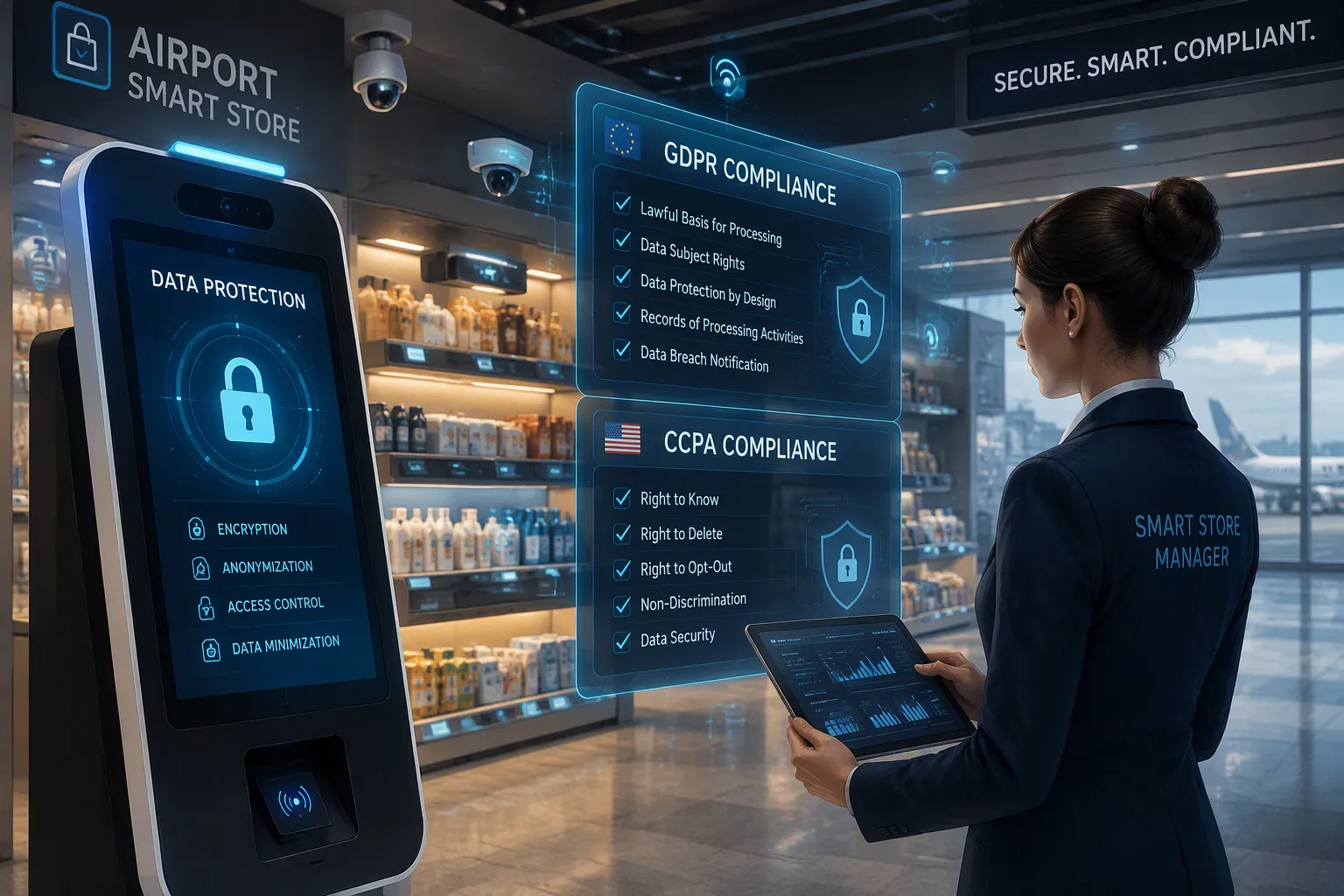
Data privacy is a big issue for self-service stores in airports. Passenger data is very sensitive. Travelers share payment details, biometric info, and travel plans with your store. You must protect this data at every step. If you fail, you face fines, lawsuits, and lost trust. Data privacy and security rules form the base of your airport smart store work.
Adhering to GDPR and CCPA for Customer Data
Two main laws control how airport stores protect customer data. The General Data Protection Regulation (GDPR) has a wide reach. It applies to any business that handles data of people in the European Union, no matter where the business is. If your airport serves international flights, GDPR applies to you. The California Consumer Privacy Act (CCPA) applies to businesses that collect personal data of California residents. Even if your store is outside California, you must follow CCPA if you serve California travelers.
Both laws require clear consent before you collect data. You must tell customers what data you collect and why. You must let them see, fix, or delete their data. You must give a clear way to opt out of data sales or sharing. Your privacy policy must be clear and easy to find. Breach notification rules require you to report incidents within specified timeframes. These rules need a clear plan. You need a data inventory that lists every piece of customer data your store collects. You need data retention policies that delete data when its purpose is done. You need contracts with third-party vendors that hold them to the same data privacy rules. Build privacy into your systems from the start.
Implementing Robust Cybersecurity for IoT and AI Systems
Your smart store depends on Internet of Things (IoT) devices and AI-powered analytics. Smart shelves track inventory in real time. Cameras watch customer movement and behavior. AI systems study purchase patterns and adjust pricing. Each device creates a possible entry point for attackers. The unique cybersecurity risks of these systems need strong encryption and access controls.
The table below shows the encryption standards and access control methods you should use.
Category | Method | Key Function |
|---|---|---|
Encryption | Full Volume Encryption | Protects entire storage media against unauthorized access if physically lost, supporting regulatory compliance. |
Encryption | File/Data Zone Level Encryption | Encrypts whole files or zones, restricting decryption to authorized users for secure sharing. |
Encryption | Attribute/Field-Level Encryption | Selectively encrypts sensitive fields, enabling analytics while keeping data compliant and access-limited. |
Access Control | Biometric Authentication | Uses fingerprints or facial recognition, speeding up processing by up to 30% versus manual checks. |
Access Control | Smart Physical Barriers | Integrates with biometric readers to make intelligent entry decisions at access points. |
Access Control | Multi-Factor Authentication | Combines badges with facial recognition for high-security zones, adding layered verification. |
You must use broader access control strategies to protect your systems.
Access control systems set boundaries between public and restricted zones. These systems create audit trails that aviation regulators require.
Pairing access control with video verification lets you confirm that the person using a credential is its rightful owner.
Restricted area monitoring should automatically pull live camera feeds when a credential is used. The system should turn events like forced doors, tailgating, or after-hours entry into video alarms.
Every access event must be logged against a badge and matched to footage for investigation and compliance.
When picking a system, choose an open platform with broad device support. Look for scalability, built-in AI analytics, and integration breadth. Reliability with failover capability is key. Your system must also meet cybersecurity standards and support operator workflow quality.
These steps keep your security compliance strong against changing threats. Your data privacy standards must reach every layer of your technology stack. Each layer needs encryption, access controls, and monitoring. Strong encryption plus layered access control protects your store and your customers.
Ensuring Operational and Safety Compliance
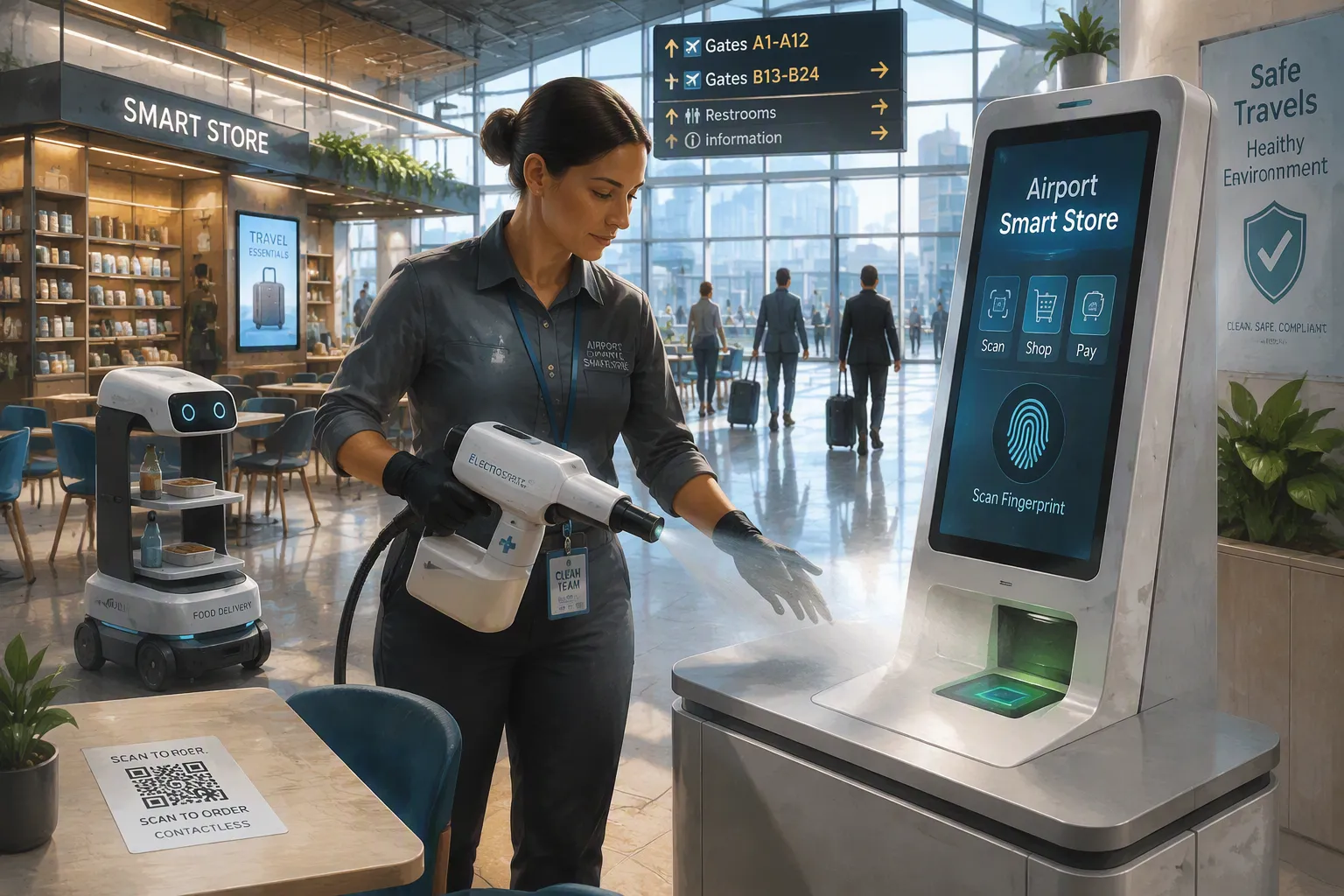
Operational compliance covers the daily realities of running your store. Health standards, accessibility rules, and biometric data handling all fall under this umbrella. You must address each area with the same rigor you apply to federal aviation mandates. Your store's reputation depends on how well you manage these operational duties.
Meeting Health, Safety, and Accessibility Standards
Your smart store must meet strict health and safety standards. These standards protect passengers and staff. You need a comprehensive cleaning program that goes beyond basic janitorial work. The table below shows the primary disinfection methods you should deploy.
Method | Application | Key Benefit |
|---|---|---|
Charged mist sprayed onto surfaces | Disinfects more effectively than manual wiping | |
Fogging | Disinfectant aerosol applied to hard-to-reach areas | Covers spaces that are difficult to access manually |
UV radiation | Surface and upper-air disinfection in restrooms | Kills pathogens without chemical residue |
Your cleaning staff needs proper training. They must know contact times for each product. They must understand how to operate electrostatic sprayers and foggers correctly. This training ensures effective disinfection every time.
Contactless technology reduces physical contact throughout your store. QR code readers on tables let passengers order food without touching surfaces. Biometric scanners and contactless fingerprint readers enable self-service for check-in and bag drop. These technologies minimize the spread of germs.
Food handling requires special attention. Food delivery robots provide on-demand, contactless service in lounges and restaurants. These robots use sensor fusion and real-time mapping to navigate safely. They reduce human interaction with food and surfaces. Advanced analytics monitor service quality and demand patterns. This data enables continuous improvement of your food handling processes. Semi-autonomous designs allow human oversight for safety. This balance of automation and reliability works well in dynamic airport environments.
Accessibility standards under the Air Carrier Access Act (ACAA) demand specific actions. At least 25% of your automated kiosks must meet accessibility design specifications. These kiosks must provide all the same functions as standard units. A passenger with a disability who requests an accessible kiosk must receive priority access. Each accessible kiosk must display the international symbol of accessibility. You must keep these kiosks in proper working order at all times. Regular maintenance checks ensure these units remain functional.
Managing Biometric Data and Physical Security Protocols
Biometric data integration with TSA protocols presents unique challenges. The TSA PreCheck Touchless ID program shows how this integration works. The system matches a live facial scan against government-held images from passports or visas. This process replaces physical ID checks at security checkpoints.
The legal implications of biometric data storage demand careful attention. Some experts see minimal privacy risk in these systems. Others raise concerns about data storage, oversight, and long-term use of facial recognition. Lawmakers are exploring guardrails to constrain biometric data usage. You must stay informed about these evolving regulations.
Your data privacy standards must address biometric information specifically. You need clear consent procedures before collecting any biometric data. You must document how you store this data and who can access it. You must establish retention periods that align with legal requirements. You must provide passengers with a way to request deletion of their biometric data.
The integration of biometric systems with TSA protocols faces the challenge of adhering to rigid data rules. Global aviation security standards from TSA, ICAO, and the EU all apply. These standards create a complex web of requirements. You must implement data privacy compliance frameworks to ensure safety while complying with privacy laws. These frameworks serve as your legal safeguard for biometric data storage.
Your physical security protocols must work in concert with biometric systems. Access control systems set boundaries between public and restricted zones. These systems create audit trails that aviation regulators require. Pairing access control with video verification lets you confirm that the person using a credential is its rightful owner. Restricted area monitoring should automatically pull live camera feeds when a credential is used. The system should turn events like forced doors, tailgating, or after-hours entry into video alarms. Every access event must be logged against a badge and matched to footage for investigation and compliance.
Smart airport architectures can facilitate compliance with rigorous industrial cybersecurity standards. This facilitation only works if you configure your systems properly. You must ensure that every device in your network meets the same security standards. You must monitor these systems continuously for vulnerabilities. You must update firmware and software regularly to address emerging threats.
Your security compliance program must include regular reviews of all operational procedures. You should document every cleaning session, every maintenance check, and every access event. This documentation proves your commitment to safety and compliance. It also provides evidence during airport inspections or regulatory audits.
The health and safety of your passengers depends on your daily choices. The accessibility of your kiosks determines whether all travelers can use your store. The protection of biometric data builds trust with every customer. Each operational decision you make either strengthens or weakens your compliance posture. Choose wisely.
Securing Technology and Payment Systems
Contactless payment systems need a large upfront investment. Following the rules adds even more costs. These challenges make many store owners hesitate. But not following the rules costs much more than doing things right. You must protect every payment point in your airport smart store.
Achieving PCI DSS Compliance for Contactless Payments
The Payment Card Industry Data Security Standard (PCI DSS) applies to every system that handles card data. Mobile wallets, NFC-enabled terminals, and contactless readers all fall under this rule. You must check your compliance every year. You must also watch for problems all year long.
Not following the rules leads to serious problems. The table below shows the money you could lose.
Cost Category | Monthly Range |
|---|---|
Processor non-compliance fees | $10–$300 |
PCI fines (1–3 months) | $5,000–$10,000 |
PCI fines (4–6 months) | $25,000–$50,000 |
PCI fines (7+ months) | $50,000–$100,000 |
Forensic investigation | $20,000–$100,000+ |
Card replacement | $50–$90 per card |
Major breach-related assessments | $50,000–$5,000,000+ |
Beyond these numbers, you face bigger problems:
Fines from card brands or banks that handle your payments
Legal trouble, including lawsuits and government actions
A bad reputation that makes customers lose trust
Work stoppages from audits, investigations, or forced shutdowns
A data breach can badly hurt your airport's reputation. Cyberattacks on payment systems can stop ticketing, parking, and other services. These problems cause delays that affect the whole airport. Not following rules creates money problems from lawsuits and fines. It makes passengers lose confidence. It stops services. You cannot afford these results.
Vetting and Managing Third-Party Technology Vendors
Your technology partners must follow the same rules you follow. A careful vendor review process protects your store. You must check every possible partner before you sign any contract.
Start by learning how each vendor's technology works in airport settings. Write clear rules to control its use. Limit the types of solutions allowed at the airport. Set up an approval process to make sure the setup will not disrupt current operations. Track how each system is used. Set requirements that keep a compatible environment for all users.
Your vendor contracts must include compliance clauses. These clauses should require vendors to keep PCI DSS certification. They should require regular security checks. They should explain how to report a breach. Your security rules must cover every outside system connected to your network.
Check vendor compliance status on a regular basis. Plan yearly reviews of each partner. Ask for proof of their security practices. Verify their data handling matches your standards. This ongoing watch keeps your compliance strong.
Implementing Proactive Compliance Strategies
A written compliance plan means nothing without execution. You need a system that catches problems before regulators do. Proactive strategies turn compliance from a reactive burden into a routine advantage. These practices protect your airport smart stores from costly violations and operational disruptions.
Conducting Regular Audits and Risk Assessments
Schedule regular audits that review every compliance area. Your checklist should mirror FAA and TSA guidelines. Cover data privacy standards, physical security, payment systems, and accessibility requirements. Each audit should examine your store's actual conditions against these benchmarks.
Start with a documented walkthrough of your physical space. Check access control points, badge readers, and surveillance cameras. Verify that accessible kiosks meet the 25% requirement and display proper signage. Test your cleaning protocols against your documented schedule. Review your data handling procedures to confirm they match your stated policies.
Your audit must also assess risks before they become violations. Examine vendor contracts for compliance clauses. Verify that third-party systems maintain current certifications. Review incident logs for patterns that signal emerging problems. Document every finding, whether positive or negative.
Create a corrective action plan for each issue you discover. Assign responsibility and set deadlines. Track completion in your next review. This cycle of assessment and correction keeps your store aligned with evolving rules.
Building a Culture of Compliance Through Staff Training
Your staff members make daily decisions that affect your compliance posture. Training must be ongoing, not a one-time orientation. Schedule regular sessions that cover new regulations and response protocols. Each session should explain what changed and how it affects daily operations.
Focus training on practical scenarios your team will face. Show them how to handle a customer requesting data deletion. Walk them through the steps for reporting a suspected breach. Demonstrate proper procedures for badge use and access control. Role-play situations where a passenger needs an accessible kiosk.
Your training program should also cover the reasoning behind each rule. When staff understand why a procedure exists, they follow it more carefully. Explain how a single access control failure could compromise the entire secured area. Show how proper data handling protects both passengers and the store.
Use compliance management software to track training completion and deadlines. This tool can send reminders for certification renewals and audit dates. It can store documentation in one searchable location. It can generate reports that demonstrate your compliance efforts during inspections. This investment streamlines the entire process and reduces administrative burden.
A culture of compliance grows when every team member understands their role. Your commitment to training signals that following the rules matters. That mindset protects your store, your passengers, and your reputation.
Compliance never ends. You must treat it as an ongoing journey, not a final destination. Each audit reveals new gaps. Each regulation update demands fresh attention. This constant work builds trust with passengers and airport authorities alike.
Proactive compliance costs less than reactive penalties. Fines, shutdowns, and lost reputation far exceed the price of regular audits and staff training. View compliance as an investment in operational excellence.
Start today. Schedule a data privacy audit or review your vendor contracts. Choose one area and strengthen it. A compliant smart store earns passenger confidence. That trust positions you to innovate and grow in the years ahead.
FAQ
How often should I update my airport smart store's security plan?
You should review your security plan whenever TSA issues new Security Directives. Federal regulations require immediate response to directive changes. Additionally, conduct a formal plan review regularly. This schedule keeps you aligned with evolving threats and regulatory expectations.
What happens if I fail to meet the 25% accessible kiosk requirement?
The ACAA mandates that at least 25% of your automated kiosks meet accessibility standards. Failure to comply triggers DOT enforcement actions, including fines and potential operational restrictions. You must also provide priority access to passengers with disabilities who request accessible kiosks.
Does GDPR apply to my airport store if I operate outside Europe?
Yes. GDPR applies to any business handling personal data of EU residents, regardless of business location. If your airport serves international flights carrying EU passengers, you must comply. This includes obtaining clear consent, providing data access rights, and reporting breaches promptly.
Can I use the same compliance checklist for every airport location?
No. Each airport authority maintains its own lease agreements and operational rules. Local requirements often exceed federal minimums. You must review each airport's specific standards and adapt your compliance program accordingly. International airports also require alignment with ICAO standards.
See Also
Smart Vending Machines: Key Advantages For Contemporary Retail
Artificial Intelligence Retail Stores: The Coming Revolution
Starting A Low-Cost AI Convenience Store: A Simple Guide
Transforming Online Retail Management Using AI Software
Automated Retail Globally: Comparing Micromarkets And Smart Stores
