Cashless Internal Billing Changes How Office Retail Works

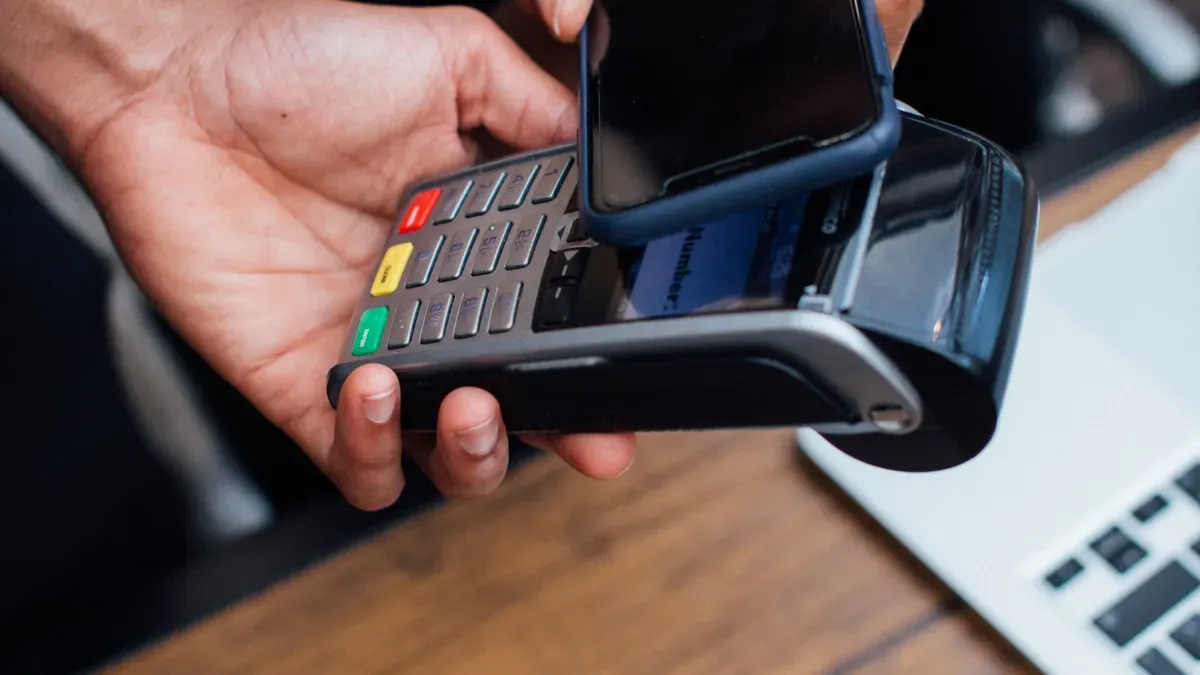
Cashless internal billing takes the place of physical cash and paper logs in office retail. This system uses digital records to handle every internal purchase. It makes transactions faster and cuts down on paperwork. It also improves tracking accuracy.
A workplace cafe switching from a cash box to a digital badge system shows this change. Employees tap badges instead of using cash. The system takes costs out of departmental budgets on its own.
This change brings ease and openness to office operations. Cashless payments get rid of manual counting and paper receipts. Digital payments leave a clear record for each sale. This allows faster reconciliation and better budget management. Office retail becomes more efficient with fewer errors and less wasted time.
Key Takeaways
Cashless internal billing uses digital records instead of cash and paper. This makes transactions quicker and more correct.
Automated systems cut the time spent on reconciliation by 85-89%. They lower errors by 90% and save teams 8 days every month.
Digital payments cut costs by lowering theft, counting errors, and hands-on work. They also give you real-time budget visibility.
Switching to cashless billing means you need to check if your systems can work together, train your staff, and keep data safe. It works best to start slowly with a small test group.
Future trends include AI for tracking supplies, tap-to-pay options, and fingerprint or face security. These make office stores work faster and focus more on the customer.
What Cashless Internal Billing Means
Cashless internal billing uses digital payment systems for transactions between departments or internal customers. It eliminates physical cash and checks from the process. An employee buys a snack from the office store. The system deducts the cost digitally from a departmental budget. No coins change hands. No paper receipt gets filed.
This approach covers many office settings. Consider these common implementations:
| Implementation Example | Cashless Payment Methods | Access Control Methods | |---|---|---|---|
Office vending machines (e.g., for employee cafeterias) | Card payment, mobile wallet, QR code, employee payment programs, other electronic payment solutions | N/A |
|---|---|---|
Controlled-access vending for office supplies (e.g., supply closets) | N/A | Employee cards, PIN codes, barcode scanning, other approved identification systems |
How It Works in Office Retail
The technology behind cashless internal billing varies by setting. RFID readers work well in closed environments like offices and plants. Users tap pre-loaded key rings or RFID sensors at the reader. This option costs less because it avoids card-scheme processing fees. Card readers support both open and closed-loop payments. These include token rings, RFID cards, mobile wallets, and credit cards. Card terminals add displays for PIN-on-glass support. This feature matters in high-traffic locations where PIN entry is periodically required. Mobile cashless payment apps let operators launch a wallet for machine payments. This approach works in open and closed-loop environments and enables loyalty campaigns.
A unified terminal validates credentials, deducts the exact balance, logs a timestamped entry, and releases the gate simultaneously. This continuous automated tracking eliminates manual cash handling. It cuts administrative overhead. It also ensures only authorized, paying personnel access dining resources. This protects against fraud and credential sharing.
How It Differs from Traditional Billing
Traditional billing relies on paper logs and cash boxes. Manual cash handling and card swiping introduce financial vulnerabilities, accounting errors, and risk of loss. Disconnected dining data makes it hard for administrative teams to reconcile subsidies, manage accounts, or track accurate logs.
Cashless internal billing records differ sharply from manual cash logs. Each transaction produces a permanent, timestamped digital entry. There is no cash to miscount. No reconciliation discrepancy occurs. No manual audit is needed. Reporting and financial planning become simpler and more accurate. Traditional manual cash logs show differences between counted and expected totals. These differences are common and hard to trace. Small recurring discrepancies can go unnoticed for weeks. They accumulate into significant undetected losses.
Accessibility also improves. Complete transaction records feed to the operator app in real time. This enables centralized, automated tracking and immediate visibility. Manual records depend on counting and logging by hand. Operators lack real-time visibility. They must physically collect and reconcile cash, spending extra time per machine each week.
The shift from paper logs and cash boxes to automated digital records changes how office retail operates. Cashless transactions reduce errors. Digital payments speed up reconciliation. Contactless payments and other cashless payment methods give staff more time for customer service. The next section explores how these changes affect inventory, approvals, and expense reporting.
How Office Retail Operations Change
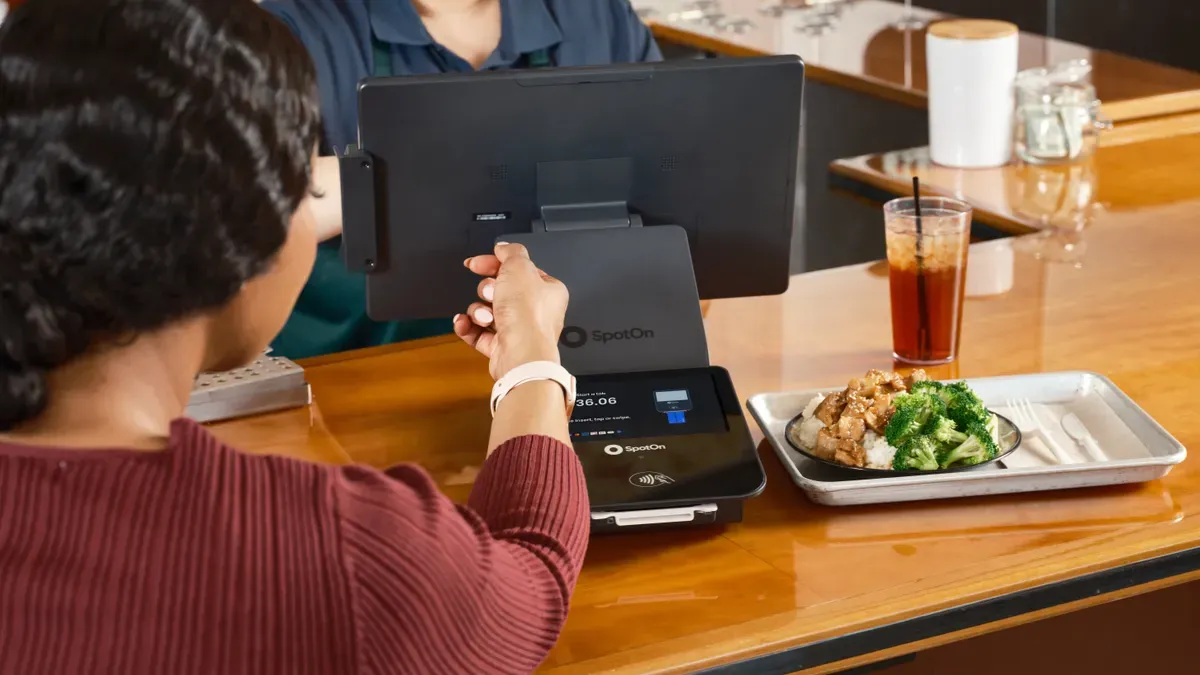
Office retail operations change in important ways when every internal purchase creates a digital record. This digital shift changes inventory tracking, purchase approvals, expense reporting, and point-of-sale systems. Each area benefits from automatic work and live data flow.
Inventory and Purchase Approvals
Live inventory tracking becomes possible with cashless transactions. Barcode or RFID scanning records each item movement right away. Automated data entry stops the common mistakes found in manual data entry. Staff see mismatches the moment a transaction happens. They fix small problems before they become big errors that take time to solve.
Automated data entry by scanning makes sure every item movement is recorded correctly. This stops unrecorded transactions that create fake inventory or lost items. Live visibility into stock levels lets businesses order exactly what they need. It avoids both too much stock and running out, which cause errors during physical counts. AI-powered data analysis finds patterns in these errors. It helps fix the main causes and match physical stock with digital records. Constant tracking and restock alerts keep this match going.
Purchase approvals also get better under this system. The billing system knows each department's budget and spending limits. When an employee makes a purchase, the system checks the budget on its own. It approves the purchase if funds are still available. It denies the purchase if the department has used its budget. This automation removes manual approval emails. Managers review only exceptions or big requests that need human judgment. The system tracks spending patterns over time. It shows which departments use which supplies most often. This data helps managers make better choices about stock levels and future budget planning.
Expense Reporting and Point-of-Sale
Expense reporting becomes faster and more accurate with digital payments. The billing system records each expense between departments automatically. Staff no longer fill out reimbursement forms for internal purchases. The system sends costs to the right department at the moment of purchase. Financial transparency improves because every expense has a clear digital trail. Department managers see their spending live.
Point-of-sale integration connects office retail terminals directly to the billing system. When a customer places an order, the terminal sends information to the fulfillment area right away. The inventory system updates live. It shows supply usage correctly. The integrated system also tracks customer preferences and order history. This data supports personalized promotions.
At the end of each day, the system matches all sales data with accounting software. This automatic matching makes financial management simpler and cuts down errors. POS systems connect to back-end platforms through application programming interfaces (APIs). These APIs translate POS data, such as sales totals and payment type, into a format other systems can understand. For example, an API sends a completed sales transaction to accounting software. Revenue records update right away. Businesses also use middleware to manage data flow. Middleware sits between systems and checks correct routing without custom code. Some vendors offer built-in connections where the link is pre-installed. The choice between APIs, middleware, or built-in connectors depends on business complexity and the systems in use.
Cashless payments and contactless payments make the transaction process even smoother. Employees tap badges or use mobile wallets instead of handling cash. The terminal checks credentials, takes the exact balance, logs an entry, and releases the purchase smoothly. These payment methods work into the unified system without friction.
Finance teams close the books faster with accurate data. Budget management becomes more precise. Office retail becomes a data-driven operation that serves the organization more effectively.
Key Benefits for Office Retail
Fewer Errors and Faster Reconciliation
Automated cashless transaction logs cut the time needed to reconcile records by a lot. Comparing transactions by hand takes 2–3 hours. The automated process does the same job in 20 minutes. That is about 85–89% faster. In one recorded case, month-end close time drops by half. Automation handles 95% of routine reconciliations. Errors drop by 90%. Teams save 8 days each month, or 96 days each year, on reconciliation work.
Metric | Manual Process | Automated Process | Improvement |
|---|---|---|---|
Monthly time saved | — | — | 8 days/month (96 days/year) |
Transaction comparison time | 2–3 hours | 20 minutes | ~85–89% faster |
Month-end close time | Baseline | Reduced by half | 50% faster |
Reconciliation time reduction | Baseline | — | 75% faster |
Routine reconciliations handled by automation | — | 95% | — |
Error reduction | — | — | 90% fewer errors |
Cost reduction | — | — | Up to 30% |
Lower Costs and Better Transparency
Cashless payments remove hidden costs that come with physical cash. Theft and crime drop because less cash stays on site. Counting mistakes and manual handling go away with contactless payments. Storage, transportation, and security costs fall as digital payments replace moving physical cash. These savings build up across the whole organization.
Real-time budget data gives department managers clear visibility. They import transactions right away through corporate card integration. They track card spending in real time with automatic receipt matching. Real-time dashboards and spend trend reports help with budget monitoring. Managers get real-time alerts about submission and approval status. They set card spending limits and set up rules to auto-block transactions that break the rules. This openness improves budget management and financial planning. Instant data replaces slow manual reporting. Employees gain time for customer service and core tasks. Different payment methods feed into one unified system. Each transaction leaves a clear digital trail for auditing.
Challenges and Implementation Steps
Common Hurdles to Expect
System compatibility is the biggest hurdle. Teams must ask if their point-of-sale system works with the payment processor's API or plugins. They also need to check for extra hardware or software needs. Integration updates happen on a set schedule, and someone must handle upkeep. These questions shape the whole project timeline.
The market also faces challenges with compatibility issues in existing hardware and software. Connecting new POS software with legacy systems can be complex and costly. It requires careful planning and sometimes extra investments in IT infrastructure.
Training staff takes time and patience. Employees who once handled cash or paper logs must learn new digital workflows. Data security needs attention too. Every cashless internal billing system stores sensitive financial records. Leaders must protect that data with strong access controls and encryption. The first investment in hardware, software, and setup can feel steep. Yet these hurdles stay manageable with good planning.
How to Adopt Cashless Internal Billing
Adoption starts with checking current workflows. Leaders map every step of the existing billing process. They find where cash changes hands and where paper records pile up. This review shows the pain points that cashless payments solve best.
Next comes system selection. Teams compare vendors on compatibility, cost, and support. They test the system with a small group before a full launch. Training follows, with hands-on practice for every staff member who uses the system. A gradual rollout works better than a sudden switch. One department or one retail location goes first. The team collects feedback and fixes problems before expanding.
Digital payments need ongoing support after launch. Leaders assign a point person for questions and maintenance. They review transaction data often to catch issues early. Different payment methods all feed into one system, so staff learn a single workflow. With each phase, the organization gains confidence. Cashless payment methods become second nature. The challenges shrink as familiarity grows.
Cashless internal billing makes office retail better by getting rid of cash and paper logs. Digital ways of working make transactions quicker. Automated tracking makes records more correct. Real-time budget data gives clear information. Less mistakes lower costs. Cash handling is gone.
Future trends aim for more efficiency and personal service. AI watches stock levels live and guesses when to reorder. Contactless NFC and mobile wallets make checkout faster. Cloud-connected machines handle payments in many places. Biometric checks add security. Data analytics look at buying habits and adjust what's sold by location. Smart touchscreens and changing menus create a smooth shopping experience. Office retail becomes an operation led by data and focused on customer service.
FAQ
What is cashless internal billing in simple terms?
It is a digital way to pay for things inside a company. An employee buys an item, and the system takes the cost from a department budget. No cash or checks are used. Every sale leaves a digital record with a time stamp instead of a paper log.
How does this system differ from traditional internal billing?
Traditional billing uses cash boxes, paper logs, and counting by hand. Cashless billing records each transaction on its own in real time. Staff no longer have to match counted cash with expected totals by hand. Digital entries stop counting mistakes and make audits easier and more correct.
What results can office retail teams expect?
Automation handles 95% of routine reconciliations and cuts errors by 90%. Comparing transactions drops from 2–3 hours to 20 minutes. Month-end close time is cut in half. Teams save 8 days each month, and costs can drop by up to 30%.
What challenges should leaders plan for?
System compatibility is at the top of the list. Leaders must make sure their point-of-sale system works with the payment processor's API or plugins. Staff need training on new digital workflows. Data security needs strong access controls and encryption. The first investment in hardware and software can feel steep.
How does an organization start the switch?
Leaders map current billing workflows first. They find where cash changes hands and where paper records pile up. Next, they compare vendors on compatibility, cost, and support. A small pilot group tests the system. Training comes next, then a slow rollout by department or location.
See Also
Discover How Cloudpick Delivers Checkout-Free Shopping Experience To Your Retail Store
Walmart Self-Checkout Access Updates: What Changes Are Coming In 2025
How Grocery Vending Machines Are Transforming Retail Accessibility For Shoppers
Self-Checkout Cash Errors: Reasons And Fixes For Seamless Payment Transactions
How Electronics Vending Machines Are Revolutionizing Retail Through Smart Technology Integration
