Implementing Cashless Internal Billing in Office Retail: Key Tactics

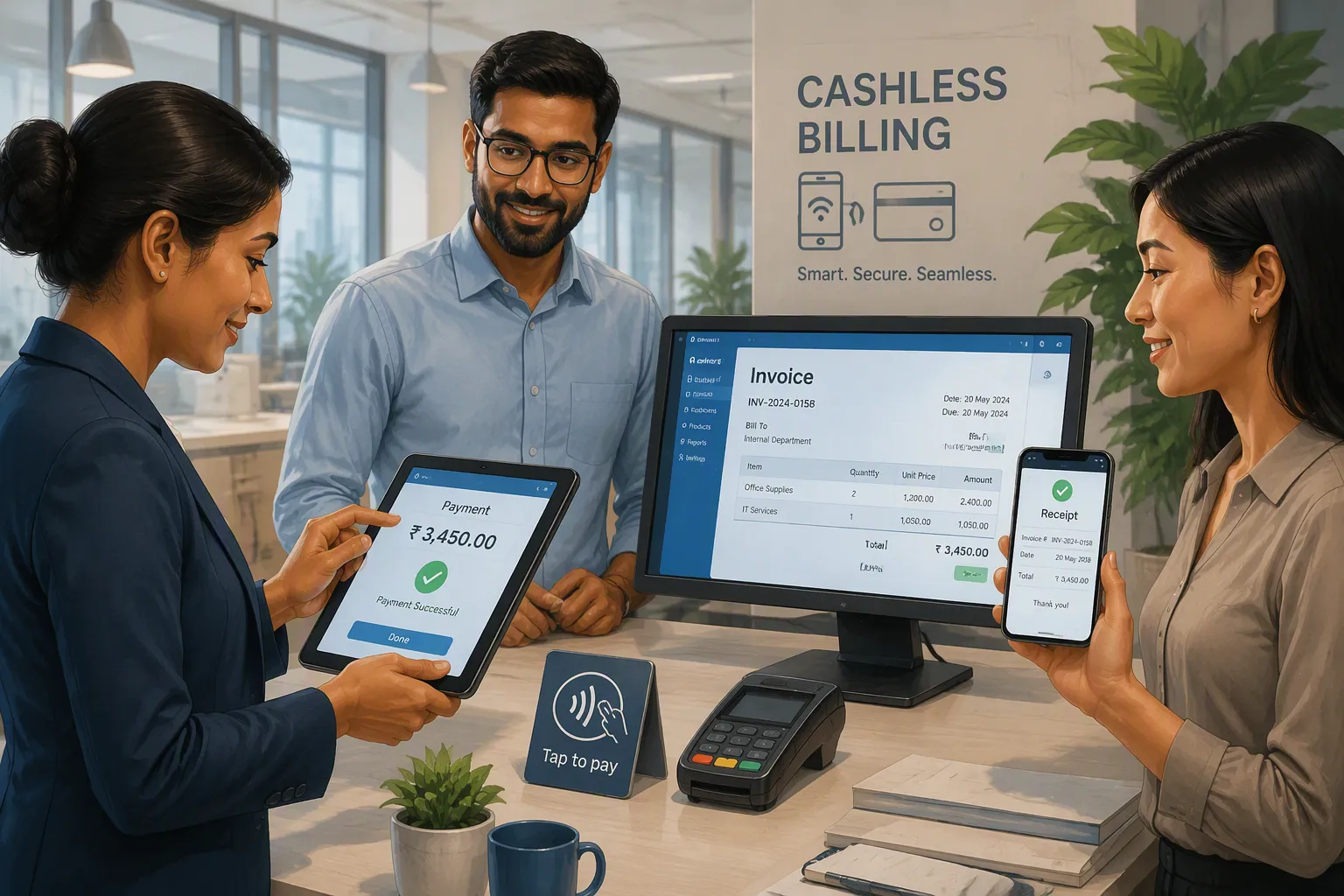
Cashless internal billing changes how your office retail works. Instead of writing down purchases at the company store or vending machines, employees pay using digital accounts. This method stops lost receipts and cuts down on office work.
You likely get frustrated with old billing methods. Manual tracking takes time. Employees hesitate when payments are not clear. These problems slow your retail work and create extra issues.
This post gives you clear tactics for using cashless internal billing well. You will learn practical steps that fit your workplace. Each strategy addresses real challenges you face daily.
The value is more than convenience. A well-run cashless system improves accountability in your office. It also builds employee trust in billing. Your retail space becomes more efficient and professional.
Key Takeaways
Cashless internal billing saves hours of handling cash each day.
Pick a platform that matches your office size and works with your accounting software.
Train employees fully before launch to reduce resistance.
Track how fast and how many transactions happen to make your system better.
Begin with a small test group to try out the system safely.
What Is Cashless Internal Billing?
Cashless internal billing is a digital payment system for your office retail space. Instead of using cash or paper records, employees make purchases through digital accounts. This system handles digital payments automatically. The system tracks every transaction. This removes the need for manual counting and paper receipts.
Core Mechanics
The system works with digital accounts linked to each employee. When someone buys from the break-room vending machine or company store, the system deducts the amount from their account. No cash changes hands. The billing happens automatically.
Your office keeps a central ledger of all payments. This ledger updates in real time. Managers see who bought what and when. The system integrates with your accounting software. You get accurate records without extra data entry.
Cashless internal billing relies on simple technology. Employees use a card, key fob, or mobile app to identify themselves. The point-of-sale system reads the identifier and processes the payment. Your office receives a complete digital trail of every purchase.
Importance for Office Retail
The biggest benefit of going cashless is the time you save. Cash handling takes hours each day. Counting 11 drawers takes 2.5 hours daily. Stores with more than 12,000 weekly transactions spend 3.5 hours per day. Total weekly cash handling time reaches up to 15 hours — nearly two full working days. Each store cash audit averages 3 hours.
This system eliminates tedious manual tasks. Automated till start funds, end-of-shift balancing, and deposit prep remove the need for counting. Cashiers gain more time for revenue-generating activities. Systemic verification of cash and POS balancing reduces shrinkage. A full audit trail gives you visibility into process efficiency.
Recyclers help merchants with till prepping, end of day balancing, and prepping bank deposits. Automating these tasks allows merchants to significantly reduce labor and redeploy back office employees to other areas in the store. The labor savings experienced from the automation of the back office cash handling tasks alone have helped merchants make the business case for implementation.
Automating manual cash processes directly reduces labor costs. You no longer need employees to stay after shifts for reconciliation. This improves your bottom line and boosts staff morale. Freed-up time lets employees spend more hours on the shop floor generating sales.
Cashless internal billing also improves your office retail experience. Employees appreciate digital payments. They no longer need cash or paper records. The system feels professional and modern. This builds trust and encourages participation in your office retail program.
Cashless vs. Traditional Billing
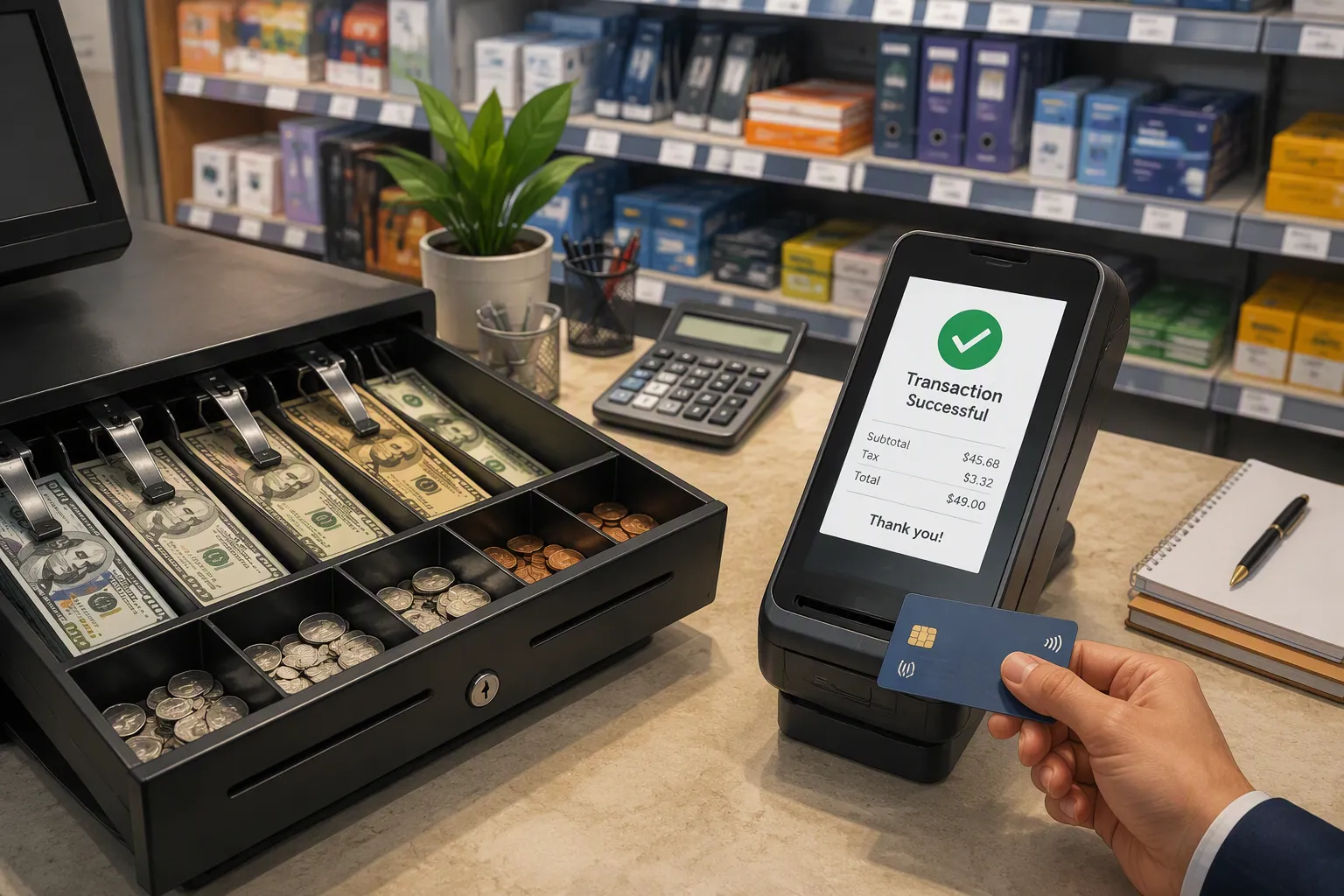
Traditional cash billing has hidden costs that slowly take away your office retail profits. You may not see these costs because they are hidden in daily work. Handling cash takes labor, makes theft possible, and stops you from seeing your true financial picture.
Cost and Efficiency Gains
Cash handling takes more time than you think. Counting 11 drawers takes 2.5 hours each day. Stores with more than 12,000 weekly transactions spend 3.5 hours per day on cash tasks. That adds up to 15 hours weekly — almost two full work days lost to counting.
Hidden Cost Category | Specific Example | Financial Impact |
|---|---|---|
Labor & Overhead | Cash counting errors require recounts and overtime pay | Thousands of dollars annually on labor and security services |
Internal Theft | Employees skim small amounts during shift changes | Cumulative losses become significant over time |
External Theft | Robbery risk during manual bank transport | Direct losses from cash drops add to security costs |
Lack of Visibility | Discrepancies only noticed at end-of-day | Error sources hard to pinpoint, causing delayed decisions |
Going cashless removes these costs. Digital payments happen automatically. You see every transaction in real time. This boost in efficiency helps your profits. Your staff uses time to help customers instead of counting money. Cashless internal billing changes your cost structure. You get a level of efficiency that manual systems cannot match. Automated payments cut down on human mistakes.
Employee Experience and Security
Cash creates security problems in your office. Internal theft methods include skimming, voids without sales, drawer miscounts, and bill swapping. External threats include smash-and-grab attacks, counter snatching, and distraction thefts. These risks grow without standard procedures and good training.
Cashless internal billing cuts these threats a lot. Digital payments leave a record for every purchase. Employees cannot steal what never touches their hands. Your office gets better security with automated tracking. This billing method protects your assets and makes daily work easier. You feel safe knowing every payment has a record.
You need to know one rule: your office retail must accept cash if local laws say so. You can follow the law and still offer cashless payment options. Accept cash to follow the rules, then push digital payments by making them fast and easy. This way you meet rules and get cashless benefits. Your billing system stays legal and works well. A cashless system can work within any rules.
Employees also like digital payments. They enjoy faster transactions and clear records. No more lost receipts or arguments about charges. Your team trusts the system because it treats everyone the same. This trust gets more people to use your office retail program. Your office looks more professional and modern. Cashless internal billing makes a better work culture. This method cuts down problems and builds trust.
Cashless billing changes how you work. You cut costs, make security stronger, and improve employee happiness all at once. The better efficiency alone is worth the change. Your office retail does well with this modern method. Every cashless payment shows your commitment to progress. Cashless internal billing is the future of workplace commerce.
Steps to Implement Cashless Internal Billing
Assess Current Infrastructure
Begin by looking at what you already have. Find problems that could stop a cashless system from working well. Many offices deal with specific setup issues.
Common setup gaps include:
Weak digital systems with poor Wi-Fi or old machines. Your system needs steady connections.
Not all workers have smartphones. Think about giving out devices or using card-based systems.
Your current payment provider charges too much. Look at other options before you choose.
People are used to paying with cash. Start with rewards to get them to try digital.
Workers may not understand how cashless billing works. Hold simple training sessions.
People worry about data safety and mistakes. Show them how the system keeps their info safe.
Staff may not know how to use the technology even after it is set up. Train your team before launch.
Your review should also check the physical space. Does your office store have good Wi-Fi? Are there enough outlets for payment stations? Is your inventory tracked on a computer or on paper? You need a strong base for cashless billing to succeed.
Talk to other managers who use cashless systems. Learn from their experience. Every office has different challenges. Talking with leaders in similar jobs helps you avoid common errors.
Choose Technology Platform
Pick a system that matches your office size. Start with RFID technology for payment stations. RFID readers scan employee cards or key fobs quickly. This makes transactions faster and cuts down on mistakes. Mobile app options are another choice. Workers pay using their phones.
Key factors for picking your platform include:
Open communication and benchmarking. Learn from peers who already use cashless systems. Every workplace has its own challenges. Talking with experienced managers is the best first step.
Audience-centric communication. Explain why, how, and what the system does two months early. Clearly explain how refunds work. Address safety worries to build trust. Give several payment choices to fit worker needs.
Staff training and addressing concerns. Train every team level early to reduce pushback. People who resist often change their minds after training and practice. Your cashless system depends on trained users.
Operational planning and internal communication. Set up a clear process for handing out devices. Use one central spot for issuing cards or key fobs. Keep everyone updated about changes. Digital payments need clear rules.
Avoiding false savings. Do not cut corners on key items like Wi-Fi or kiosk power. Offline modes or short-staffed areas hurt the user experience. These false savings erase the main benefits of your cashless system.
Your system must work with your accounting software. Your cashless billing needs to connect to it. This removes manual data entry. You get correct records. It also needs to link with your inventory system. A cashless billing system updates stock levels instantly. This stops overselling and running out of items.
Your platform choice decides how well billing works. Choose carefully. Test everything. Train everyone. This makes your cashless billing system run smoothly. Digital payments become easy and automatic. Workers like the convenience. Managers get accurate data. Your cashless billing will help your office for years.
Overcoming Challenges in Cashless Internal Billing
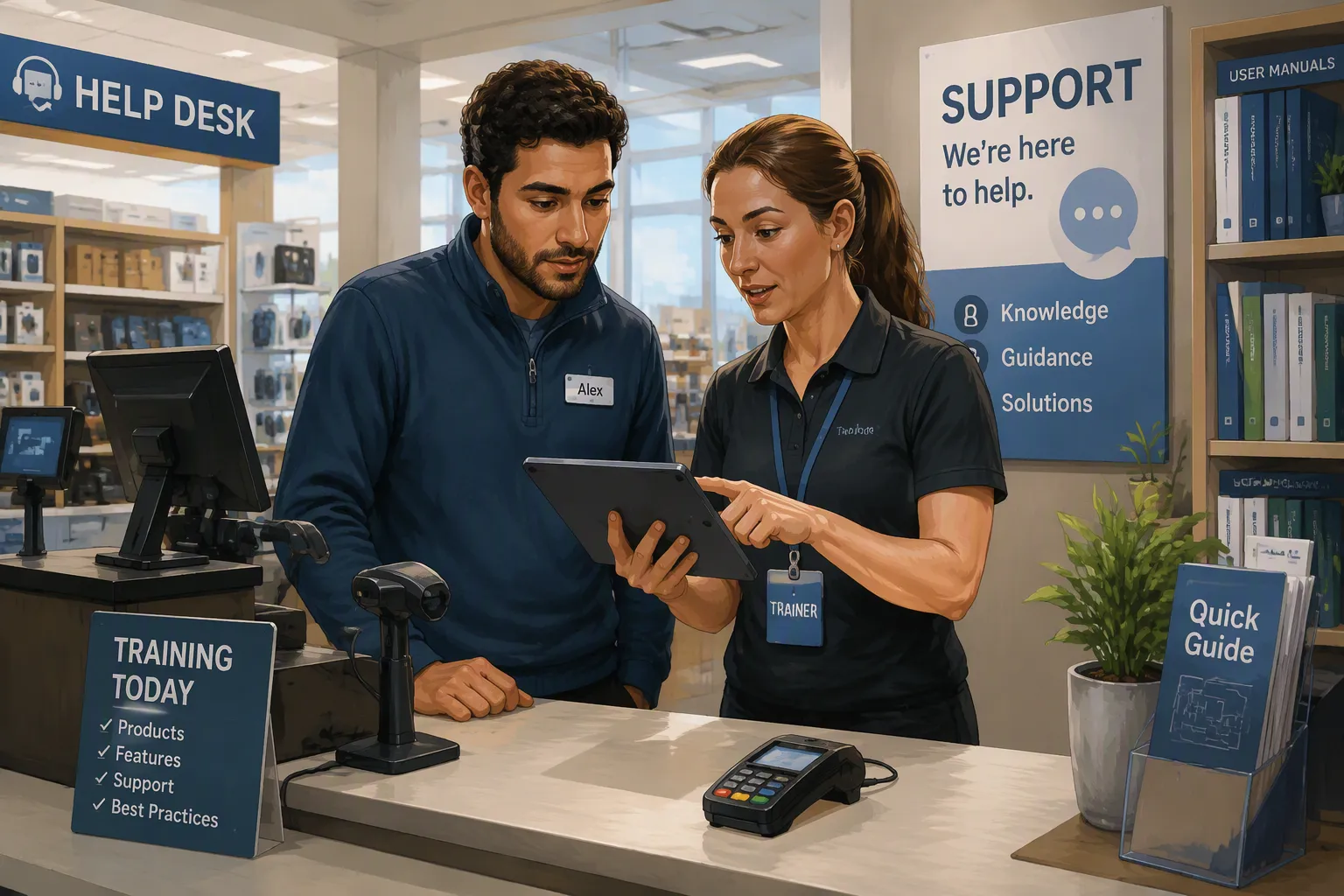
Every change brings problems. Your move to cashless internal billing will face real issues. You can handle them with the right plan. The key is knowing what problems appear and preparing your response before they happen.
Training and Change Management
Your employees decide success. Even the best technology fails without proper training. People resist what they do not understand. You must deal with their concerns directly and early.
Start with full training programs. These programs are vital for employee adoption. Teach every worker how to use the new system. Show them how to finish a transaction. Explain what happens if they make a mistake. Practice sessions build confidence. Your team needs hands-on experience before the real launch.
Ongoing support resources keep adoption strong. Do not stop training after the first week. Create a help desk or pick a champion. Someone should always answer questions. Employees need a place to go when problems arise. This support keeps adoption going after the initial rollout.
Clear communication about benefits reduces resistance. Tell your team why you are making this change. Explain how cashless billing saves time. Show them how digital payments reduce errors. Describe the new workflow in simple terms. When people understand the purpose, they accept the change more easily.
You will face specific concerns. Some workers worry about data security. Others fear making mistakes. Address these fears openly. Show them the safety features built into your system. Let them test transactions in a safe environment. Your patience during this phase pays off later.
System Integration Tips
Technical challenges appear during integration. You must plan for them carefully. The table below shows common problems you will encounter.
Challenge | Description |
|---|---|
Transaction and Processing Fees | A fee is incurred for every digital payment. |
Risk of Customer Exclusion | Individuals without bank accounts may be excluded from digital-only payment systems. |
Technological Dependence and Downtime | Cashless systems rely on internet and power; failure halts payment processing. |
Initial Setup Costs and Training | Requires purchasing new hardware and training staff on its use. |
Data Security and Privacy | Customer data must be protected from unauthorized access and cyber threats. |
Transaction fees add up quickly. You must factor these costs into your budget. Compare different providers before you commit. Some charge lower rates for high volume. Your office retail volume determines the best deal.
Technological dependence creates risk. Your cashless system stops working without internet or power. You need a backup plan. Keep a manual process ready for emergencies. Test your backup regularly. This preparation protects your operations during outages.
Data security and privacy demand attention. Your billing system stores sensitive information. You must protect it from cyber threats. Use encryption for all transactions. Restrict access to authorized personnel only. Regular security audits catch vulnerabilities early. Your employees trust you with their data. Honor that trust with strong protections.
Initial setup costs feel steep at first. Hardware purchases and staff training require investment. Think of these costs as long-term savings. Your cashless system reduces labor expenses over time. The efficiency gains offset the upfront spending.
Integration with existing systems matters. Your billing platform must connect with accounting software. It also needs to link with inventory tracking. Test these connections before launch. Fix any problems during the pilot phase. A smooth integration prevents headaches later.
Your office becomes more efficient when you solve these challenges. Employees feel confident using the system. Managers get accurate data without manual work. The transition takes effort, but the rewards justify the investment. Cashless internal billing transforms your workplace for the better.
Optimizing Your Cashless System
Launching your system marks the beginning, not the end. You must refine your approach continuously. Optimization turns a working cashless billing setup into a powerful business tool. Your office retail environment changes constantly. Your system must adapt to those changes.
Tracking Key Metrics
You cannot improve what you do not measure. Start tracking the four core metrics that reveal your system's health. These metrics show you exactly where your cashless billing performs well and where it needs attention.
Transaction speed tells you how quickly each purchase completes. Faster speeds mean shorter lines and happier employees.
Transaction volume shows how many purchases happen daily or weekly. Rising volume signals strong adoption.
Sales revenue reveals the total value of goods sold through your system. This number reflects your office retail profitability.
Customer satisfaction measures how employees feel about the payment experience. Happy users become regular users.
You should review these metrics weekly. Compare them against previous periods. Look for patterns that reveal problems. A drop in transaction speed might indicate hardware issues. Declining volume could mean employees need more training. Your data tells a story. Learn to read it.
Your POS device should support multiple payment interfaces like MDB and Pulse. These features enable QR-code display and telemetry. Weather resistance matters for vending locations. Most importantly, ensure the device complies with PCI-DSS security standards. This protects customer data and builds trust in your billing system.
Iterating Based on Feedback
Your metrics provide numbers. Employee feedback provides context. You need both to optimize effectively. Create simple channels for workers to share their experiences. A quick survey or suggestion box works well.
Secure a payment acquiring contract with a licensed financial institution. Leverage your POS provider's partnerships for better rates and regional coverage. Integrate your POS system with existing software using ready-to-use APIs. Test thoroughly before going live. These steps prevent costly errors.
Educate employees through clear signage and on-machine instructions. This encourages adoption of new payment options. Monitor transaction data and customer behavior using analytics tools. Use telemetry and remote management to spot issues early.
Your cashless system improves through iteration. Each adjustment creates an enhanced experience for users. You achieve improved transaction efficiency through consistent refinement. Digital payments become smoother with each update. Your office runs better when your billing system runs better. Keep testing, keep measuring, and keep improving. Your employees will notice the difference.
Look at what you have now. Pick a billing platform that fits your office size. Put money into teaching your staff. Watch how things go and make changes to improve your cashless system. These steps build the base for your office.
Cashless internal billing is not just a tech change. This billing method is a shift in how people think. Your team needs steady updates. Digital payments feel normal when everyone sees the benefits. Dependable cashless payments create trust in your workplace.
Begin small. Try a test run in one part of your office. Work with a small group. Collect their input. Change what needs fixing. Grow step by step. This lowers risk and builds confidence. Your cashless internal billing system will change your office retail for the better.
FAQ
How long does implementation take?
The implementation timeline varies based on your current setup and the platform you pick. Start with a small pilot group. Test the system well. Then roll it out to the whole office. This step-by-step plan cuts down on problems.
What happens during a power outage?
Your cashless system will not work without power. Keep a manual backup plan ready. You can write down purchases on paper for now. Add digital records back once power returns. Test your backup plan often. This keeps your office retail running during emergencies.
Can employees track their spending?
Yes. Most cashless platforms have employee dashboards. Workers see their purchase history and remaining balance in real time. This openness builds trust. Employees manage their money better. Managers also see buying patterns across the office.
What about employees without smartphones?
You have choices. RFID cards and key fobs work without phones. These items cost little and work well. Give them out during onboarding. Your billing system accepts both cards and mobile payments. This flexibility lets every employee join your cashless program.
How do refunds work?
Refunds happen automatically through your billing platform. The employee picks the transaction. The system adds the money back to their account right away. No paper forms or manager approvals needed. This speed improves the office retail experience. Employees like the fast fix.
See Also
Cloudpick Delivers Cashierless Shopping Convenience For Retail Stores
Smart Vending Solutions Boost Employee Productivity In Small Offices
Understanding And Resolving Self-Checkout Cash Errors For Smooth Sales
AI Combo Vending Machine Features And Benefits For Modern Retailers
The Convenience And Challenges Of Walgreens Self-Checkout Systems
