Is an Autonomous Micro Store Right for You? Cloudpick Comparison

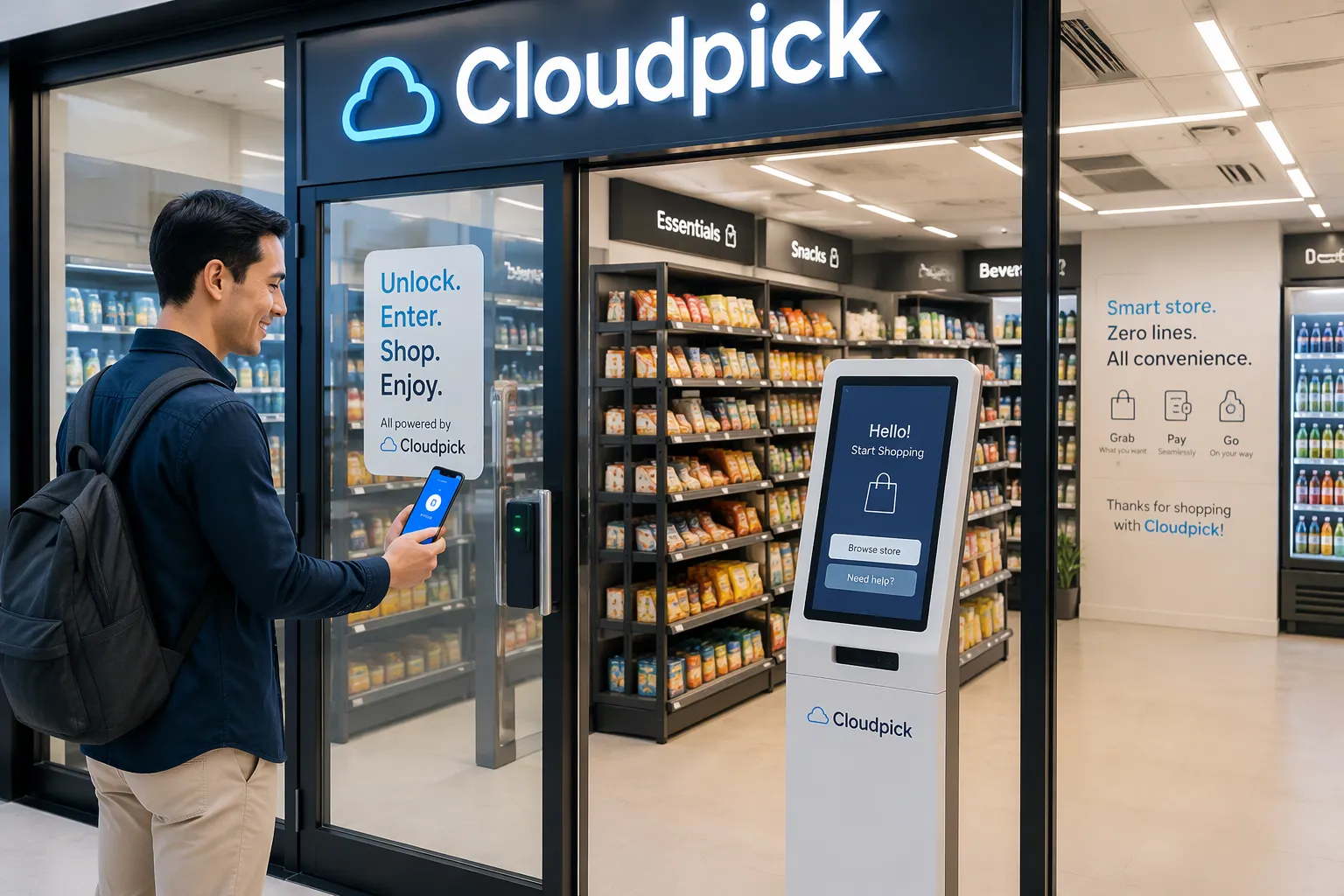
An autonomous micro store works best in larger, secure, closed-off spaces. These spots need steady foot traffic and a demand for variety. Vending machines fit small spots with controlled or public access and a narrow product need. Your choice depends on four things: available space, daily traffic, access control, and product mix.
You can answer this question fast. Measure your space, count the people who pass each day, and note who can reach the equipment. Then list what they want to buy. These four answers point to one format.
This post compares both options fairly. You get scenario-based guidance and a practical checklist. That way, you can match the format to your property with confidence. Cloudpick can also review your site and recommend a fit.
Key Takeaways
Pick an autonomous micro store for bigger, secure spaces with 150–200+ visitors a day and a need for fresh food.
Choose vending machines for small, open, or low-traffic areas that carry a limited mix of products.
Check your space, daily foot traffic, access control, and product variety before you decide.
Use a simple checklist to match the format to your property and avoid costly mistakes.
Begin with a small coolbinet, then grow into a full micro store as your sales increase.
When an Autonomous Micro Store Fits Best
The Closed-Loop Traffic Threshold
Start with a simple rule of thumb. An autonomous micro store fits best in a closed-loop space with at least 150–200 people on site. A closed-loop space means the same group of people returns day after day. They work in the building, live in the complex, or stay on the campus. That repeat traffic is what makes the format work.
Count the people who can reach the store without leaving the property. A single office floor with 60 staff does not clear the bar. A building with 220 employees across four floors does. The threshold is a guide, not a hard line. A site just under 150 people can still work if those people visit often and buy regularly.
Variety and Fresh Food Demand
The strongest signal favoring an autonomous micro store over vending is demand for more product variety and fresh food. Ask what your people want to buy. Sealed snacks and bottled drinks point to vending. Sandwiches, salads, fruit, and a rotating mix of brands point to a micro store.
This is about fit, not superiority. Vending serves a narrow product need very well. A micro store simply handles a wider mix with more fresh options. If your site shows steady demand for that wider mix, the format earns its place.
What Each Format Is
Autonomous Micro Store Basics
An autonomous micro store is a self-service shop that runs with no staff on site. You walk in, take what you want, and pay through a smart lock or a computer-vision checkout. The system tracks each item you pick up and settles the bill on its own. No cashier stands at a counter, and no one restocks during your visit.
The format carries a wider product mix than vending. Shelves hold fresh food, drinks, snacks, and everyday essentials side by side. Cloudpick builds this format in several shapes: AI-powered unmanned stores for larger rooms, computer vision coolbinets for a compact footprint, and Moby Mart mobile smart stores for outdoor sites. Each shape keeps the same core idea: shopping with no staff and automatic payment.
Vending Machine Basics
A vending machine is a closed cabinet that gives out one item per transaction. You pick a product, pay at the machine, and the coil or shelf releases it. The machine holds sealed, shelf-stable goods well: bottled drinks, packaged snacks, and similar items. Stock stays behind glass, so the format works in open areas where anyone can walk up.
Smart vending adds a layer of control. These machines support card and mobile payment, remote monitoring, and age or access limits on selected products. You still get the small footprint and simple operation of classic vending. You also gain sales data and the ability to manage stock without visiting the site. That combination suits spots where space is tight or the public has free access.
Autonomous Micro Store vs. Vending Machines
Space, Access, and Checkout
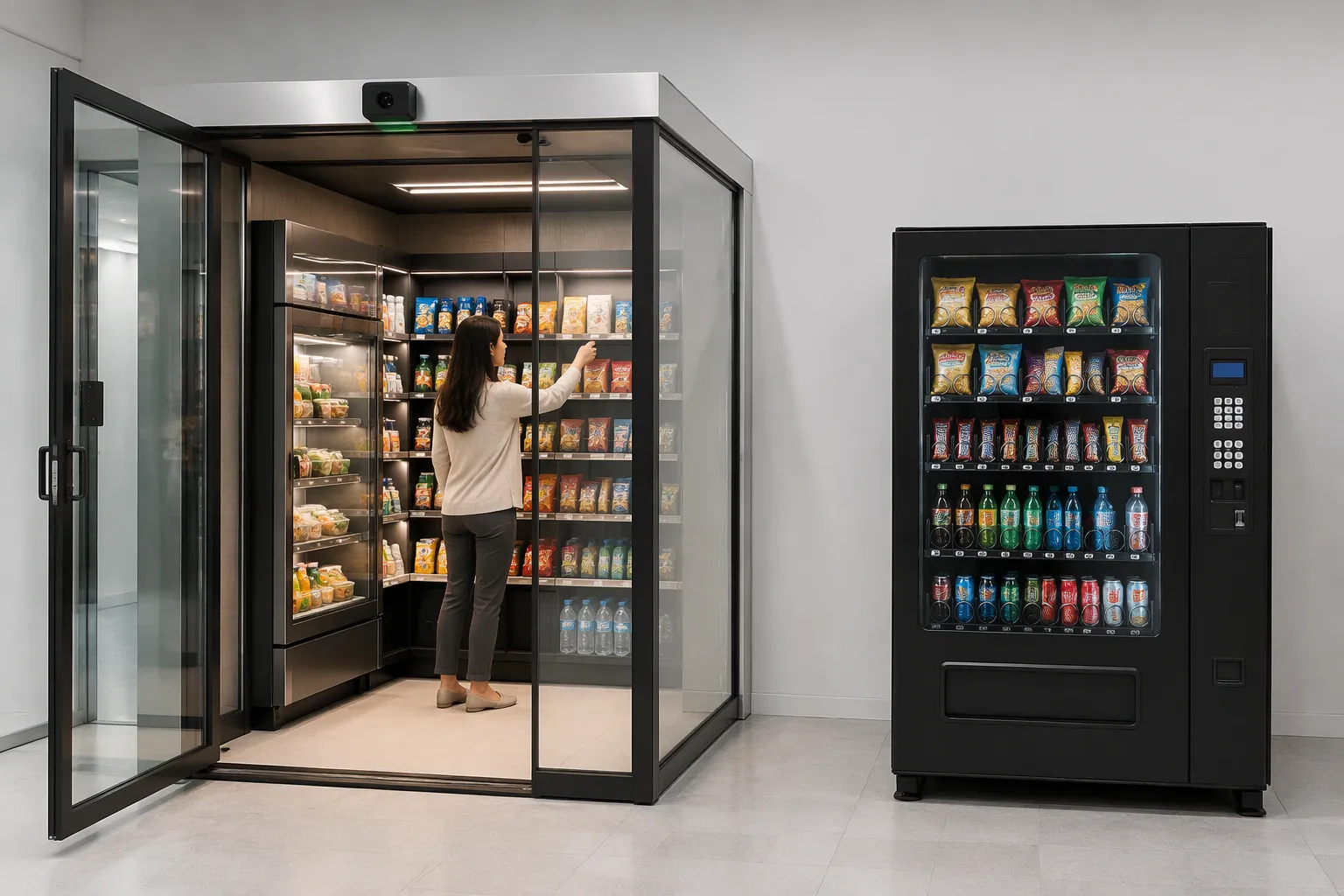
Space is the first thing that separates the two. A 5-square-meter autonomous micro store holds more products than a traditional vending machine. That small room gives you shelf depth on several walls. A vending machine gives you one glass front and a fixed set of coils. You get more choices per square meter with the micro store, but you pay for that gain with a larger footprint.
Product access is just as different. A vending machine keeps every item behind glass. You choose from a keypad or a touchscreen, and the machine releases one item. A micro store lets you walk in, pick up a product, and put it back if you change your mind. That open access works well for fresh food and mixed baskets.
Checkout follows the access model. Vending settles at the machine with cash, card, or mobile payment. A micro store settles automatically through a smart lock or computer-vision checkout. You take the item, and the system charges you on the way out. Cloudpick's computer vision coolbinet brings this automatic settlement to a compact cabinet, so you can test the model in a small space before committing to a full room.
Security, Selection, and Environment
Security shapes the choice as much as space does. A micro store relies on controlled entry and digital accountability. Each visit ties to an account, and the system records what leaves the shelf. Vending needs no entry control at all. The cabinet protects the stock, so the machine works in open, public areas.
Selection and environment complete the picture. The table below sets the two formats side by side.
Factor | Autonomous Micro Store | Vending Machine |
|---|---|---|
Space | Needs a small room; 5 square meters holds more product than a vending machine | Compact cabinet; fits a corridor or wall |
Product access | Open shelves; you handle and return items | Behind glass; one item per transaction |
Checkout | Automatic settlement via smart lock or computer vision | Payment at the machine |
Security | Controlled entry plus digital accountability | Cabinet protects stock; no entry control needed |
Selection | Wide mix, including fresh food | Sealed, shelf-stable goods |
Best environment | Secure, closed-loop sites with steady traffic | Open, public, or low-traffic spots |
The spending data favors the micro store where traffic supports it. Consumers spend about 53% more at micro markets, averaging $20 per month per customer. Open shelves and a wider mix invite larger baskets.
Cost tells the other side of the story. A micro store costs more upfront than vending because of its size and complexity. You fund shelving, sensors, and entry control before the first sale. Operating costs can run lower than full autonomous retail, since a micro store needs less space and simpler systems than a full staffed-format build-out. Weigh that upfront gap against the higher basket size and the fresh-food range.
Best-Fit Scenarios by Property
Offices and Workplaces
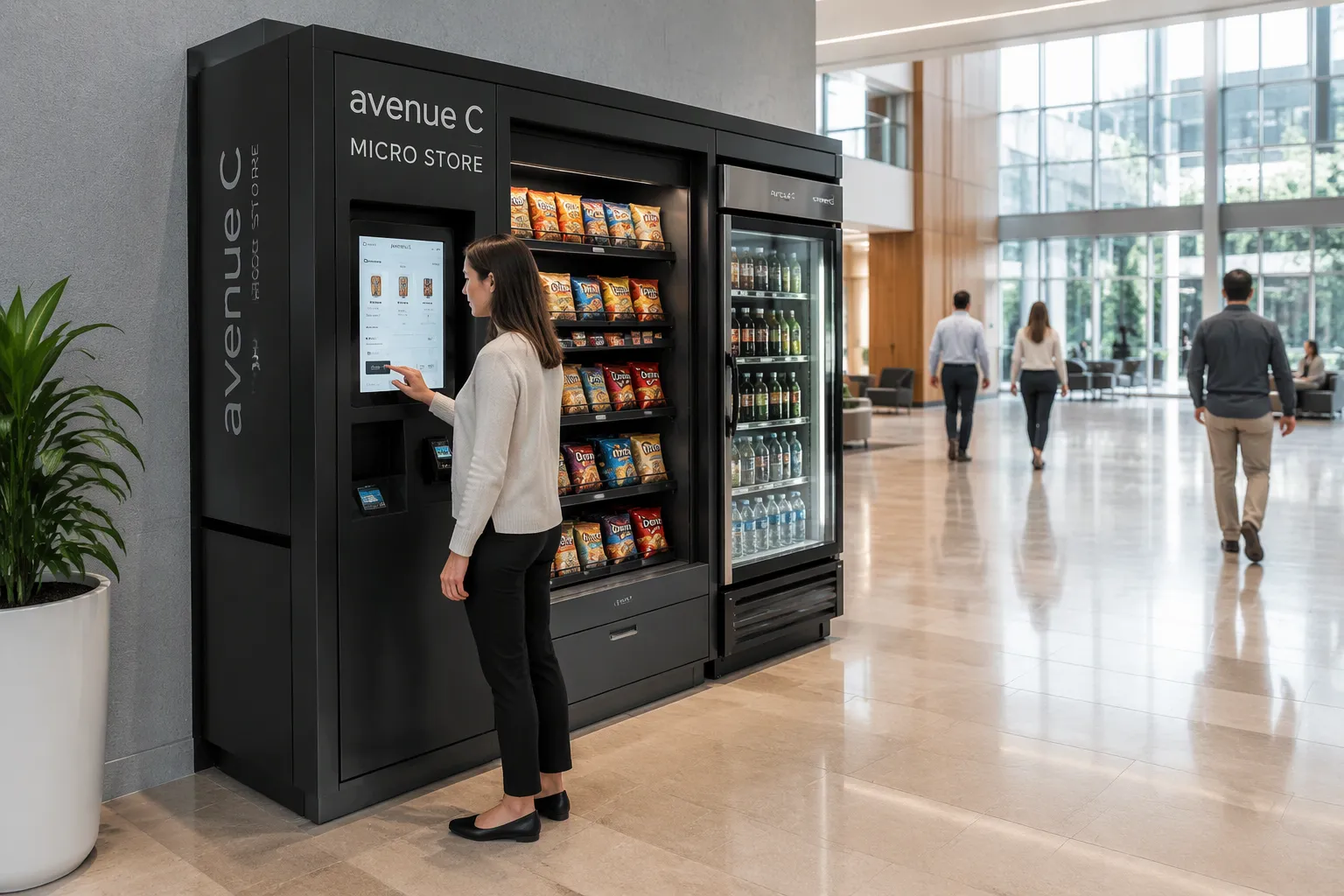
Office sites divide clearly by how many people work there and what they need. A building with 200 or more employees on a closed campus meets the traffic threshold for an autonomous micro store. Those workers want lunch choices, fresh snacks, and a changing drink selection. A micro store on the ground floor or near the break room serves that demand without a staffed counter.
Small crews need a different answer. A 40-person office in a tight suite has no room for a walk-in shop. Vending or smart vending fits that space. The machine sits in a corridor, holds sealed goods, and needs no entry control. You get 24/7 access with a small footprint.
Enterprise and industrial parks sit between these two cases. Cloudpick serves this sector with AI-powered unmanned stores and computer vision coolbinets. A park with several buildings and steady shift traffic can place a coolbinet in each lobby. That setup gives workers a nearby purchase point without a full room build-out.
Multifamily, Healthcare, and Public Spaces
Access control decides the format in shared and public settings. A residential complex with a locked lobby and steady resident traffic supports a micro store. Residents pass the same spot every day, and entry ties to a building account. That closed loop makes the format work.
Healthcare and public sites need more care. A hospital waiting area or a transit hub stays open to anyone who walks in. Vending or smart vending suits those spots. The cabinet protects stock, and no entry control is needed. Cloudpick's served sectors include hospitals, factories, transportation hubs like railways and airports, and hotels and scenic spots. Each site type calls for a format matched to its access model and traffic pattern.
The table below maps common property types to a recommended format and the reason behind it.
Property Type | Recommended Format | Reason |
|---|---|---|
Large office, 150–200+ on site | Autonomous micro store | Closed-loop traffic and demand for fresh food and variety |
Small office or tight suite | Vending or smart vending | Limited space and a narrow product need |
Enterprise or industrial park | Micro store or coolbinet per building | Steady shift traffic across multiple buildings |
Multifamily with controlled entry | Autonomous micro store | Repeat resident traffic and account-based entry |
Hospital, transit hub, scenic spot | Vending or smart vending | Open public access and limited space |
Hotel or resort | Format depends on guest access | Controlled guest areas favor a micro store; open lobbies favor vending |
Use the table as a starting point, not a final answer. Your own traffic count and access rules carry more weight than a general pattern. A hospital with a staff-only wing, for example, may support a micro store in that wing while vending serves the public lobby. Cloudpick's Moby Mart mobile smart store adds another option for outdoor sites. The unit moves to where the crowd is, so a seasonal scenic spot or an event venue can host a store without a permanent build.
Key Decision Factors
Security and Accountability
Security picks the format as much as space does. An autonomous micro store relies on controlled entry and digital accountability. Each visit links to an account, and the system records every item that leaves the shelf. You know who came in, what they took, and when they left. That record protects your stock and settles disputes quickly.
Vending works the opposite way. The cabinet itself protects the goods, so you need no entry control at all. Anyone can walk up, pay, and take an item. That design fits open, uncontrolled areas like a public lobby, a transit platform, or a roadside stop. Match the format to your access model, and accountability handles itself.
Product Mix and Cost
Product mix points to a clear split. Fresh food and variety favor the micro store. Shelves hold sandwiches, salads, fruit, and a rotating brand mix. Sealed, shelf-stable goods favor vending. Bottled drinks and packaged snacks sit behind glass for weeks without waste.
Cost and staffing complete the decision. Compare four lines: upfront cost, footprint cost, restocking labor, and remote management. A micro store costs more upfront because of its size and complexity. It also takes up more floor space. Vending wins on both counts at the start. Restocking labor favors vending for simple, sealed goods. A wider fresh mix needs more frequent, more careful restocking either way.
Remote management can close the gap. Cloudpick's smart store management system lets you control the store remotely and run it unmanned. You monitor stock, sales, and settlement from one dashboard. That visibility cuts site visits and keeps labor predictable. Weigh the higher upfront cost against the wider basket and the fresh-food range. Then decide which format your traffic and product demand can support.
Decision Checklist
Questions to Ask About Your Site
Run through a short set of questions before you commit to a format. Each answer narrows the choice. Write the answers down, because a site visit goes faster when you carry the numbers with you.
How much floor space can you give up? Measure the room or the wall. A walk-in format needs a small room. A cabinet needs only a corridor or a wall panel.
How many people pass the spot each day? Count the people who can reach it without leaving the property. Repeat visitors matter more than one-time footfall.
Who can reach the equipment? Note whether entry is locked, badged, or open to the public. Access control decides which format protects your stock.
What will people buy? List the top items they ask for. Fresh food and a rotating mix point one way. Sealed snacks and drinks point the other.
Who restocks and services the unit? Name the person or team. Confirm they can reach the site on a set schedule.
Answer all five, and the format usually picks itself. A site that clears the space and traffic questions but fails the access question still needs a second look.
Assigning Service Responsibility
Service ownership decides whether the format works over time. Assign restocking to a named person or team, and set a schedule that matches how fast the shelves empty. Fresh food needs more frequent visits than sealed goods. Put that difference in writing.
Name who handles repairs, payment issues, and customer questions. A clear owner keeps small problems from growing. Review the arrangement after the first month. Traffic and product demand often shift once people start using the store, and the schedule should shift with them.
Match the format to your space, traffic, access control, and product variety needs. Choose an autonomous micro store for larger, secure, higher-traffic sites. Choose vending for compact, open, or low-traffic spots.
The strongest fit for the micro store is a closed-loop building with 150–200 or more people on site and steady demand for fresh food. Vending wins where space is tight, entry is open to the public, or traffic stays low. Both formats serve real needs well.
Cloudpick can assess your location and recommend the right fit. Request a fit consultation, share your traffic count and access rules, and get a clear recommendation for your property.
FAQ
Is the 150–200 person threshold a hard rule?
No. Treat it as a guide. A site just under the line can still work when the same people visit often and buy regularly. Count repeat visitors, not one-time footfall. A smaller group with steady daily demand can support the format.
Can a micro store work in an open public lobby?
Not well. The format relies on controlled entry and digital accountability. An open lobby gives you no way to tie a visit to an account. Choose vending or smart vending there instead. The cabinet protects the stock, and anyone can pay at the machine.
Do I need fresh food demand to justify a micro store?
No, but it strengthens the case. A wide mix of packaged goods can still fill the shelves. Fresh food simply signals that vending's narrow range will not satisfy your people. If sealed snacks cover the need, vending fits fine.
How fast can I deploy a Cloudpick store?
Cloudpick reports quick deployment in just a few days. That speed suits sites that need a purchase point without a long build-out. You can also start with a computer vision coolbinet, which brings automatic settlement to a compact cabinet.
Can I start small and expand later?
Yes. Begin with a coolbinet in one lobby and watch the sales data. If traffic and basket size support it, add a full AI-powered unmanned store in a larger room. Cloudpick's smart store management system lets you monitor both from one dashboard.
See Also
Amazon Go Versus Cloudpick: A Detailed Comparison
How Cloudpick Delivers Cashierless Convenience to Your Store
Why Cloudpick Checkout Computers Boost Efficiency, Access, and Experience
Cloudpick Self-Checkout in 2025: Availability, Locations, and Customer Experiences
Micromarkets Versus Smart Stores: How Automated Convenience Retail Works Globally
