From Theft to Profit — How Computer Vision Prevents Shrinkage

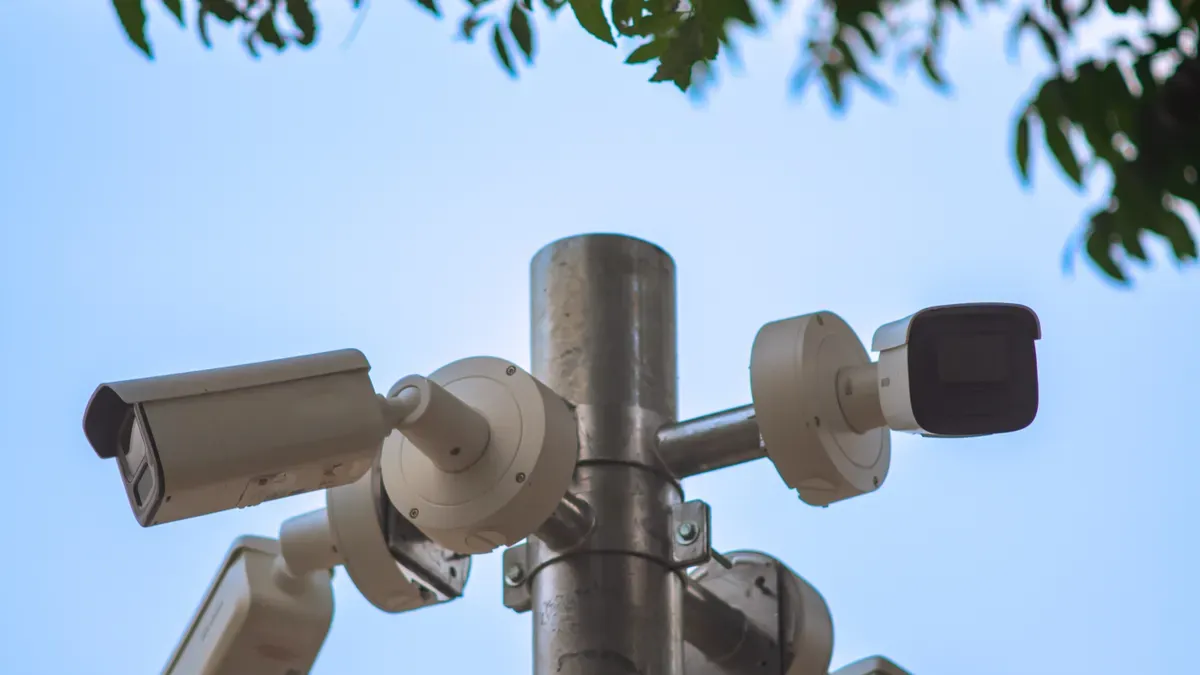
Computer vision can help prevent shrinkage by using AI-powered cameras to detect theft, scan errors, and inventory mistakes as they happen. Every checkout lane and stockroom shelf stays visible in real time. If a customer scans one item but conceals another, the system flags the discrepancy immediately. If an employee makes a stockroom error, the software catches the difference before it becomes a quiet loss. These small incidents, repeated hundreds of times a week, can finally be stopped before they turn into lasting profit leaks. That visibility turns would-be losses into recovered revenue.
Key Takeaways
Retail shrinkage costs stores money because of theft, mistakes, and fraud.
Computer vision uses AI to watch cameras and find theft right away.
The system stops losses at self-checkout and makes inventory counts more accurate.
With this technology, businesses make back $88,000 per store each year.
Begin with a small test in two or three stores for 90 days.
What Shrinkage Costs Retailers
Defining Retail Shrinkage
Retail shrinkage means the difference between the inventory your records show and the inventory you really have. This gap comes from four main sources: theft by customers or employees, paperwork and scanning errors, product damage, and vendor fraud. Each source takes value away in a different way, but all of them hurt the same bottom line.
You might think shrinkage is just a small housekeeping problem. The numbers say something else. Supermarkets and grocery stores usually run 1.5–2.5% shrink against sales, and the industry average is 1.4% of sales. That percentage comes straight out of gross profit. A simple rule makes the math clear: 1% shrink on $10 million in revenue takes $100,000 right out of gross profit.
How Small Losses Erode Margins
Grocery net margins usually run only 1–3% of revenue. Shrinkage, labor, cost of goods sold, and occupancy together use over 95% of revenue. In that tight structure, shrinkage is a main cost line and a huge margin risk, especially in perishables.
Think about a real example. An Idaho grocer with 2.1% shrink lost $180,000 on $8.5 million in revenue. That loss used about half its operating profit. At normal supermarket shrink levels, shrinkage can use a large share of operating profit and eat away at already thin net margins. Shrink also shows deeper problems: poor demand forecasting, weak inventory rotation, or misaligned promotions. When you stop shrinkage, you protect every dollar that would otherwise disappear before it reaches your net profit.
Item | Finding |
|---|---|
Example | Idaho grocer with 2.1% shrink lost $180,000 on $8.5 million revenue, using about half its operating profit |
Rule of thumb | 1% shrink on $10 million revenue takes $100,000 directly out of gross profit |
Supermarket benchmark | Supermarkets/grocery usually run 1.5–2.5% shrink against sales |
Industry shrink average | 1.4% of sales |
Typical grocery net margin | 1–3% of revenue |
How Computer Vision Detects Shrinkage
Turning Security Cameras Into Smart Data Tools
You don't have to swap out the security cameras you already own. Computer vision adds AI analytics on top of the video feeds you already have. This changes CCTV from something reactive into a proactive detection tool. The system watches every camera at the same time and never looks away.
Machine learning models do most of the work. Convolutional neural networks take care of object detection, and long short-term memory models follow action sequences over time. Working together, they catch suspicious patterns: someone picking up the same item again and again, hanging around one aisle, or getting close to restricted areas. The software then sends a real-time alert. A recorded case at JJ Liquors in Washington, D.C., shows how this works. An AI system ran on the store's existing cameras, studied customer body language, and flagged a person hiding items. The owner got an instant alert with a video clip and stepped in before the customer left the store.
You can add several analytics types to the same camera feed:
Analytics Type | Description |
|---|---|
Loitering detection | Identifies people lingering in an area |
Object counting | Counts objects or people in view |
Line crossing | Detects movement across a defined line |
Intrusion detection | Alerts when someone enters a restricted area |
Camera tampering | Detects interference with the camera |
License plate recognition | Reads and identifies vehicle license plates |
Motion detection | Detects movement in the camera's field of view |
Real-Time Alerts and Custom Rules
Real-time alerts change the way your staff responds. AI-powered video analytics watches the whole store and tells personnel as issues happen, not afterward. Instant notifications let your team step in before a theft gets worse. This proactive approach speeds up incident response times and makes overall security operations stronger.
You also set the rules. Turn on loitering detection only when the store is closed. Set thresholds to keep an eye on stock levels. Trigger an alert when queues get too long. Custom rules lower shrink and cut needless interventions, so your team stops chasing false alarms. The same cameras then help with operational decisions, from customer journey tracking to shelf-level inventory insight.
How Computer Vision Helps Prevent Shrinkage
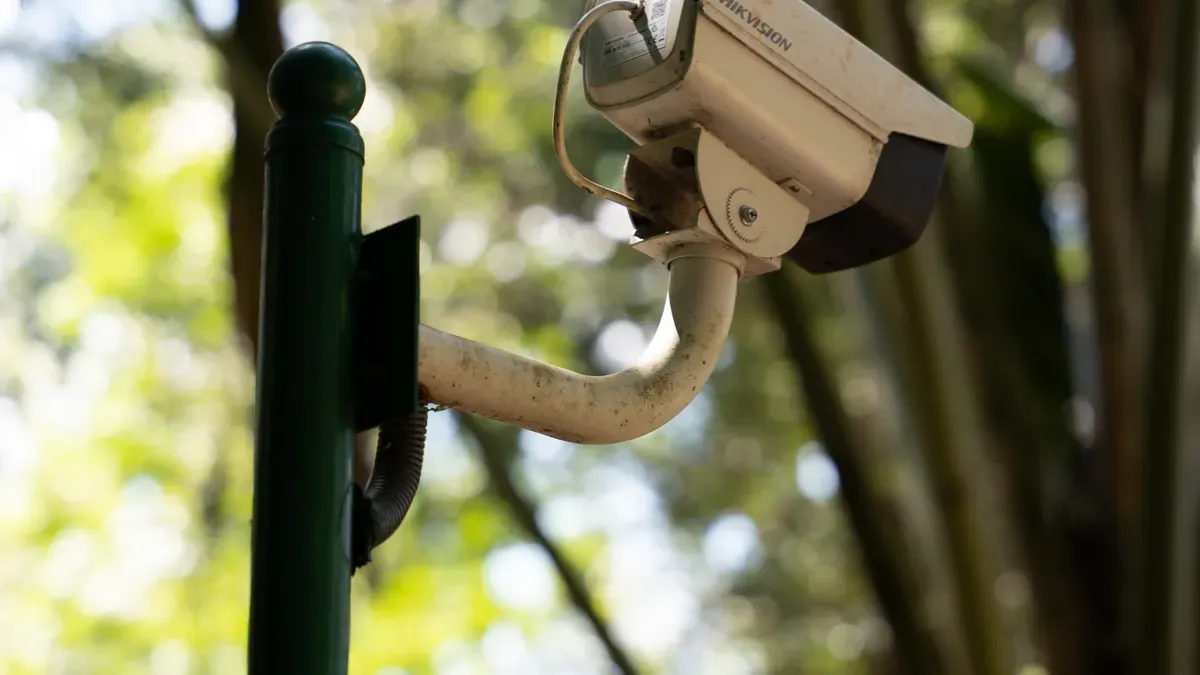
Preventing Shrinkage at Self-Checkout
Self-checkout lanes can cause a hidden problem. A customer scans a banana but bags a steak instead. Another person swaps barcodes on two different items. These events seem small, but they happen at every lane, every hour. Computer vision checks each scanned item and compares it to what really moves across the belt. The system flags skip-scan and wrong-item events as soon as they happen.
Loss-prevention vision is set to flag strange behavior — unscanned items at self-checkout, ticket switching, or unusual dwell time near an exit. The model finds the difference between physical item movement and what was actually rung up. Detection is adjusted to the self-checkout pod, so the system alerts an attendant quietly instead of triggering a store-wide alarm. This approach helps you prevent shrinkage without bothering honest shoppers.
The technology goes beyond traditional lanes. Smart checkout removes lines by putting scanning and vision tech into carts, baskets, or handheld devices. Cashierless grab-and-go stores use computer vision, AI, sensors, smartphones, and geofencing to track purchases on their own. Each format cuts down chances for unscanned items. You can also mix hybrid physical and smart checkout, where embedded tech records items and a physical line finishes payment. That mix adds convenience with oversight.
How It Helps Prevent Retail Shrinkage | |
|---|---|
Self-checkout | Uses AI vision to quickly identify products and process transactions, cutting wait times while preventing both accidental and intentional shrinkage. |
Smart checkout | Removes traditional checkout lines by putting scanning and vision tech into carts, baskets, or handheld devices, cutting chances for unscanned items. |
Hybrid physical and smart checkout | Records or scans items via embedded tech in carts/baskets/handhelds, then finishes payment at a physical line, combining convenience with oversight. |
Cashierless / Automated Grab and Go | Enables walkout stores where computer vision, AI, sensors, smartphones, and geofencing track purchases automatically, minimizing theft. |
Smarter Inventory and Store Automation
Inventory errors drain profit just as fast as theft does. Computer vision automates counting and catches mistakes that manual audits miss. Cameras capture images all day, and AI-powered image recognition identifies products and detects changes as items are moved, received, picked, or sold. This allows automatic stock-level tracking, product movement detection, and fewer manual checks across thousands of products at once.
Real-time monitoring across warehouses, stockrooms, loading docks, and retail shelves lets you spot discrepancies earlier. You respond to low stock sooner, which cuts stockouts and prevents overordering. The system creates a visual record that makes it easier to catch misplaced stock, picking errors, missing products, receiving discrepancies, unauthorized movement, and shrinkage. Alerts go out as exceptions happen rather than during later audits.
Smart shelves combine advanced computer vision, weight sensors, LCD displays, and AI to give real-time on-shelf visibility, dynamic pricing, and personalized messaging. Cameras identify empty shelf space, low-stock products, and misplaced items without staff manually checking every aisle. The same data supports purchasing-pattern analysis and shelf-layout optimization.
These tools help you prevent shrinkage across the entire store, from the front lane to the back stockroom. The next section shows how that protection turns into measurable profit.
Turning Loss Prevention Into Profit
Boosting Profit by Reducing Shrink
Loss prevention stops being just a cost when you track what it gives back. A Forrester Total Economic Impact study, paid for by Everseen, followed a computer vision rollout. It found a 374% return on investment over three years. The payback period was under six months. Each store got back $88,000 per year on average, with results from $41,000 to $260,000. Covered self-checkout lanes recovered 0.14% of revenue. These numbers show that cutting shrink goes straight to your margin.
Metric | Value |
|---|---|
Return on investment | 374% over three years |
Payback period | Under six months |
Value recovered per store | $88,000 per year (range reported: $41,000–$260,000) |
Revenue recovered | 0.14% of revenue through covered self-checkout lanes |
Staff time freed | 15% of time previously spent managing self-checkout |
Technology savings | $1,500 per store per year from retiring older loss prevention tools |
Think about the before and after. Before deployment, your self-checkout lanes lose value through skip-scans and wrong-item events. After deployment, the system flags those events right away. The recovered revenue adds up across every lane and every shift. You also retire older loss prevention tools, which saves $1,500 per store per year. That mix of recovered revenue and lower tooling costs turns loss prevention into a profit driver.
Cutting Costs and Reallocating Staff
Fewer thefts lower your operating costs in direct ways. AI surveillance shortens review times and lowers overall operating costs. Recordings sort themselves by timeframe, appearance, or action, which cuts the workload on your security team. Smart cameras tag events and send wireless alerts, so your staff spots critical incidents fast without manual review. The system reduces manual review fatigue and gathers usable evidence more effectively. Your team can search across many cameras at once, which cuts manual handling and speeds up incident resolution.
The staffing impact matters just as much. AI surveillance replaces nonstop human screen-watching with instant alerts and automatic detection. Your employees respond only to confirmed incidents. They stop manually tracking suspicious customers and go back to customer service. The system handles monitoring. You rely less on large security teams, which cuts spending on security personnel while improving theft-prevention efficiency.
"We now have a better understanding of the number of associates required at self-checkout. We've been able to task 15% of those workers with other more productive uses of their time." — GM of omnichannel at a European retail franchise, as cited in the Forrester Total Economic Impact study commissioned by Everseen.
That freed time goes toward higher-value work. AI cloud solutions watch specific zones and detect patterns without staff watching cameras or walking the floor. Visual alerting checks site conditions at scheduled intervals, which cuts manual walkthroughs. Traffic count analytics track occupancy and foot traffic, so managers match labor costs with actual customer volume. Occupancy threshold alerts notify managers during unexpected rushes. Your service stays swift without adding monitoring staff. Every hour you move from surveillance to service helps prevent shrinkage and builds customer loyalty at the same time.
Steps to Set Up Computer Vision
Review Shrink Hotspots and Set Rules
Begin with a store check. Walk your store and rank the places where stock disappears. For most stores, the top spots are self-checkout, returns counters, promo displays, and stockrooms. Computer vision catches shrink, mis-scans, ticket switching, pricing errors, and return abuse very well in these zones.
Next, define the business problem before you buy technology. Buying tech first is the most common failure point in these projects. Write down the exact use case you want to solve, such as inventory accuracy or checkout loss. Rank each use case by expected ROI. Set your alert rules at the same time. Flag unpaid goods leaving a zone, odd loitering, sweethearting at the point of sale, and entry into restricted areas. Keep people involved in big decisions. The AI flags and recommends, but your staff confirms before anyone takes action.
Choose, Connect, and Test the System
Compare vendors using clear criteria. Check detection accuracy and speed, real-time alerts, multi-camera and multi-store support, and integration with your POS, ERP, and security systems. Confirm privacy and compliance controls for GDPR and CCPA. Ask about safeguards that reduce false positives, because too many alerts make people ignore the system.
Plan your system connections before you start. If the links between the vision system and your POS, ERP, and inventory platforms are unclear, you will face delays and extra costs. Older systems often cause problems, so test data formats early. Train your staff on the new alerts and workflows.
Run a step-by-step pilot next. Put your highest-ROI use case in two or three stores for 90 days. Track shrink percentage, on-shelf availability, and alert accuracy against clear numbers. Pilot data persuades leaders far better than vendor estimates. Keep watching model accuracy, because errors can appear without warning. Expand to more stores only after the pilot proves ROI.
Challenges and Considerations
Privacy, Compliance, and Trust
Customers trust cameras only when they know what the cameras are for. Put up clear signs at entrances and checkout areas. Share written rules that explain what you record, who can see it, and how long you store it. Before you pick a system, complete a Data Protection Impact Assessment. Video monitoring is treated as high-risk processing under GDPR, so you should repeat that assessment on a regular basis.
Build privacy into the technology from the beginning. Process data on the device itself, right at the edge. Send only metadata to the cloud, not raw video feeds. Keep analytics data for 30–90 days, then delete it fully. Pick cameras that handle simple metadata and blur visual data so no one can be identified. Never follow shoppers from one camera to the next. Single-camera analysis is fine only when the person cannot be identified.
Retail video analytics does not need facial recognition. Skeleton/keypoint analytics plus pose estimation handles people counting, dwell time, queue management, self-checkout monitoring, and loss prevention. Anonymized age/gender brackets give marketing insight without identifying individuals, and this mix passes BIPA, CCPA, GDPR, and city facial-recognition bans.
Cost, Integration, and Staff Buy-In
Integration problems often cost more than the software itself. Camera infrastructure drives AI performance, so check camera placement, image quality, lighting, network connectivity, and coverage before you buy. Find blind spots and fix weak points. You get the most value when computer vision connects to your POS, RFID, EAS, ERP, WMS, inventory management, access control, and security platforms. That setup takes planning, especially with older systems.
False positives can ruin the whole rollout. Set alert thresholds with care, check model accuracy all the time, and keep human review for big decisions. Staff acceptance matters just as much. Train employees on the new workflows. Make it clear that the AI flags and suggests, but your team confirms before anyone acts.
Start small to prove return on investment. Test the highest-value use case in two or three stores for 90 days. Track shrink percentage and alert accuracy against baseline data. Expand only after the pilot shows clear results.
Shrinkage is not a cost you have to accept in business. Computer vision shows theft and mistakes as they happen, so you can stop losses while you still can. Every loss you prevent brings your business one step closer to profit.
The technology keeps getting better. Industry experts say predictive action is the next step for loss-prevention AI, going beyond real-time detection. The connected store brings devices together in one network, and offline data shows your most-stolen item, your highest-fraud lane, and your peak-risk hours. These tools will only become more accurate and easier to use.
Start today. Find your top shrinkage sources, then try a small pilot deployment to prevent shrinkage before it grows.
FAQ
What exactly counts as retail shrinkage?
Shrinkage is the difference between the inventory your records show and what you really have. It comes from four sources: theft by customers or employees, scanning and paperwork errors, product damage, and vendor fraud. Each one drains profit, and small losses happen often enough to matter.
Do I need to replace my current security cameras?
No. Computer vision adds AI analytics on top of the video feeds you already use. Your existing CCTV becomes a proactive detection tool. The system watches every camera at once and sends real-time alerts when it spots suspicious patterns, so you step in before a loss becomes permanent.
What proof exists that this technology pays for itself?
A Forrester Total Economic Impact study paid for by Everseen found a 374% return on investment over three years, with payback in under six months. Stores got back $88,000 per year on average. Covered self-checkout lanes recovered 0.14% of revenue.
How do I stay compliant with privacy laws?
Put up clear signs at entrances and checkout areas. Complete a Data Protection Impact Assessment, since video monitoring counts as high-risk processing under GDPR. Process data at the edge, send only metadata to the cloud, and delete analytics data after 30–90 days. Skeleton and pose analytics avoid facial recognition entirely.
How large should my first pilot be?
Start with your highest-ROI use case in two or three stores for 90 days. Track shrink percentage, on-shelf availability, and alert accuracy against baseline numbers. Pilot data persuades leadership far better than vendor estimates. Expand only after the pilot proves clear ROI.
See Also
Smart Electronics Vending Machines Are Transforming Retail Through Advanced Technology
Cloudpick Checkout Computers Improve Efficiency, Accessibility, And Overall Customer Experience
Examining Walgreens Self-Checkout: Benefits And Difficulties In Modern Retail
Vending Machine Evolution: Moving From Simple Snacks To Intelligent Smart Technology
Self-Checkout Cash Mistakes: Reasons And Fixes For Seamless Smooth Transactions
